
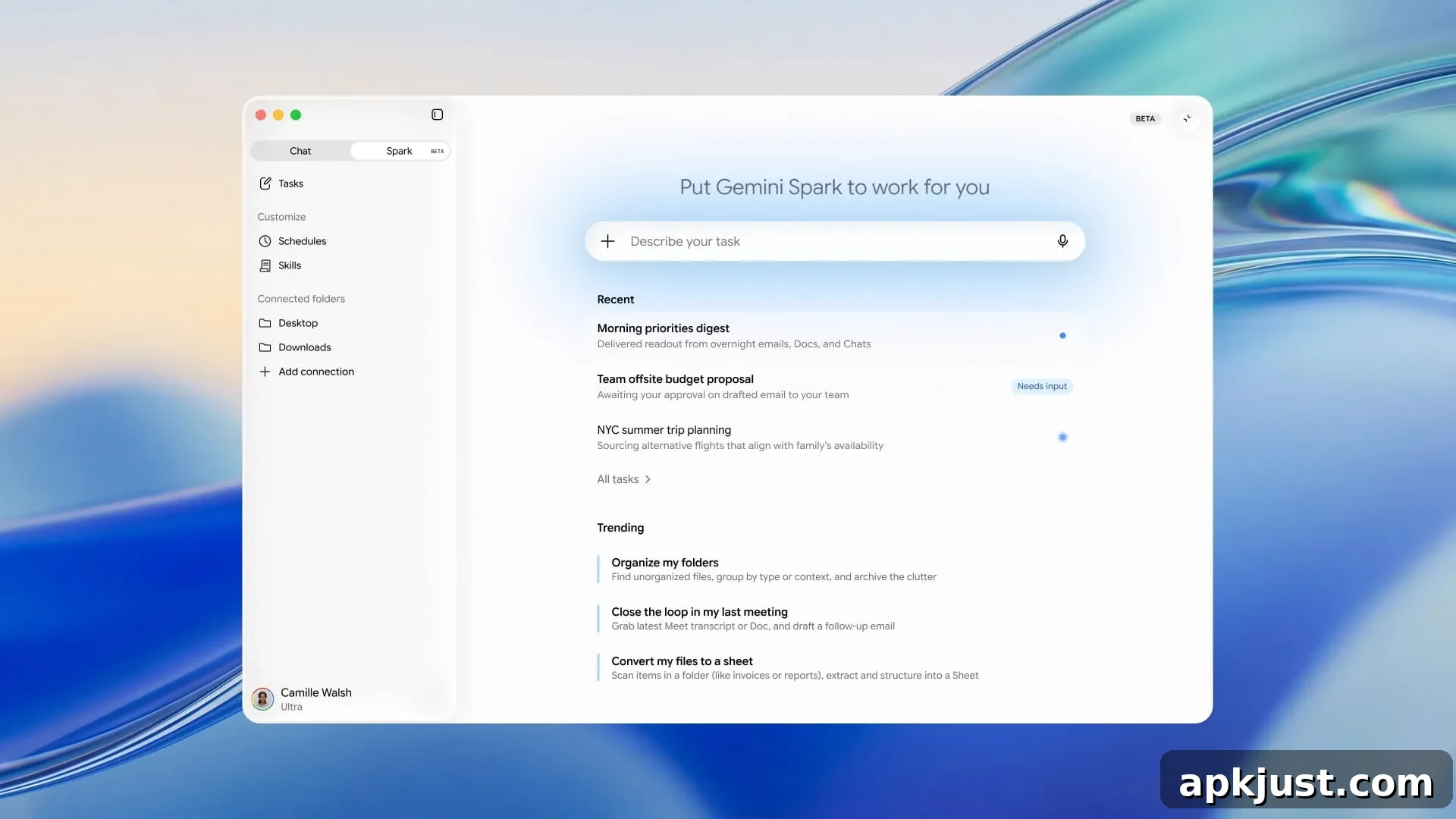
After debuting in May with AI Ultra, Gemini Spark is now rolling out to Google AI Pro subscribers in the United States. The company says the feature will be made available to AI Pro members in additional countries soon.
Gemini Spark is a personal AI agent designed to automate complex, multi-step tasks across Google services and the web. On desktop, Spark appears as a new tab at the top of the navigation drawer. On mobile devices it is exposed as a dedicated page within the Google AI interface on Android and iOS.
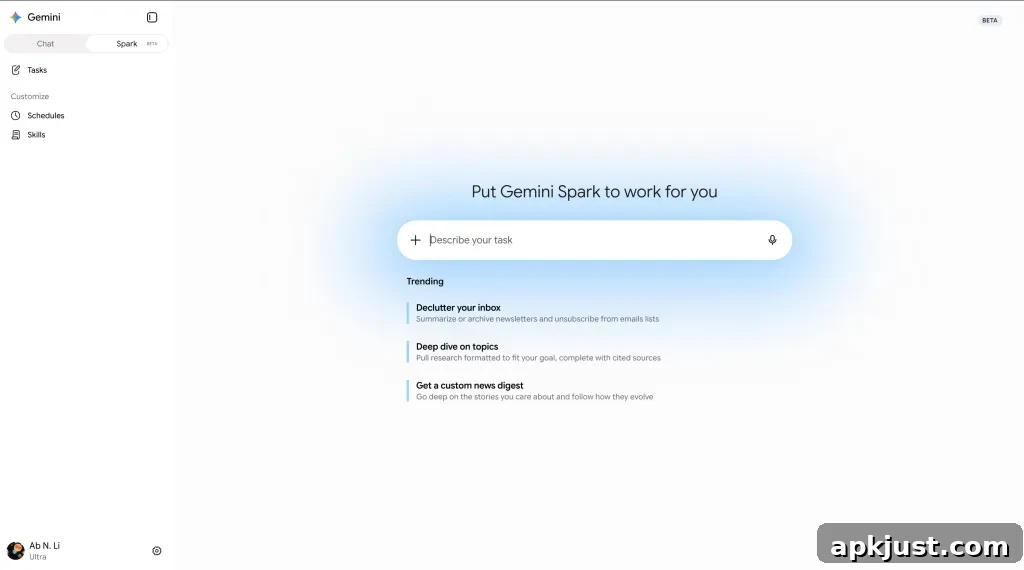
Spark connects to a variety of “Connected Apps”—including Google Workspace apps like Calendar, Gmail, Docs, Sheets, Slides, Drive, and Keep—alongside Search, Personal Intelligence, a remote web browser, and optional code execution on a remote computer. It can also use chats, Canvas, and location data to carry out workflows. These integrations enable the agent to act on your behalf across multiple services to complete tasks that would otherwise require manual, repetitive steps.
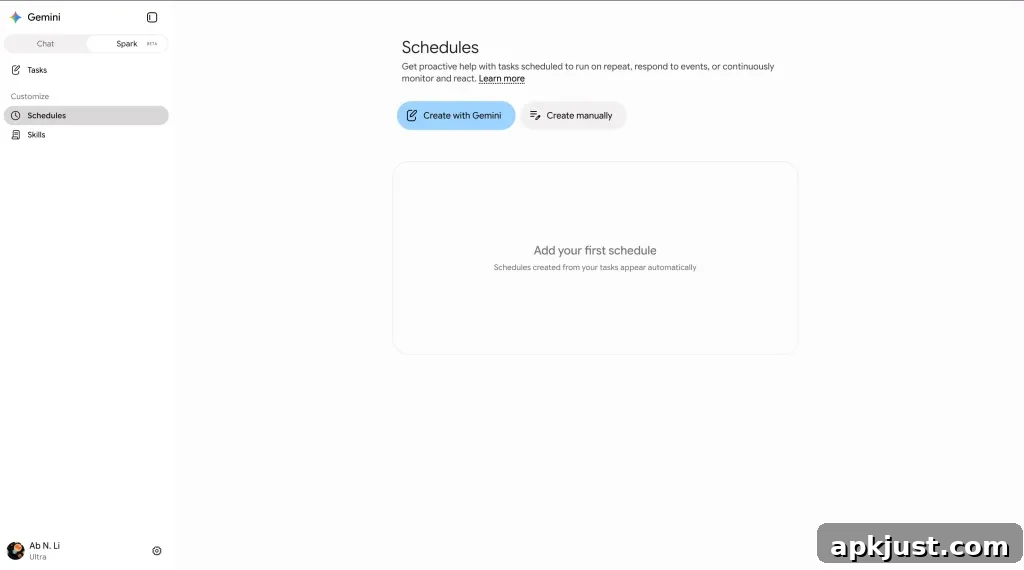
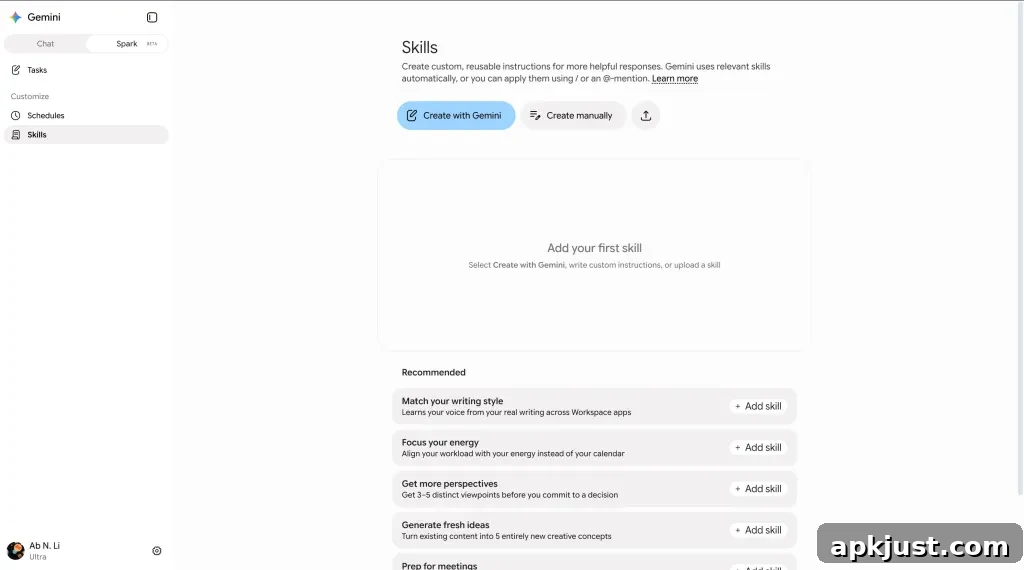
Google has introduced several core concepts for Spark to organize automation. Tasks represent high-level goals you want achieved. Skills are reusable instructions that provide extra context or capabilities. Schedules define automated triggers or conditions—such as a specific time or an event like a delayed flight—that cause a Task to run. For example:
- Task: Plan and manage my business trip to London, including flights, hotel, and meeting coordination.
- Schedule: If my flight is delayed (condition), notify me and propose updates to my itinerary (task).
- Skill: Combine a “Travel Booking” skill with a “Gmail Writing” skill to rebook a hotel room and send a confirmation email automatically.
Spark allows up to 15 tasks to run concurrently per user. It follows the same compute-based usage limits applied across the broader Gemini platform, so long-running or resource-intensive automations may count toward those limits.
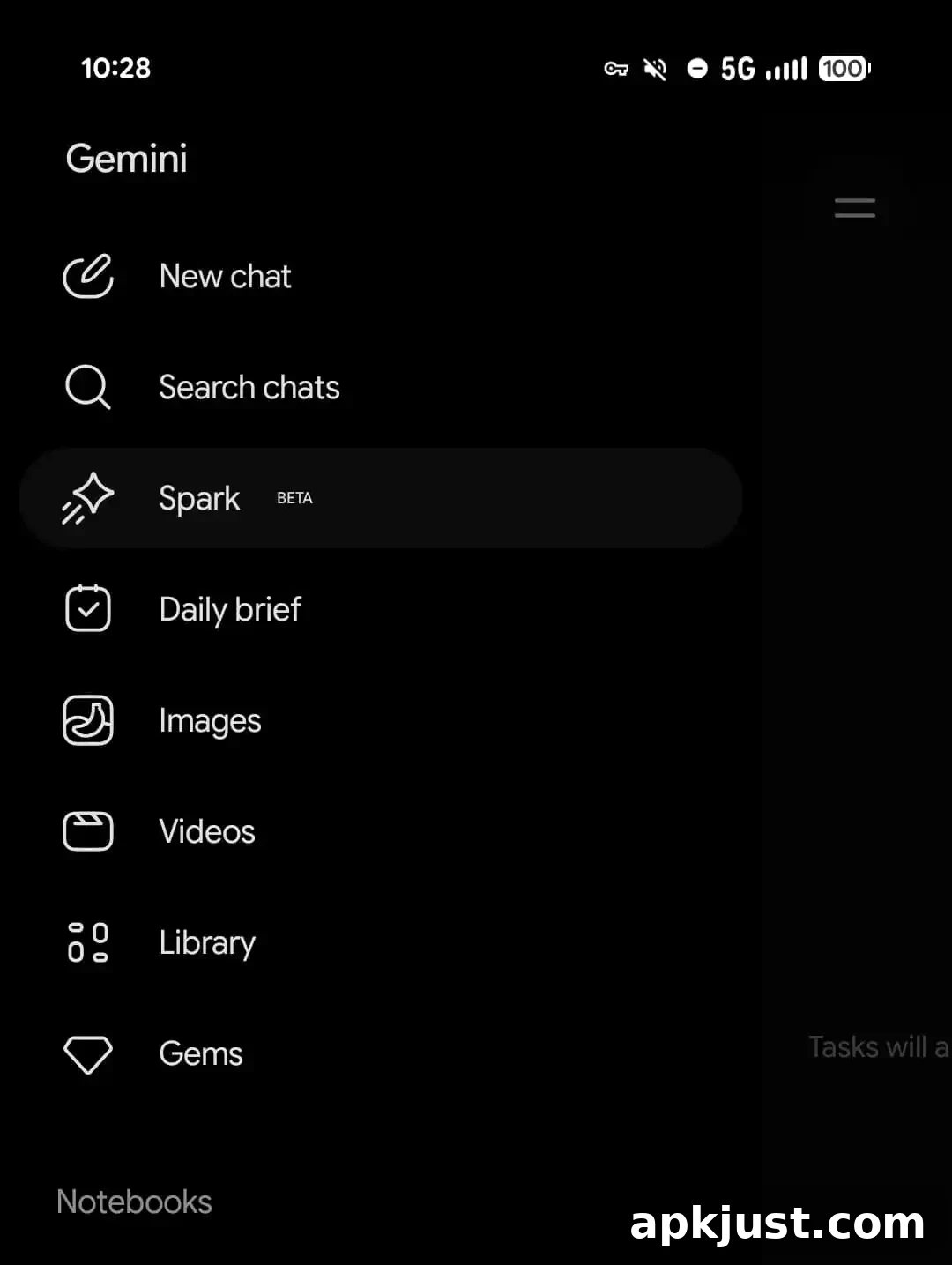
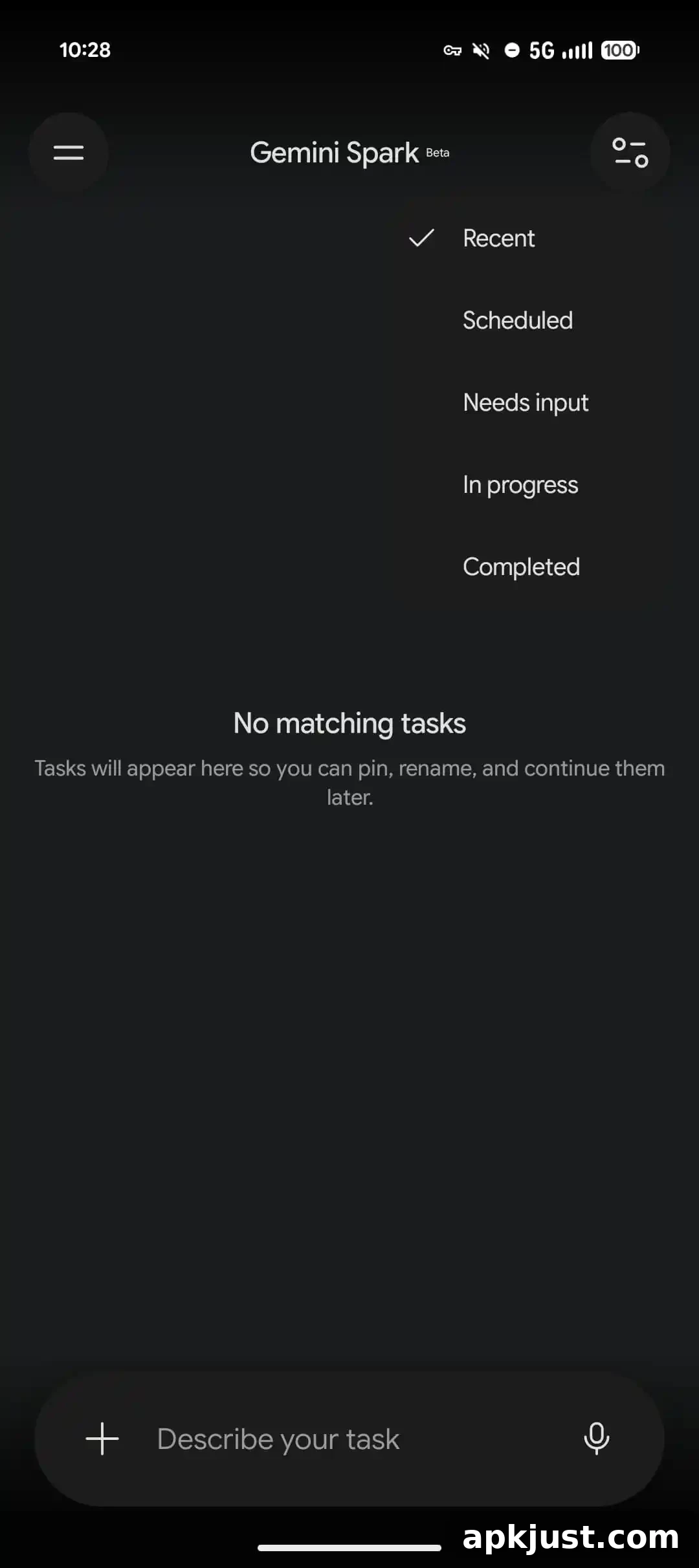
Since its launch, Google has steadily expanded Spark’s capabilities. Workspace integrations have received notable updates, letting the agent do more with files, email, and schedules. A macOS app for Gemini now enables users to initiate tasks from their phone or other devices and continue them on a desktop, making cross-device automation smoother and more convenient.
Calendar
- Manage your schedule: Spark can check your calendar, RSVP to invitations, and schedule new events based on your preferences.
- Reschedule & clean up: The assistant can propose and apply updates to meeting times, change locations, or cancel events when appropriate.
- Smart scheduling: By checking participants’ availability, Spark can suggest open time slots that accommodate everyone involved.
Gmail
- Search & summarize emails: Spark can find specific threads, extract key points, and provide concise summaries of conversations.
- Draft & reply: Use Spark to compose drafts, forward messages, or reply within existing email threads while maintaining a consistent tone and context.
- Use labels: The agent can apply labels to organize your inbox and keep messages sorted for future reference.
Docs, Sheets, Slides, & Drive
Important: To edit shared documents, spreadsheets, or presentations, Gemini Spark will present planned edits for your review and confirmation before applying them to ensure collaborative integrity.
- Search & manage files: Spark can locate files in Google Drive, read contents, rename or delete files, inspect metadata, and surface recently used documents.
- Write & edit documents: Create new Google Docs or edit existing documents—adding summaries, notes, or revising specific sections on request.
- Read comments: The agent can read and summarize comments in Docs, Sheets, and Slides so you can quickly catch up on feedback.
- Create & edit spreadsheets: Build, format, and modify Google Sheets with data entry, tables, and formulas tailored to your needs.
- Generate & edit presentations: Spark can produce a Slides deck from a prompt and perform slide-level edits, including adding or removing content.
- Add images to documents & presentations: Provide an image in your prompt and Spark will insert it into a document or slide where you specify.
Google Keep
- Find notes & lists: Search and retrieve notes, lists, and labels stored in Google Keep.
- Create notes & lists: Quickly create private notes and checklists to capture ideas or action items.
Google Tasks
Important: Gemini can perform bulk actions on private tasks in Google Tasks without an additional confirmation dialog. Review requests carefully before submitting or manage those items directly in Google Tasks for greater control.
- Find reminders & tasks: Spark can locate reminders and tasks stored in Google Tasks and surface them on request.
- Manage reminders & tasks: Add, update, and delete reminders or tasks to keep your to-do list current and organized.