
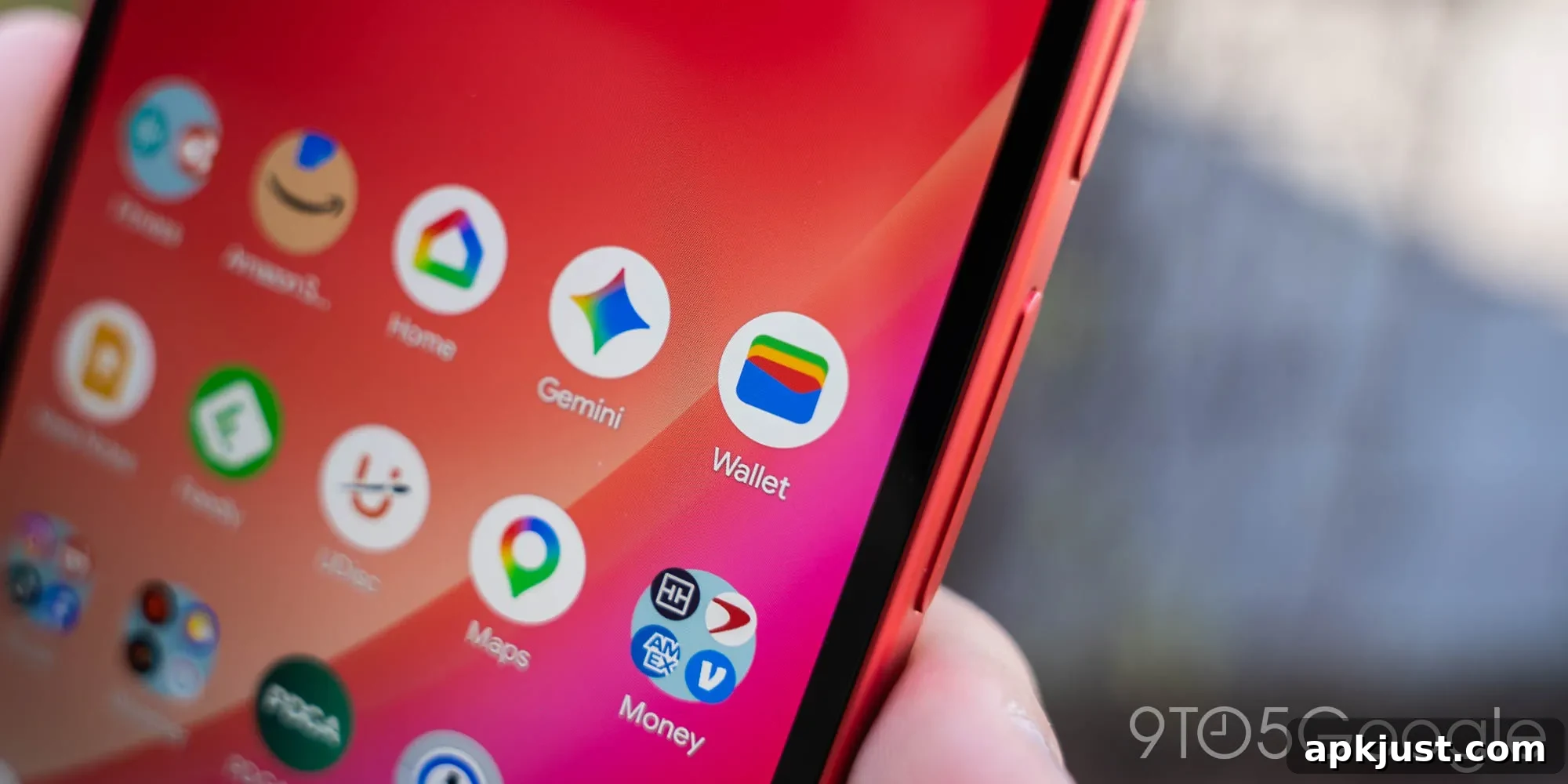
Following the homepage redesign, Google Wallet for Android is rolling out order tracking for online purchases in the United States. This addition expands Wallet’s role beyond payment and passes, bringing shipment details and delivery updates directly into the app so users can monitor purchases without switching between email and other services.
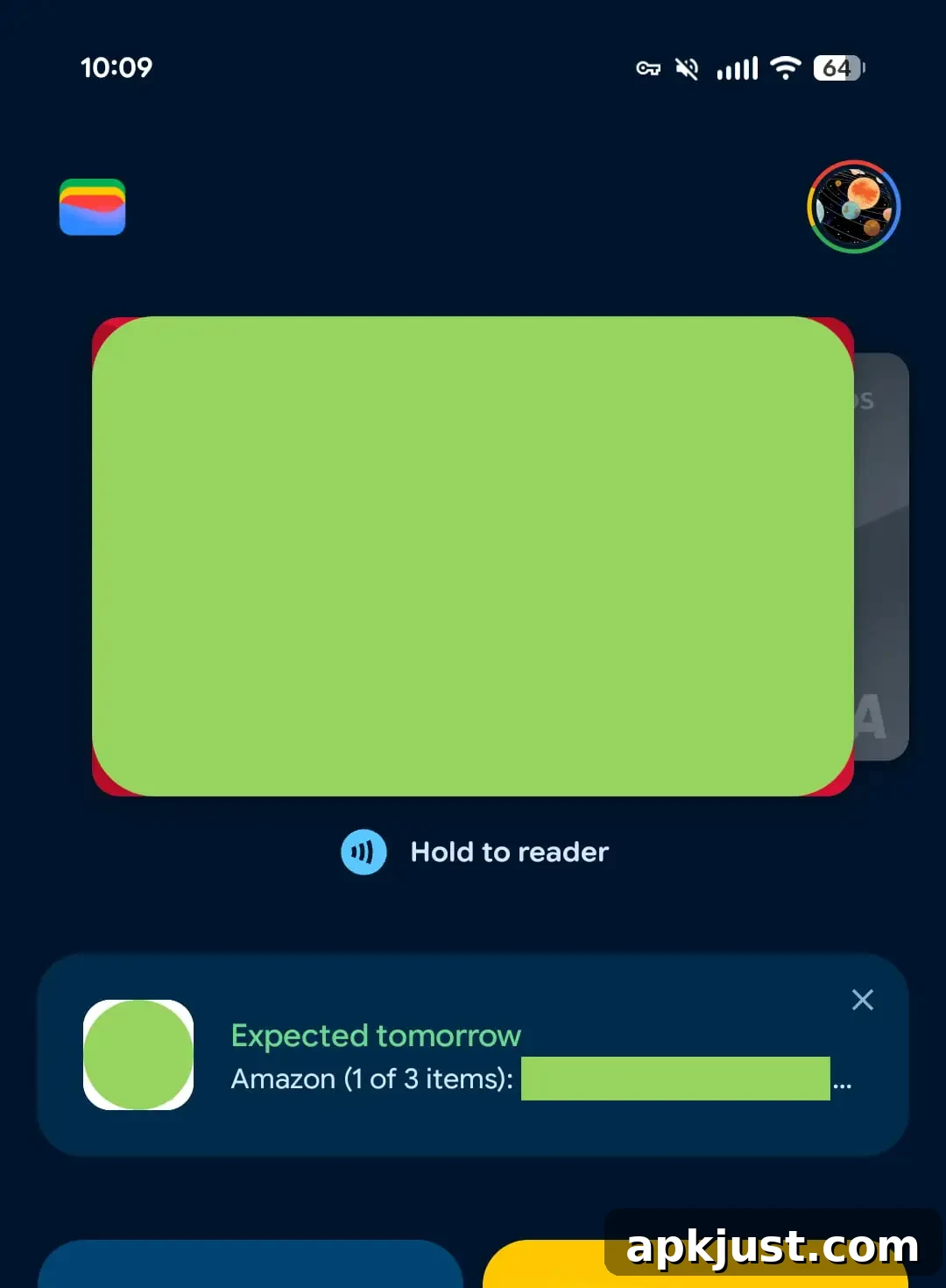
Update 7/2: Order tracking has begun appearing for more users. When a delivery is expected, a card showing the pending order will appear at the bottom of the card carousel on Wallet’s homepage, making upcoming shipments easy to spot at a glance.
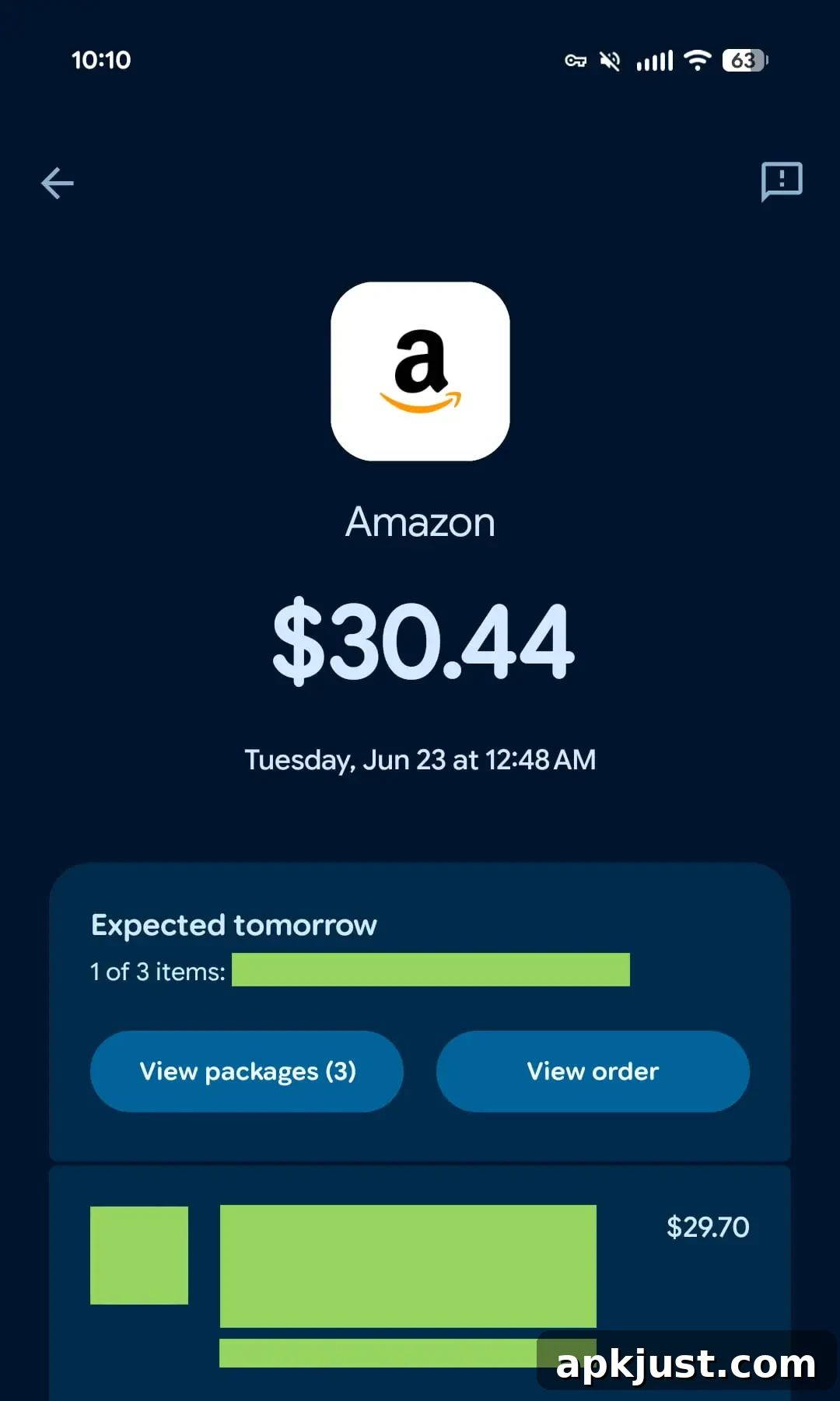
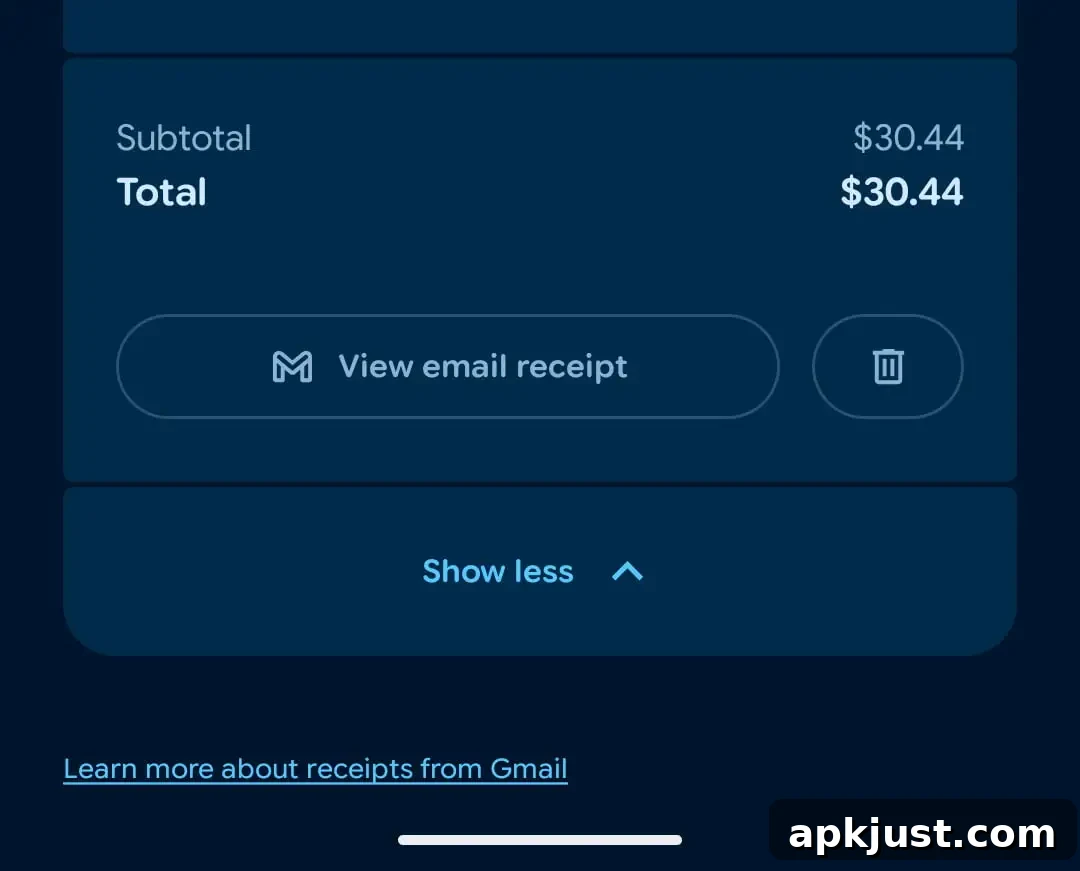
Tapping an order card opens a details page that lists the items purchased, mirroring the information sent in the confirmation email and including product images. From that page you can jump to the original email, view detailed tracking information such as carrier updates and estimated delivery windows, and remove any order from Wallet if you no longer want it shown.
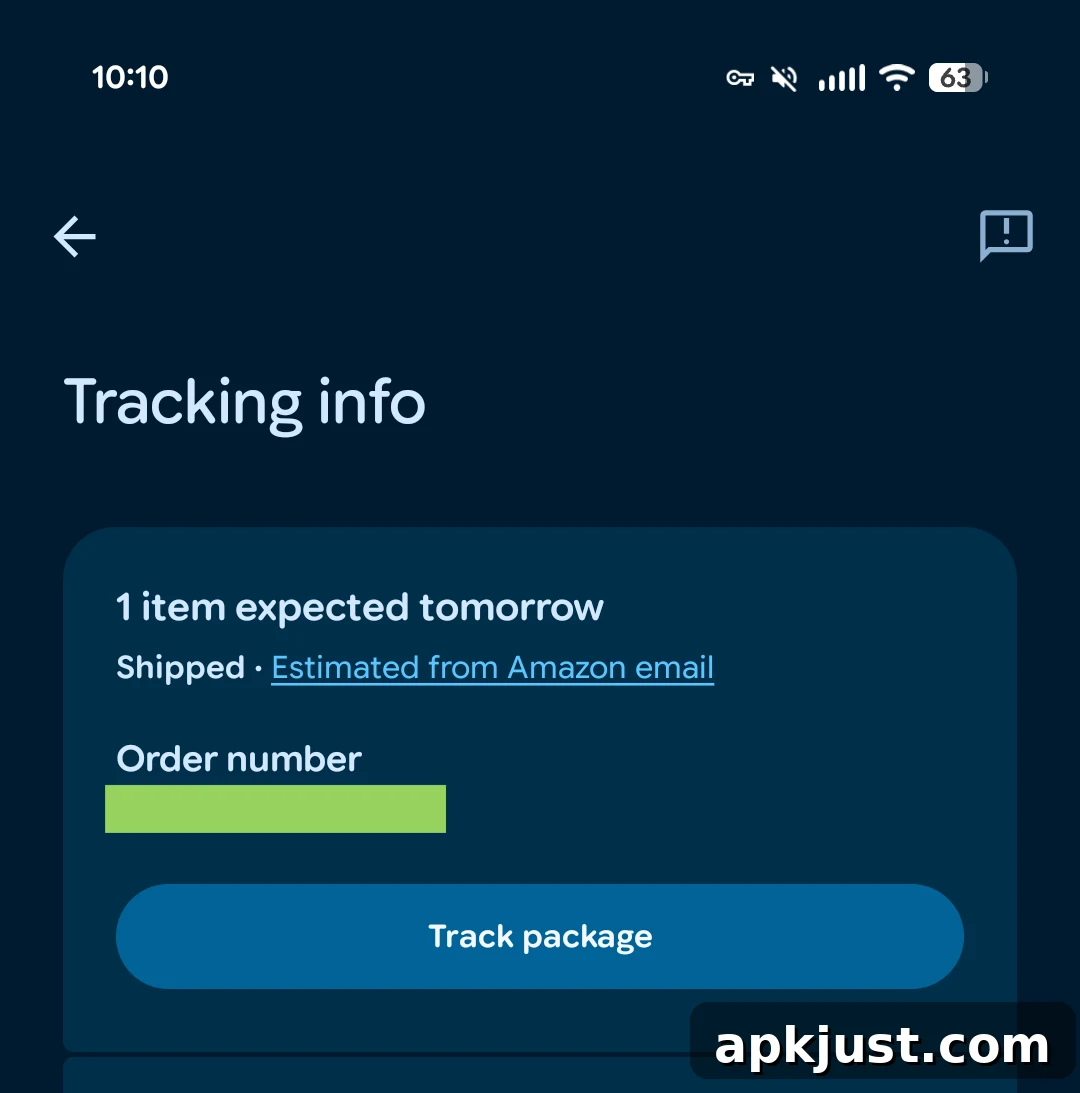
On the Wallet homepage, tapping the centered “View more” button reveals a dedicated orders carousel beneath Transactions. This carousel surfaces recent and upcoming deliveries so you can quickly scan what’s arriving soon. In addition to the carousel, Wallet offers a list view to review your full order history, making it simple to locate older confirmations and shipment records directly within the app.
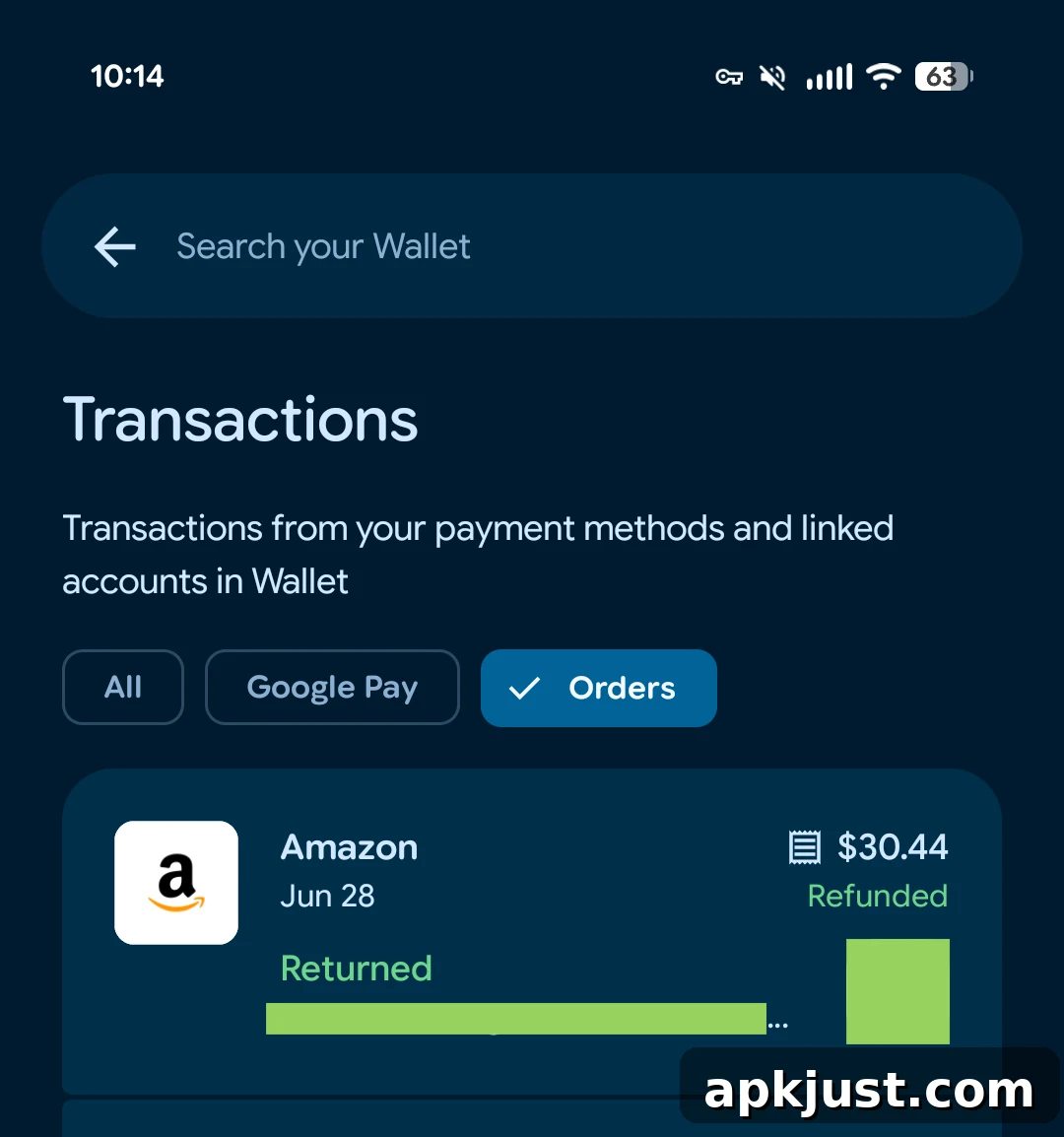
Original 6/25: The Wallet order tracking feature extracts detailed receipts, tracking numbers, and shipping status from Gmail messages and presents them in-app. That means Wallet can surface the same core details you receive by email — itemized purchases, carrier tracking numbers, and progress updates — without requiring you to open Gmail each time.
When available, the Wallet app highlights “orders that are arriving soon” right on the homepage alongside your passes and cards. To see all tracked orders, choose the centered “View more” option. At the top of the Orders section, Wallet highlights orders “arriving today or in transit,” helping you prioritize deliveries that need attention. You can also access online orders through View more transactions > Orders for a consolidated view of recent purchases.
Viewing an individual order reveals the package tracking details and progress updates. If you prefer not to keep a particular order in Wallet, you can remove it using the trash icon on the order details screen. This offers a convenient way to manage which orders remain visible in the app.
The same order information is available on the web at wallet.google.com within the Transactions tab > Orders, enabling consistent access across devices. To enable this feature in the Google Wallet mobile app, ensure your Gmail account has smart features enabled: open Gmail > Settings > your email account > Google Workspace smart features > and enable Smart features in other Google products. Without that permission, Wallet may not be able to extract order details from your email.
At launch, Google says order tracking is available in the US and supports a large number of major US merchants. Orders from smaller merchants or stores outside the US may not be displayed in Wallet, so availability can vary depending on the seller and how order confirmation emails are formatted by the merchant.
Although Google has published a support article about the integration, the rollout may not be immediate for every account. Some users may see the feature right away, while others will receive it gradually as Google expands availability. Overall, adding order tracking to Wallet turns the app into a more complete personal dashboard for payments, passes, and purchases, reducing the need to juggle multiple apps to follow an order from purchase to delivery.
More on Google Wallet:
- Google Wallet will let you know if you can sign up for Touchless ID with TSA PreCheck
- Chrome Autofill rolling out deeper Google Wallet integration
- Google Wallet digital ID support keeps growing, faster checkout with Google Pay