
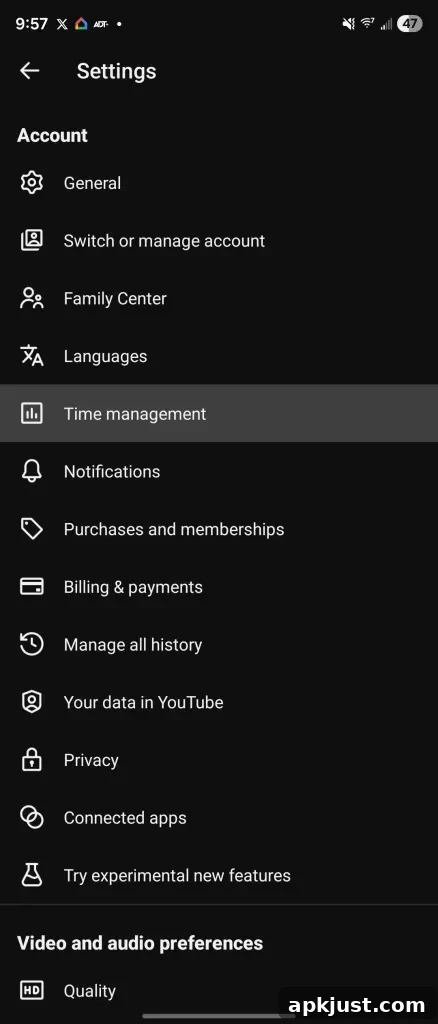
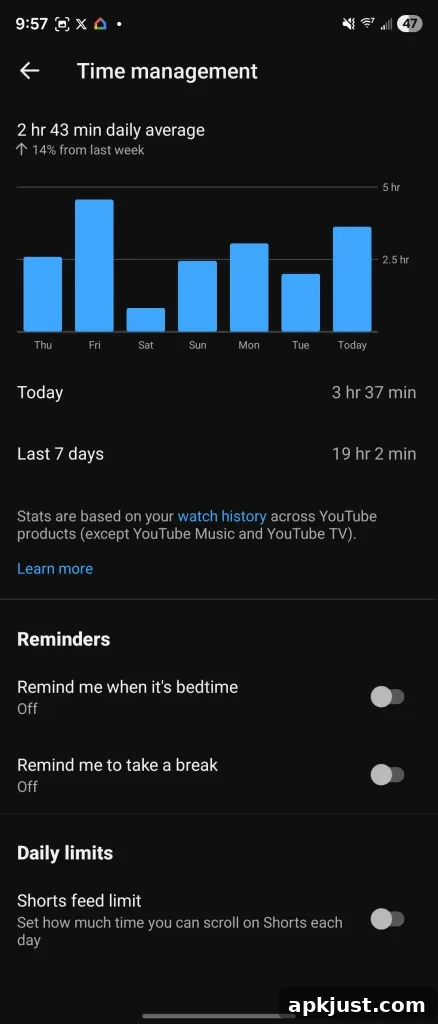
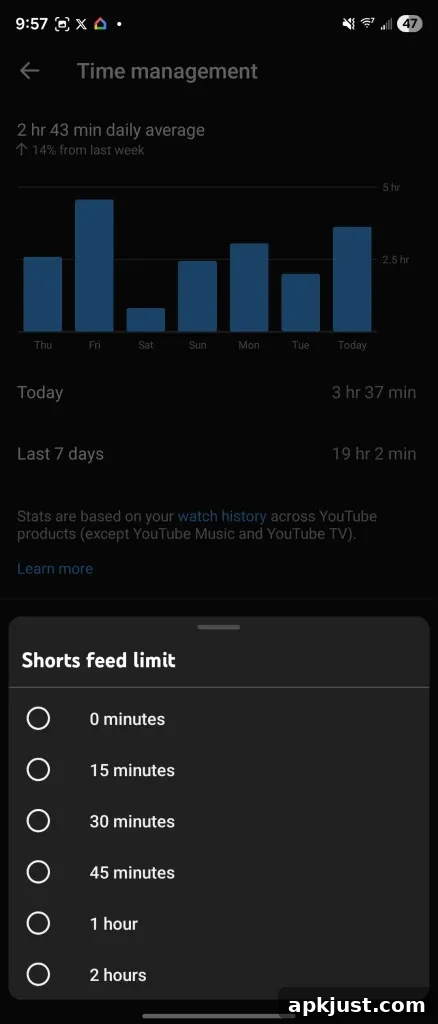
Back in October, YouTube introduced a new timer that prompts users after they spend a set amount of time watching Shorts. That daily timer originally offered intervals ranging from 15 minutes up to two hours. Now YouTube has expanded the setting to include a zero-minute option, effectively allowing users to disable Shorts on the homepage.
YouTube confirmed the zero-minute choice is live for parents and is being rolled out to all users. When you set the Shorts timer to zero minutes, Shorts are removed from your YouTube homepage. You will still be able to find Shorts in the Subscriptions feed and you can open individual Shorts directly, but the automatic, persistent presence of Shorts on the home screen will be gone.
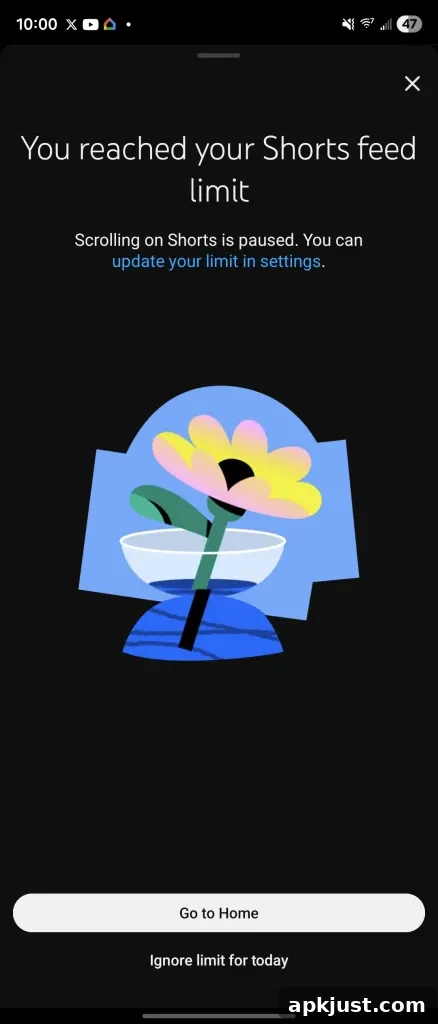
When the timer hits the chosen limit — including zero — YouTube pauses further Shorts scrolling on the homepage, showing a full-screen notice that you’ve reached your Shorts limit. This behavior makes the feature useful for people who want stricter control over how much short-form content they encounter during browsing sessions, parents managing device use for children, or anyone trying to reduce time spent on quick, endlessly scrolling clips.
More on YouTube:
- YouTube tests showing creator Posts in your Shorts feed
- YouTube Shorts will use AI to make avatars that look and sound like you
- YouTube test lets AI create a new video using someone else’s Shorts
What this change means in practice is straightforward: by selecting zero minutes, users gain a simple toggle-like control that curbs passive consumption of short vertical videos while still preserving access where it matters — like subscriptions or intentional, direct views. For many people, that balance is appealing. It prevents the default algorithmic promotion of short-form clips on the main discovery surface without completely blocking creators or individual pieces of content.
Parents and caretakers may find the option particularly helpful as part of a broader approach to screen-time management. Because YouTube explicitly made the zero-minute setting available to parents first, it signals a focus on family controls and more explicit limits for younger viewers. The rolling rollout to everyone means the setting should become more widely available in the coming days or weeks for those who haven’t seen it yet.
A few practical tips for users who want to minimize Shorts exposure without losing useful content:
- Set the timer to zero to remove Shorts from the homepage while keeping subscriptions and direct Shorts access intact.
- Use Subscriptions to follow creators you want to support; those videos won’t be hidden by the homepage setting.
- Combine the Shorts timer with other YouTube settings and device-level controls if you need stricter limits across apps and devices.
The change is small but meaningful: it gives people a clearer, easier way to opt out of the relentless short-form feed without asking them to uninstall apps or rely solely on third-party tools. If you don’t yet see the zero-minute option, check your YouTube settings for the Shorts timer over the next few days as the rollout completes.
Follow Ben: Twitter/X @NexusBen, Threads @nexusben, Bluesky nexusben.com, and Instagram @nexusben