
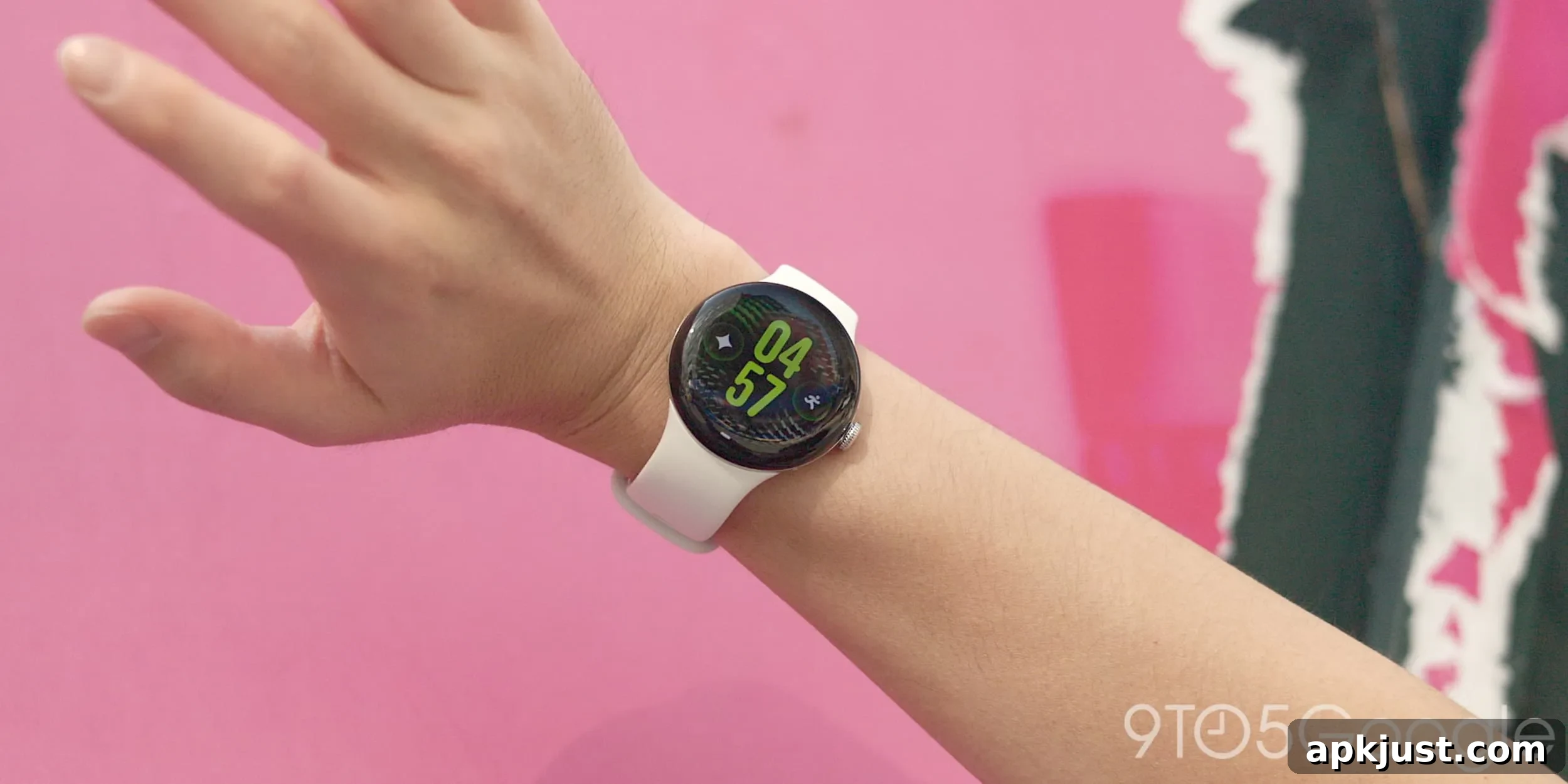
Following last month’s launch of the Pixel Watch 5, Google has begun rolling out the first software update for the device in September 2026. This initial update refines the watch’s core experience, focusing on on-device intelligence, gesture controls, and improved activity tracking while remaining based on Wear OS 7 with Android 17.
- Related: Pixel 11 series getting early September update, not Android 17 QPR1
The update moves the Pixel Watch 5 from build CD5A.260611.008 to CP3A.260905.002. Like the original release, this update continues to run Wear OS 7 on top of Android 17, and includes a mix of performance improvements, reliability fixes, and feature refinements that aim to make everyday use smoother and more responsive.
To check for the new over-the-air update, open Settings > System > System updates on your Pixel Watch 5 and tap repeatedly until the OTA appears. Factory images and developer OTA packages were not available at the time of this announcement.
Google’s update notes largely reiterate the software features introduced at launch, but provide additional clarity on how those features behave on the watch. Below is a concise summary of the key improvements and how they affect daily use.
- Gemini personalization
- The update enhances Gemini on the watch by enabling a personalized experience that learns from prior conversations and integrates relevant data from connected Google apps such as Gmail, Calendar, Search, YouTube, and Photos. This personalization allows Gemini to answer context-sensitive questions like “What’s on my calendar today?” or to locate a tracking number found in an email, returning results tailored to your data and recent activity. The feature blends an offline user profile on the device with selective online retrieval to balance privacy and responsiveness.
- Proactive suggestions
- Gemini Intelligence now surfaces proactive suggestions to simplify multi-step tasks into single-tap actions. For example, when someone messages asking about a shared plan, Gemini can automatically find the calendar entry and display the relevant details on your wrist. These suggestions are designed to reduce friction when handling routine conversational requests and to let you complete tasks without needing to reach for your phone.
- Offline Gemini
- On-device AI capabilities have been expanded so that Gemini can perform core actions locally with lower latency, even when the watch is offline. Typical offline actions include setting timers, controlling workouts, toggling Do Not Disturb, and other device-centric tasks that benefit from immediate, private processing on the watch itself.
- Raise-to-talk improvements
- Refinements to the raise-to-talk gesture model improve reliability and responsiveness. These updates aim to make voice interactions feel more natural and dependable when you lift your wrist to speak to the watch.
- More accurate GPS route tracking
- The update includes significant enhancements to GPS route maps shown in the Google Health app after outdoor activities such as running, cycling, hiking, and walking. These improvements should produce cleaner, more accurate route traces and better reflect your actual path and performance metrics.
- Hand gestures app expansions
- The update expands the watch’s hand-gesture controls, adding new shortcuts and increasing the usefulness of double-pinch and wrist gestures. New gesture actions include:
- Double pinch to open At a Glance from the watch face
- Double pinch to open the notification center from the watch face
- Double pinch to scroll through Gemini responses
- Double pinch to scroll through cards in the Wallet app
- Double pinch to scroll through workout metrics
- Double pinch to toggle between Google Maps views
- Double pinch to manage the Recorder app
- Wrist turn gesture used as a universal back navigation
- The update expands the watch’s hand-gesture controls, adding new shortcuts and increasing the usefulness of double-pinch and wrist gestures. New gesture actions include:
- General bug fixes and performance improvements that address stability, battery life nuances, and small user interface refinements across the system.
Overall, this first update focuses on polishing the Pixel Watch 5’s smart features and controls. Users should notice smoother interactions with on-device AI, more reliable gesture handling, and clearer activity mapping. If you don’t receive the OTA immediately, checking for updates periodically or restarting the watch can help prompt the rollout to your device.