
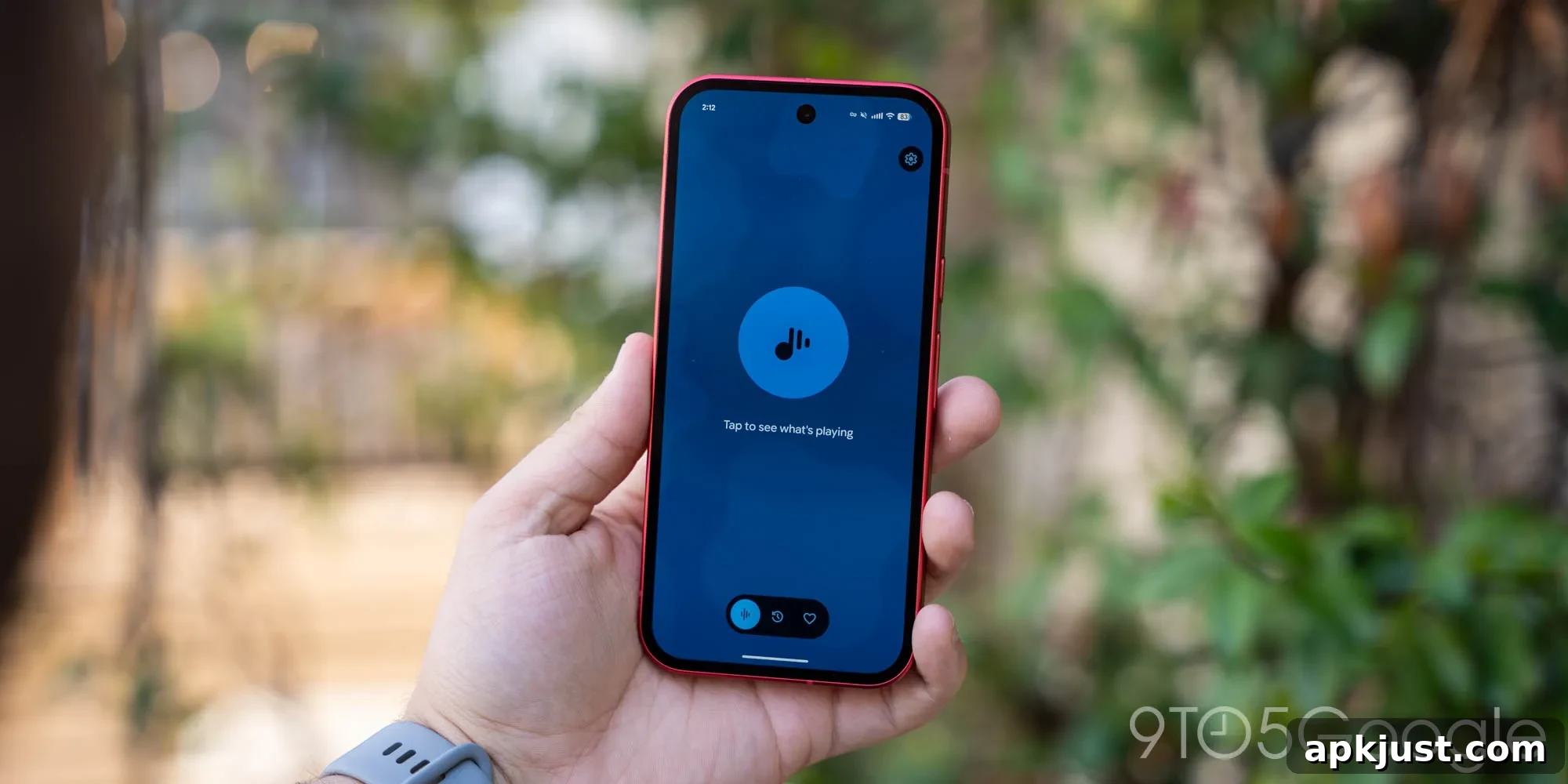
Google has begun rolling out a new set of updates to Pixel apps, starting with an updated version of Now Playing that introduces subtle interface improvements designed for easier use and better one-handed navigation.
In the latest release, tapping the three-dot menu on an identified track no longer opens a floating menu. Instead, Now Playing presents a bottom sheet that slides up from the edge of the screen. This change keeps controls within easy reach, especially on larger phones, and provides a clearer, more consistent interaction model when managing identified songs.
The new bottom sheet displays the track name and artist information, with conveniently arranged actions laid out side-by-side. You’ll find buttons for Share, Add to favorites, and Remove from history immediately visible. Below those, there’s a prominent option to play the track along with any quick actions or shortcuts specific to the music service you have connected, making it simpler to continue listening or open the song in your preferred app.
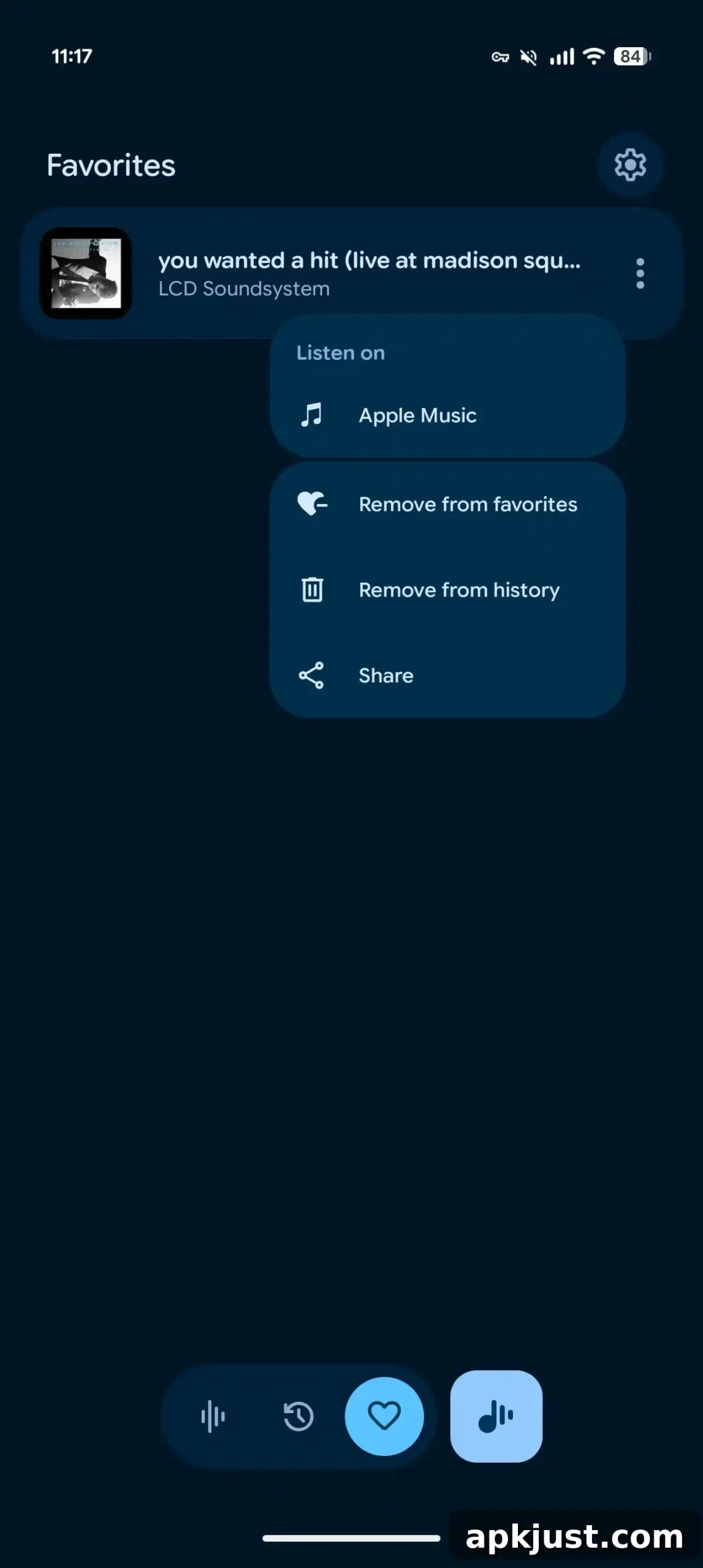
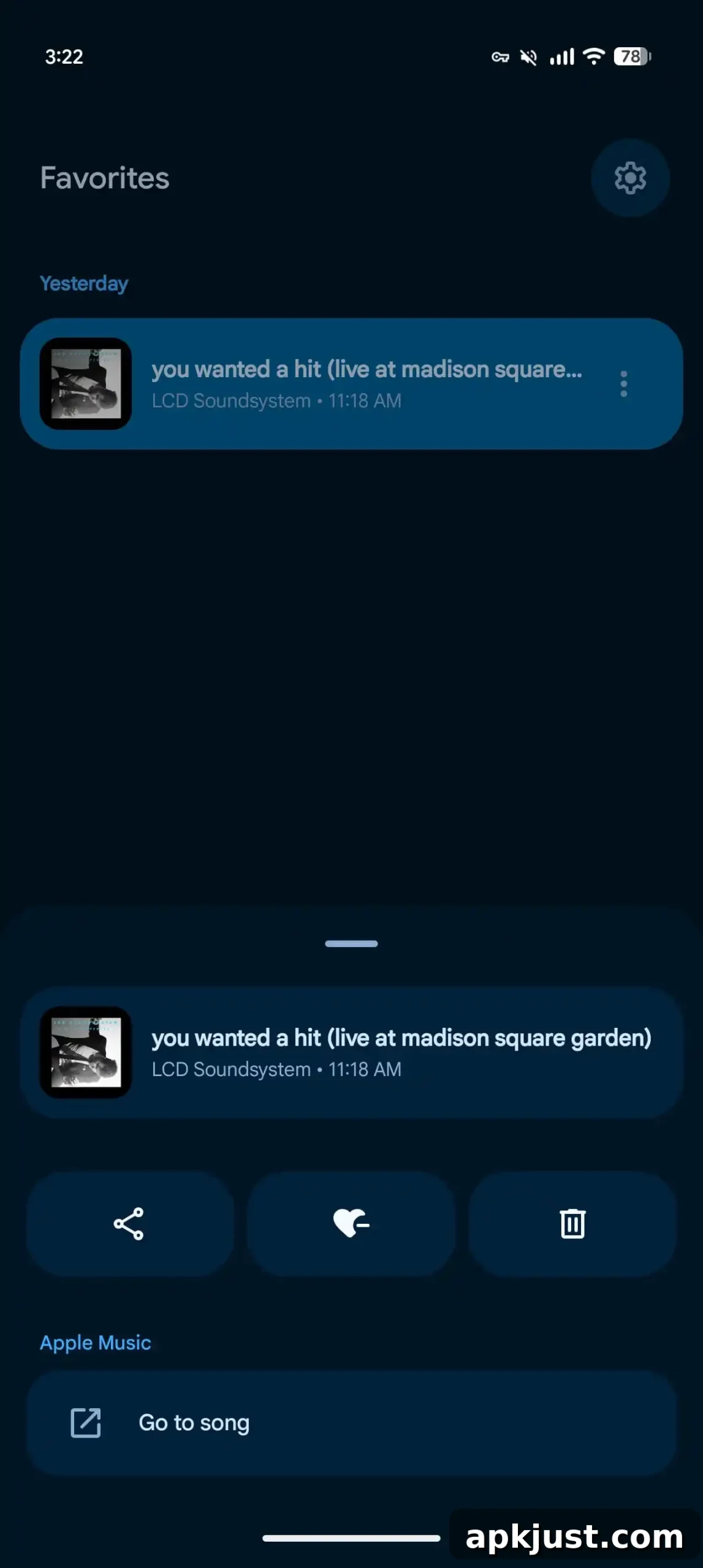
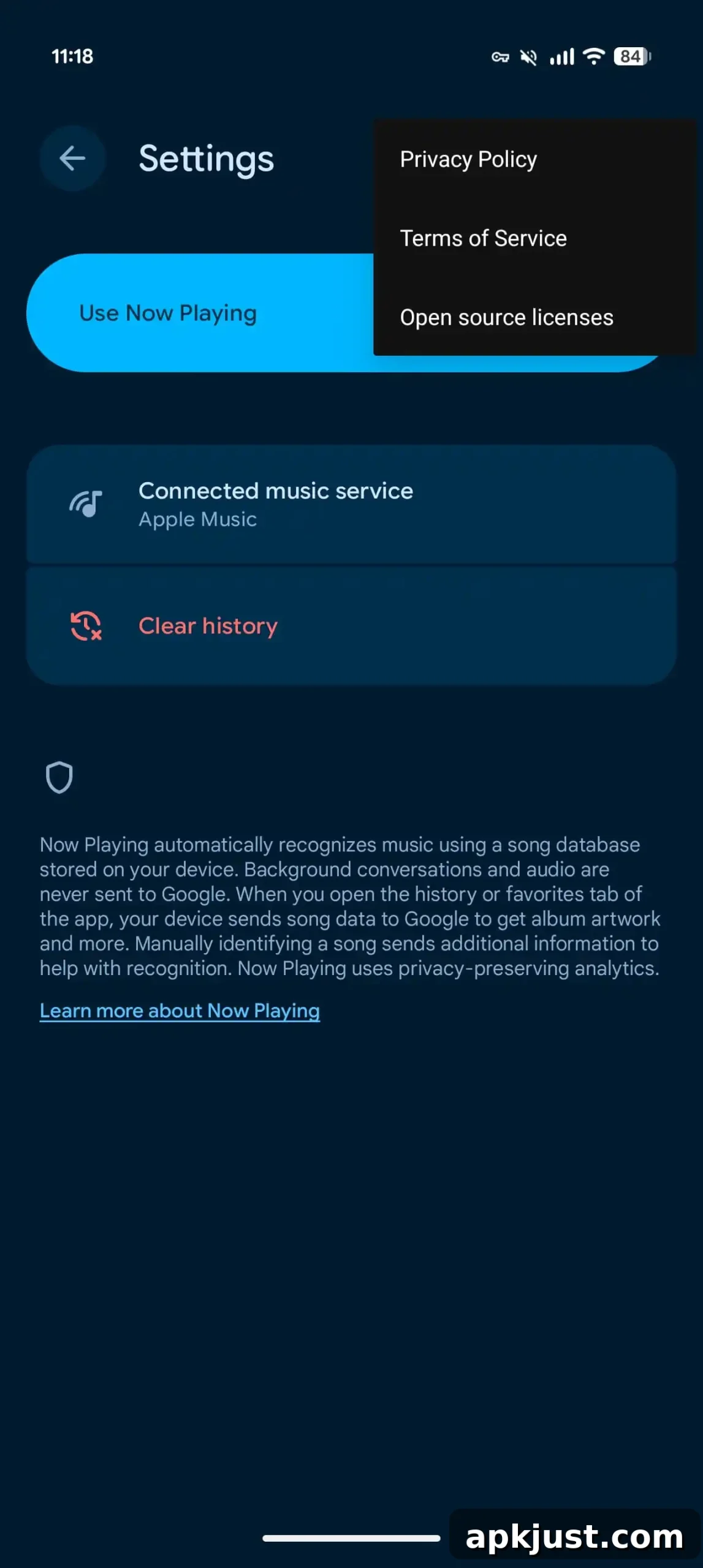
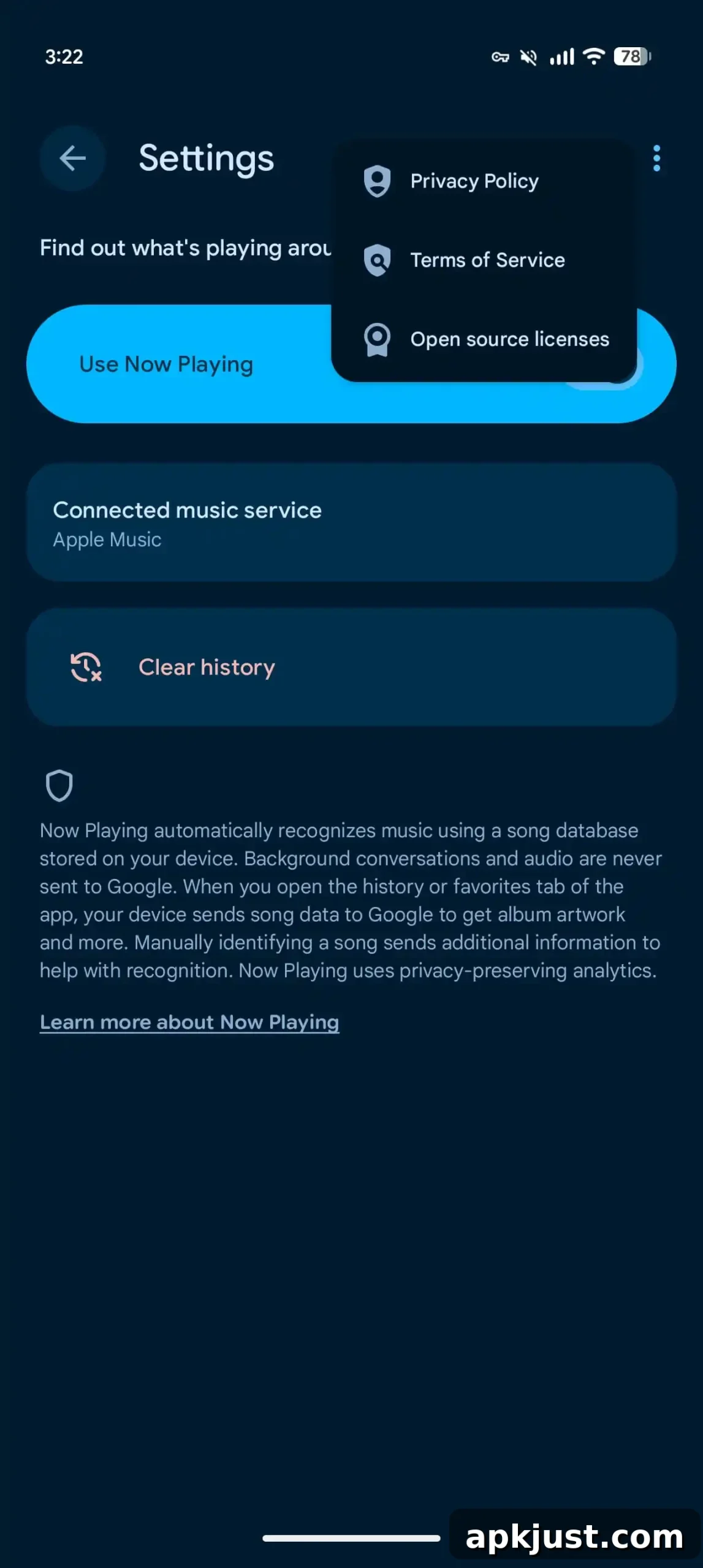
Beyond the bottom sheet, Google has made additional refinements across Now Playing. The Favorites tab now shows dates and times for saved tracks in the same way the History feed does, which helps you keep better track of when songs were identified and saved. Small icon and spacing adjustments have also been applied inside Now Playing Settings, improving readability and the overall visual balance of the interface.
These tweaks build on the redesigned Now Playing layout Google introduced earlier in the year. That redesign aimed to modernize the look and streamline access to core controls. Subsequent updates have continued to refine interactions, such as reintroducing the “Tap to see what’s playing” lock screen shortcut in April, which provides a fast way to check music identification without unlocking the device.
The current update is being distributed as version 2026.08.27.x of Pixel Now Playing and is rolling out broadly through the Google Play Store. As with many staged rollouts, availability may vary by device and region, and users should see the new bottom sheet and Favorites improvements once their app installs the update.
This release follows other recent Pixel app updates that expanded capability and interface polish across Google’s suite of applications. Last month, Pixel Journal received new tools to help with organization and capture, while the Screenshots app gained additional filter options to make editing and categorizing images easier. Google has also refreshed icons for several first-party Pixel utilities, including Calculator, Clock, Pixel Magnifier, Recorder, and Weather, aligning them with the broader visual language used across the updated apps.
Overall, the series of updates emphasizes incremental improvements to usability and consistency, helping Pixel users identify music more quickly, manage saved tracks with more context, and enjoy a cleaner, more approachable interface across system apps. Keep an eye on the Google Play Store for the Pixel Now Playing update to reach your device; once installed, the new bottom sheet and Favorites enhancements should be available without further action.