
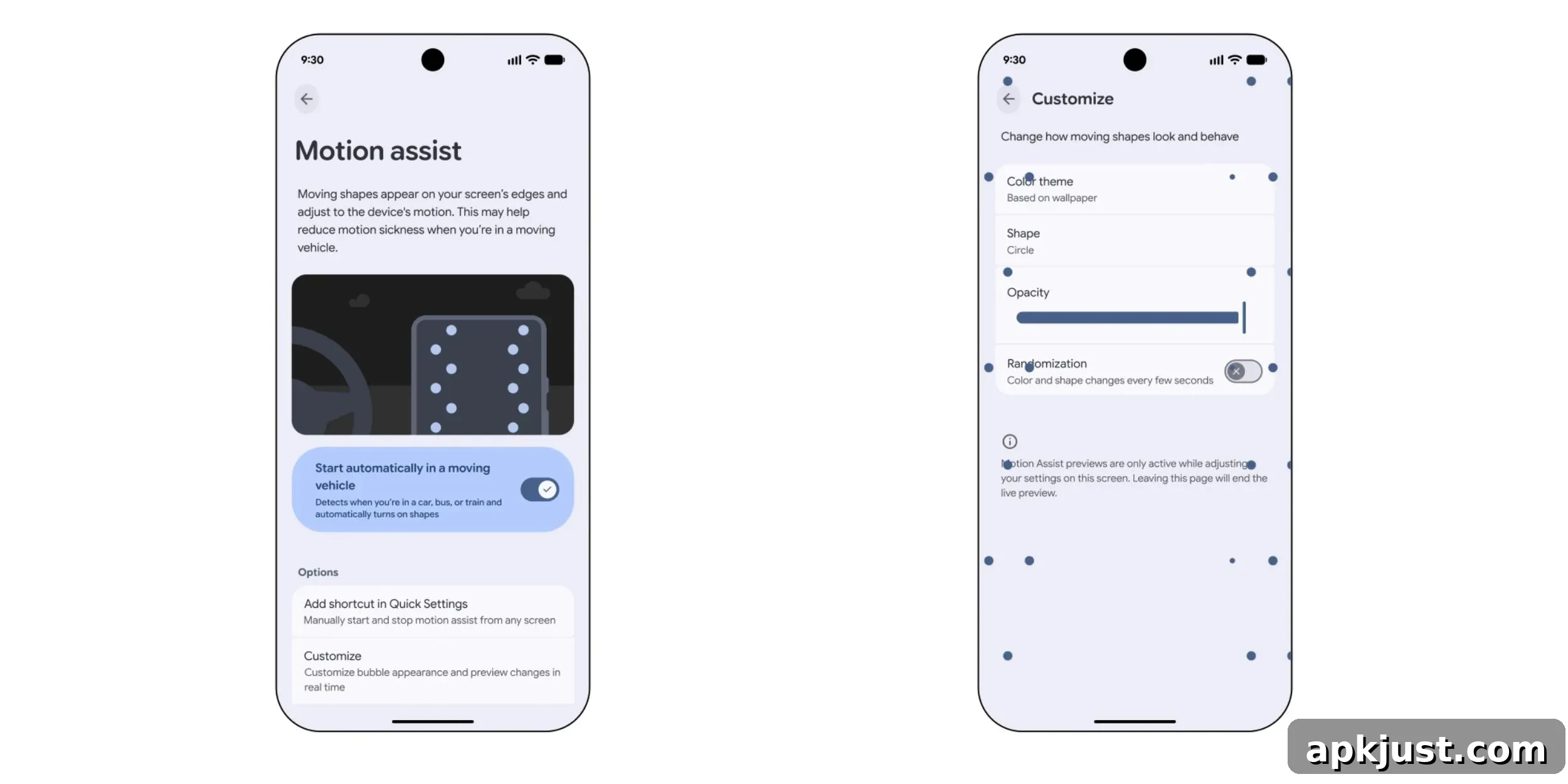
Following Google’s announcement on Tuesday, Motion Assist is beginning a gradual rollout to devices running Android 17. The feature arrives as part of Google Play services and integrates with the device’s safety settings. When available on your phone, you can find it by searching for “Motion Assist” in the Settings app. Alternatively, navigate to Settings > Google > All services > Personal & device safety > Motion Assist to open the preference page.
Motion Assist appears in the same area as other protective services such as Advanced Protection and Theft Protection. Google describes it as an option that displays moving shapes and colors that react to the movement of your device. The goal is to offer a visual aid that adapts when you’re traveling, which may help reduce motion-related discomfort for some users while they are in a moving vehicle.
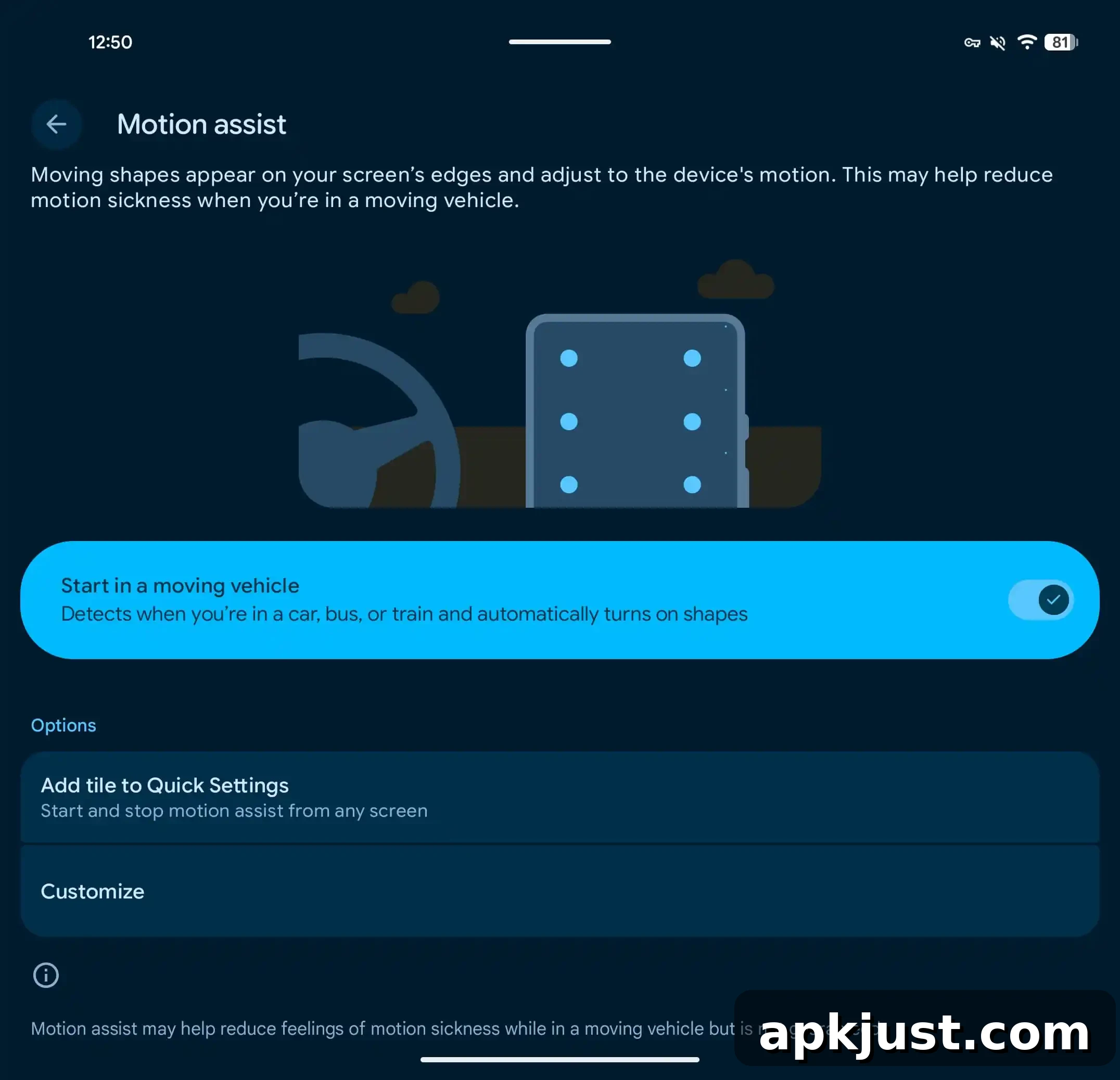
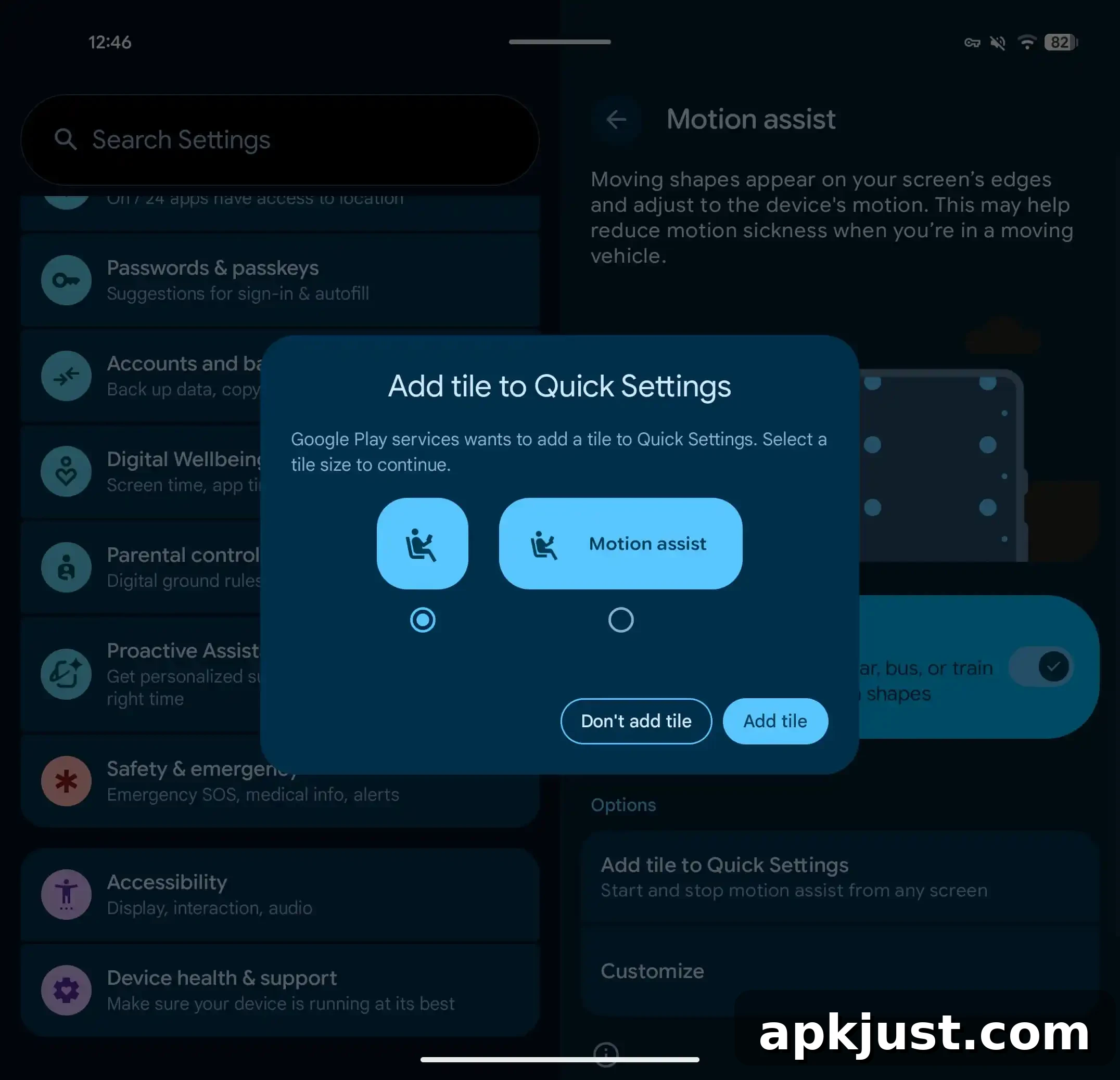
On the Motion Assist preference screen you can enable automatic activation with the “Start in a moving vehicle” option. Google also recommends adding the Motion Assist Quick Settings tile so you can toggle it quickly from any screen. Add the tile either from the Motion Assist settings page or from the system Quick Settings edit interface under “From system apps.” After you enable the feature, a persistent system notification is available that allows you to turn Motion Assist off with a single tap.
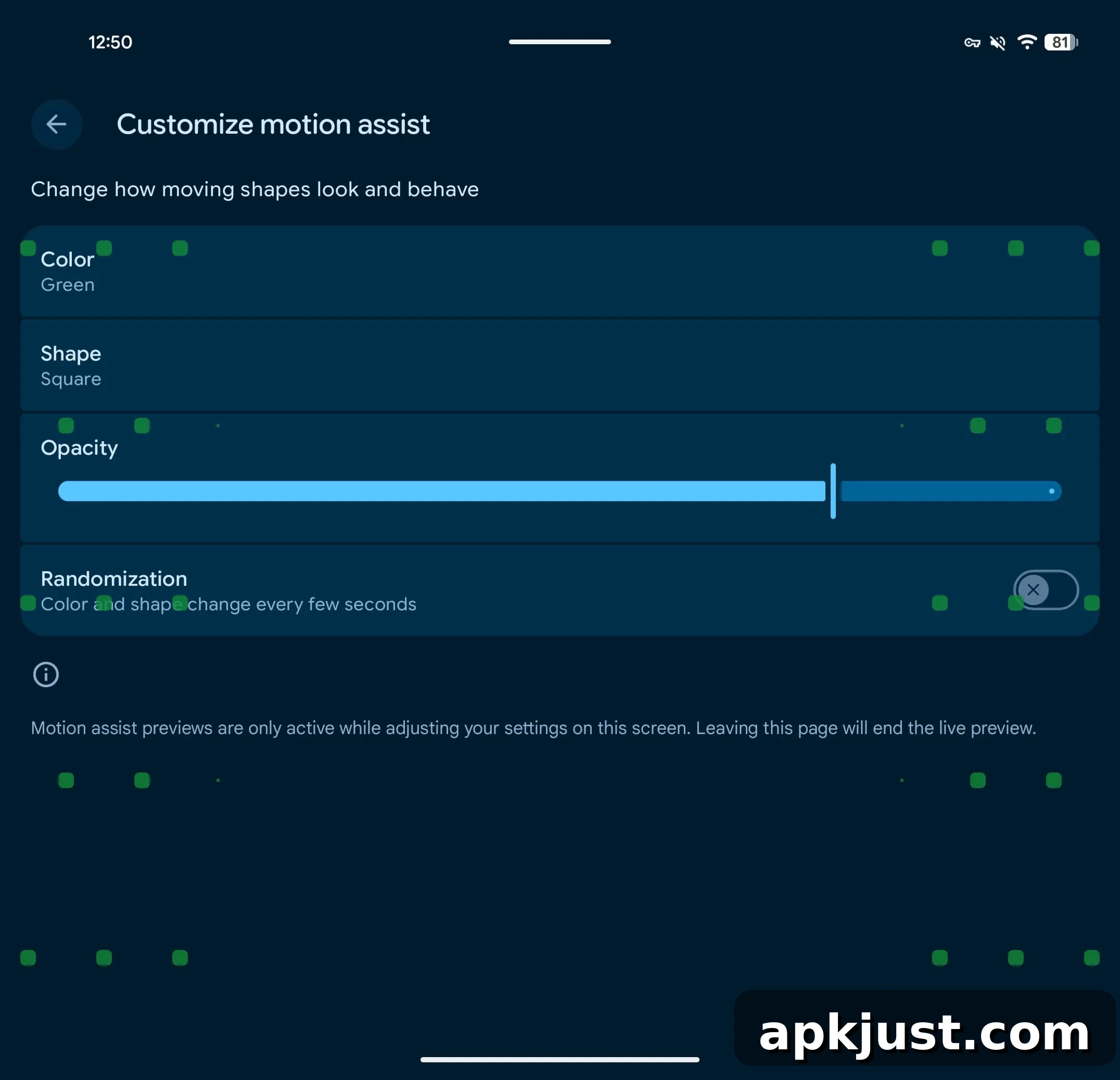
A Customize menu within Motion Assist offers several options to adapt the visuals to your preference. These options include choices for color, shape, opacity and randomization. Specifically, the menu lists:
- Color: Select system-based color, Red, Yellow, Green, or Blue
- Shape: Choose from Circle, Square, Pentagon, or Diamond
- Opacity: Control transparency using a slider
- Randomization: Enable a mode where color and shape change every few seconds
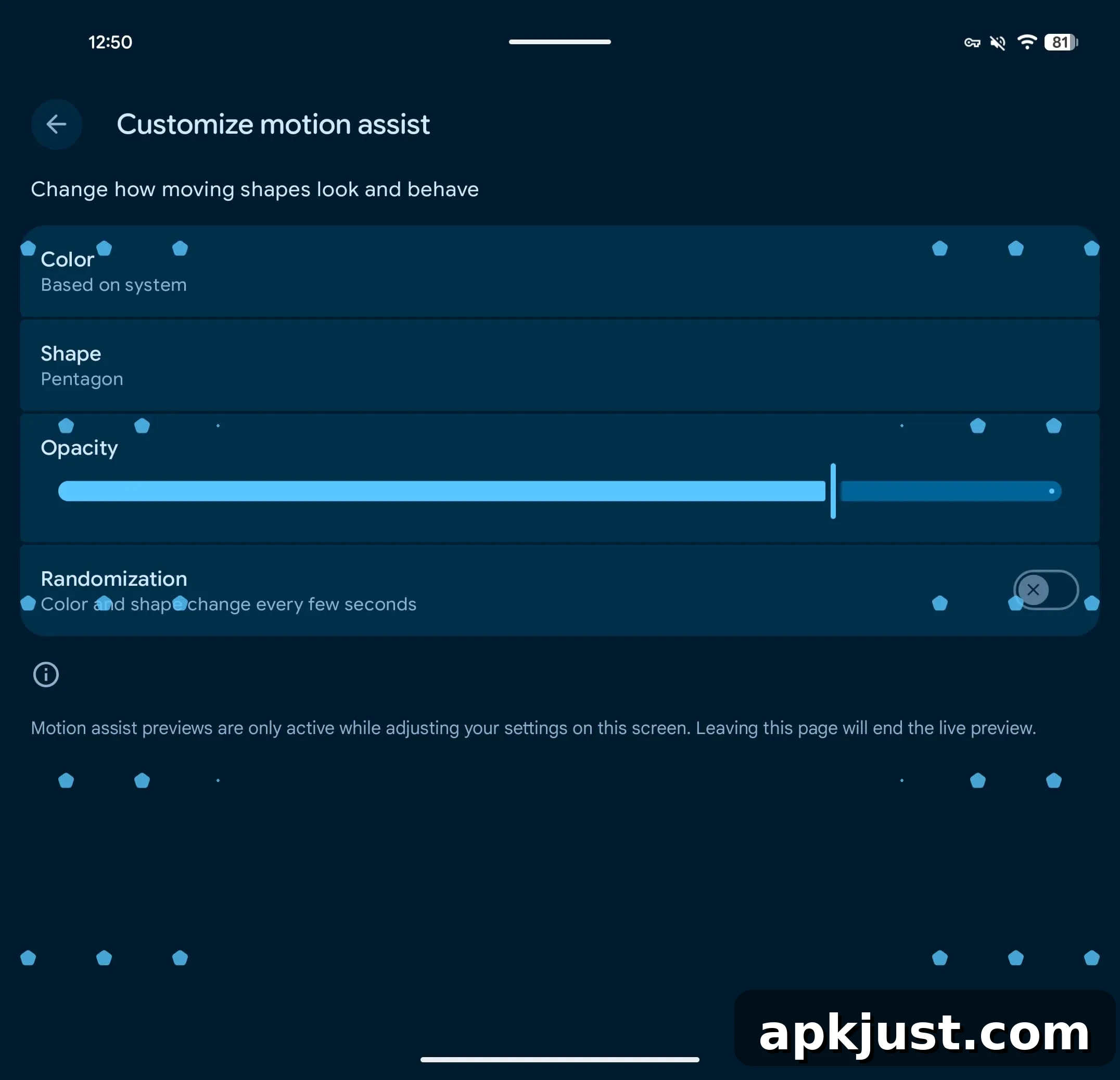
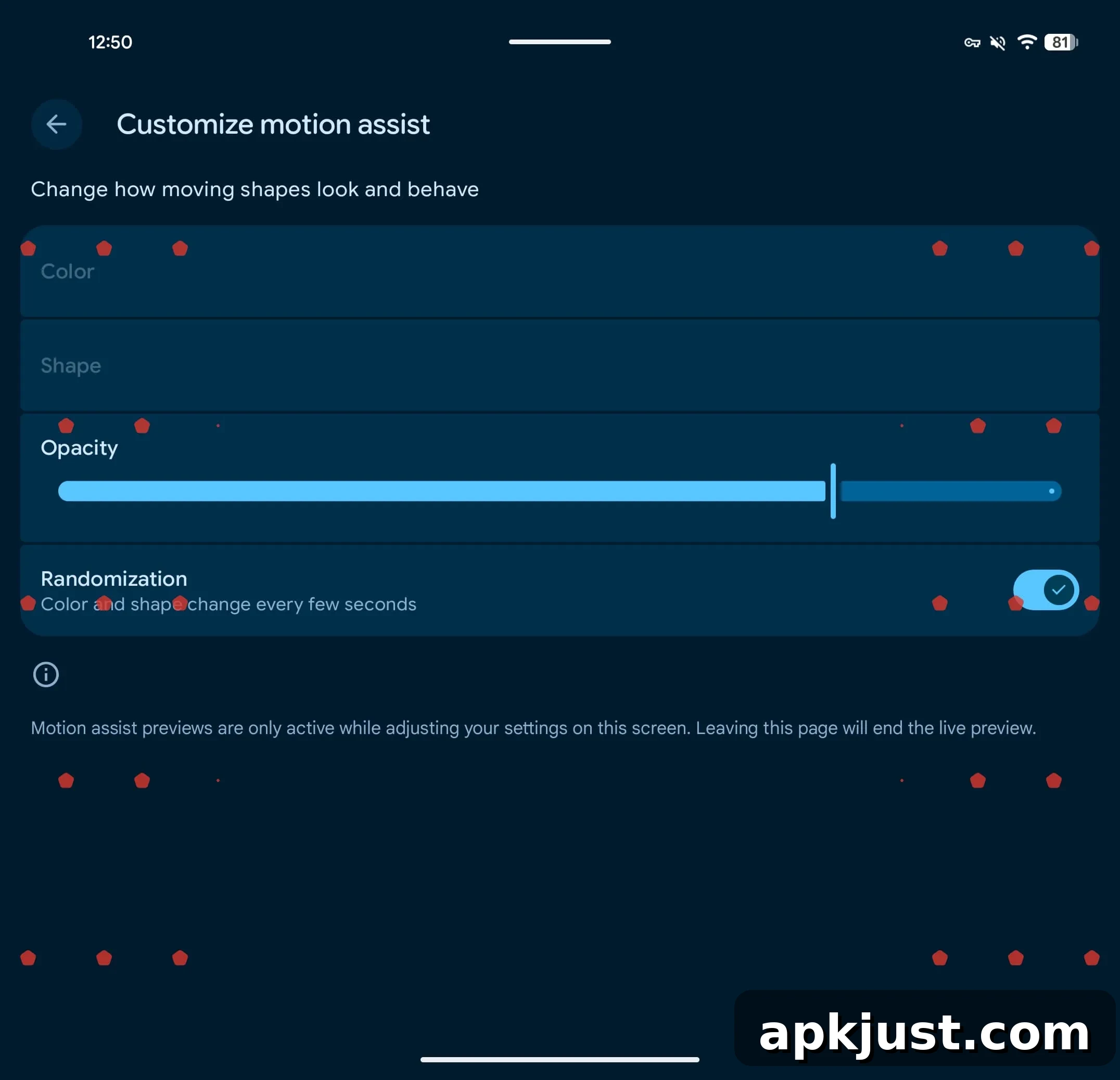
When Motion Assist is active, the shapes move in response to the device’s motion sensors. Google notes the visuals may help some passengers reduce motion sickness while traveling. On larger foldable hardware, such as the Pixel 11 Pro Fold, the interface can show multiple columns of shapes along the left and right edges of the screen. On other phones, Google’s examples show fewer columns to match the available display area.
At the moment Motion Assist is not yet widely available. The feature has been observed on devices running version 26.33.32 of Google Play services, but availability also depends on a server-side rollout, so it may not appear immediately even if your Play services are up to date. In our testing, Motion Assist was visible on only one device while other devices with the same Play services version did not yet show the setting.
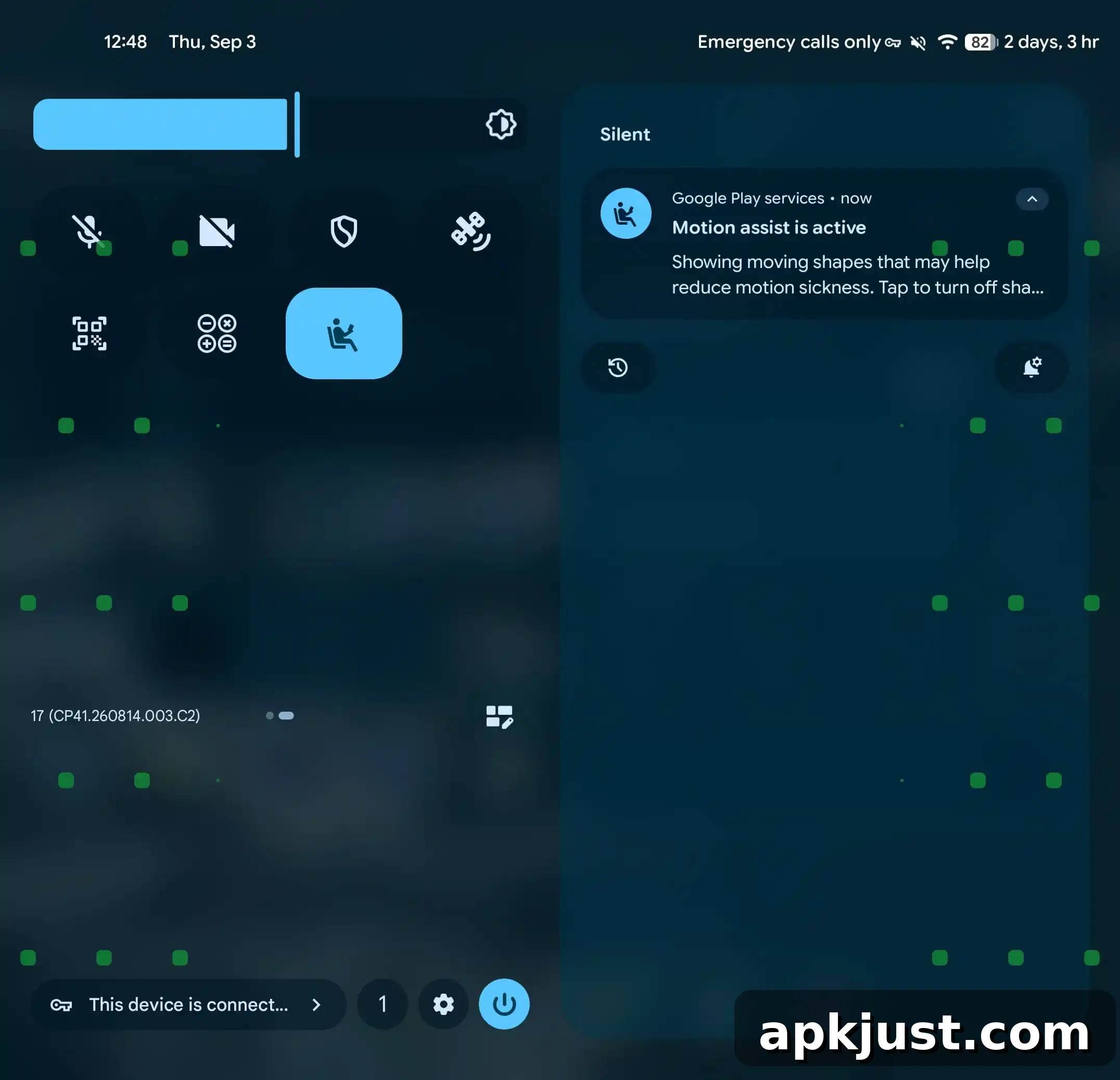
If you don’t see Motion Assist yet, check for updates to Google Play services and monitor the Personal & device safety section in your Settings app. When the server-side activation reaches your device, the Motion Assist preference and Quick Settings tile will become available, allowing you to customize the visual behavior and use it as a potential aid against motion discomfort while traveling.