
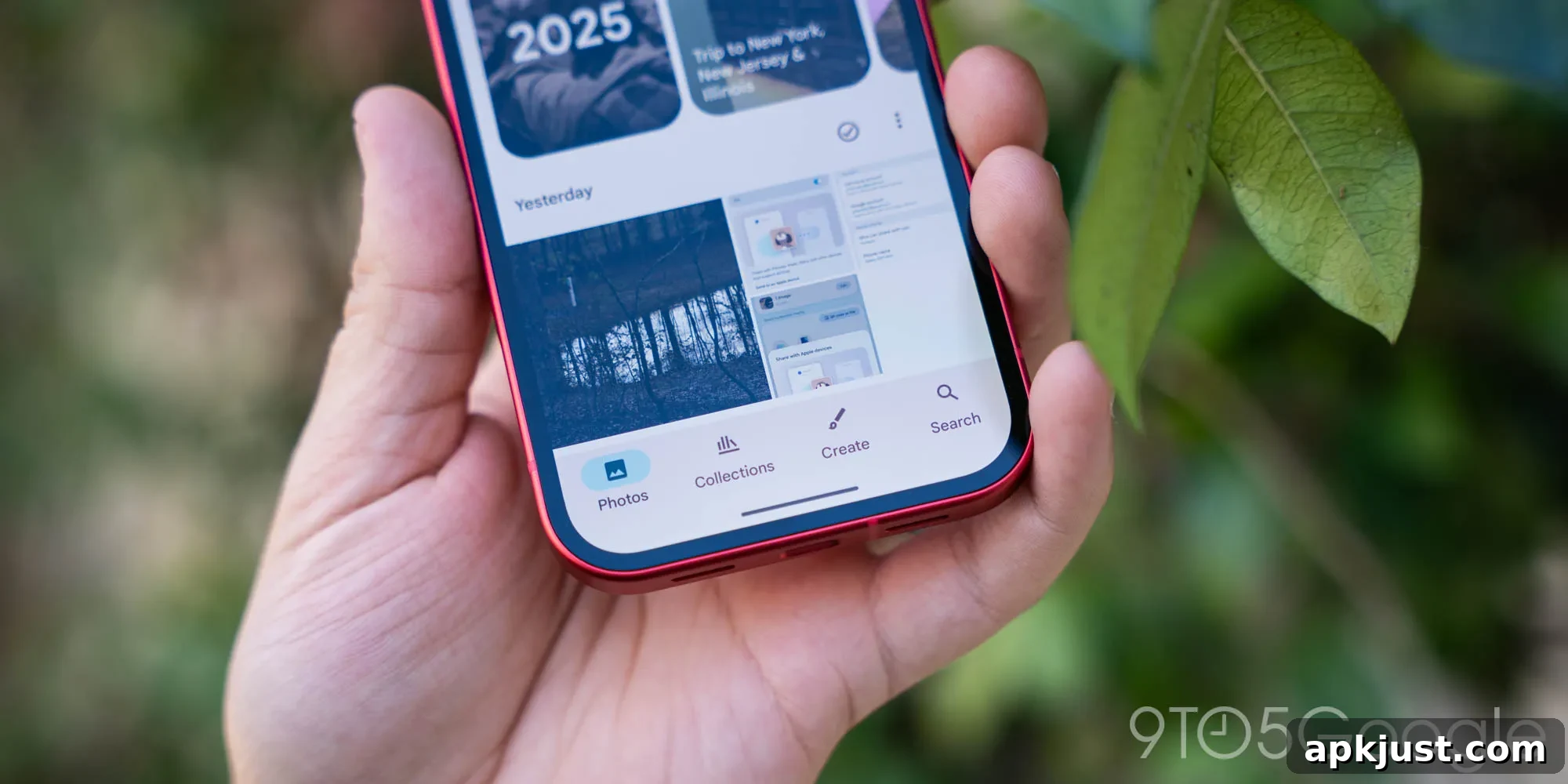
Google Photos has shortened the retention period for items in its trash folder, reducing the recovery window from 60 days to 30 days as of September 2026.
Until this update, the Google Photos trash provided roughly two months for users to recover deleted photos and videos. That longer window made it easier to retrieve accidentally deleted items or to restore content that users decided they still needed. Google’s recent change halves that timeframe, so deleted files now remain recoverable for only 30 days.
The change is being rolled out publicly and has appeared in-app for many users. Google’s support documentation has also been updated to reflect the new 30-day retention policy. The company states that photos and videos moved to trash will be permanently deleted after 30 days, and that items permanently deleted cannot be restored.
Photos and videos that you delete will stay in your trash for 30 days before they are permanently deleted. Photos and videos that were permanently deleted can’t be restored.
For users who relied on the previous 60-day grace period, this change means a shorter window to notice and recover mistakes. If you frequently clean up your library or rely on the trash as a safety net, it’s important to adjust habits now that the lifecycle is shorter.
More on Google Photos:
- Gemini Spark is rolling out controls in Google Photos for automated editing, sharing, and other smart features
- Google Photos may add a map view to its Ask Photos search to improve location-based queries
- New options now allow you to disable sticker animations in Google Photos for a quieter viewing experience
What this means for your workflow: review deleted items sooner, especially if you use Google Photos to manage large libraries or shared albums. If you regularly delete items and later change your mind, check the trash folder as soon as possible. After 30 days the content is gone for good.
Practical tips to avoid accidental loss:
- Check the trash regularly if you often delete images while organizing your library.
- Use backups in addition to Google Photos if you keep irreplaceable photos or important videos—having a second copy reduces risk.
- For shared albums, be mindful that participants with edit access can remove items; confirm before deleting anything that others might need.
- Consider exporting critical content to a device or another cloud service if you want an extra layer of protection beyond the 30-day window.
Why companies adjust retention policies: service providers periodically update data retention rules for a variety of reasons, including storage costs, user privacy considerations, compliance requirements, and product design changes. A shorter trash retention period reduces storage load for items marked for deletion and can simplify data lifecycle management.
If you notice the change in your app, it’s likely part of a staged rollout. Some users may see the updated messaging and behavior immediately, while others may observe it as their app or account picks up the update. Google’s support pages reflect the new timeframe as the official policy.
In short: if you depend on the Google Photos trash as a fallback, plan to act sooner. Deleted photos and videos will only be recoverable for 30 days under the new policy, so make checking and backing up your important images part of your regular routine.
Follow Ben: Twitter/X, Threads, Bluesky, and Instagram