
The monthly Google System Release Notes summarize updates to core Google services that run across Android devices, including phones, tablets, Wear OS, Google/Android TV, Auto, and PCs. These notes focus on changes to Google Play services, the Play Store, and Play system updates. Some items in the release notes impact everyday users directly, while others are targeted at developers or address background platform improvements and security fixes.
Below is the list of first-party applications and services that make up the “Google System.” These components are maintained through Google’s system-level updates and are often updated independently of full OS releases. For many users, these updates arrive silently in the background and improve features, stability, and security.
- Android AICore: Find its version by searching the “All apps” list in Settings and opening App info.
- Adaptive Connectivity Services: Check App info for the installed version.
- Android Developer Verifier: App info shows version and permissions.
- Android Pulse: View App info to see current release details.
- Android System Intelligence: Version and details are available in App info.
- Android System Key Verifier: Open App info to verify the installed version.
- Android System SafetyCore: App info lists version and recent changes.
- Android System WebView: Updates to this component can affect web content rendering inside apps.
- Android TV Core Services: Key for recommendations and platform integrations on TV devices.
- Device Health Services: Check App info for battery and device health related updates.
- Google Partner Setup: App info provides information about partner integrations on certain devices.
- Google Play Protect Service: Responsible for scanning and protecting devices from harmful apps.
- Google Play services: Central to many Google features and app integrations; App info shows the installed version.
- Google Play Services for AR: Provides augmented reality support to compatible apps; App info lists the version.
- Google Play Store: The Play Store itself receives updates that change how apps are discovered and installed.
- Google Play system update: Check via Settings > About phone > Android version for Play system update status.
- Private Compute Services: Handles on-device AI and privacy-sensitive processing for certain features.
- Quick Share Extension: App info shows the extension used for sharing across devices.
- Search Engine Selector: App info reveals settings for choosing a default search provider where applicable.
- Settings Services: Integrates intelligent suggestions and settings improvements; view App info for details.
- SIM Manager: Manages eSIM and related functions; check App info for the current version.
- System parental controls: App info shows the installed version and permissions for family and parental control features.
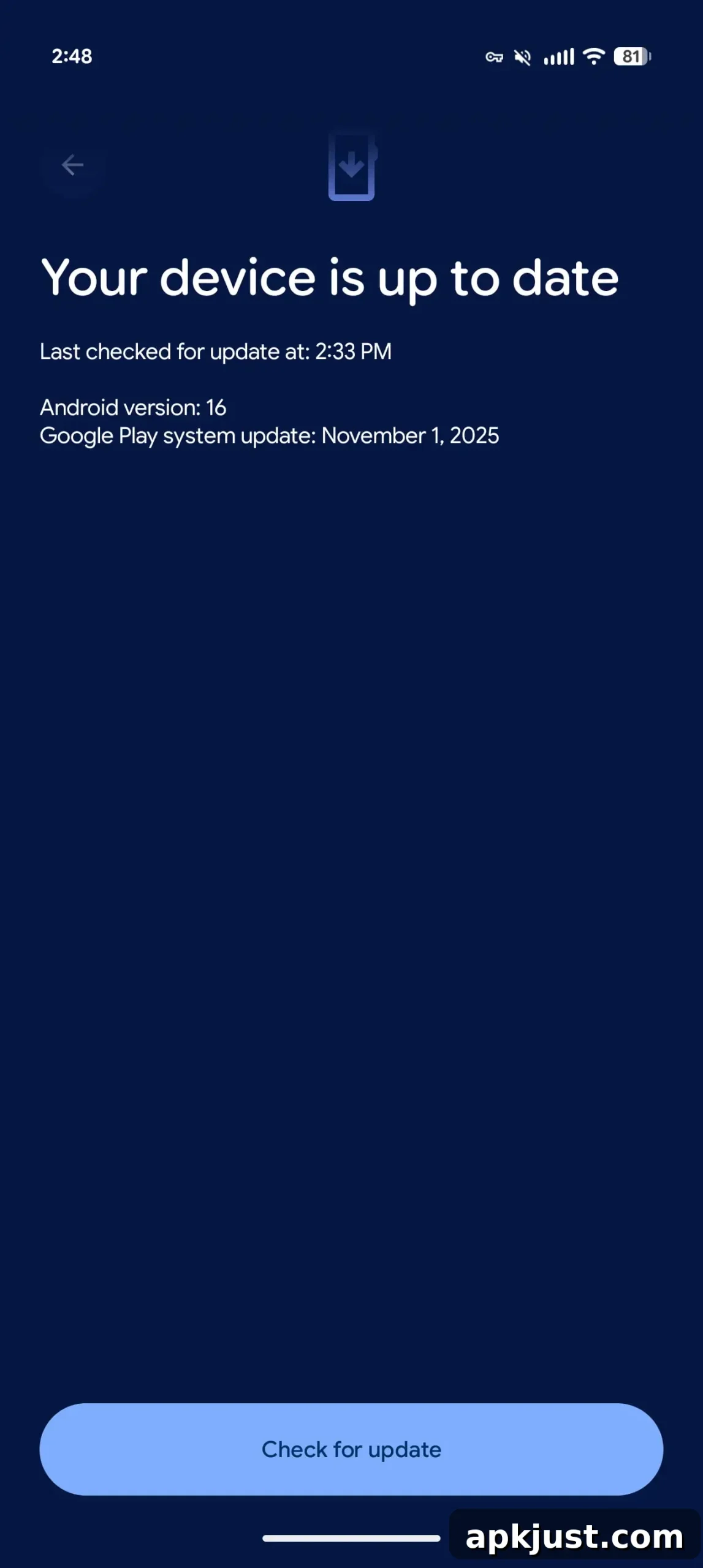
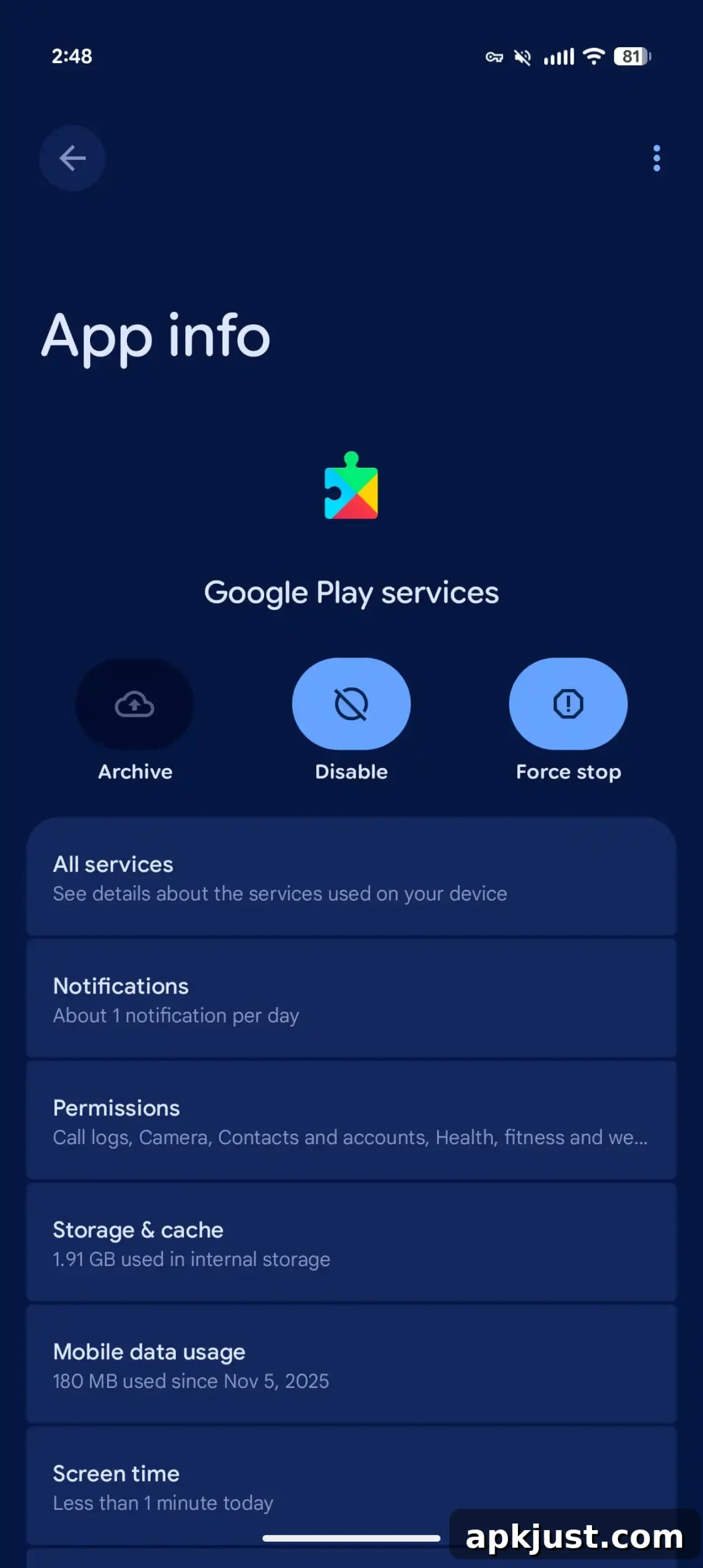
To check for and manage these updates on many Pixel and Android devices, open the Settings app, tap your profile name at the top to access Google services (on Pixel phones), go to the All services tab, then Privacy & security > System services. From there you can see which system apps have updates and view details about recent changes.
Note that when a feature is listed in the release notes or changelog, it does not guarantee immediate availability to every user. Google often rolls out features gradually, and some capabilities may require additional testing, server-side enabling, or phased launches that can take weeks or months to reach all compatible devices.
- Related: How to check if Motion Assist has rolled out to your Android 17 phone.
Android System Intelligence B.29 / C.7 (2026-09-03)
- [Phone] Bug fixes and maintenance changes: This release focuses on stability improvements and routine maintenance. Such updates typically address minor bugs, improve reliability, and optimize background processes that support features like smart suggestions, on-device language models, and integration with other Google services.
If you rely on on-device intelligence or notice improvements to suggestions, keyboard predictions, or other system-driven features, those changes are often the result of updates to Android System Intelligence and related Google System components. Keeping these services up to date helps ensure you benefit from performance enhancements, security patches, and the latest platform improvements as they become available.