
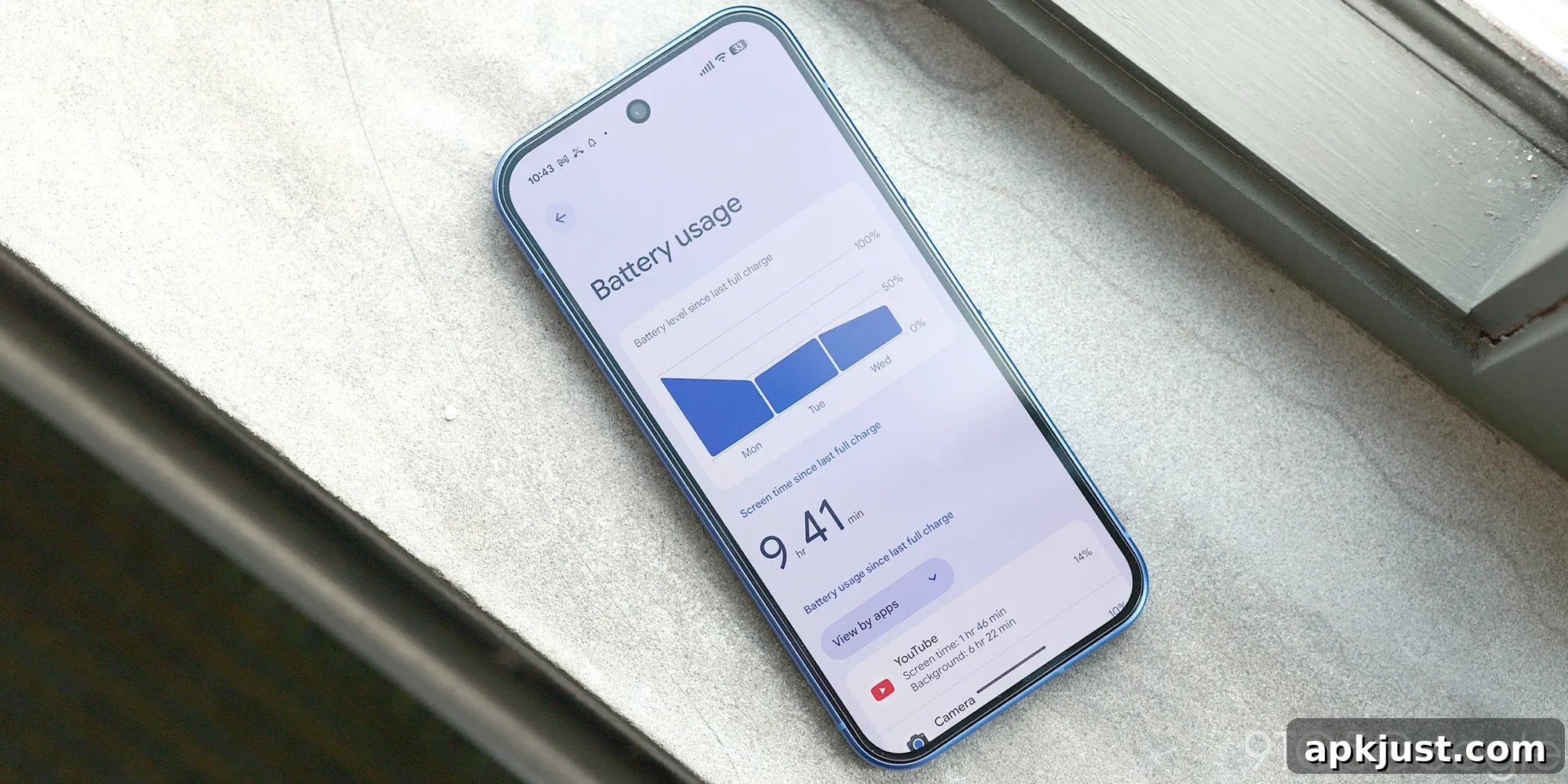
Google has begun rolling out a new AI-driven feature for Pixel 10 and Pixel 11 phones called “Battery usage summaries.” This addition translates battery usage data into plain-language summaries, making it easier to understand which apps and behaviors are impacting battery life.
Delivered through an AI Core update on supported Pixel models, Battery usage summaries appear at the top of the Battery usage page and provide a concise, personalized overview of recent battery activity. The feature analyzes your recent usage and highlights the apps and processes that drew the most power, as well as background activity and changes relative to your typical usage.
At the top of the Battery usage page, you can get a personalized summary of your battery usage. It summarizes these analyses, which are performed in the background:
- Identifies apps that consume the most battery.
- Monitors app background activity.
- Compares the overall and app-specific battery consumption between your selected period and recent average.
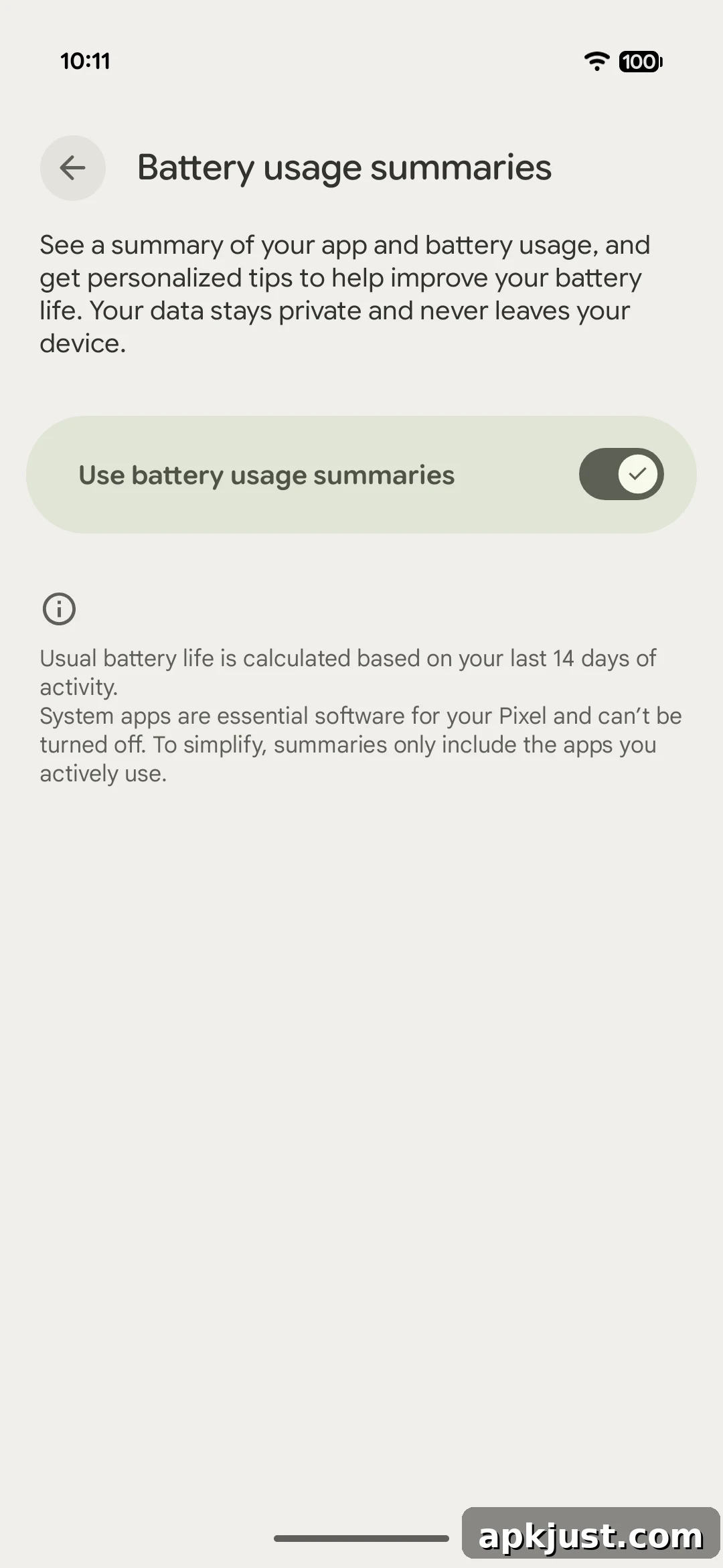
The summaries are generated automatically and are enabled by default on devices that receive the update. If you prefer not to see these summaries, you can disable them in Settings > Battery & charging > Battery Usage > Battery usage summaries via the overflow menu. Google notes that the wording of each summary varies and is designed to surface the most relevant details for that device and timeframe.
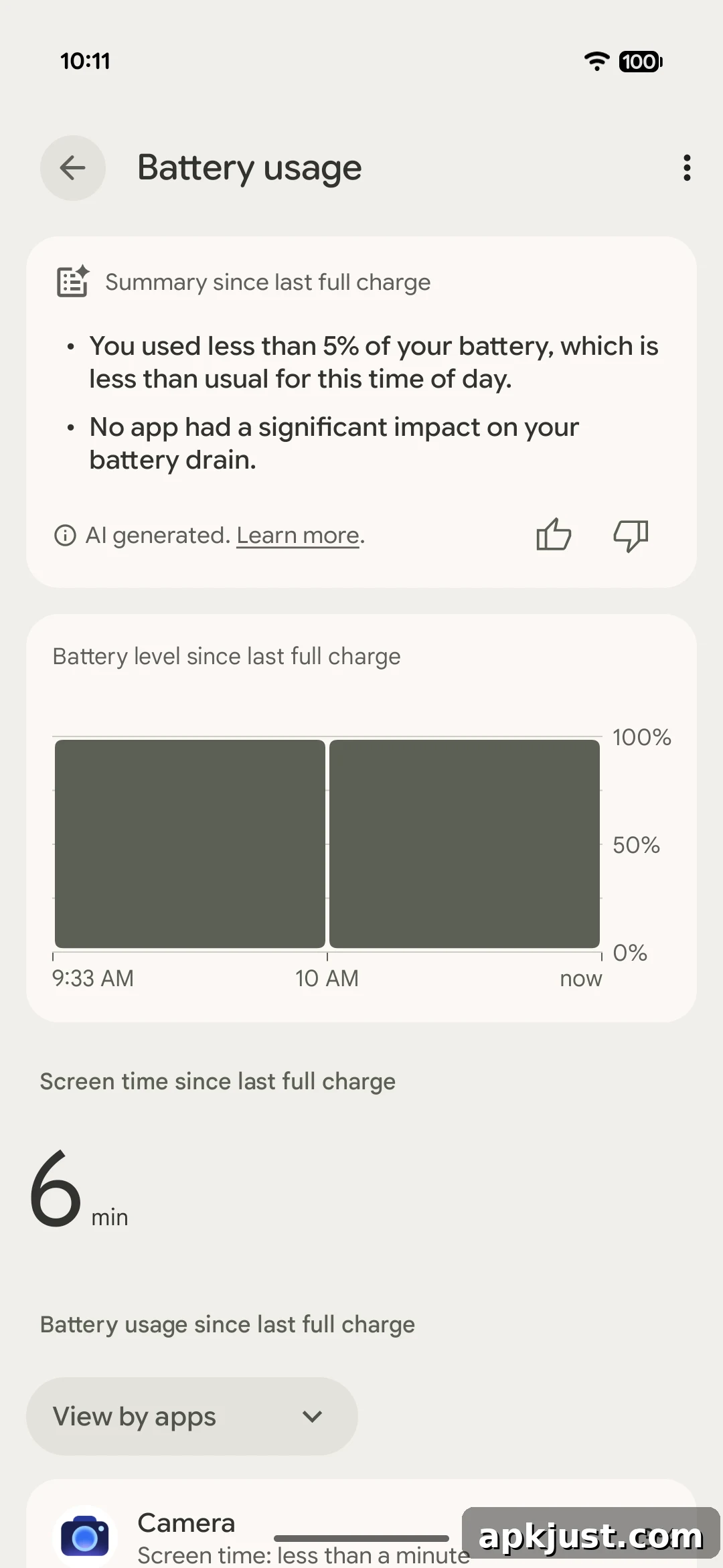
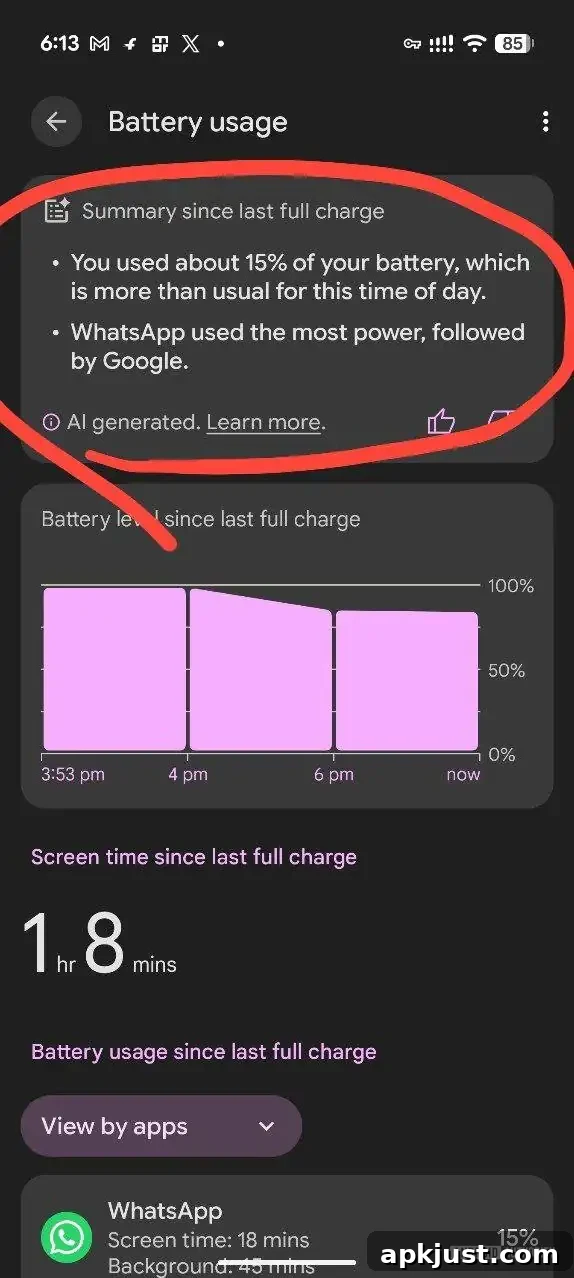
Early screenshots sent to Android Authority show examples of the short, conversational summaries that can appear. On a largely unused phone, the summary might simply note that the device saw minimal activity that day, while on more active devices the summary will call out specific apps or services that used above-average power. The goal is to give users a quick, understandable sense of battery behavior without requiring them to parse detailed charts or lists.
According to Google’s support documentation, the feature requires the latest AI Core update to function, though the company does not list any additional prerequisites. In practical testing, the feature has already been observed on a Pixel 11 Pro Fold and a Pixel 11 Pro XL. However, some Pixel 10 and Pixel 10a units that received updates still do not show the new summaries, suggesting the rollout may be phased or subject to device-specific conditions.
This update reflects a larger trend of integrating on-device AI to improve everyday usability on smartphones. By summarizing battery consumption in natural language, Pixel owners can more quickly identify apps or behaviors that drain power and take steps to adjust usage or settings. Summaries focus on significant changes and high-impact apps, helping avoid information overload while still providing actionable insight.
If you already see Battery usage summaries on your Pixel, consider checking how they characterize your typical app usage and whether they point to unexpected background activity. Turning the feature off is straightforward if you prefer to rely on the traditional battery usage chart and lists. As the rollout continues, more devices should receive the AI Core update and the corresponding summary capability.
More on Google Pixel:
- Pixel Camera adds ‘Launch control’ and new ‘Quick access’ slider controls on Pixel 11 [Gallery]
- Google Pixel screen savers add new styles and iPhone-like switching [Gallery]
- Pixel 11’s Magic Capture solves a very modern parenting photo problem
Follow Ben: Twitter/X, Threads, Bluesky, and Instagram