
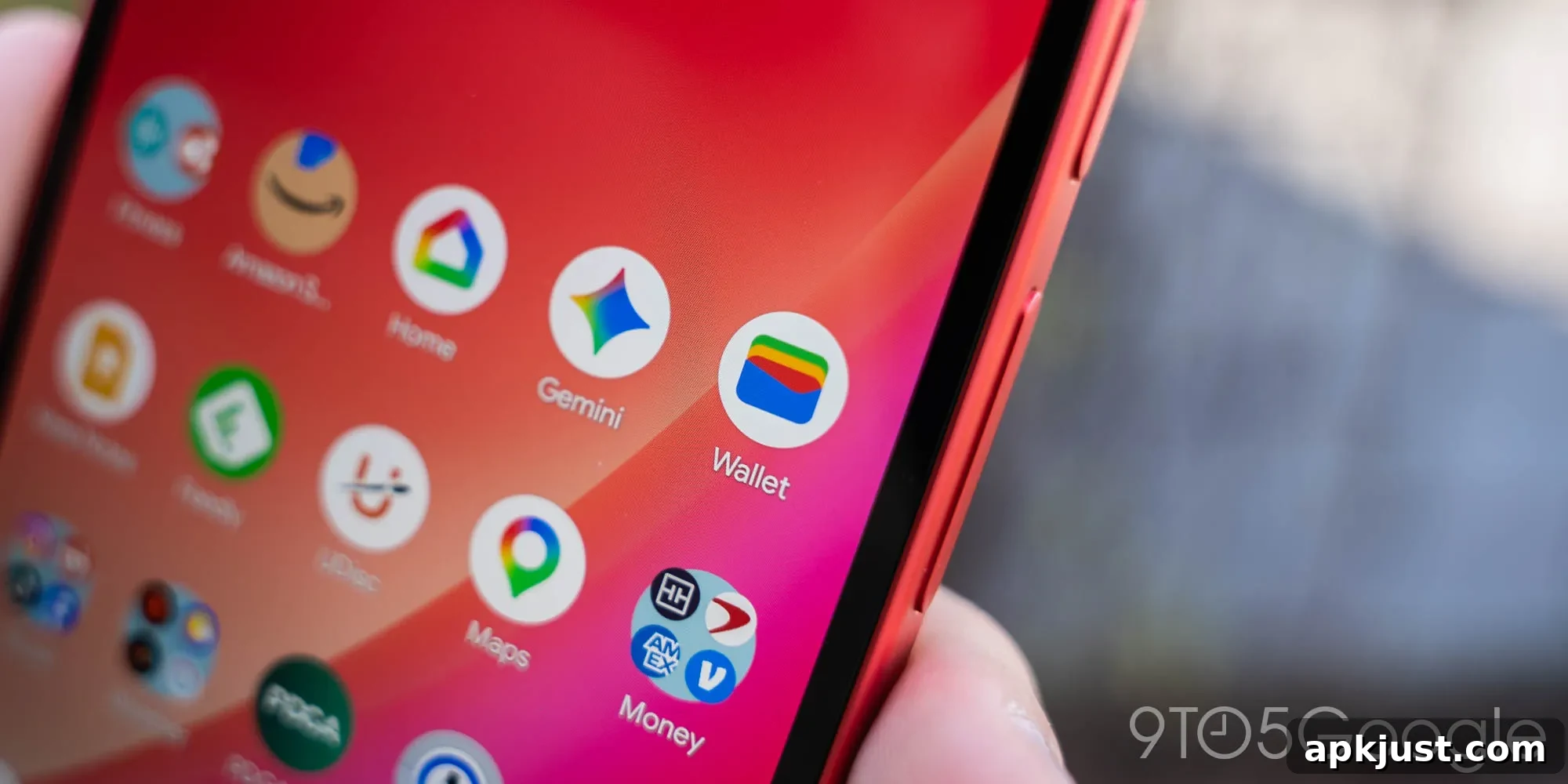
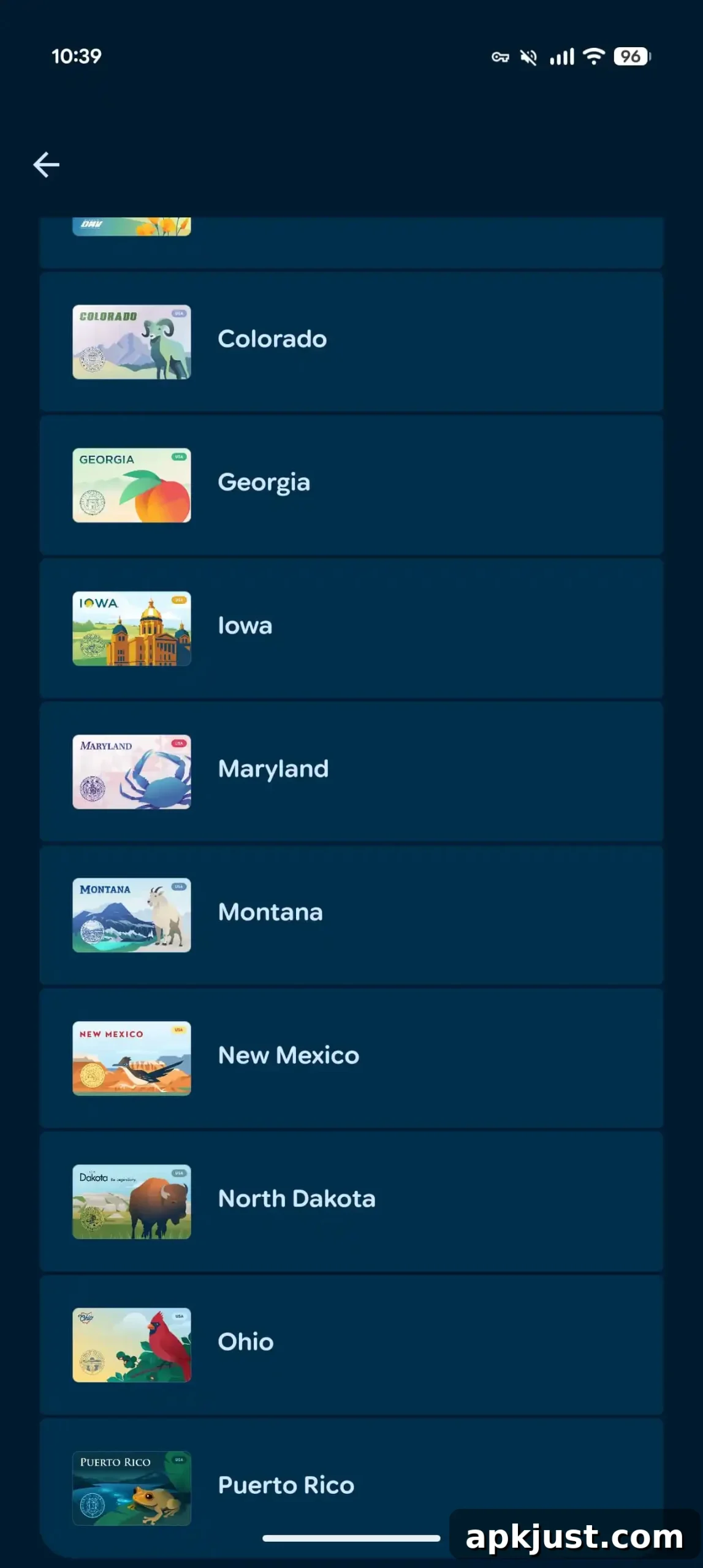
After a 10-month pause, Google Wallet is once again expanding its digital ID support: Ohio state IDs are now being rolled out on Android devices.
To add an Ohio state ID, open the Google Wallet app, tap the plus button near “View more” at the bottom, choose IDs & personal info, and then select Driver’s license or state ID. Ohio joins the growing list of supported issuers — including Arizona, Arkansas, California, Colorado, Georgia, Iowa, Maryland, Montana, New Mexico, North Dakota, and Puerto Rico — as the 12th option available in Wallet.
The Ohio digital ID in Google Wallet uses a design that features the Northern Cardinal, Ohio’s state bird.
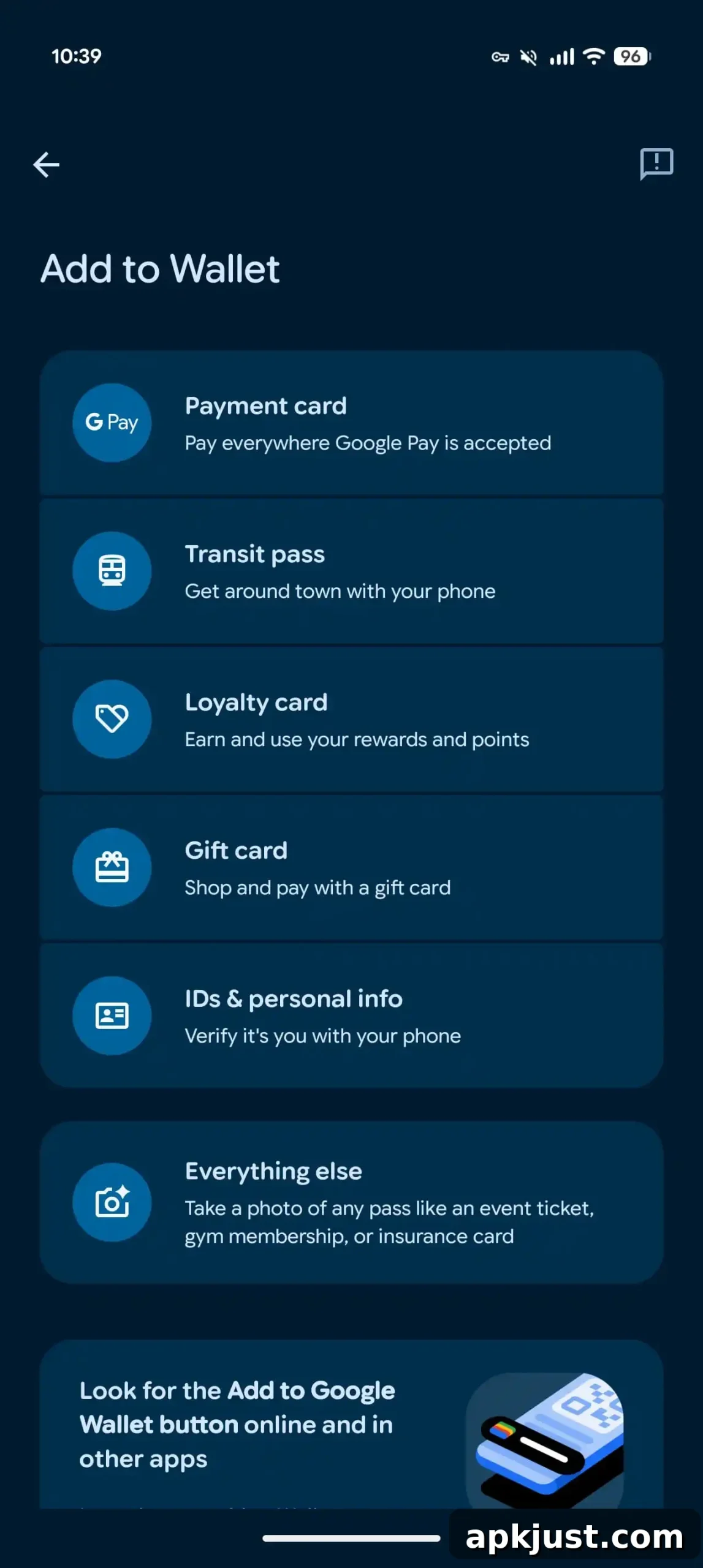
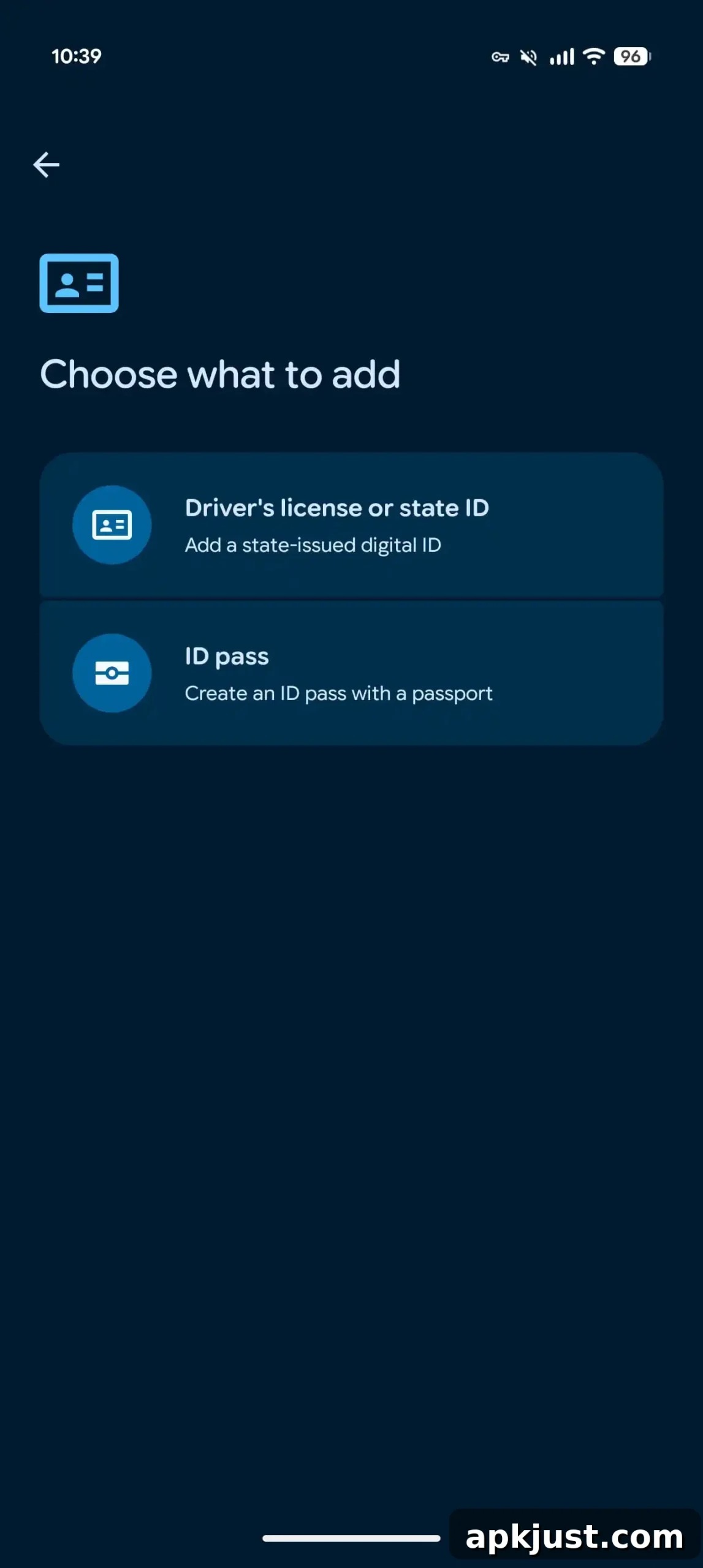
Setting up the Ohio digital ID requires a few verification steps designed to confirm your identity. You will be asked to photograph the front and back of your physical card and to record a short selfie video. Those images and the video are submitted to the Ohio Bureau of Motor Vehicles (OH BMV) for review. In most cases the review completes within minutes and you will receive a notification when your digital ID is available. The state agency also sends an email confirmation once the process is finished.
- First, present the reader or display your QR code: Your personal details are not shared immediately. You get to review exactly what information will be transmitted from your phone.
- Next, confirm which details will be shared: Make sure you’re comfortable with the specific items requested before approving the share.
- You keep control of your device: You do not need to hand your phone to anyone. The ID is transferred securely using Bluetooth when you approve the action.
- Verify it’s you for extra security: Before sharing, you may be prompted to confirm your identity using face unlock, fingerprint, password, or PIN on your device.
Within Google Wallet, the “Details” option near “Show code” lets you turn on “Activity history,” so you can see past exchanges and access events. The “Driver’s License information” section lists the fields included on the digital credential, such as license number, expiration date, address, and other standard license elements.
Digital state IDs in Google Wallet support two common read methods: NFC and QR code scanning. Some transportation authorities, like the TSA at participating airports, accept Wallet IDs for identity checks. However, the digital ID does not replace the legal requirement to carry a physical card in Ohio; official guidance still requires individuals to have their physical ID available.
Device and account requirements are straightforward: your phone must run Android 8.0 or later, be protected with a screen lock, and have Bluetooth and Nearby devices enabled for sharing. A digital state ID in Wallet is stored locally as a private pass — it is not synced to the cloud and is available on only one device at a time. You can remove the digital ID at any moment from your device, or you can delete it remotely via your Google Account settings.
- Tap Personal Info in Google Wallet.
- Scroll to “Digital ID.”
- Tap Manage Digital ID.
- Next to the ID or license you want to remove, tap Delete.
- Confirm that you want to delete the ID from your device and Google Account.
Overall, the Ohio rollout expands Google Wallet’s digital ID coverage and offers a secure, privacy-focused option for carrying and presenting state-issued identification on supported Android phones. Follow the on-screen prompts during setup and keep your device protections enabled to maintain security when you use a digital ID.