
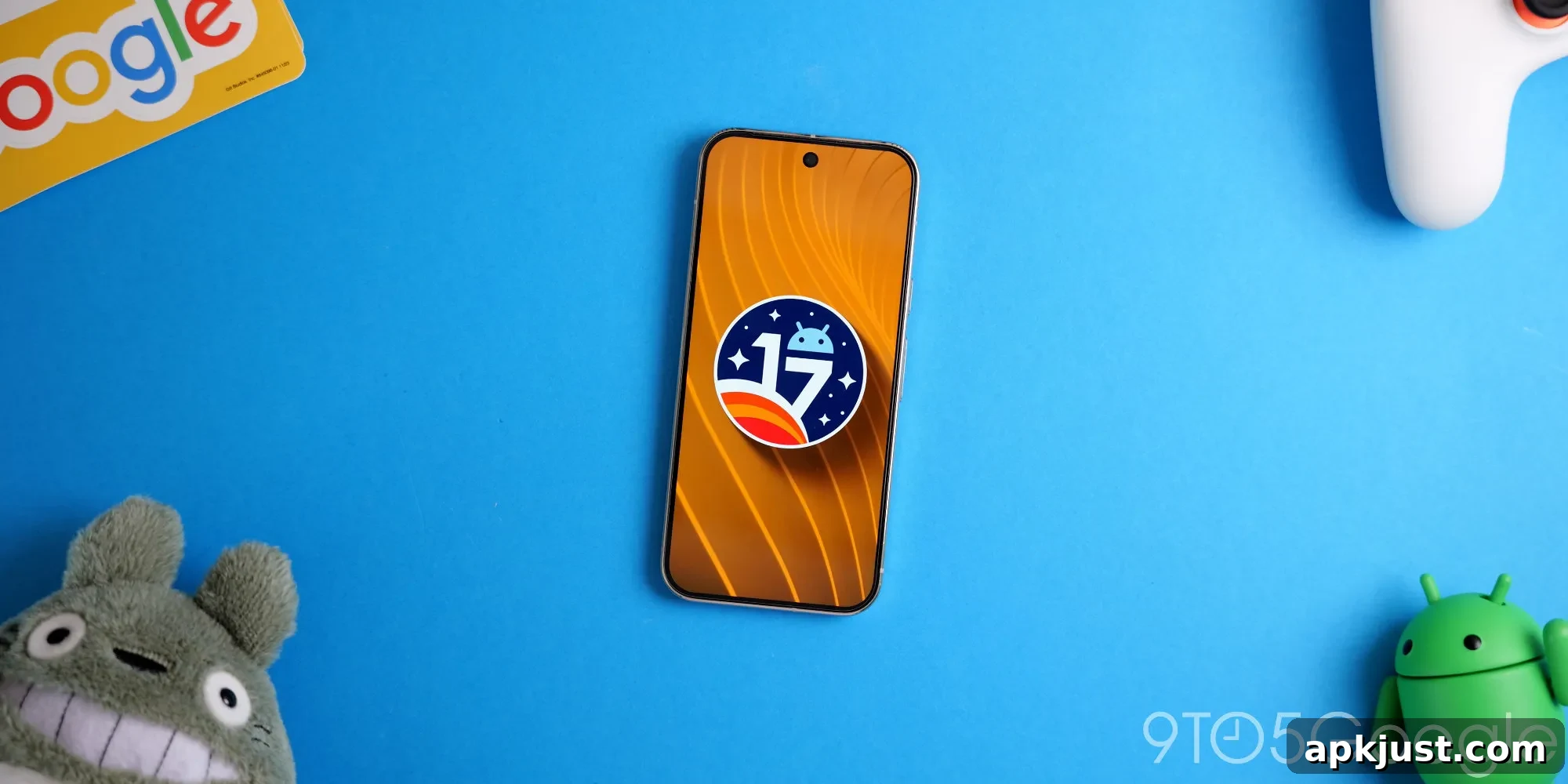
While smaller than the previous release, Android 17 QPR2 Beta 4 is still a significant update as Google prepares the stable release slated for December.
Over the next several hours we’ll walk through Android 17 QPR2 Beta 4’s notable additions and refinements. This summary highlights user-facing improvements, visual tweaks, and important bug fixes. Screenshots comparing Beta 3 (left) and Beta 4 (right) accompany many sections below.
If you want to try the beta on supported Pixel devices such as Pixel 6a, Pixel 7 series, Pixel Tablet, Pixel Fold, Pixel 8 series, Pixel 9 series, Pixel 10 series, and other compatible models, see the linked step-by-step installation guide for details and requirements.
Updating…
Voice broadcast Quick Settings Tile
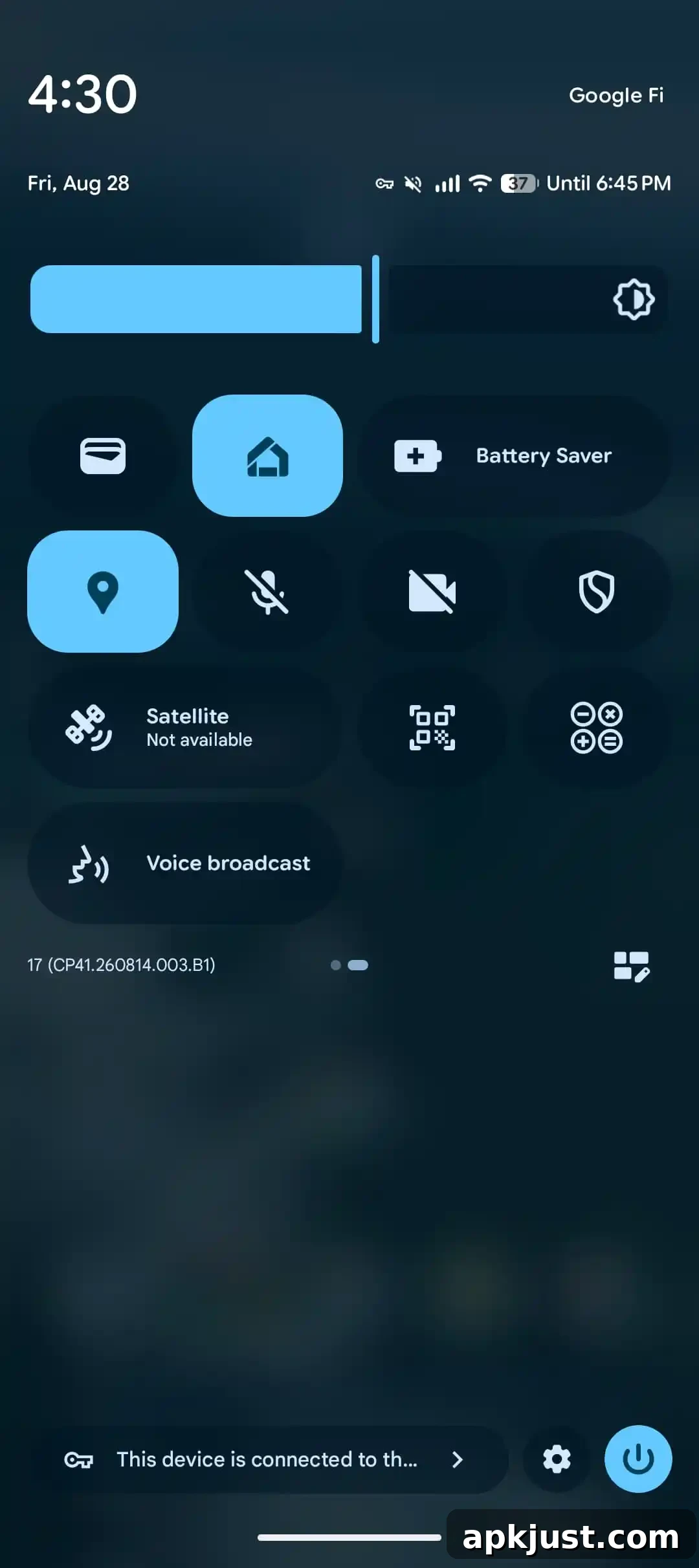
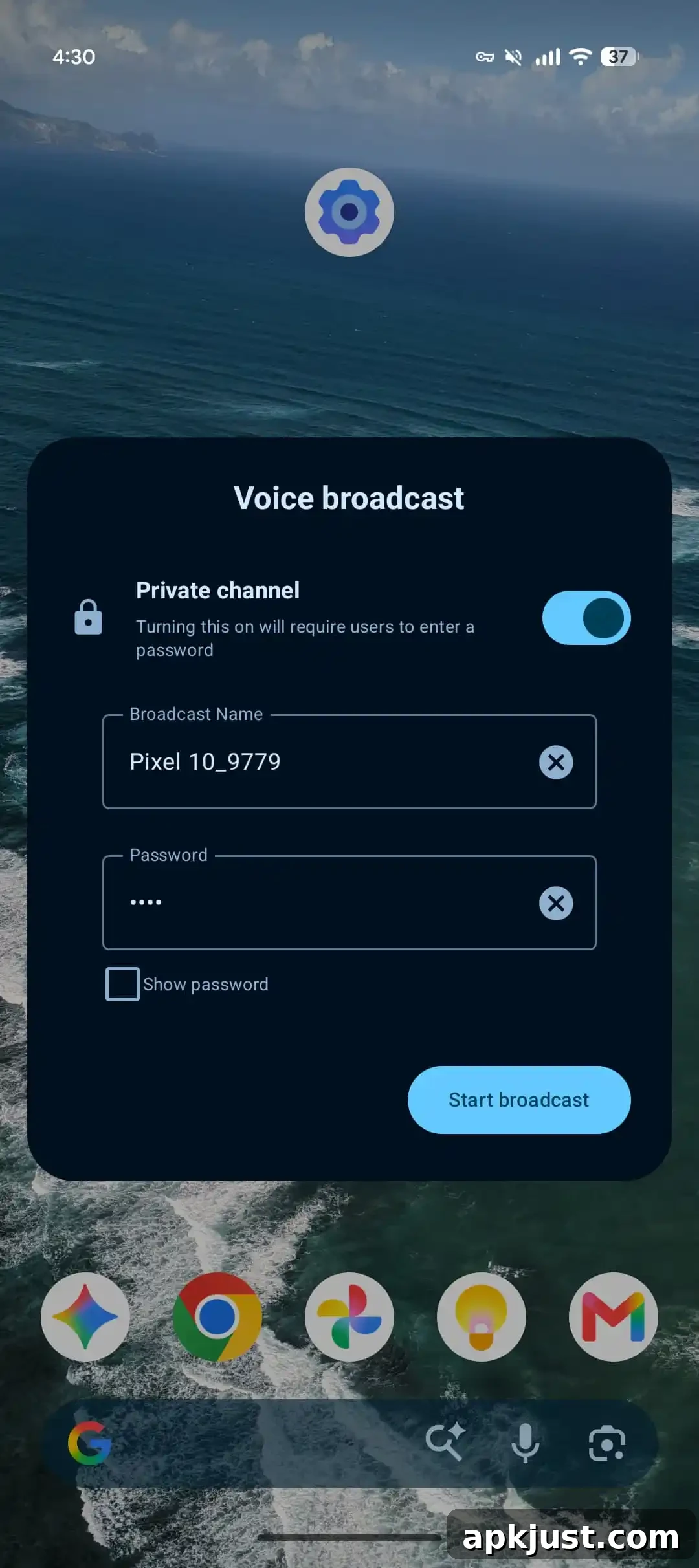
Beta 4 introduces a dedicated Quick Settings tile for Voice Broadcast. This tile provides fast access to broadcast controls and makes it simpler to start or stop voice announcements directly from the notification shade. The design follows Android’s standard tile sizing while improving discoverability for the feature.
New Notification intelligence menu
- Consolidates AI-powered notification summaries, the notification organizer, and the Notification cooldown setting into a single, clearer menu.
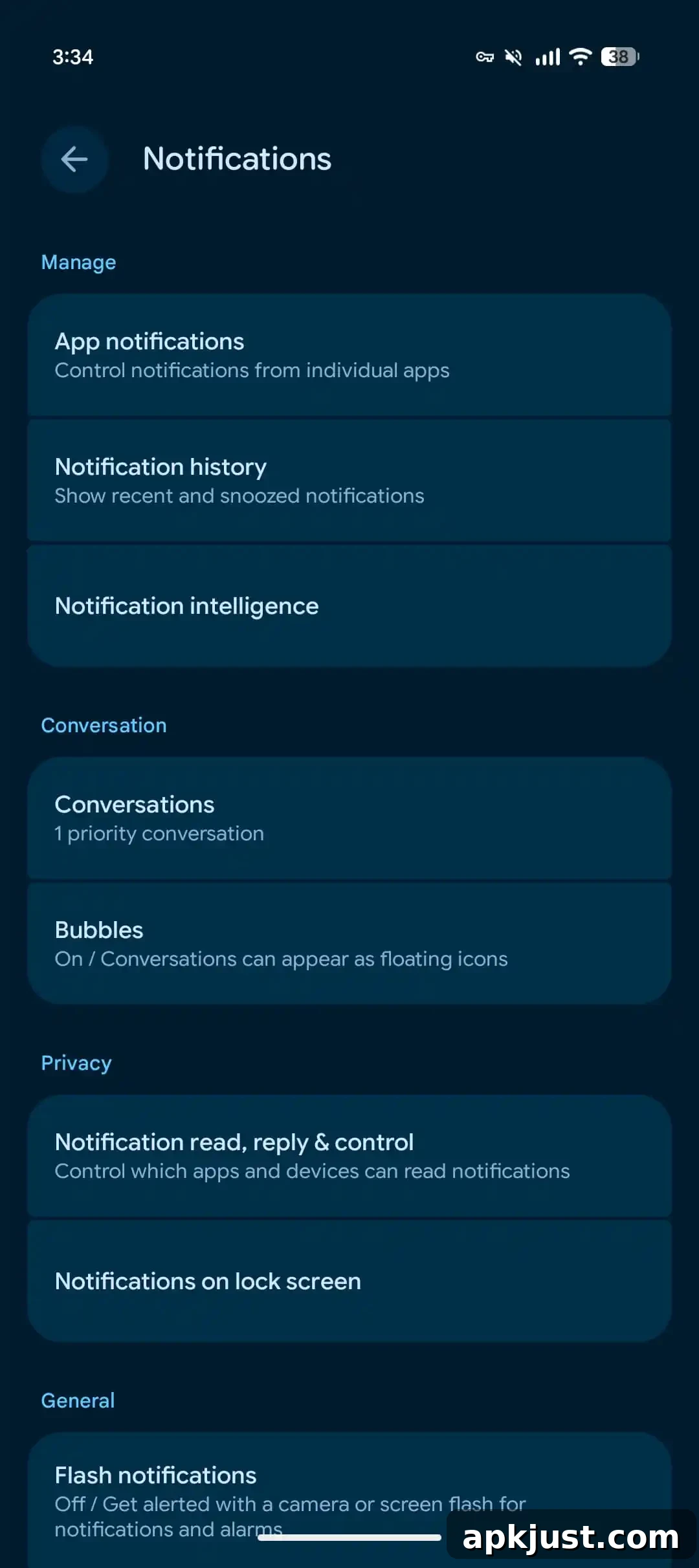
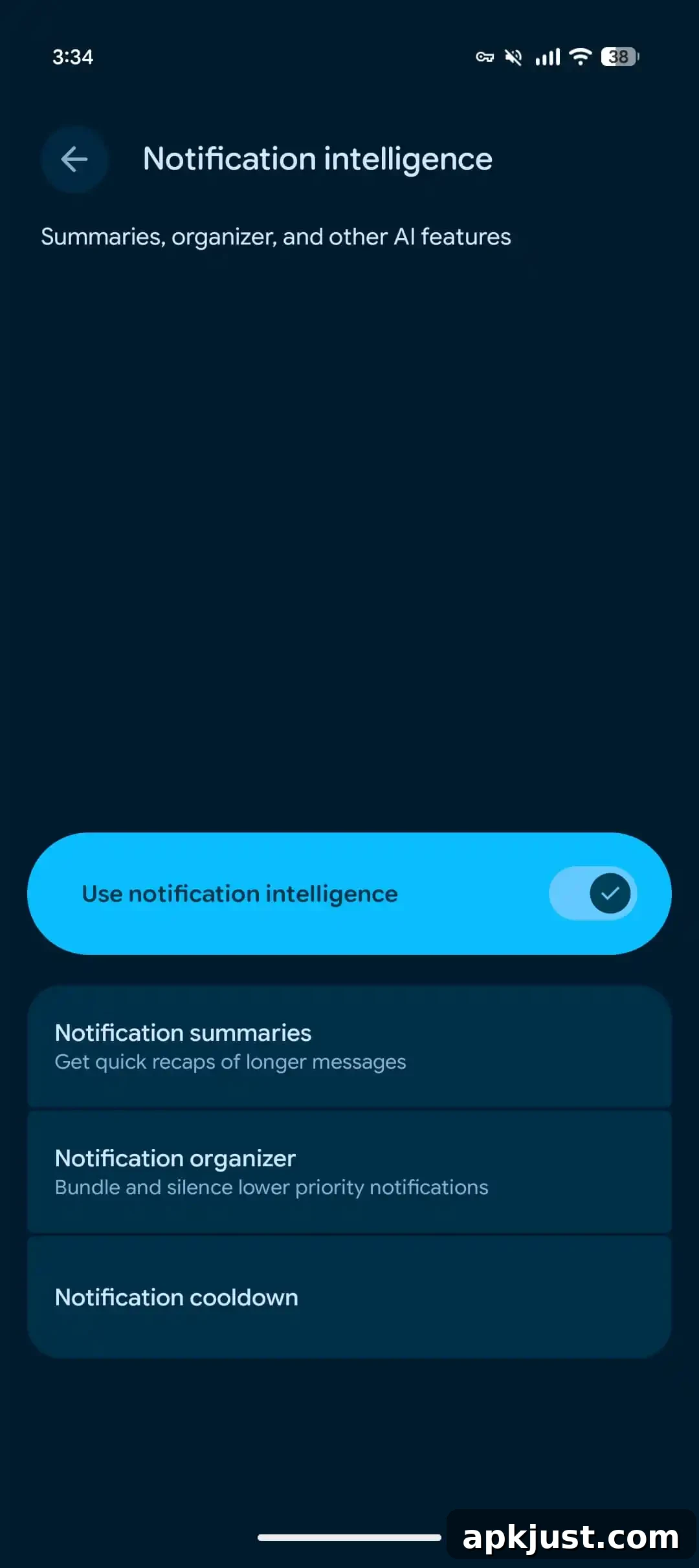
The new Notification intelligence menu centralizes controls related to how notifications are grouped, summarized, and paced. Users can more easily configure AI-driven summaries, manage which apps are prioritized, and set cooldown intervals so notification bursts are smoothed out. This consolidation reduces settings fragmentation and helps users fine-tune notification behavior without jumping between multiple screens.
New badges in Wallpaper & style
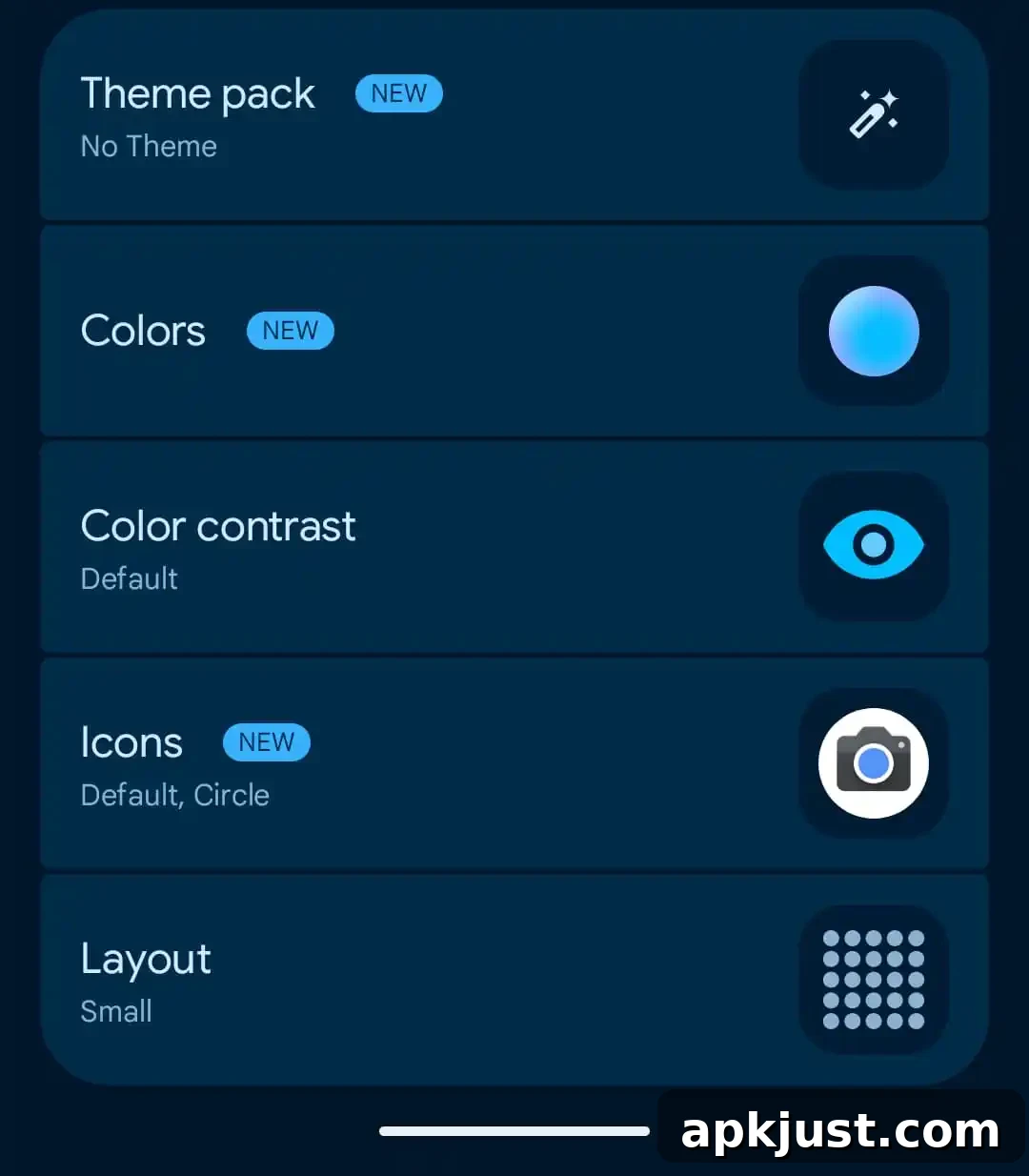
Wallpaper & Style receives additional badge options that let you emphasize accent colors, shapes, and icon badges directly from the personalization settings. These changes improve visual consistency across the system and make it easier to preview how badges and theme elements will appear on the home screen and in the launcher.
Long-press menu tweak
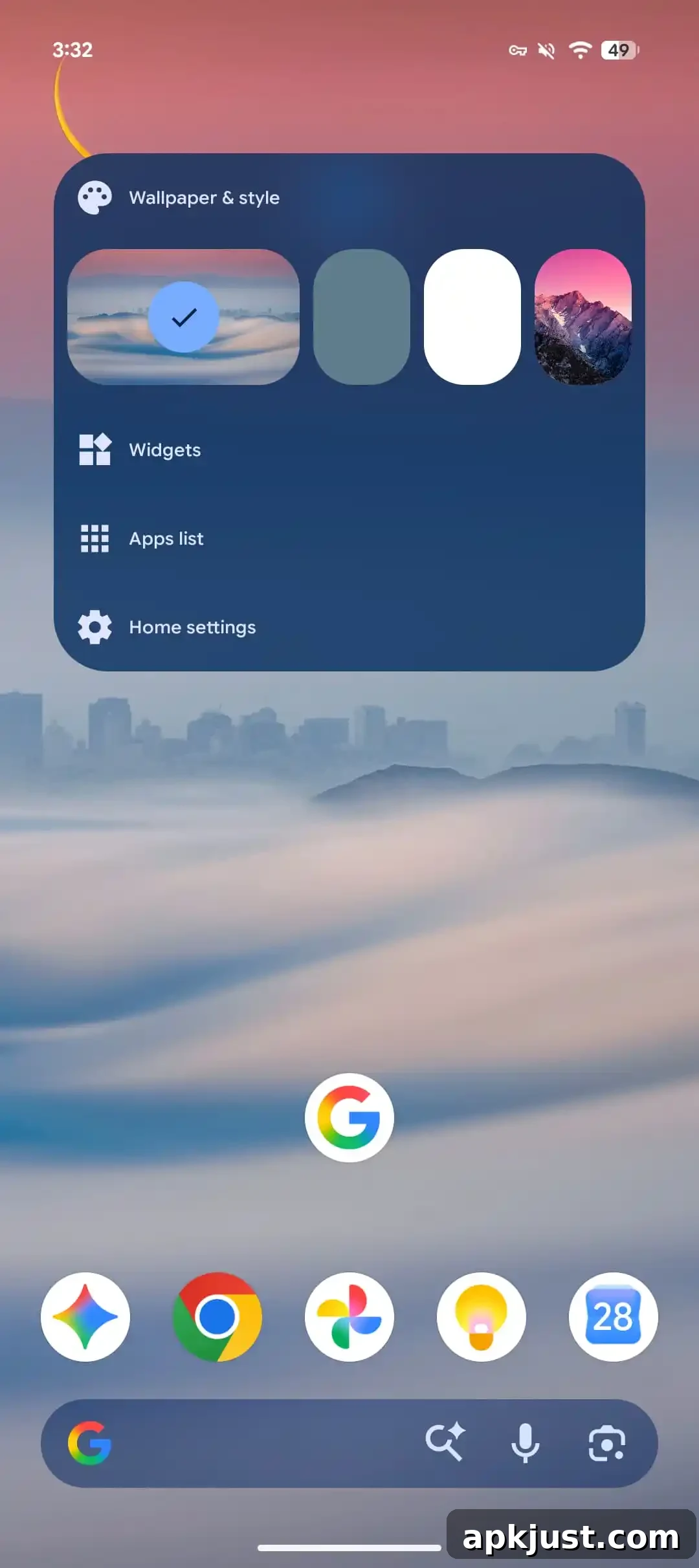
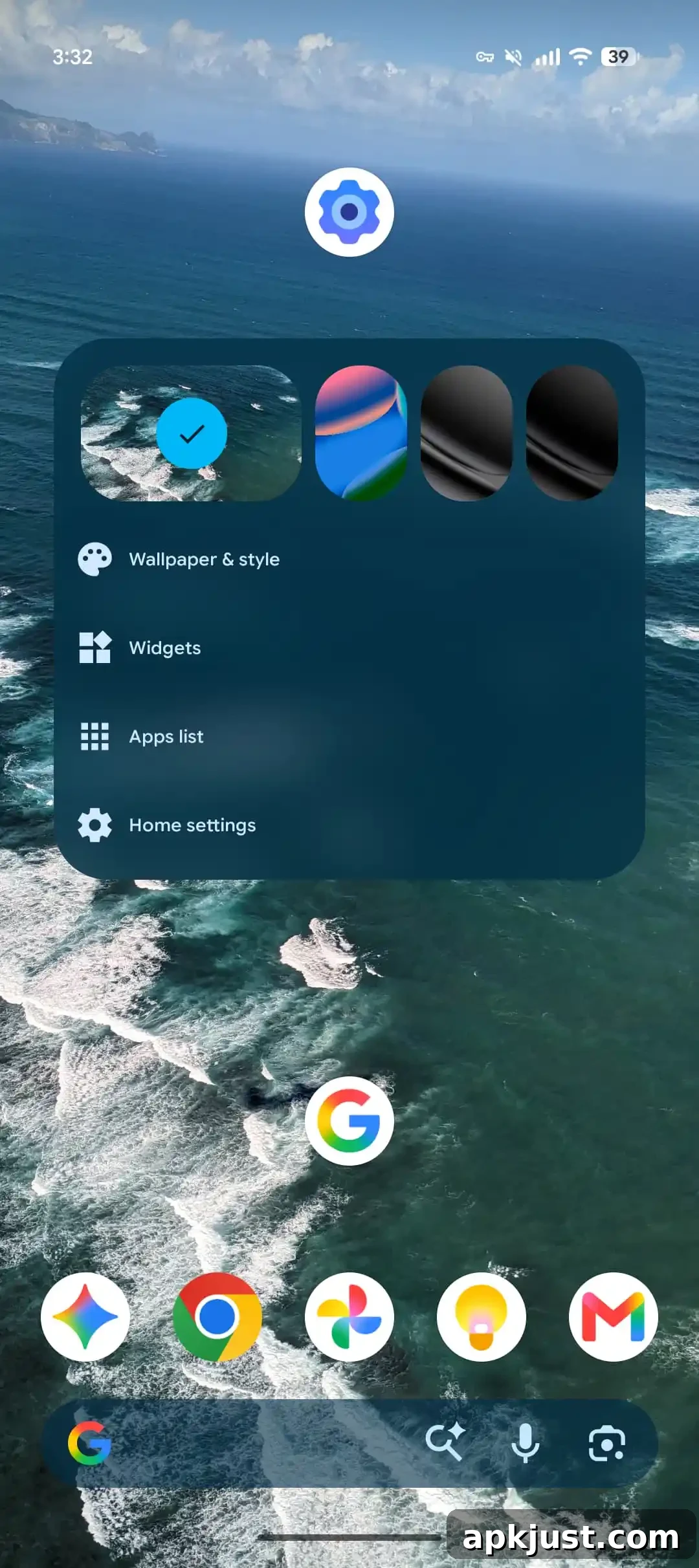
The long-press context menu has been refined for speed and clarity. Options are reordered to prioritize the most commonly used actions, and small layout changes reduce accidental taps. Overall responsiveness when invoking the menu has improved compared to earlier betas.
Status bar customization
Learn more
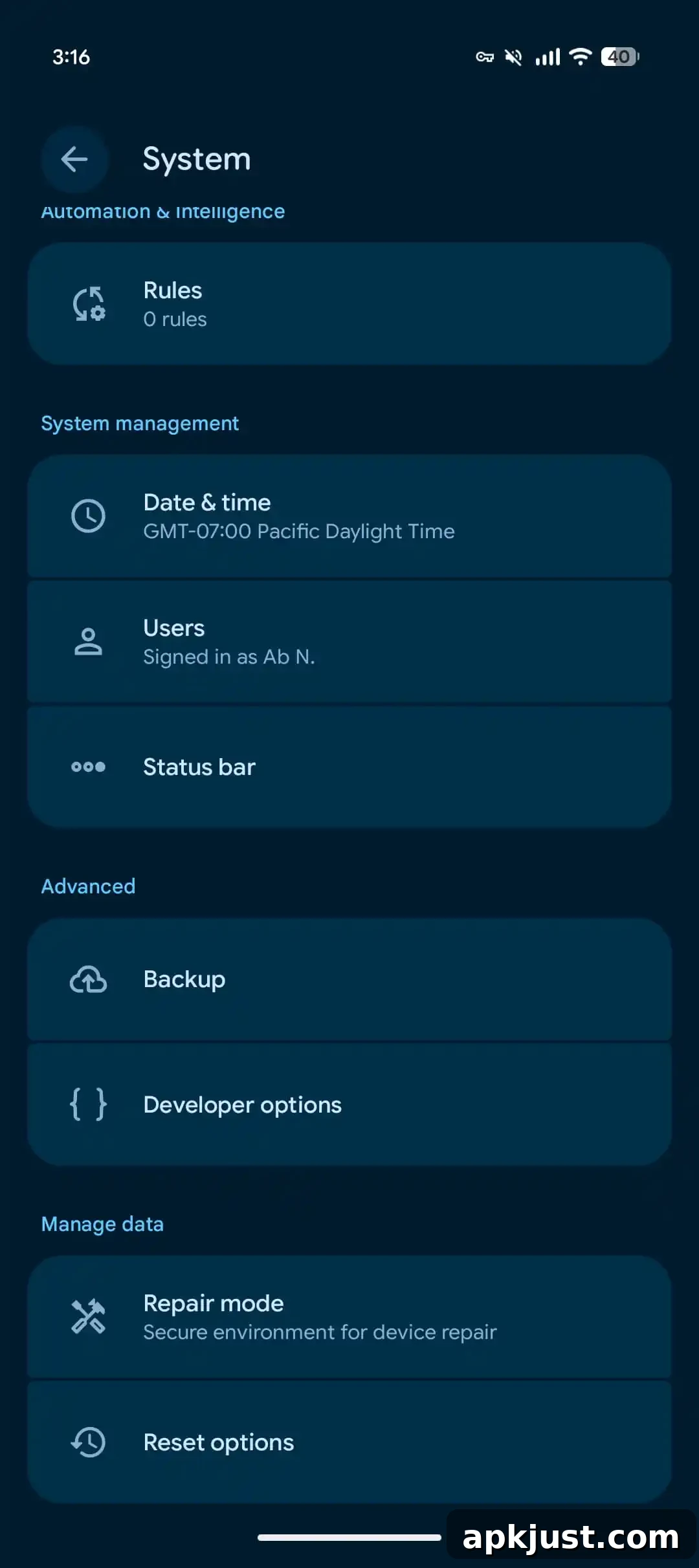
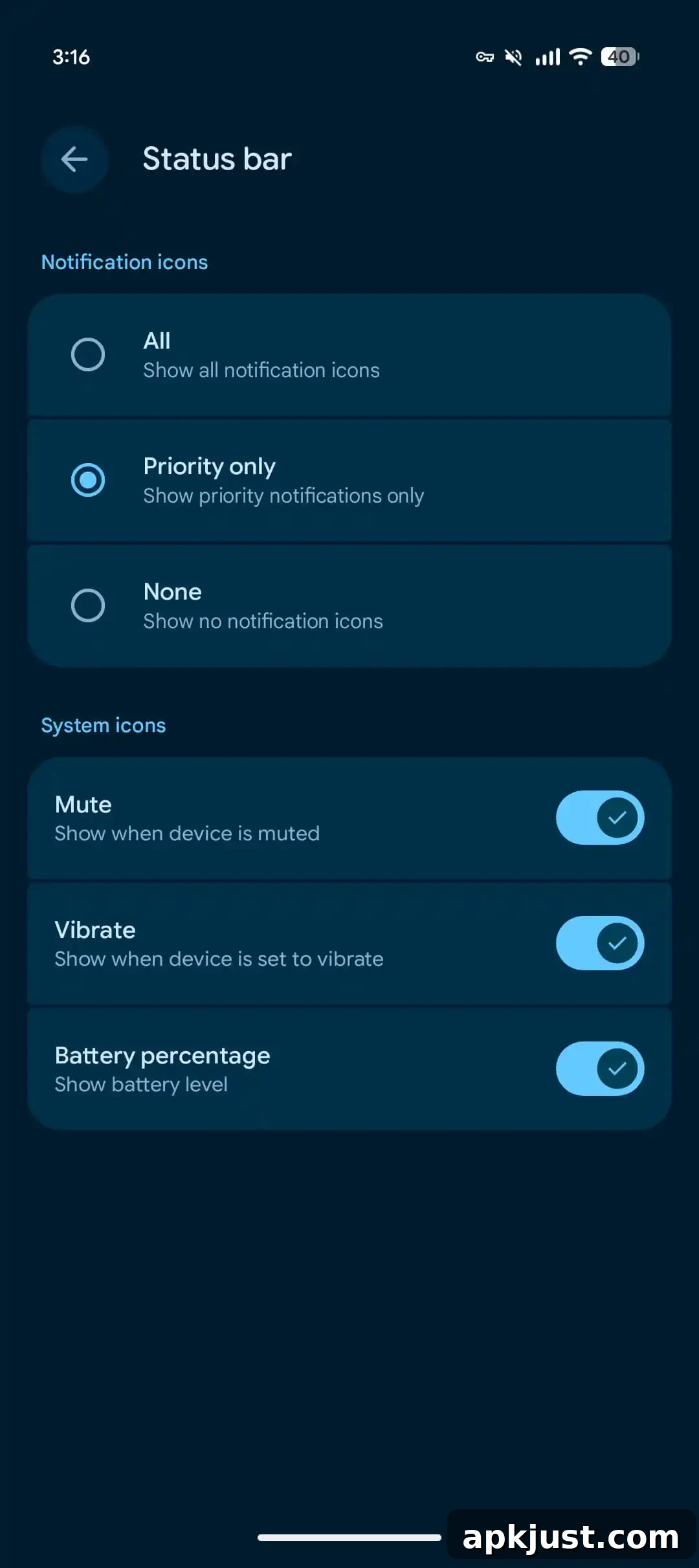
Status bar customization options continue to expand, giving users finer control over which icons appear and how system information is displayed. Settings now make it simpler to hide or reveal specific indicators, adjust icon density, and tailor the status bar layout to individual preferences.
Pixel 11 support is coming
A build labeled CP41.260814.003.C2 targets the Pixel 11 series — including Pixel 11, Pixel 11 Pro, Pixel 11 Pro XL, and Pixel 11 Pro Fold — but it was not yet available at the time of this update. Google lists this build as “coming soon,” indicating official support for those models is imminent.
Platform stability milestone
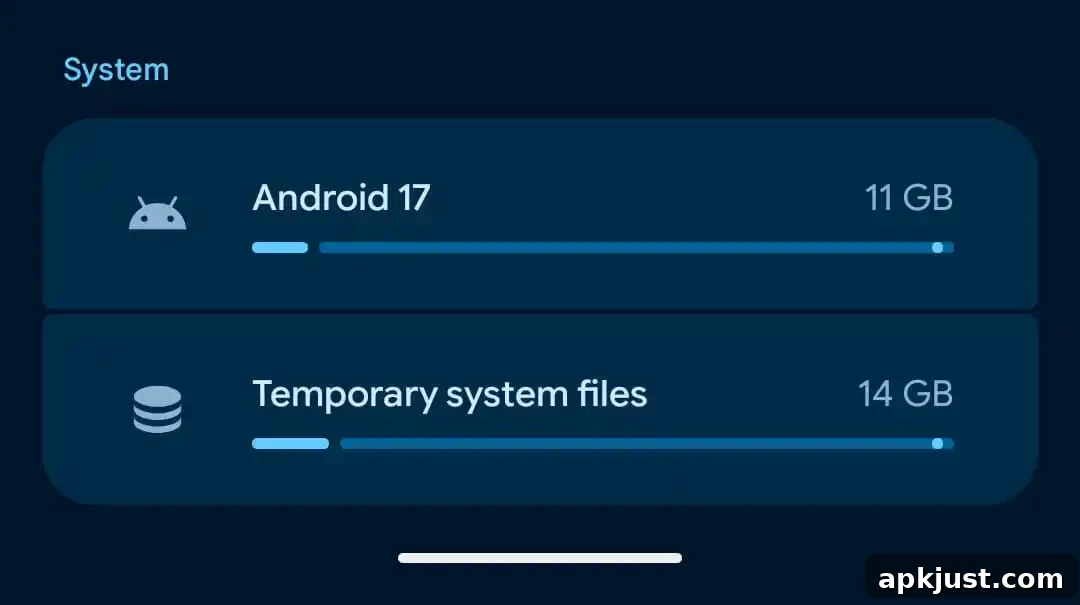
Android 17 QPR2 Beta 4 reaches an important platform stability milestone. At this stage, API behaviors and core platform features are expected to remain stable for developers and OEM partners, which reduces the risk of compatibility regressions as the release moves closer to finalization. This milestone also helps app developers finalize compatibility testing ahead of the stable rollout.
Bug fixes
- Fixed an issue where enabling the developer setting to render apps below the display cutout could leave the launcher status bar transparent after exiting fullscreen video playback. (Issue #295747911)
- Resolved a thermal management bug that could cause devices to overheat and reboot unexpectedly. (Issue #437116407)
- Addressed a problem preventing screen mirroring to certain external USB-C XR glasses. (Issue #439269938)
- Fixed gesture navigation becoming unresponsive when apps rendered under the display cutout. (Issue #441378954)
- Corrected excessive charging time caused by the 80% battery limit optimization near the last 2% of charge. (Issues #477009501, #476803337)
- Patched several launcher issues where searches in the app drawer failed to accept or process typed input. (Issues #505157934, #527921034, #530531588, #537704656)
- Restored the background blur effect behind the navigation bar when invoking the power menu via hardware buttons. (Issue #537202501)
- Fixed cases where phone calls defaulted to the phone speaker instead of a connected Bluetooth device. (Issues #537908014, #541501134, #541772860, #545047074)
- Resolved a Recents app switcher rendering bug that could freeze the first task card and clip it behind other cards during horizontal scrolling. (Issues #530484511, #505564040, #545574713, #551022006)
- Fixed an audio service resource lock during screen recording that prevented microphone input across apps and keyboards until a restart. (Issue #538229807)
- Corrected a System UI inconsistency where turning off the screen from the home screen used a plain fade instead of the proper power-button screen-off animation. (Issue #541261786)
- Improved dark mode contrast so the connected Wi‑Fi settings cog is clearly visible. (Issue #536320341)
- Fixed a bug where enabling 3D mode on connected smart glasses produced a blank screen. (Issue #536628506)
- Addressed several issues where the notification bar could not be pulled down fully in certain states. (Issues #539244095, #547801203, #547017781, #546896889, #547163658, #547281675)
- Patched a PowerVR GPU driver issue that could cause WebGL apps or the browser to freeze or crash when combining shadow maps with vertex color attributes. (Issue #541322087)
- Fixed low-light Face Unlock failures that bypassed Fingerprint Unlock and forced a PIN fallback. (Issues #547597971, #545329611, #541723970)
Overall, QPR2 Beta 4 focuses on polish and stability while adding a few useful user-facing features. Expect additional refinements as Google moves toward the final December release; testers should continue to report issues so they can be addressed before the stable rollout.