

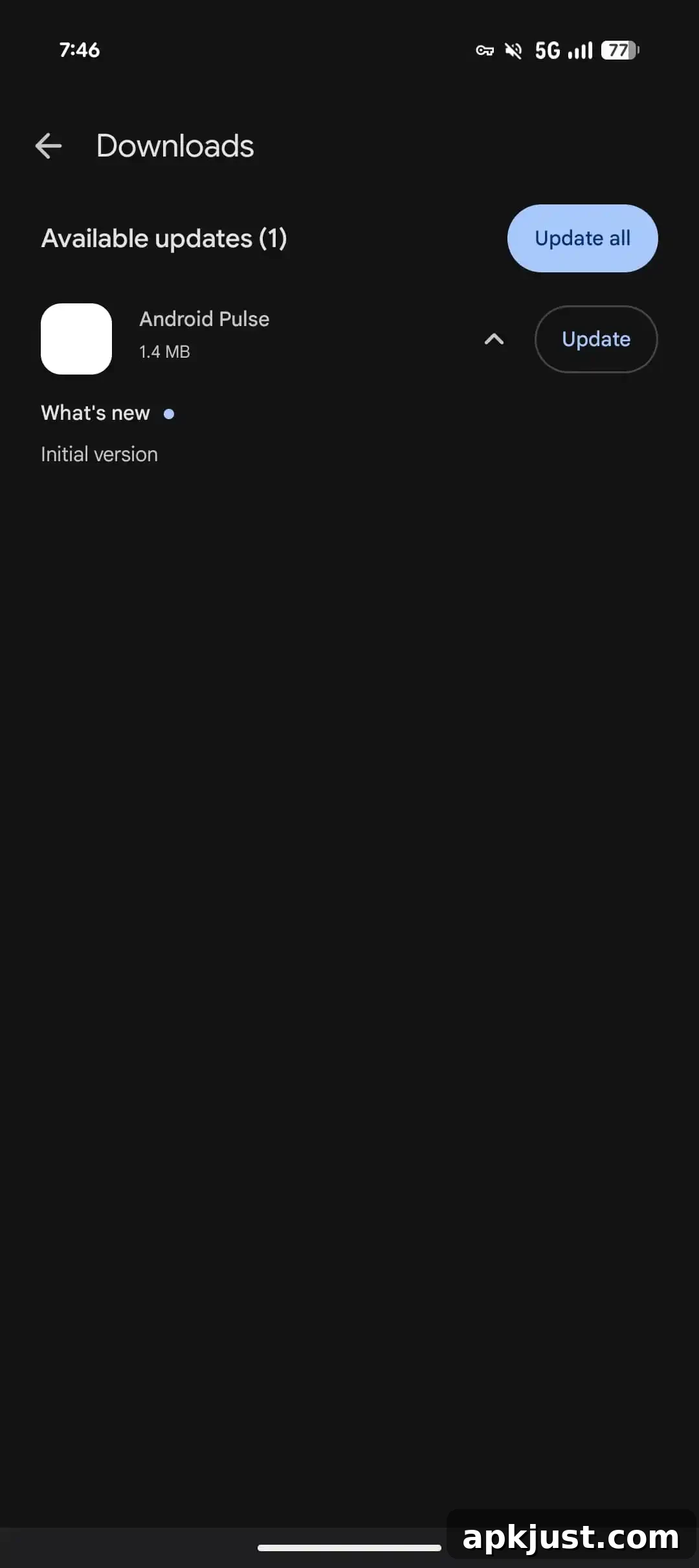
On Saturday morning you may have noticed a new entry called “Android Pulse” appearing among available Google Play updates. The unexpected listing prompted questions about what the app is and whether it is safe to install.
Update 8/25: Google has clarified that Android Pulse is a legitimate Google system service.
Google system services updates make your Android devices more secure and reliable, and give you new and useful features.
— Google spokesperson
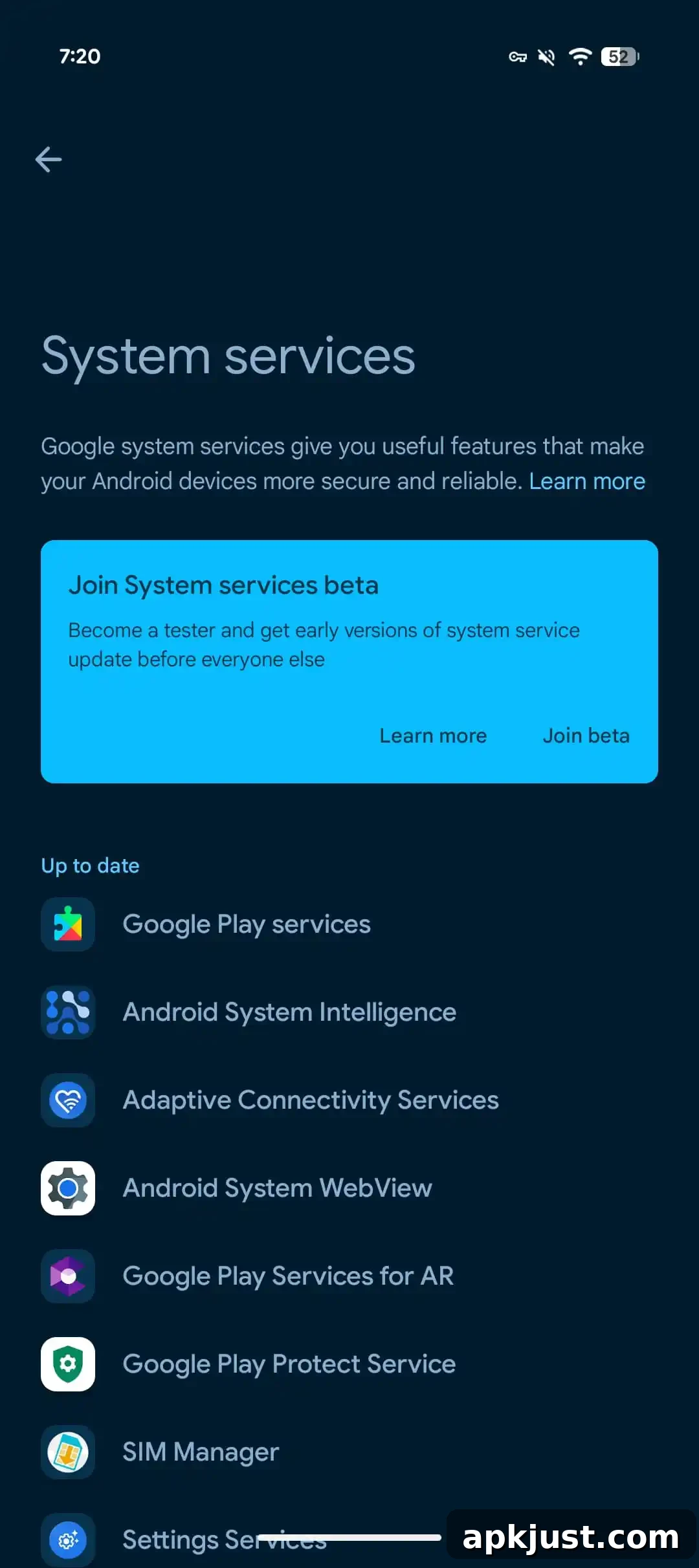
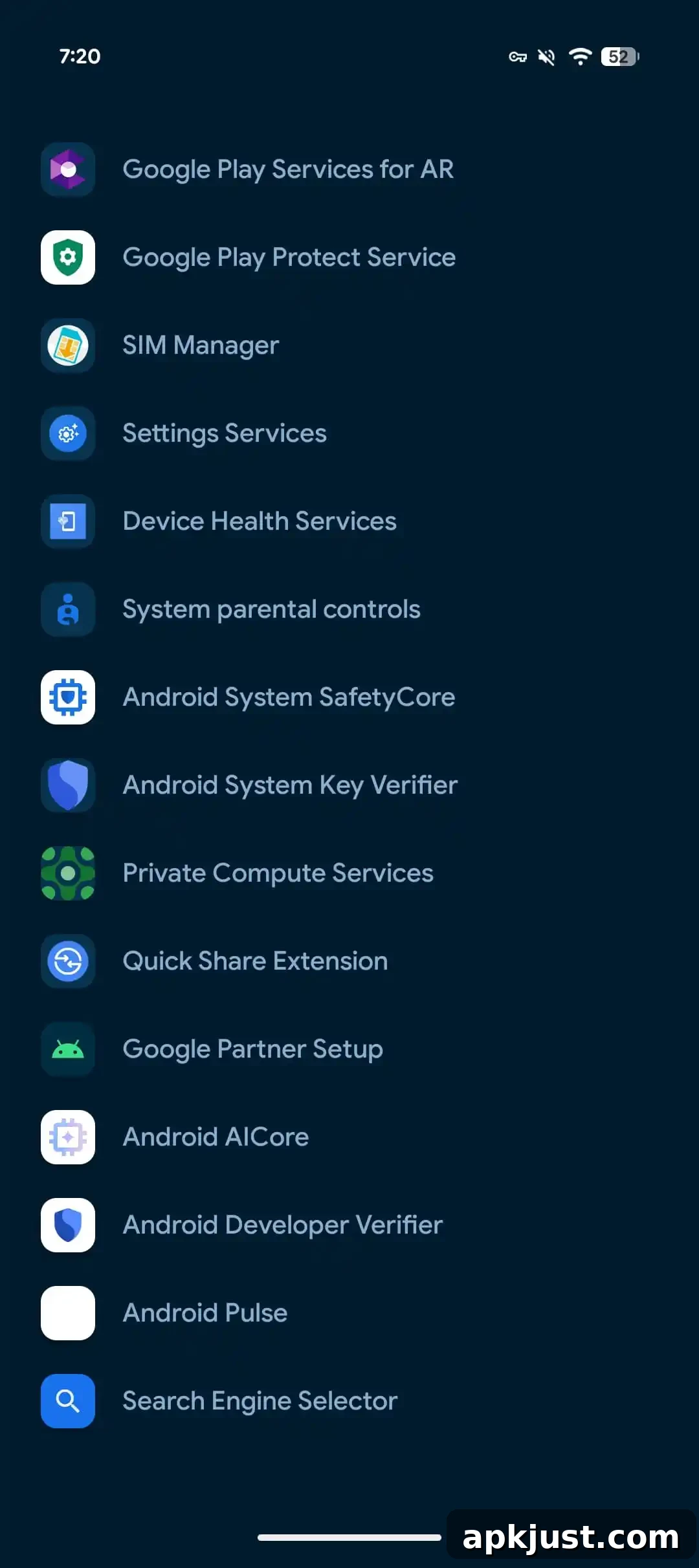
Google says the app’s appearance in the Play Store was accidental. The company pushed an update so the entry now appears in system settings alongside other core services such as Google Play services and Android System Intelligence. On Pixel devices you can find it by opening Settings > Google services > All services > Privacy & security > System services.
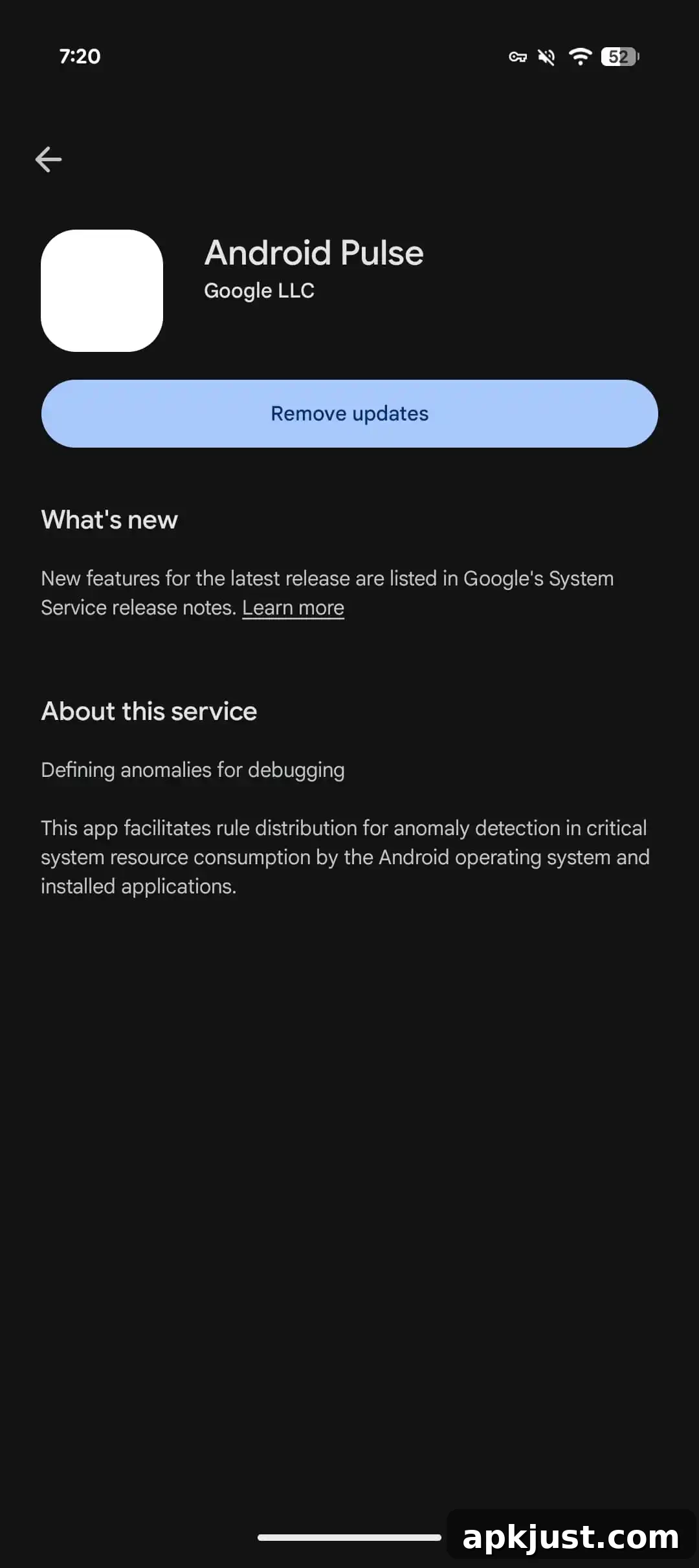
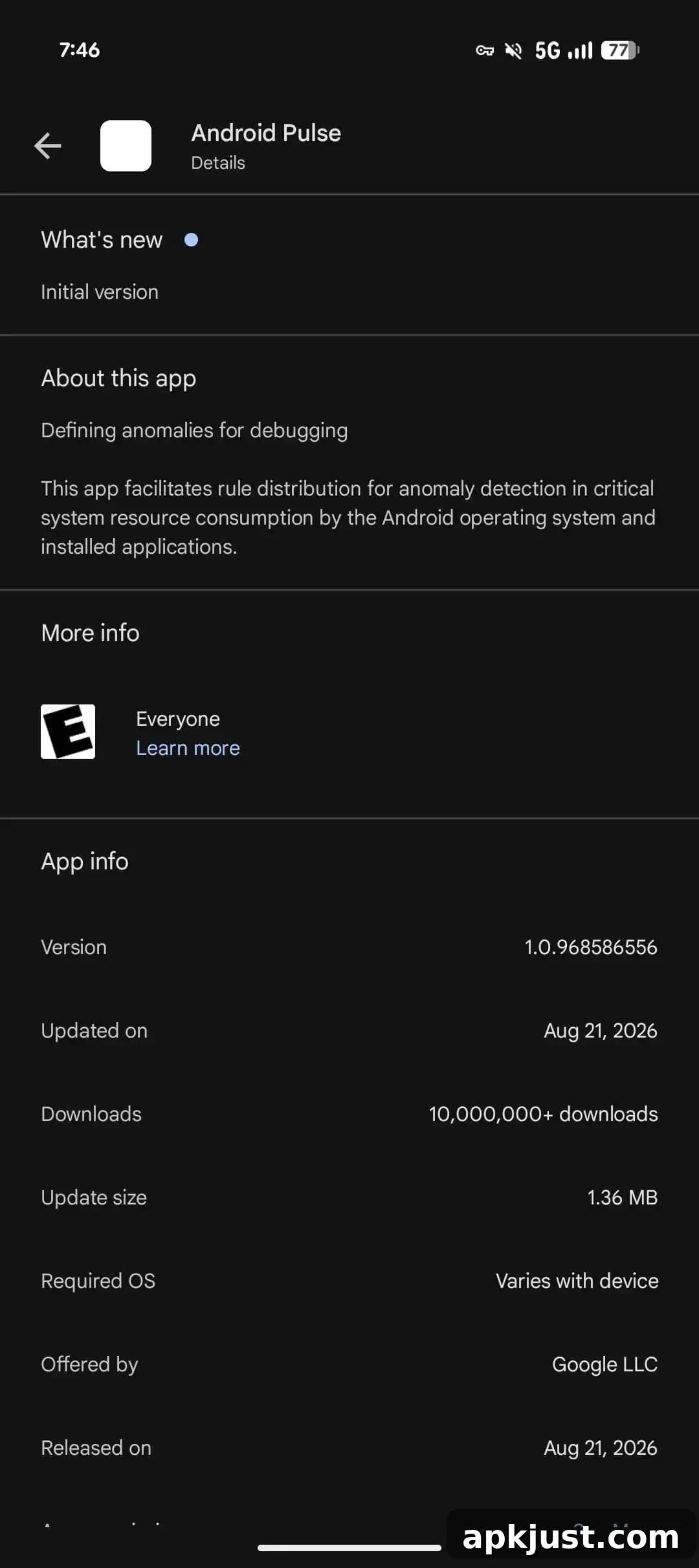
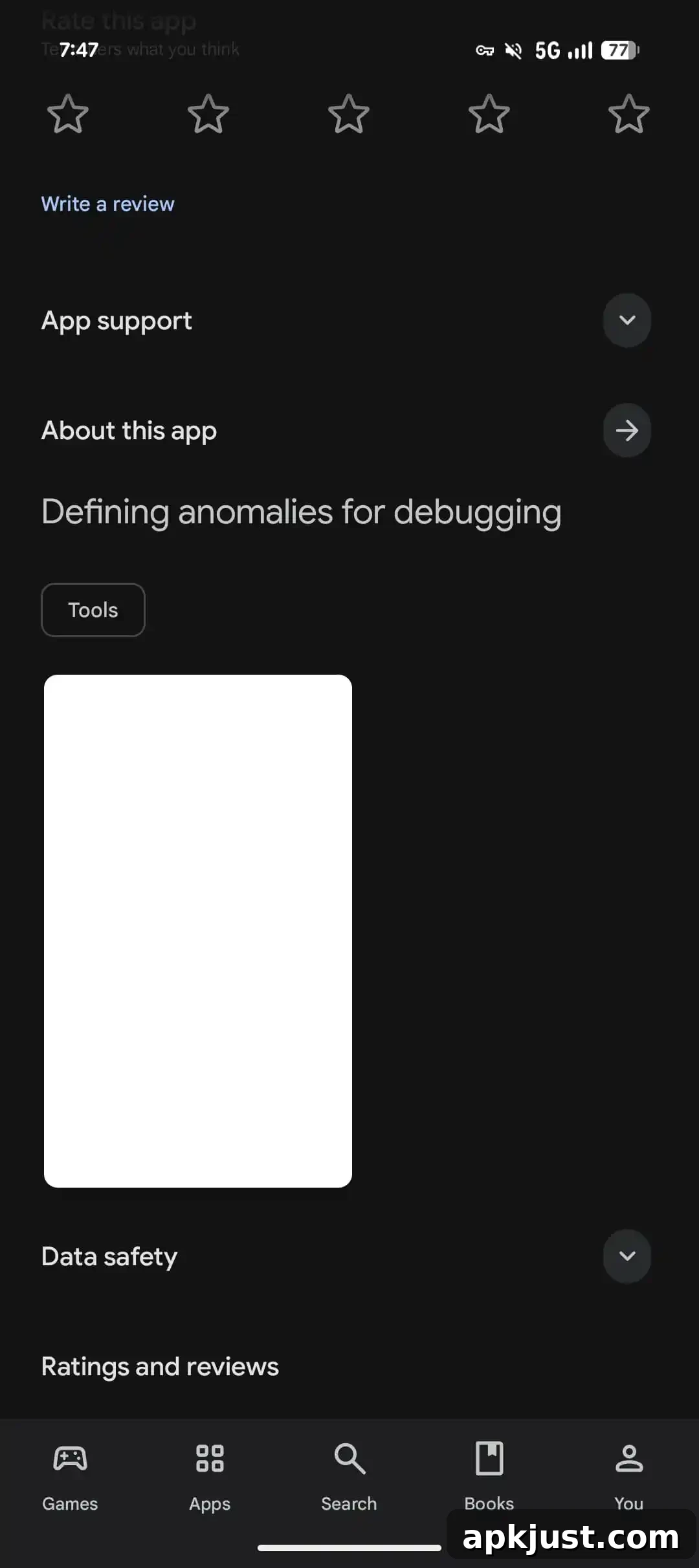
Original 8/22: Instead of a normal app icon, the Play Store listing shows a blank square for Android Pulse. The listing itself makes clear this is a first-party Google utility intended for defining anomalies for debugging, not a malicious program.
com.google.android.apps.pulse
Google adds that the app “facilitates rule distribution for anomaly detection in critical system resource consumption by the Android operating system and installed applications.” In plain terms, it helps distribute rules used to detect unusual system behavior that could affect device performance or stability.
What does Android Pulse do?
The official description is technical and not aimed at end users, but the practical role of Android Pulse appears straightforward. It is a backend service without a user-facing interface that assists with diagnostics and anomaly detection for the operating system and installed apps. The phrase “critical system resource consumption” likely refers to metrics such as battery drain, CPU usage, and memory consumption. By distributing detection rules, the service helps the OS identify unusual or harmful patterns and take appropriate action or flag issues for developers to investigate.
On Pixel devices the app is already present and appears in system settings under the simple label “Pulse.” The App info screen displays a small green icon that resembles a heart rate or pulse line, consistent with its diagnostic and monitoring purpose.
Let us know if you’re seeing this app or update on non-Pixel devices
Analysis of package histories shows Android Pulse has been around for several months, receiving multiple builds since its first appearance. Play Store statistics indicate millions of installs, reflecting that the service is already widely deployed on compatible devices. What made this instance notable was that the app briefly appeared in the Play Store as a manual update users could trigger, rather than remaining solely a background system service updated using Google’s internal mechanisms.
That unexpected visibility raised questions about whether Google intended to make the app user-installable or if the listing was published prematurely. Google’s statement that the Play Store appearance was accidental and that the listing has been correctly placed in settings aims to reassure users that Android Pulse is a benign, Google-authored system component. In short, Android Pulse is a system diagnostic service that is safe to have on your Android phone and is part of Google’s ongoing effort to keep devices secure, stable, and performing well.