
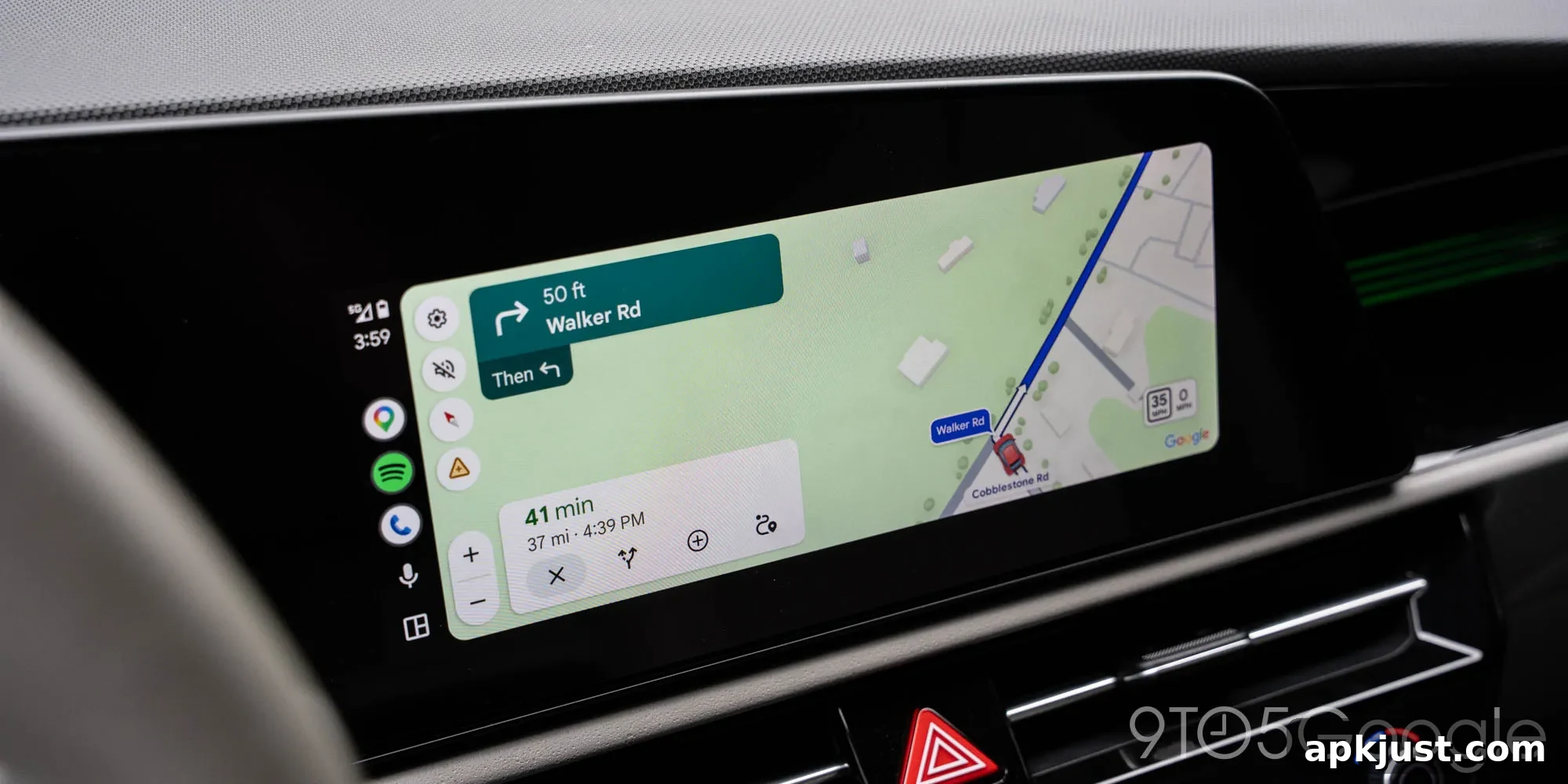
Some users experienced random Android Auto disconnects and freezes in recent weeks. According to Google, the problem should be resolved with recent updates to the Android Auto app.
Over the past month or two many drivers reported Android Auto freezing or disconnecting unexpectedly, sometimes happening every few minutes. Reports came from a wide range of phone and vehicle combinations, with no single model or car make consistently at fault. While the issue did not affect every user, it appeared frequently enough to be a significant annoyance for those relying on Android Auto for navigation, media, and hands-free communication while driving.
Unreliable connections or sudden app freezes are especially troubling for a platform used behind the wheel, where clear and consistent navigation and audio are important for safety and convenience. Users facing these interruptions were understandably eager for a reliable fix that would restore normal operation without the need for complex workarounds.
In response to user feedback, Google confirmed that the problem has been addressed. A Community Specialist noted that updates to Android Auto beginning with version 17.4 include a fix intended to stop the frequent disconnects and unexpected freezes. Users are encouraged to update their app to the latest stable release to receive this repair.
Thank you for your feedback. We are pleased to report that the team has implemented a fix. Please update your Android Auto app to the latest version (17.4 or above), which should solve the problem.
Version 17.4 is broadly available via the Play Store, and version 17.5 has appeared in beta testing and is starting to roll out to stable users as well. Installing the most recent version of the app is the simplest step for most people to resolve connectivity and freezing issues. If you rely on Android Auto regularly, keeping the app up to date helps ensure you have the latest stability and compatibility fixes.
More on Android Auto:
- Google Maps rolling out Immersive Navigation and a speedometer in Android Auto to more users
- The best wireless Android Auto adapter recently increased in price by a small amount
- Android Auto remains a leading in-car entertainment and navigation experience despite occasional issues
If you continue to experience problems after updating to 17.4 or later, try these troubleshooting steps that can often resolve lingering issues without needing more advanced intervention:
- Restart your phone and your vehicle’s head unit or infotainment system to clear temporary software states.
- Ensure the phone’s operating system is up to date and that the Play Store shows the Android Auto app as updated.
- Try a different USB cable or USB port if you use a wired connection; low-quality or damaged cables can cause intermittent disconnects.
- For wireless Android Auto, confirm Bluetooth and Wi-Fi are enabled and that your phone’s battery optimization settings are not restricting background activity for the app.
- Clear the Android Auto app cache and, if necessary, app data from your phone’s settings, then sign in again and re-pair if required.
- If your car’s head unit has firmware updates available, check with the vehicle manufacturer or dealership for updates that improve compatibility.
Reporting persistent issues through the Android Auto support channels and community forums can help the development team identify remaining edge cases. When reporting a problem, include details such as your phone model, Android version, Android Auto app version, car make and model, whether you use wired or wireless connection, and any steps that consistently reproduce the behavior. That information can make it easier for engineers to diagnose and resolve specific compatibility problems.
Follow Ben: Twitter/X, Threads, Bluesky, and Instagram