
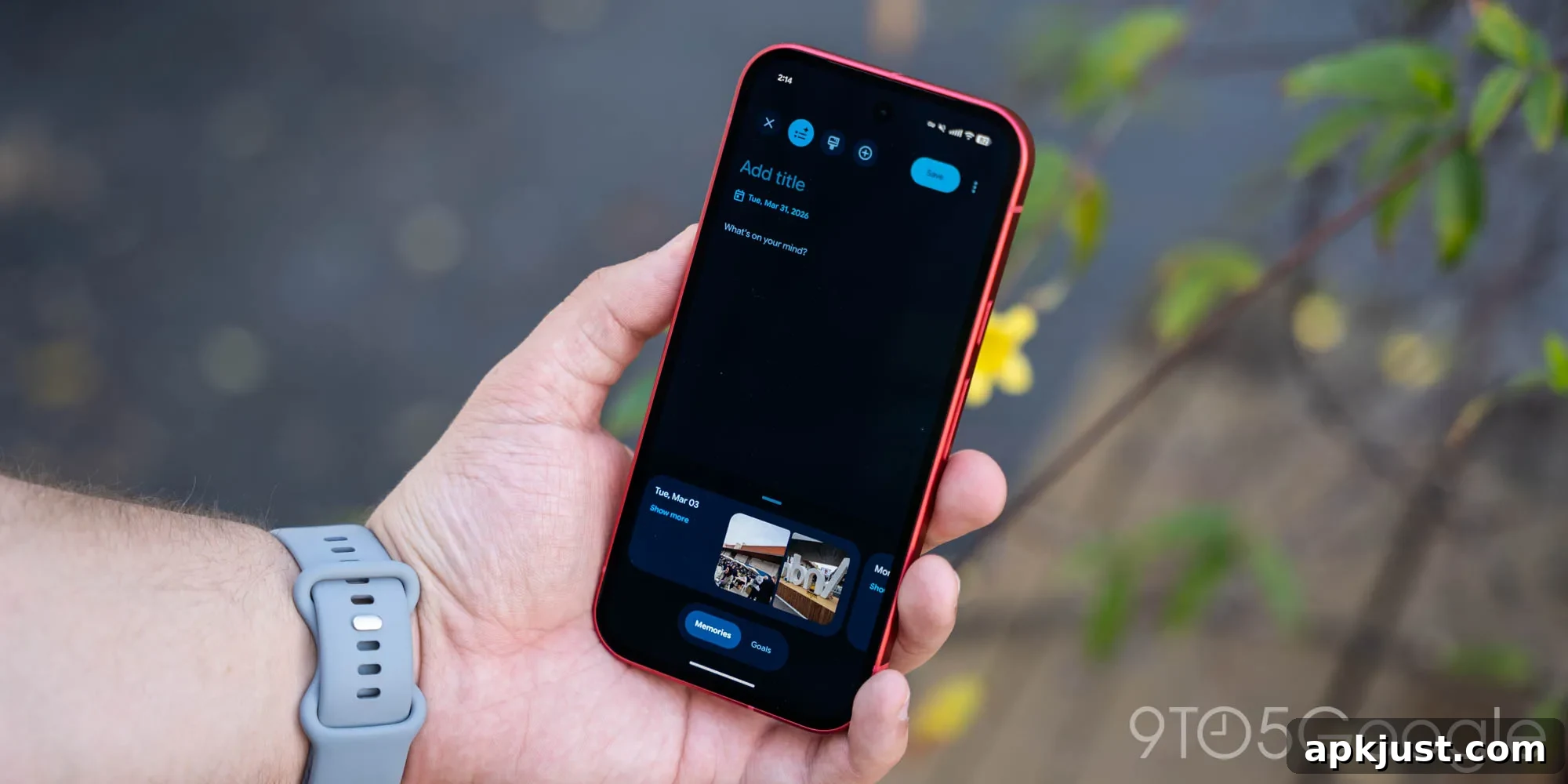
With the launch of the Pixel 11, Google has introduced several updates to the Pixel Journal app. These improvements are already appearing on many older Pixel devices, bringing new features and refinements to the journaling experience.
Update 8/20: Version 2026.07.27.x has begun rolling out broadly, and Google lists the highlights in its “Journal August 2026 Updates” changelog:
- Auto format to organize text
- Sleep data integration via Health Connect
- Daily custom routine reminders
- Interactive live map search
To enable Sleep data in Pixel Journal, go to the app’s App info page > Permissions > Health, fitness and wellness, then turn on the “Sleep” permission toggle. Once enabled, Journal can read sleep information provided by Health Connect to offer more contextual entries and insights.
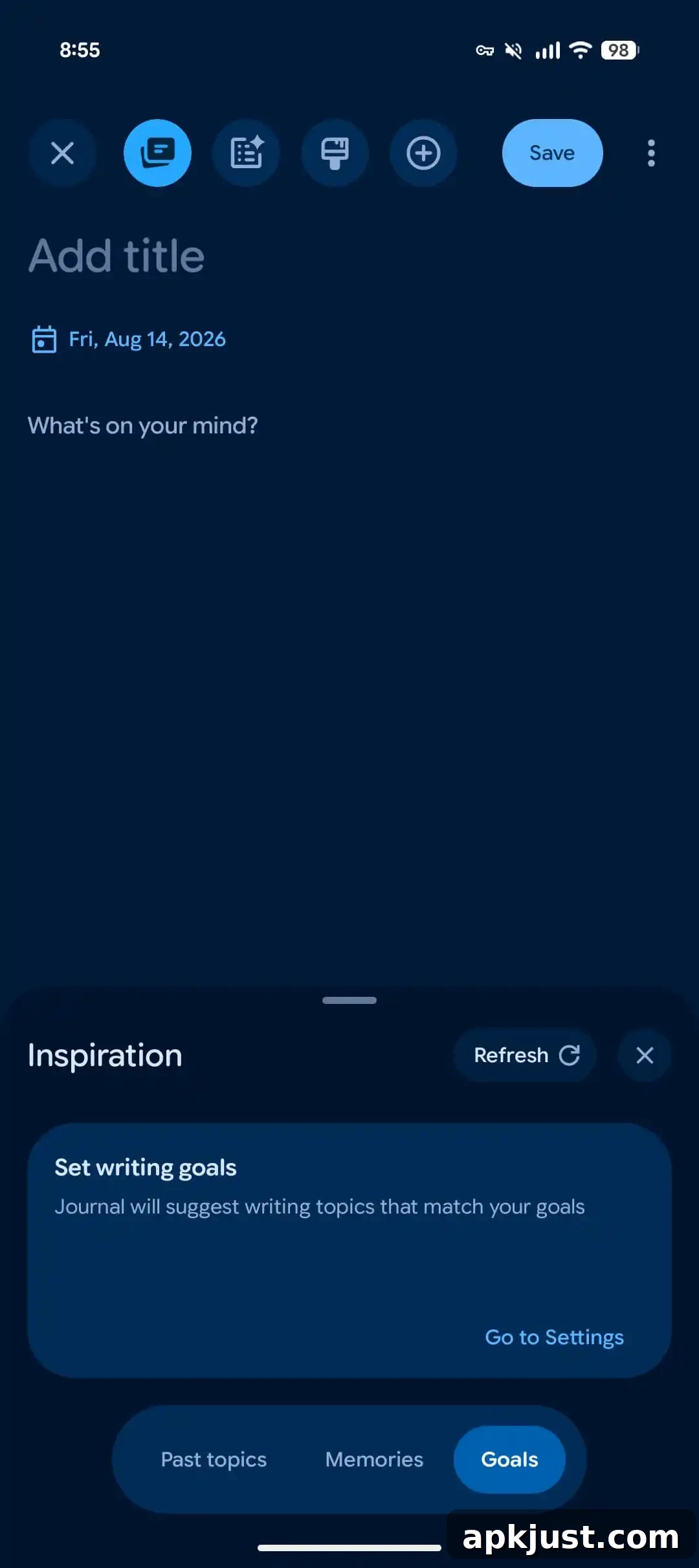
Original 8/14: On the compose screen, the Inspiration bottom sheet has been updated with a new icon, a “Refresh” capability and an explicit “Close” button for easier use while drafting entries.
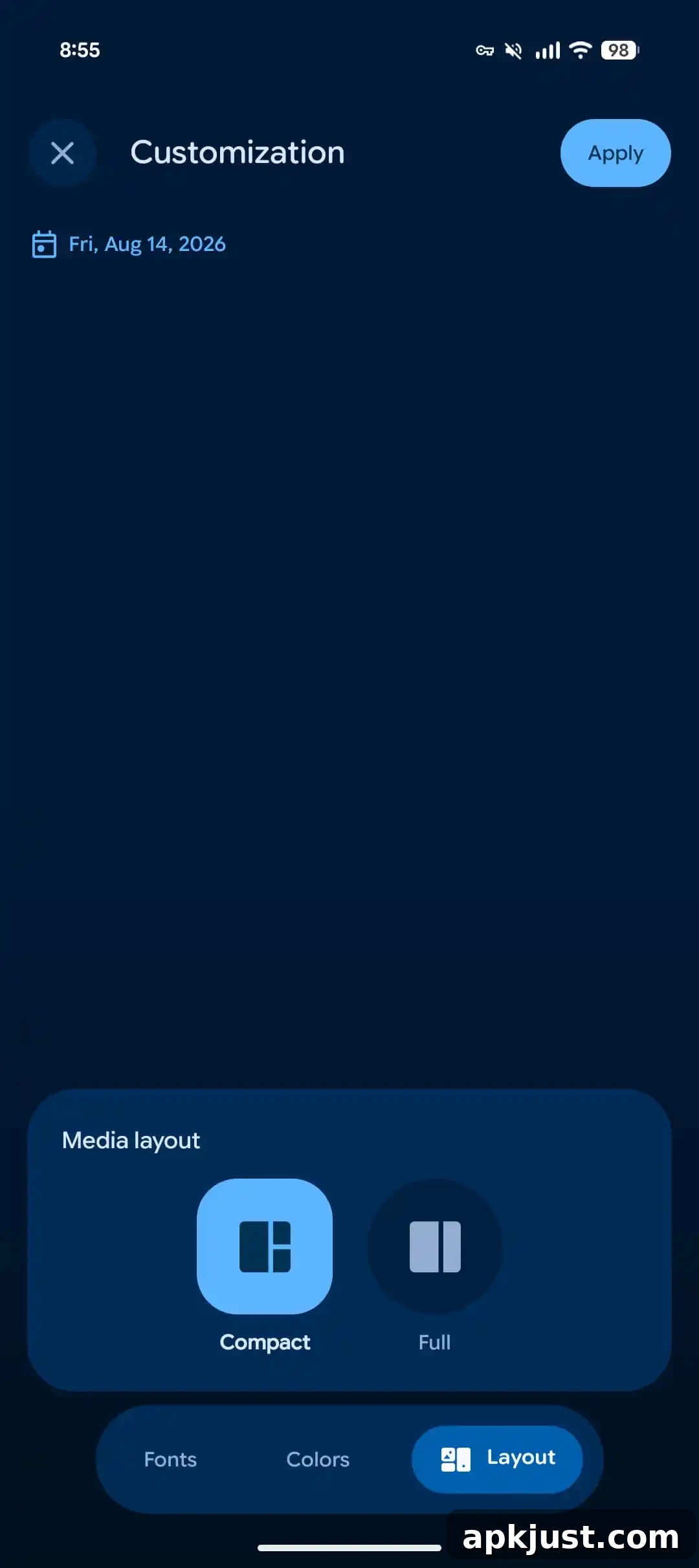
There’s also a new Customization tab that allows you to choose how media appears in an entry. You can select Compact or Full layouts to suit your reading and editing preferences, making entries look cleaner or more immersive depending on your choice.
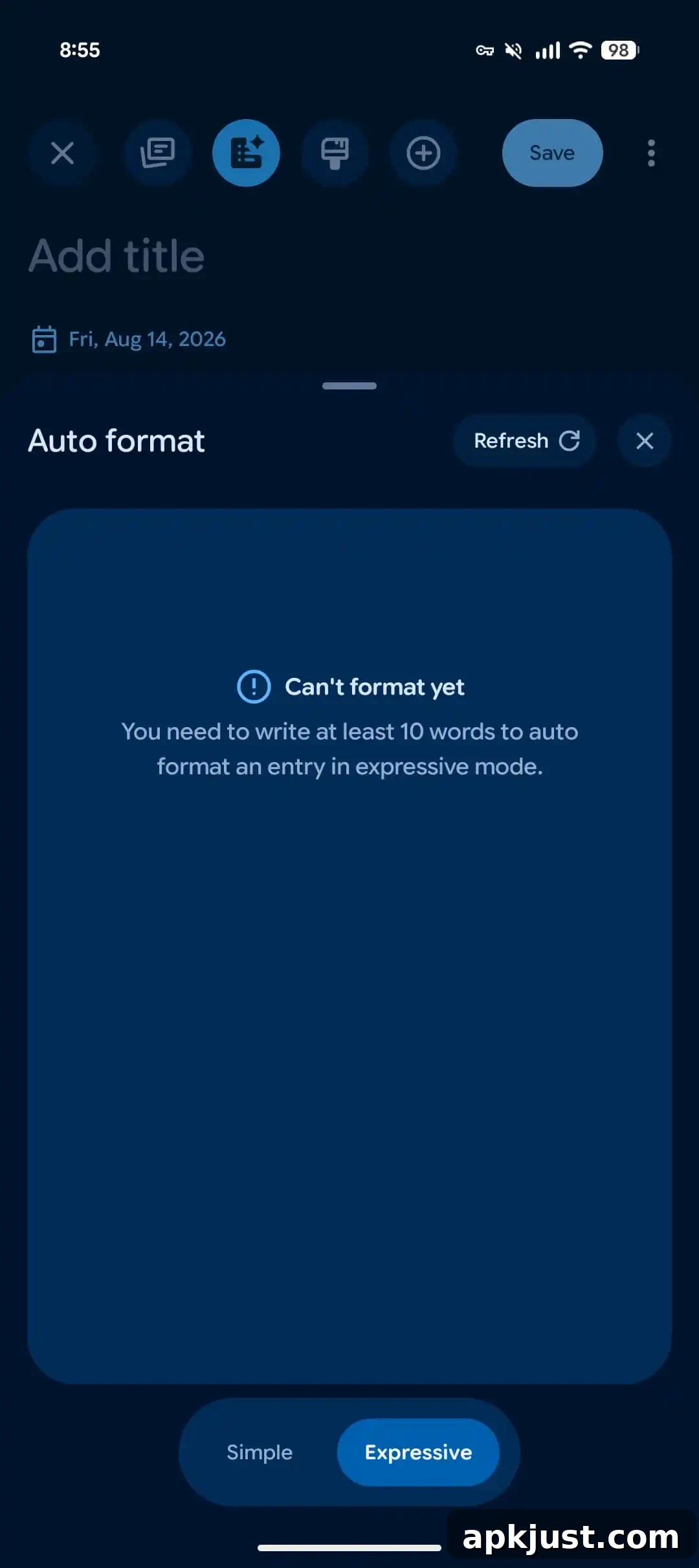
A notable addition is the ability to “Auto format” an entry using two styles: simple mode and expressive mode. This feature is accessed via a new icon at the top of the compose screen. Auto format helps structure text, tidy paragraphs, and apply consistent styling so entries are easier to read and look more polished. Unlike earlier versions that relied only on on-device processing, this capability leverages Private AI Compute in the cloud, allowing more advanced formatting while maintaining controls around privacy and processing.
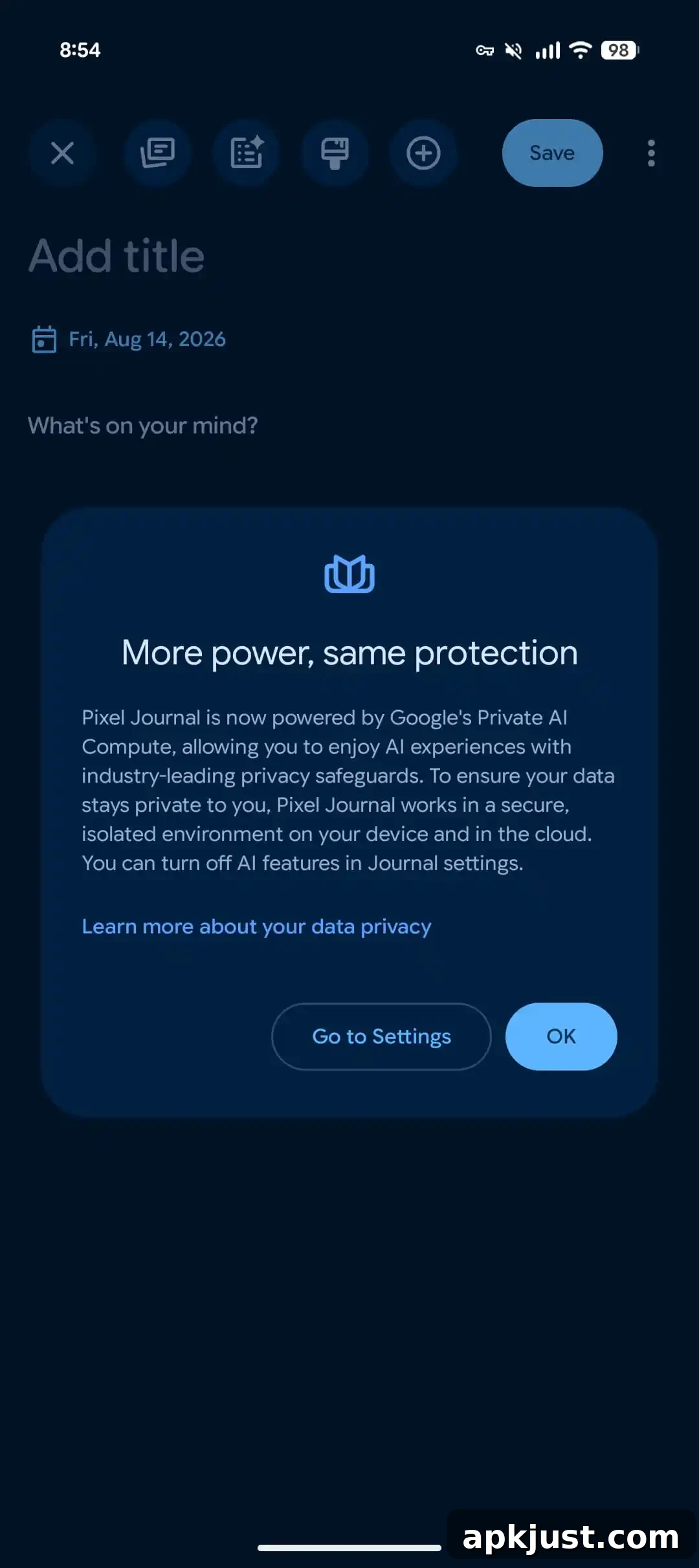
More power, same protection
Pixel Journal now uses Google’s Private AI Compute to power its AI features. That lets the app provide richer, more capable AI experiences while applying Google’s stated privacy safeguards. According to Google, Journal manages data within a secure, isolated environment both on the device and in the cloud, and users can disable AI features in Journal settings if they prefer a fully local experience. The change is intended to balance more powerful functionality with controls users can use to protect their personal content.
The app can now send journaling reminders at specific times to encourage consistent writing. The default reminder times included in the update are:
- Morning, around 7 AM
- Afternoon, around 2 PM
- Evening, around 9 PM
These reminders are customizable, allowing you to pick the cadence and times that best fit your routine. The new scheduling options are designed to help build a daily habit, whether you prefer a single touchpoint or multiple prompts throughout the day.
Google has also refined some visual details. The dark theme for the Entries tab received adjustments to improve the contrast and visibility of the bookmark icon. The Insights tab gained subtle visual tweaks to the calendar view, making key dates and summary visuals easier to read at a glance.
We are seeing version 2026.07.27.x of Pixel Journal on a Pixel 10a. While this build has begun rolling out more widely, availability may vary by device and region. If you do not see the new features immediately, check the app’s updates or your device settings, and allow time for Google’s staged rollout to reach your phone.
Overall, these updates bring practical refinements—improved formatting tools, Health Connect integration, routine reminders, and clearer visuals—while adding cloud-assisted AI capabilities. The focus remains on providing helpful features that respect user privacy and give people more control over how their journaling content is created, formatted, and stored.