

Ahead of the Googlebook launch scheduled for this fall, Google’s new Desktop Camera app has been revealed in full, offering a clear look at how the company intends to bring camera functionality to larger screens.
A listing for “Desktop Camera” appeared earlier this year on the app marketplace, initially showing placeholder screenshots. Since then, the listing has been updated with finalized visuals and a comprehensive description of the app’s capabilities.
The app introduces a modern icon and design language that aligns closely with Google’s first-party Pixel apps, featuring a blue gradient and a clean, minimal aesthetic. While the icon and design feel very Pixel-like, there are no indications that Google will manufacture hardware for the initial rollout.
“Capture every moment clearly with the official Camera app.”
According to the app’s description, Desktop Camera is built for larger screens — tablets, laptops, and desktops — and is optimized for touch, mouse, and keyboard input. Leaks and reports indicate that Googlebook devices will come in both laptop and tablet form factors, and this app appears designed to take advantage of those larger displays.
- Built for big screens: A responsive interface tailored to tablets, laptops, and desktops, with full support for landscape orientation and efficient use of screen real estate.
- External webcam support: Simple plug-and-play compatibility with external USB webcams, plus the ability to switch between built-in and external cameras with minimal effort.
- Smart document scanning: Machine learning-powered automatic cropping and image enhancement to create clear, legible digital copies of physical documents.
- QR code scanning: Fast, reliable QR code detection to quickly open links, reveal information, or trigger actions directly from the app.
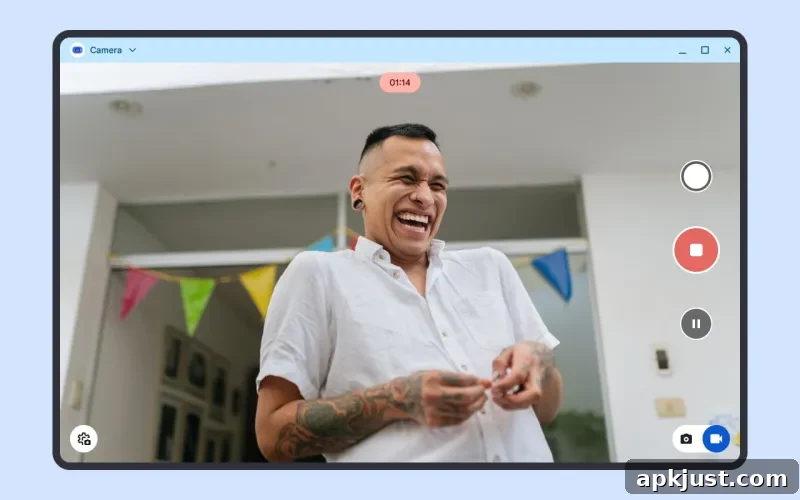
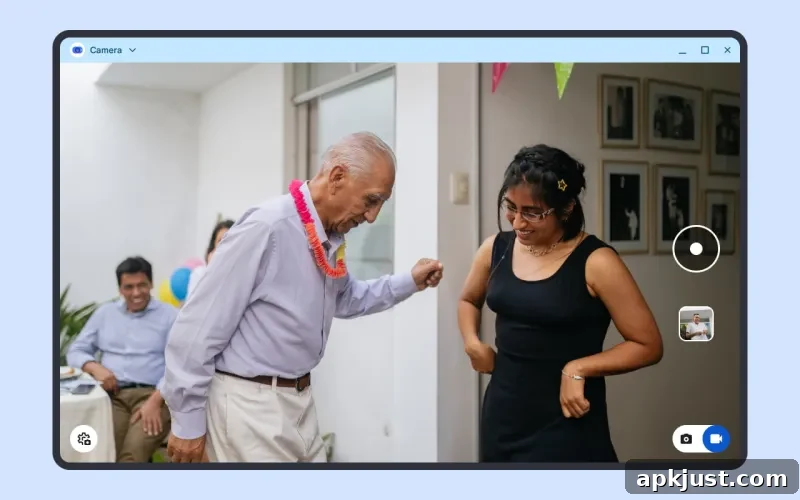
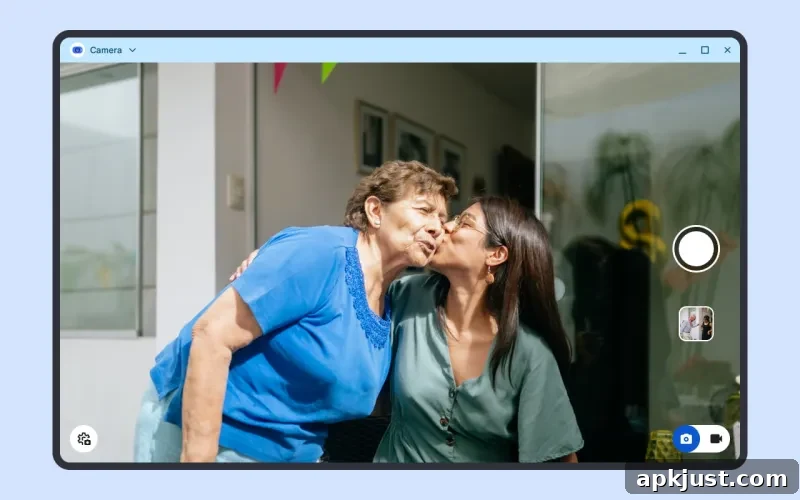
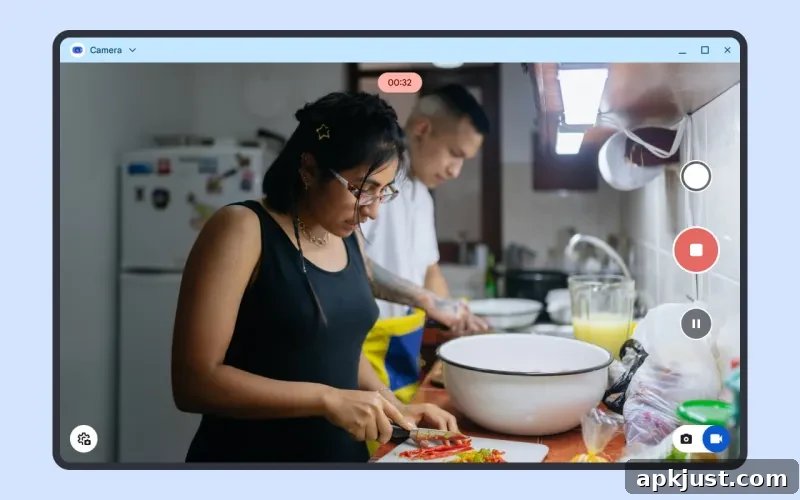
The user interface closely mirrors Pixel Camera on the Pixel Tablet: camera controls are primarily arranged along the right edge of the screen, keeping the main view uncluttered. The mode switch between photo and video sits near the bottom-right corner, while additional options and settings are accessible from the left side of the interface. Under the shutter button, users can quickly access their gallery or recent captures.
Beyond the core camera and scanning features, the app emphasizes a straightforward and familiar experience. The layout and control placement are intended to work equally well with touch gestures on a tablet, pointer input on a laptop, and keyboard shortcuts for power users. That flexibility should make the app practical for desktop workflows as well as casual tablet photography.
Smart document scanning is a notable inclusion for a desktop-oriented camera app. By applying on-device machine learning, the app can detect document edges, correct perspective, and enhance readability automatically. This turns a simple webcam or tablet camera into a productive scanning tool for receipts, notes, forms, and printed pages — useful in both home and office settings.
External webcam support addresses a common desktop need: many users prefer higher-quality external cameras for video conferencing and content creation. Desktop Camera’s straightforward approach to switching and recognizing USB webcams should simplify setup and reduce friction for users who frequently alternate between built-in and external camera sources.
QR code scanning is integrated directly into the camera view, enabling quick access to links and embedded data without requiring a separate app. This feature can speed tasks like joining networks, visiting web resources, or extracting encoded information during meetings and events.
Visually, the app’s screenshots show a clean capture view with large, easy-to-reach controls and minimal visual clutter. The focus is on making camera functions obvious and accessible for users coming from a range of devices, from touch-first tablets to keyboard-driven laptops.
Overall, Desktop Camera appears to be a thoughtful adaptation of the mobile camera experience for larger screens. Its combination of familiar controls, external webcam compatibility, and productivity-focused features like document scanning and QR recognition position it as a useful tool for the upcoming generation of larger Android devices. As Googlebook hardware arrives later this year, the app seems ready to provide a polished, native camera experience for both casual photo capture and practical document workflows.