
The interface updates in Android 17 QPR2 Beta 3 introduce a subtler, more refined look for the Pixel lockscreen by increasing blur and translucency in several areas. This latest beta builds on prior visual tweaks, applying a softer treatment to notification content and lockscreen controls that aims to improve legibility while keeping attention on the wallpaper and primary status information.
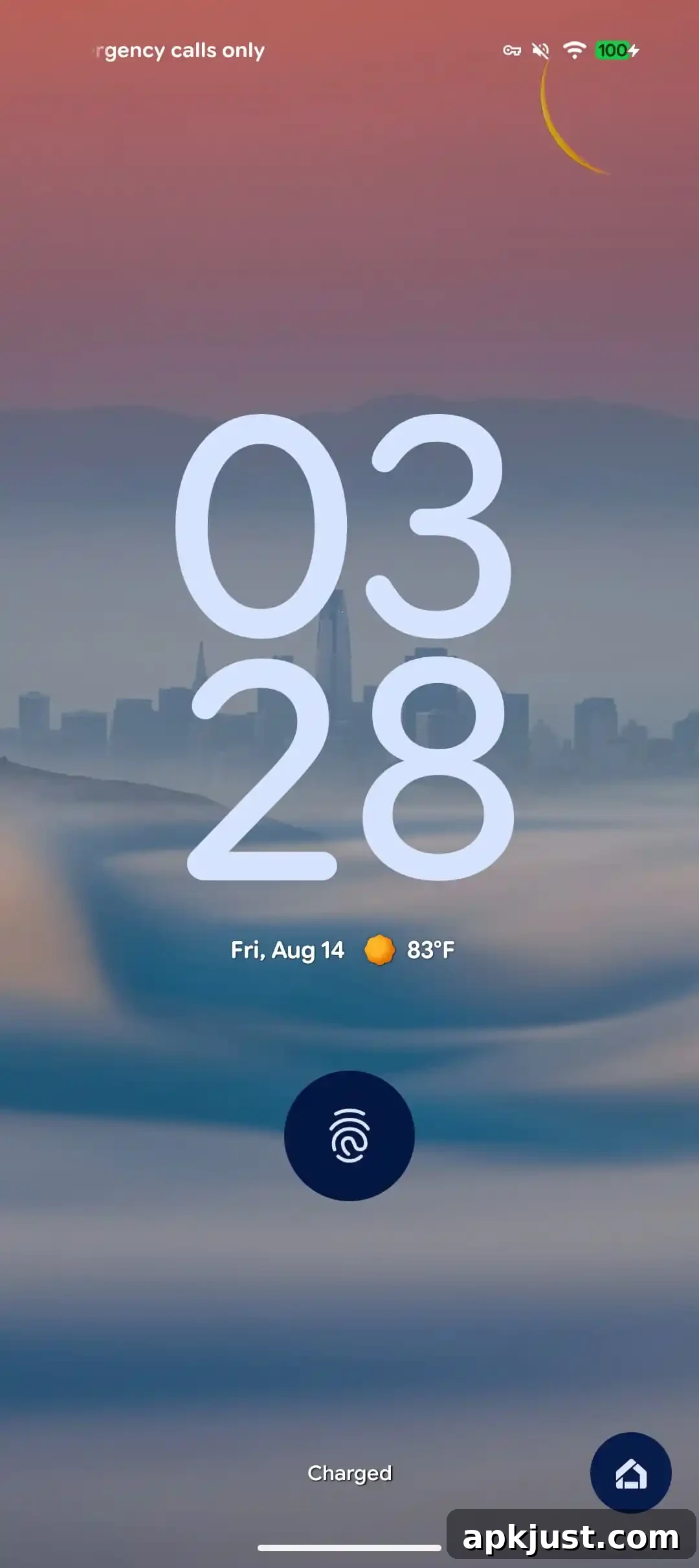
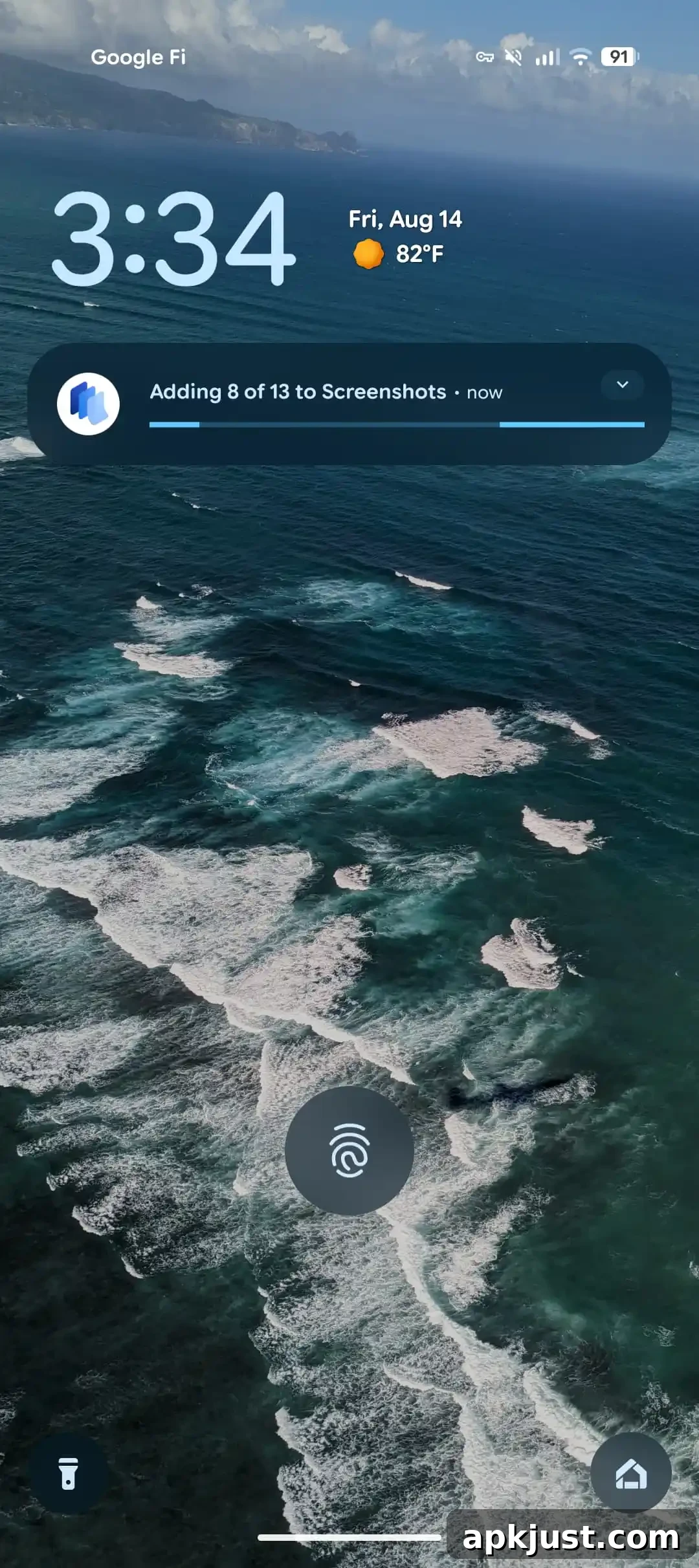
In Beta 3, the list of notifications on the lockscreen now receives an added blur effect, which helps separate notification text from background imagery. The two lockscreen shortcuts — commonly used quick-access actions from the lockscreen — also show enhanced blur in this build, though the treatment isn’t applied uniformly to every element yet. Additionally, the fingerprint icon used for biometric unlocking has been given a translucent appearance, aligning with the overall shift towards more glass-like, layered visuals.
How noticeable these changes are will depend largely on the wallpaper you use. Dark, busy, or high-contrast backgrounds will make the new blur and translucency more evident, while subtle or minimalist wallpapers may mask some of the effect. The design choice appears to prioritize a balance between keeping the lockscreen readable and preserving the character of the wallpaper underneath.
These tweaks are part of an incremental update cycle for Android 17 QPR2, and users testing Beta 3 should expect further refinements in subsequent releases. The blur and translucency adjustments are visual-only changes that do not alter lockscreen functionality, but they do represent a continued focus on polishing the user experience and visual consistency across core UI surfaces.
Android 17 QPR2’s visual work follows other recent theming and customization improvements that Google has been expanding on Pixel devices. The QPR2 series aims to refine Dynamic Color theming across more system surfaces and provide small-but-noticeable improvements to elements such as quick settings, notifications, and biometric prompts. For Pixel users who appreciate finer UI polish, these updates are meaningful because they contribute to a more cohesive and modern feel across daily interactions with the phone.
If you’re evaluating Beta 3 as a tester, pay attention to how the blur performs with your most frequently used wallpapers and whether the translucency affects visibility or discoverability of lockscreen shortcuts. Since Beta releases are iterative, user feedback on subtle presentation issues often informs adjustments before a stable release. Android 17 QPR2 is expected to ship to a wider audience around December, bringing these refinements to more Pixel owners once the beta period concludes and any final changes are applied.
Overall, Beta 3’s lockscreen changes are modest but deliberate: by increasing blur on notifications and lockscreen shortcuts and adding translucency to the fingerprint icon, Android 17 QPR2 continues the trend of layered, material-inspired visuals that highlight content while maintaining clarity and focus for essential controls.
Beta 2 vs. 3
More on Android 17 QPR2:
- Android 17 QPR2 greatly expands Dynamic Color theming on Pixel
- Android 17 QPR2 lets you customize Pixel Quick Settings layout
- Here’s everything new in Android 17 QPR2 Beta 3 [Gallery]