
The preview for the December release continues today with a surprise Friday drop of Android 17 QPR2 Beta 3. This build brings a range of small but meaningful refinements, visual updates, and security hardening aimed at improving the Pixel experience. Below we summarize the most relevant changes, highlight notable fixes, and show screenshots comparing Beta 2 and Beta 3 where applicable.
Over the next several hours we will examine Android 17 QPR2 Beta 3 in detail. The newest observations and screenshots will appear at the top of this article, so check back for updates. Screenshots from Android 17 QPR2 Beta 2 are shown on the left and Android 17 QPR2 Beta 3 on the right for direct comparison.
If you plan to install Android 17 QPR2 Beta 3 on a compatible Pixel device, use the official step-by-step installation guide for guidance. Compatible devices include the Pixel 6a, Pixel 7, Pixel 7 Pro, Pixel 7a, Pixel Tablet, Pixel Fold, Pixel 8, Pixel 8 Pro, Pixel 8a, Pixel 9 series, and the Pixel 10 series among others.
Updating…
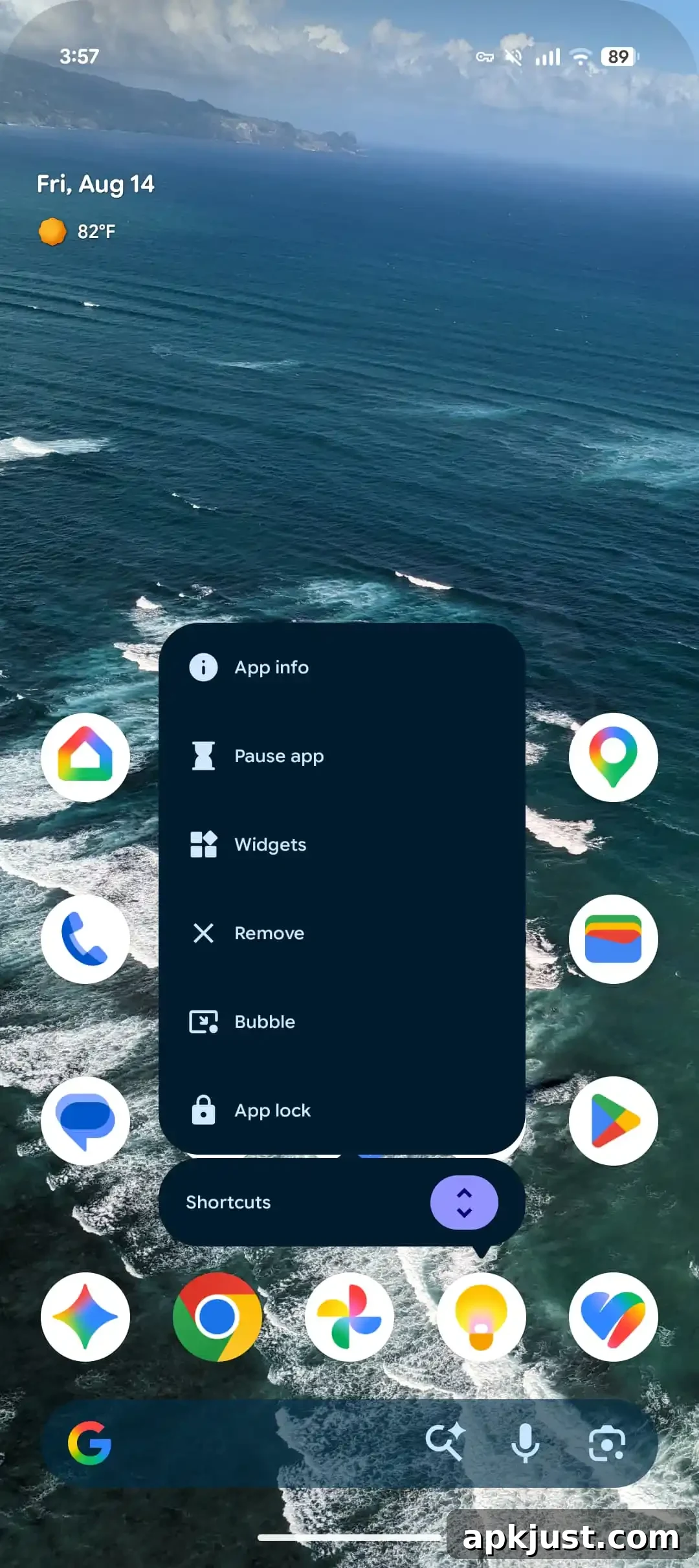
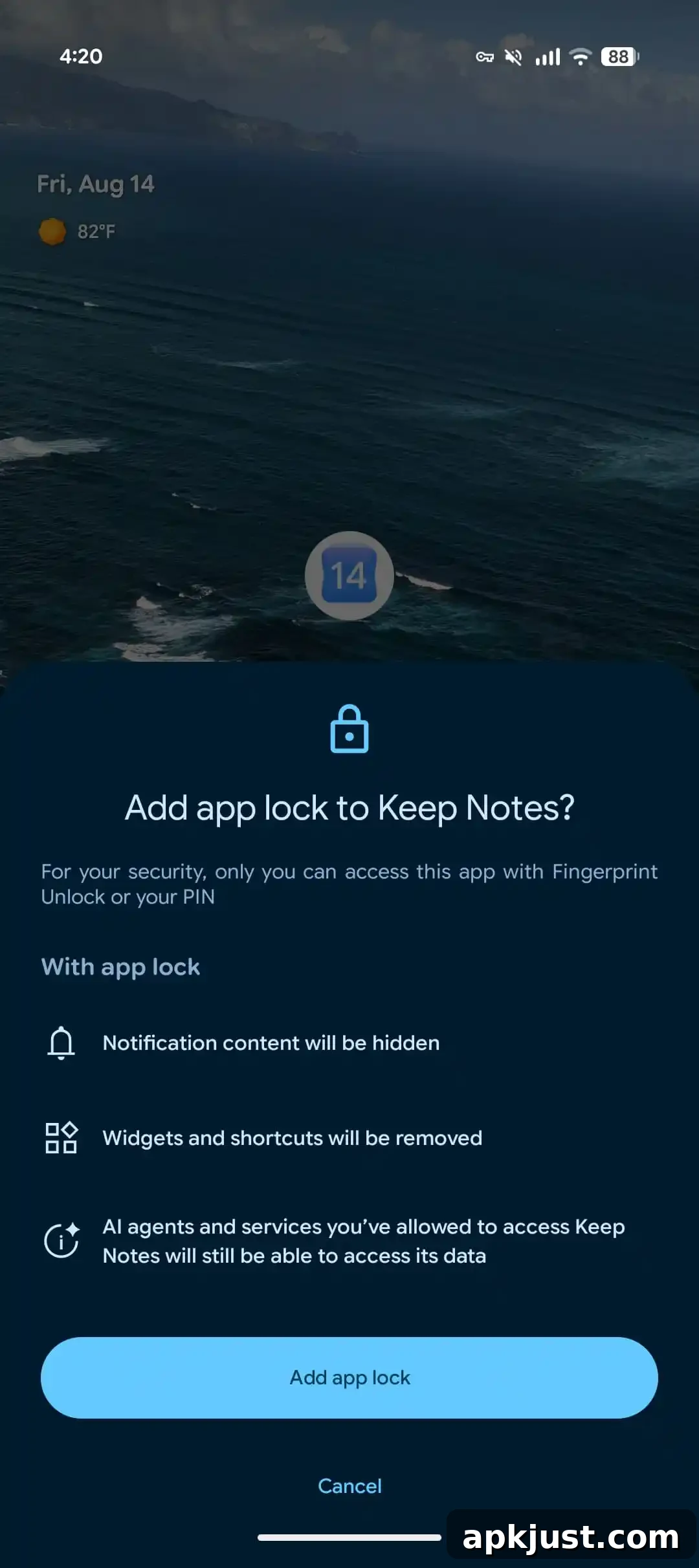
App lock
- Android 17 QPR2 Beta 3 continues to refine the App Lock experience, improving authentication flows and UI clarity. The update includes adjustments to how locked apps present authentication prompts and how background processes are managed while an app is locked.
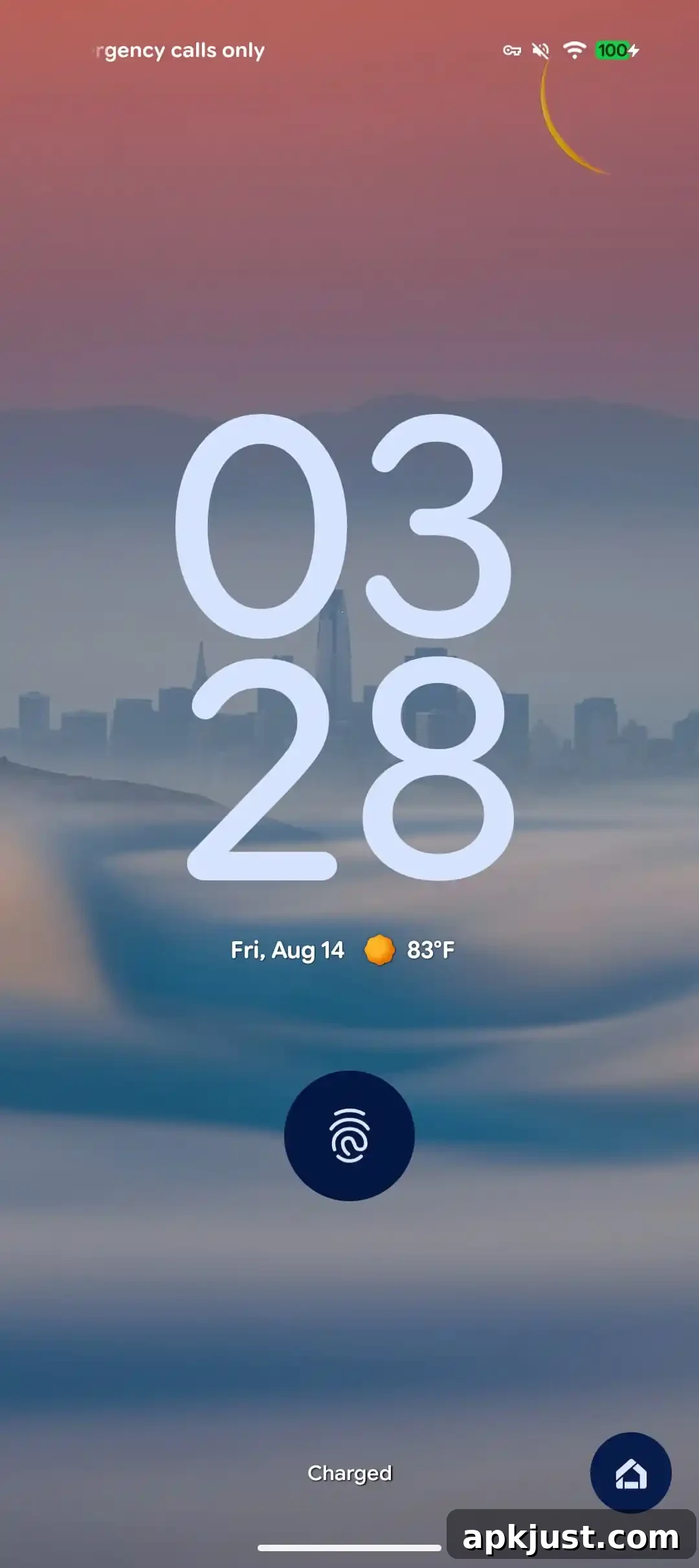
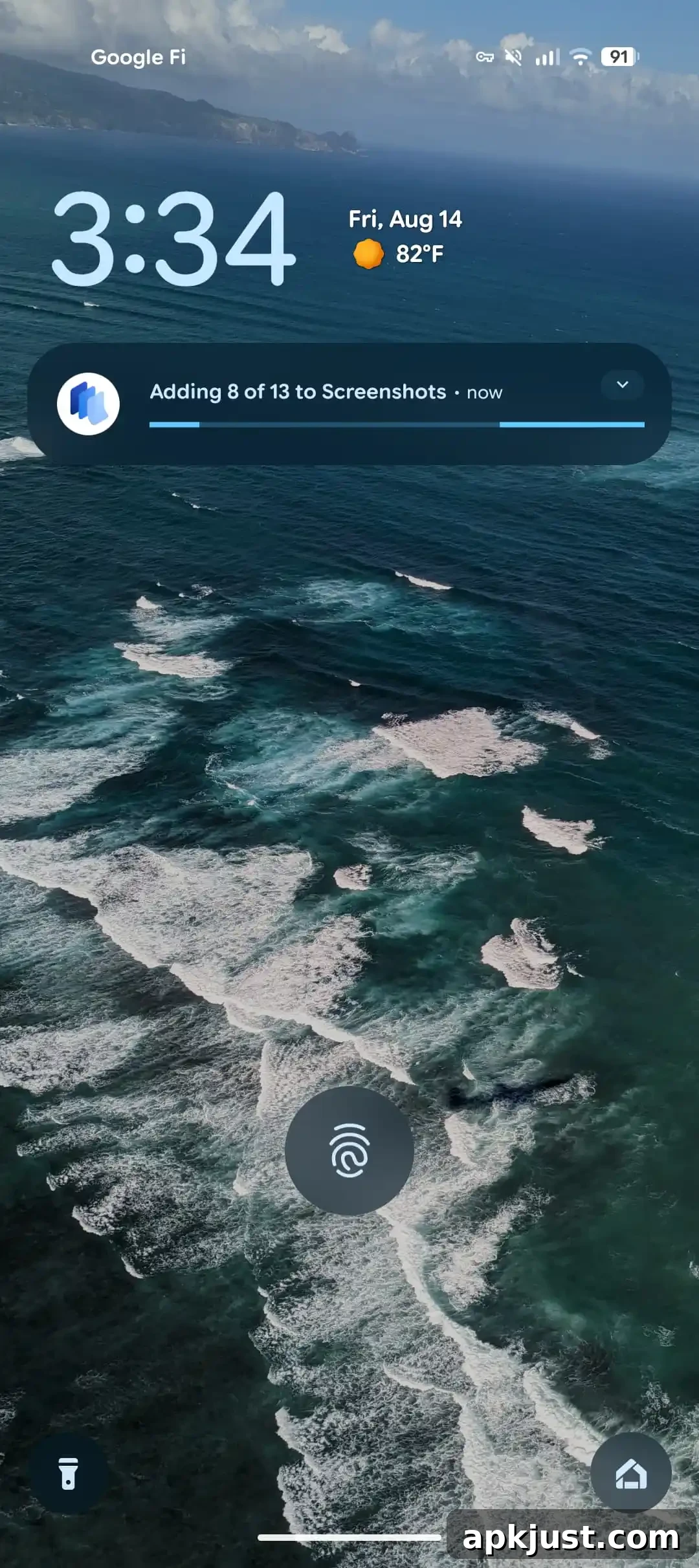
Blur on Pixel lockscreen
- The lockscreen blur behavior has been polished. Beta 3 adjusts background blurring and contrast so notifications and clock elements remain readable while still preserving wallpaper depth and clarity.
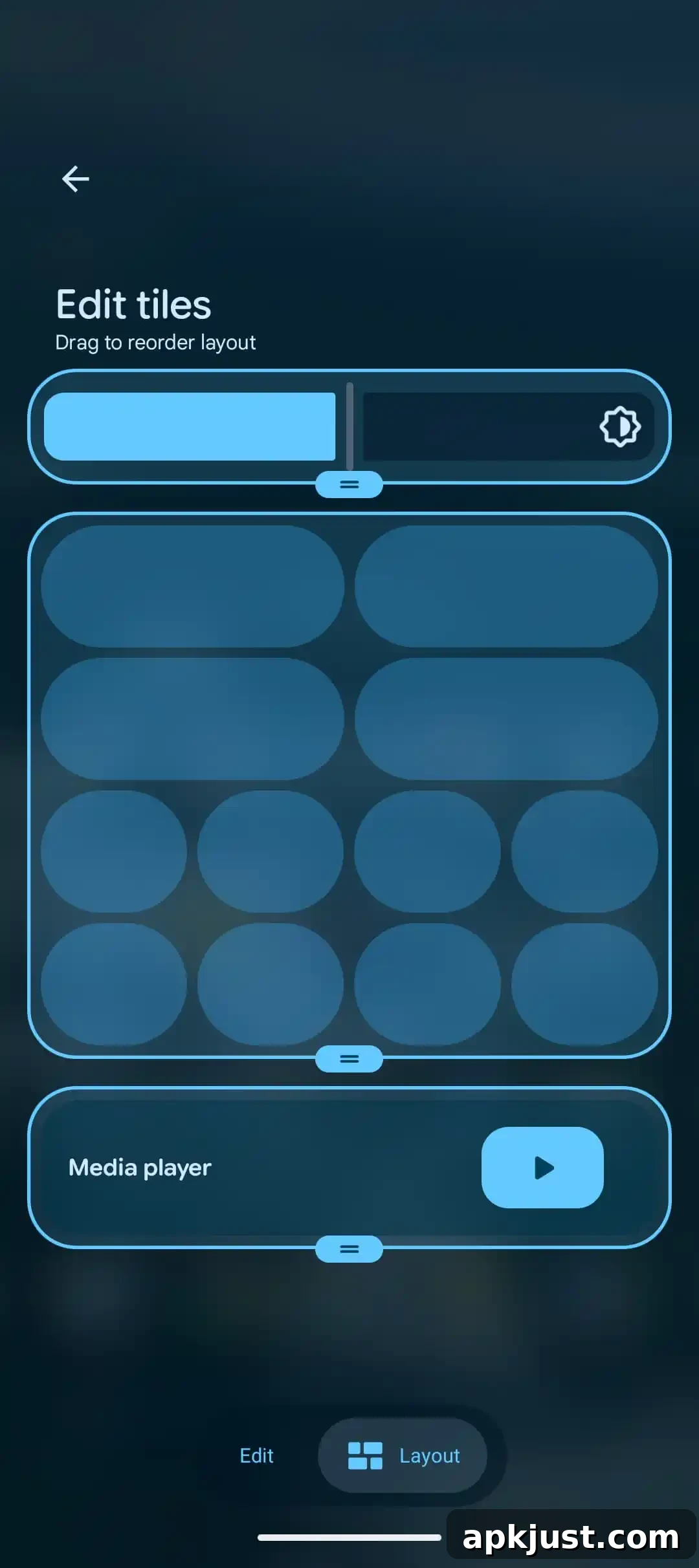
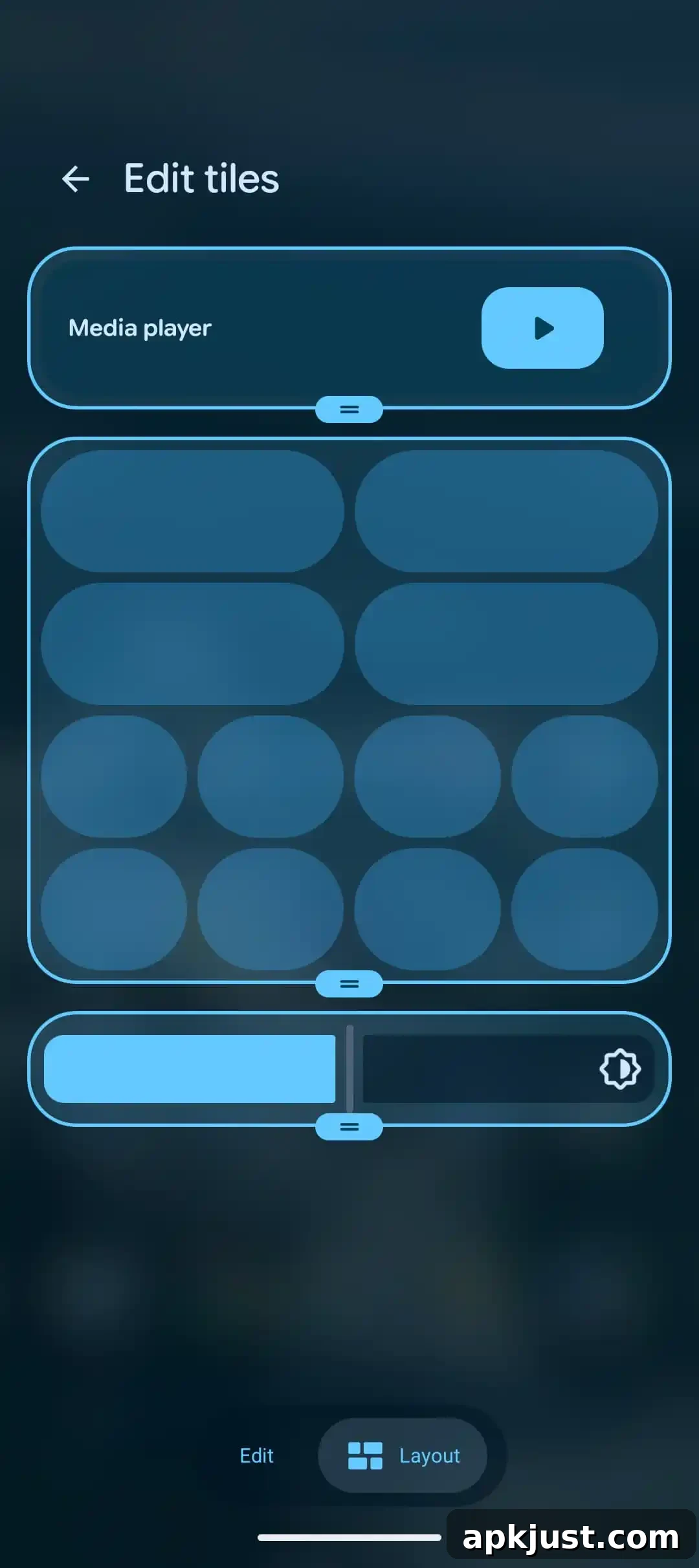
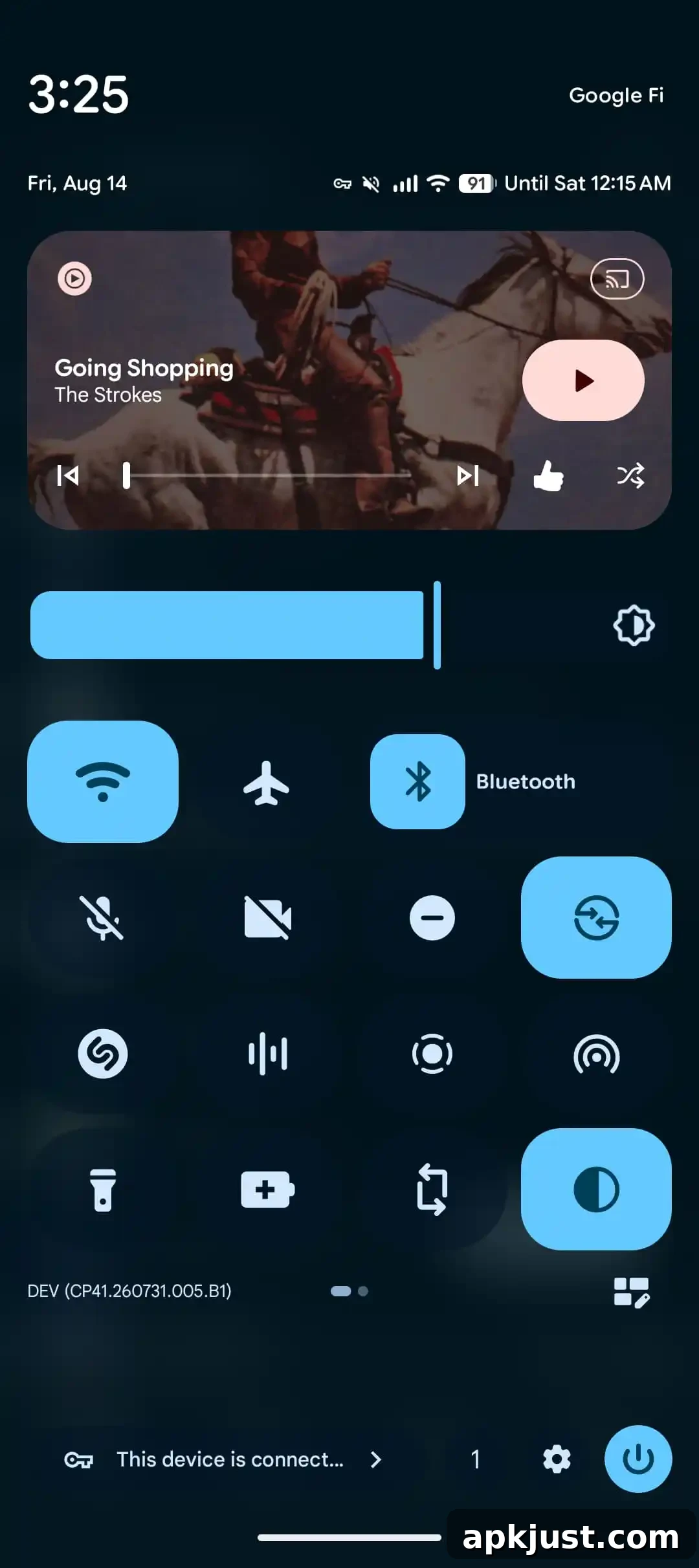
Customize Pixel Quick Settings layout
- From Android Canary: Beta 3 surfaces options to customize the Quick Settings layout on Pixel devices, giving users more control over tile arrangement, visibility, and the number of tiles displayed on a single panel.
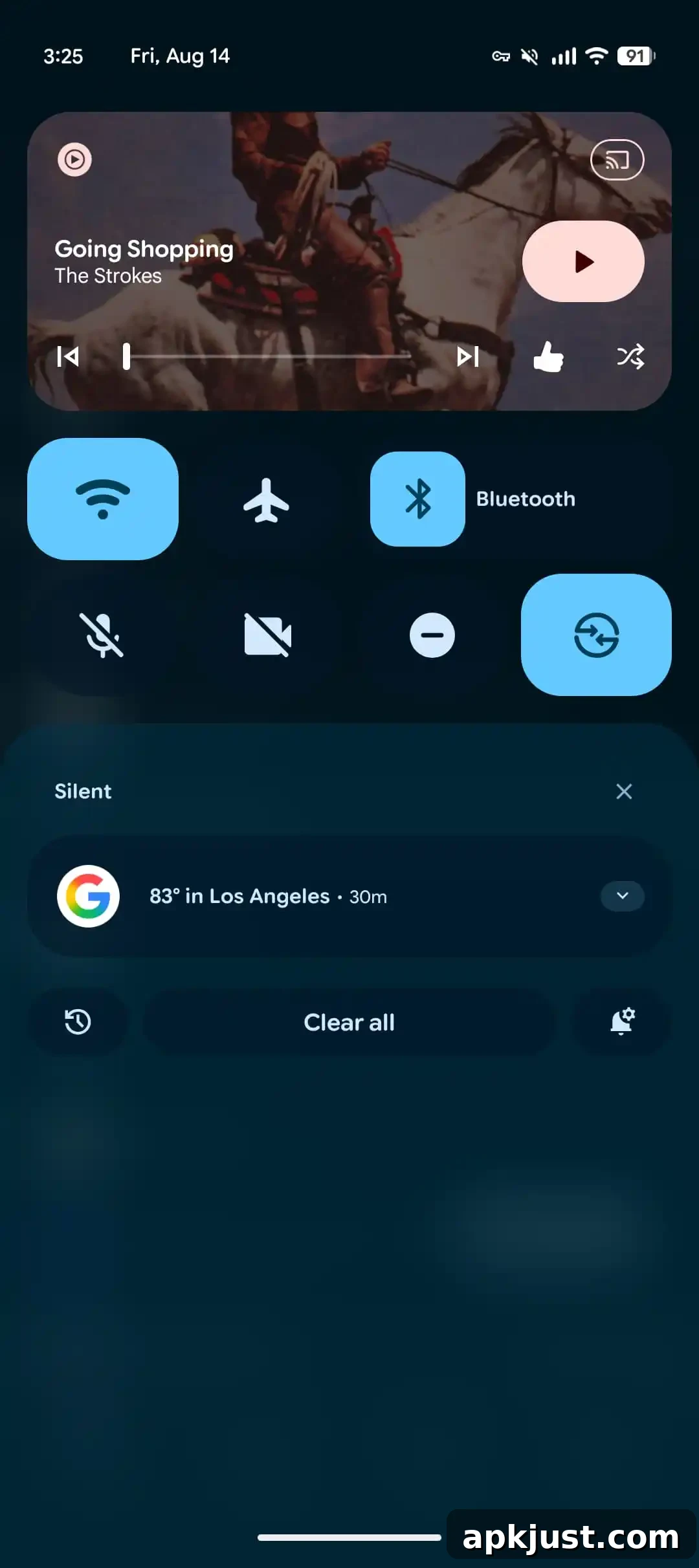
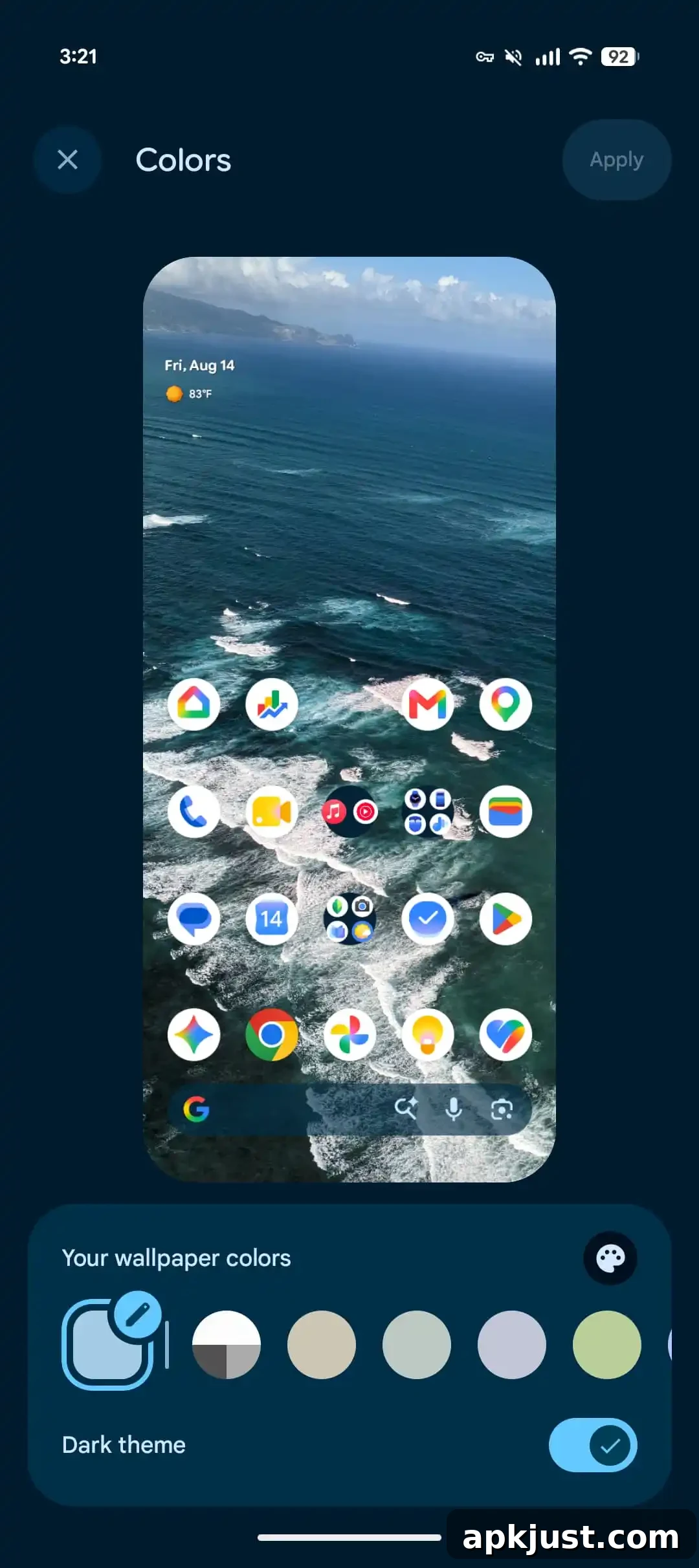
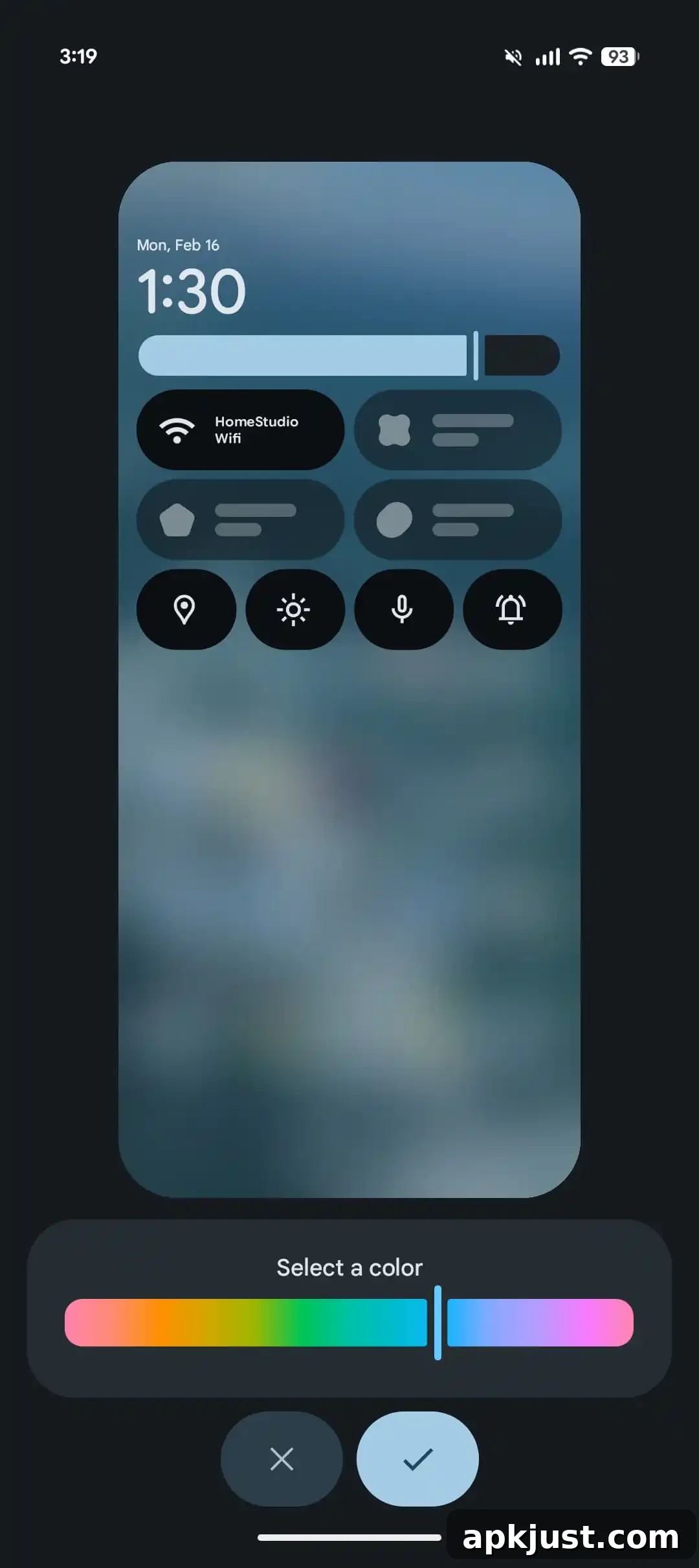
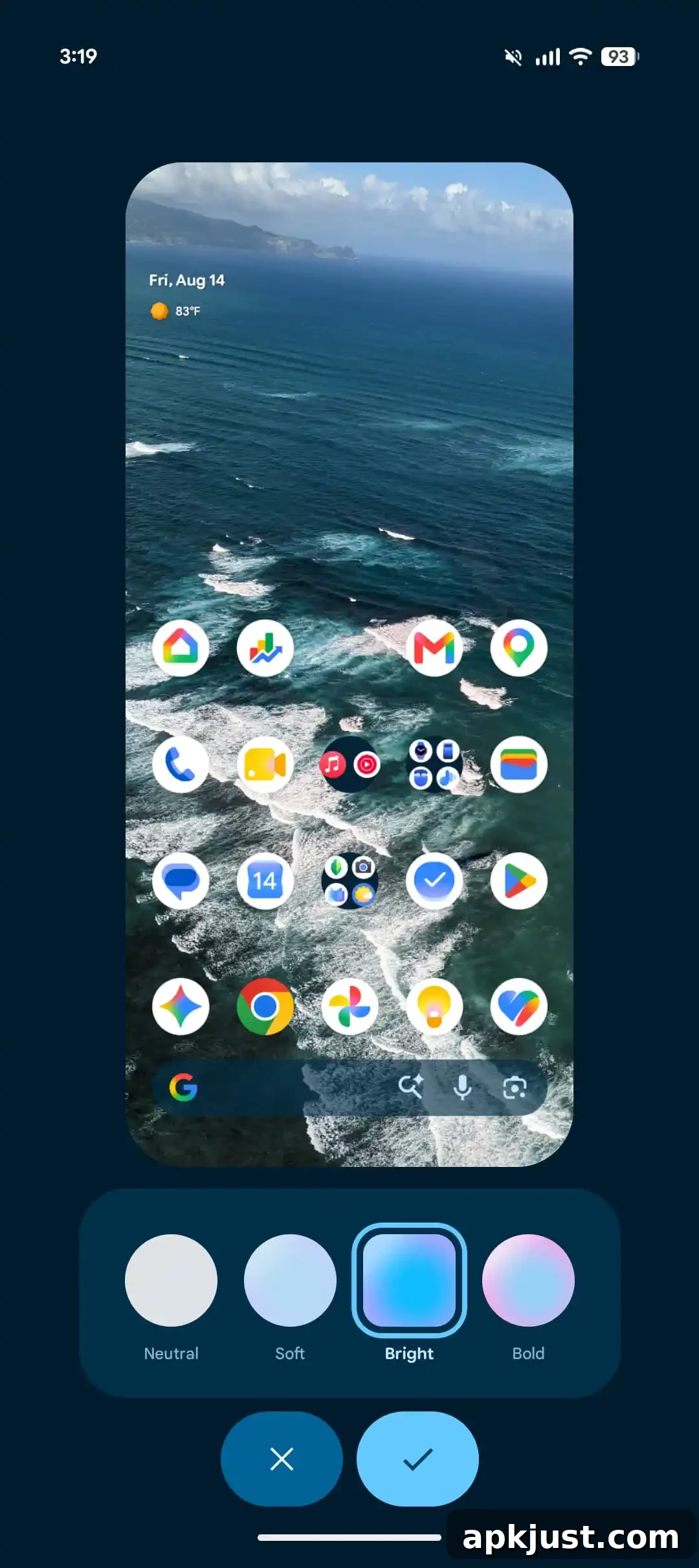
Expanded Dynamic Color theming
- Dynamic Color has been broadened with additional color extraction variants and better coverage across system surfaces and core apps. This release smooths transitions and improves contrast for UI elements that rely on dynamically generated palettes.
Hardening against call forwarding fraud
Android 17 QPR2 Beta 3 introduces new protections against fraudulent call-forwarding attempts. The system now recognizes and selectively restricts programmatic execution of call-forwarding USSD codes (for example, codes that begin with patterns like *21*). These changes reduce the risk of malicious apps or scripted actions silently enabling call forwarding without explicit user consent.
- API restriction: The TelephonyManager.sendUssdRequest() API no longer permits call-forwarding USSD codes to run on the basis of CALL_PHONE permission alone. Apps that try to execute these codes in the background will be blocked and will receive a USSD_ERROR_NOT_ALLOWED response.
- System confirmation: When users dial call-forwarding codes manually in the system dialer, the OS now shows a confirmation dialog so users must explicitly confirm the action before it is executed. This mitigates social engineering attacks that try to trick users into allowing call forwarding.
- Non-call-forwarding USSD remains unaffected: USSD requests that are unrelated to call forwarding — such as mobile money transfers or account balance checks — continue to work as before.
- Mitigation for developers: If your app encounters USSD_ERROR_NOT_ALLOWED, handle it gracefully. Apps that require call-forwarding setup but lack a qualifying privileged role should use ACTION_DIAL to pre-fill the dialer so the user can confirm the action manually.
Fixes
- Fixed a crash and visual corruption that could occur when opening the notification shade and Quick Settings. This issue could also unexpectedly restart devices and has been resolved.
- Resolved a bug in Device Health & Support that incorrectly reported battery capacity degradation warnings to some users. The tool no longer shows false alerts about battery health after this update.