
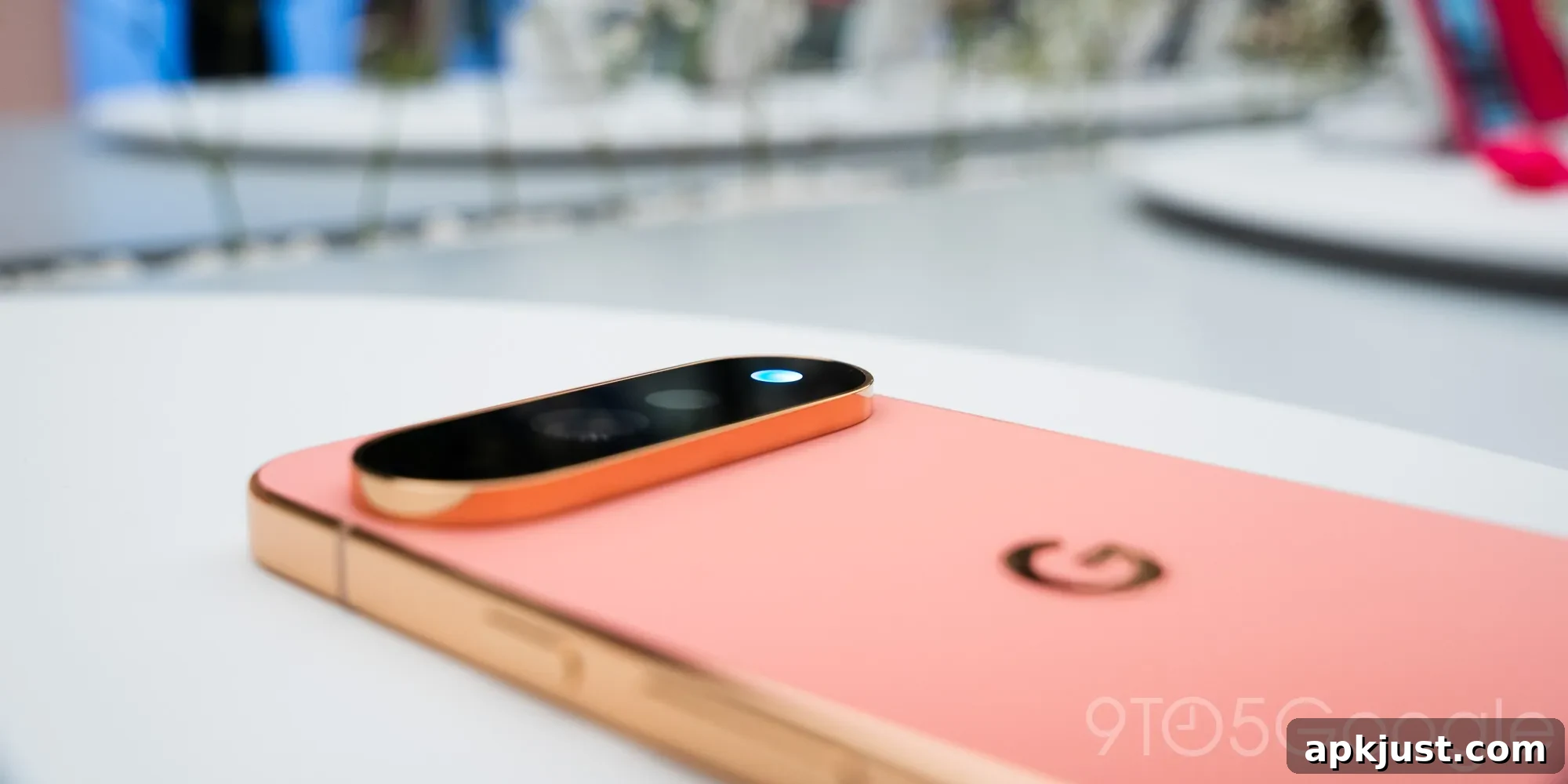
The Pixel 11 doesn’t look dramatically different from its predecessors, and at first glance the most notable hardware change might be easy to miss. The new HiLight sits around the camera LED and functions like a notification light when the phone is face down. It’s a subtle addition, but one with interesting potential — even if it doesn’t fully live up to expectations today.
On the Pixel 11 Pro, HiLight is intended as a visual indicator for certain actions: incoming notifications, interactions with Google’s Gemini assistant, and calls. When a contact calls, the light can illuminate in a color you’ve assigned for that person. When Gemini responds, it pulses in Google’s familiar blue and red tones, similar to the lights used on Google Home devices.
But that barely scratches the surface of what a feature like HiLight could do.
Imagine receiving an Instagram notification and seeing a small, multicolored mosaic trace around the camera bar. The HiLight array could glow in Instagram’s orange, purple, and red hues so that, at a glance, you instantly recognize the app. Likewise, a Reddit alert could trigger a distinct red-and-white pattern. Those visual cues would cut through the noise and make it clear which app or type of message is waiting, without unlocking the phone.
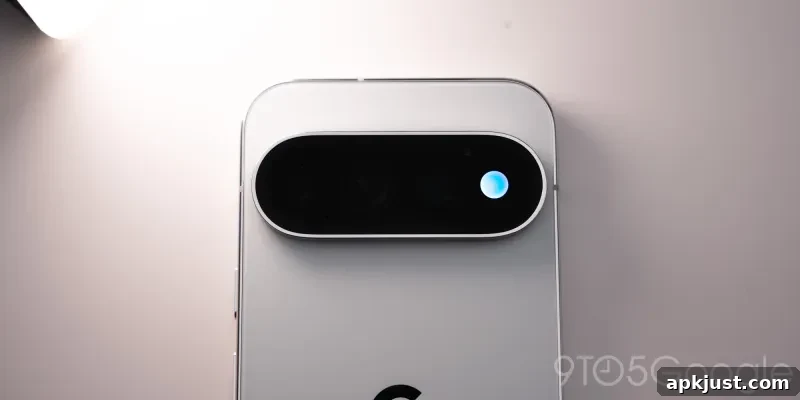
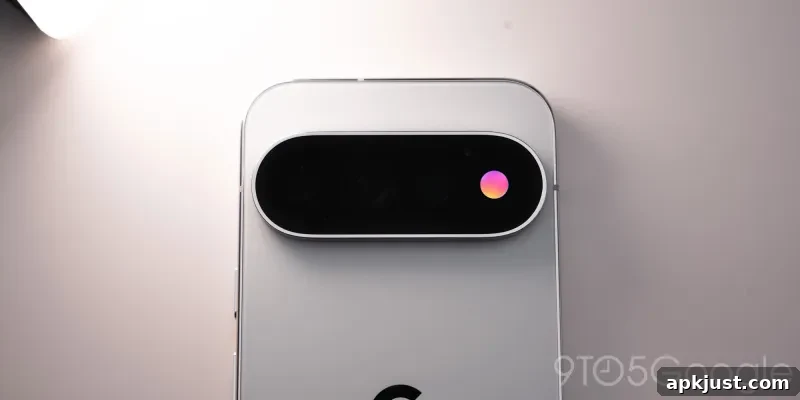
I’d welcome a setting that offers small, tasteful light shows, even if they’re limited to the camera bar’s outline. HiLight is technically capable of more expressive, dynamic notifications—similar to how Philips Hue lighting can transform a room with color. The hardware uses a multicolor LED strip that can blend tones and animate, producing subtle diffusion and motion that pairs nicely with Gemini’s responses.
Google has already said Messages will support HiLight notifications “soon,” but the company hasn’t confirmed whether third-party apps will be able to make use of the feature. That’s a key limitation. For HiLight to reach its full potential, developers need APIs and clear guidelines so app-specific color patterns and animations become a natural extension of notifications.
Right now, many interactions are reduced to simple, solid-color signals. Even calls, which are among the few features HiLight supports at launch, use solid blocks of color rather than more nuanced patterns. That’s a missed opportunity. Google could have used the LED array to provide richer context—different colors or animations for suspected spam, for instance, or a distinct pattern during an active Call Screening session. Those visual cues would let you decide faster whether to answer: a trusted contact’s pattern means pick up, while a spam pattern signals ignore or check screening results.
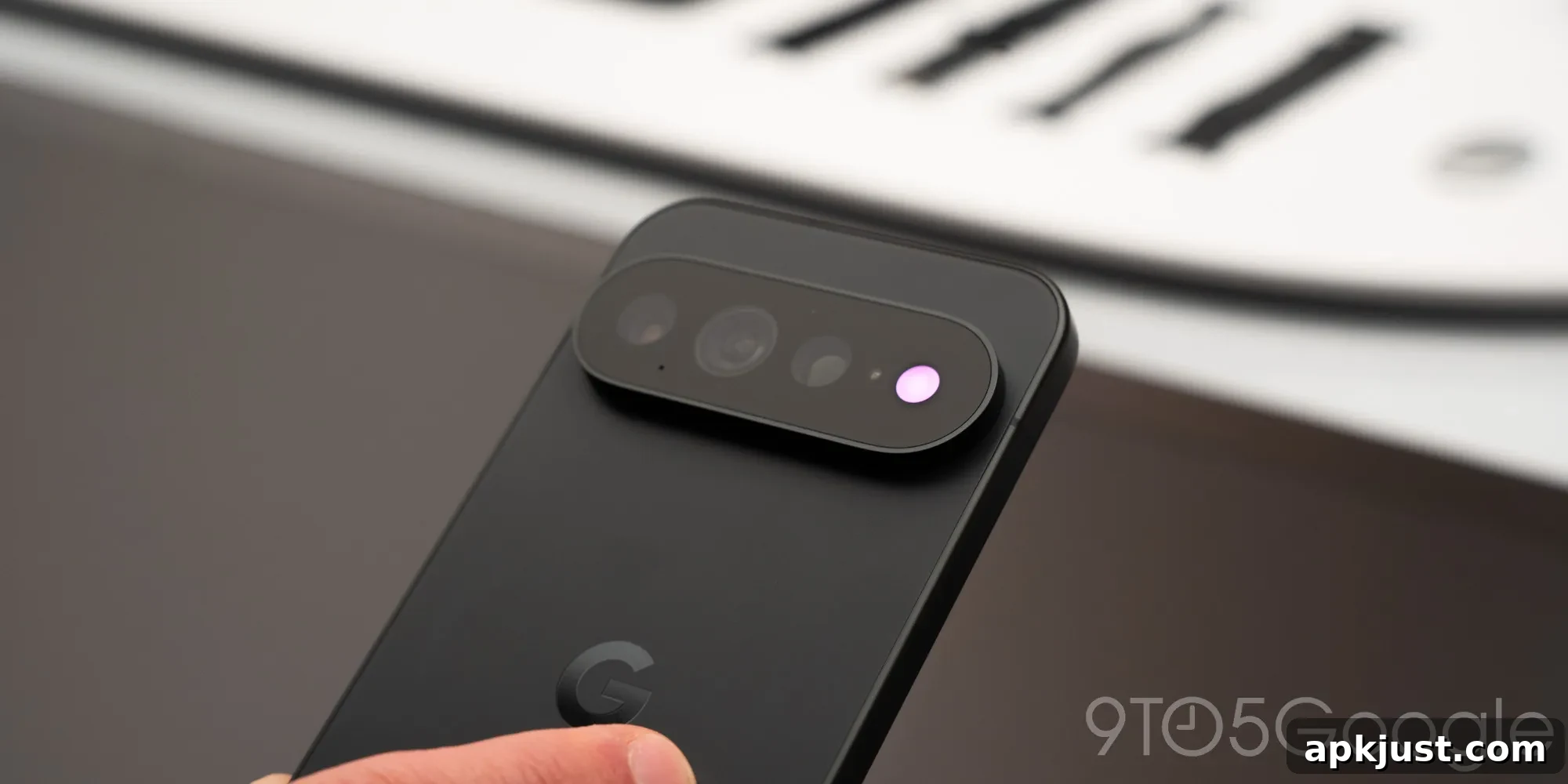
At launch, however, Google has restricted HiLight’s functionality mainly to assistant interactions and call notifications. Not both messages and calls broadly—primarily calls. For a feature that was teased as “Pixel Glow” in earlier leaks, many expected it to be an evolution of classic LED notification lights found on older phones like the LG G3, but modernized with multicolor patterns and app integration.
There’s every reason to believe HiLight could expand in future updates. The hardware trade-off is apparent: Google removed a temperature sensor to make room for the glowing camera bar, indicating the company sees value in this visual element. The feature is software-dependent, and that means its capabilities can grow over time as Google opens it up and developers adopt it. The ceiling for HiLight is high; the current state is simply an early step.
For now, the Pixel 11 family highlights an intriguing direction for notification design, even if it’s not yet fully realized. The Pixel 11, Pixel 11 Pro, Pixel 11 Pro XL, and Pixel 11 Pro Fold are available from the Google Store.
- Pixel 11
- Pixel 11 Pro/Pro XL
- Pixel 11 Pro Fold