
Like other Google apps, Messages for Android frequently A/B tests features. New functionality can take time to reach the stable release, so different devices and beta testers may see different capabilities. Based on reports, official announcements, and devices we’ve examined, the following summarizes the current state of Google Messages.
Update 8/29:
Table of contents
- Still rolling out (beta)
- [Updated] Customizable attachments grid
- Long-press menu
- iOS 27 adds replies & photo reactions to Android-iPhone RCS
- Read receipts redesign II
- Messages for web removing QR code pairing
- Read receipts redesign I
- Recent launches (stable)
- [New] Chat theme
- Samsung Messages discontinued
- Bolder voice message button
- Tap to draft
Still rolling out (beta)
The following features have been observed in the Messages beta program or announced by Google. They may appear for some users before others and could change before a wide release.
[Updated] Customizable attachments grid
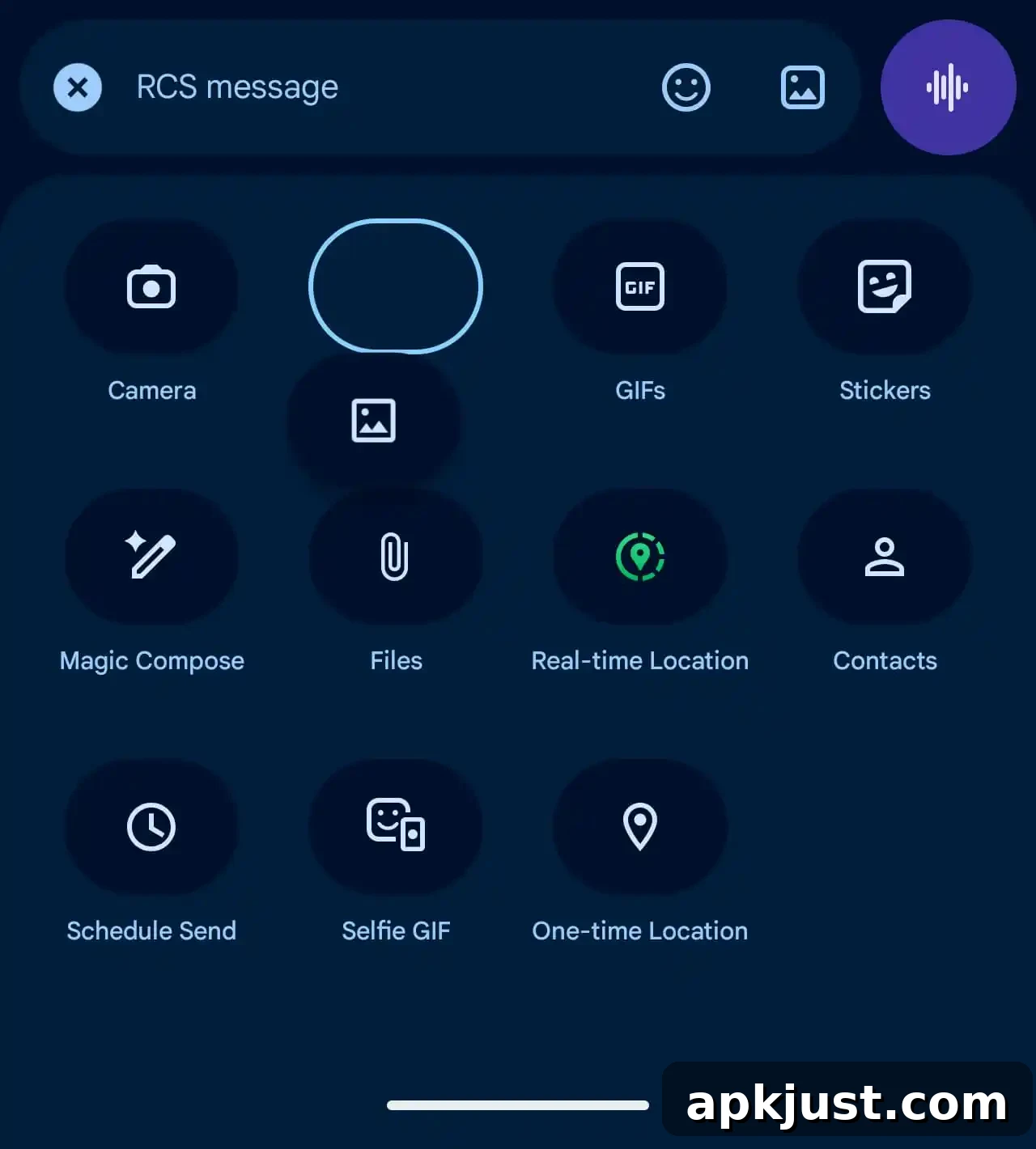
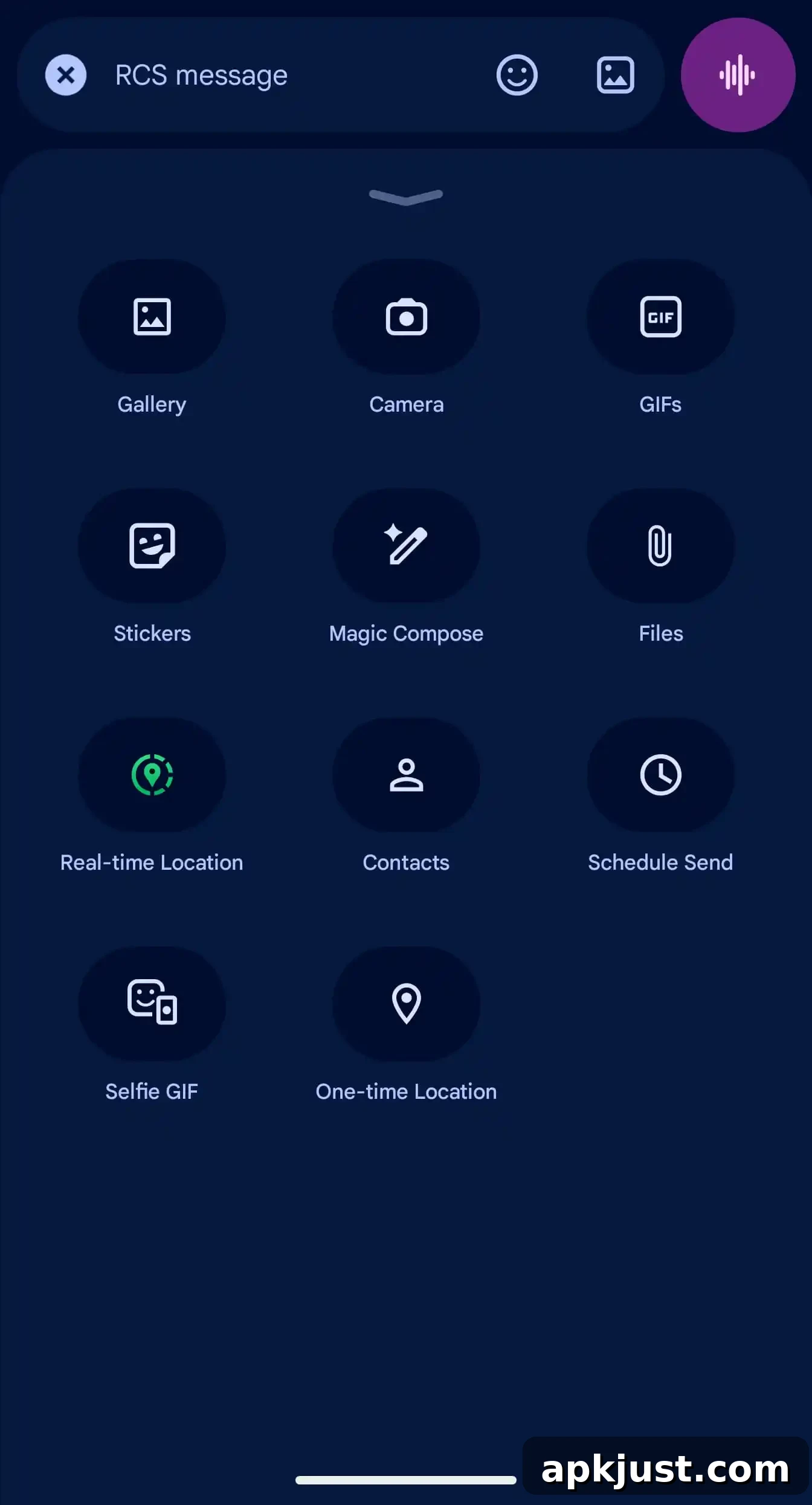
Google is testing an updated attachments grid with two layout options. One version shows more content and uses more of the screen, while the other is more compact. This gives users a choice between a denser view and a larger, more immersive preview when attaching photos, videos, or other media.
Long-press menu
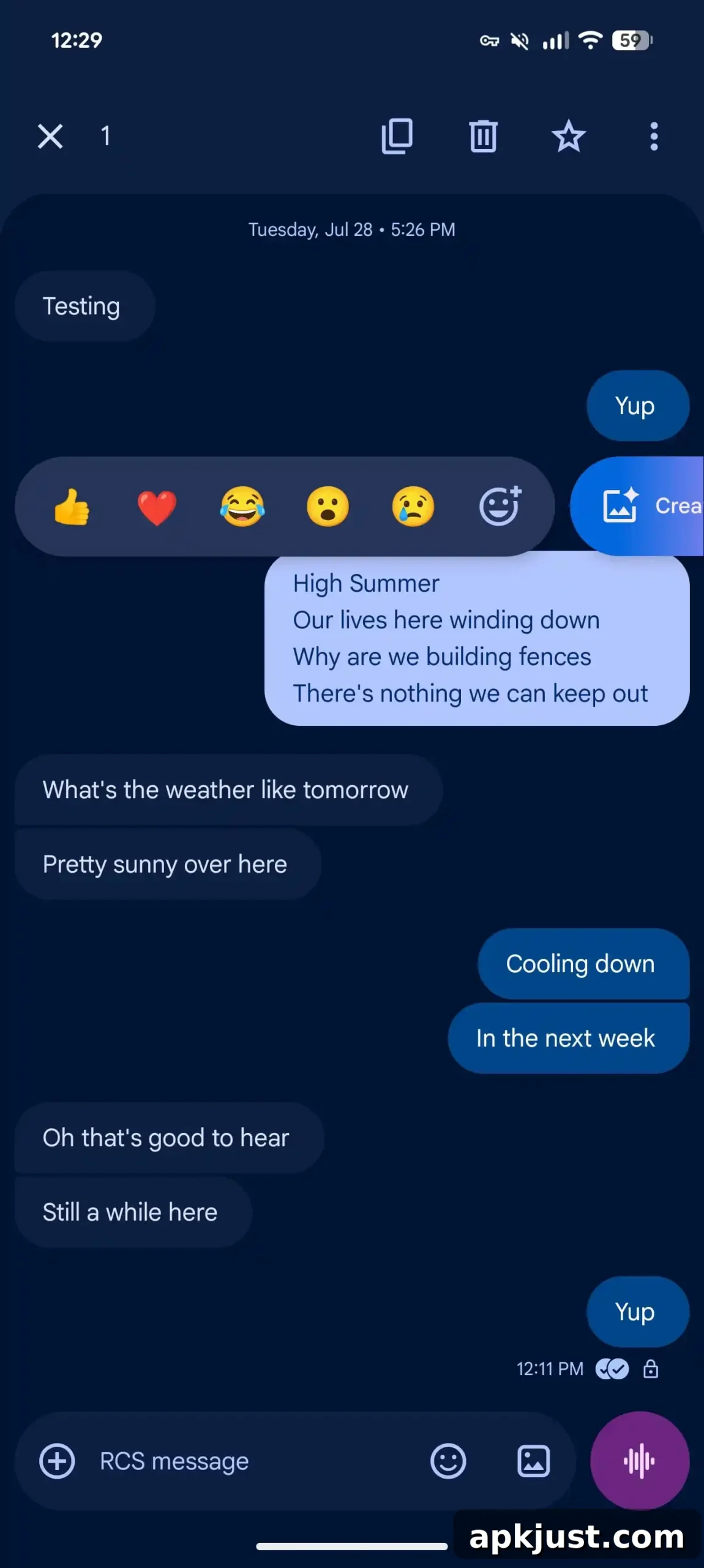
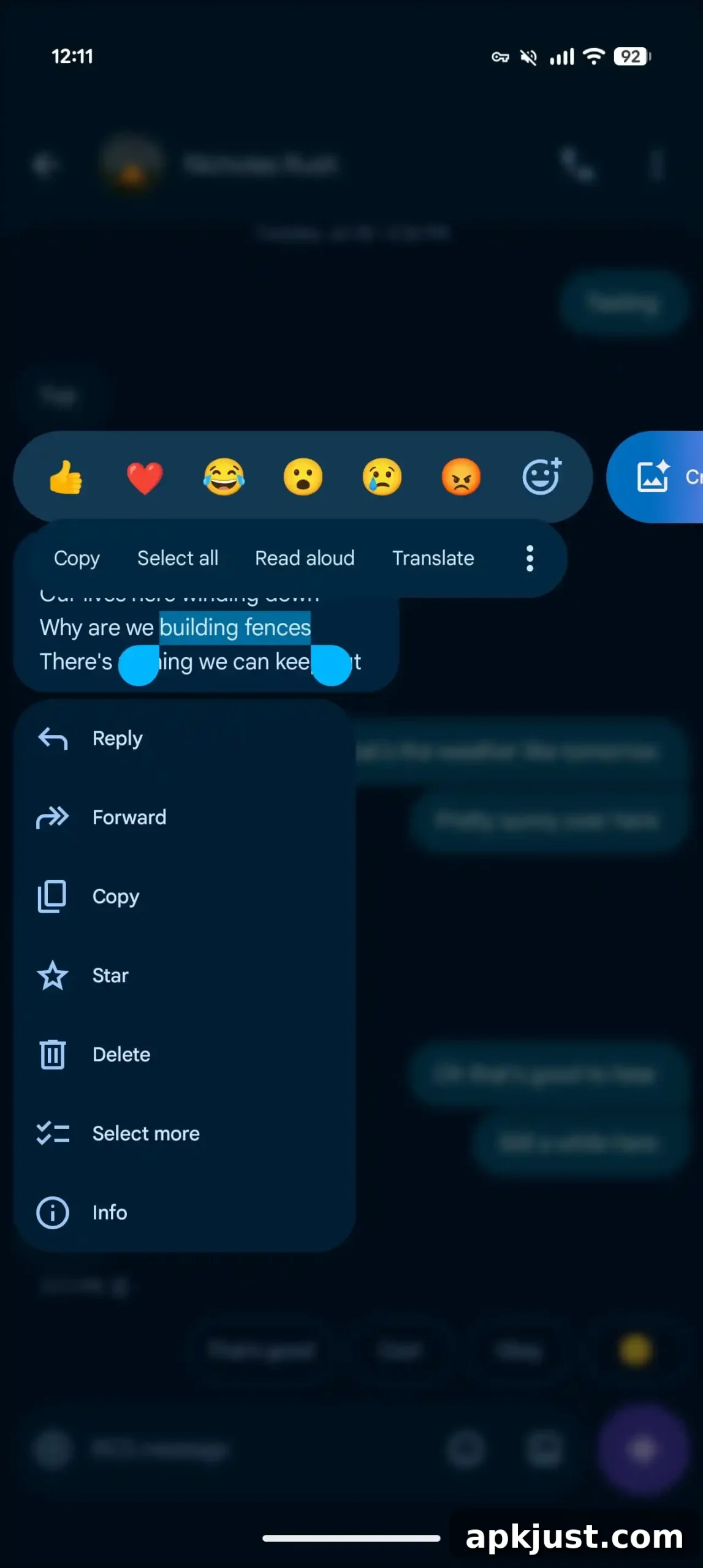
A redesigned long-press interaction is under test. Instead of using a top toolbar, long-pressing a message or an image opens a floating menu while the background blurs. The updated menu also supports selecting and copying a portion of a message, rather than forcing users to copy the entire message text.
iOS 27 adds replies & photo reactions to Android-iPhone RCS
With the launch of iOS 27 later this year, RCS conversations between Android and iPhone users will gain improved support for inline replies that include quoted text. Photo reactions will also show the actual emoji rather than a text description. These enhancements are being tested and may roll out as iOS and Android updates progress.
Read receipts redesign II
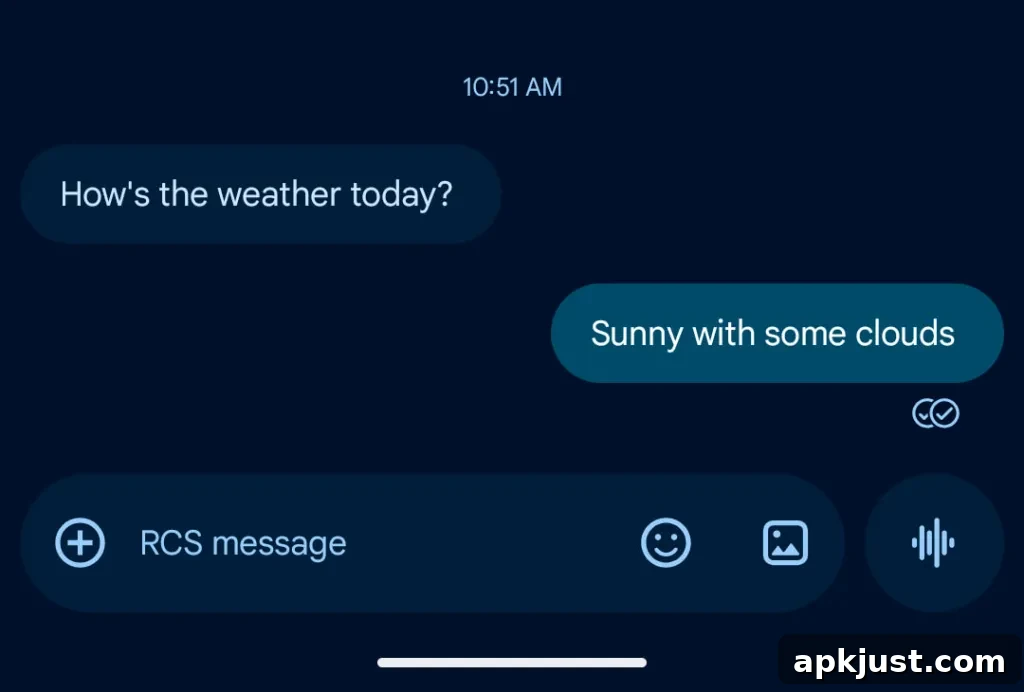
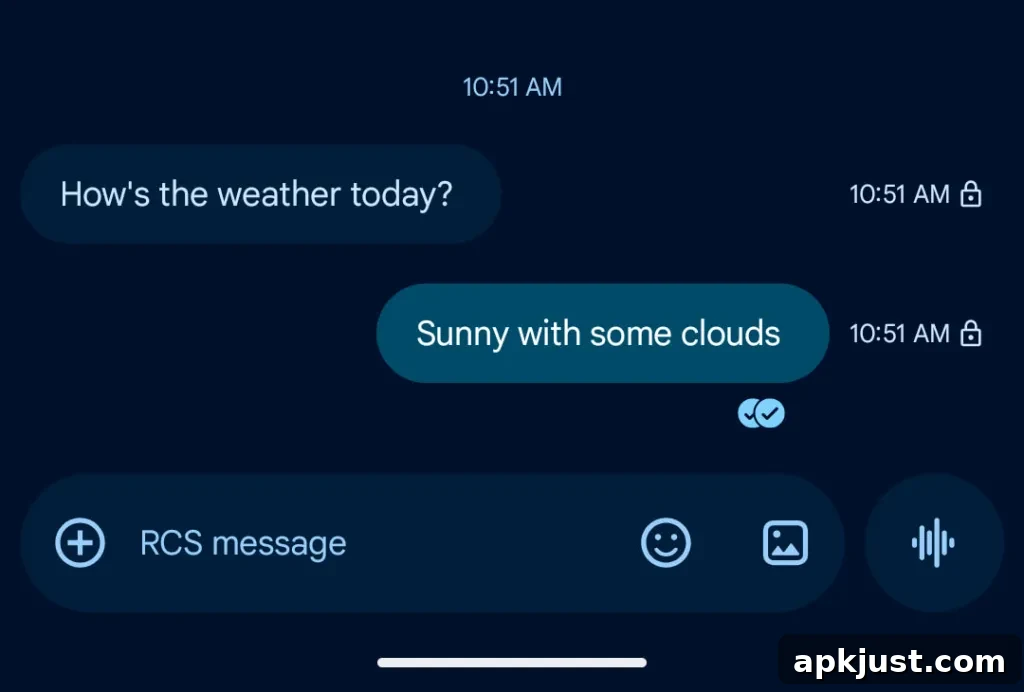
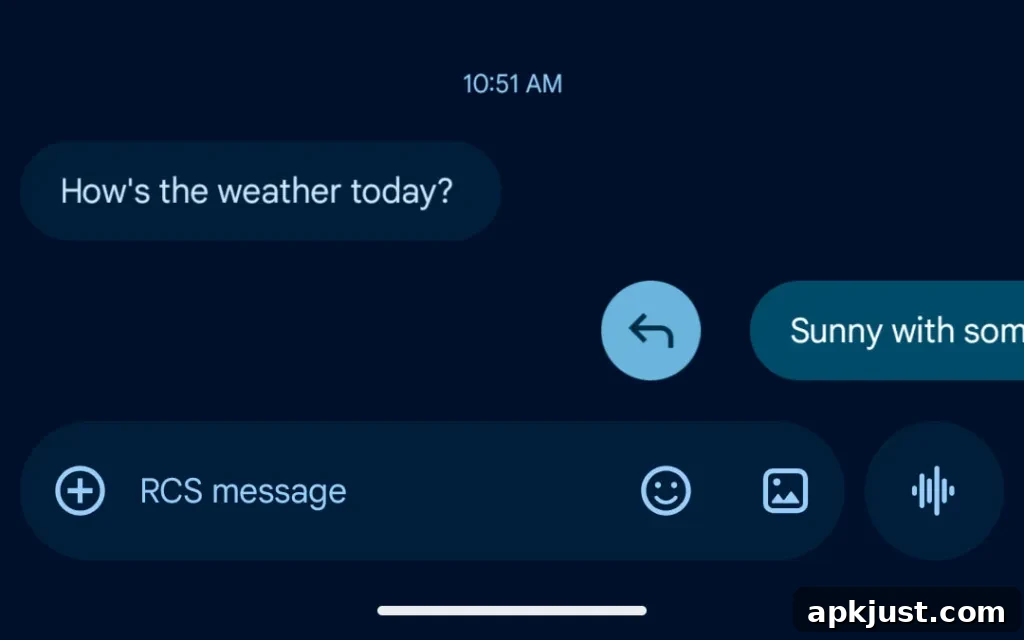
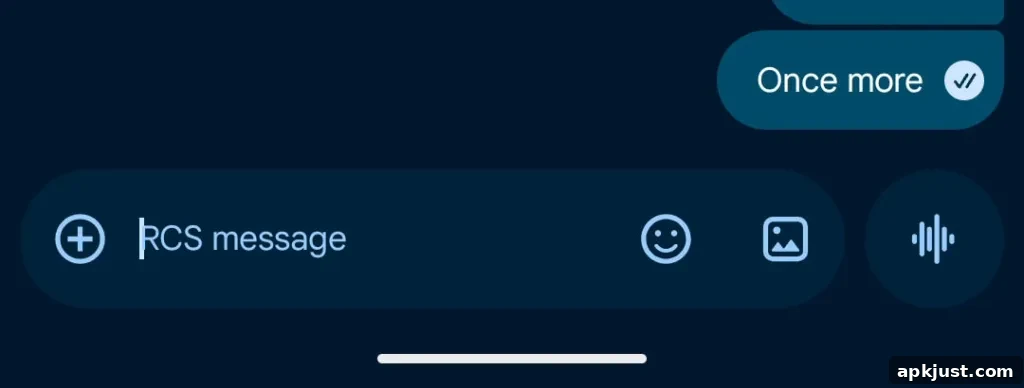
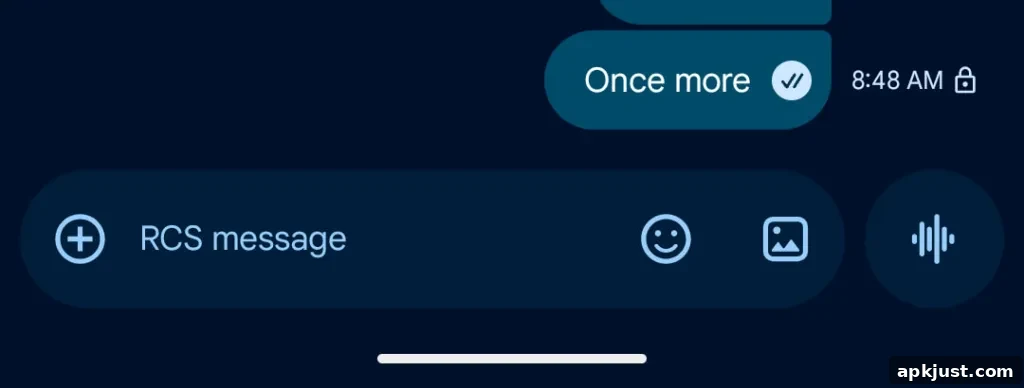
Google experimented with placing a single read indicator inside message bubbles, but recent beta behavior has largely returned to a two-circle read receipts style beneath messages. A new variant is being tested that keeps the familiar icons while rearranging where timestamps and the encryption lock appear: swipe left to view that information and swipe right to access direct replies.
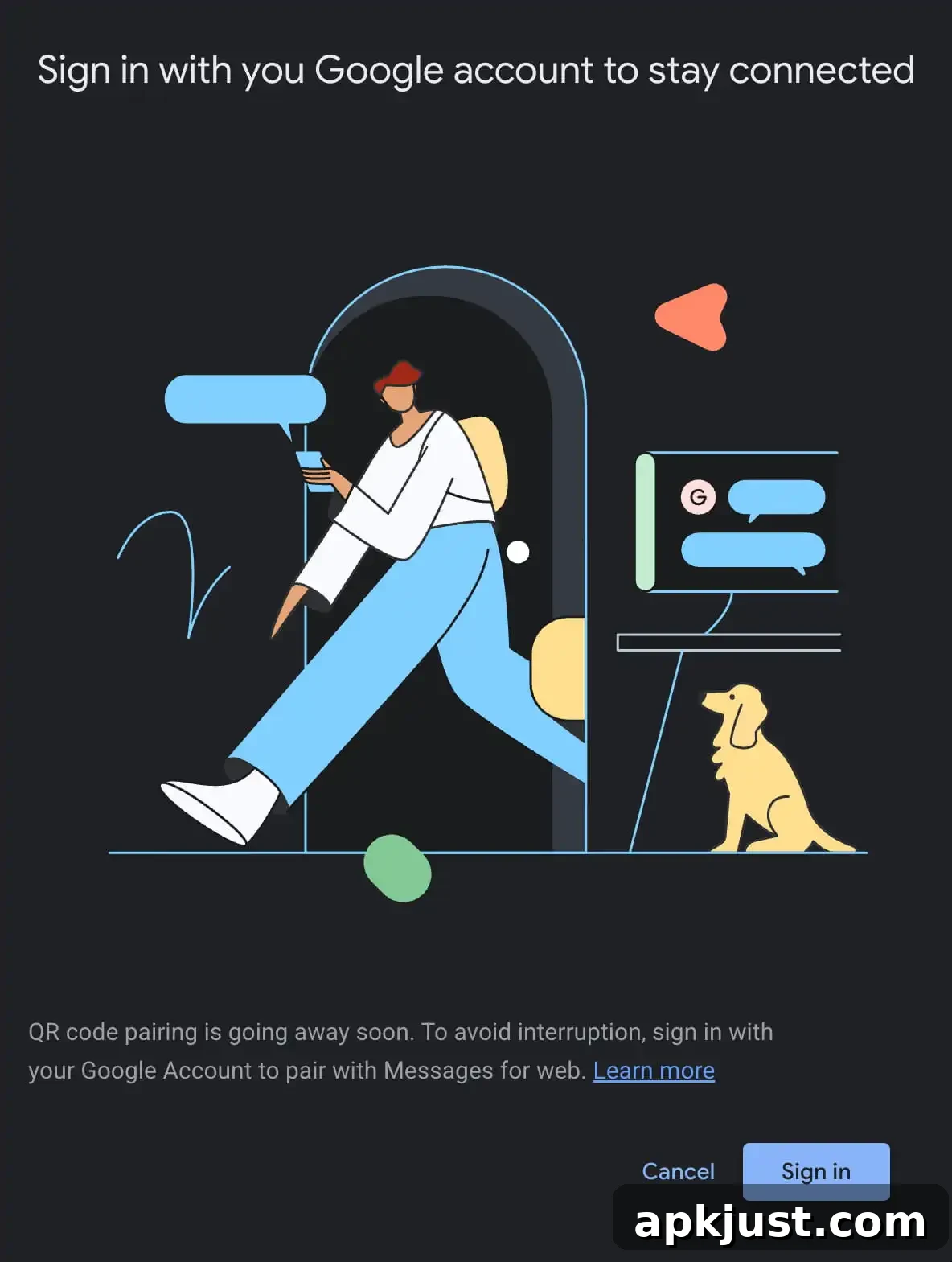
Messages for web removing QR code pairing
Google plans to phase out QR code pairing for Messages for web in favor of signing in with a Google Account. As of late April the QR code option remained available, but a full transition to account-based sign-in is expected for future sessions.
Read receipts redesign I
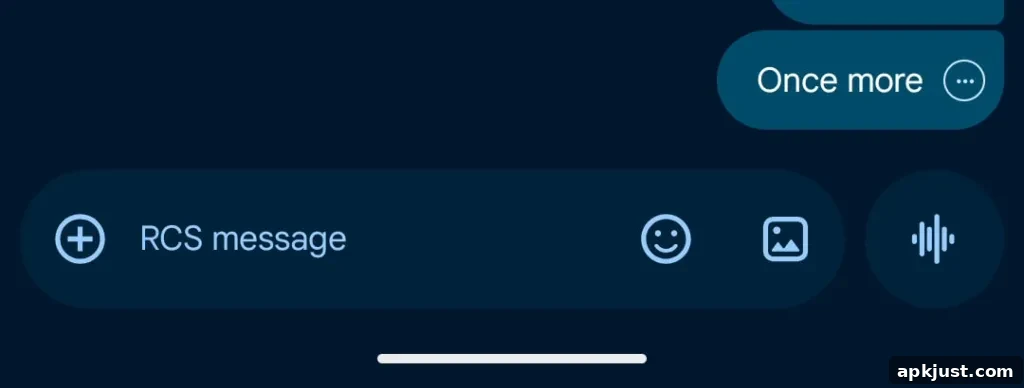
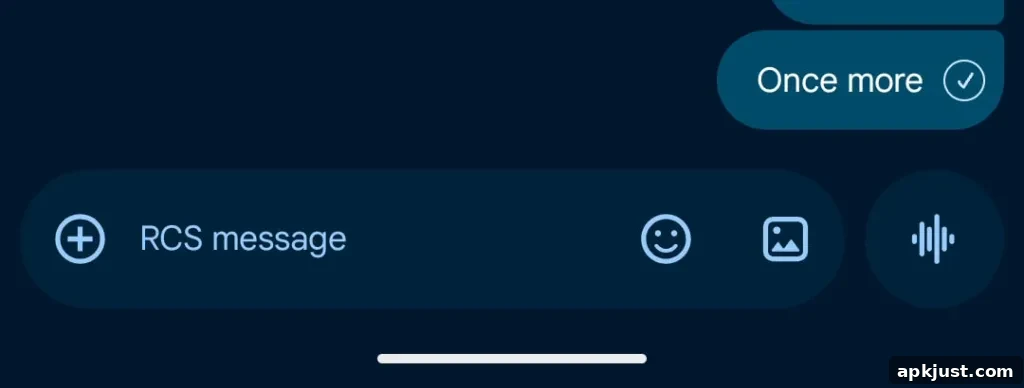
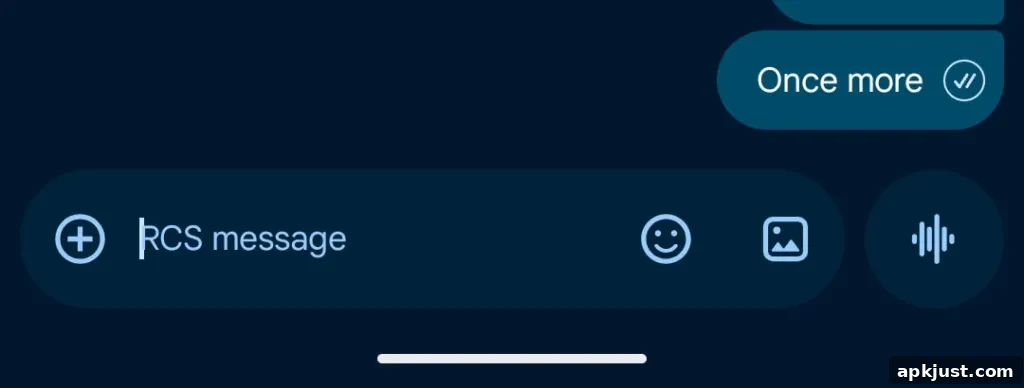
Earlier redesigns placed read receipts in a small circle at the bottom-right corner of message bubbles and images. Swiping left revealed timestamps and the encryption lock, while swiping right triggered a quick reply. This style first appeared in mid-2024 and has since been rolled out to wider beta and stable channels on many devices.
| Ellipsis | Sending |
| Single check with ring | Sent |
| Double check with ring | Delivered |
| Double check solid circle | Read |
Recent launches (stable)
[New] Chat theme
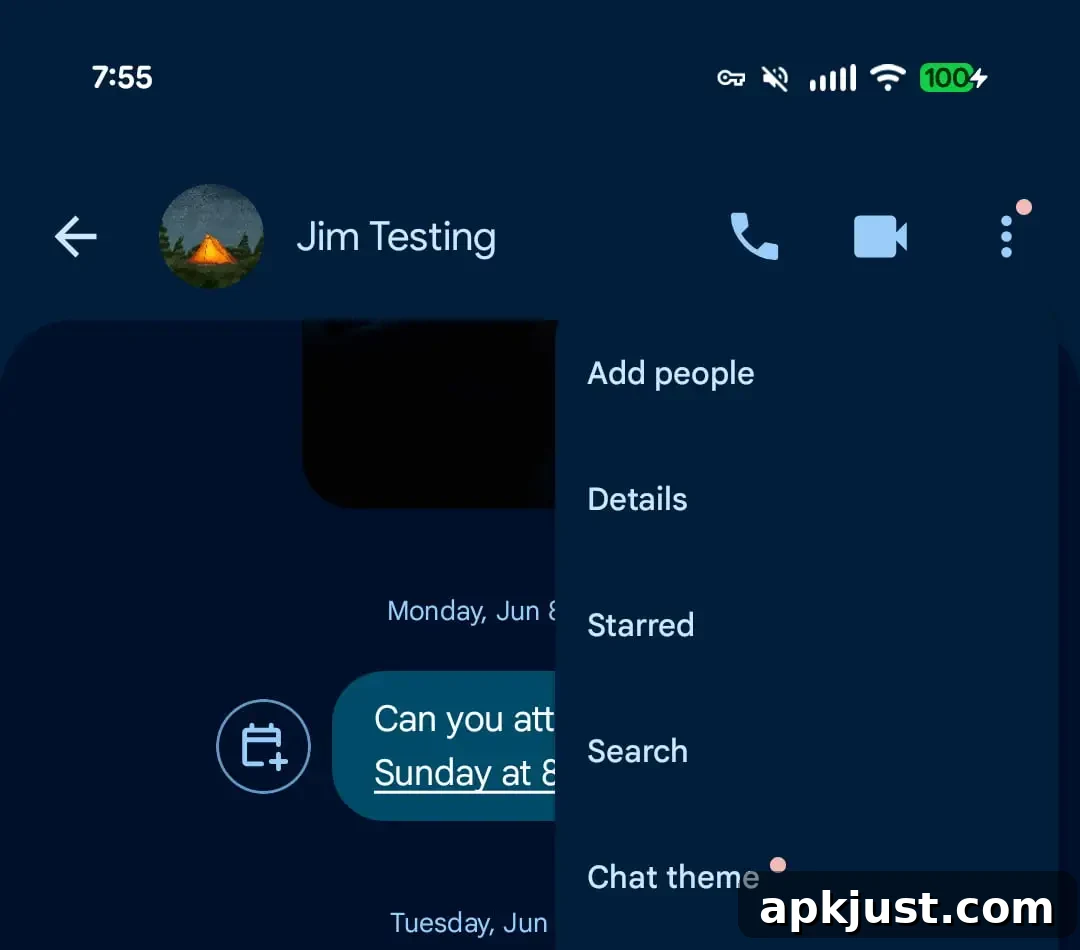
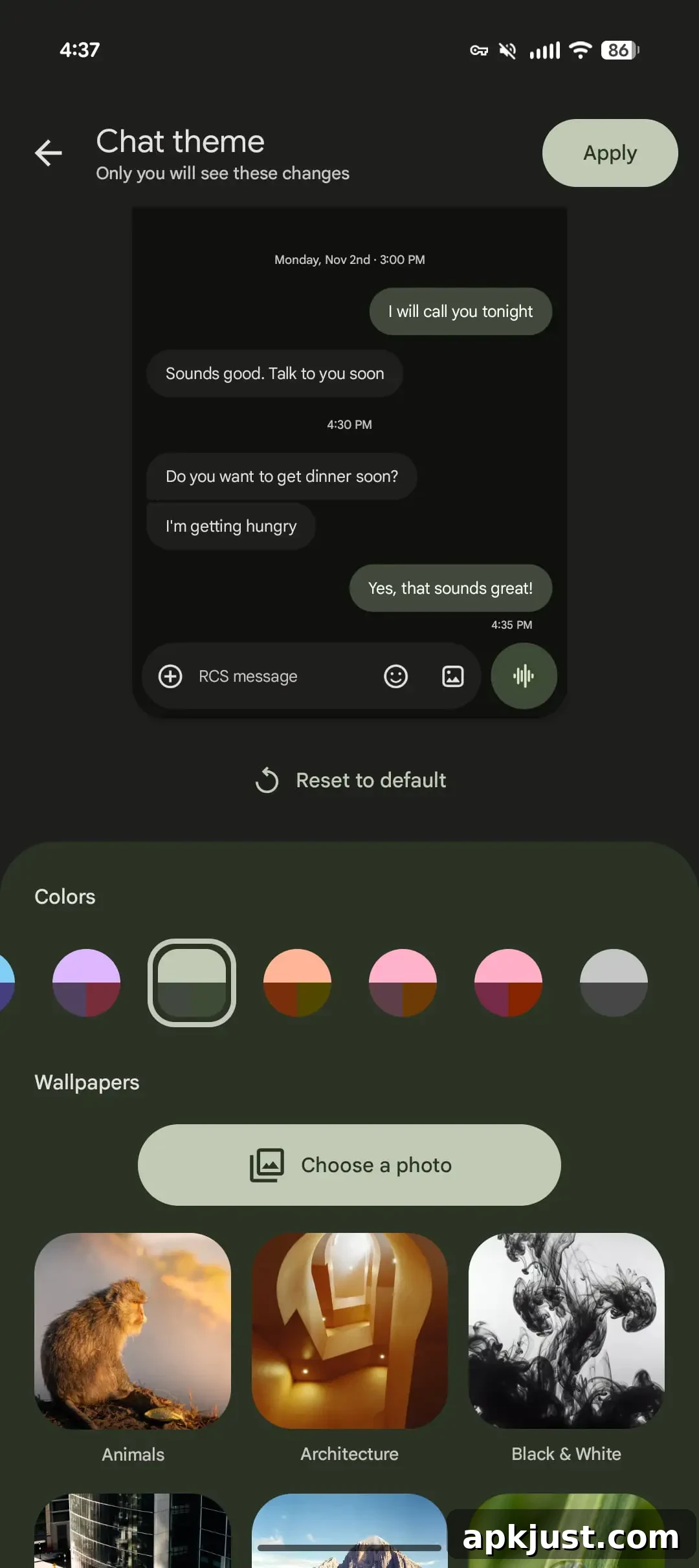
Google Messages introduced a richer “Chat theme” feature that replaces the previous “Change colors” option. Accessible from the conversation menu, themes let you apply curated color schemes to message bubbles and conversation backgrounds. When Chat theme is enabled for your device, you may see a small badge indicating the new option. Themes are local to your device and do not change how the conversation appears to recipients.
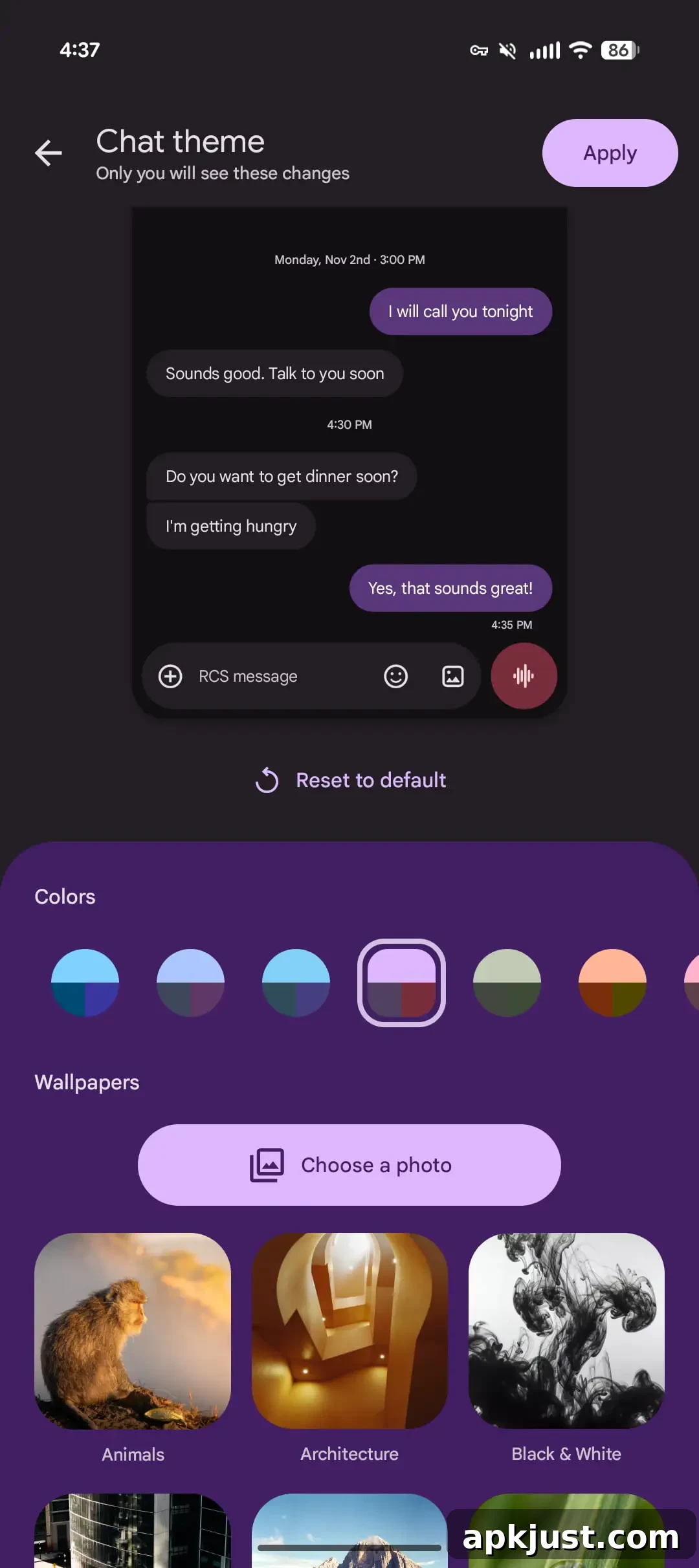
A Colors carousel lets you pick from nine bubble themes, including a Dynamic Color option that adapts to the chat background. The Wallpapers option lets you change the conversation background: you can upload your own image or choose from built-in collections such as Animals, Architecture, Black & White, Cityscapes, Landscapes, Macro, Space, Sunsets, and Textures.
Samsung Messages discontinued
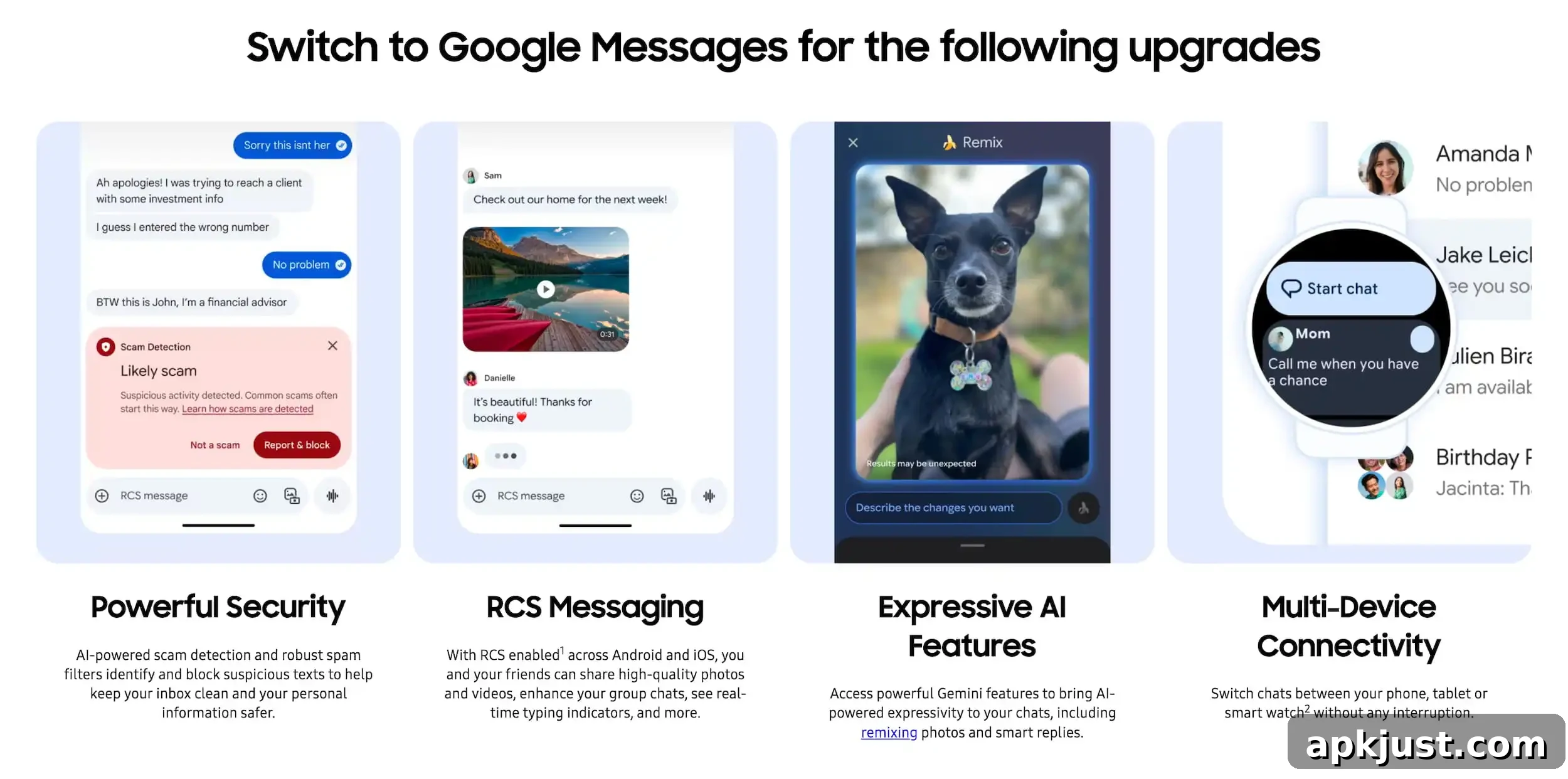
In the United States, Samsung has been prompting users to switch from Samsung Messages to Google Messages. On devices running Android 14 or newer, the Google RCS app may automatically move to the homescreen dock as part of the migration process.
Bolder voice message button
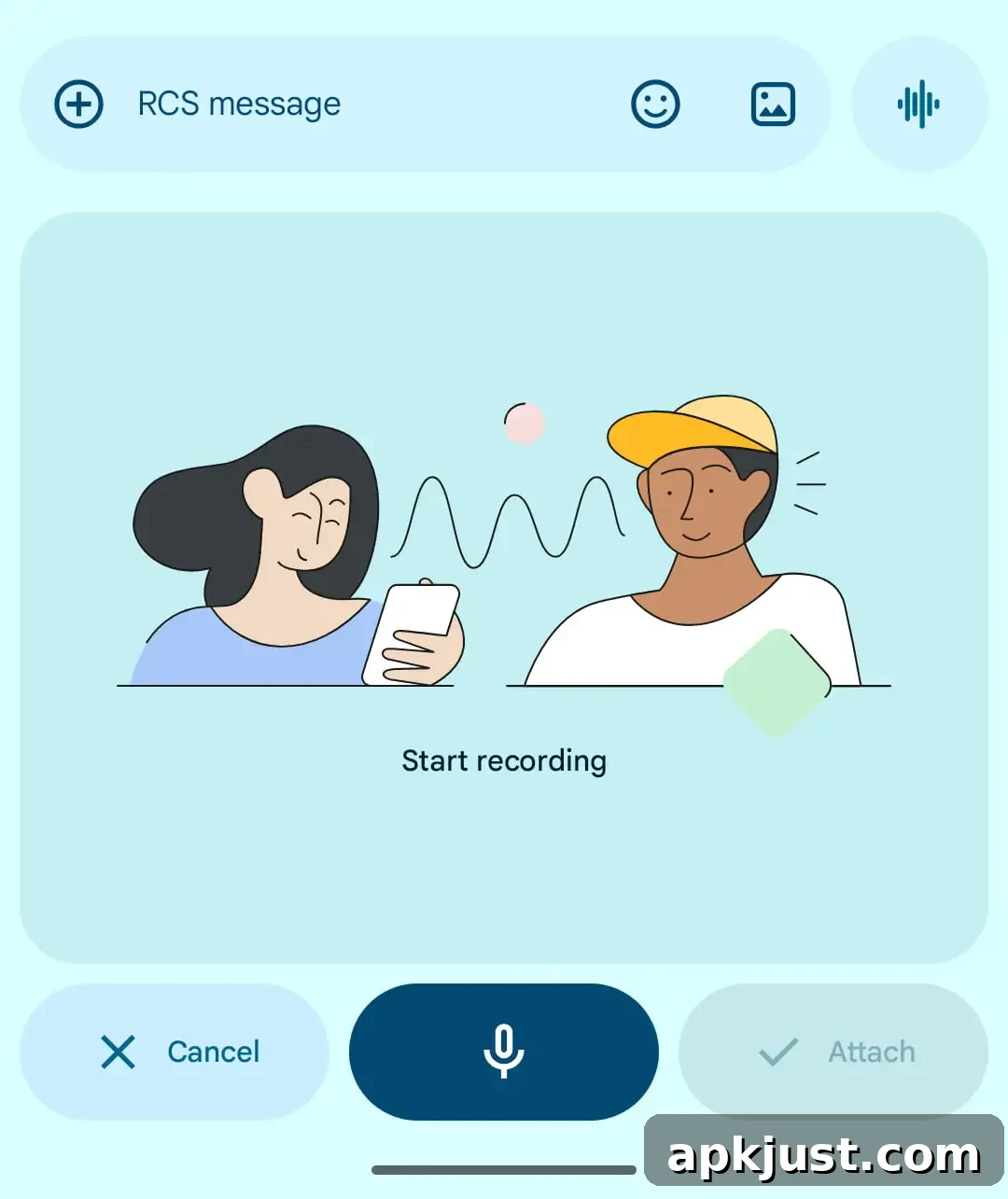
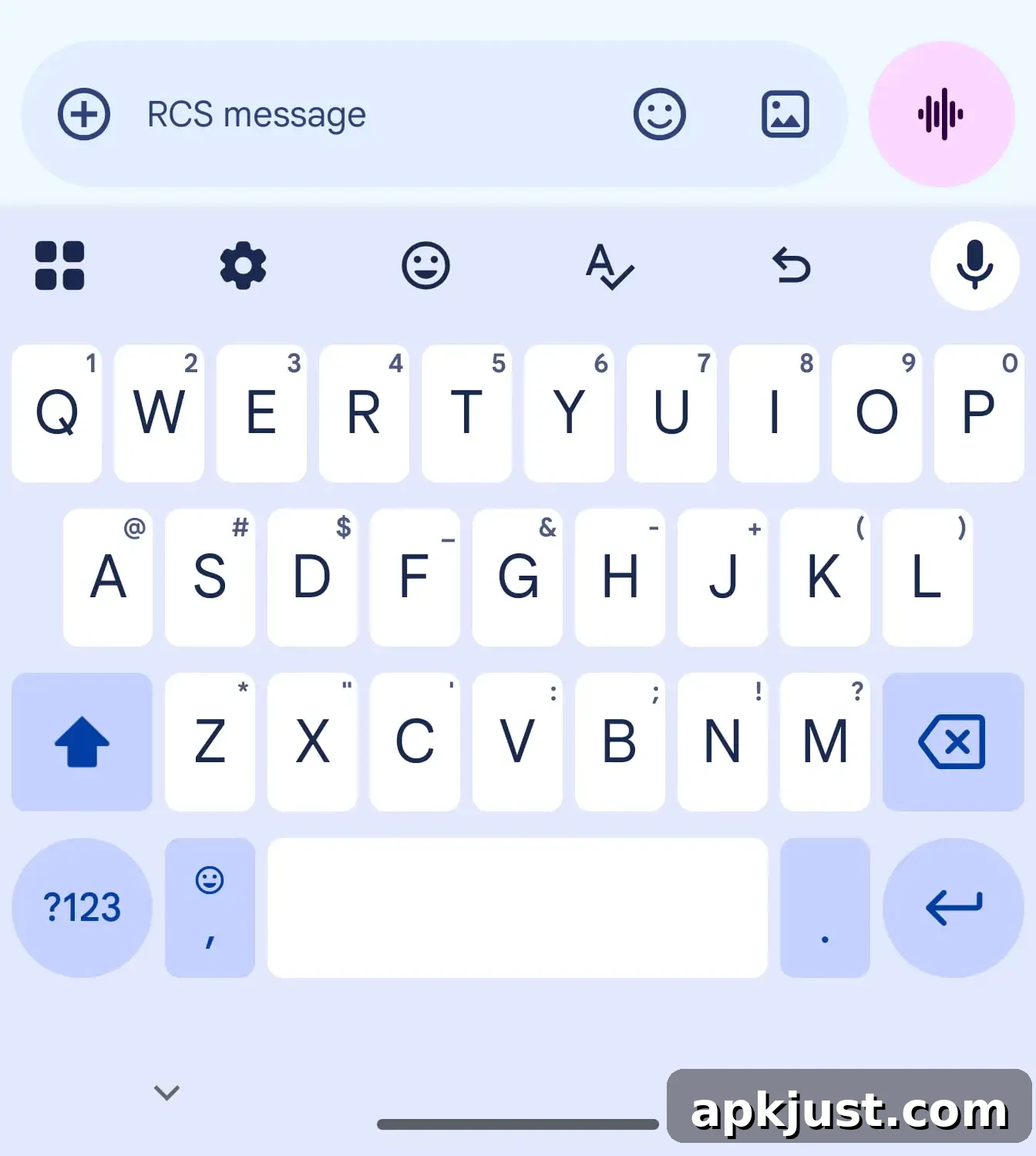
The voice message button has been restyled to use a bolder, more visible color. Previously the waveform matched the compose field; the updated button is easier to spot and interact with when recording voice memos.
Tap to draft
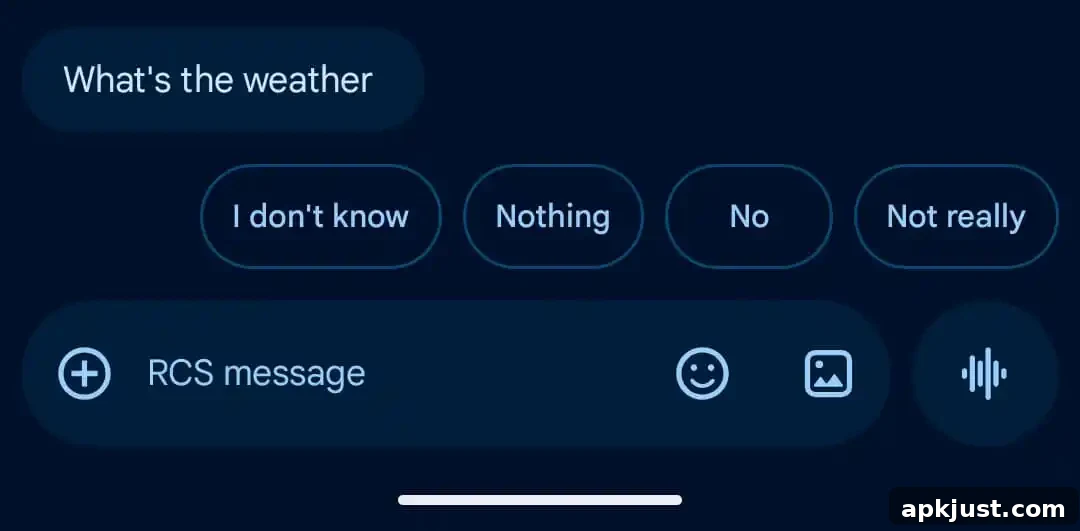
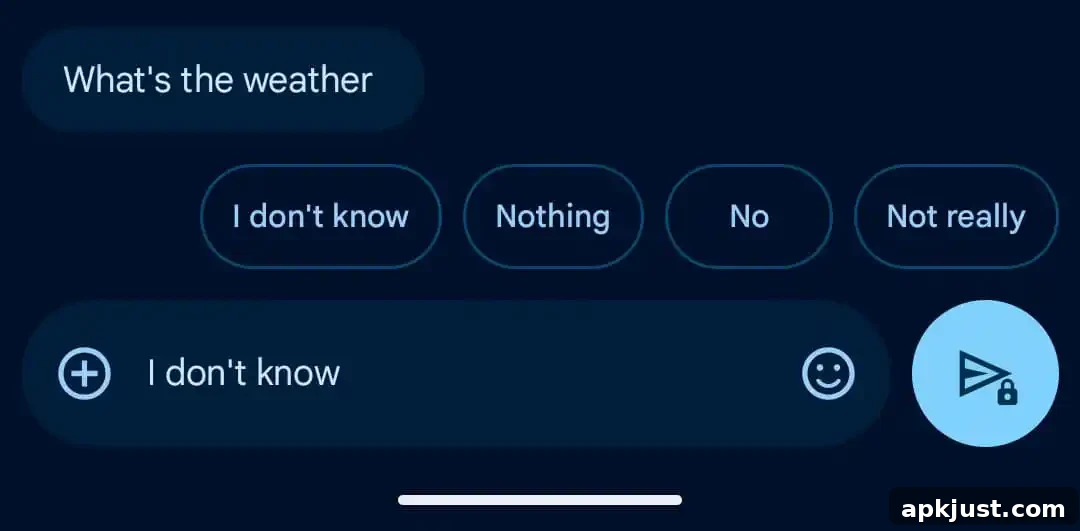
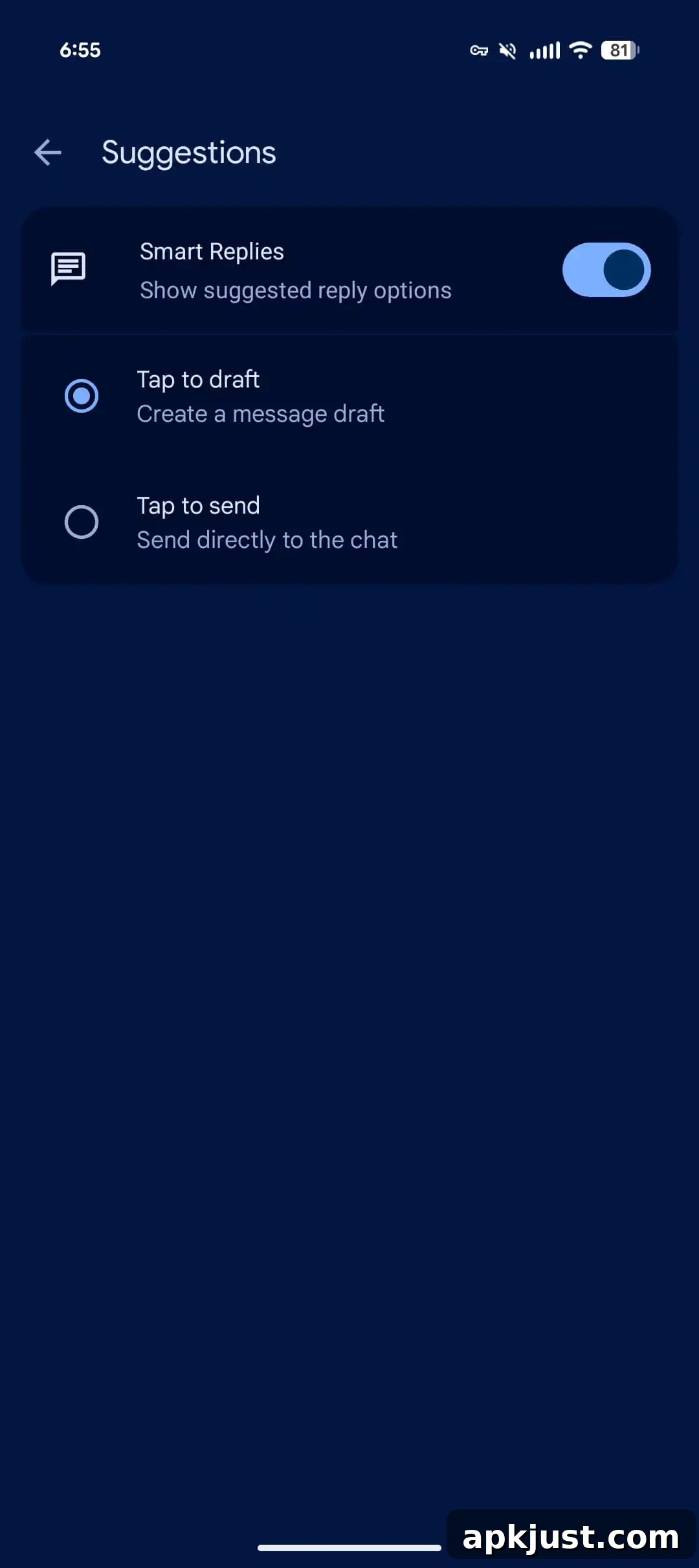
To reduce accidental sends via Smart Replies, Messages added a “Tap to draft” option. When enabled in Settings > Suggestions & Actions > Suggestions, tapping a Smart Reply places it in the text field so you can edit before sending. The previous “Tap to send” behavior remains available and is still the default for most users.
- Selfie GIF continues to appear consistently for many users
- Encrypted RCS between Android and iPhone has seen expanded support
- Trash folder and improved message management features are now widespread
- Real-time location sharing and group mentions in RCS chats have been added
- Gemini-powered scam detection and other AI features are being rolled out
- Edit history, gallery and camera updates, and interface tweaks have been introduced over the last year
- Many earlier updates remain in wide use: link previews, image viewer redesign, custom bubbles and backgrounds, reaction effects, and more
- Google continues to iterate on RCS, UI design, and security features across both beta and stable channels