
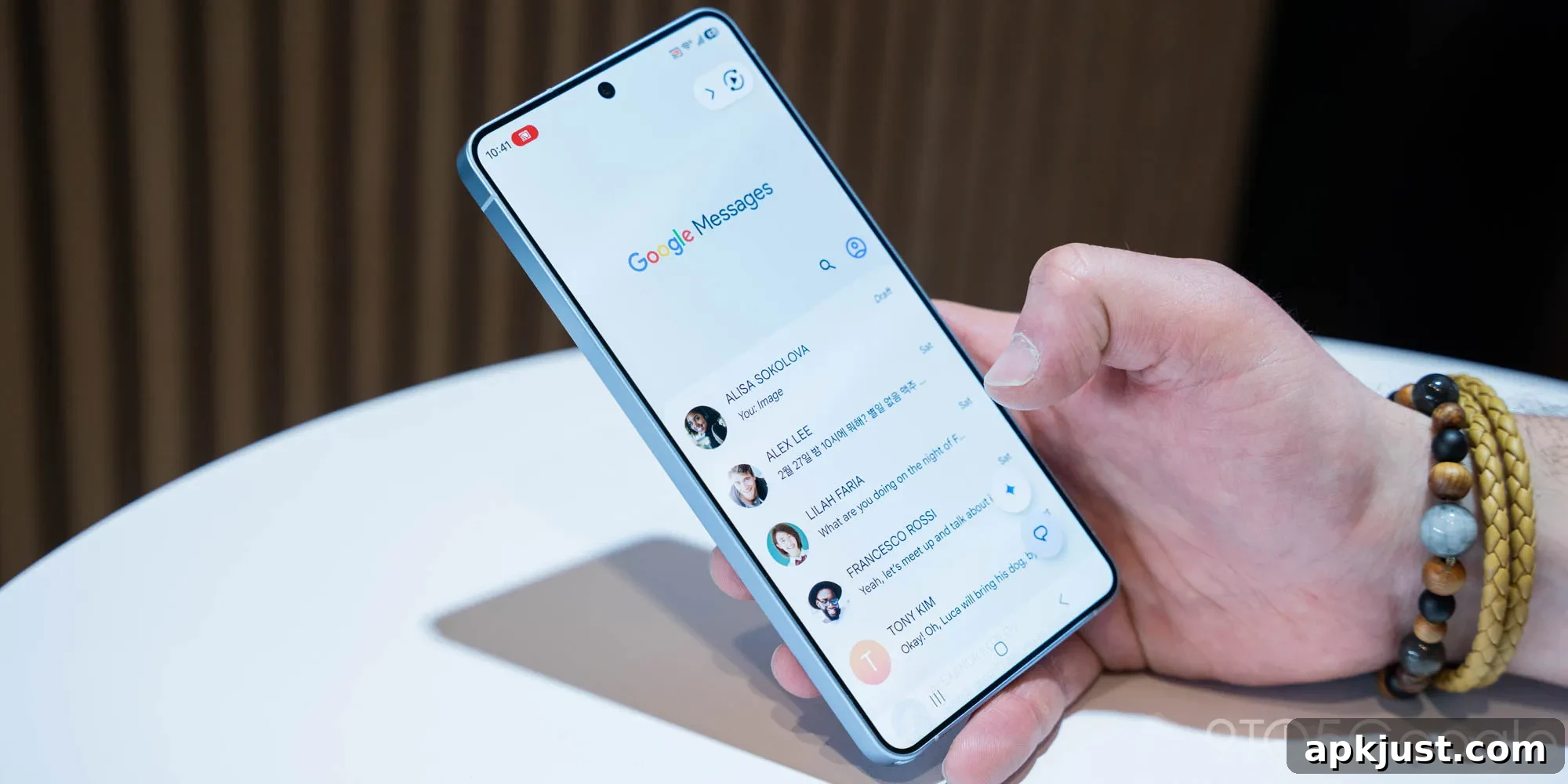
After testing started in January, Google Messages is expanding beta access to a redesigned long-press menu intended to make one-handed use easier and more efficient.
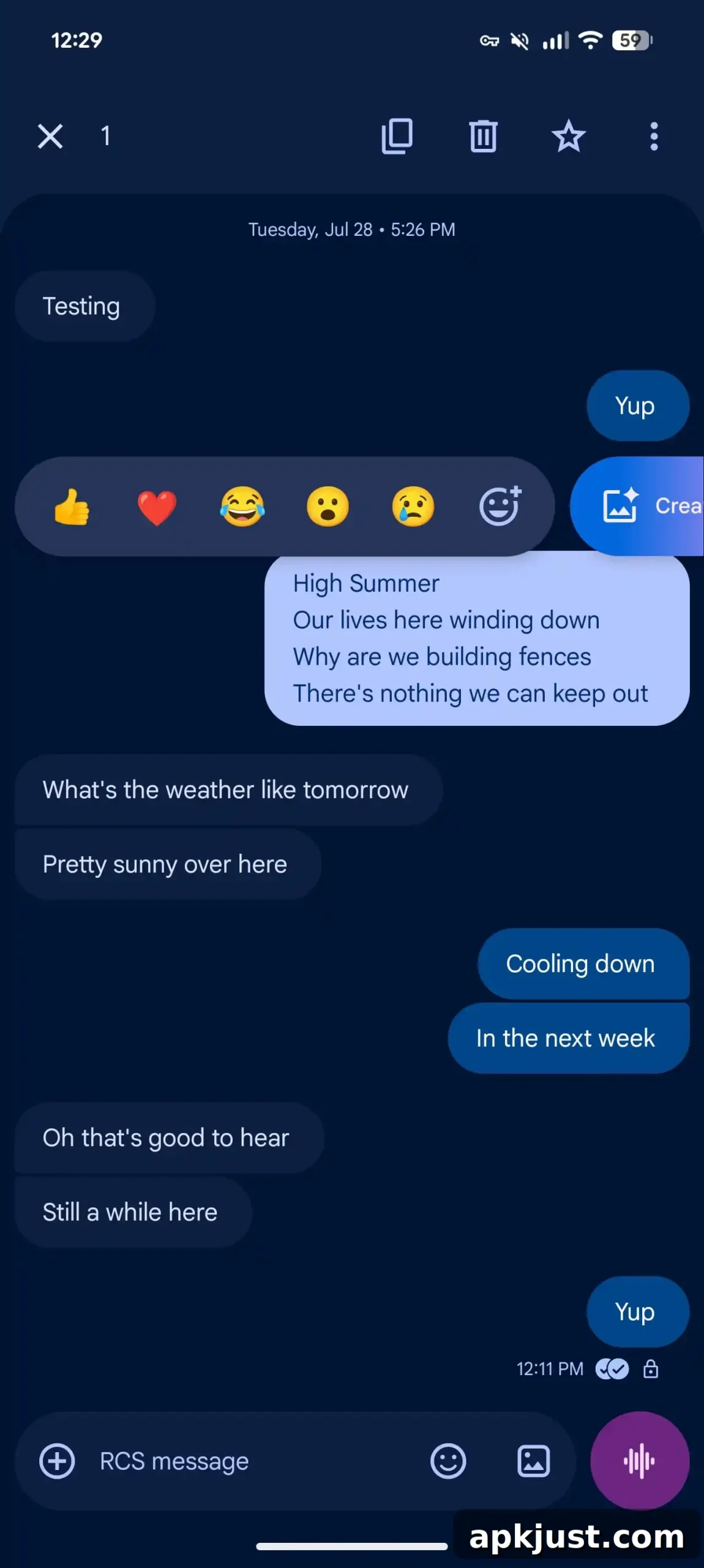
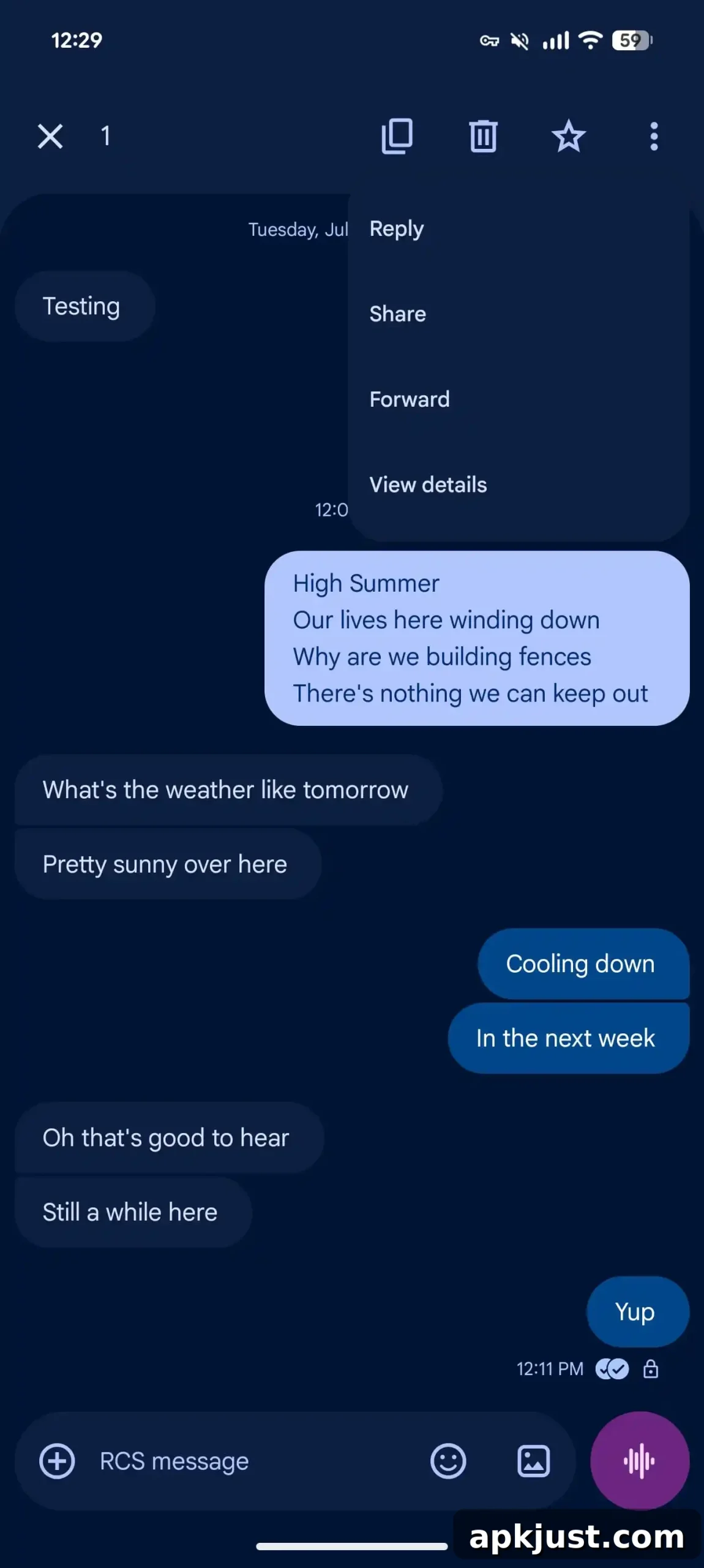
Until now, long-pressing a message opened a toolbar at the top of the screen. That toolbar offered three primary actions on the right while the rest were hidden behind a three-dot overflow menu. In addition, a pill containing emoji reactions and Photomoji appeared above the message.
Old
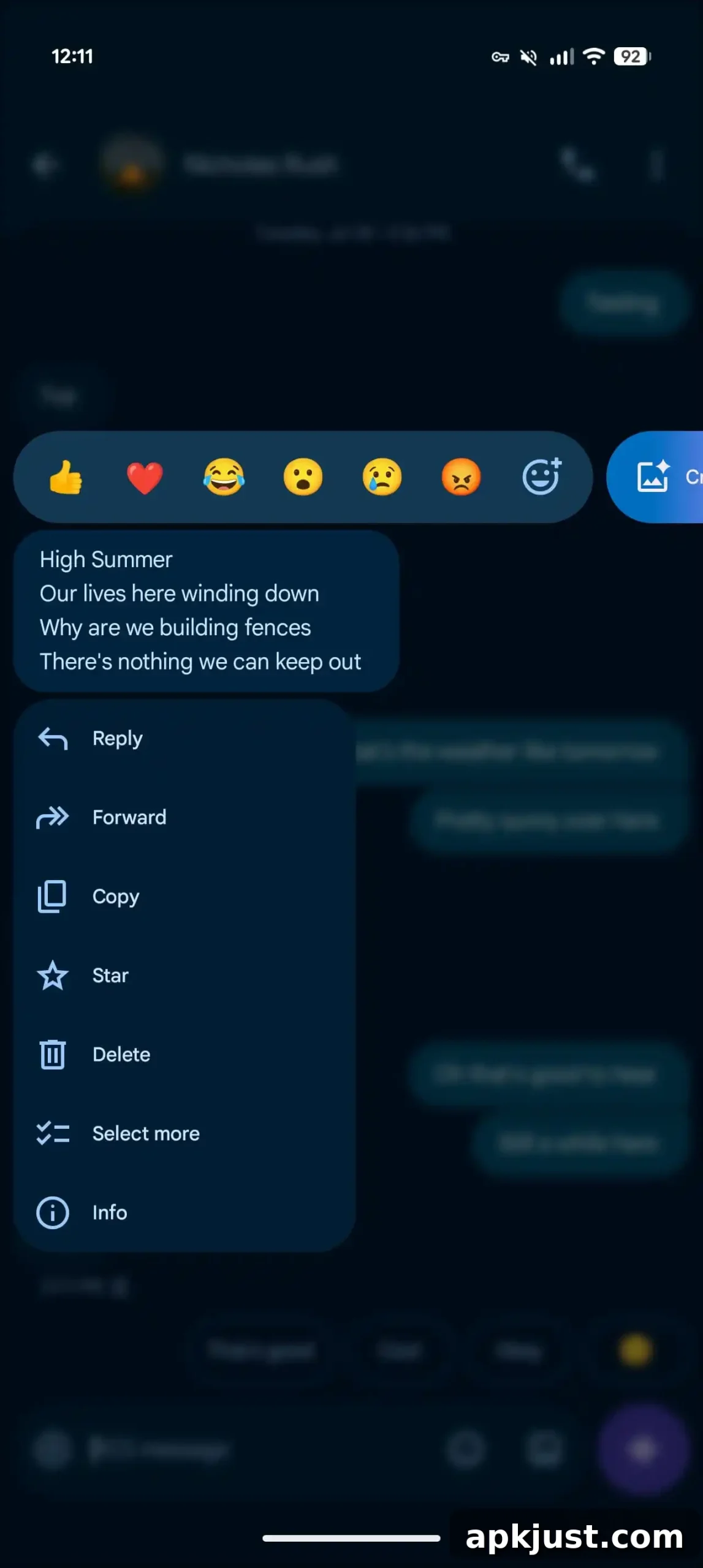
The new design shifts the action menu to a more reachable location and applies a subtle blur to the rest of the conversation for improved focus. The familiar emoji reaction bar still appears above the selected text or media, but a compact action menu now appears below it. This new layout is aimed at improving reachability on larger phones and reducing the finger travel required to access common actions.
The bottom menu contains the most frequently used actions up front, presented in a clear, tappable list that includes:
- Reply
- Forward
- Copy
- Star
- Delete
- Select more
- Info
- Save (for media)
When the available screen space is limited—for example, when the message is near the bottom of the conversation—the menu intelligently repositions the selected item slightly higher on the screen and animates it with a subtle bounce. This ensures actions remain visible and easy to tap without forcing users to reach to the very top of their display.
New
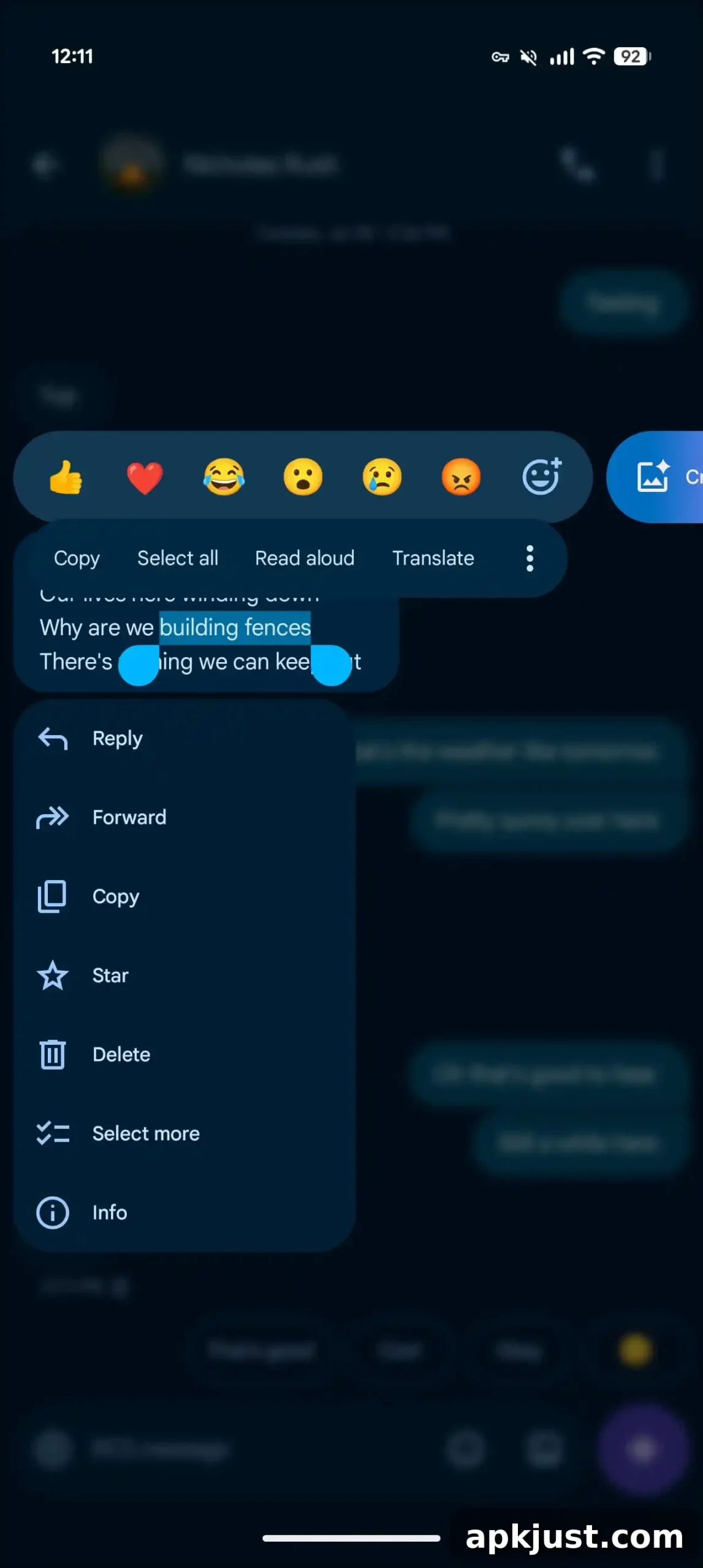
A helpful improvement for text handling: performing a second long-press on a message now lets you select and copy just a portion of the text instead of copying the entire message. This makes it easier to extract a single sentence, number, or link from a longer message without extra steps.
We are observing this redesigned long-press menu rolling out as a server-side update to the Google Messages beta (build 20260731_00_RC00). If you are enrolled in the beta and don’t see the new menu yet, try force stopping Google Messages via App info and reopening the app; the update may appear after restarting the process.
More on Google Messages:
- Google Messages will let you customize the shortcuts grid, making the interface more personal and efficient for power users.
- Samsung Messages is scheduled to shut down in favor of Google Messages, encouraging users to move to a single, unified messaging app.
- Upcoming cross-platform improvements include inline replies and enhanced photo reactions for RCS messaging between Android and iPhone on supported platforms.
Overall, the updated long-press menu focuses on reachability, clarity, and streamlined access to the actions most people use. By moving the menu closer to the thumb and reducing clutter, Google Messages aims to make everyday interactions faster and more comfortable, particularly on larger displays. Expect this change to become more widely available as the beta progresses through staged server-side rollouts.