
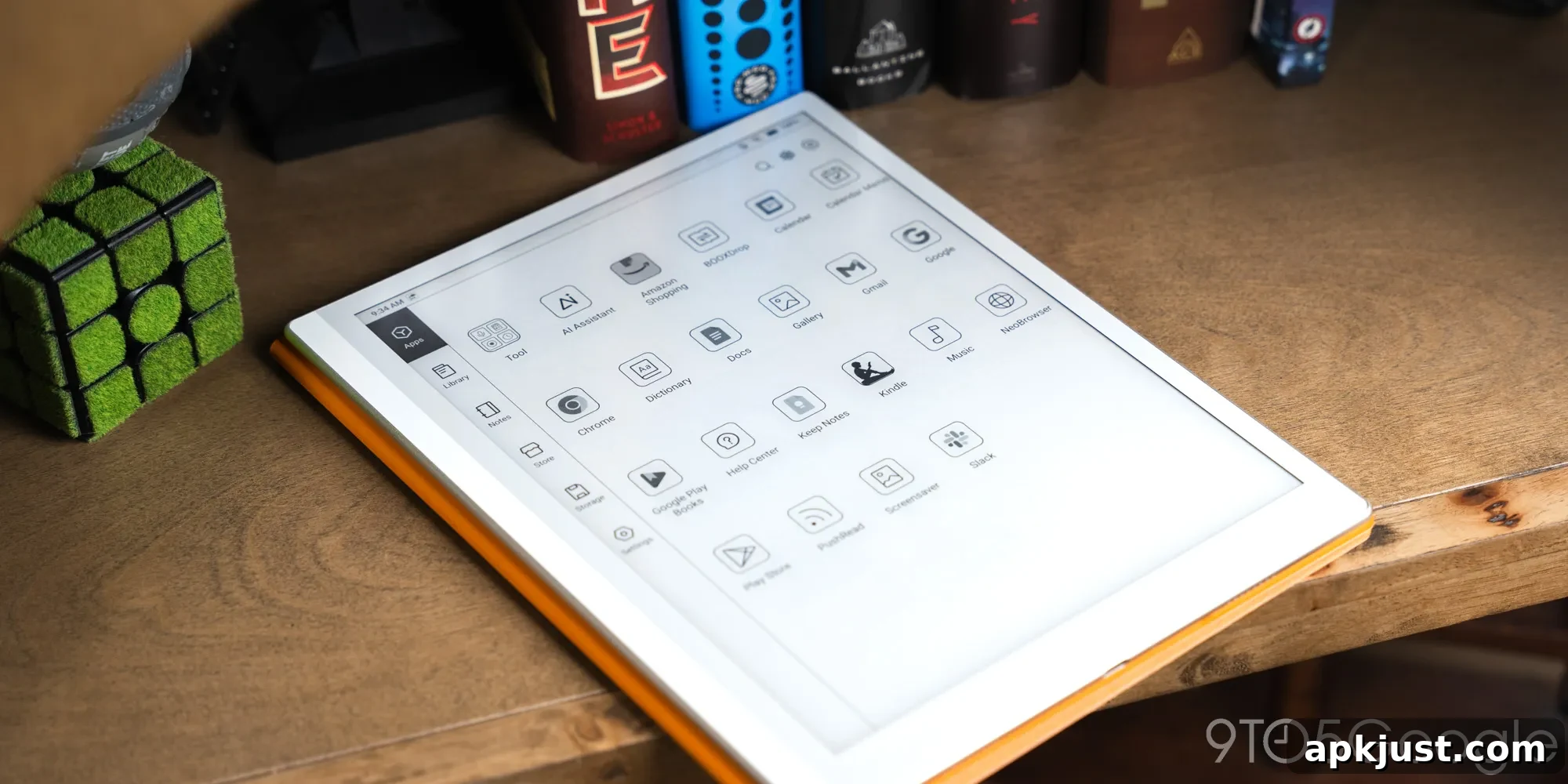
The Boox Go 10.3 Gen II builds on Boox’s reputation for streamlined Android e-readers, delivering a refined experience for both reading and note-taking. It gets the essentials right: a comfortable display, responsive stylus input, and a minimalist Android implementation that helps you stay focused while still offering the flexibility of apps when you need them.
I’ve spent a few months with the Boox Go 10.3 Gen II, using it regularly for reading and jotting down ideas. It’s become a dependable companion for focused work—especially because it runs Android 15 while keeping distractions to a minimum. The device makes it easy to step away from full-featured tablets and phones without giving up the everyday tools you occasionally need.
Design
It’s a big boy, but paper-thin
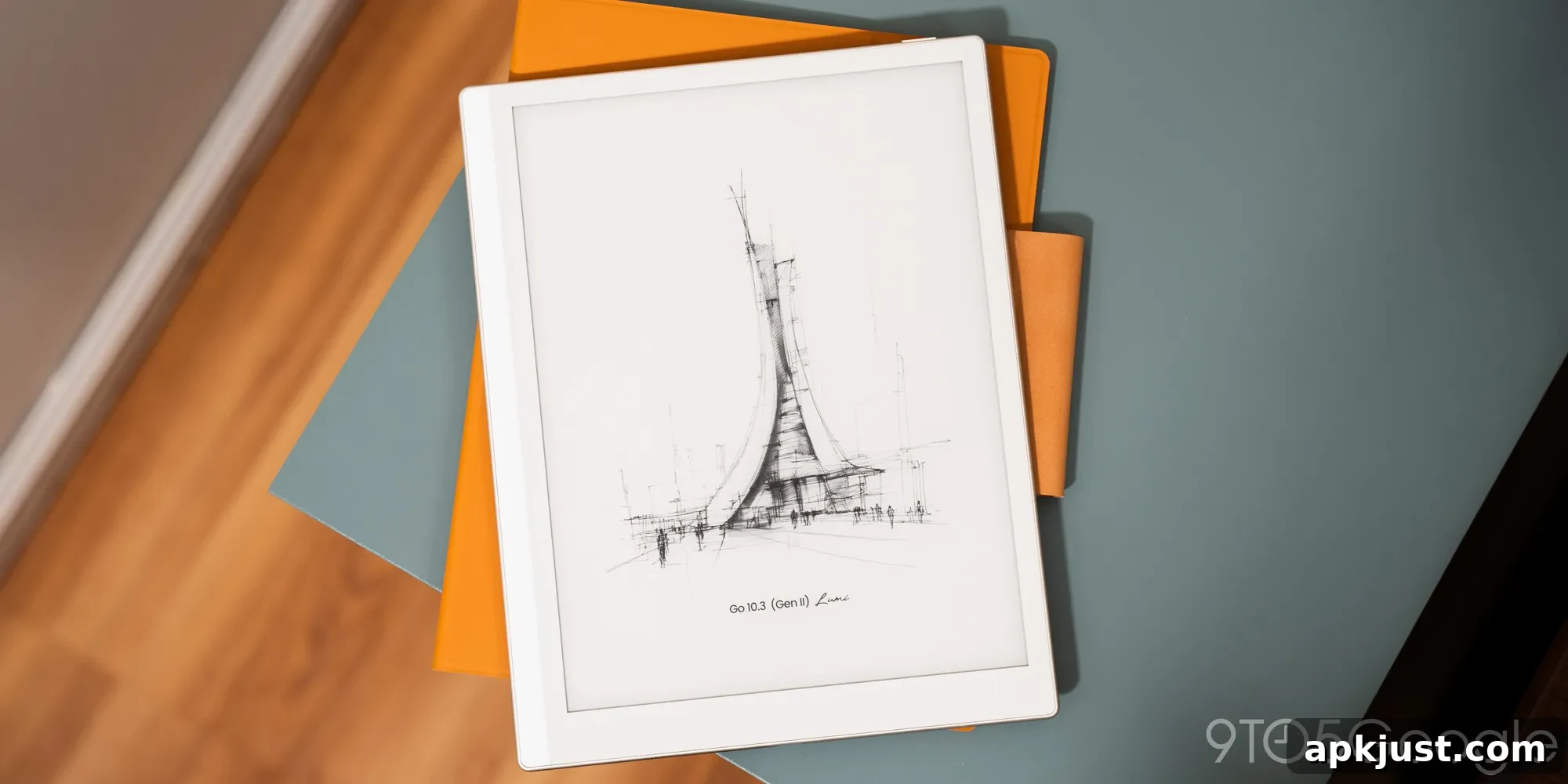
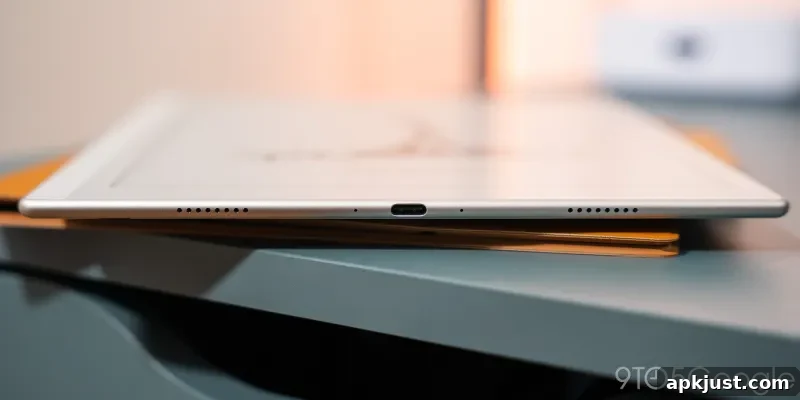
Boox markets the Go 10.3 Gen II as being impressively thin, and while “paper-thin” is a marketing flourish, the device’s 4.8mm profile does make it exceptionally portable. It slips into most bags easily and feels far lighter than its size suggests. The bezel layout favors the left side, which is noticeable but doesn’t affect real-world use, especially when writing with the stylus.
A pleasant detail is the soft faux-leather rear panel. It adds grip and a tactile comfort that makes extended reading or note-taking sessions more pleasant. There’s also an optional folio cover that increases protection and adds a stand and stylus holder. The folio uses a similar material and contributes to an overall cohesive design aesthetic.
The folio’s stylus loop is a simple strip you must attach and loop to secure the pen, which can feel finicky if not tightened correctly. The stylus can also attach magnetically to the tablet, offering flexible placement and convenience, which I prefer for everyday use.
As close to paper as we’re going to get
The Lumi edition includes a front light for reading in low light, which broadens where and when the device can be used. The HD Carta 1200 e-paper display performs well in both bright sunlight and dim indoor lighting. As with all e-paper, you should expect some ghosting when refreshing content, but Boox provides multiple refresh modes and contrast options accessible from a quick swipe. These settings help tailor the display for reading, browsing, or other app use.
Although the screen is monochrome, the contrast adjustments make a meaningful difference depending on the app. The result is a very comfortable, paper-like viewing experience that’s easy on the eyes for long sessions—ideal if you prefer to avoid OLED or LCD screens for extended work.
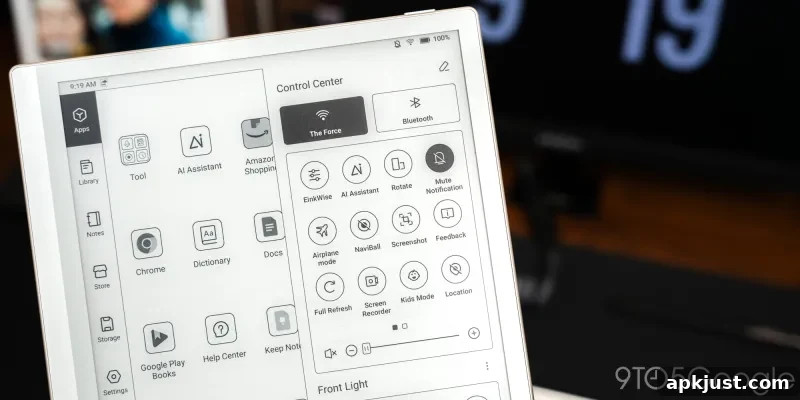
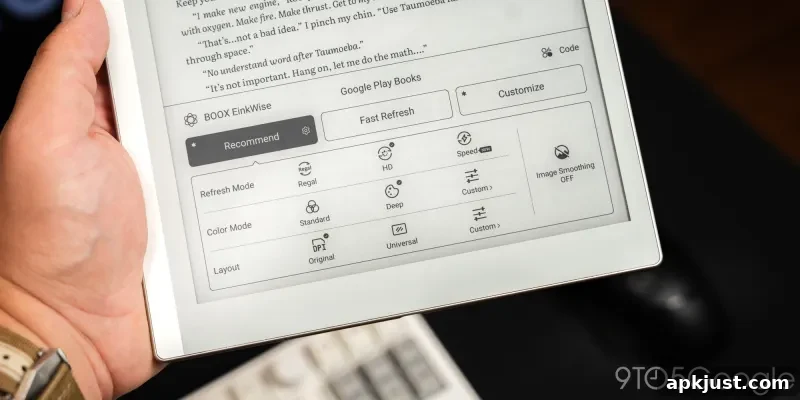
Touch responsiveness is generally good, though e-paper naturally lags behind modern phone screens. Still, the device handles taps and gestures well enough for reading, note-taking, and light web browsing. Where the display truly shines is in long-form reading and writing—tasks for which e-paper excels.
Software
Only as much Android as you want
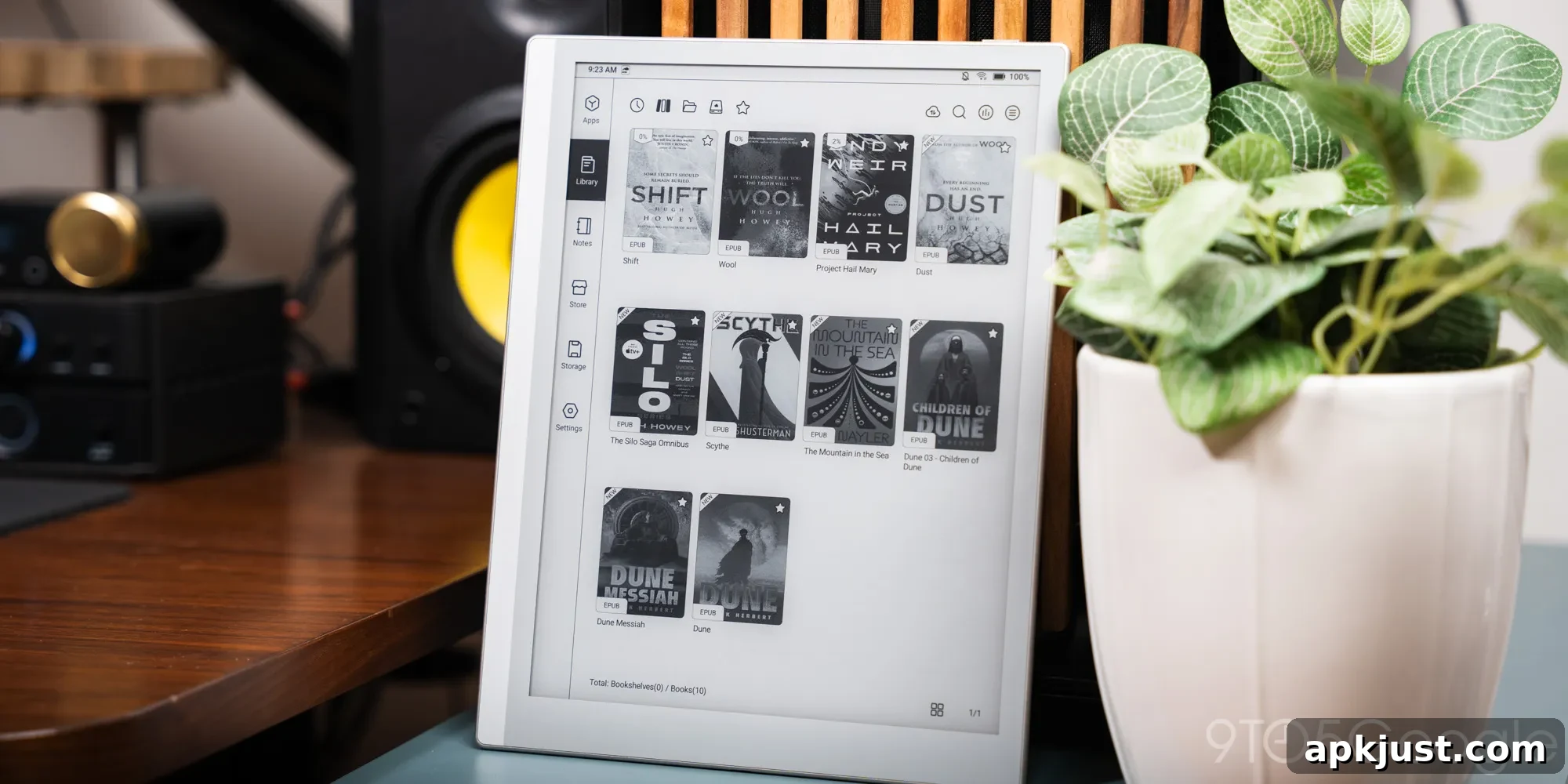
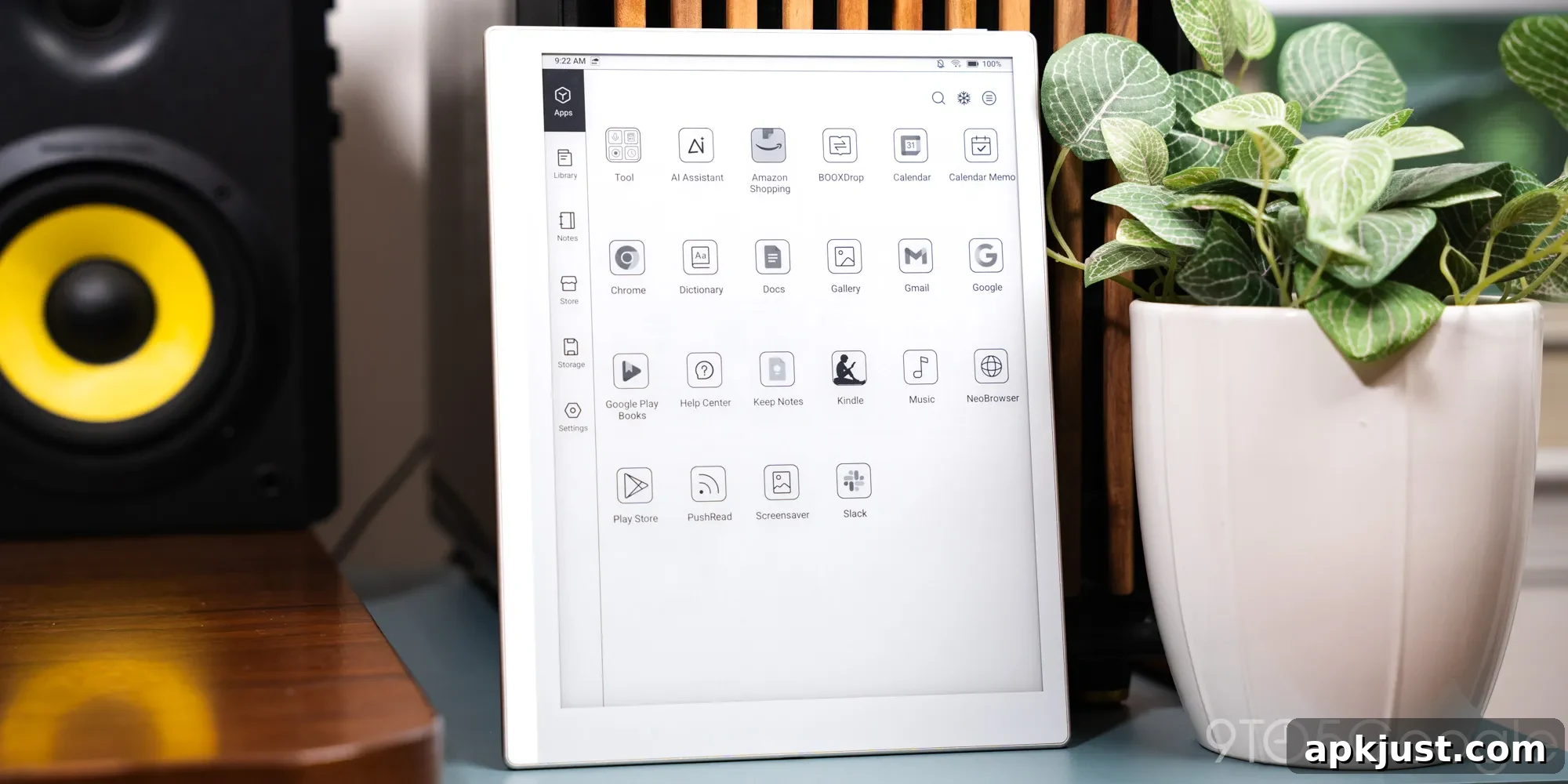
Running Android 15, the Go 10.3 Gen II gives you access to familiar apps while maintaining a focused interface. The home screen divides core functionality into clear sections: library, notes, Boox store, settings, and apps. Apps you install appear in a separate apps section, keeping them out of the primary reading and note-taking workflows.
The library and notes areas are the device’s strengths, though the library is optimized for files like EPUBs and PDFs and for purchases in the Boox store. Adding books from other stores requires extra steps, so expect some friction if you primarily buy books through other ecosystems.
The notes app is comprehensive and well suited to the 10.3-inch display. It supports layers, text selection, and a range of tools that let you refine a workflow once you find one that fits. The device encourages focused work: despite having full Android under the hood, the interface nudges you toward reading and writing rather than constant multitasking.
A spacious handwritten experience
The included InkSense Plus stylus charges via a USB-C port on the pen and attaches magnetically to the tablet. The magnetic attachment can feel a bit loose at times, and the charging position isn’t perfectly convenient, but these are minor trade-offs compared with the pen’s performance.
The stylus delivers several thousand levels of pressure sensitivity and pairs with the textured e-paper surface to produce natural-feeling strokes. Small pressure variations translate into subtle changes in line weight, which makes handwriting and sketching more satisfying than with many previous e-reader pens.
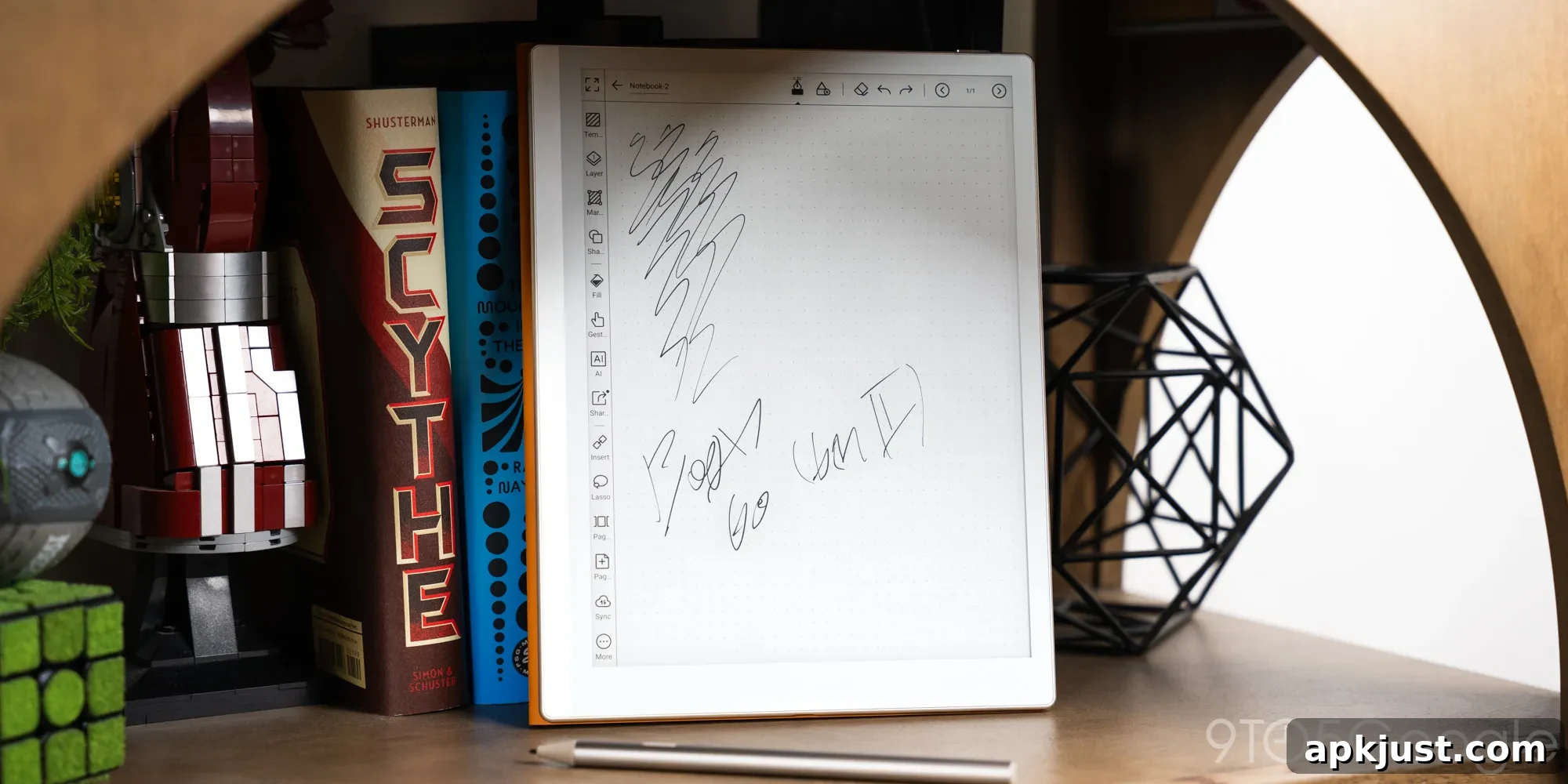
Boox positions the Go 10.3 as a creator’s device for those comfortable with a black-and-white screen. For note-takers, students, and professionals who want a distraction-light canvas for ideas and drafts, it’s an excellent companion.
Battery
I wouldn’t worry about the battery
With a 3,700mAh battery, the Go 10.3 Gen II delivers far more runtime than a similarly sized LCD tablet would. In practice, it easily lasts a week or more under moderate use. For travel or daily carry, the device is reliable and rarely forces you to hunt for a charger mid-trip.
Quick top-ups are generally enough to keep it going, so battery life is one of the key strengths that make this tablet a practical everyday tool for reading and notes.
Final thoughts
At $459 for the Lumi edition with the case included, the Boox Go 10.3 Gen II sits in a competitive spot. The model without backlight typically costs less, but upgrading to the Lumi version makes sense if you plan to read indoors often. Compared with more basic e-note devices, the Go 10.3’s Android flexibility adds clear value: you can install apps you rely on without being locked into a single store or ecosystem.
Design, display comfort, and the improved stylus experience are the most compelling reasons to consider this tablet. It’s thin, pleasant to hold, and built for extended sessions of reading and writing. If you want an e-paper device that helps you disconnect from bright screens while still offering occasional access to Android apps, the Boox Go 10.3 Gen II is one of the stronger options available.
Where to buy
- Amazon
- B&H Photo