
The monthly Google System Release Notes summarize updates across Google Play services, the Play Store, and Play system updates for Android phones and tablets, Wear OS, Google/Android TV, Auto, and supported PCs. These notes highlight new features, bug fixes, and improvements—some aimed at end users and others intended for app developers integrating with Google platforms.
The following first-party apps and services are included in the “Google System” that regularly receive updates:
- Adaptive Connectivity Services — check App info in Settings to view versions
- Android System Intelligence — see App info
- Android System Key Verifier — see App info
- Android System SafetyCore — see App info
- Android System WebView — see App info
- Android TV Core Services
- Device Health Services — see App info
- Google Partner Setup — see App info
- Google Play Protect Service — see App info
- Google Play services — see App info
- Google Play Services for AR — see App info
- Google Play Store — see App info
- Google Play system update — Settings > About phone > Android version
- Private Compute Services — see App info
- Quick Share Extension
- Settings Services — see App info
- SIM Manager — see App info
- System parental controls — see App info
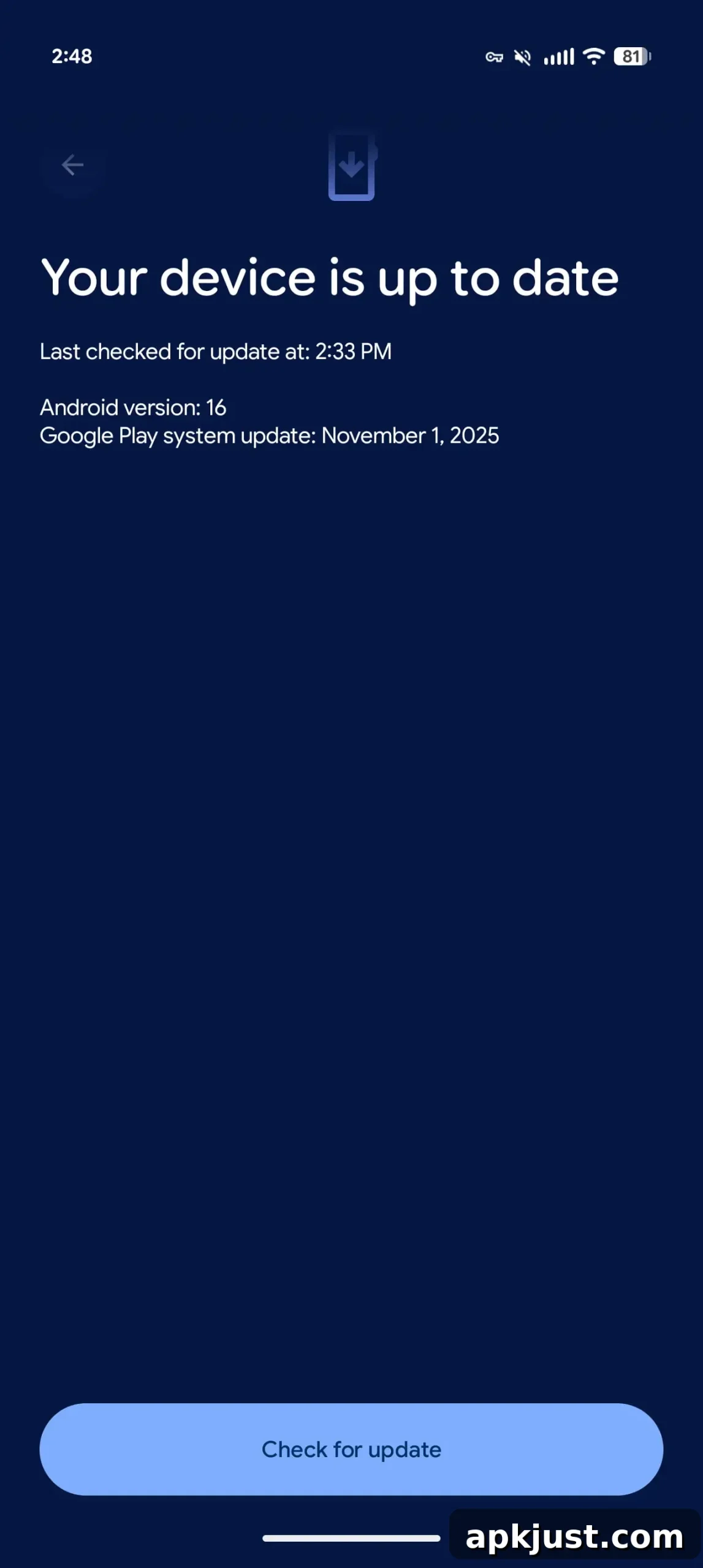
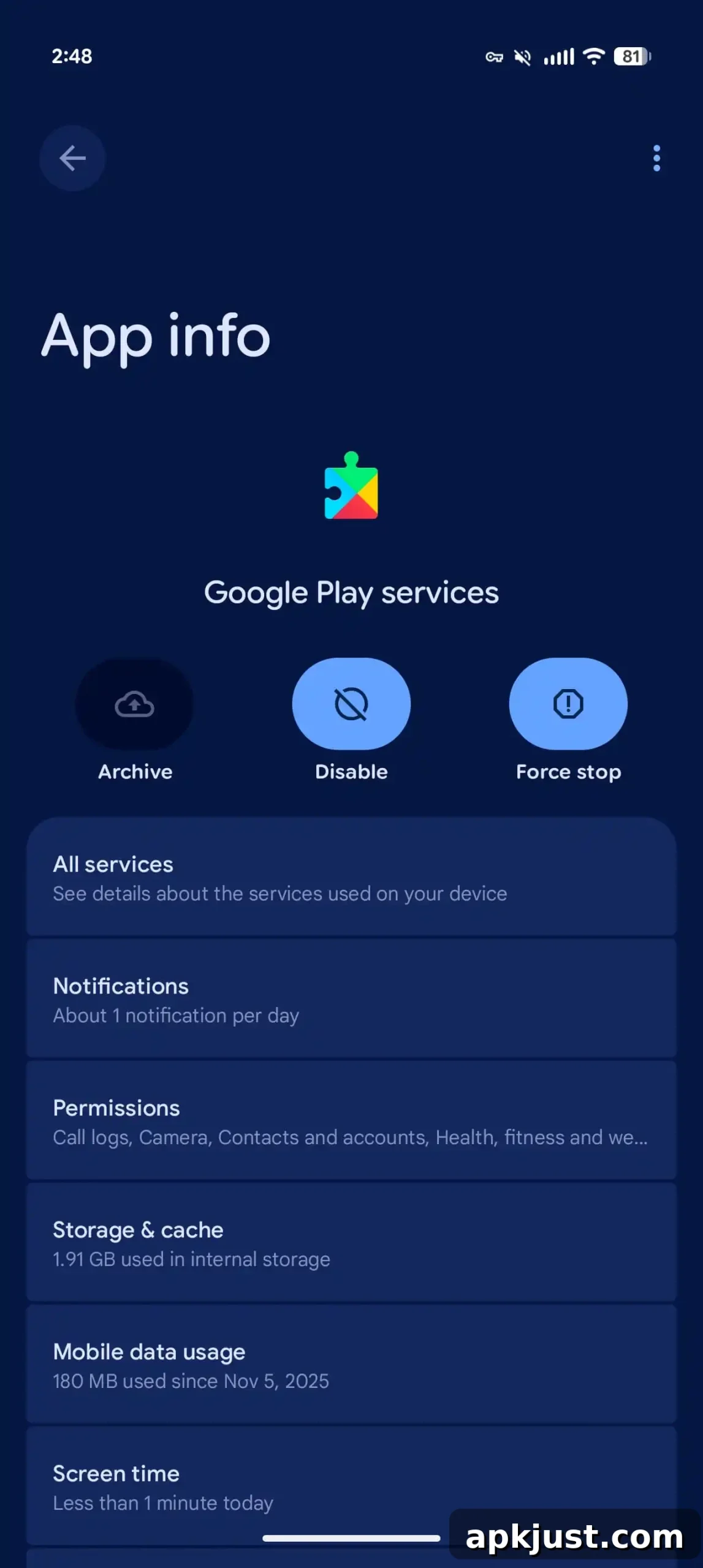
To check for and manage Google system updates, open the Settings app, tap your name at the top (on Pixel devices this shows “Google services”), go to the All services tab, then Privacy & security > System services. Availability for certain features can vary; a change listed in the release notes may roll out gradually and take weeks or months to reach all devices.
Google Play services v26.29 (2026-07-27)
Developer services
- [Auto, PC, Phone, TV, Wear] New developer features to support Maps-related functionality for both Google and third-party apps.
System management
- [Phone] Bug fixes for System Management and Diagnostics services to improve stability.
Utilities
- [Wear] New developer APIs to support utilities-related workflows for watch apps.
Wallet
- [Phone, Wear] New developer features enabling enhanced Digital Wallet and payments integrations.
- [Phone] Gboard support improvements allow Pix users to use the keyboard inside communication apps.
- [Wear] Pixel Watch users can set up express pay directly on the watch, and onboarding for new watches is simplified.
- [Auto, PC, Phone, TV, Wear] The “Connected apps” menu item has been renamed to “Linked apps”.
Google Play Store v52.5 (2026-07-27)
- [Phone] Stability and user experience improvements for the Play Games Sidekick Dashboard.
- [Phone] Popular comic books are now surfaced in Play Shorts so you can swipe through previews and open the full story when interested.
- [Phone] Engage SDK content cluster updates let you resume travel searches directly from integrated third-party travel apps.
Google Play services v26.28 (2026-07-20)
Account management
- [Phone] Added support for audio permission management inside WebViews.
- [Phone] New support for partners to launch storage management and subscription flows directly.
Developer services
- [TV] Android Credential Manager now supports TV, making saved passwords and passkeys easier to use—including using a phone for passkey authentication.
Device connectivity
- [Auto, Phone, TV] Additional quality logging for connectivity features.
- [Phone] Bug fixes for Device Connections services.
Safety & emergency
- [Phone] The device IMEI is now accessible from the lock screen for supported configurations.
Wallet
- [Phone] After completing, cancelling, or encountering an error in My Account, you’ll return to your previous screen rather than the Wallet home screen.
Google Play Store v52.4 (2026-07-20)
- [Phone] Search now supports natural language queries for more intuitive results.
- [Phone] Search suggestions and the input box can expand to two lines for easier typing and discovery.
- [Phone] Limited mobile data usage for app restore is now available in India, Nigeria, and Indonesia.
- [Phone] Option to add an app’s widget to the home screen during installation.
Android WebView v151 (2026-07-15)
- HTTP Cache Quota API lets developers optimize and manage WebView HTTP cache size.
- Visited links infrastructure has migrated to partition-aware handling with no user-facing behavior change.
- Security, privacy, and stability improvements plus bug fixes.
- New developer features to enhance how web content is displayed inside apps.
Note: Some features may be experimental and rolled out to select users first.
Google Play Store v52.3 (2026-07-13)
- [Phone] Improved content layout and higher content density for large screens.
- [Phone] In the EU, AI-generated images may be labeled with an “AI” tag; older or certain formats may not show the label yet.
- [Wear] The Wear app details page now uses the Univision architecture in place of the legacy fragment architecture.
Android AICore
- [PC, Phone] Updates include refined safety filtering for streaming outputs, improved model download and management, and enhanced diagnostics for multimodal inference and API latency.
Android System Intelligence V.76 (2026-07-13)
- [Phone] Bug fixes and general maintenance updates to improve performance and reliability.
Private Compute Services B.27 / C.5 (2026-07-10)
- [Phone] Maintenance updates focused on stability and background improvements.
Google Play services v26.26 (2026-07-06)
Account management
- [Phone] Faster, more seamless in-app purchases via an upgraded native storefront for Google One.
- [Phone] A new API improves the reliability and speed of work profile setup flows.
Developer services
- [Phone] New developer features to support Maps-related integrations for apps.
Device connectivity
- [Phone, Wear] You can now transfer your work profile account to supported watches.
Location & context
- [PC] Manage Google Location Sharing settings and compatibility for supported device types.
Utilities
- [Auto, PC, Phone, TV, Wear] New developer features to support utilities-related workflows across device types.
These release notes document incremental platform evolution: new APIs for developers, usability enhancements for end users, and ongoing security and performance fixes. For device-specific instructions or to confirm availability, check your device’s Settings or the App info pages listed above.