
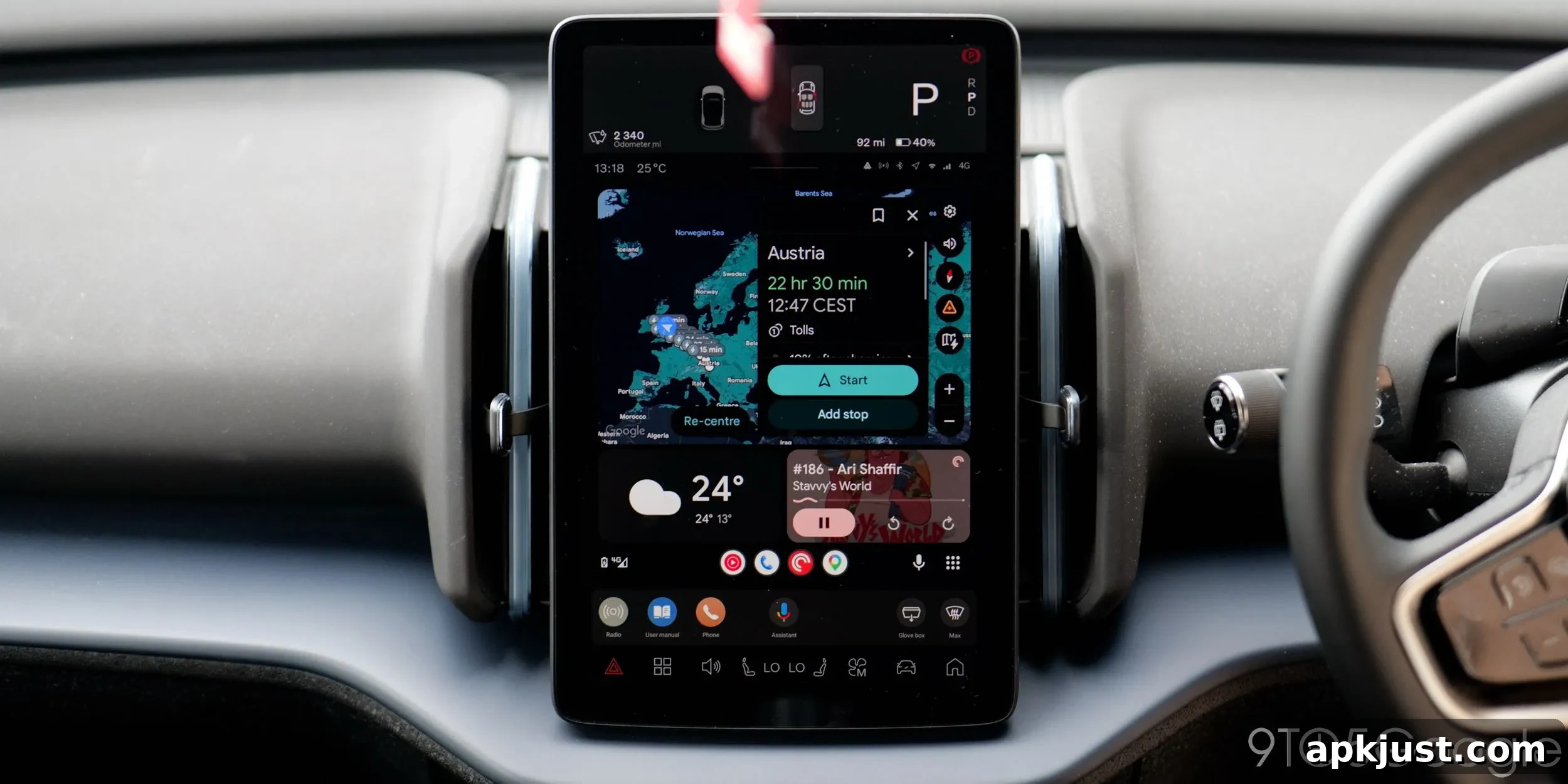
I’ve spent the last five years driving a car equipped with Android Automotive, and that experience has made me appreciate just how well Android Auto serves most drivers, despite its occasional bugs and quirks.
When I switched from an internal combustion vehicle to an electric one around 2020, I was excited by the promise of Android Automotive as the native in-car operating system. Even though some brands now call it “Google built-in,” I’ll always think of it as Automotive. The platform felt fresh and integrated, making the car’s interface an extension of the phone in many useful ways.
However, Automotive is limited by how frequently carmakers push updates, the variety of visual styles they adopt, and how deep app integrations go. Those constraints make the overall experience feel less seamless than it could be. In a way, using Automotive has reminded me of the early days of Android on phones: there’s a lot of variation in form and function across different manufacturers, and I’m oddly fond of that diversity.
For nearly everyone, though, Android Auto is the better option. Phones tend to evolve quickly while in-car processors can age and slow down. I experienced this with a Polestar 2: the system was fine at launch in 2019, but within 18 months it became sluggish. Android Auto support arrived and patched over many of those performance shortcomings by offloading processing to the phone.
I dislike subscription models many automakers introduce for connected features. With Android Auto, your phone does the heavy lifting: it pairs quickly, stores personal data locally, and can be disconnected at any time. That feels safer and more convenient than signing into your car and exposing personal information to anyone who happens to use the vehicle.
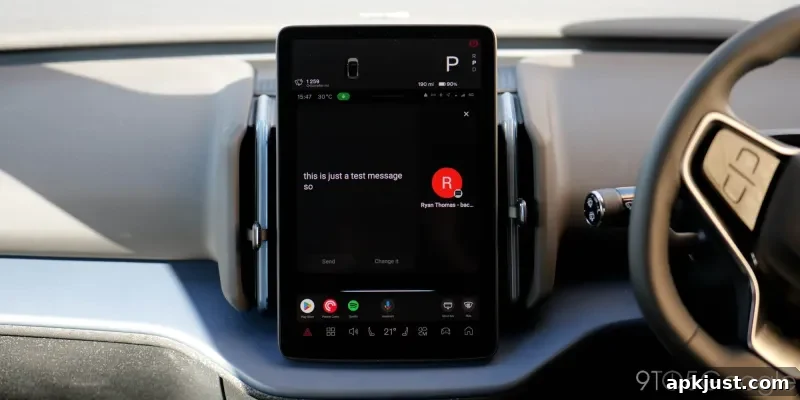
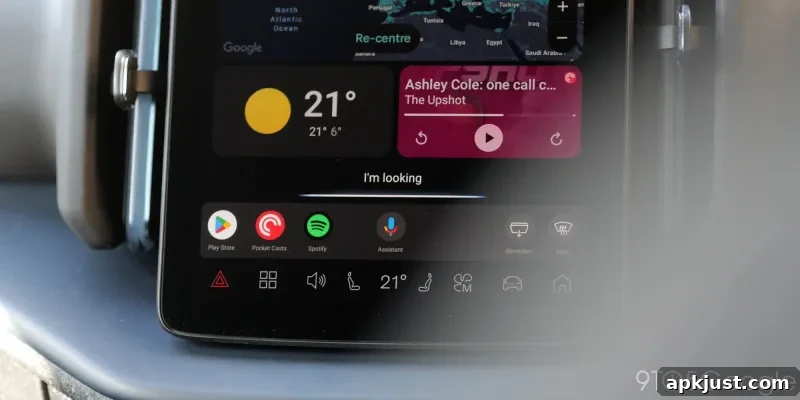
Android Auto isn’t perfect. System updates like the Gemini rollout can be frustrating for some users, and changes to layout or behavior sometimes take time to settle. Still, for in-car entertainment and navigation, nothing else comes close for most drivers.
There are a few app-specific frustrations. WhatsApp’s car interface feels overly simplified, to the point where prioritizing safety has made it clumsy and sometimes more distracting than helpful. Improvements are reportedly coming, and I’m hopeful those updates will make messaging more usable without sacrificing safety. Media apps such as YouTube Music could also benefit from enhanced search and voice controls that better match the mobile experience, especially when you’re driving.
One of Android Auto’s strengths is how it creates a distinct, car-focused experience instead of just mirroring what’s on your phone. For example, if I’m at the gym listening to a YouTube Music workout playlist and then switch to a driving podcast on the way home, Android Auto will pick up the podcast once I get in the car. It doesn’t simply continue whatever was playing on the phone; it respects the driving context and prioritizes what’s appropriate for the road.
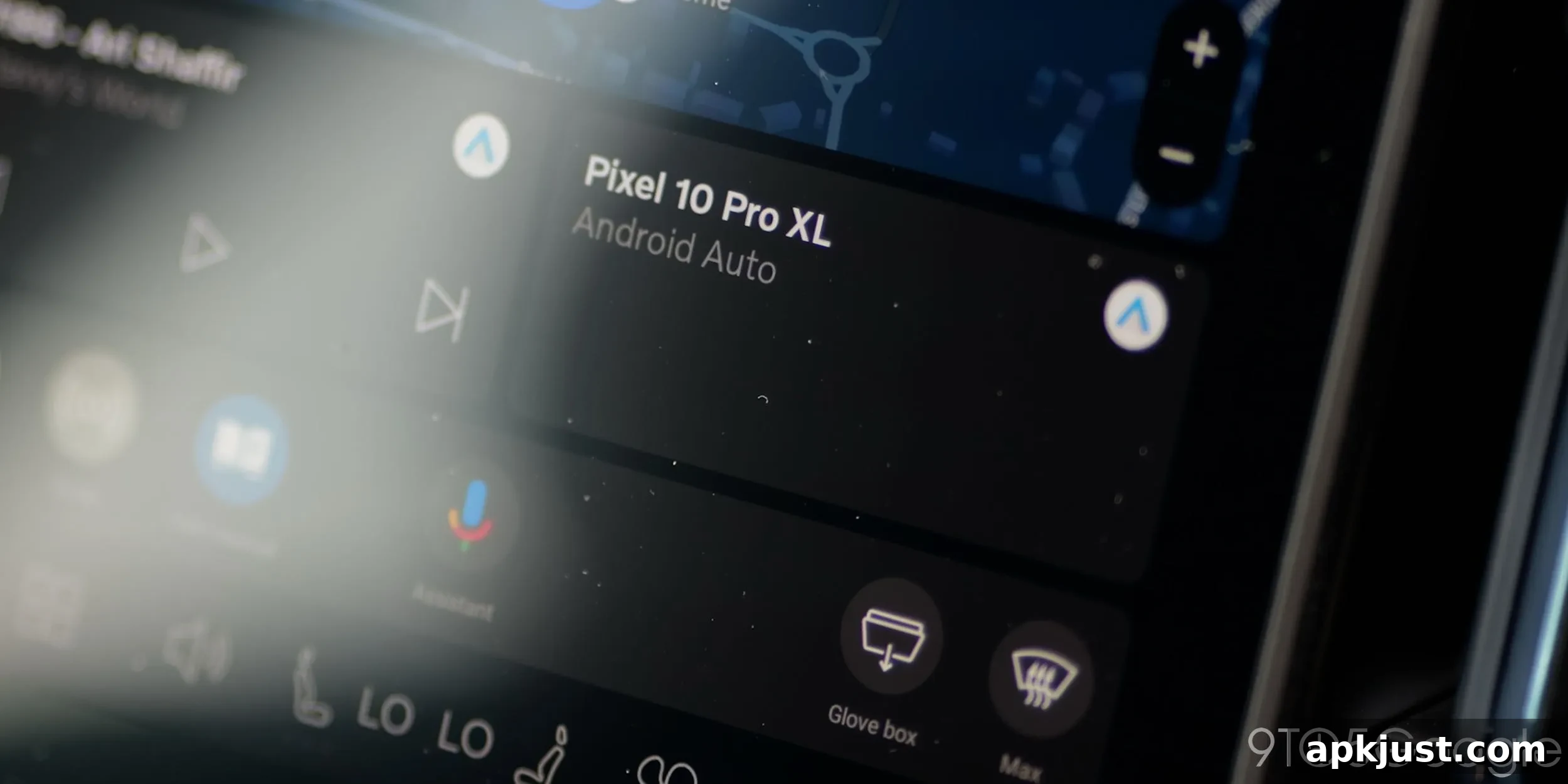
That context awareness extends to navigation, too. Google Maps on Android Auto surfaces recent searches and likely destinations when I get behind the wheel, so finding directions feels quick and intuitive. Those small conveniences—surfacing relevant content, remembering recent activity, and adapting to the driving scenario—add up to a safer, more useful experience.
The integration of newer assistant technologies also improves the experience. I’ve enjoyed being able to have natural, conversational interactions while driving, whether I’m asking for directions, setting reminders, or following up on something I want to learn about. Some people may dislike the always-on conversational assistant, but when used responsibly it makes it much easier to get things done hands-free.
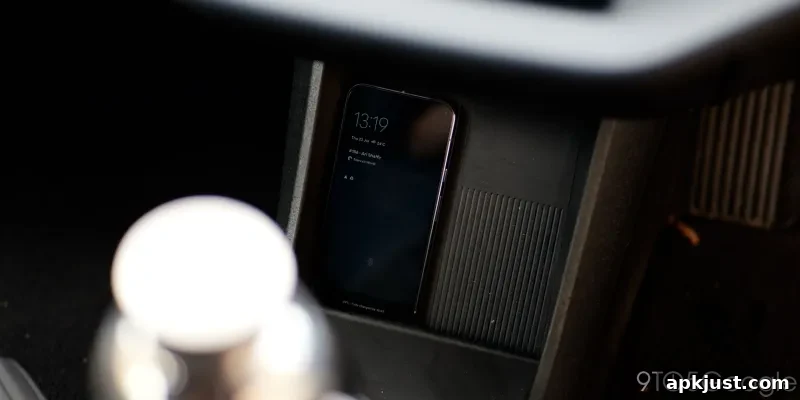
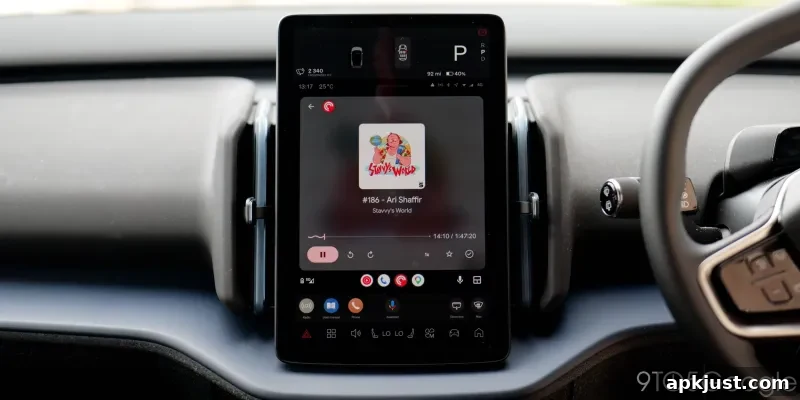
We’re also moving into a world where physical keys are no longer necessary. I often leave home without my wallet or keys and rely on my phone to unlock and start the car. That reliance on a single device can feel risky, but it also creates a seamless, convenient experience when everything works together.
One area that needs attention is the user interface for portrait-oriented head units. Many car demos and marketing materials show Android Auto on wide, landscape screens, but a lot of vehicles use tall, portrait displays or third-party units with different layouts. Google should prioritize UI updates and layouts that work well across the broad range of real-world screen sizes and orientations so users get a consistent experience regardless of the dashboard in their car.
Despite a few minor complaints, I’m excited about ongoing improvements: the ability to watch YouTube while parked, faster quality-of-life updates, and continued enhancements to assistant features and app integrations. If Google and automakers keep refining connectivity and expanding Gemini’s capabilities, Android Auto will keep getting better.
For now, I’m not switching away. Android Auto delivers the best in-car experience I’ve used—practical, responsive, and increasingly smart about what drivers need on the road.
Follow Damien on social platforms.