
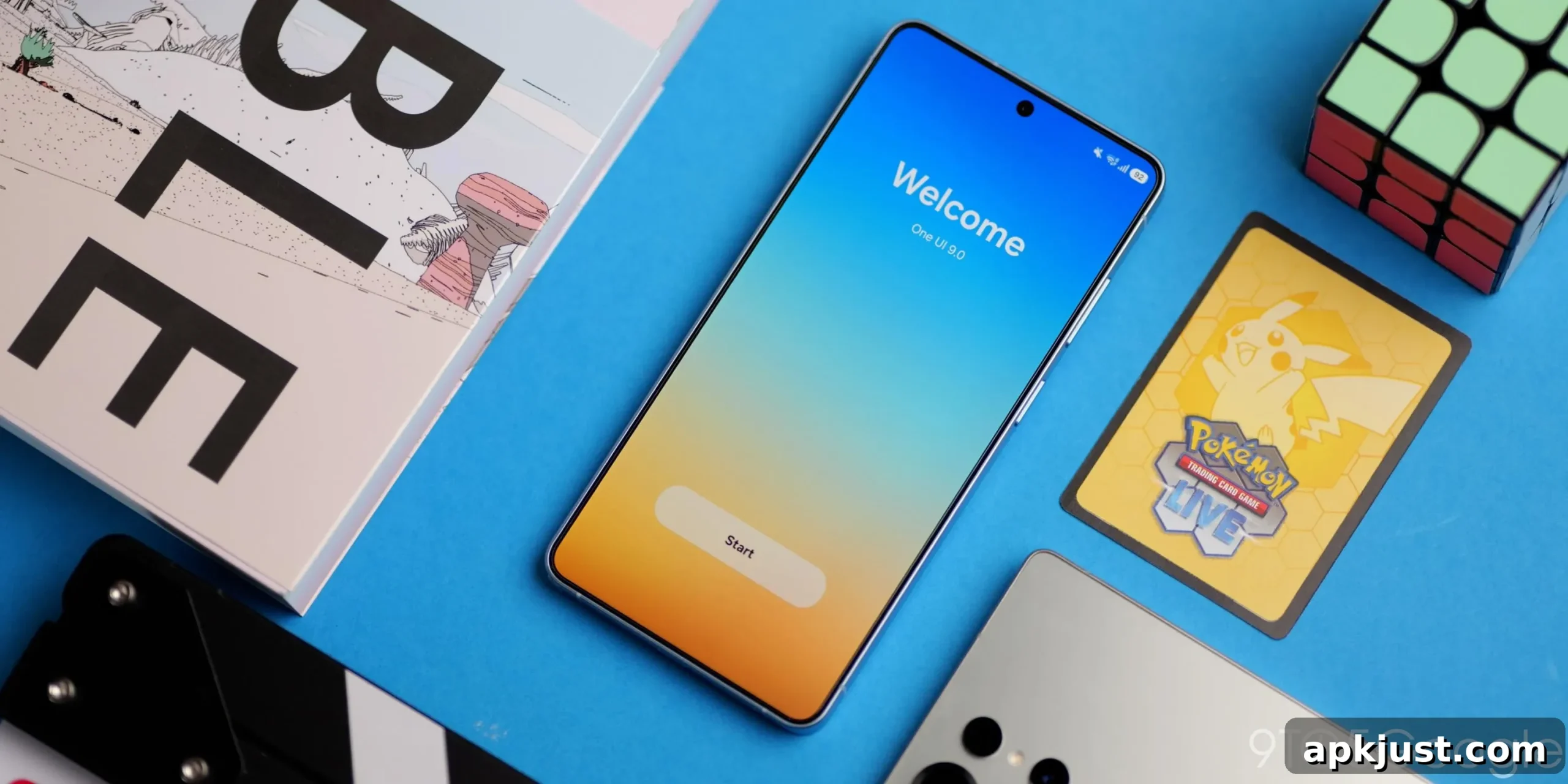
Now that several builds of the Android 17 beta and Samsung’s One UI 9 have been released, it’s a good time to review the notable changes coming to Galaxy devices, especially foldables, ahead of the public launch.
The One UI 9 beta has been available for a few months, giving Samsung the chance to refine the interface, fix issues, and add functionality before a wider rollout. Based on the current state of the beta, the experience already feels polished and close to ready for a stable release.
Table of contents
- Fully customizable Quick Settings
- Status bar
- Usability changes
- Camera
- Network restriction controls
- Unified phone app
- Driving report
- What else is to come from One UI 9?
While the exact timing for the stable update on devices such as the Galaxy S26 is not finalized, the current beta indicates an imminent release window for many models.
For more video content, subscribe to our YouTube channel.
Fully customizable Quick Settings
One UI 9 brings a refined Quick Settings panel that is visually familiar but noticeably improved. Sliders for brightness and volume are thicker and easier to interact with, and their related toggles — such as dark mode and quick volume controls — are now separated from the slider elements for clearer access.
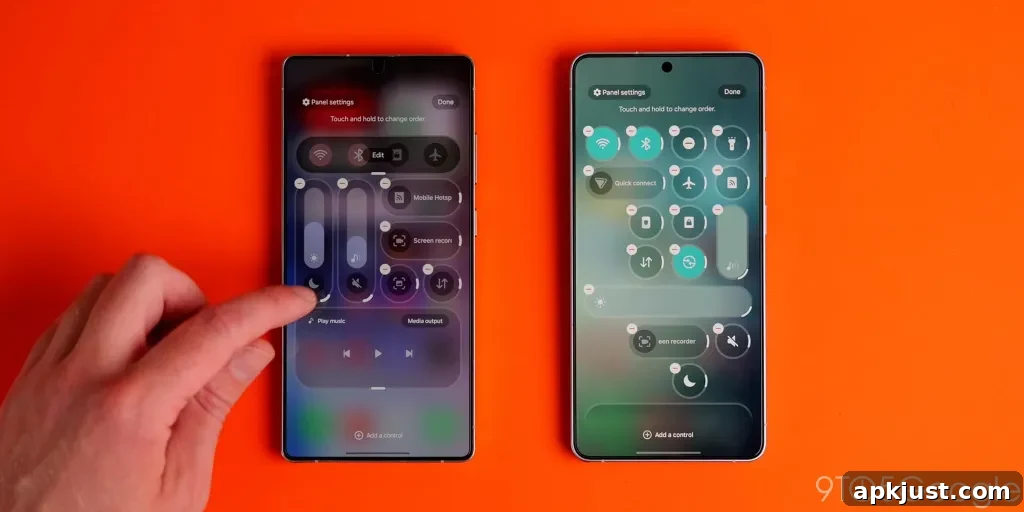
Editing the Quick Settings area provides more flexibility than before. New accessibility toggles are available, including a “Select to speak” option that reads on-screen content aloud. Toggle tiles are more adaptable: you can resize and reposition them more freely, and volume and brightness sliders now support a 2×1 tile size for denser layouts.
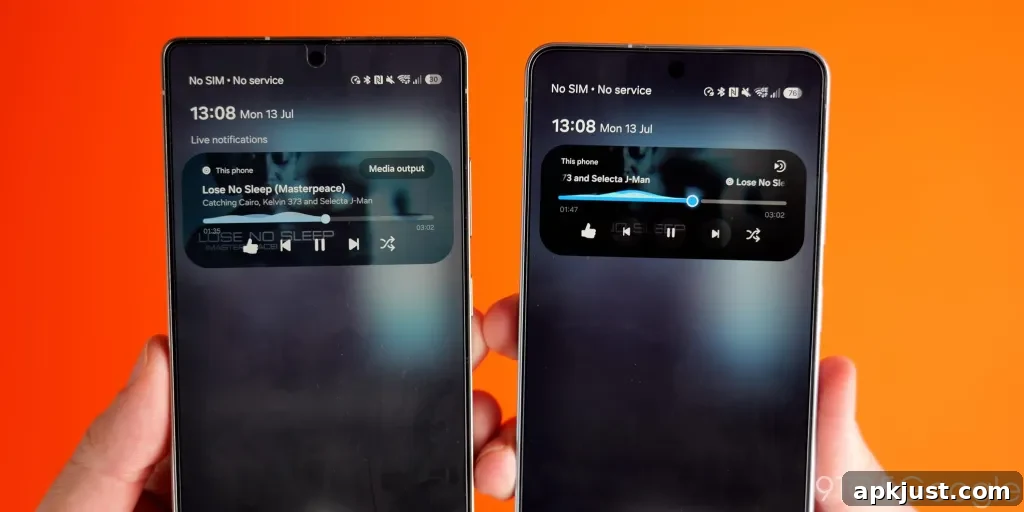
The media player has been reorganized to surface album and podcast details more clearly. Controls use circular toggles for play/pause and skip, and visual elements like the playback waveform are more vibrant, drawing color from album art for a richer, more integrated look. Additionally, One UI 9 applies subtle Gaussian blur more widely across the interface, improving depth and legibility without being intrusive.
Status bar
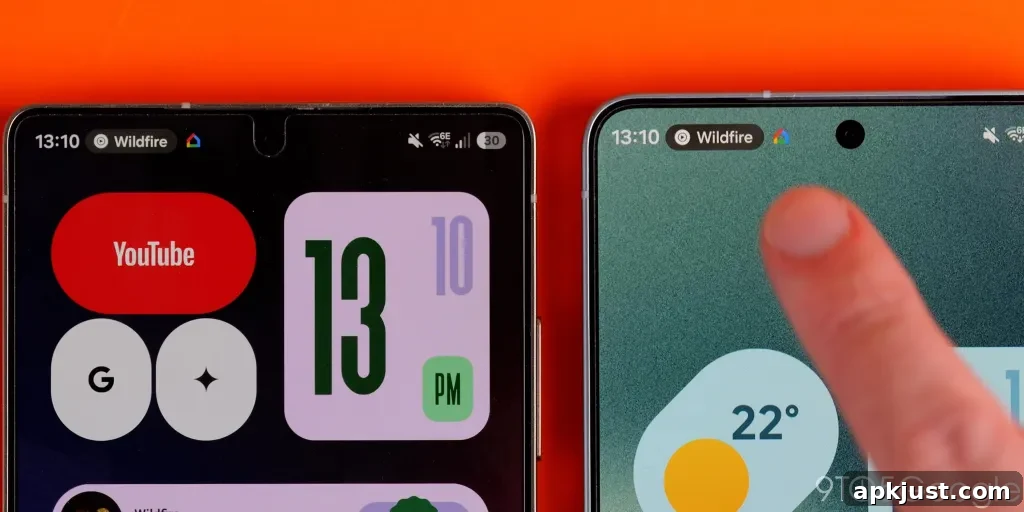
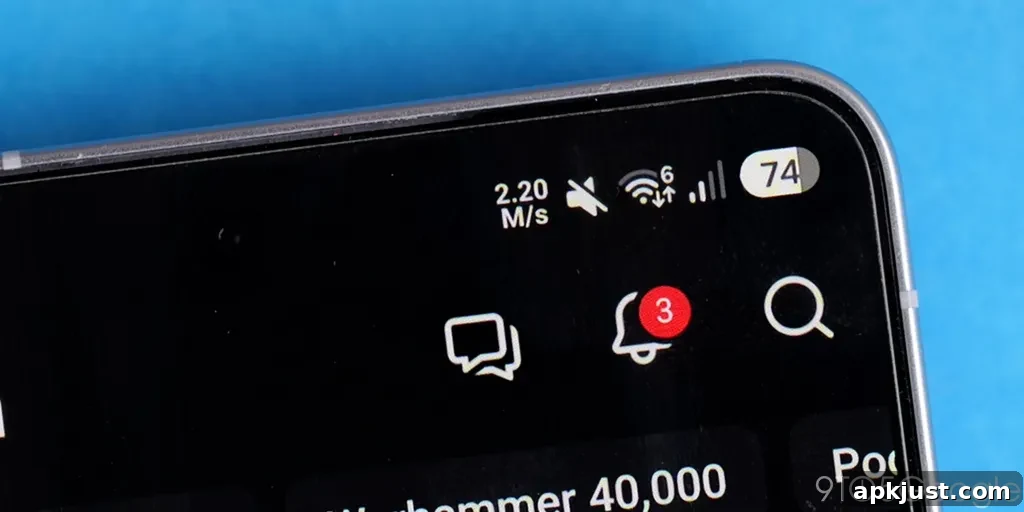
A notable addition is the option to show a real-time network speed indicator in the status bar. This feature, long common on some regional phones, helps you quickly spot unexpected data activity on Wi‑Fi or mobile networks. The status bar’s pill is slightly larger, which provides extra contextual information but can feel a bit busier than previous layouts. Enabling the network speed indicator currently requires Samsung’s Good Lock Quickstar module, but it is a useful addition for monitoring connectivity.
Usability changes
One UI 9 continues to enhance multitasking and daily use. A practical addition is the ability to turn browser tabs into individual entries in the Recents screen, making it easier to switch between web content and apps. This aligns with broader Material design updates that emphasize smoother multitasking flows.
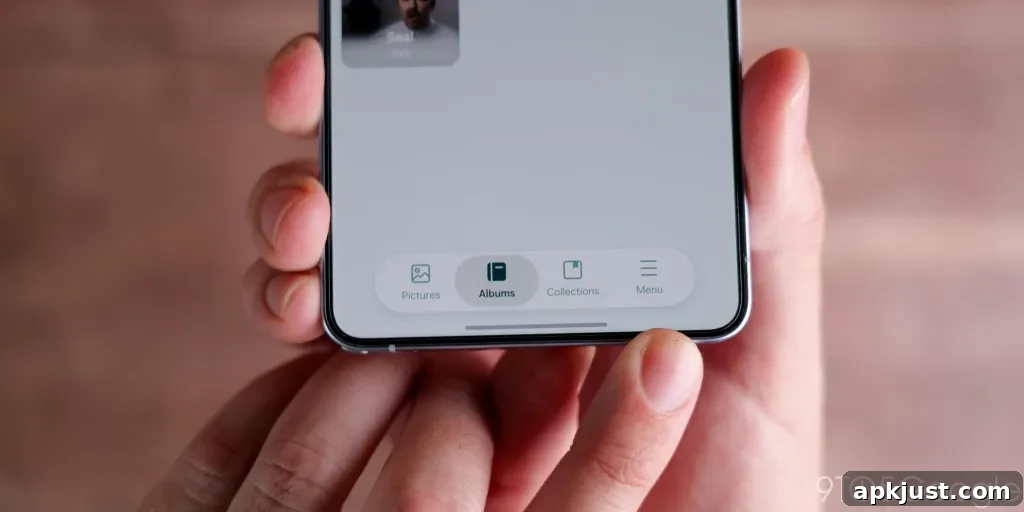
Visual refinements in first-party apps include the return of floating bars, which free up screen space while providing quick access to controls. Opinions on these changes will vary: some users appreciate the cleaner gesture areas, while others may find certain elements obscured. Samsung has added more descriptive text to Routines presets, clarifying what each routine does so users don’t have to guess.
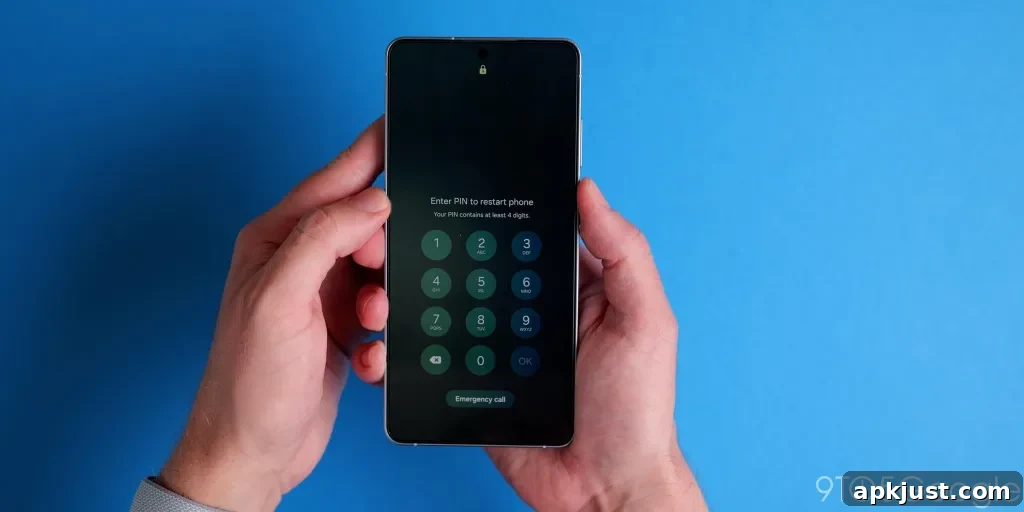
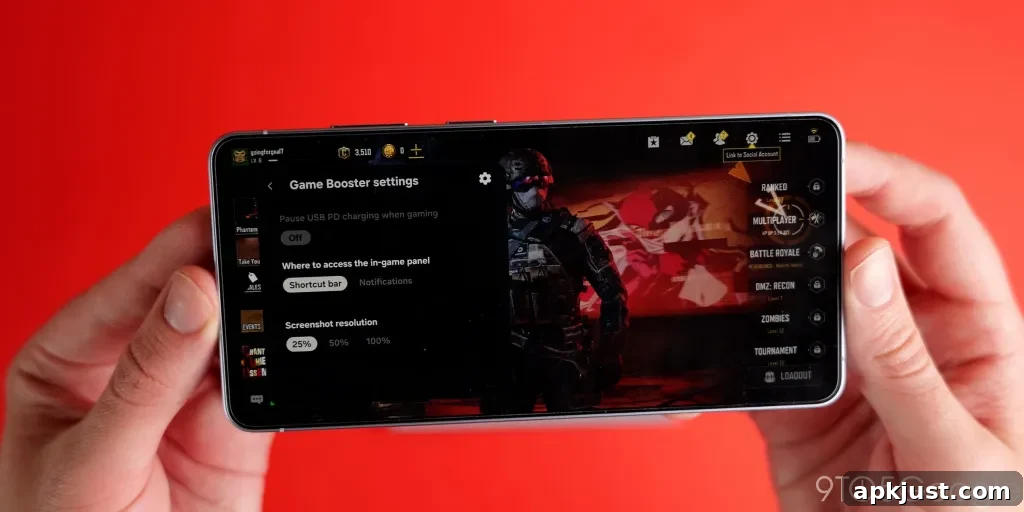
The Game Booster toolbar gains useful options like overriding screenshot resolution and a bypass charging toggle. Samsung Notes introduces a new “tape” tool that can obscure and then reveal text or images via the S Pen, which could be handy for study or annotation. One small security-related change requires entering your PIN to restart or power off the device, adding a quick extra layer of protection against unauthorized reboots.
Camera
Camera updates include the ability to simultaneously record vertical video from the front and rear cameras, producing a 1:1 square recording format that suits social platforms. This dual-camera vertical mode is limited to 1080p, which is adequate for social sharing but may not meet higher-resolution requirements for other uses.
Network restriction controls
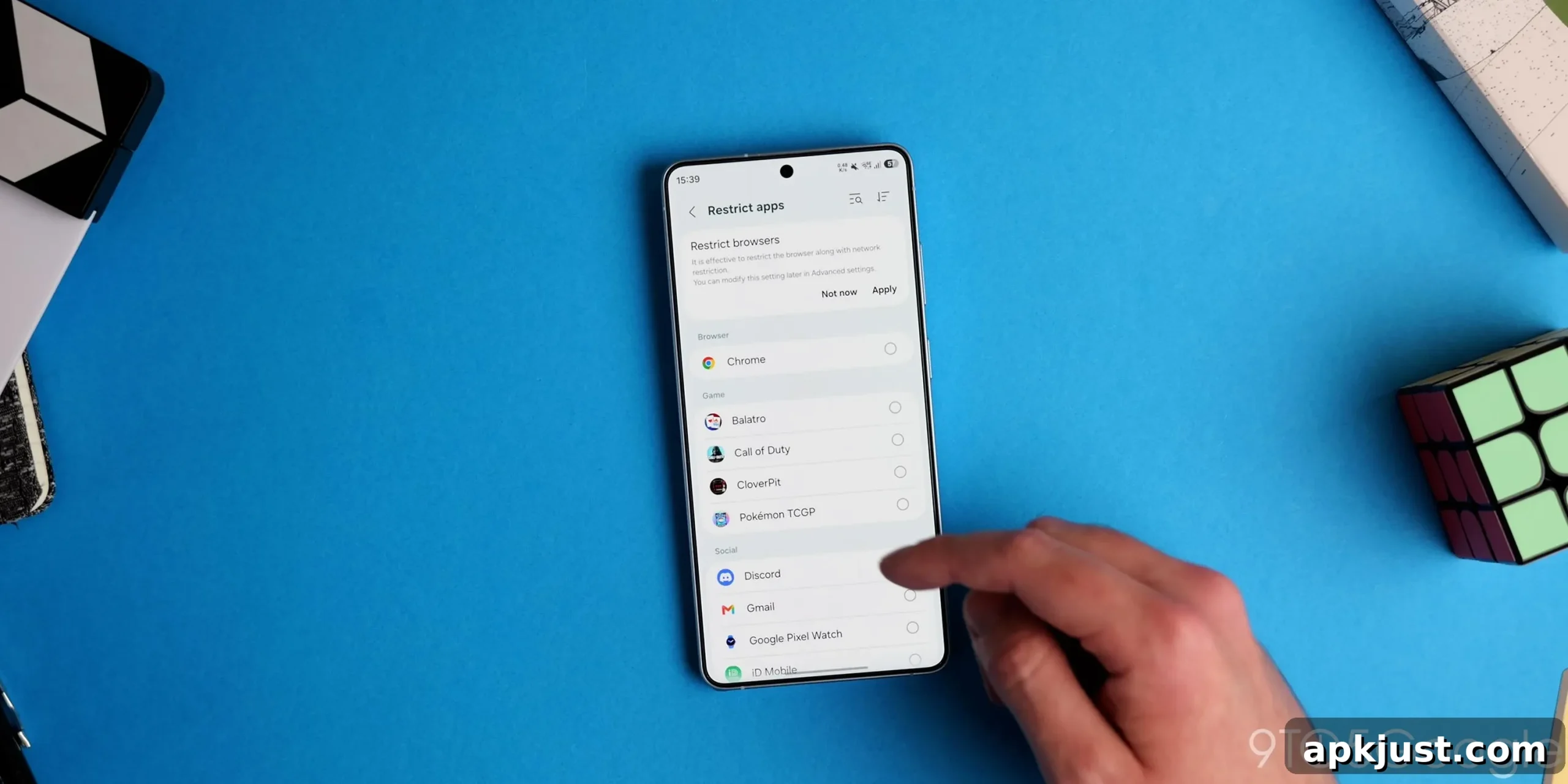
One of the most significant additions is built-in Network Restrictions in Settings. This lets you prevent specific apps from accessing the internet, giving you direct control over which apps can use Wi‑Fi or mobile data. The feature is a strong privacy enhancement and a practical tool for limiting background data usage or blocking unnecessary connections.
For many users, being able to quickly cut off internet access to selected apps will be invaluable. Gamers, privacy-focused users, and anyone wanting more granular control over app access should find this especially useful.
Unified phone app
The Phone app is more unified in One UI 9: calling options from different apps — such as third-party services and platform calls — are now shown in a consolidated view. This makes it easier to find and place calls regardless of which service they originate from, simplifying communication management on the device.
Driving report
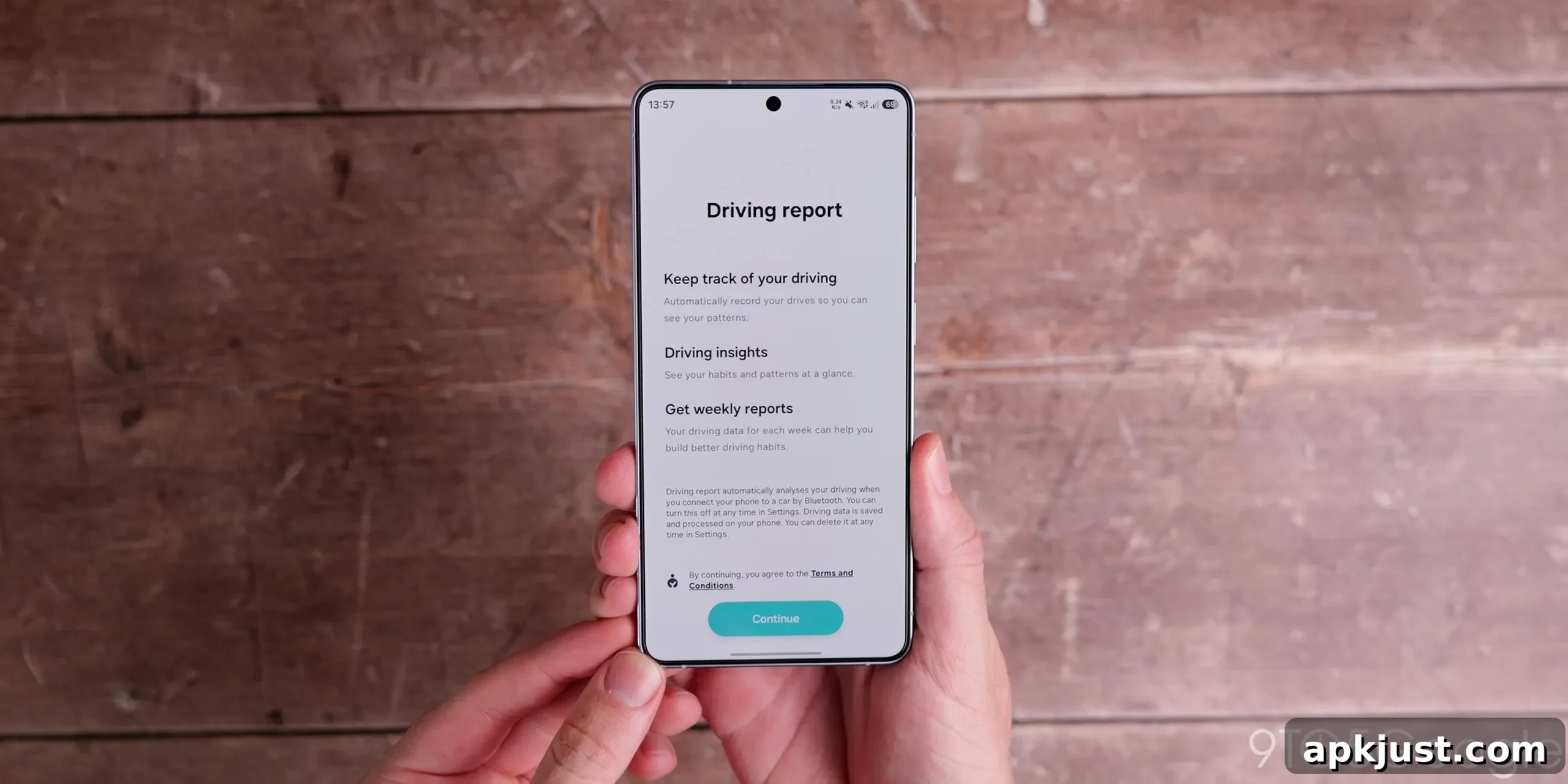
One UI 9 includes a Driving Report feature that analyzes driving habits and phone usage while driving. The report tracks metrics such as acceleration, braking, cornering, and phone interactions. While some users may appreciate feedback that encourages safer behavior, others may have privacy concerns about storing detailed driving data on the device. It’s a feature that should be enabled consciously and with awareness of how the collected data might be used.
What else is to come from One UI 9?
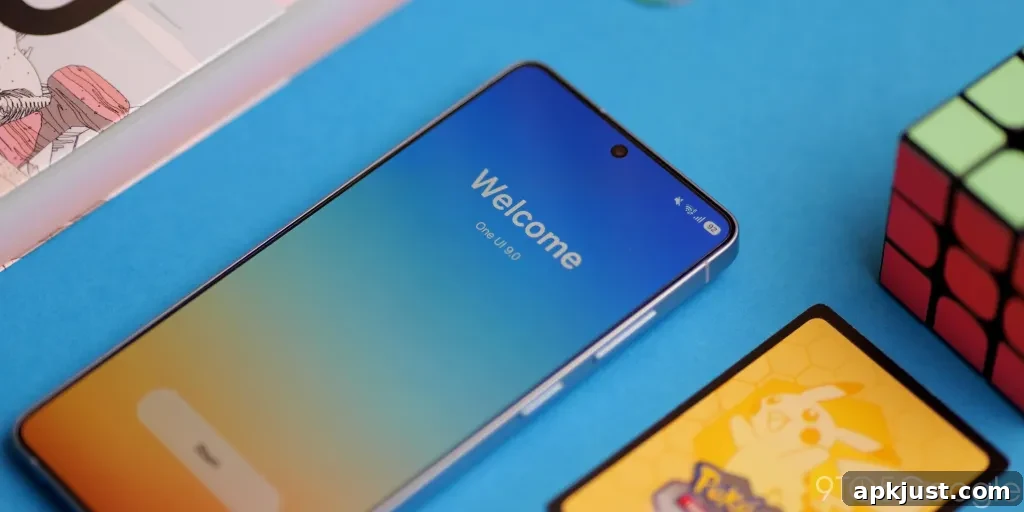
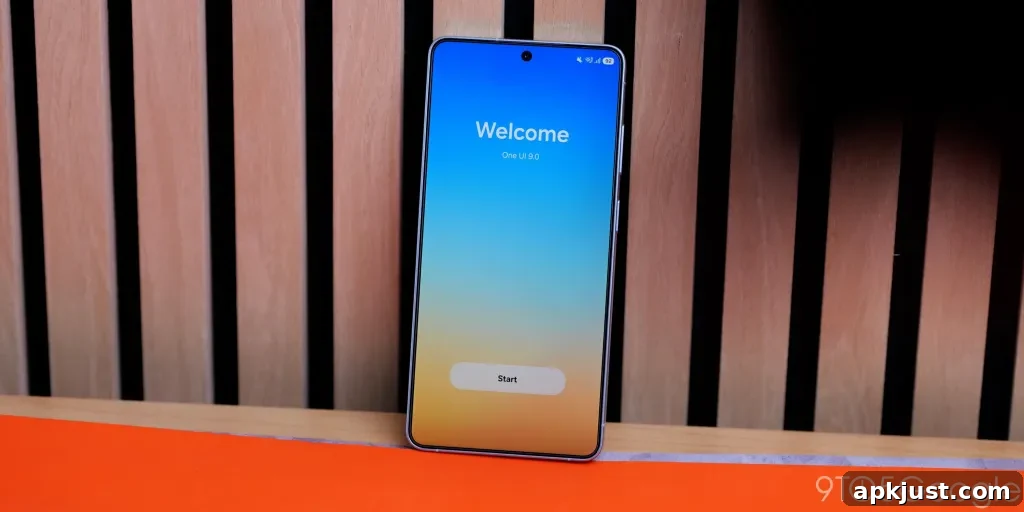
It’s likely new Galaxy Fold models will ship with One UI 9 preinstalled, along with small extras that may not have appeared in the public beta. Samsung and Google are both working on expanded AI features across their devices, and some AI-driven enhancements are expected to arrive as services and integrations are finalized. One practical question is how Android’s “Create My Widget” features and other upcoming visual tools will be adapted for Samsung’s interface; those changes could arrive later in the year.
Overall, One UI 9 builds on previous updates by refining the system UI, adding useful privacy controls, and improving multitasking and media handling. Many of the changes aim to make day‑to‑day interactions smoother and give users more control over their device behavior.