
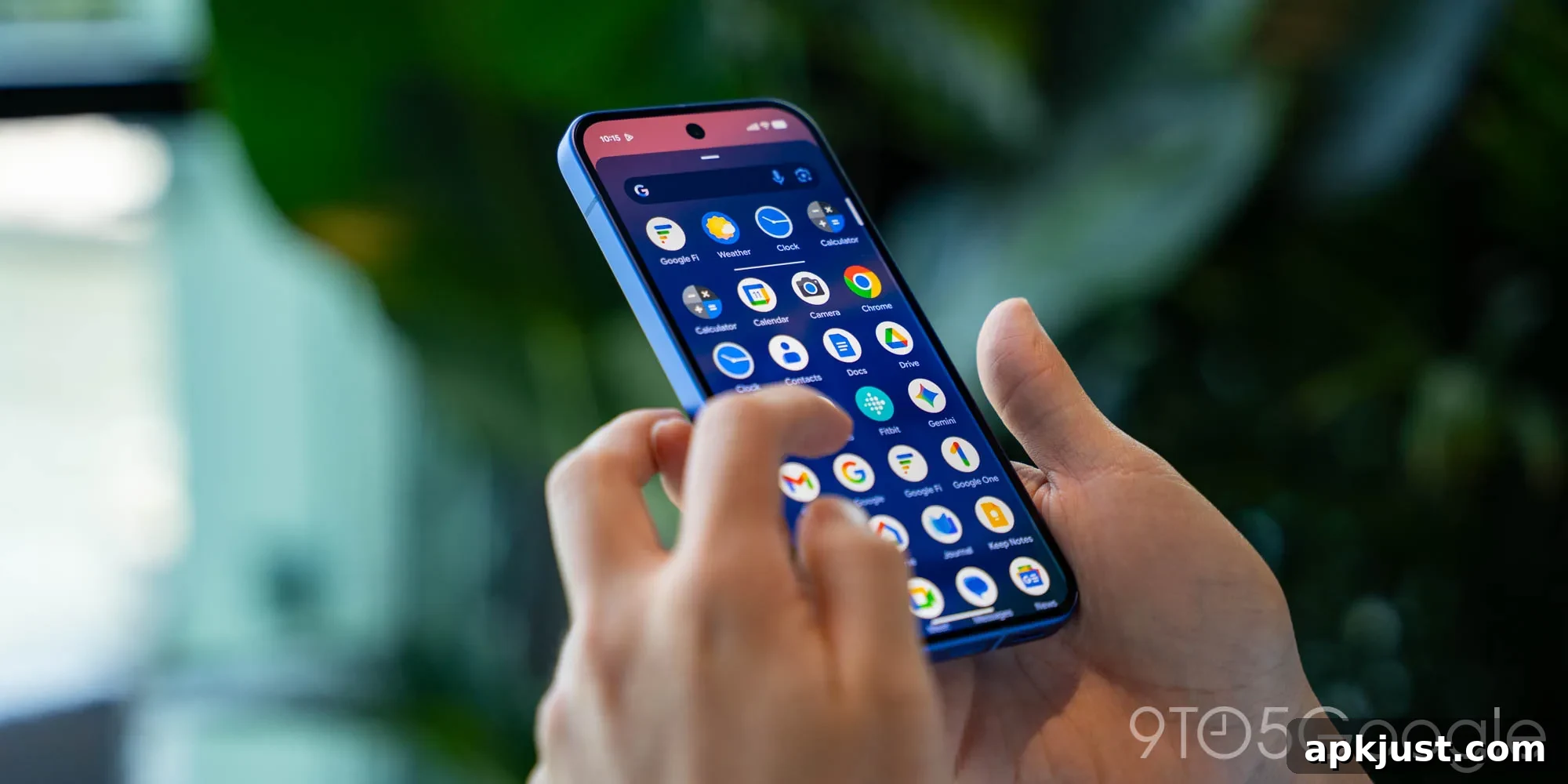
This article lists notable features Google has demonstrated publicly but has not yet released to users. It focuses on items that have been previewed or tested, including some that may still be in active development and others that could be indefinitely delayed or quietly abandoned. The examples below reflect visible design directions and feature priorities across Google’s apps, and they reveal what users might expect in future updates if these experiments proceed to full launches.
Google Photos floating bottom bar
Earlier this year, Google showed a new floating toolbar design for Google Photos on iOS. The concept replaces the tall Material 3-era bottom navigation with a compact, pill-shaped floating bar. The toolbar groups primary destinations into a left-side pill for Photos, Collections, and Create, while Search appears at the right as a circular action. The active tab is identified by a subtle pill indicator and a small icon, giving the UI a lighter and more modern feel.
This floating bar visually fits the context of a vertical photo feed and aligns with similar navigation treatments that have appeared in other Google apps. Several first-party Google apps have already transitioned to refreshed bottom bars styled for modern Material guidance, but Google Photos and a few other system apps still rely on the older, taller bar. If adopted, the floating toolbar would reduce the amount of vertical space the navigation consumes and create a more consistent experience with other apps that use compact controls.
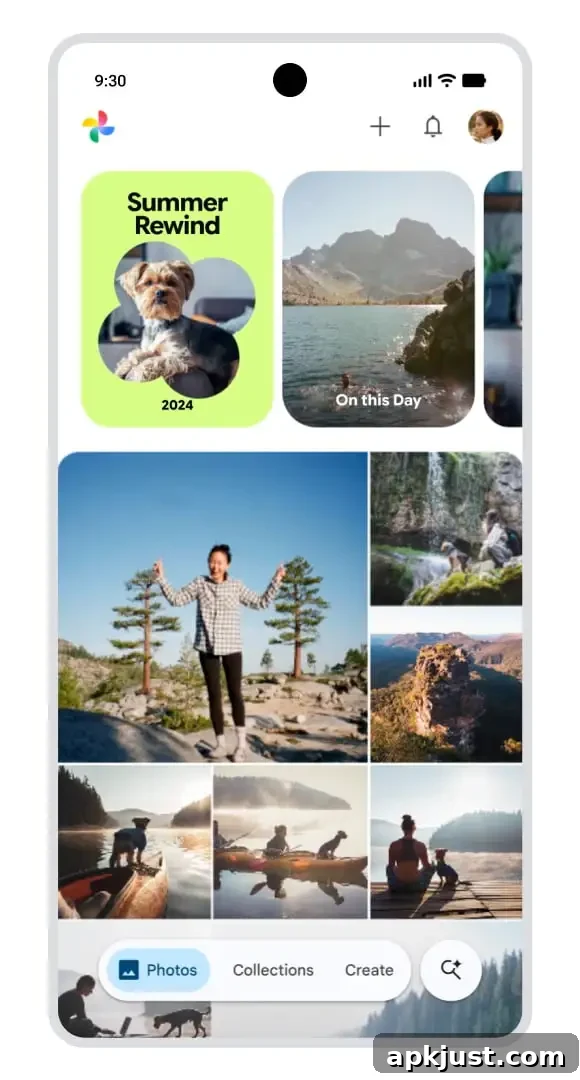
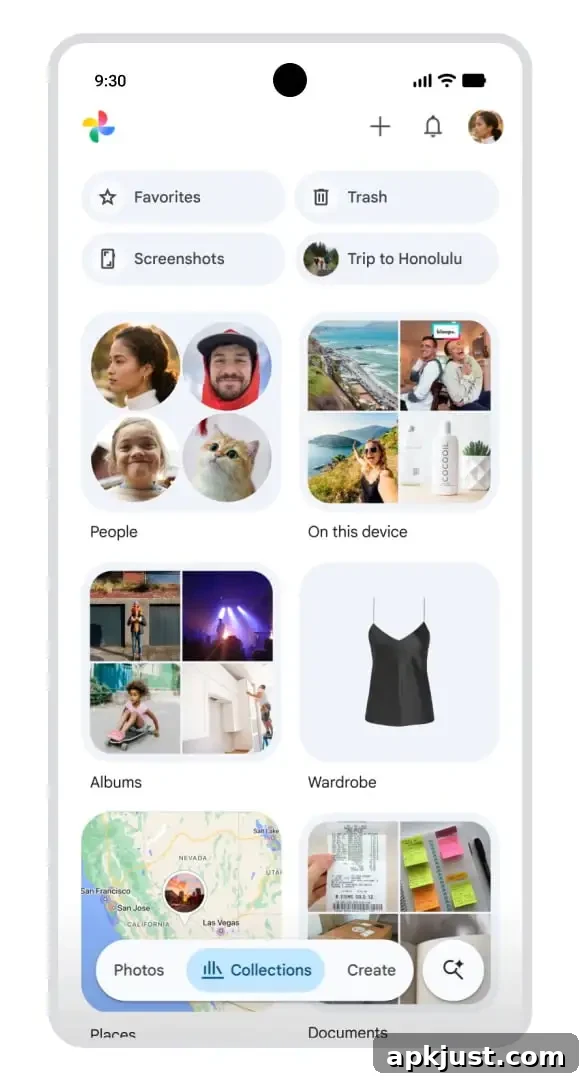
Although Google has showcased the floating bar several times, the Photos app remains on the older bottom navigation in many releases. Other Google apps such as Google Fi, Google Voice, and a few services tied to Google Play services have similarly delayed updates. The floating toolbar is a clear visual refinement, but its continued absence from stable releases suggests Google may still be iterating on behavior, accessibility, and consistency across platforms.
Gboard key redesign
In March 2025, Google began testing a refreshed key shape in Gboard: pill-shaped keys as an alternative to the current rounded-rectangle design. This look better matches Material 3 Expressive elements and gives the keyboard a more contemporary appearance. The change is one part of a gradual redesign that touches various keyboard elements, from settings pages to shortcut layouts, as Google refines Gboard’s visual language.
Screenshots released by Google since that initial test have continued to show the pill-shaped keys in promotional and internal materials. Despite this, the updated key shape has not been widely deployed to stable users. Major platform updates, such as Android 16 QPR1 and the broader Material 3 Expressive rollout last year, would have been natural opportunities to ship the new key styling, but the change remains limited to experiments and beta channels in many cases.
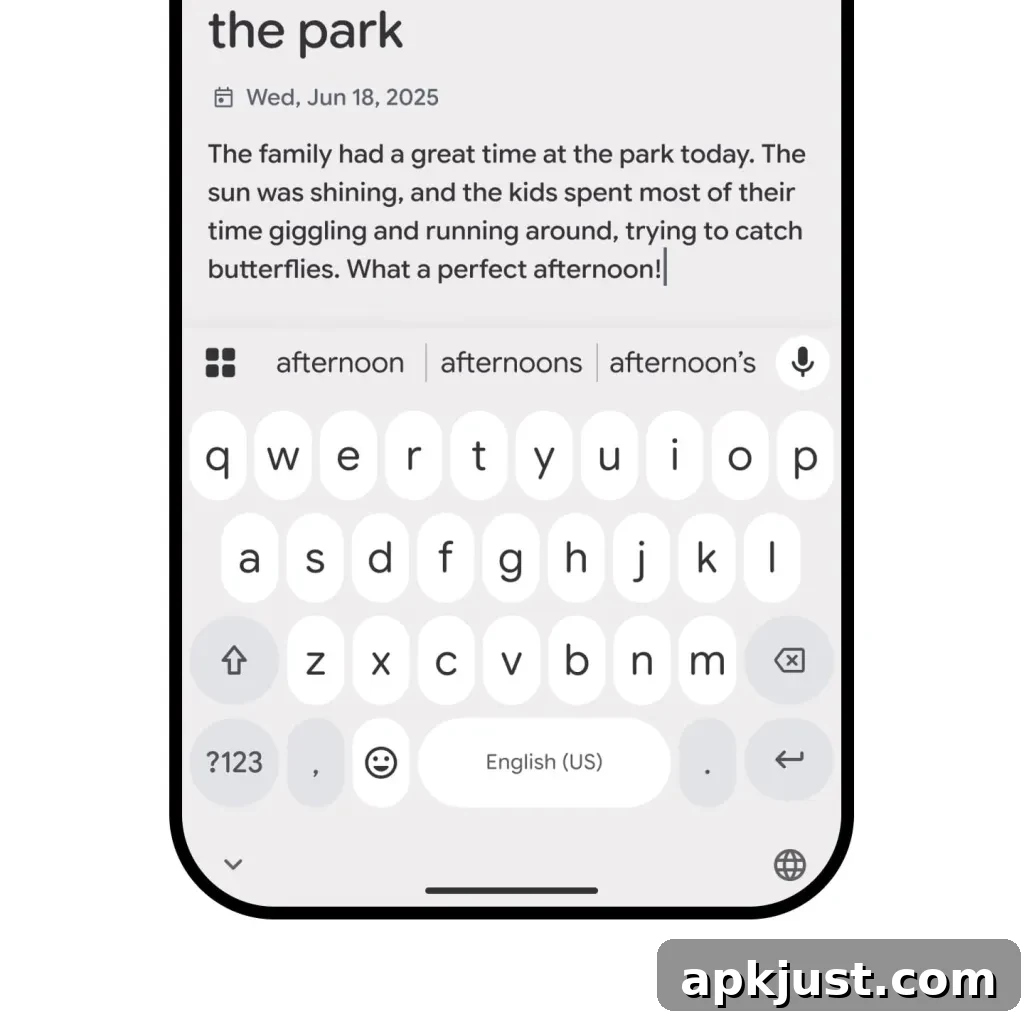
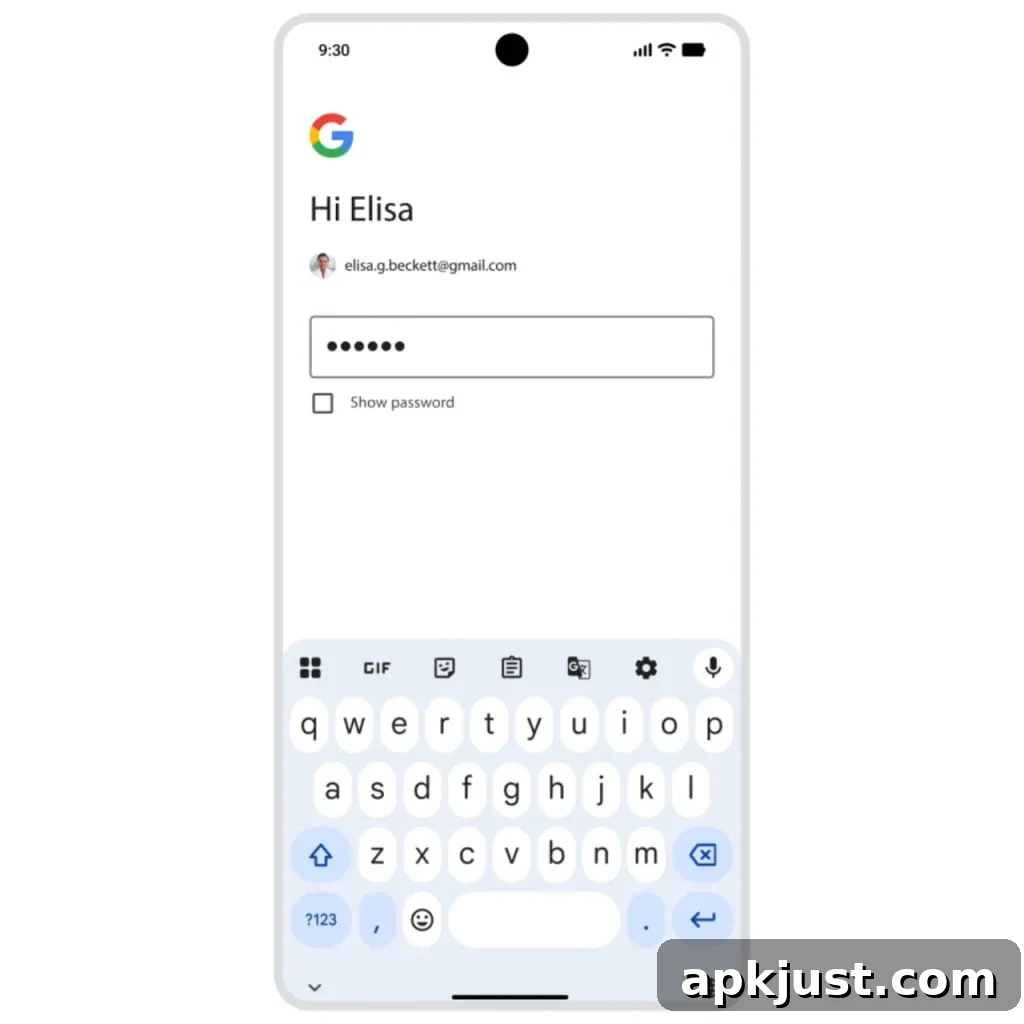
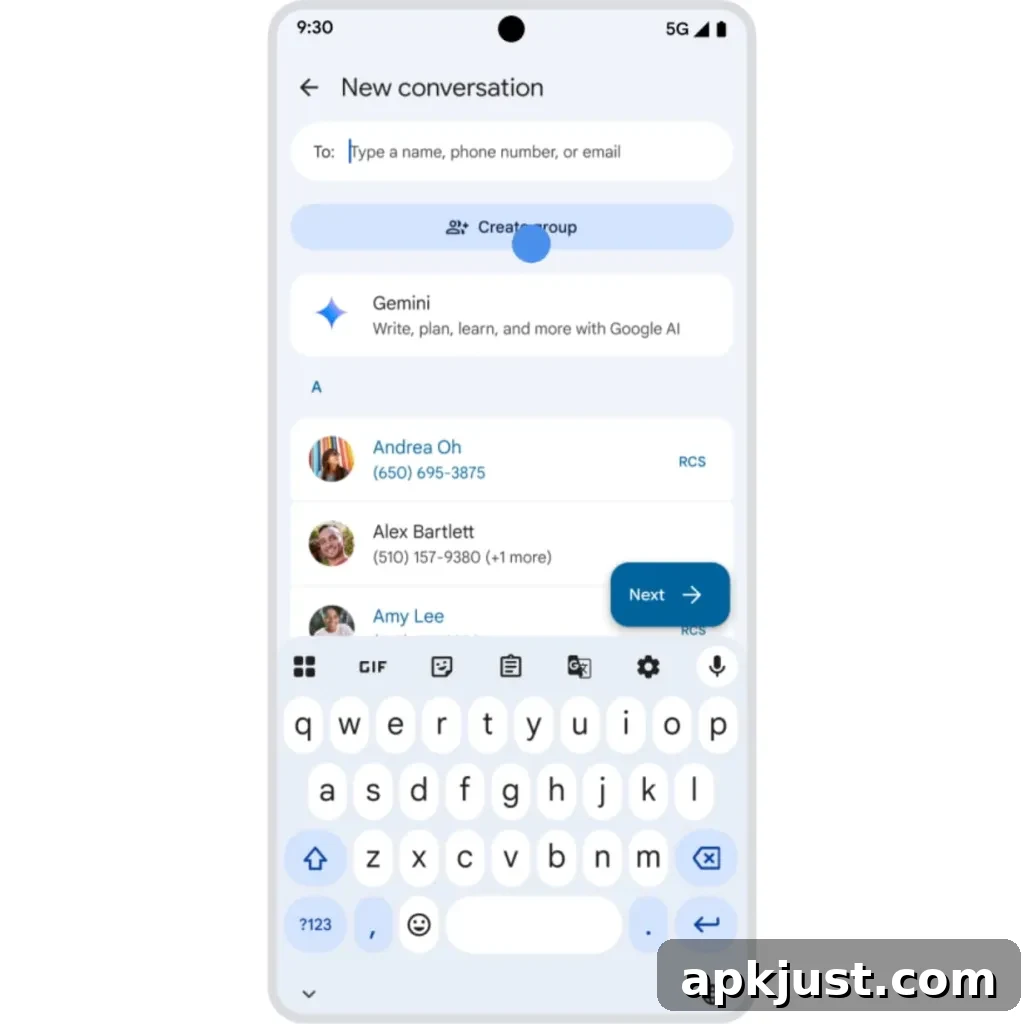
A broader rollout would bring Gboard’s keyboard proportions and touch targets into alignment with the rest of Google’s evolving design system. It would also clarify how these visual changes interact with accessibility settings, theme adjustments, and different device sizes. For now, the pill keys are a promising visual update that remains experimental for many users.
Gemini Live + Google Messages
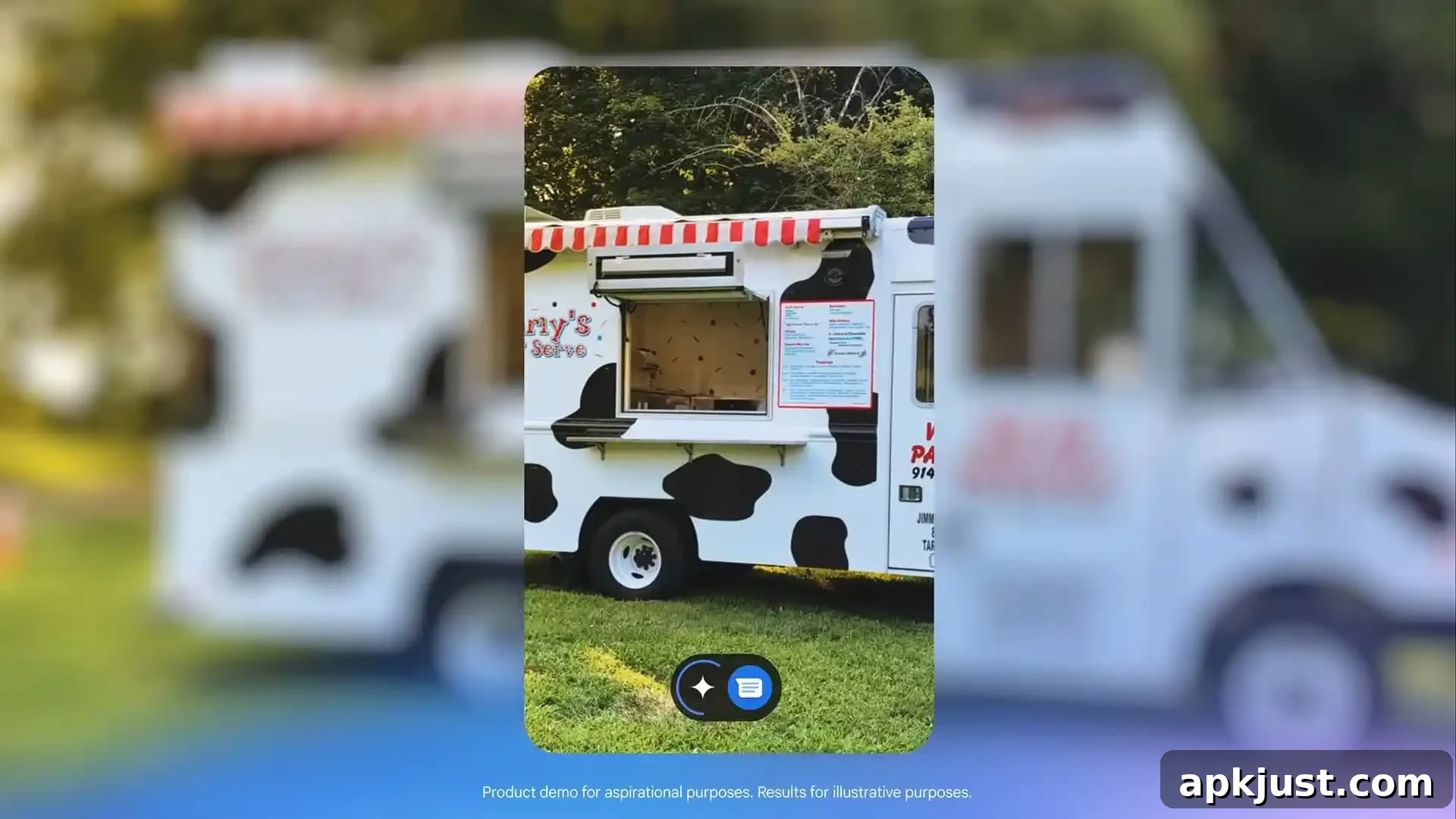
During the Made by Google 2024 event, Google previewed an integration that would allow Gemini Live to send messages through Google Messages. The demonstration suggested the company intends Gemini Live to interoperate with established messaging clients, enabling conversational AI features to participate in everyday communications. Since that preview, Gemini Live has added support for several connected apps, expanding its integrations with third-party and first-party services.
Despite these additions, direct support for Google Messages has not yet appeared. Enabling full parity between Gemini Live’s messaging features and the main Messages experience is important for consistent user expectations. When implemented, the integration would let Gemini Live draft, send, and potentially manage messages in a way that feels native to the Messages app, improving workflow for users who rely on both services.
Share any other examples you’ve noticed or features you expect to see reach users in future updates.