

Google Messages is rolling out a long-requested personalization feature called “Chat themes,” giving Android users more control over the look and feel of individual conversations.
Update 6/26: As of Tuesday, additional Google Messages beta users running build 20260622_01_RC00 have started receiving a server-side update that enables Chat themes. The rollout remains limited to testers for now and has not reached everyone in the beta program.
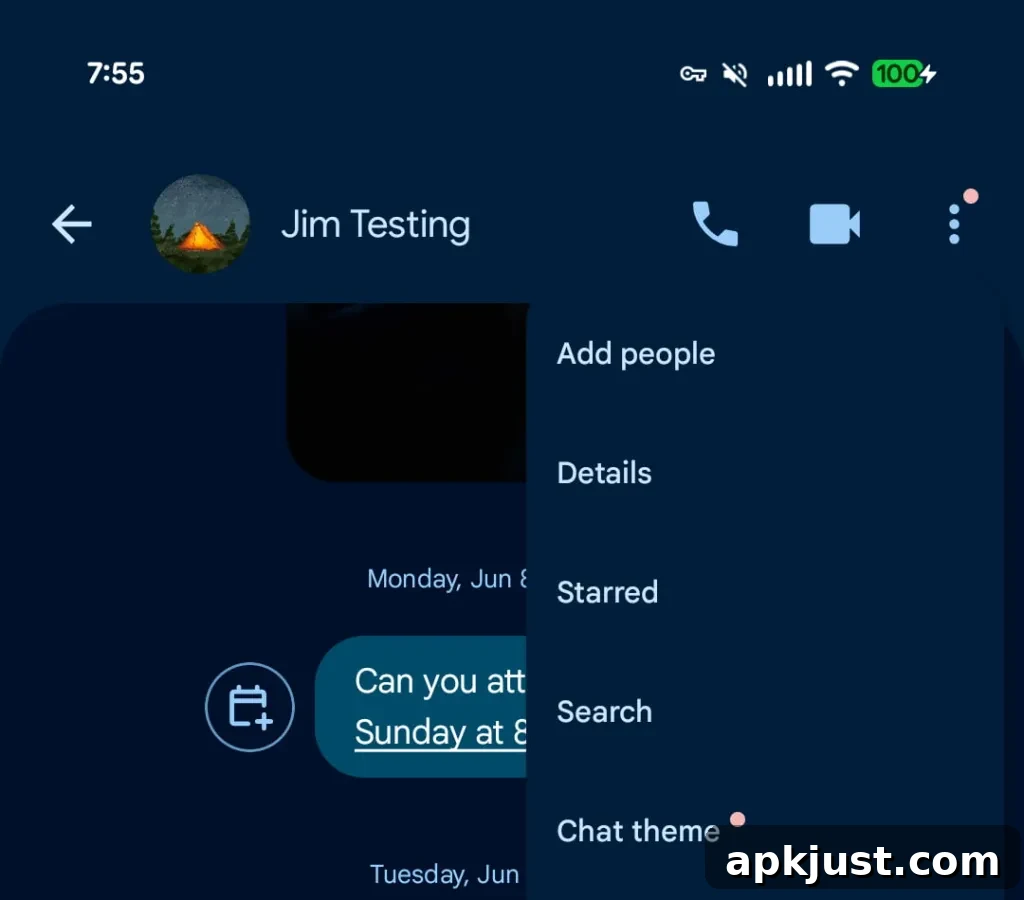
When Chat themes appear on your device, the overflow menu will show a red dot badge and the previous “Change colors” option will be replaced by “Chat theme.”
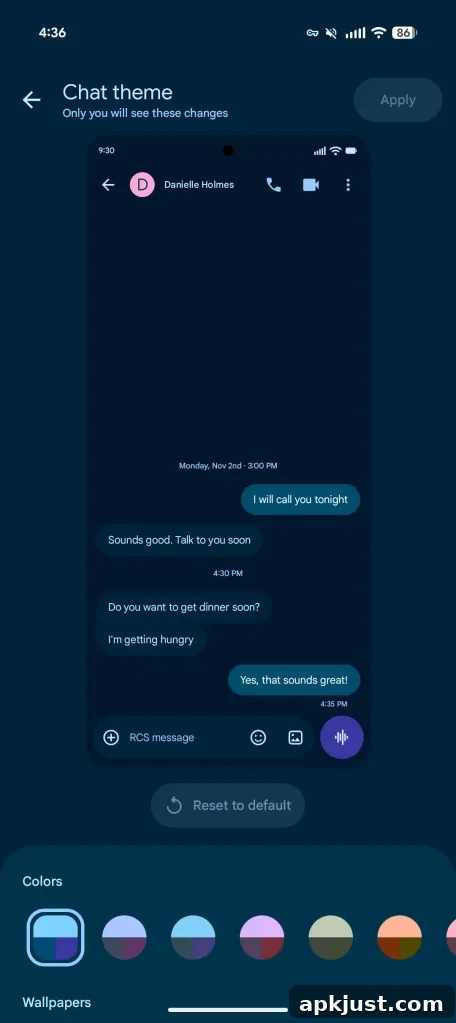
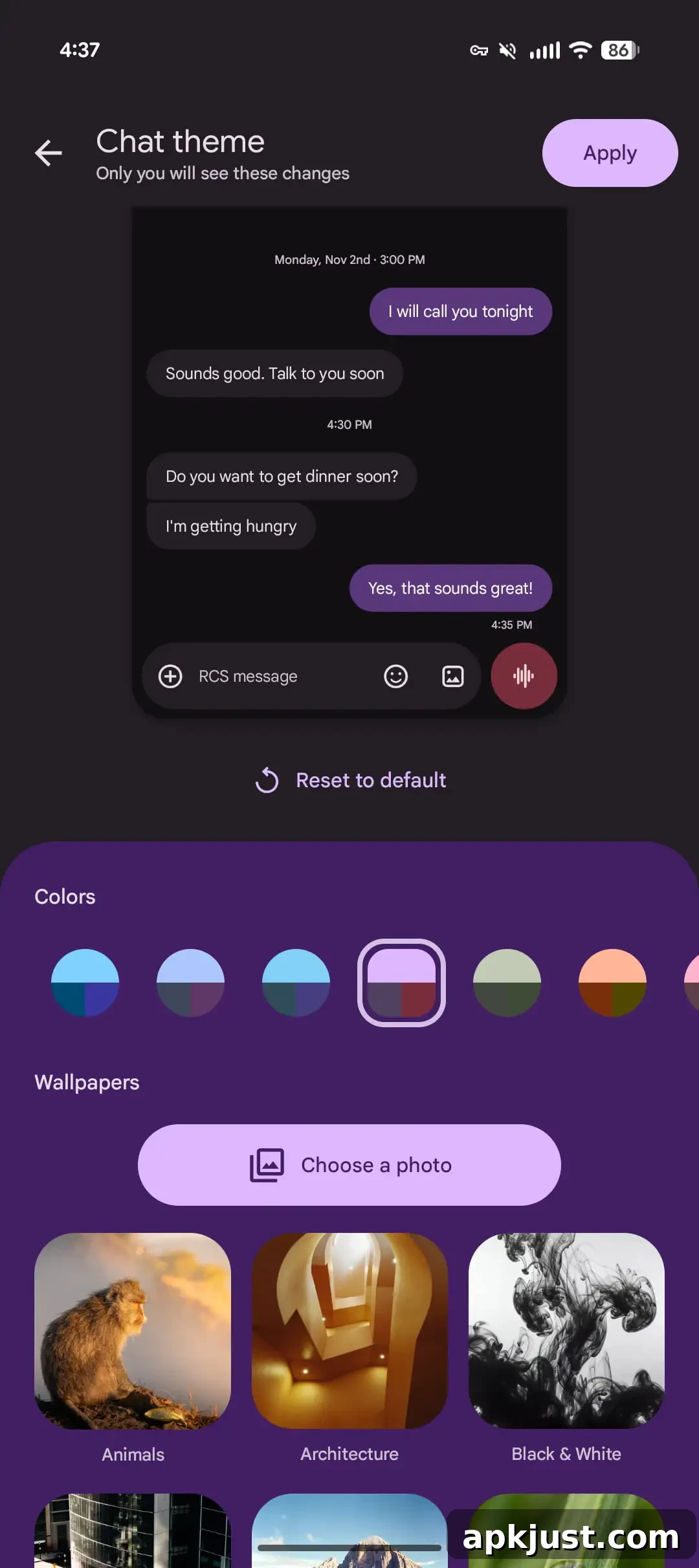
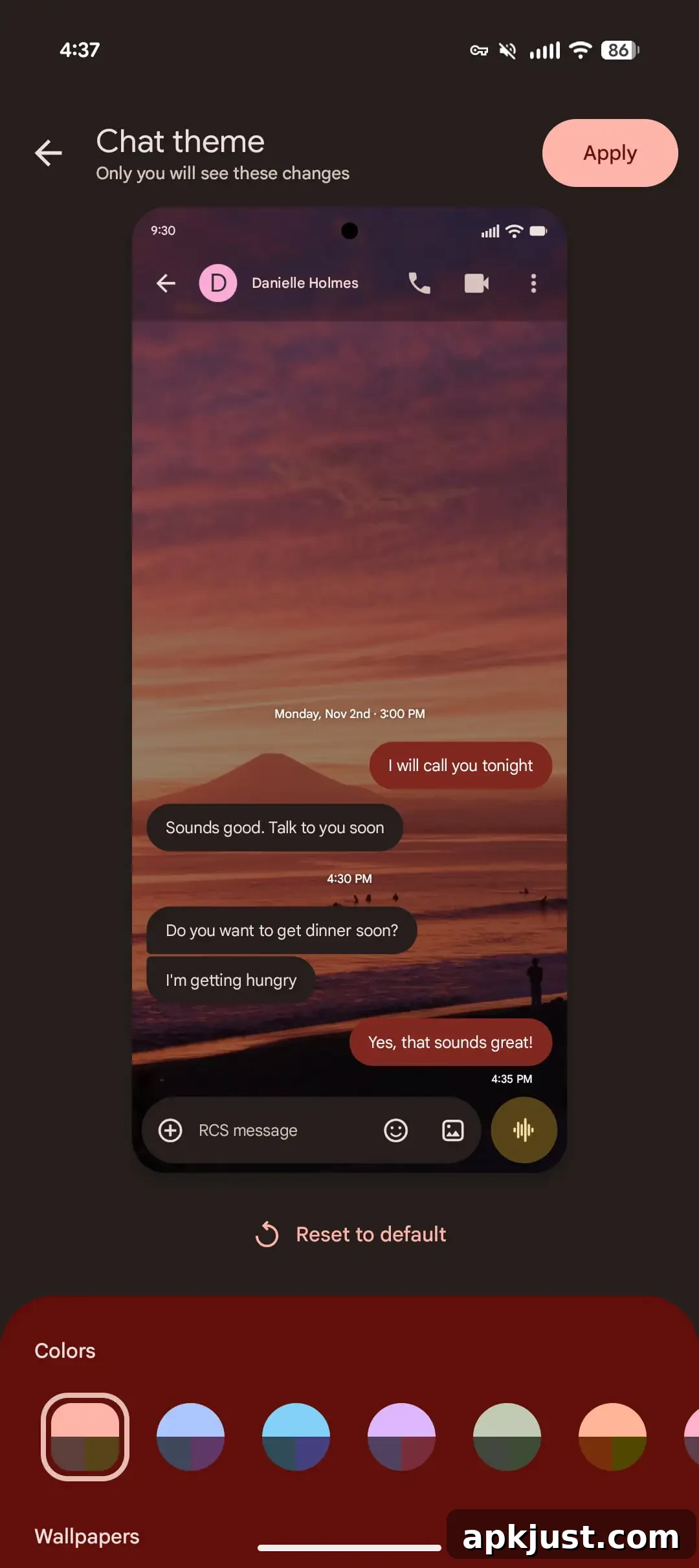
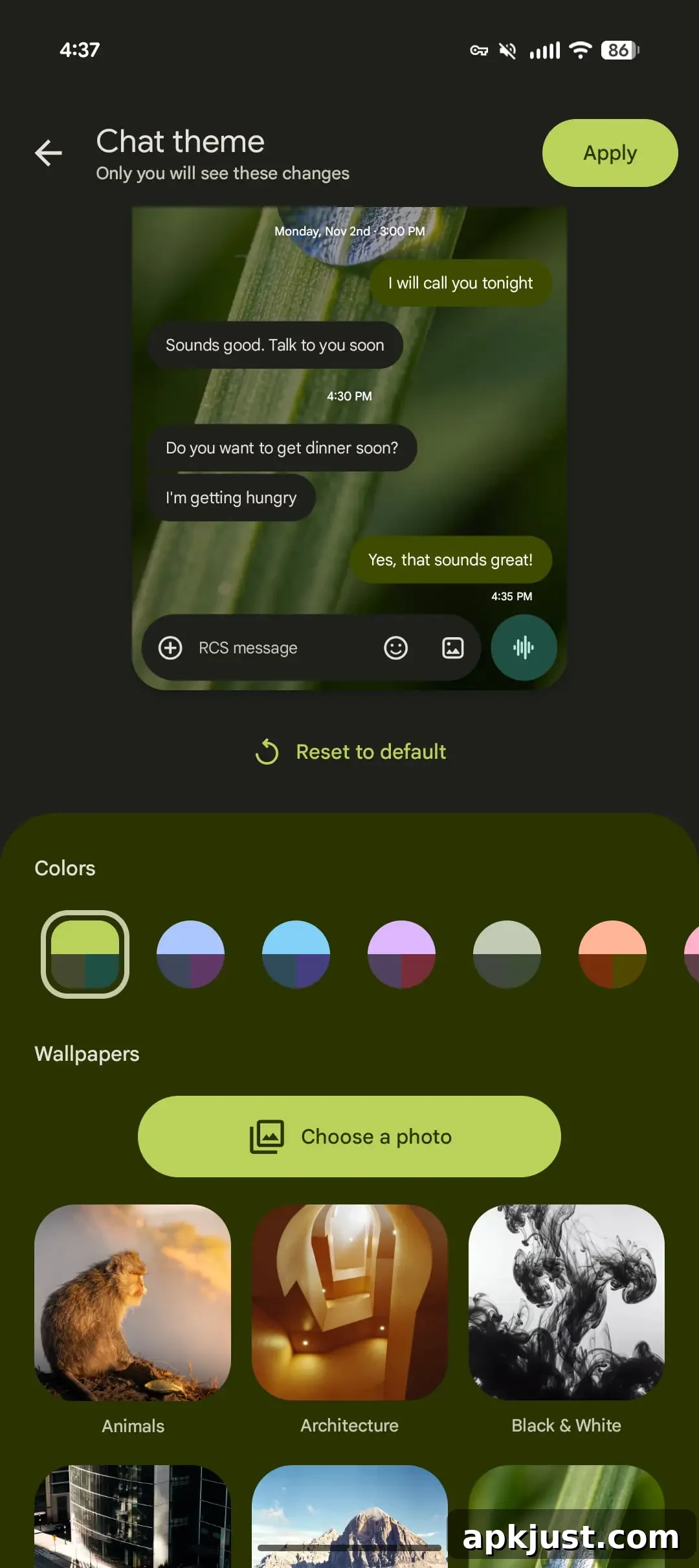
The new Colors carousel controls the appearance of message bubbles and background accents. The first Colors choice is labeled Dynamic Color and adapts to the conversation background, following your system-level Dynamic Color palette. The remaining color options are static choices you can pick directly, giving you quick, consistent looks without changing the entire wallpaper.
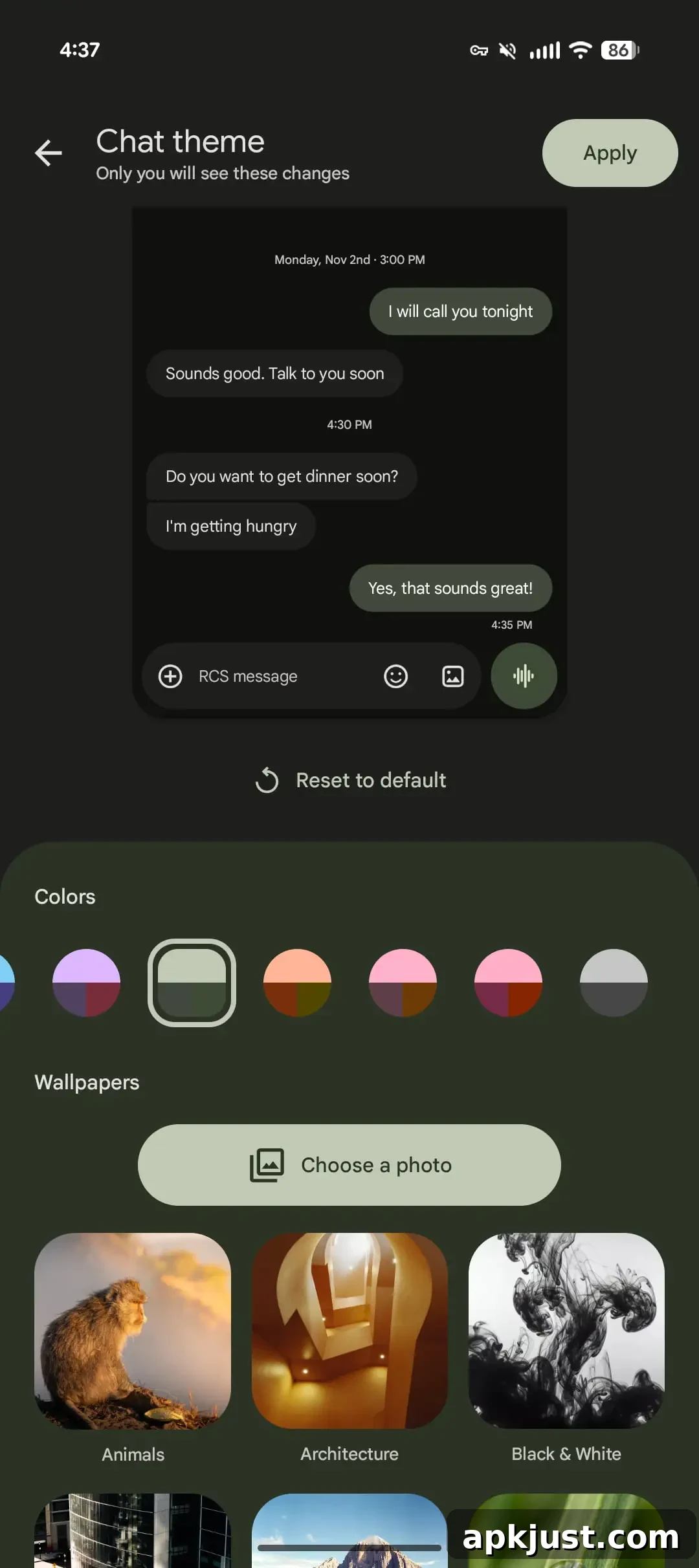
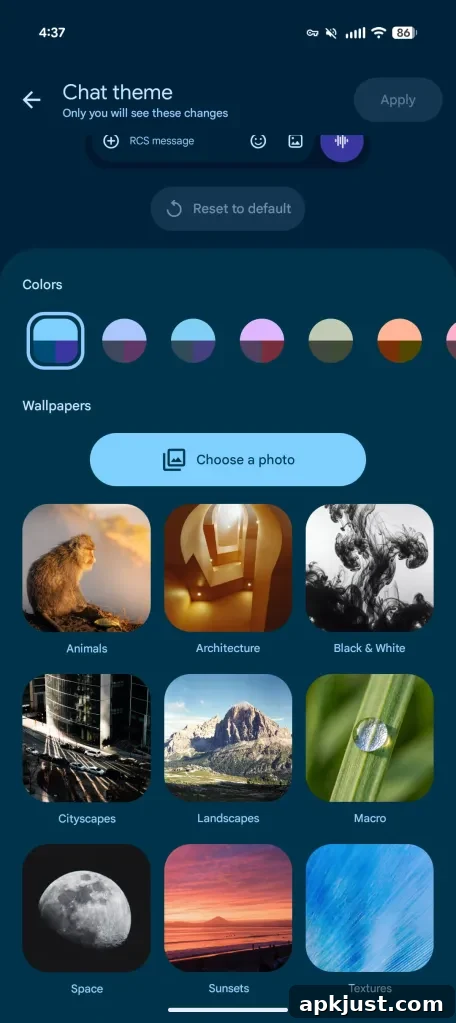
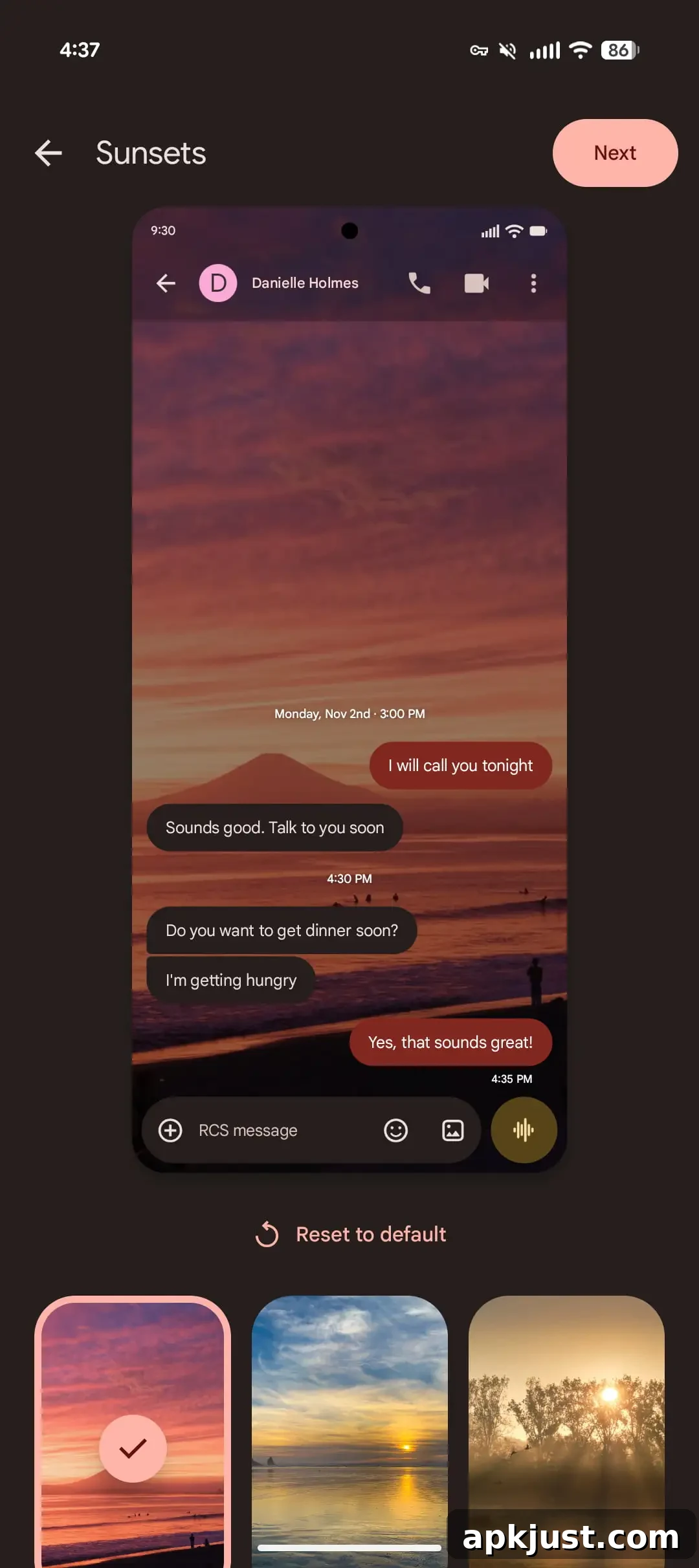
Beyond colors, Chat themes introduce Wallpapers that change the conversation background. Google supplies a curated selection of wallpaper categories such as Animals, Architecture, Black & White, Cityscapes, Landscapes, Macro, Space, Sunsets, and Textures. You can also upload and use your own photo for a completely personalized backdrop. These wallpaper categories are similar to other Google wallpaper collections, making it easy to find a style that fits your taste.
Original 6/23: Until now, Google Messages offered a “Change colors” feature that provided nine preset combinations for message bubbles and backgrounds. That option, introduced in 2024, allowed some personalization but was limited compared with what modern messaging apps now commonly offer.
The “Chat theme” update replaces that older option and expands customization significantly. Google emphasizes that these theme changes are local: “only you will see these changes,” meaning your adjustments affect only your device’s view of a conversation, not the recipient’s.
When you open Chat theme, you first see a live conversation preview at the top of the screen so you can test colors and wallpapers before applying them. The interface then presents the Colors carousel, which includes Dynamic Color choices that align with the system palette, followed by static color options. After colors, the Wallpapers section offers curated collections and lets you choose a photo from your device.
This feature narrows the gap between Google Messages and other messaging platforms that have long offered per-chat personalization. Users have asked for more control over chat appearance for years, and Chat themes bring Google Messages closer to meeting that expectation.
At the moment, the new Chat themes feature is rolling out in stages. It may not appear immediately on all devices even for beta testers. Once the update reaches your device, the menu entry “Change colors” will change to “Chat theme,” and you’ll be able to apply colors, wallpapers, or your own photos to individual conversations. A wide release is likely to follow the beta rollout once testing completes.
Overall, Chat themes deliver a practical and user-friendly way to customize conversations on Android. They provide both quick presets and deeper personalization, letting users make their messaging experience feel more personal without altering how recipients see messages.