
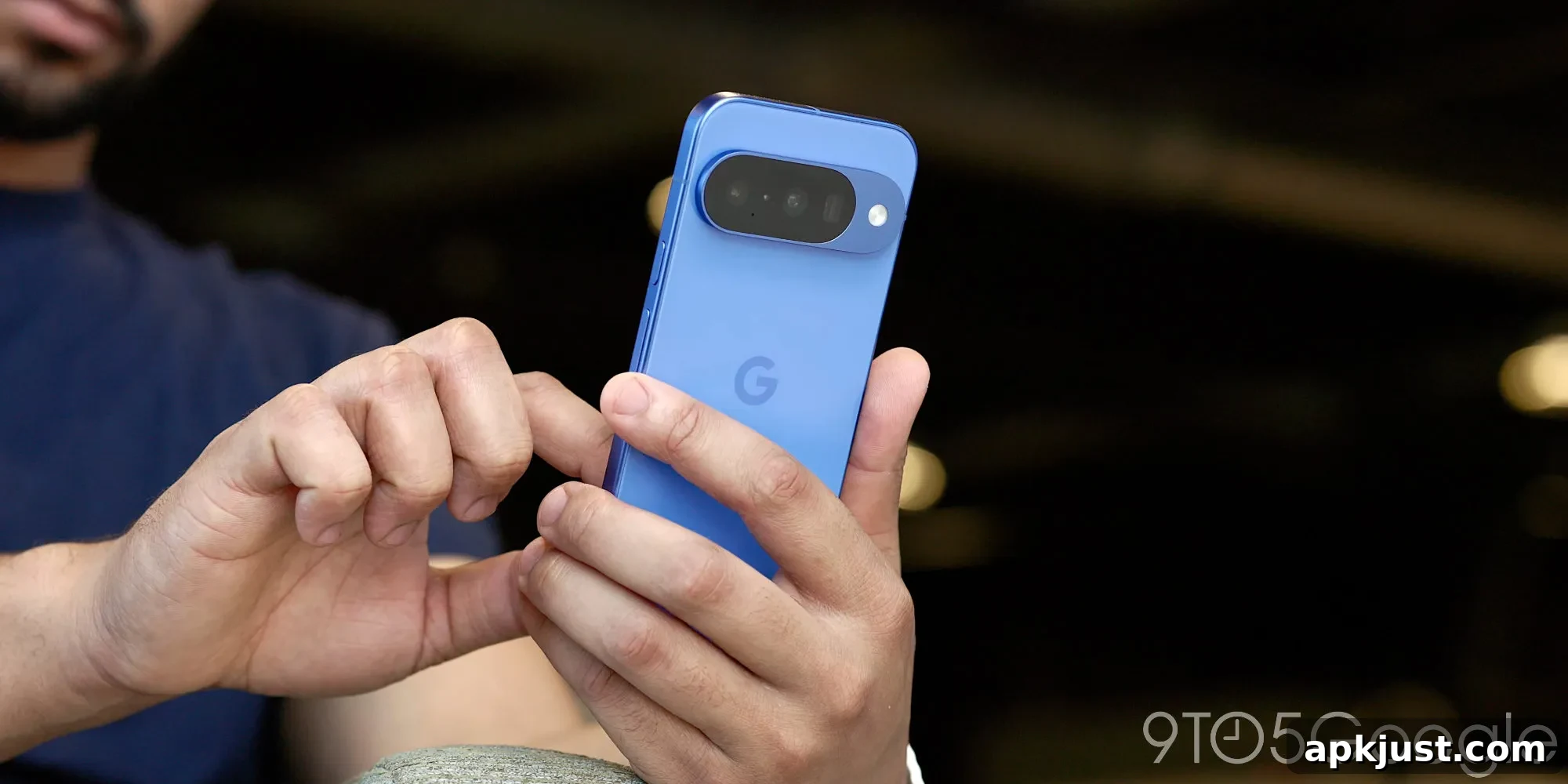
Wired headphones have their place, but wireless earbuds and headphones dominate the market today. That makes a recent change in Android notable: Pixel phones running Android 17 now include support for LHDCv5, a Bluetooth codec that can deliver significantly better audio quality over wireless connections.
The codec your phone uses to communicate with Bluetooth audio devices has a real impact on sound detail and fidelity. For years, AAC and SBC have been the most common codecs, and both are widely supported across phones and accessories. LHDC (Low Latency High-Definition Codec), however, is designed to offer a higher-resolution wireless audio experience that approaches what you would expect from wired connections.
LHDC has already been implemented by a number of Android device makers, but until now it was not available as a native part of Android on Google Pixel phones. With the stable release of Android 17, that gap has closed: LHDCv5 is included at the system level, meaning devices running Android 17 can expose the codec without relying on manufacturer-specific additions.
System-level support for LHDCv5 makes the improved wireless audio accessible to any compatible Android device on the latest platform, not just Pixel phones. Users who pair high-end earbuds that support LHDCv5 should see an immediate improvement in audio quality, provided the earbuds and the phone negotiate the codec successfully.
Note that LHDCv5 support depends on both the phone and the earbuds. Many premium wireless earbud models already support LHDCv5, but if an accessory uses a different high-resolution codec—such as LDAC—or if it only supports AAC or SBC, you will not benefit from LHDCv5. In practice, this means checking compatibility before expecting any audio upgrades.
If you want to verify whether your Pixel is actually using LHDCv5, the indicator is available in Developer Options. To enable Developer Options, go to Settings > About phone and tap the Build number repeatedly until the system confirms Developer Options are enabled. Then navigate to Settings > System > Developer options > Bluetooth and look for the “Bluetooth Audio Codec” setting while a Bluetooth audio device is connected. When paired with LHDCv5-capable earbuds, that codec should appear as the selected option.
Keep in mind this Bluetooth audio menu only appears when a Bluetooth audio device is actively connected. If no device is connected, the option will not be visible. When you do see it, you can confirm which codec is in use and, if necessary, select LHDCv5 provided your accessory supports it.
Early reports and hands-on checks have confirmed LHDCv5 showing up on Pixel devices after the Android 17 update. In testing, some earbuds that support LHDCv5 connect and use the codec by default, while other models without LHDCv5 continue to use AAC or the highest mutual codec both devices support. For example, earbuds that only support LDAC will not negotiate LHDCv5, and some competitive models that do not include LHDCv5 will remain on AAC.
Android 17 is rolling out to Tensor-powered Pixel smartphones, bringing a number of new features and fixes alongside this audio improvement. For users who care about wireless sound quality, LHDCv5 at the system level is a meaningful upgrade because it reduces the need to depend on third-party apps or manufacturer customizations to access higher-fidelity Bluetooth audio.
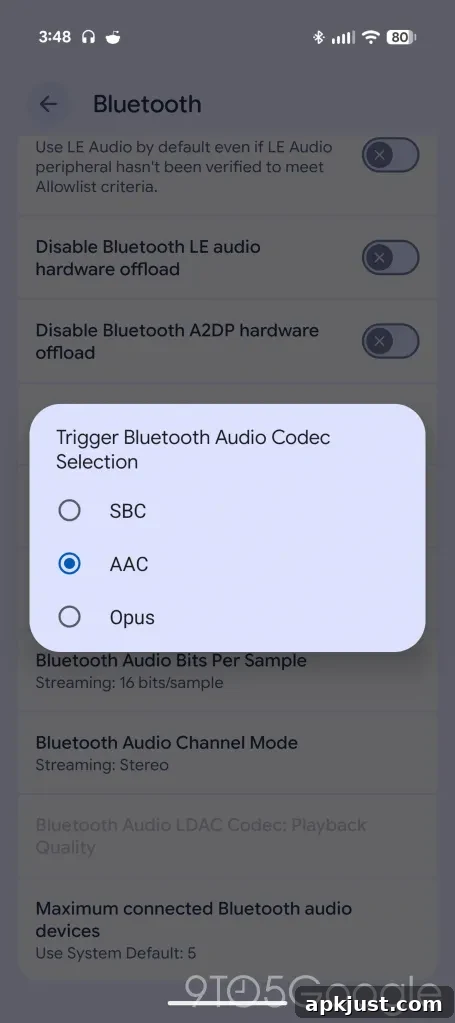
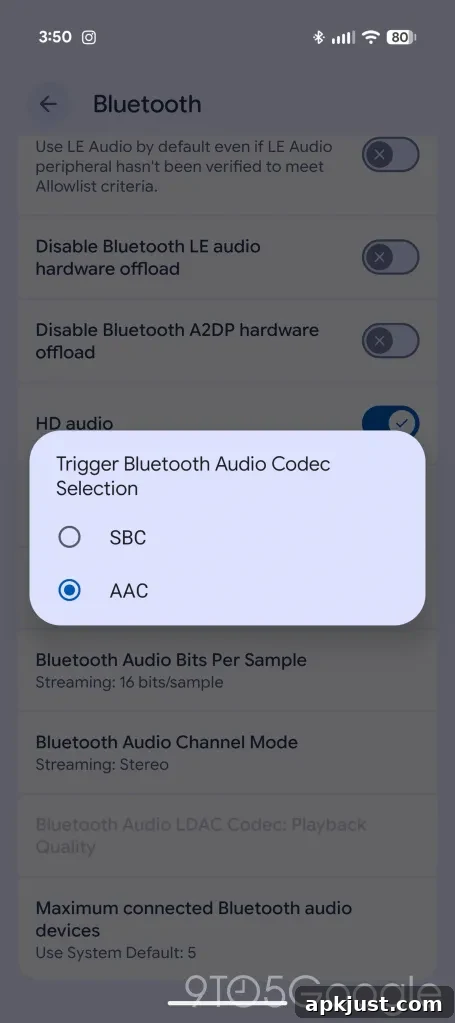
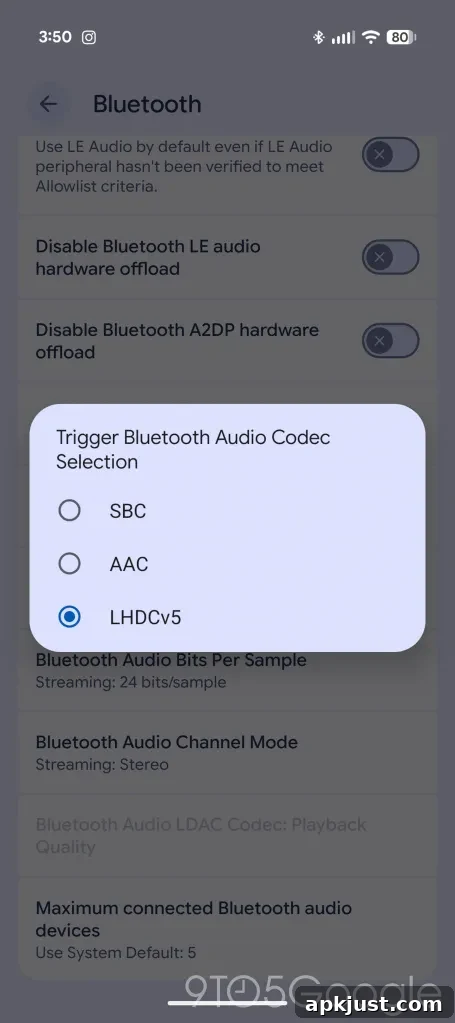
If you are shopping for earbuds and want to take advantage of LHDCv5, verify that the model explicitly supports that codec. When both the phone and the earbuds support LHDCv5, you should notice clearer mids, better high-frequency detail, and overall improved dynamic range compared with more basic Bluetooth codecs. For listeners who prioritize audio fidelity over other factors, this combination can make wireless listening much closer to a wired experience.
More on Google Pixel:
- Google preps Pixel ‘Audio Memory’ that ambiently tracks your ‘important conversations’
- Some Pixel users report touch input issues after Android 17 update
- Google will fix Android 17 bug that deletes homescreen widgets for some Pixel owners
Follow Ben: Twitter/X: @NexusBen, Threads: @nexusben, Bluesky: nexusben.com profile, Instagram: @nexusben