
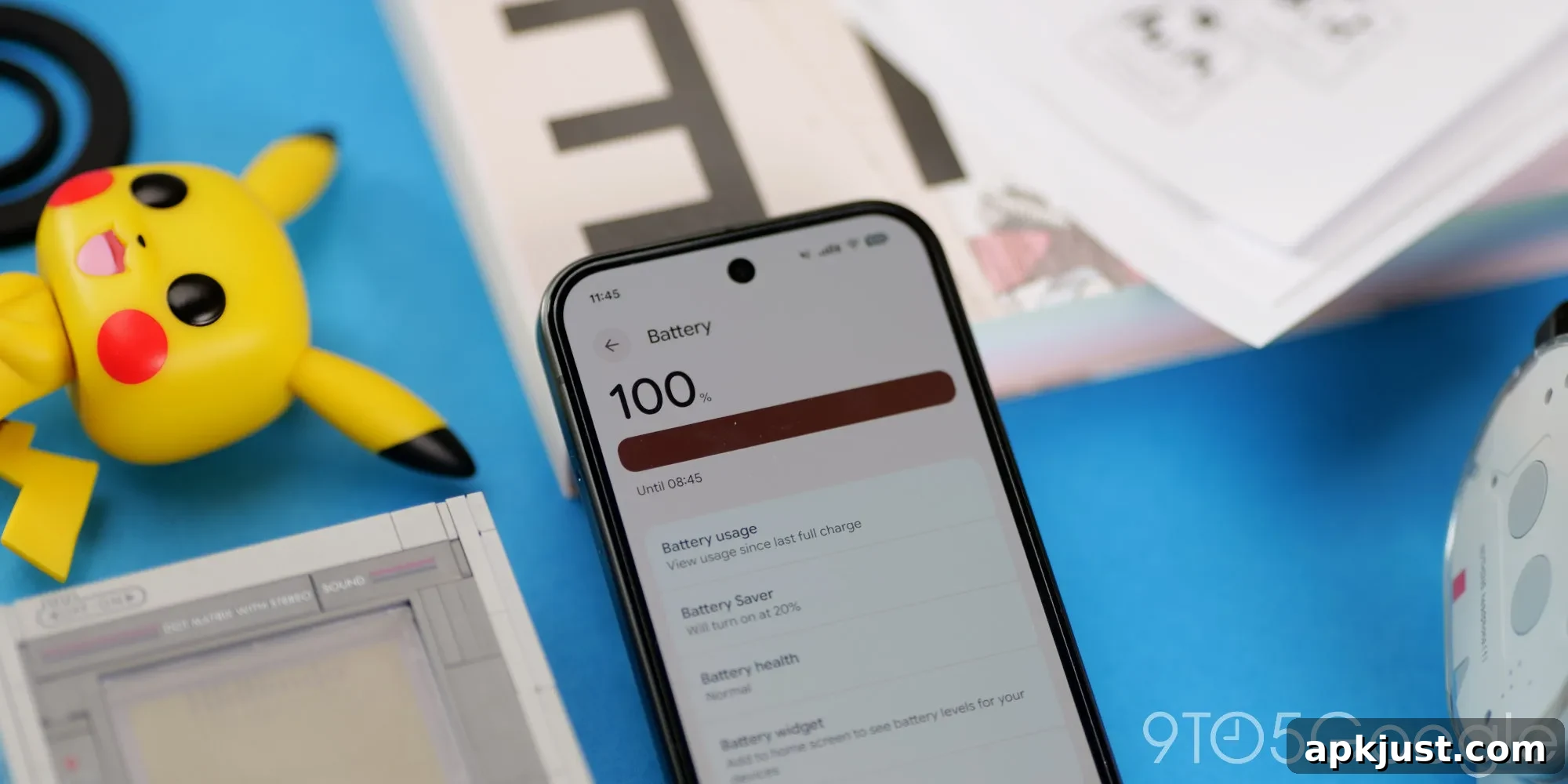
Has Android 17 Improved Pixel Battery Life?
Whenever you install a substantial platform update on your phone, you can expect both intended improvements and unexpected side effects. One of the most important concerns for many users is battery life. With Android 17 rolling out to supported Pixel phones, a common question is: have you noticed better battery life on your Pixel since updating to Android 17?
Google’s Android 17 release emphasizes system efficiency, refined background processing, and cleaner power management. Many update notes highlight optimizations designed to reduce unnecessary CPU wakeups, limit background tasks, and prioritize foreground apps. In theory, those changes should result in measurable battery gains, particularly for daily standby time and active screen-on periods.
In practice, results vary. Early anecdotal reports from Pixel users and reviewers suggest some modest improvements in screen-on time and overnight standby on newer Pixel models, especially devices that were running smoothly before the update. On the Pixel 10 series, some users have reported slightly longer runtimes and fewer unexpected wakelocks after installing Android 17, but these improvements are generally incremental rather than dramatic.
For older phones or devices with battery wear, the benefits may be less noticeable. When a battery already has significant capacity loss, software optimizations can only do so much; they can reduce background drain and improve efficiency, but they cannot restore lost physical capacity. In those cases, the update may feel like consolidation of current behavior rather than a restoration of original battery life.
It’s also important to be aware of the placebo effect after major updates. Right after installing a fresh OS, users often pay closer attention to their phones and may temporarily change habits—closing apps, disabling features, or rebooting devices—which can create the impression of improved battery life. Once normal usage patterns and background syncs resume, battery usage can return to previous levels unless the update addressed a specific underlying cause.
That said, a clean OS install or a major platform upgrade can genuinely fix issues that were draining power. Updates can remove or mitigate buggy legacy apps, stop rogue background services, and include security patches that prevent malicious or poorly optimized processes from running unchecked. When those problems are present, installing the latest system update can noticeably improve battery endurance and system stability.
If you want to evaluate how Android 17 affects your Pixel’s battery, consider a controlled approach: monitor baseline battery metrics before installing the update, then compare several days of post-update usage under similar conditions. Track screen-on time, standby drain, and which apps are consuming the most power via the battery settings. A single day’s readings can be misleading; a week of consistent monitoring gives a clearer picture.
There are also practical steps you can take after updating to maximize any gains from Android 17: review app permissions and background activity settings, disable unnecessary location or sync tasks, check for app updates that target Android 17, and reboot the device once after the update to clear transient processes. If you still see excessive drain, consider checking for problematic apps or reverting certain settings rather than assuming the system update is at fault.
We want to hear from you: has your Pixel’s battery life improved since installing Android 17? Are you seeing longer screen-on times, better standby performance, or no noticeable change? Share your device model and typical screen-on time in the comments so others can compare real-world results. Your experience helps build a clearer picture of how Android 17 affects battery life across different Pixel models and usage patterns.