
With Android 17 now rolling out to eligible Pixel devices, many users are asking whether the update actually makes their phones feel faster. How has Android 17 affected Pixel performance on your device? Are animations smoother, apps more responsive, and overall day-to-day use improved?
Every major Android release introduces both visible changes and behind-the-scenes improvements, and early rollouts can feel different across models. Whether you’re using a brand-new Pixel flagship or an older supported device, a major operating system update can noticeably change responsiveness and perceived speed. Some users report immediate gains, while others see little change until background optimizations complete.
- This is every new feature in Android 17 [Video]
From a user-facing perspective, Android 17 emphasizes refinement rather than a full visual redesign. Google continues to polish the Material 3 Expressive look introduced in prior releases, so if you were hoping for a dramatic interface overhaul, this release is subtler. Instead, Android 17 focuses on performance tuning under the hood, expanded privacy controls, and practical ecosystem tweaks that aim to improve stability and battery life over time.
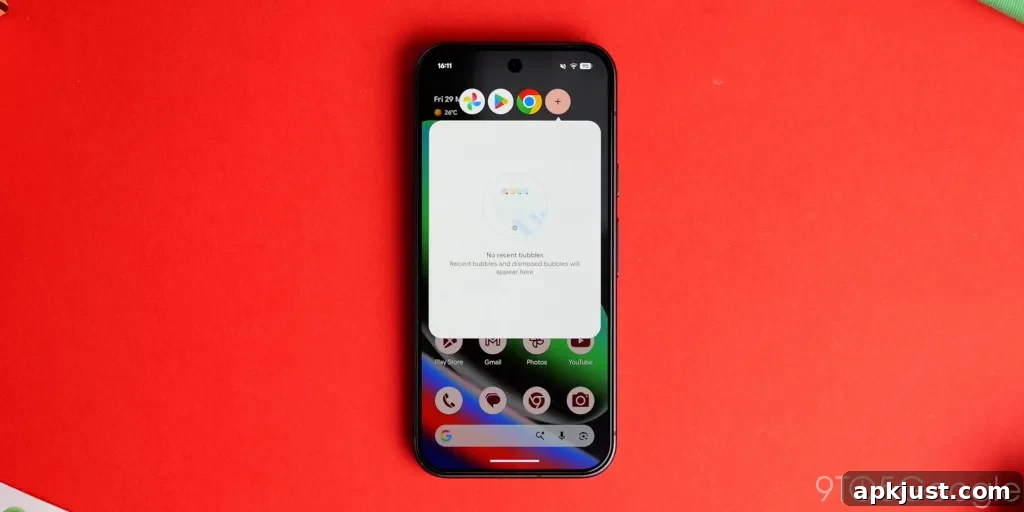
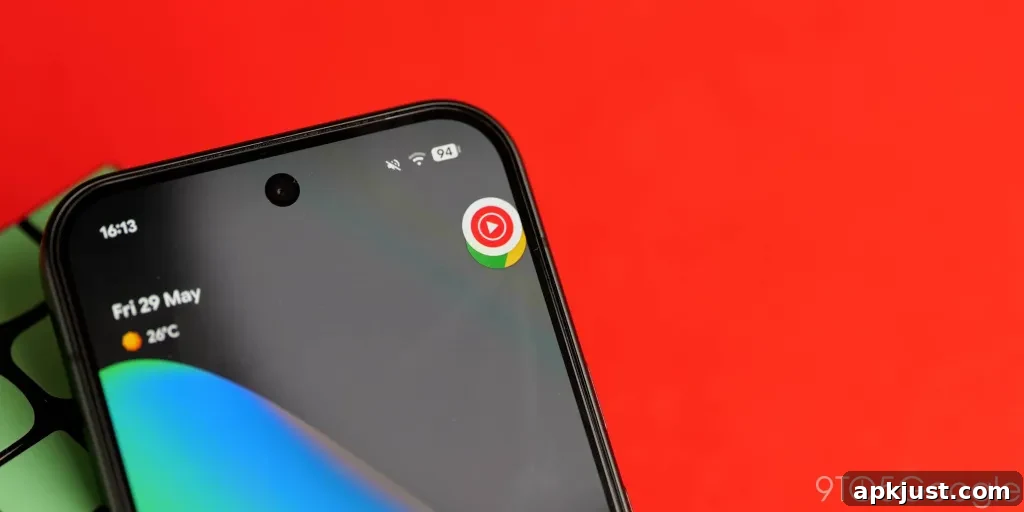
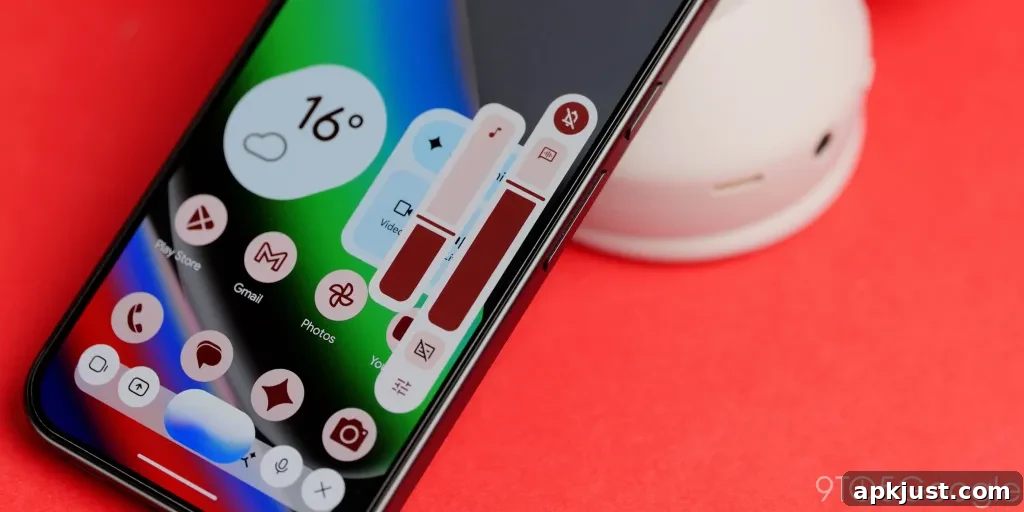
Beyond raw speed, Android 17 brings a number of quality-of-life improvements. Most of these changes are incremental and designed to refine the user experience rather than reinvent it. One notable reintroduction is App Bubbles, which echoes the old “Chat Head” multitasking approach. For users who favored floating app bubbles for quick interactions, this feature can change how you handle messaging and multitasking on the Pixel.
For more video content, subscribe to the channel that covered Android 17.
The Pixel line is generally praised for its clean, fluid experience, but major platform updates sometimes introduce optimization issues—or, conversely, they can revitalize older hardware. Google typically pairs new Pixel hardware with updated software later in the year, so this Android 17 update also serves as groundwork for further improvements tied to upcoming Pixel releases.
After a shorter-than-usual beta period, this over-the-air release was expected eagerly to see how it performs in real-world usage. Reportedly, many reviewers and users have noticed slightly tighter animations and a generally snappier feel immediately after installing the full build. These subjective improvements can make daily interactions feel faster even if benchmark numbers don’t shift dramatically.
That said, performance varies. Some devices may show clear improvements, others might feel unchanged, and a few units could temporarily experience regressions until subsequent patches arrive. Background tasks like app optimization, indexing, and battery learning can take several days to stabilize after a major update, which means perceived lag or stutter early on may disappear after the system finishes post-update processing.
If you’ve installed Android 17 on your Pixel, what have you noticed so far? Is your device running smoother, or are you encountering new stutters or battery issues? Real-world user feedback helps build a clearer picture of how this release performs across the broad range of Pixel models and usage patterns.
Share your experience with Android 17 performance on your Pixel. Tell us whether your phone feels faster, about the same, or slower after the update, and include details like your Pixel model, any notable battery or heat changes, and whether you observed differences immediately or after a few days of use.