
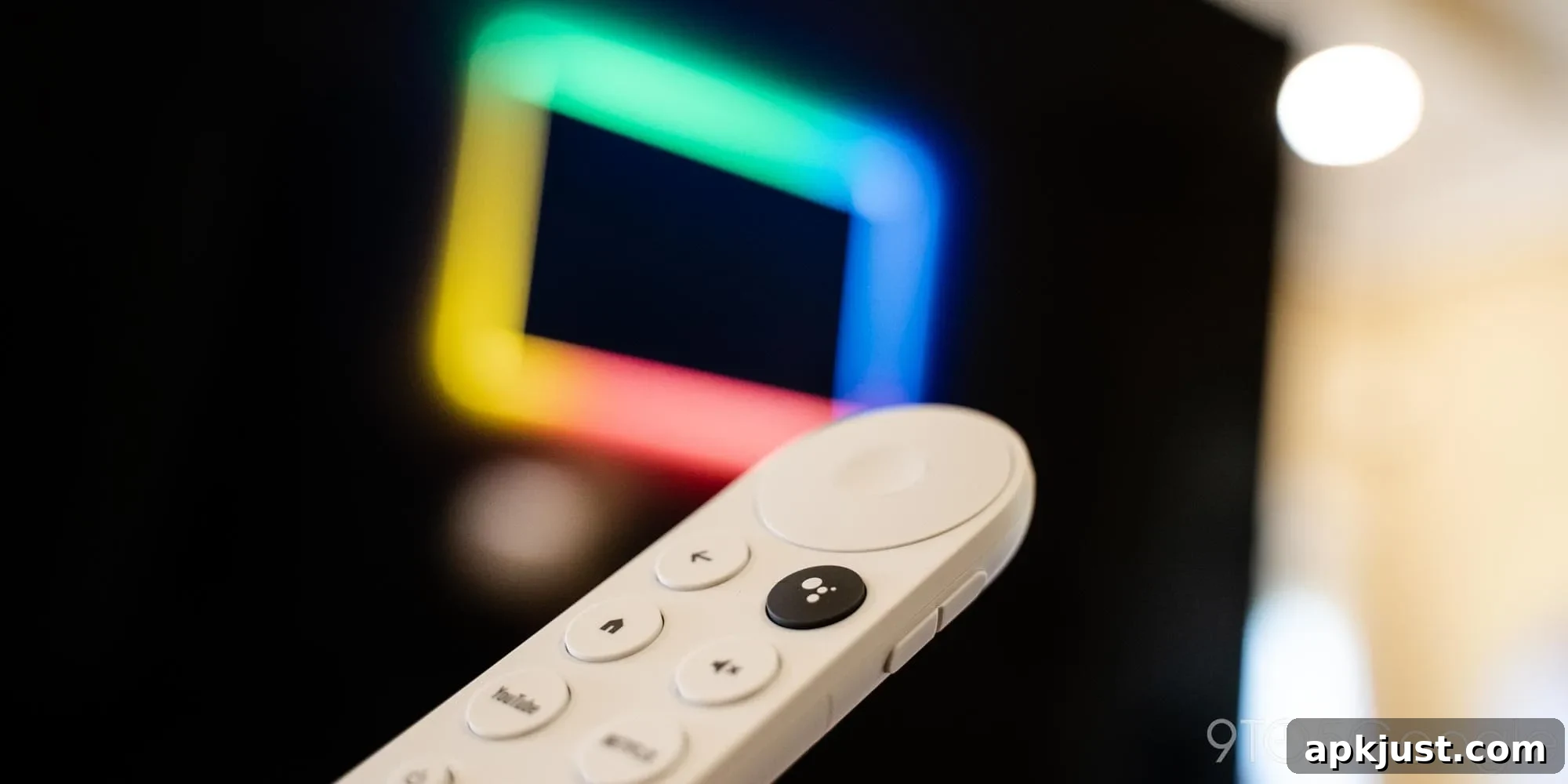
Many owners of the Chromecast with Google TV are reporting a troubling new problem: their remotes are failing to stay paired with the device. As these units age, an increasing number of users have experienced intermittent disconnects that force them to re-pair or reset the remote to regain control. This creates a frustrating experience and reduces the convenience that made the Chromecast with Google TV popular in the first place.
When Google introduced Chromecast with Google TV in 2020, the included Bluetooth remote was one of the product’s defining features. Rather than depending primarily on phone-based casting, this model placed control firmly in the user’s hand via a compact remote with a directional pad, dedicated shortcut keys, and configurable IR volume and power functions. Despite some criticisms about the button layout and ergonomics, the remote generally delivered a reliable, streamlined experience—until recently.
Reports from a growing number of users indicate that the remote’s Bluetooth connection can drop unexpectedly and not reconnect on its own. Affected owners say the remote may operate briefly, then lose its connection and require manual re-pairing or a hardware reset to work again. While the remote is not rendered permanently inoperable, the interruptions are frequent enough to be a real inconvenience, particularly during streaming sessions or when navigating menus.
In the meantime, users have been relying on alternative control options. Some switch to the virtual remote feature in the Google TV mobile app, which provides on-screen navigation and playback controls. Others depend on HDMI-CEC, allowing their television’s remote to send commands to the Chromecast—though HDMI-CEC behavior varies by TV model and is not always a seamless substitute for the dedicated remote. These workarounds help, but they don’t replace the convenience of a properly functioning standalone remote.
The problem has been discussed across several community forums and threads, where users have shared troubleshooting steps and temporary fixes that sometimes help, such as fully resetting the Chromecast device, replacing the remote batteries, or re-pairing the remote from the device settings. However, these measures often provide only a short-term reprieve, and the underlying cause of the instability remains unclear.
Google continues to provide software support for the Chromecast with Google TV platform. Given that the company maintains updates for the streaming device, it is plausible that a firmware or software update could address Bluetooth stability or remote pairing issues. As of now, there has been no official public acknowledgement detailing a targeted fix specific to these reports, and no published timeline for a resolution. Users hoping for a permanent remedy are watching for future software updates or official guidance from Google.
For owners affected by this issue, the current best practices are to ensure the Chromecast and remote both have up-to-date firmware and to try conventional troubleshooting steps: replace or fully charge the remote batteries, reboot the Chromecast, re-pair the remote through the device’s settings, and test HDMI-CEC settings on the TV. If these steps fail, using the Google TV mobile app as a temporary control option can keep a setup usable until an official update addresses the problem. Users experiencing persistent issues should document their symptoms, any patterns they notice, and the troubleshooting steps they’ve tried—this information can be useful when seeking support from official channels or community help threads.
More on Google TV:
- Walmart’s new 4K Google TV stick evaluated as a potential Chromecast alternative
- Recent updates enhance Google TV streamers to better integrate with smart home devices
- Walmart’s new Google TV sets, including a budget-friendly art TV option
If you own a Chromecast with Google TV and are experiencing remote pairing problems, consider trying the troubleshooting steps above and keeping an eye on official software updates for a lasting fix.