
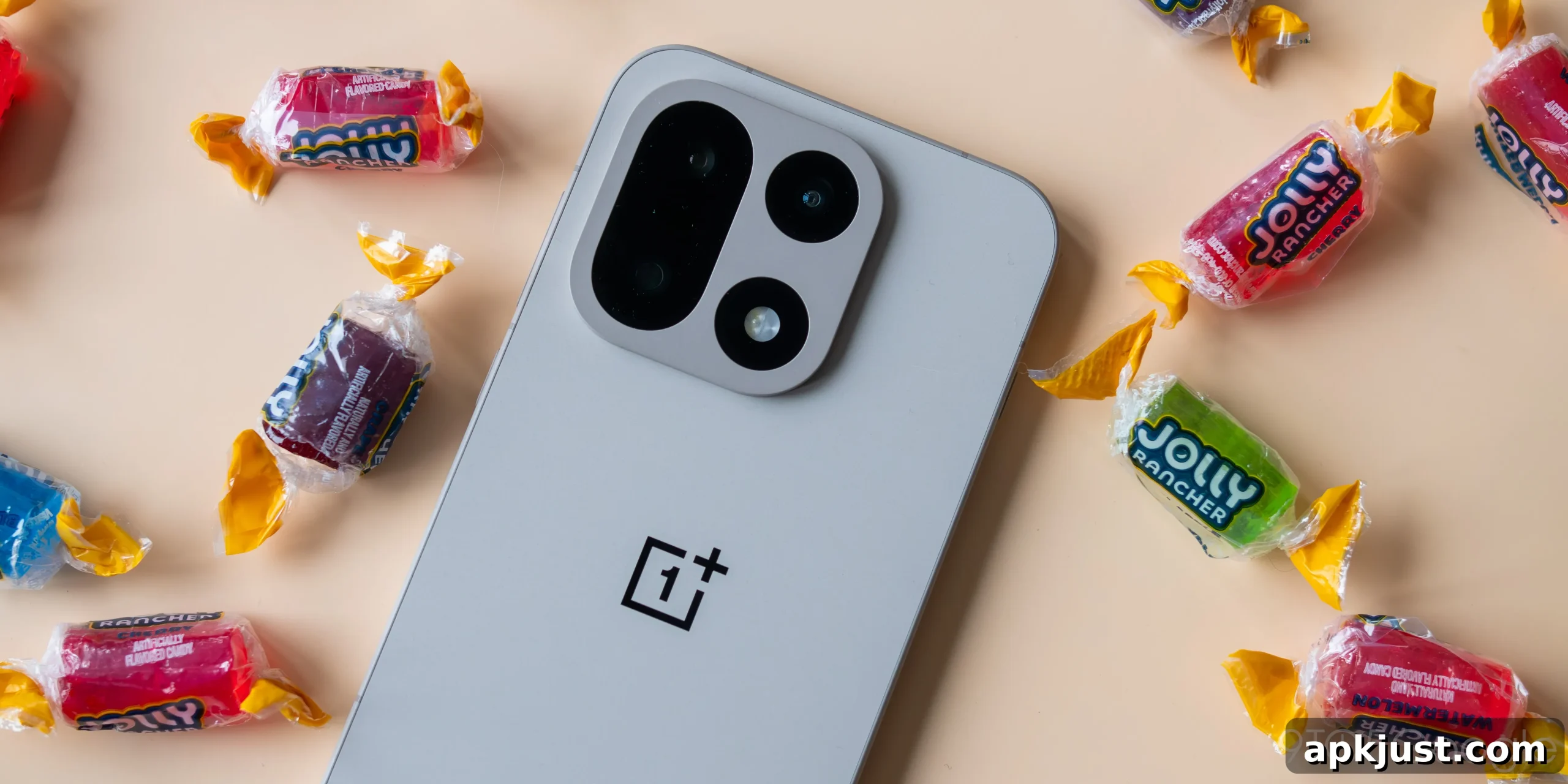
Following recent rollouts to Google Pixel, Samsung Galaxy, and a handful of other Android models, OnePlus 15 owners are now beginning to see support for AirDrop-style sharing via Google’s Quick Share. The change brings broader compatibility between Android phones and Apple devices, making cross-platform file transfers smoother for users who frequently move content between iPhones, iPads, Macs, and Android handsets.
The OnePlus 15 shipped late last year and has remained one of the brand’s most widely available flagships in several markets, including the United States. Because of that availability, the appearance of AirDrop support on OnePlus 15 units is notable: many users in the U.S. regularly interact with Apple ecosystems, and native-style sharing between platforms reduces friction for both personal and professional use.
Google previously confirmed that a selection of Android devices would receive compatibility with AirDrop via Quick Share, and the OnePlus 15 was on that list. Reports from community forums and tech publications now indicate the feature is actively rolling out. Early sightings came from OnePlus community members who reported Quick Share showing Apple-compatible sharing options, and independent verification from reviewers suggests the capability is visible on at least some OnePlus 15 devices.
How the feature arrives on each device can vary. For many Android models, enabling AirDrop-like functionality has largely been a server-side change, meaning users may not always need a new software update to begin using it. In other cases, an update to the phone’s Quick Share implementation or related system services might be required. OnePlus 15 owners should check their system and app update settings and monitor the Quick Share entry point in the device’s sharing menu to confirm availability.
Beyond the OnePlus 15, several Oppo and Vivo phones are also receiving AirDrop over Quick Share support. That broader expansion helps create a more unified sharing experience across Android brands, particularly in regions where Apple devices are prevalent. When both sides of a transfer—Apple and Android—support the same discovery and transport mechanisms, users benefit from faster, more reliable transfers without awkward workarounds or third-party apps.
If you own a OnePlus 15 and want to try the feature, open the file, photo, or content you want to share and tap the native share icon. Look for Quick Share or any indicator that mentions iPhone, iPad, or Mac devices. If the option doesn’t appear, ensure your device has the latest system and Quick Share-related updates, toggle Bluetooth and Wi-Fi, and confirm permissions for location or nearby device scanning if the phone requests them. Because rollouts are often staged, availability can vary by region and carrier.
For readers curious about wider compatibility, lists of supported Android phones and additional Quick Share improvements are being updated as manufacturers complete their integrations. New Quick Share features—such as cloud-based sharing links and QR-based transfers—are also in development or rolling out, which will further simplify exchanging files across platforms.
Have you noticed AirDrop-style sharing on your OnePlus 15 yet? Share your experience in the comments: whether the feature appeared automatically, required an update, or hasn’t shown up for you—community feedback helps others know what to expect and how to enable the functionality on their devices.
More on Quick Share:
- These Android phones support AirDrop sharing with iPhone and Mac
- Google is bringing AirDrop support to many more Android phones, QR cloud share
- Android’s upcoming ‘Tap to Share’ can send contacts, files, etc – here’s what it looks like [Gallery]
Follow Ben: Twitter/X, Threads, Bluesky, and Instagram