
At WWDC 2026, Apple introduced Siri AI and a broad set of Apple Intelligence features built on advanced foundation models. The company emphasized a close collaboration with Google to incorporate technologies from the Gemini model family, enabling richer, more capable on-device and cloud-assisted intelligence across iOS and other Apple platforms.
Google Gemini models
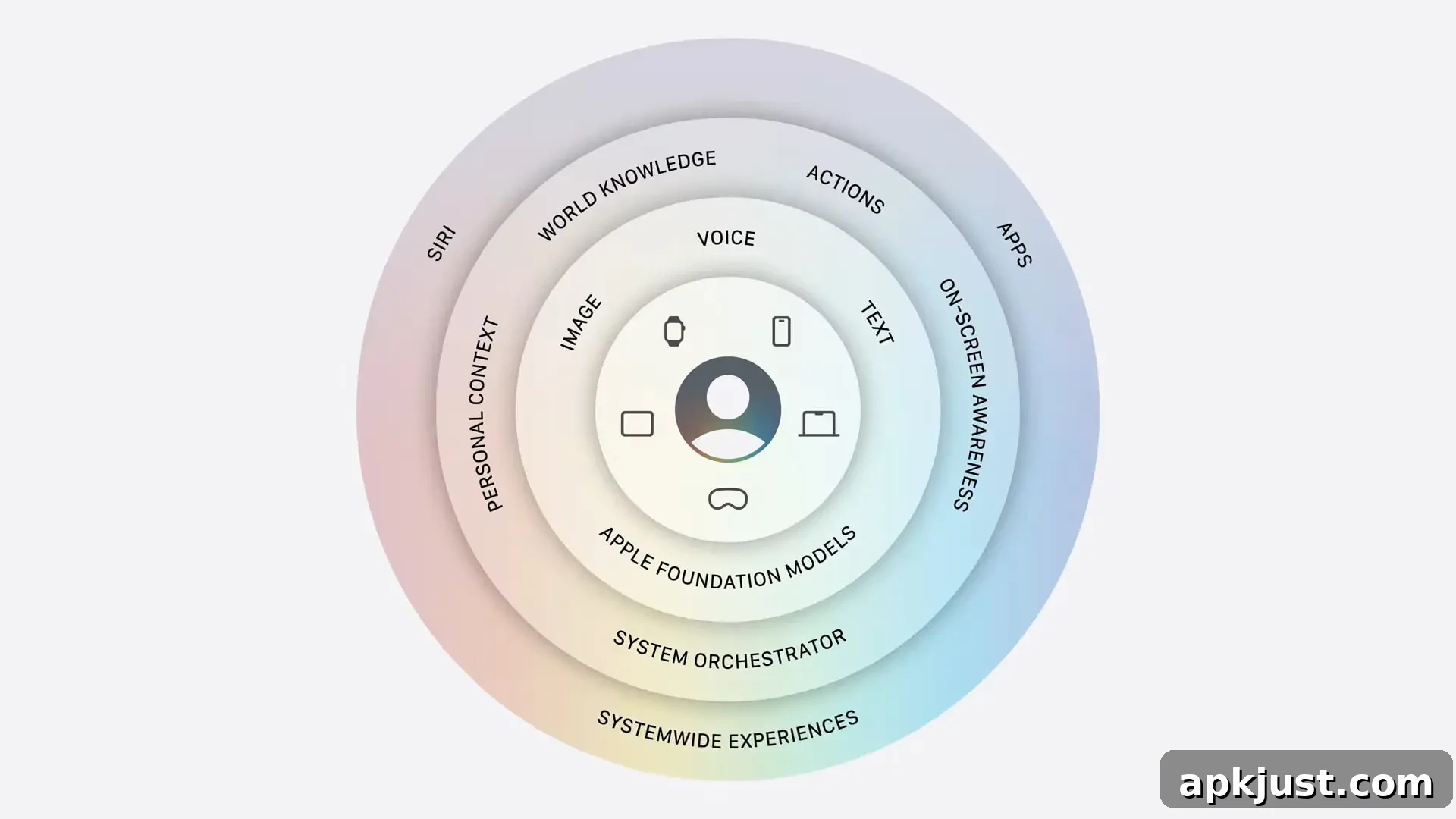
Apple confirmed it worked closely with Google, leveraging the technologies behind the Gemini family of models. That collaboration helped Apple develop a new generation of foundation models that power Apple Intelligence and the new Siri AI experience. The result is a suite of capabilities focused on understanding personal context, acting across apps, interpreting on-screen content, processing images, and accessing broad world knowledge while enabling natural conversational interactions.
Siri AI vs. Gemini app
The evolution from classic Siri to Siri AI mirrors the progression from Google Assistant to the Gemini app. Siri AI brings modern features such as personalized context awareness, app-specific actions, on-screen recognition, image interpretation, and access to general knowledge, all within a conversational framework that supports follow-up questions and iterative tasks.
On iPhone, Apple presents these responses through an overlay anchored to the Dynamic Island: answers and visuals expand downward from the top of the screen, with a swipe-down gesture allowing the response to take over the full screen. This interface emphasizes quick visual summaries and an easy path to a deeper, focused interaction.
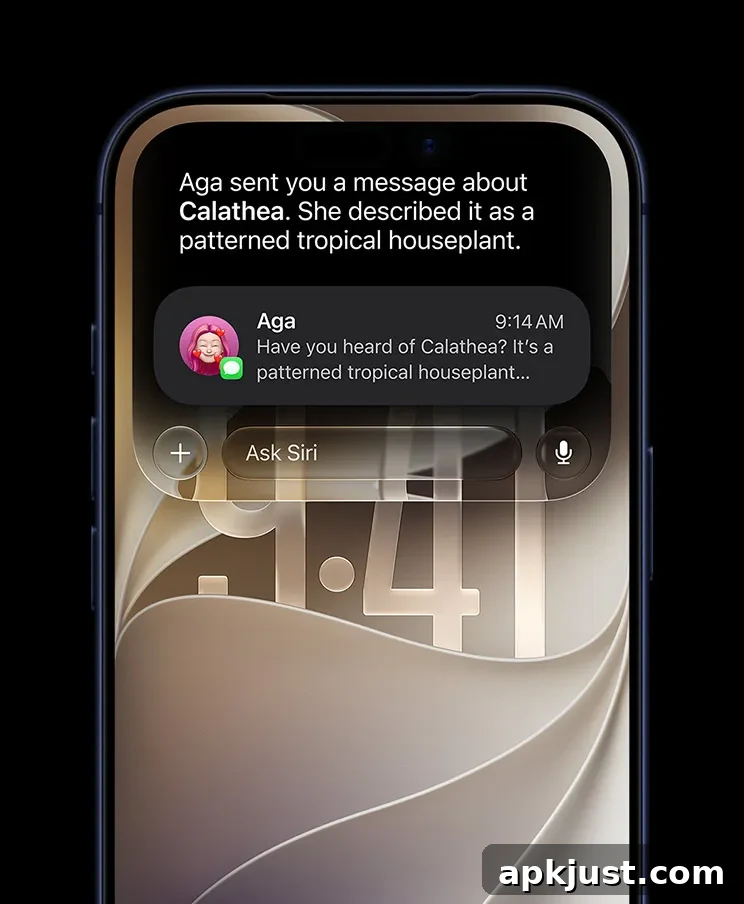
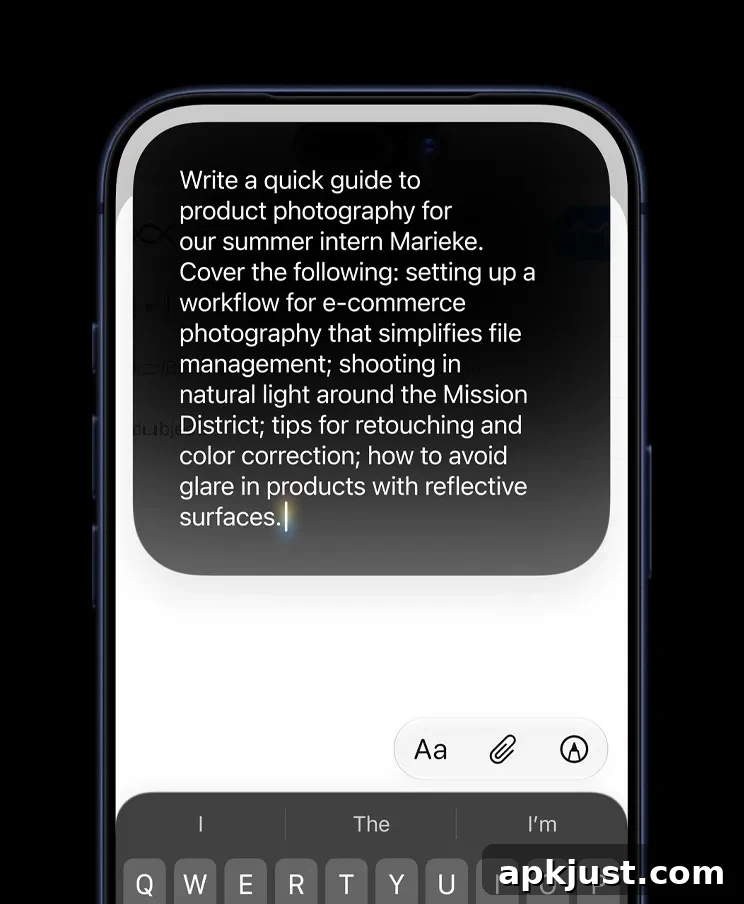
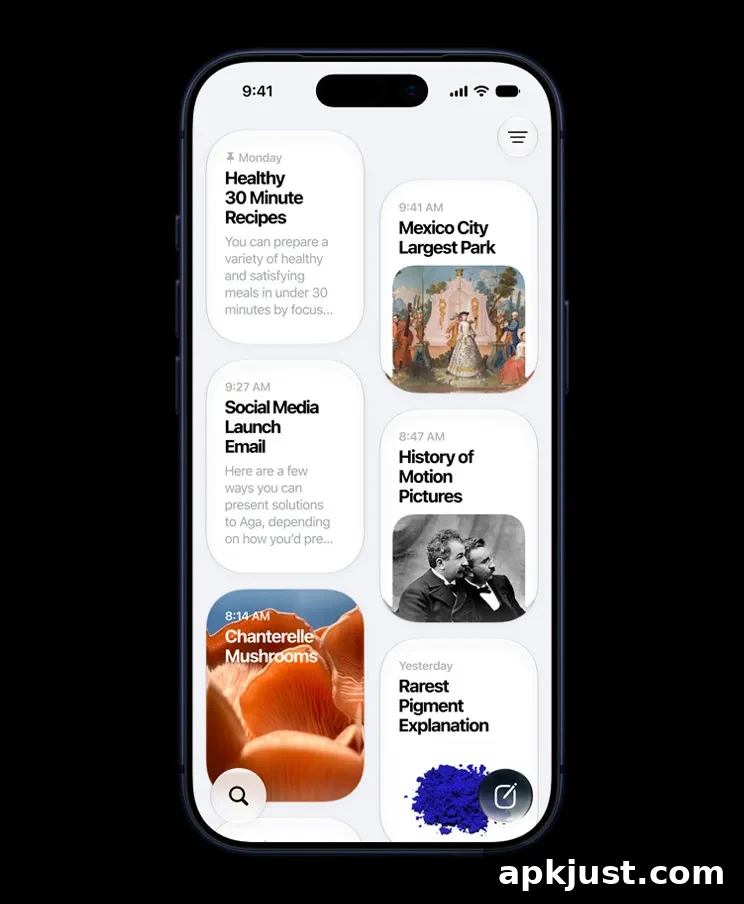
You can enter the new Siri experience by swiping down from the pill-shaped Dynamic Island, long-pressing the side button, or using the “Hey Siri” hotword. Apple also provides a dedicated Siri app that stores conversation history and surfaces past chats in a card-style feed on the app’s homepage, giving quick access to recent interactions and suggestions.
Siri vs. Gemini voices
Apple highlighted a more expressive Siri voice with multiple options and adjustable sliders for pace and expressivity. Google has been expanding Gemini with regional dialects as well, and both ecosystems are investing in more natural, expressive speech synthesis to improve voice interactions.
Apple also announced improvements to dictation accuracy, promising better handling of spelling, punctuation, and capitalization. Similar innovations in other systems focus on understanding intent and context so users don’t need to articulate every detail precisely to get a polished, natural-sounding result.
Siri mode in Camera vs. Google Lens
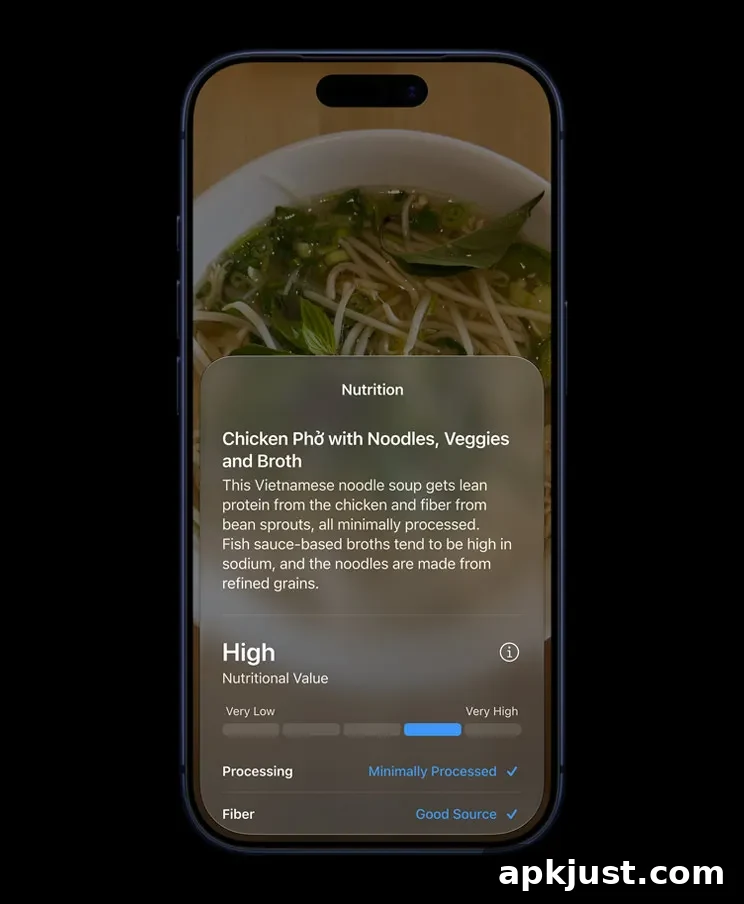
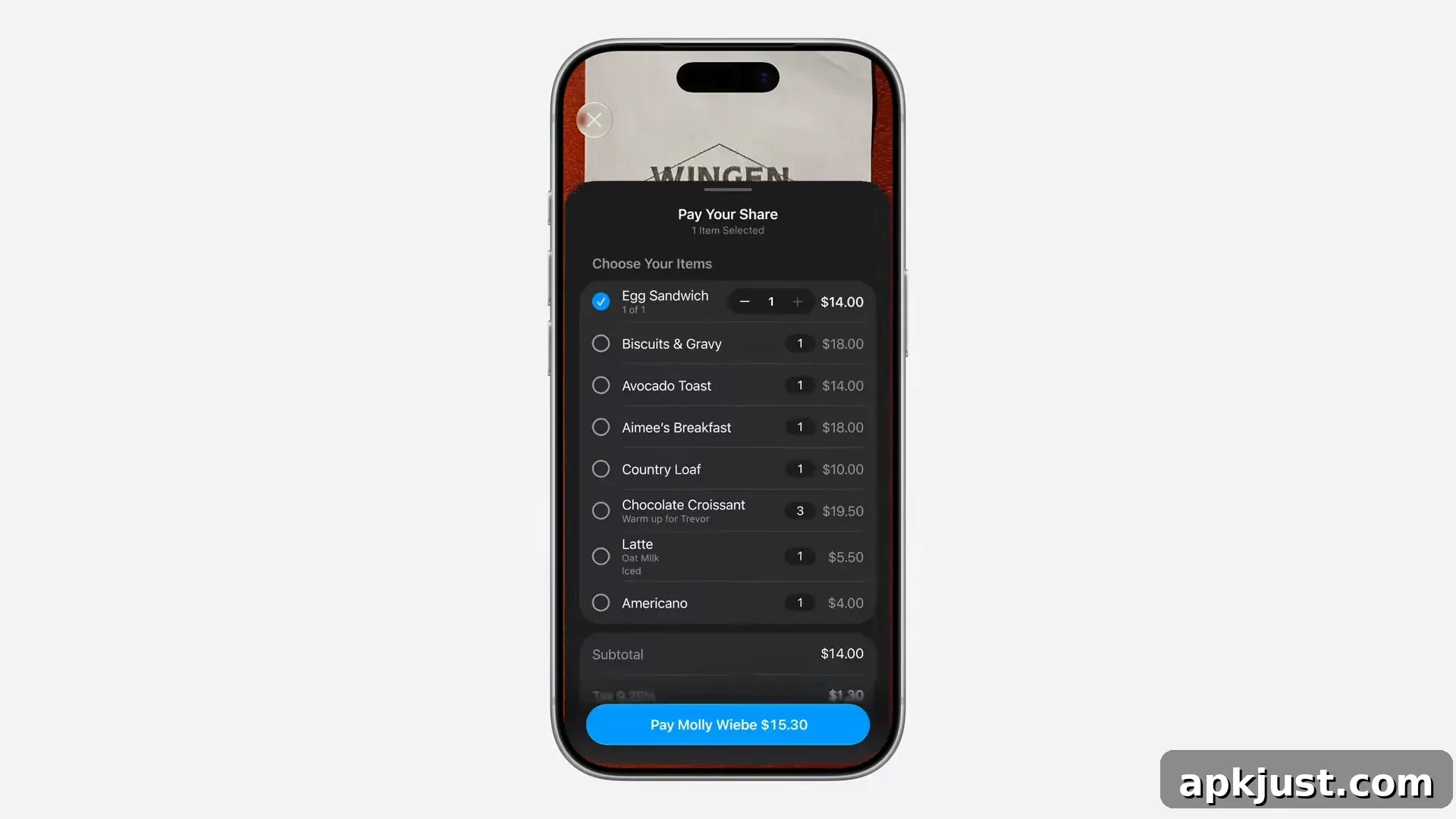
A new Siri mode in the Camera app aims to provide a guided, action-oriented image understanding experience. Compared with tools like Google Lens or adding images to prompts in Gemini, Apple’s approach emphasizes helpful suggestions and direct actions. Examples shown by Apple include:
- Pointing the iPhone at a plate to receive nutritional details about the meal.
- Pointing at a restaurant bill, tapping the items you ordered, and splitting the tab via Apple Cash.
- Bringing up Visual Intelligence on a schedule page and getting suggested actions like adding multiple events to your Calendar in a single step.
Safari vs. Chrome
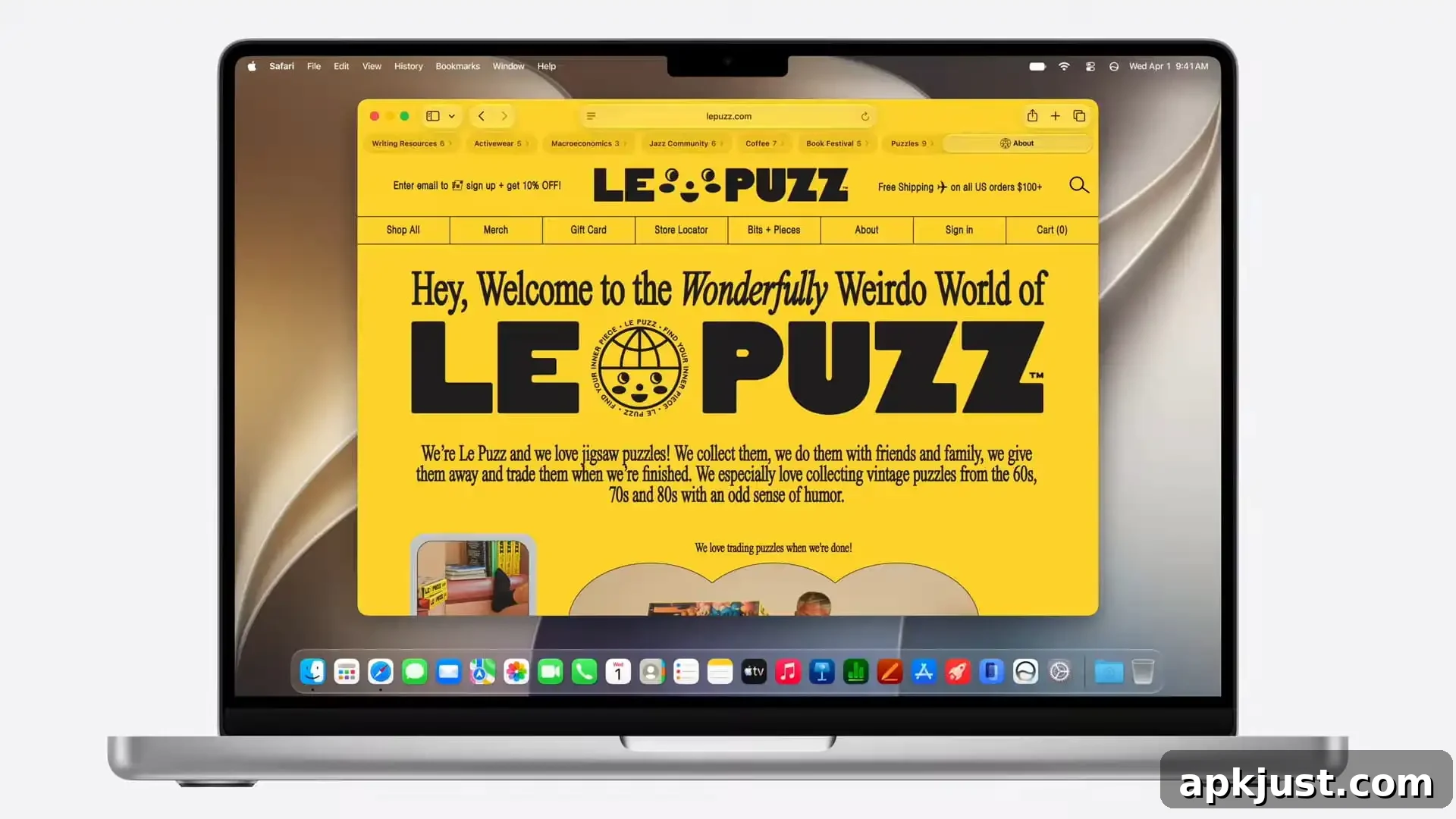
Safari now uses Apple Intelligence to automatically organize tabs into topics, making it easier to find and manage related content. Apple introduced a “Notify Me” feature that will monitor web pages and notify you when a tracked change occurs. While similar capabilities exist elsewhere, Safari’s implementation is more guided and focused on a simple, natural-language workflow.
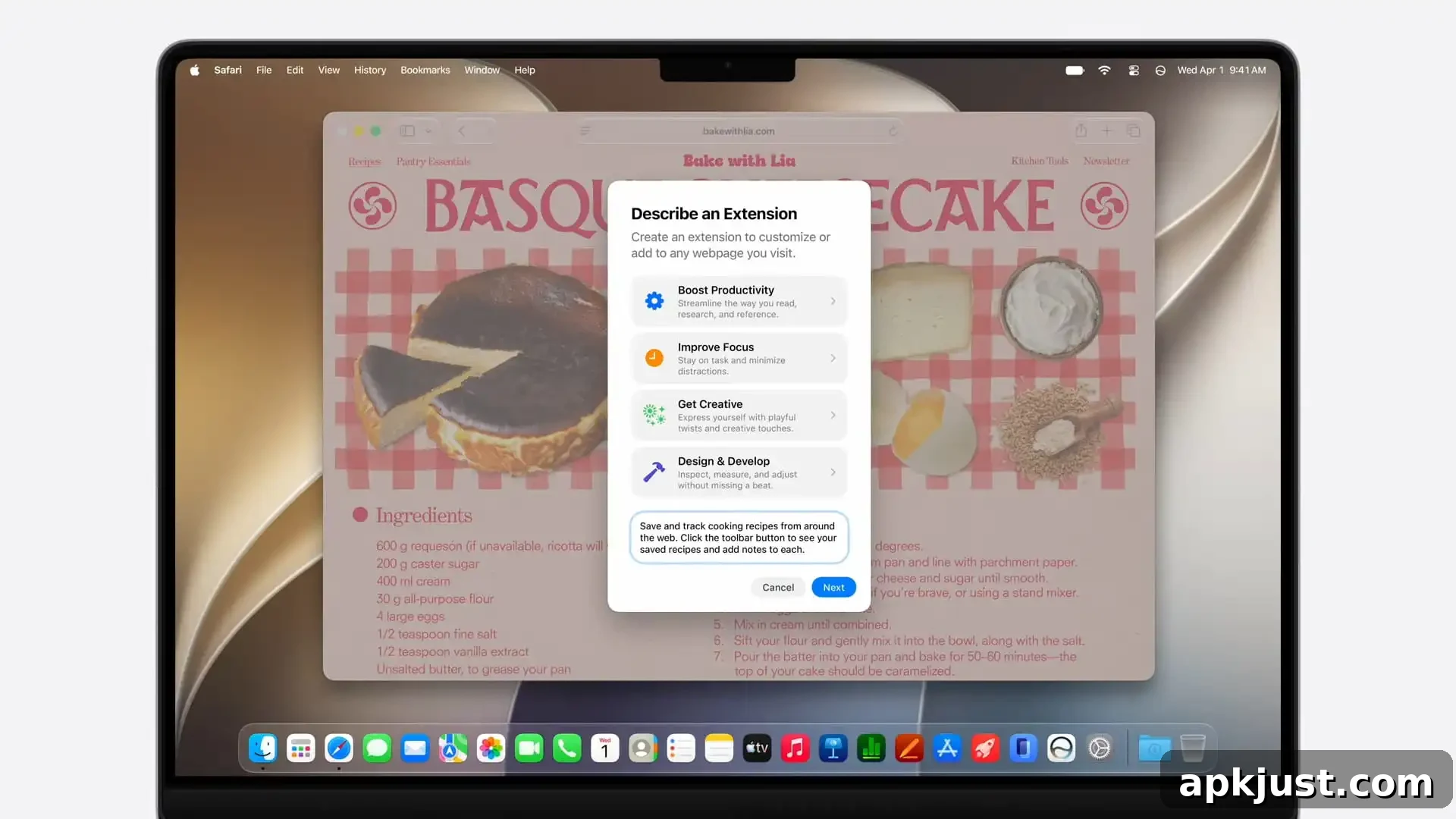
Apple also showed the Passwords app working with Apple Intelligence and Safari to identify broken logins and automatically navigate to sites to update credentials. Another new capability, “Describe an extension,” lets you describe in natural language what you want a browser extension to do, and Safari will create a custom extension that adapts pages accordingly.
More apps
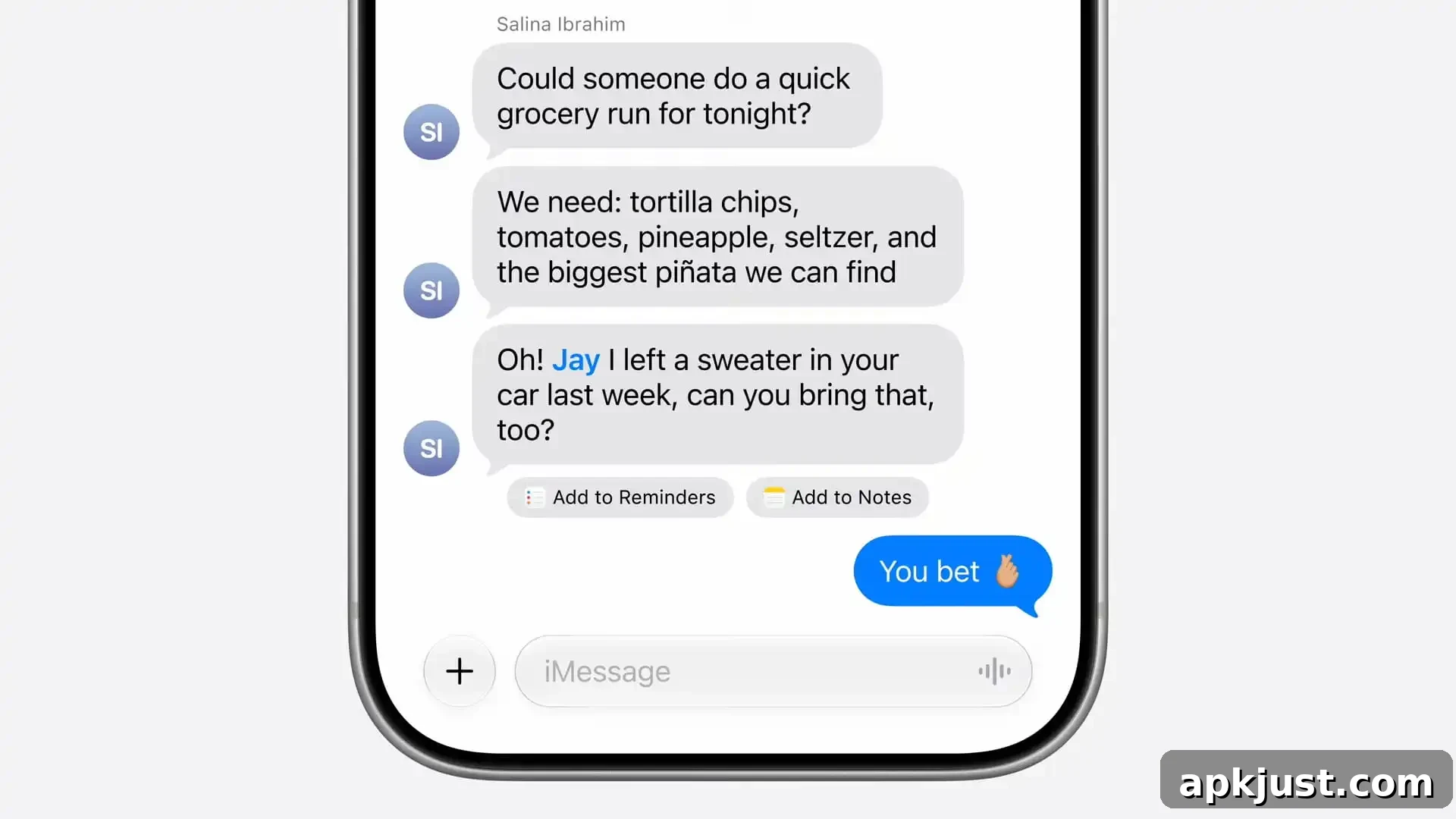
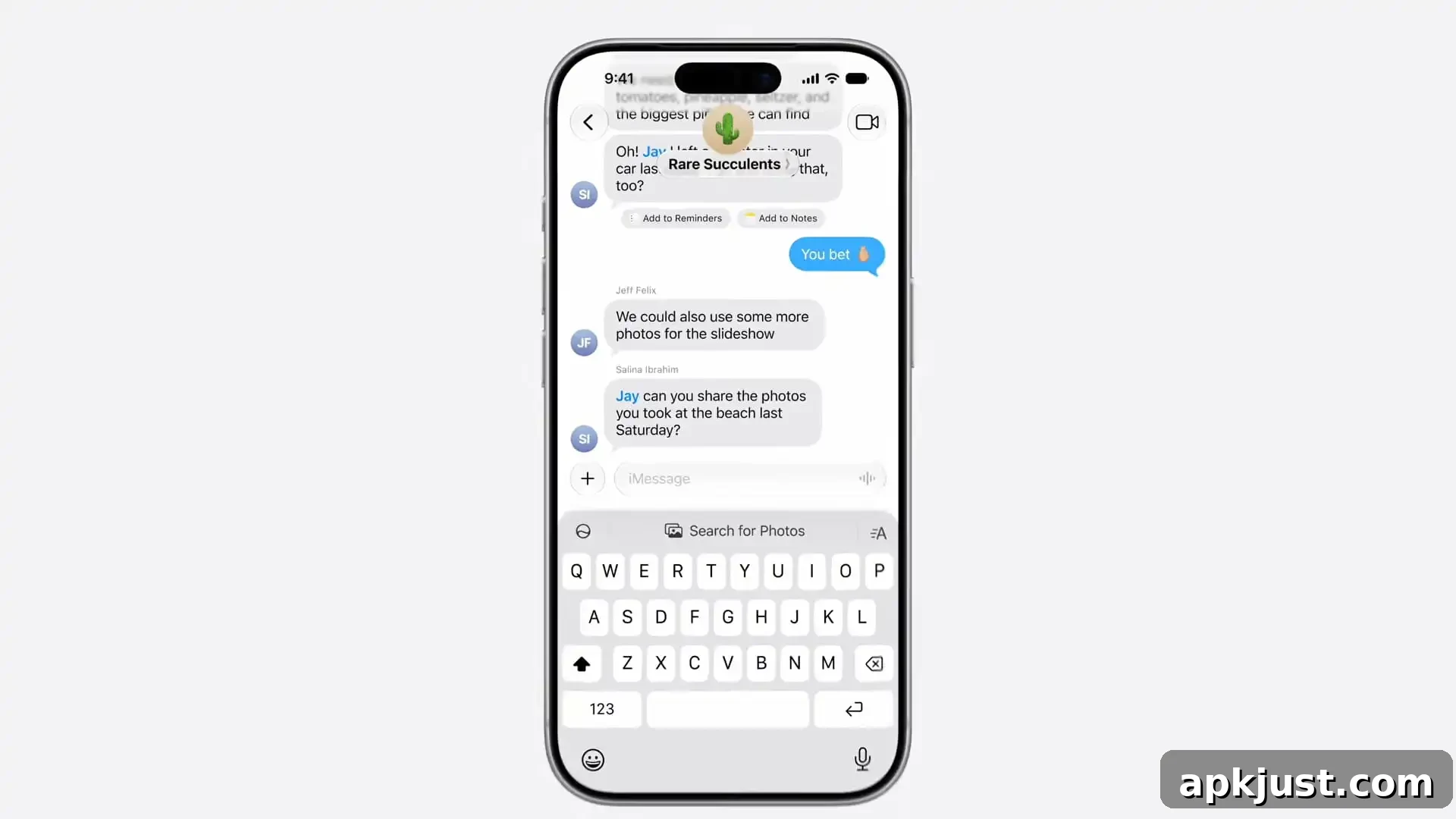
Messages: Apple Intelligence analyzes conversation context to surface one-tap suggestions—creating reminders, notes, or other actions based on what’s said. These contextual suggestions help speed up common tasks directly from message threads.
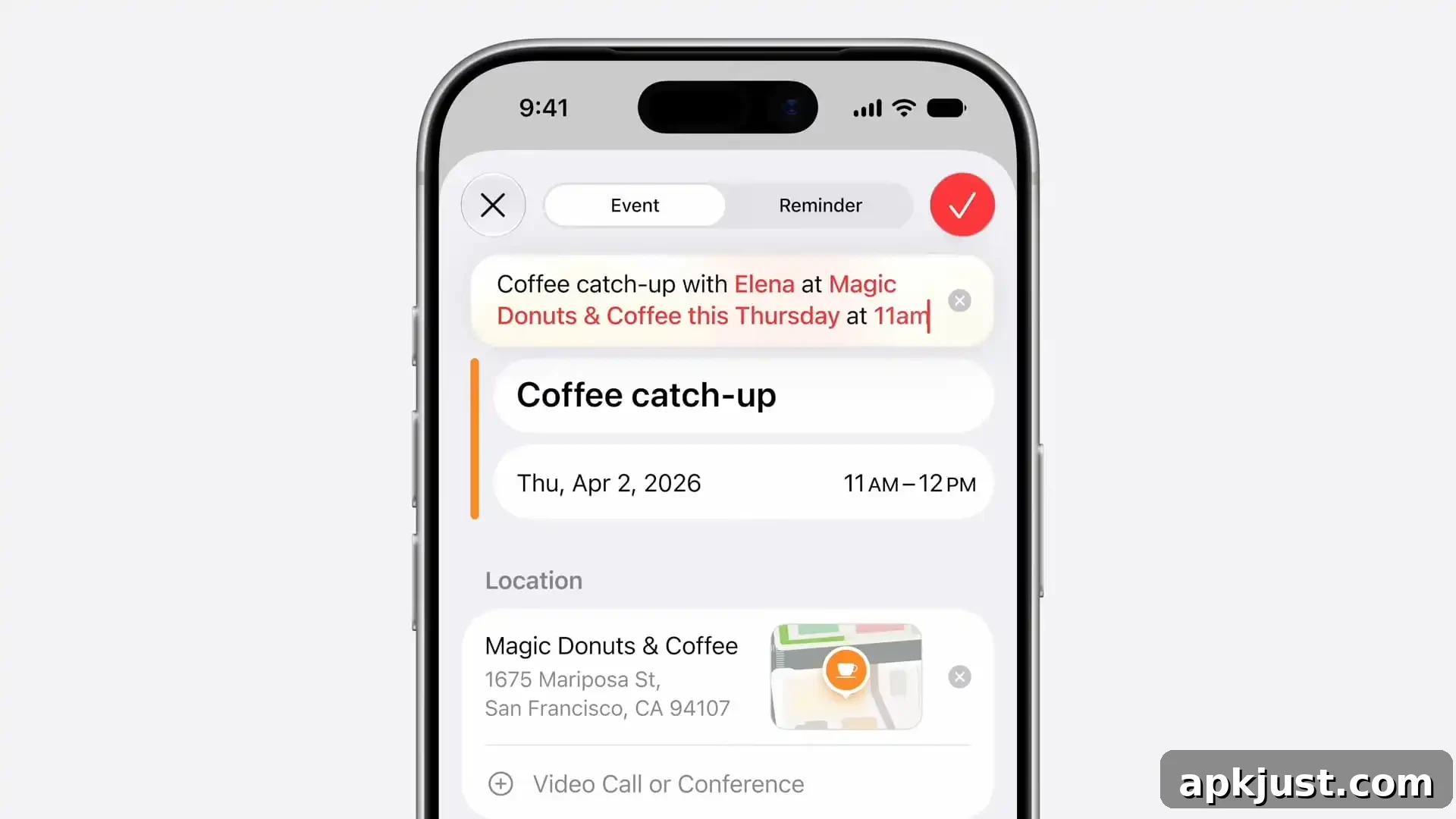
Calendar: Events can be added conversationally using a text field that understands natural-language descriptions and converts them into structured calendar entries.
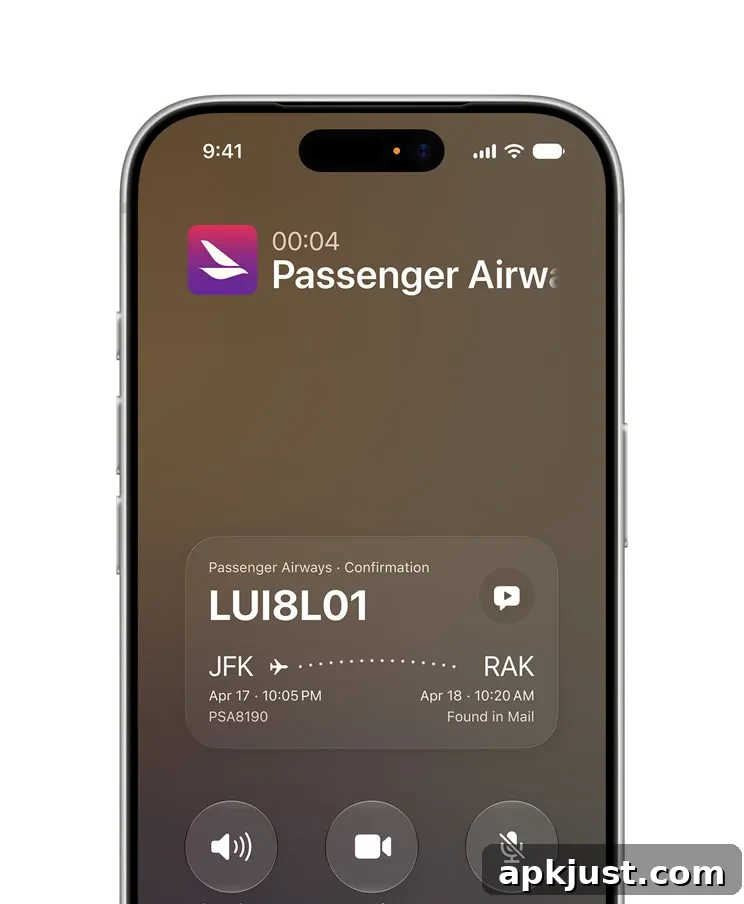
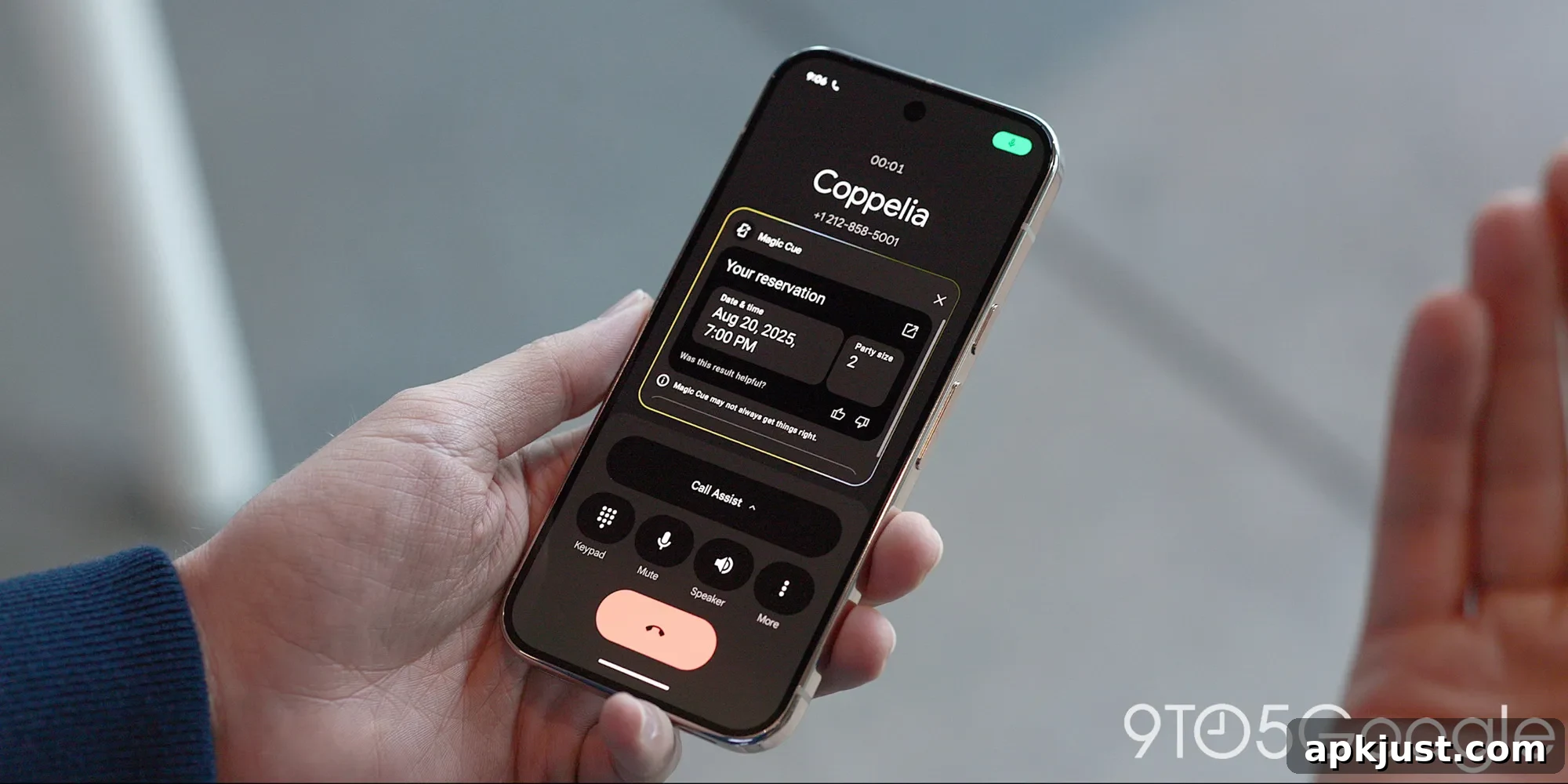
Phone: Call Context surfaces relevant details from across apps during a call, such as confirmation codes, reservation details, or related documents—making it easier to handle calls that require background information.
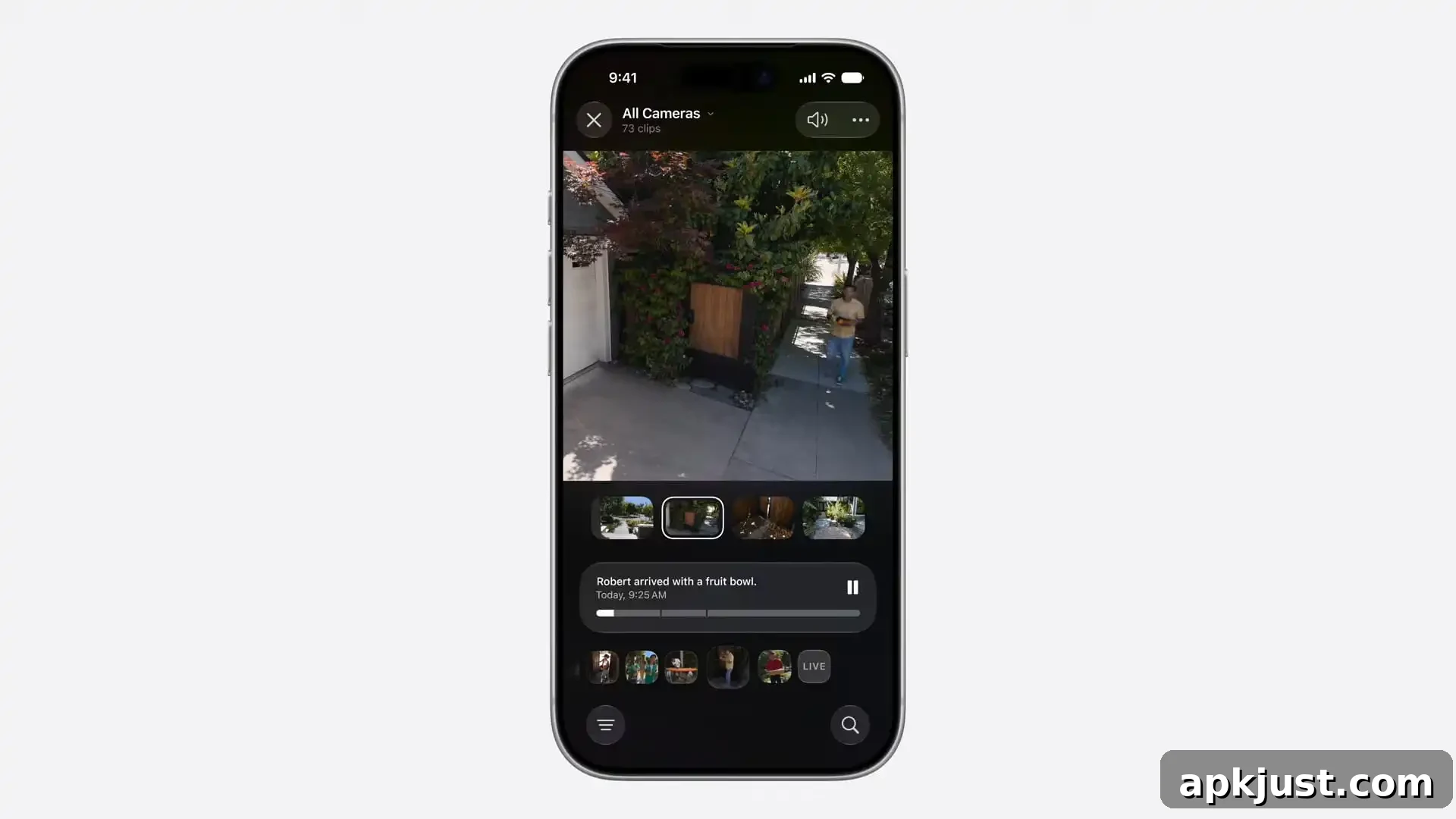
Home app: Apple Intelligence consolidates multiple alerts into a single, continuously updated notification and offers summaries of camera clips. You can search and get short summaries of activity, helping you stay on top of what matters in the home environment.

Shortcuts: Natural language prompts can be converted into shortcuts, letting users describe a task and have the system assemble the steps automatically. This level of integration remains unique at the system level on iOS.
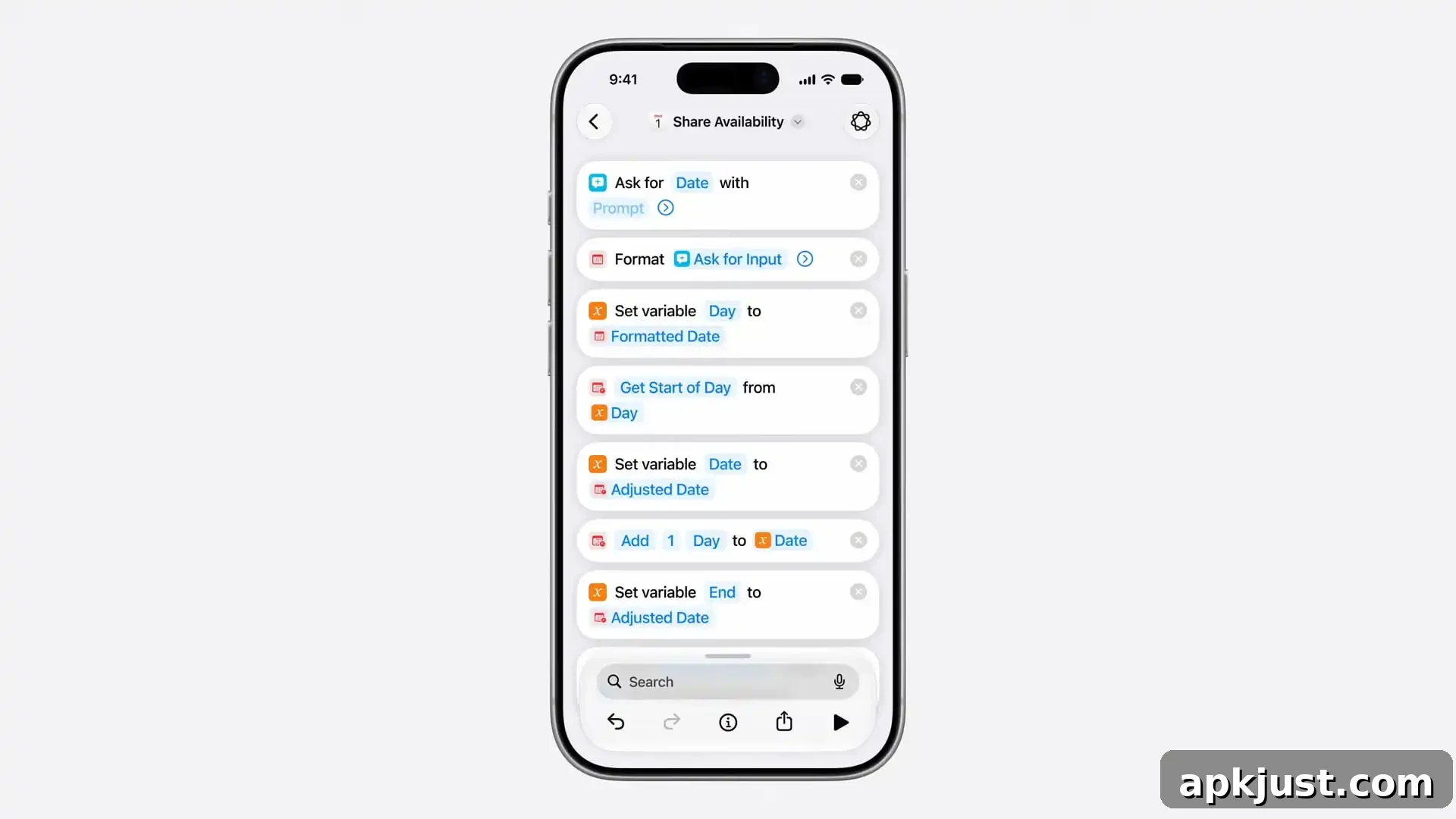
Image Playground: Apple can generate photorealistic images from prompts in a dedicated environment. Apple did not disclose all model details, but the feature focuses on a guided creative experience integrated with Apple Intelligence.
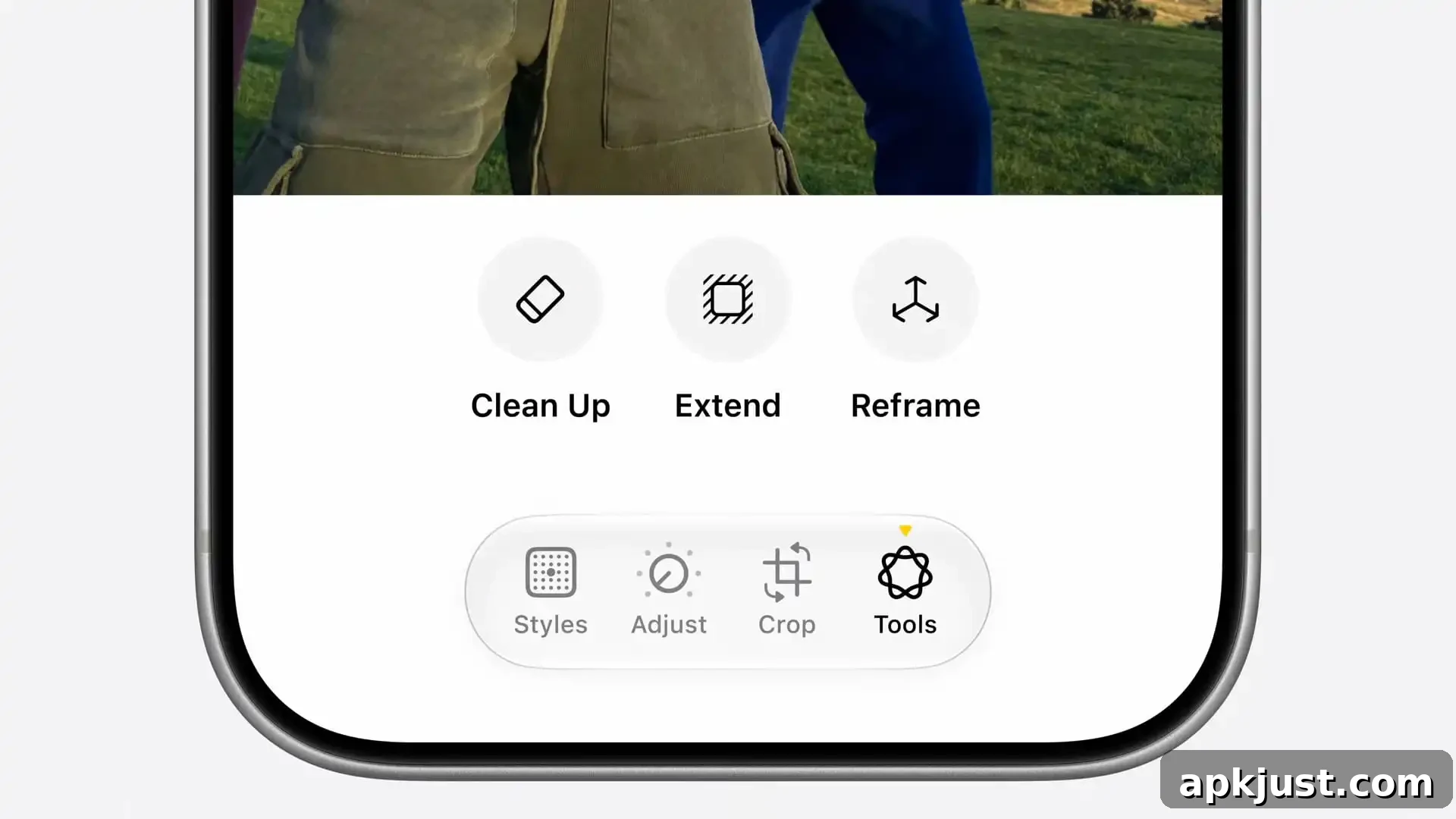
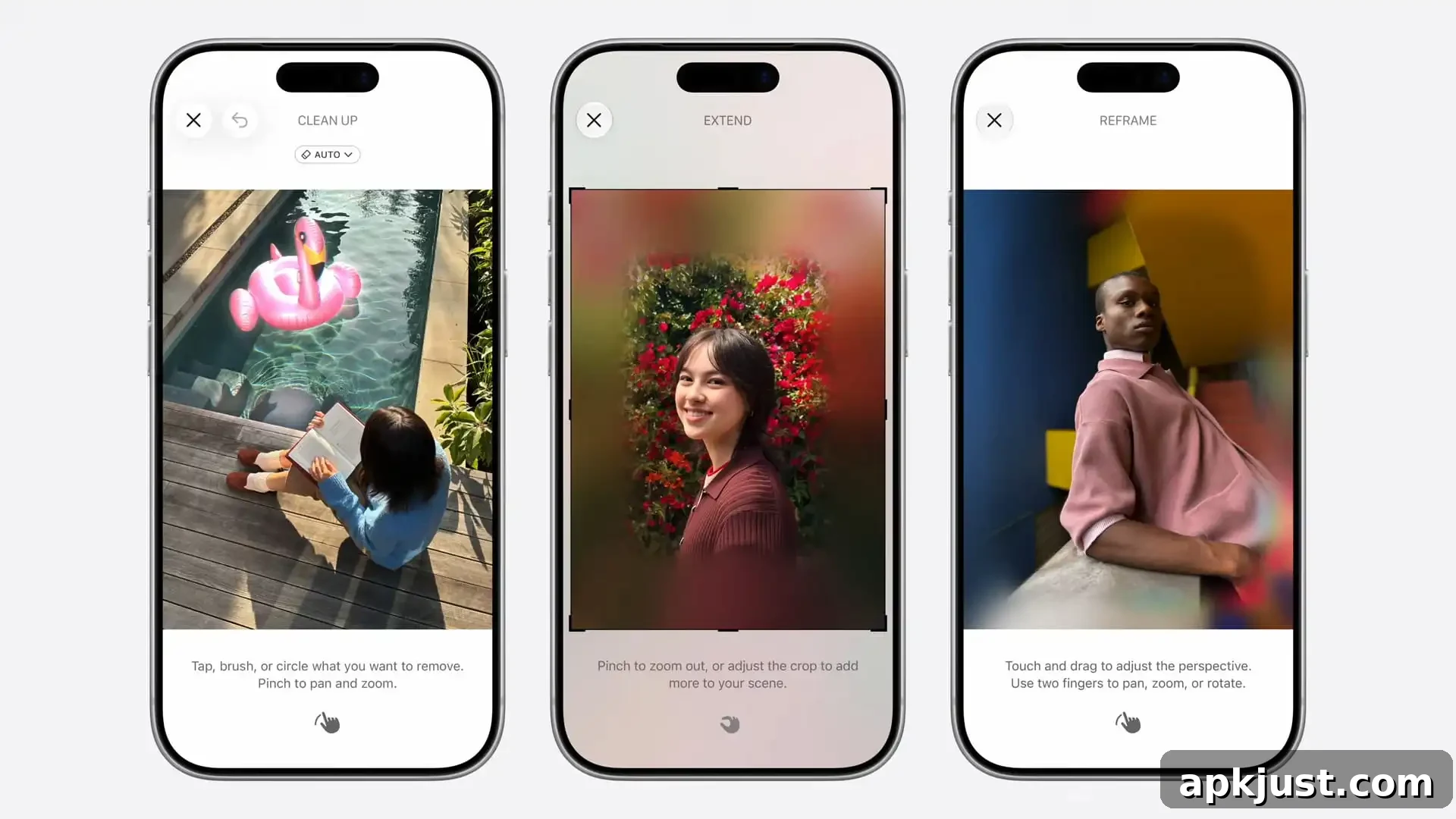
Photos: New image models improve Clean Up and Extend tools, producing more realistic infill when removing objects and better quality when expanding an image. Spatial Reframing enables perspective shifts that simulate repositioning the camera in the original scene.
iCloud+ vs. Google One
Apple’s subscription tier, iCloud+, unlocks extended access to Apple Intelligence features. Apple noted that image generation and other server-powered capabilities may have daily usage limits because they rely on powerful cloud models, reflecting how subscription plans help manage demand and provide prioritized access.