
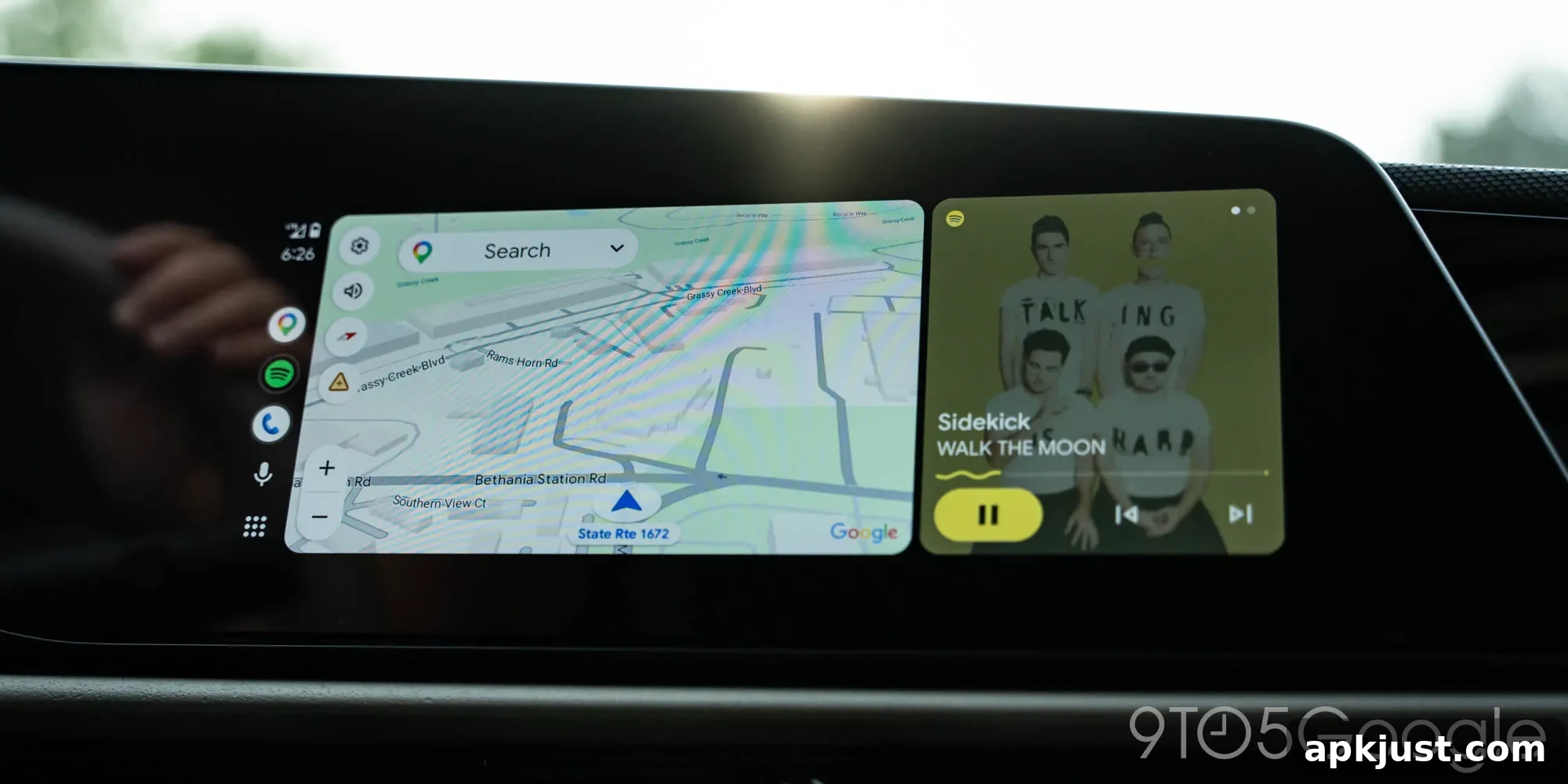
Beyond music and navigation, many apps can be handy on Android Auto. A PDF reader is probably not the first thing most people imagine using in their car, but Adobe Acrobat has now arrived on Android Auto.
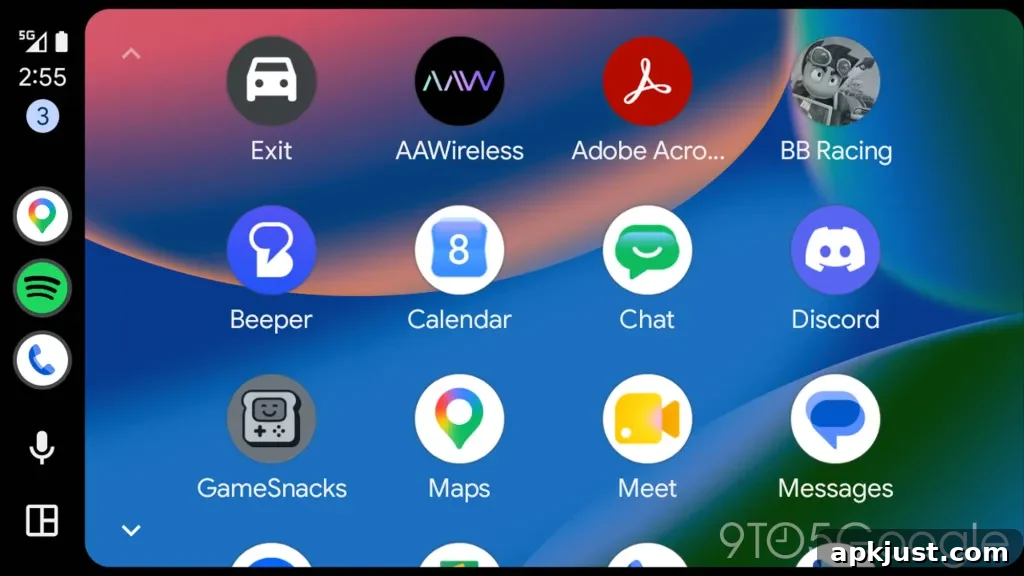
The feature appears in the latest Adobe Acrobat update, v26.5.0.45958. With this release, Acrobat can show up on a car display via Android Auto. The app appears as a notification on the vehicle’s screen and is also available from the app drawer alongside other installed Android Auto apps.
That naturally raises a sensible question: why would you want a PDF app while driving?
Why?
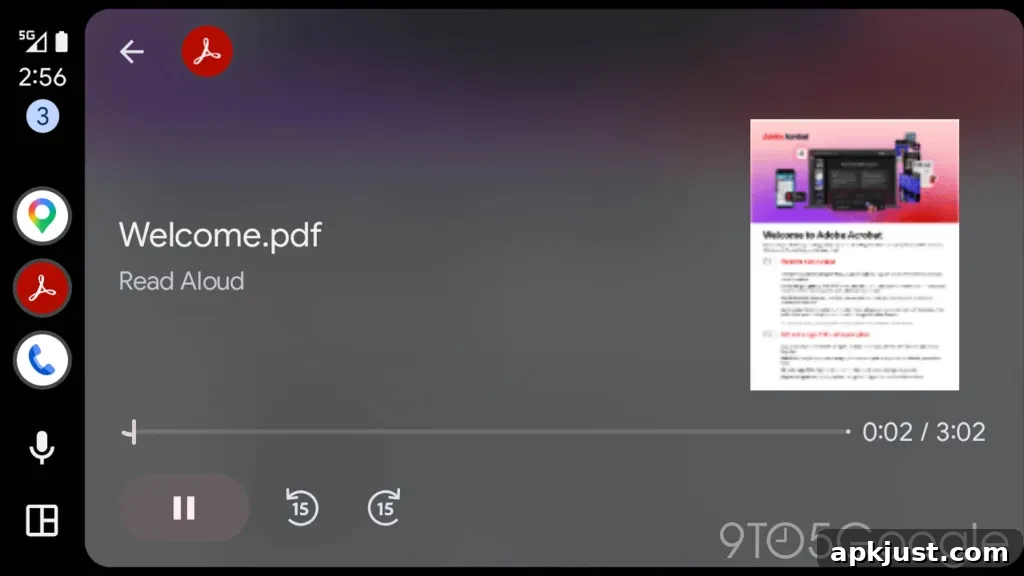
Adobe Acrobat is primarily a PDF reader, and its usefulness in a driving environment comes from one specific capability: the Read Aloud feature. Read Aloud converts most PDFs into spoken audio, creating an audio stream from the document’s text. Rather than trying to read a PDF while behind the wheel, a driver can listen to the content. That makes Acrobat on Android Auto more than just a novelty — it becomes a tool for safely consuming text-based material hands-free.
Think of the situations where this could be valuable: listening to a book, catching up on long reports or work documents, or reviewing study materials on the road. For commuters who spend large amounts of time driving, having the option to convert written materials into audio accessible through the car’s media controls could be genuinely useful. It also fits with the broader productivity trend on Android Auto: in recent months the platform has gained tools aimed at keeping drivers connected and productive while minimizing distractions.
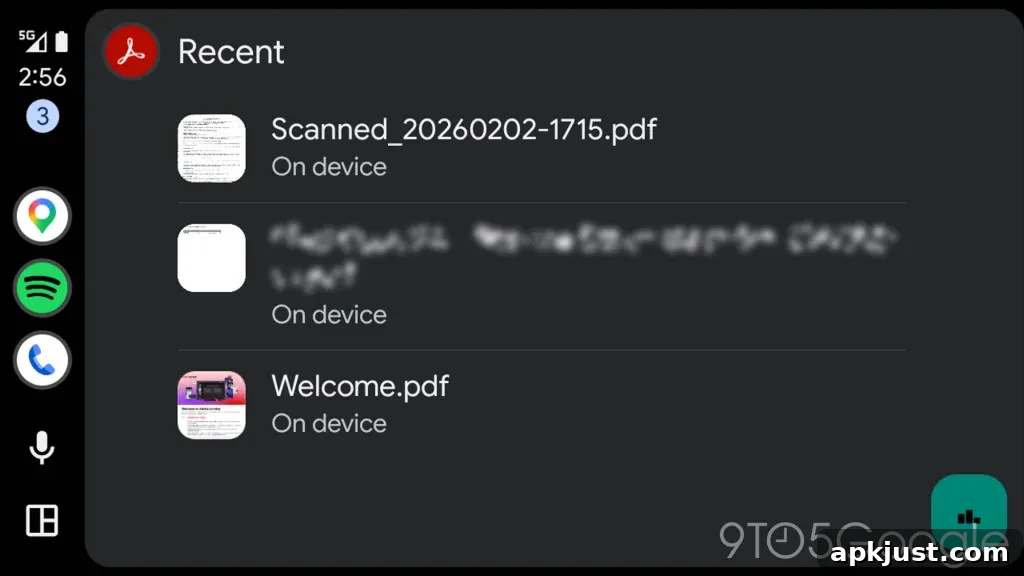
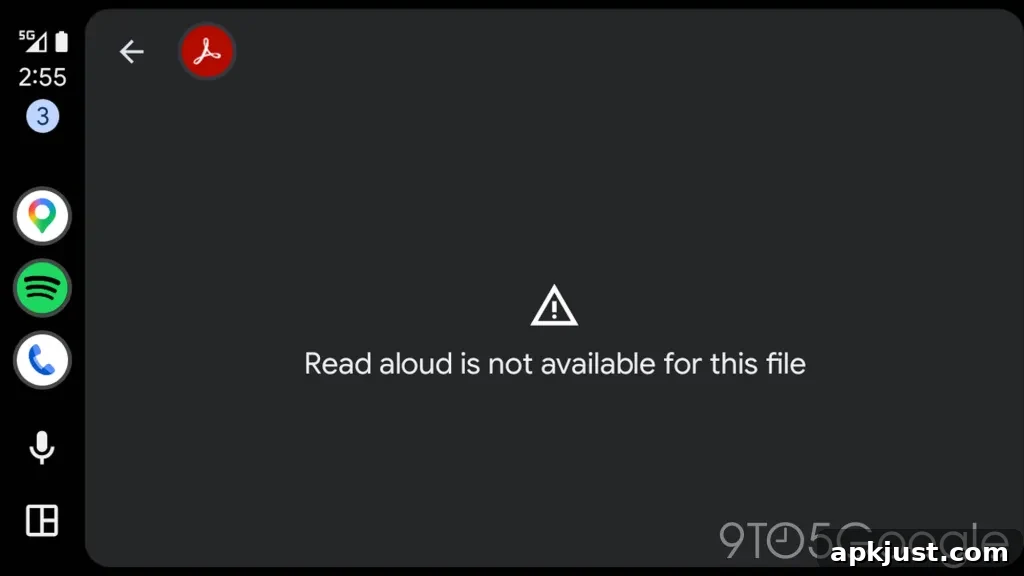
In practice, the Read Aloud feature does not successfully convert every PDF into clear speech. During our brief testing, some files worked well, producing a smooth media-style playback interface in Android Auto, while other PDFs failed to render as audio. When it does work, however, Acrobat presents a standard Android Auto media player, letting you pause, resume, and skip through the audio as you would with music or podcasts.
There are a few practical notes to consider. The quality and reliability of the Read Aloud output depend on how the PDF is structured. Documents that contain selectable text and proper reading order are far more likely to be converted successfully than scanned images or poorly tagged PDFs. If you plan to use Acrobat on Android Auto regularly, it’s worth testing key documents in advance to confirm they convert properly and that the spoken output is usable for your needs.
From a safety perspective, the audio approach is a clear advantage over attempting to read while driving. Android Auto is designed to limit interaction while the vehicle is in motion, so integrating Acrobat as an audio source aligns with those principles. Using Read Aloud through the car’s audio system reduces visual distraction and allows drivers to focus on the road while still accessing information they might otherwise have to wait to read.
Adobe’s addition of Acrobat to Android Auto also signals how app developers are thinking beyond traditional use cases. Apps that once seemed strictly desktop or mobile-first are being adapted to car environments where voice and audio become primary interfaces. As Android Auto continues to expand its app ecosystem, we can expect more productivity and content apps to adopt similar audio-focused features.
Would you use Acrobat on Android Auto to listen to PDFs while driving? For some users — particularly those with long commutes or frequent travel schedules — the ability to convert documents into audio could be a welcome productivity boost. Others may find it less useful, depending on the types of documents they handle and whether those files are properly formatted for text-to-speech conversion.
Would you use this?
More on Android Auto:
- Android Auto bug leaves Google Maps stuck in day mode at night for some
- This adapter adds Android Auto and CarPlay to Chevy and other GM EVs — for now
- Android Auto redesigned Google Maps alerts to be less distracting — it’s a significant upgrade
Follow Ben: Twitter/X, Threads, Bluesky, and Instagram