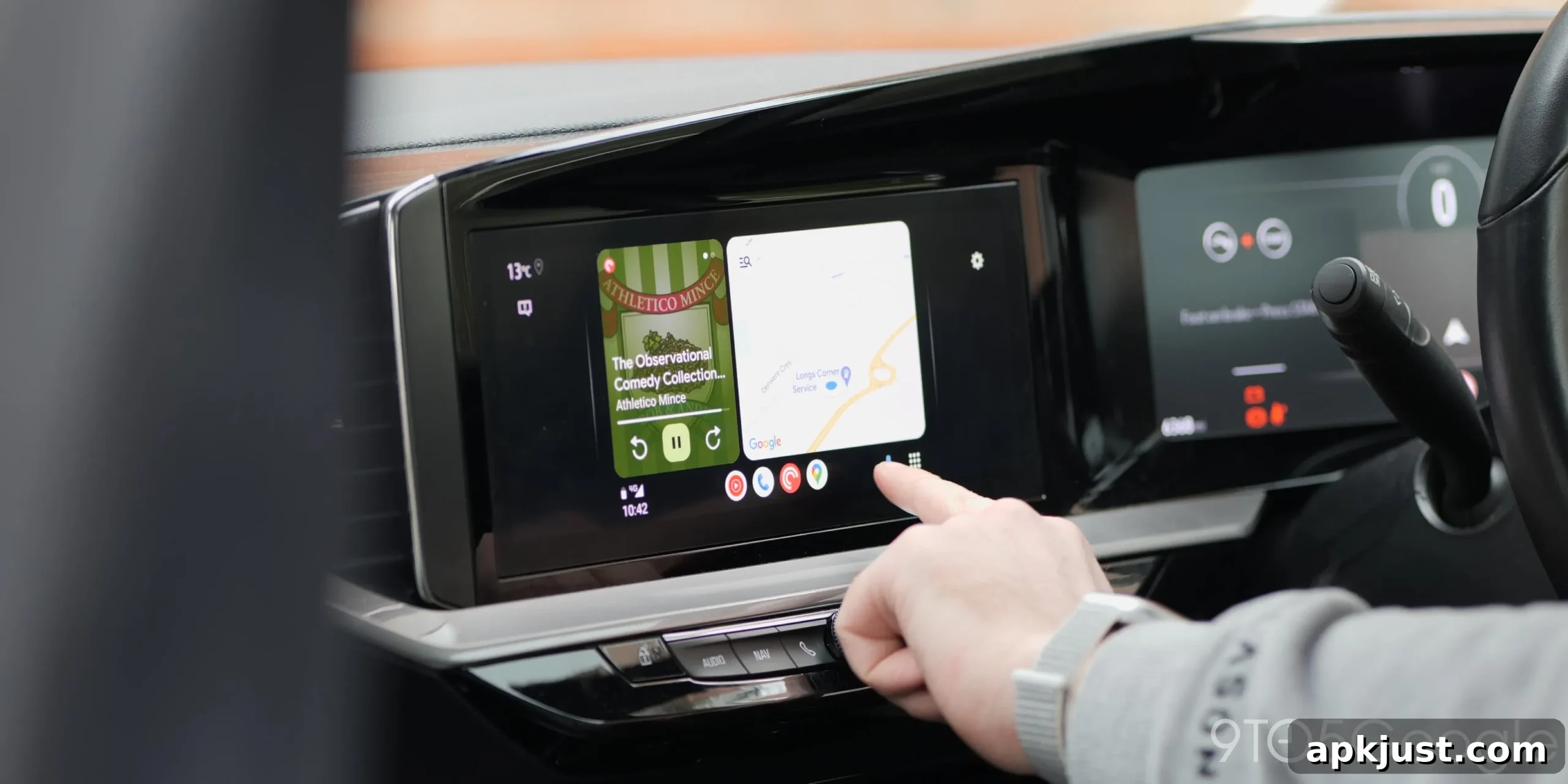
Google Maps is an essential tool for drivers and a major reason many people rely on Android Auto. Lately, however, a frustrating bug has left some Android Auto users with Google Maps stuck in a bright day theme at night, making nighttime navigation harder to read and more distracting while driving.
Under normal conditions, Google Maps on Android Auto automatically switches between day and night modes based on the vehicle’s settings or ambient lighting. In most cars that integration works smoothly: when the headlights turn on or the car switches to night mode, Maps changes to a darker theme that’s easier on the eyes during night driving. The exact behavior can vary depending on your setup, particularly if you use an aftermarket head unit, but automatic theme switching is a core convenience of the platform.
Recently, though, that automatic switch has failed for some users. Reports of Google Maps remaining in day mode after dark have appeared intermittently over the past few months, and the volume of complaints has increased in the last several days. Users report that the app stays in a glaringly bright theme even when driving at night, which undermines safety and the intended usefulness of night mode.
The problem has been reported across multiple forums and community threads, with users describing the issue on Google’s support forums and discussion boards. While a number of those affected are running beta versions of either Google Maps or Android Auto, the bug does not appear to be confined to beta builds. Reports have come from users on various Android Auto releases, including recent stable updates, and from different phone and vehicle brands. This suggests the issue is likely broader than a single device type or manufacturer.
Some troubleshooting steps have helped a few users temporarily restore night mode. One commonly suggested workaround is to roll back Android Auto by uninstalling updates for the app, which can sometimes restore previous behavior. Other general steps include rebooting the phone and car head unit, checking Android Auto and Maps app settings to confirm automatic theme settings are enabled, and ensuring both apps are up to date—or, if the issue began after a recent update, trying the rollback approach. However, these fixes are not guaranteed and may not be practical for everyone.
Because the issue appears to be triggered by app behavior rather than a specific vehicle setting, it’s likely something Google will need to address in a future update. Until an official fix is released, drivers affected by the problem should take extra care when navigating at night. Consider using an alternative navigation method where possible, adjusting screen brightness manually, or using a phone mount with night-friendly settings until the automatic theme switching is restored.
If you’re experiencing this problem, note precisely when it began and whether any recent updates to Android Auto or Google Maps coincided with the change. Sharing those details in product support forums or feedback channels can help developers identify and resolve the underlying cause more quickly.
We’d like to hear about your experience. If your Google Maps on Android Auto won’t switch to night mode, please share the Android Auto version, whether you were running any beta software, and the type of vehicle or head unit you’re using. That information helps paint a clearer picture of the issue and speeds up troubleshooting.
More on Android Auto:
- Android Auto redesigned Google Maps alerts to be less distracting — a significant upgrade
- An adapter now adds Android Auto and CarPlay to certain Chevy and other GM EVs
- Google Meet for Android Auto has begun rolling out more widely
Follow Ben: Twitter/X, Threads, Bluesky, Instagram