
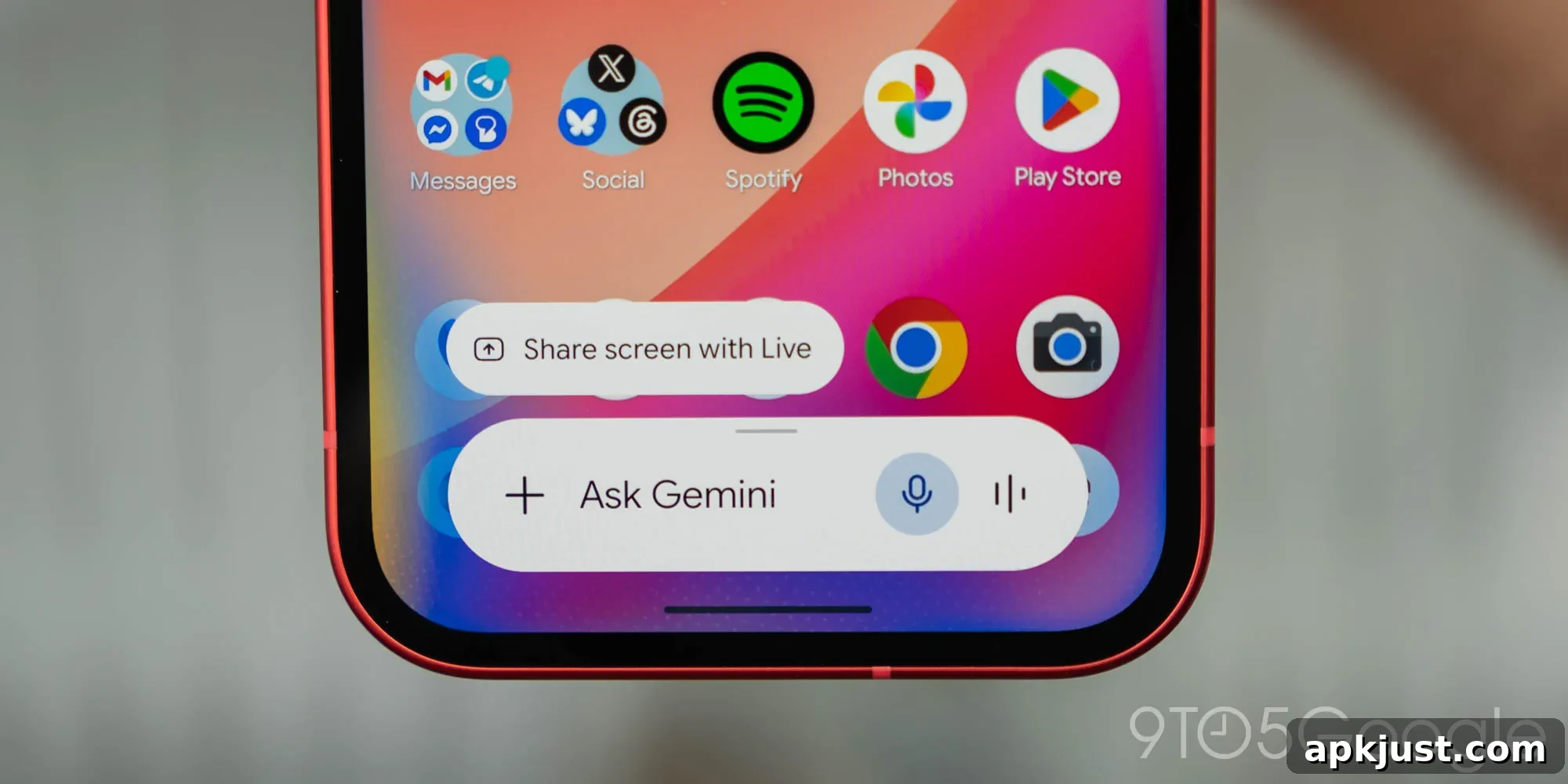
Following the major Neural Expressive redesign unveiled at Google I/O 2026, Google has started rolling out refinements to the Gemini overlay on Android. These updates adjust the overlay’s appearance and the tools available inside the quick-access interface, improving visual consistency and making some features easier to access.
Update 6/6: Dynamic Color support for the Gemini overlay has reached stable users with version 17.28 of the Google app on the Play Store.
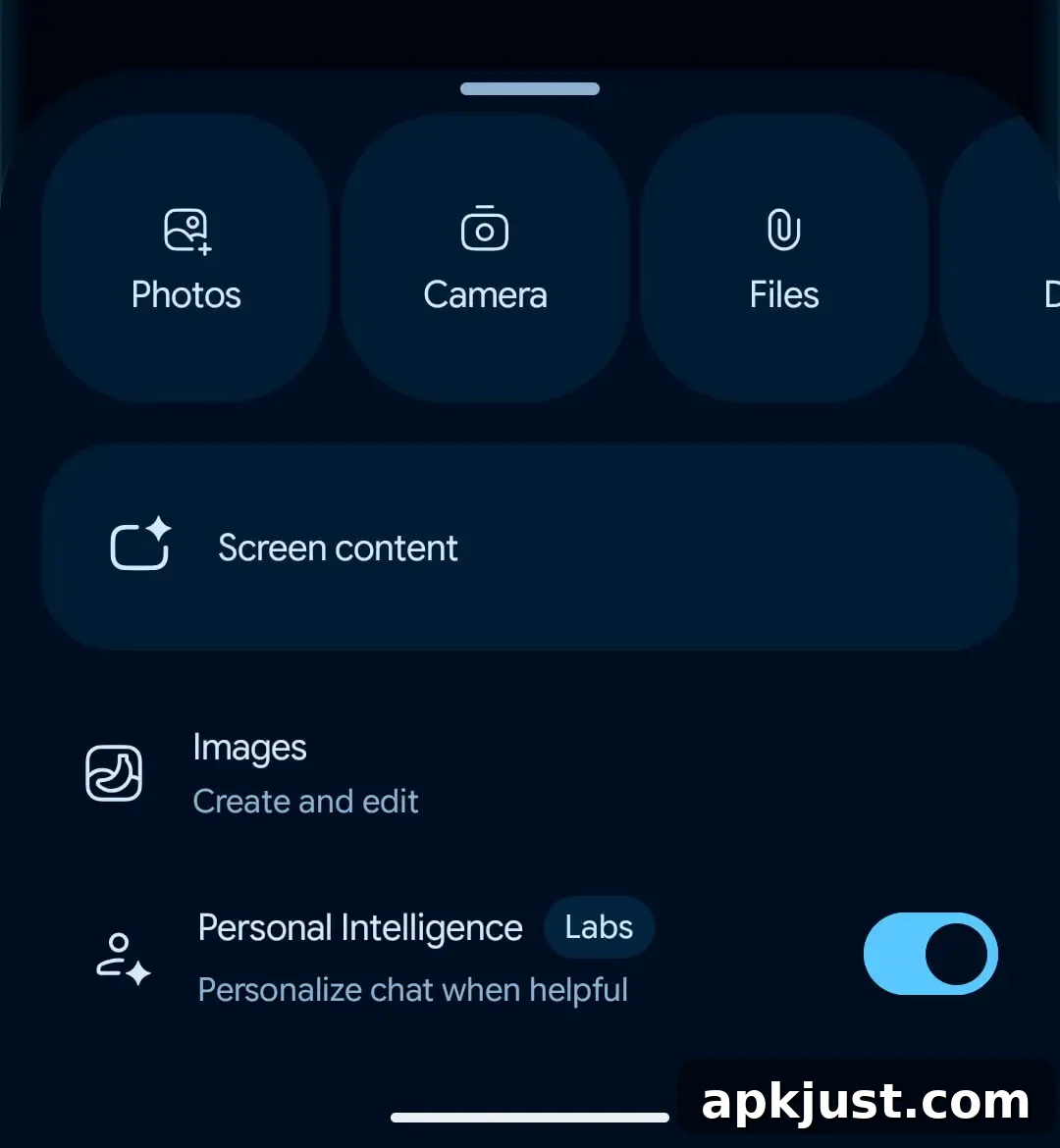
Original 6/2: The Gemini overlay now respects Android’s Dynamic Color theming. The change is most noticeable in dark mode, where the input field and chips adopt the system-accent palette rather than remaining a neutral gray. This gives the overlay a more integrated, personalized look that aligns with each device’s color scheme.
Old vs. new
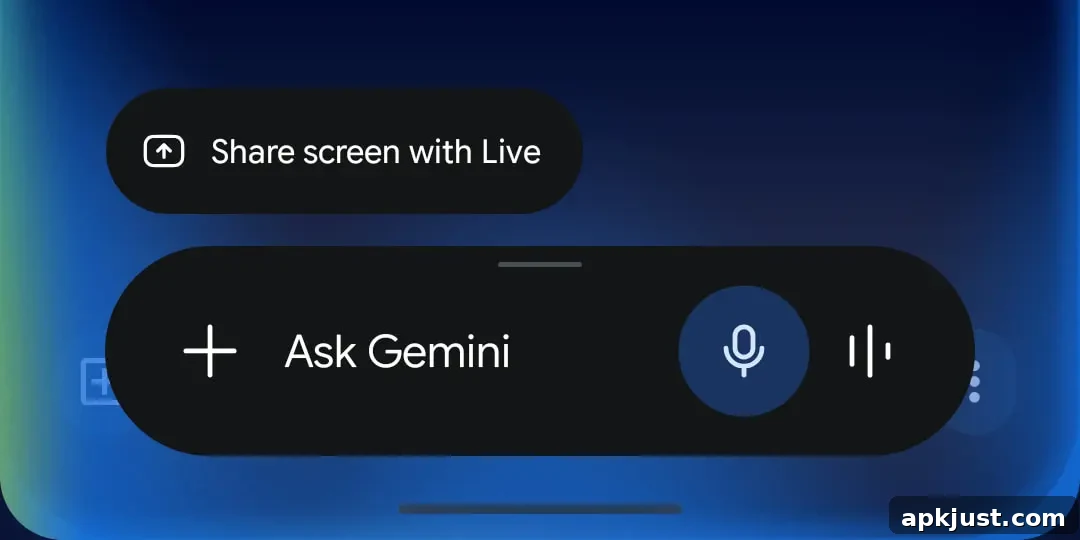
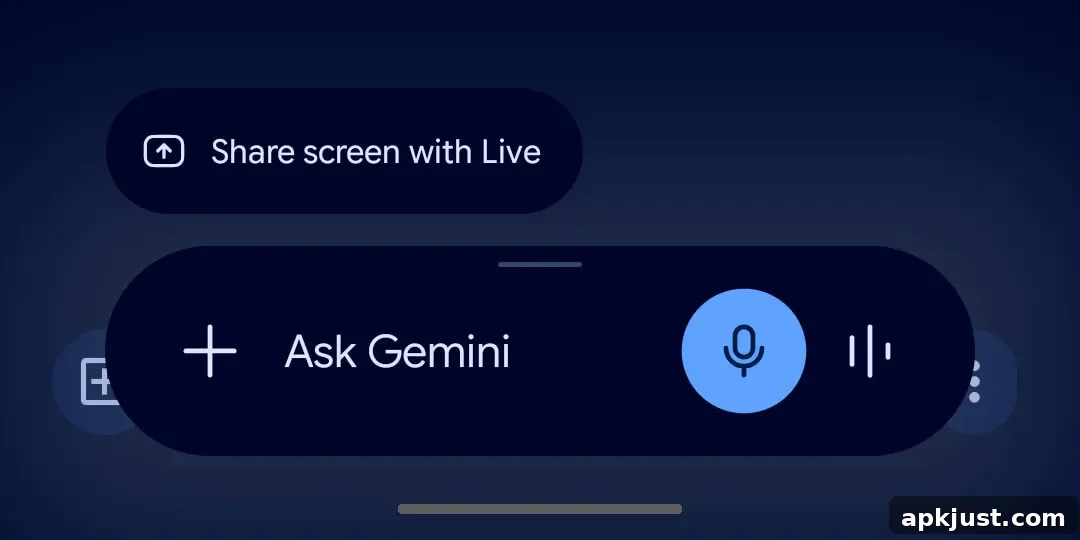
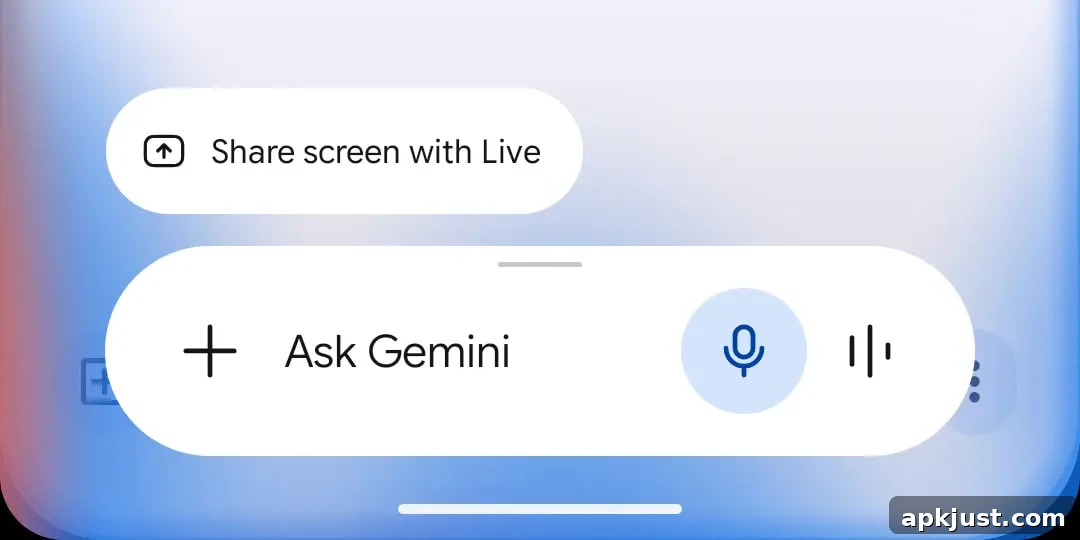
When using a light theme the overall overlay pill remains similar to before, aside from the microphone icon, but Dynamic Color becomes apparent when opening the plus menu. In that sheet, the background and the carousel options are tinted to reflect the system palette, making the controls feel more cohesive and visually prominent.
The full Gemini app’s chat experience does not yet use Dynamic Color, so you can compare the overlay and the app to see how theming differs between the condensed overlay and the full chat UI. Initially, Dynamic Color support began rolling out to beta testers and is now being distributed to stable users with the Google app update.
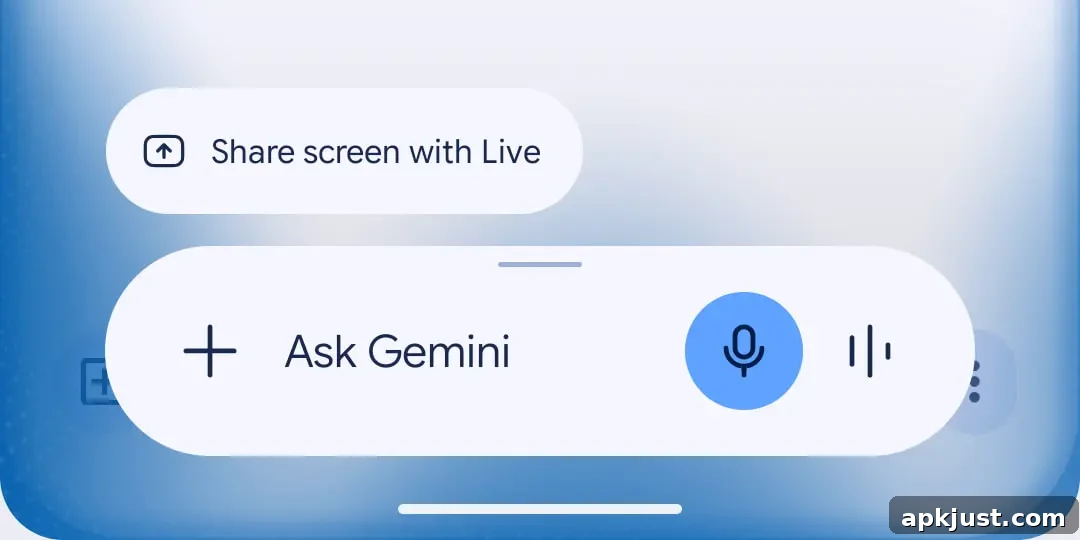
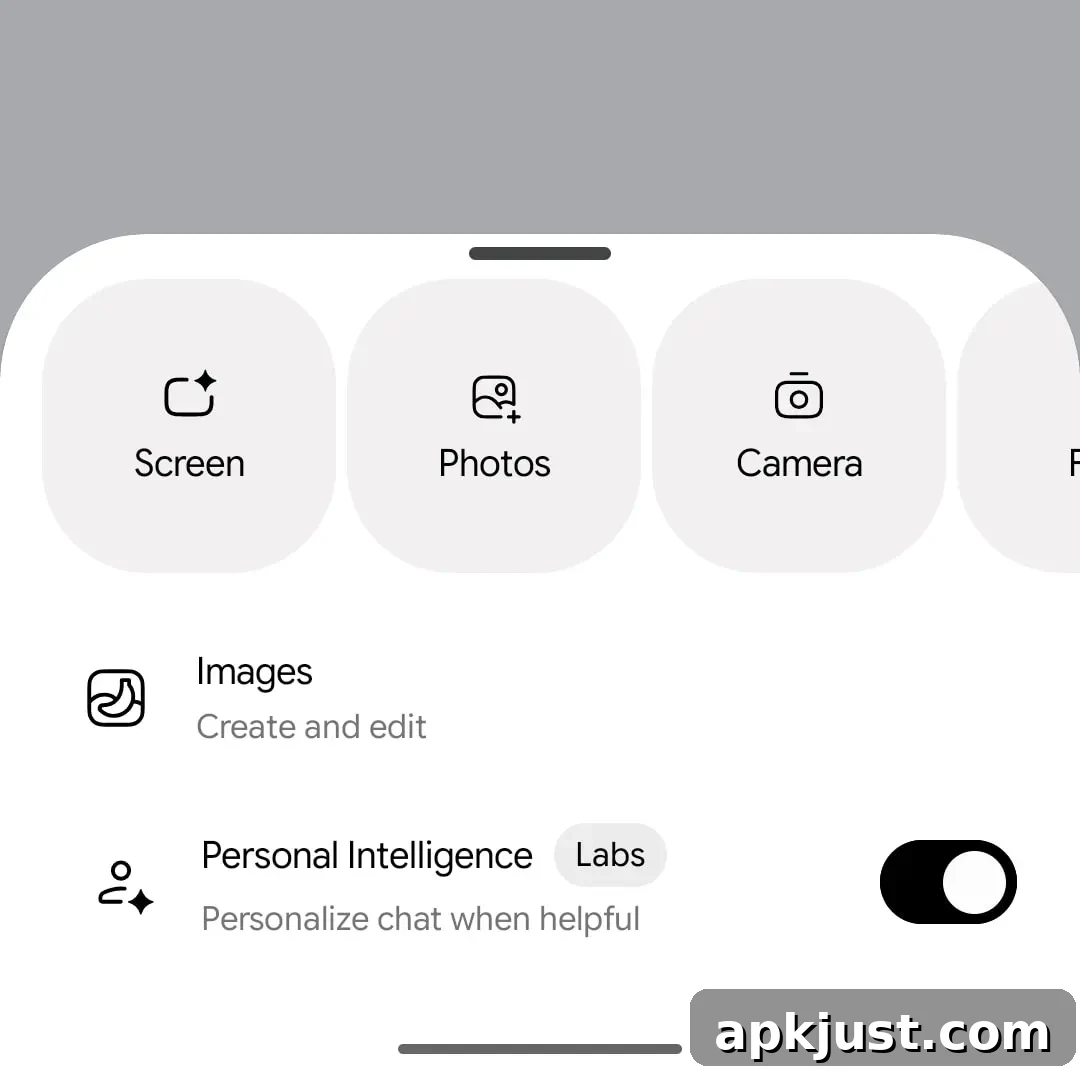
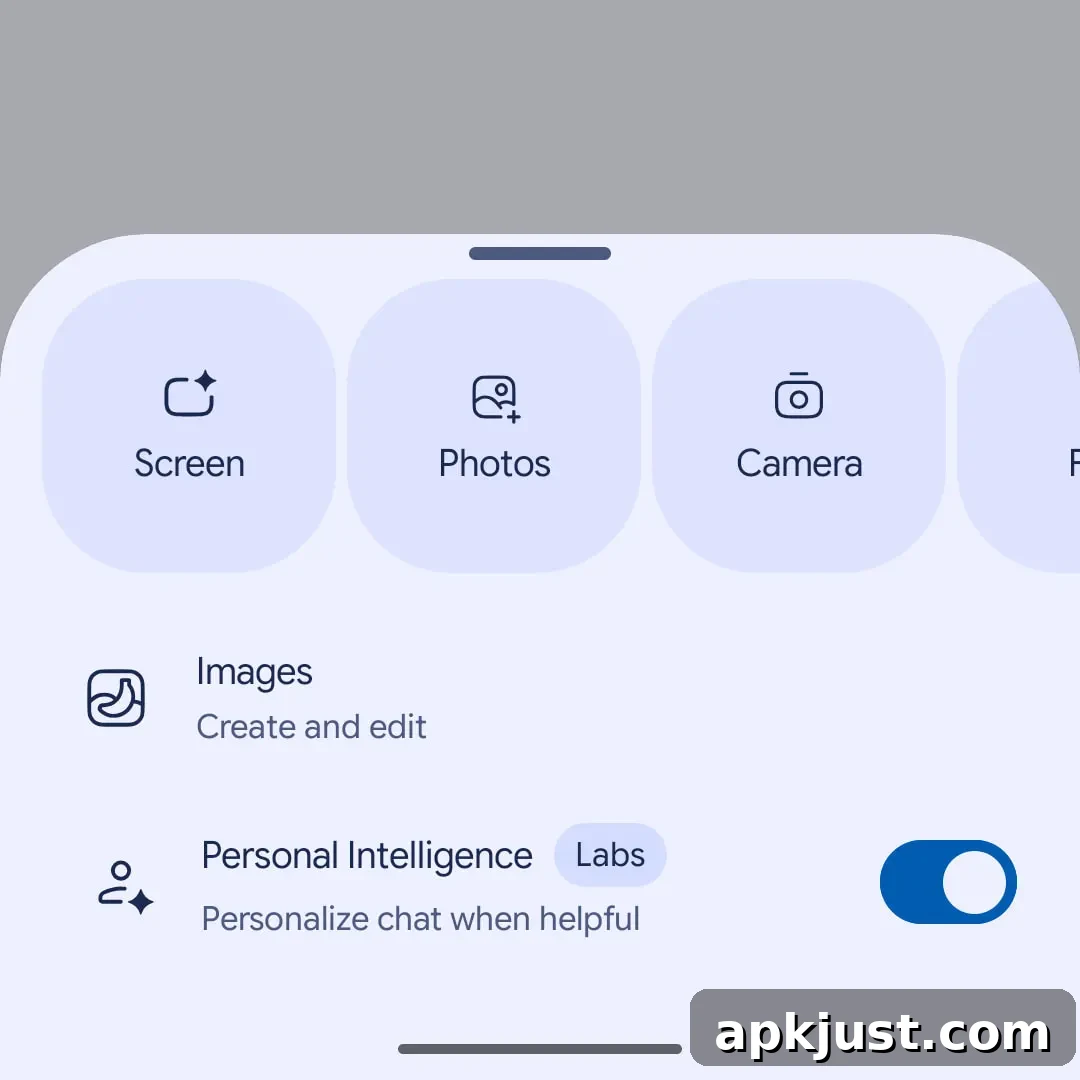
Another notable change moves the “Screen content” capture option—the tool that takes a snapshot of the current display and inserts it into the prompt—into the main carousel. It now sits alongside Photos, Camera, Files, Drive, and Notebooks, providing a more compact and convenient selection experience. Previously, Screen content was listed among the supplemental tools with Images and Personal Intelligence.
This reorganization simplifies access to screen capture when composing prompts from the overlay and reduces the number of taps required to include live screen content. The relocation is rolling out broadly on the stable channel (Google app version 17.26 and later). If you don’t see the new placement immediately, force-stop the Google app and reopen it to prompt the update to take effect.
More on Gemini app:
- Gemini Spark rolls out to Google AI Ultra in the US: How it works
- Google adjusts Gemini’s new usage limits in response to complaints
- New Gemini Live voices rolling out, Android widget gets Neural Expressive icons
In summary, these updates make the Gemini overlay feel more native to Android by adopting Dynamic Color where appropriate and by streamlining commonly used tools into the main carousel. The visual polish and improved workflow should make quick interactions with Gemini faster and more pleasant for a wide range of users.