
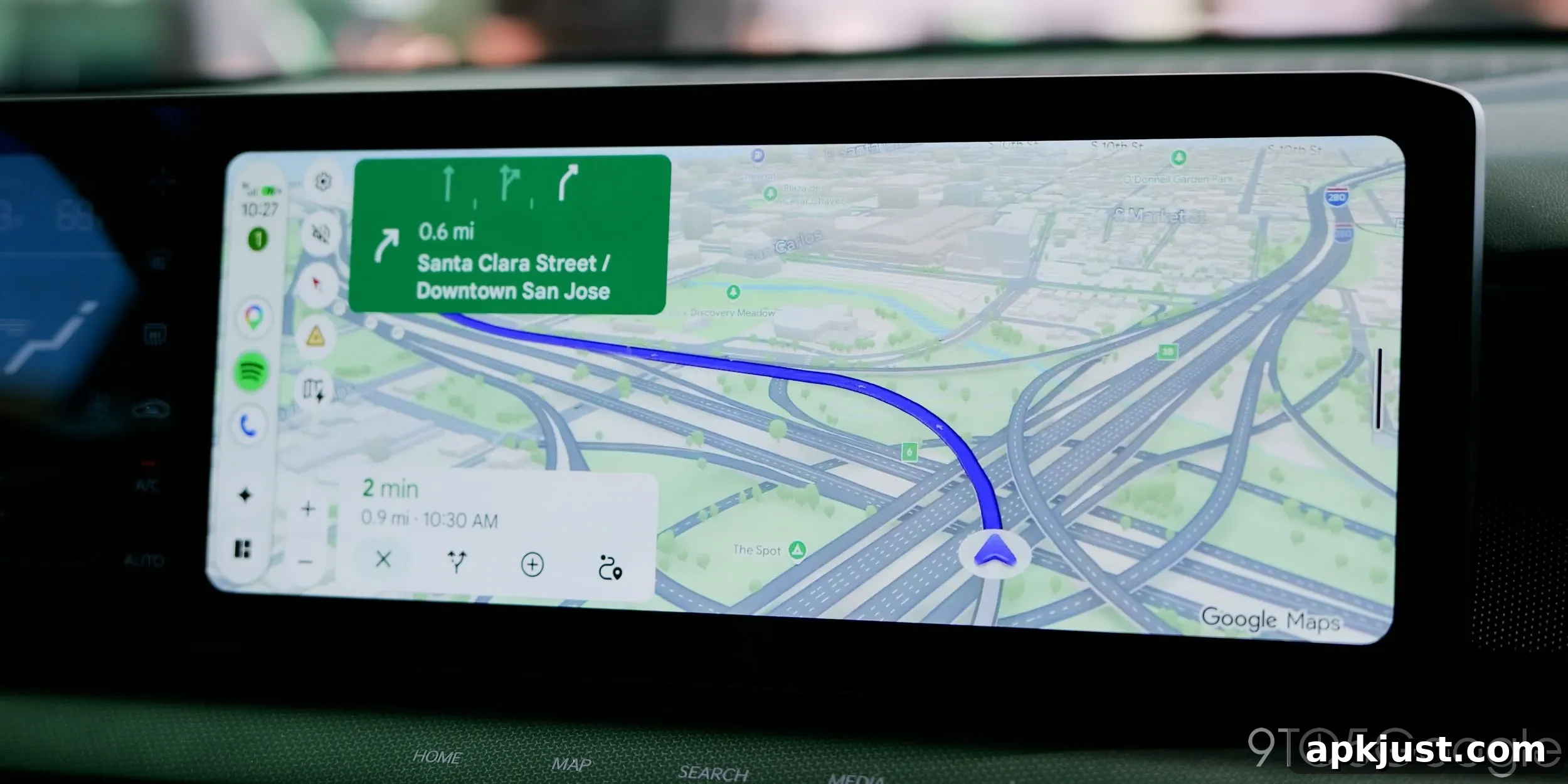
If you’ve used Android Auto recently, you’ve likely seen the incident-report pop-up alerts in Google Maps and noticed how distracting they can be. Google has now begun rolling out a redesigned alert that improves the experience while driving.
Incident reporting in Google Maps, a feature inspired by Waze, became widely available in 2024 and was later integrated into Android Auto. Over time Google refined the reporting tools and added support for community-sourced Waze reports. While those functional improvements addressed how and where reports appear, the visual design of the pop-up remained a common complaint: the overlay would often replace written directions and the ETA for several seconds unless the driver interacted with it.
Some drivers found the original design helpful, while many others said it was at least somewhat distracting. The pop-up’s tendency to shift or obscure critical navigation details created an inconsistent experience across different car displays.
Here’s what the older pop-up looked like on a Subaru Crosstrek in early 2025:
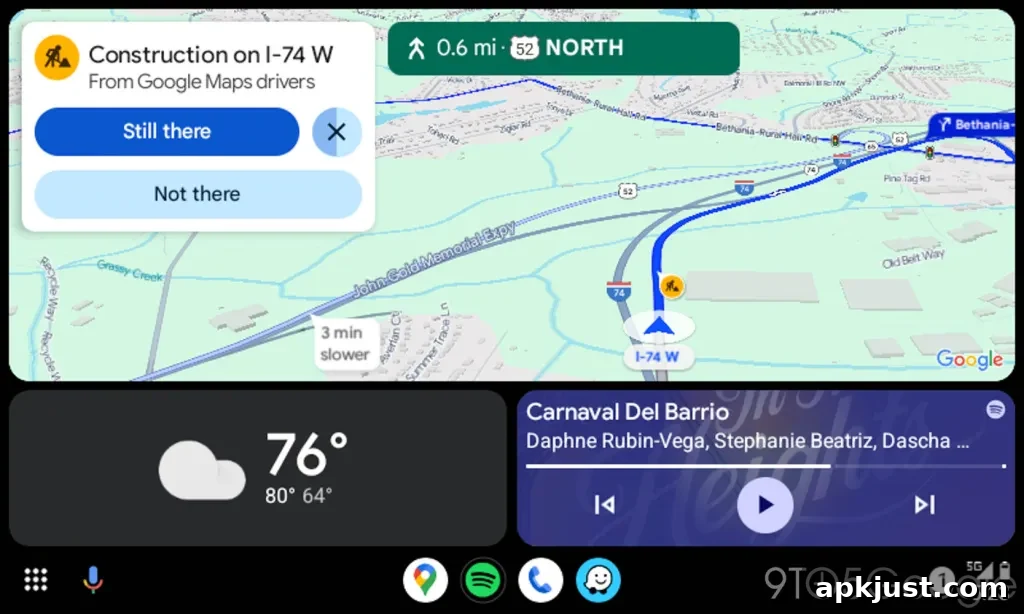
The redesigned alert changes that behavior. Instead of interrupting or shifting the entire navigation UI, the new pop-up appears directly over the ETA area and leaves the rest of the screen untouched. It shows briefly with clear “Yes” and “No” choices and then disappears, preserving the onscreen directions and other navigation elements.
On taller displays, such as the Subaru Forester unit where we first noticed this update, the difference is subtle but meaningful: directions and turn-by-turn information remain visible without being displaced, making the interaction quicker and less intrusive.
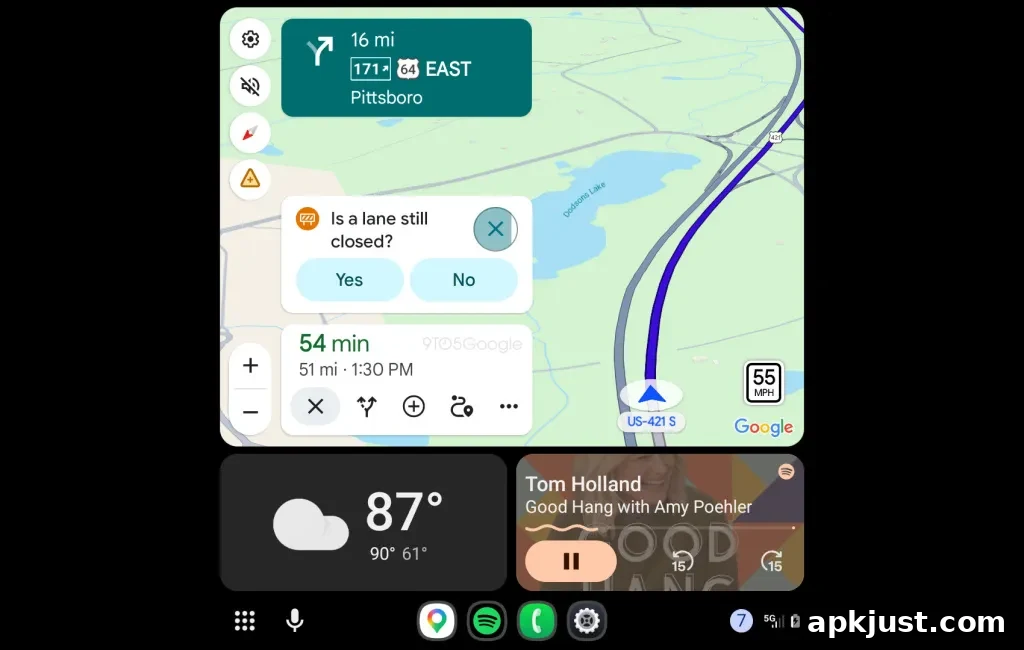
Shorter, wider screens show an even clearer benefit. On displays like the Kia Niro EV’s, the new popup still appears near the ETA but only nudges nearby shortcuts down slightly for a few seconds rather than shifting major UI components. This keeps essential information—route overview, next turn, and ETA—consistently available to the driver.
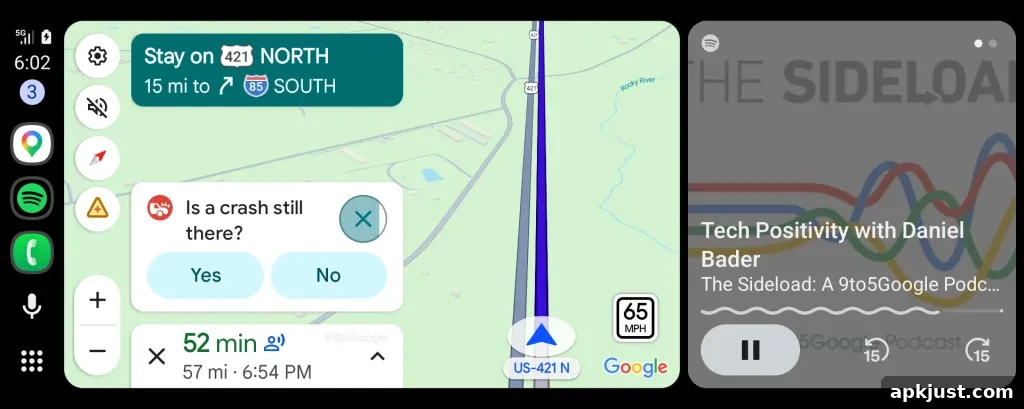
The updated alert design is rolling out to Android Auto users now. It’s not yet clear whether the change was delivered through a server-side adjustment, a Google Maps update, or an Android Auto release. In either case, drivers should begin to notice fewer abrupt UI changes when report pop-ups appear during navigation.
Reducing visual disruption while preserving quick report feedback aligns with broader safety goals for in-car interfaces. Small refinements like this can make a noticeable difference in how drivers interact with navigation apps, especially during busy or complex driving conditions.
If you spot the new alert on your car’s display, share your observations in the comments below—tell us which vehicle and screen size you’re seeing it on, and whether the change improves your Android Auto experience.
More on Android Auto:
- This adapter adds Android Auto and CarPlay to some Chevy and GM EVs.
- Google Meet is now rolling out more broadly for Android Auto users.
- Nintendo Music has added Android Auto support to bring game-themed playlists into the car.
Follow Ben: Twitter/X, Threads, Bluesky, and Instagram