
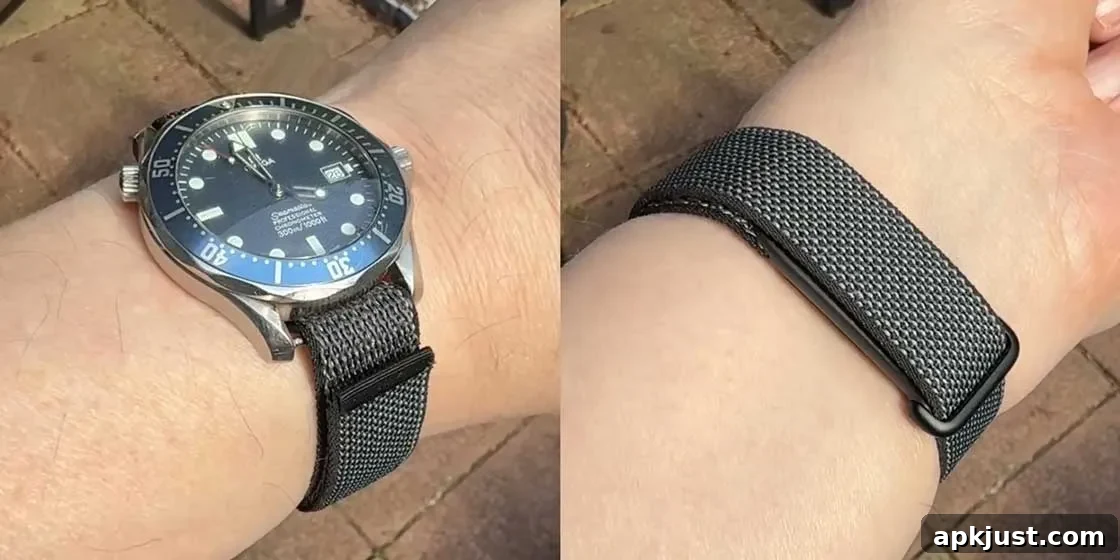
The Fitbit Air doesn’t aim to replace your analog or digital watch, and that restraint is part of its appeal. Rather than competing directly with traditional timepieces, it offers a lightweight, unobtrusive approach to tracking activity and sleep. Because it’s built as a simple sensor module on a strap with no display or buttons, many users find it easy to pair with the watches they already love.
At its core, the Fitbit Air returns to the minimalist roots of early fitness bands: a compact sensor housing attached to a strap. This design keeps the device small and comfortable, and it avoids the visual bulk of a smartwatch. For people who prefer an analog or classic digital watch on their wrist, the Fitbit Air can be worn alongside the timepiece rather than replacing it.
That compatibility opens some creative possibilities. Instead of wearing two separate bracelets — the watch on top and a fitness band alongside it — some users have opted to mount their watch and the Fitbit Air on the same strap. This keeps a single strap around the wrist while preserving the aesthetics of the watch and maintaining continuous fitness tracking underneath.
A growing number of enthusiasts have shared adaptations on social platforms, showing a variety of watches fastened onto the same strap as a Fitbit Air. The result is often a neat pairing where the watch sits on top of the strap and the Fitbit Air tucks beneath the wrist. In several cases, creators have even produced small adapters to fit particular watch styles, enabling combinations like vintage calculator watches with modern trackers.
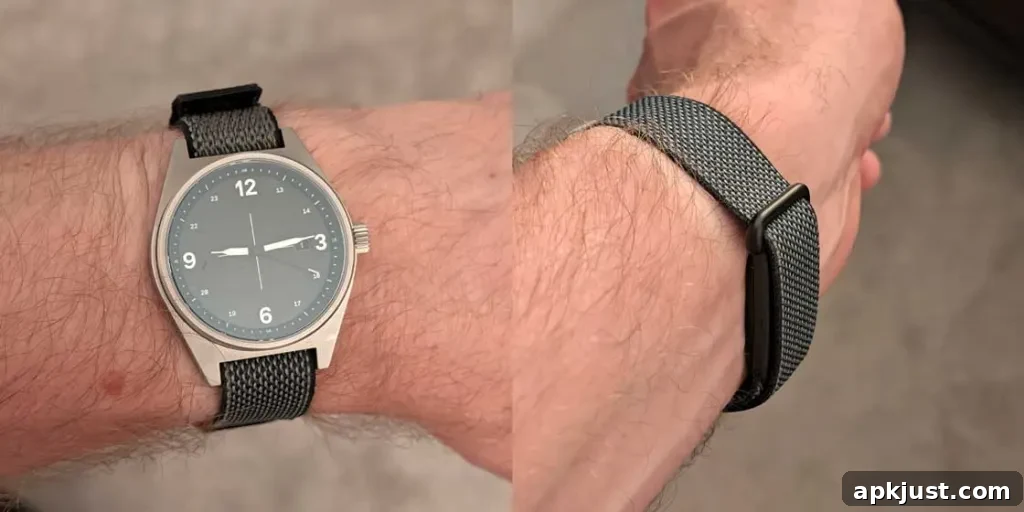
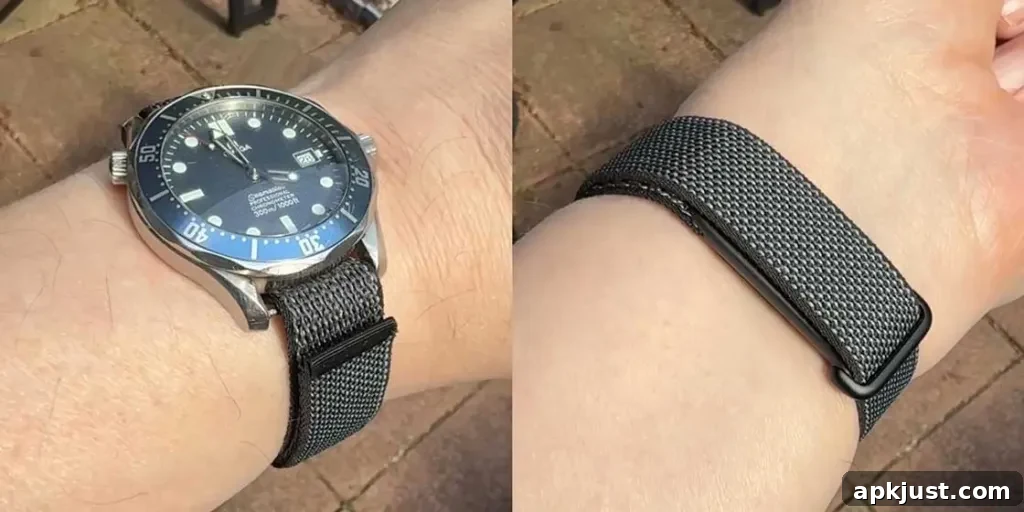
How to strap your watch to the Fitbit Air
- Unfasten the Fitbit Air strap while keeping the sensor module attached to one side of the band.
- Remove the strap from your analog or digital watch.
- Note: Leave the spring bars in place so the strap can pass through them easily.
- Feed the Fitbit Air strap through your watch’s spring bars in a single-pass style, similar to how a NATO band is threaded.
- Adjust and secure the strap so the Fitbit Air module sits under your wrist while the watch itself rests on top.
The Fitbit Air strap measures approximately 18mm in width, so the watch you intend to pair with it should have a similar lug width for the cleanest fit. Many users report that watches with 20mm lugs can still work with the strap, though a small gap may appear at the spring bar. In practice, a 19mm lug width is often compatible with minor spacing differences common on several watch models.
When installed beneath the wrist, the Fitbit Air is surprisingly unobtrusive. It sits low and close to the skin, often resembling the thickness of a metal bracelet clasp when viewed from the side. That low profile helps maintain the classic look of the watch while preserving the functionality of the fitness tracker.
There are trade-offs to this setup. One limitation is the range of strap styles available: because the Fitbit Air uses a particular strap design, you may find fewer aftermarket options compared with standard watch bands. This can restrict choices for materials, colors, and specialized styles like Marine Nationale or certain NATO variations.
To address that gap, Google has published official band design specifications so third-party manufacturers can produce near-original straps compatible with the Fitbit Air. As more companies begin making accessories based on those specifications, a broader selection of bands should become available, offering greater flexibility in matching your watch’s style.
- Related: Fitbit Air is a near-perfect fitness tracker with an imperfect AI Health Coach
Although this method of combining a watch and the Fitbit Air on a single strap is unofficial and not supported by the manufacturer as a standard configuration, it’s an accessible DIY approach. For many wearers who dislike the idea of doubling up on wristwear, it’s a practical compromise that keeps both the traditional watch aesthetic and the benefits of continuous fitness monitoring.