
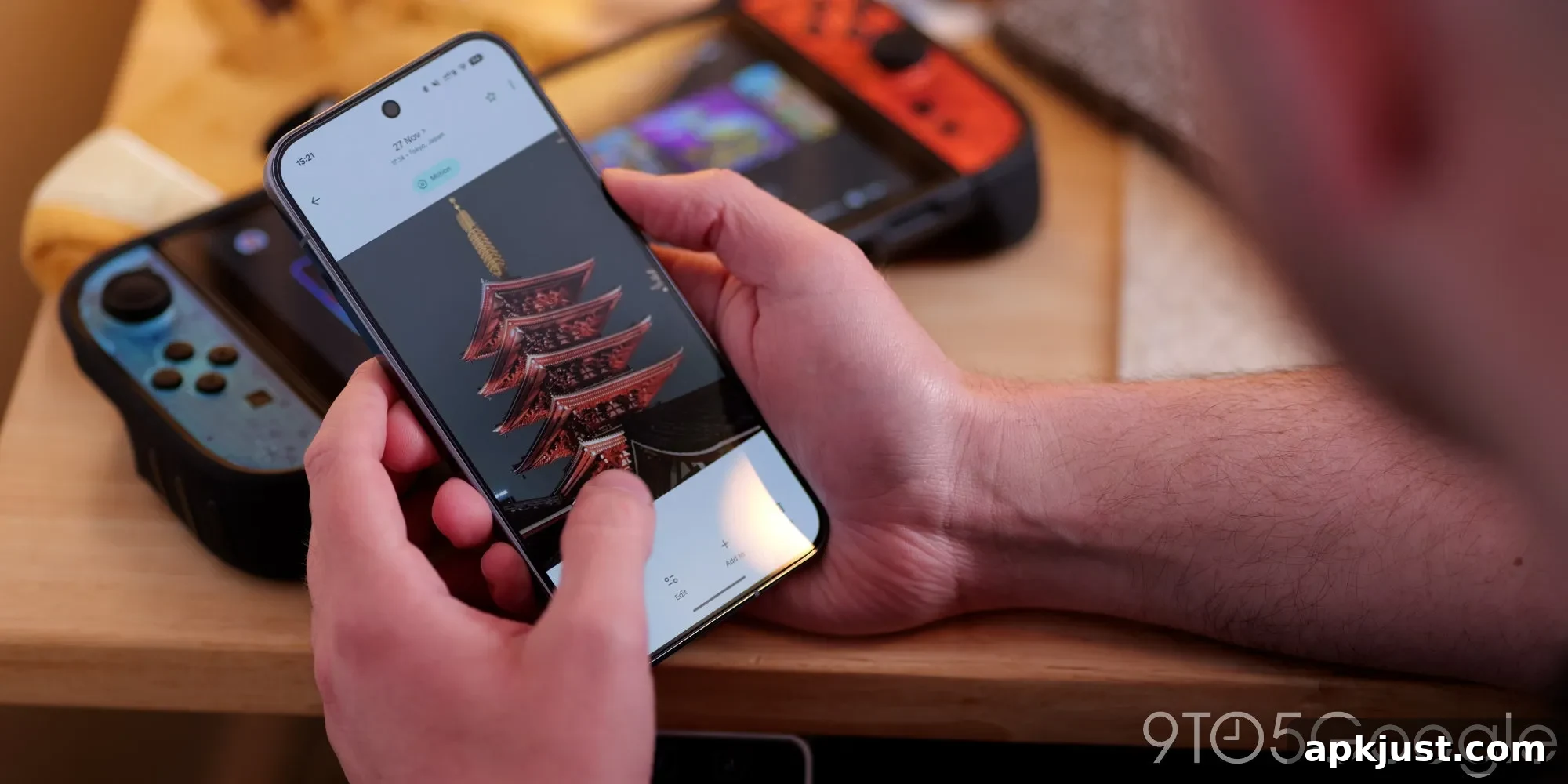
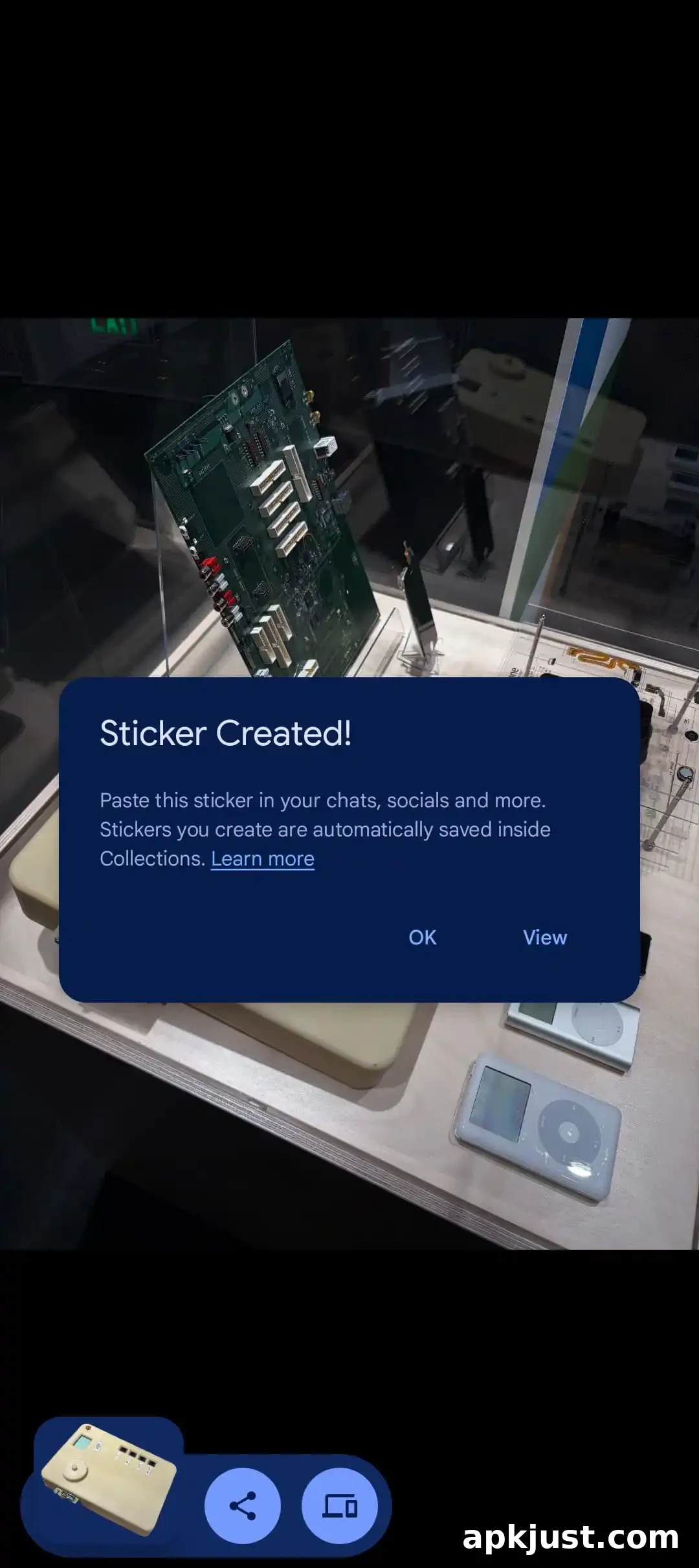
After introducing custom stickers in February, Google Photos for Android now automatically saves the stickers you create into a dedicated folder inside Collections. This change makes it far easier to find, manage, and reuse stickers without hunting through your photo library.
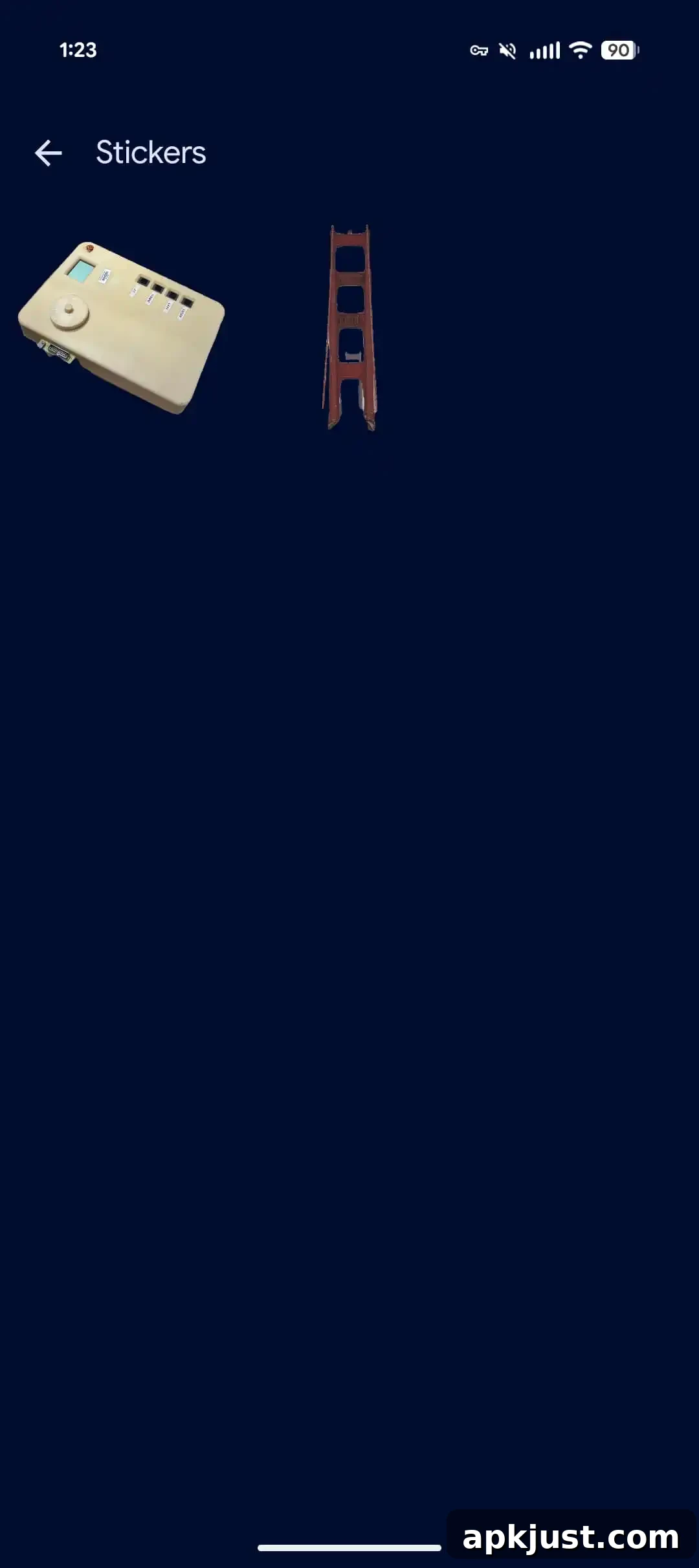
Within the Collections tab, a new “Stickers” folder appears immediately after the Places map. The folder is positioned near the top of the Collections view so you can open it quickly without extensive scrolling. Items are presented in reverse-chronological order, showing the most recently created stickers first.
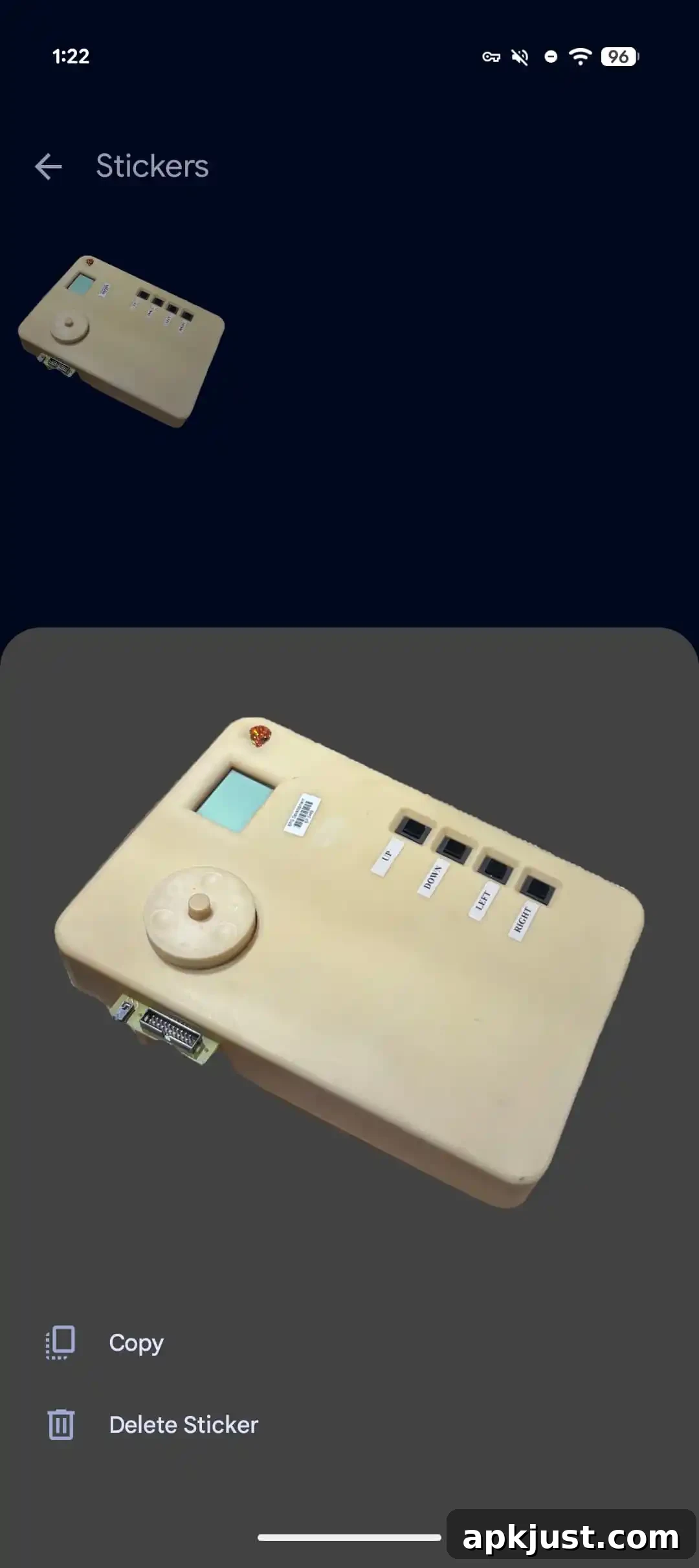
Each sticker appears as a grid item. Tapping a sticker brings up a larger preview in a bottom sheet, where you can perform common actions such as deleting or copying the sticker. Choosing copy presents a corner preview that gives quick access to your device’s system share sheet so you can paste or share the sticker in other apps. This streamlined flow reduces friction when you want to reuse stickers across chats, notes, or social posts.
Apple users saw a similar sticker folder appear earlier this year; Google Photos added the dedicated sticker folder to iOS in January. In fact, stickers and the related background removal tools first arrived on iPhone and iPad in August 2025, six months before Android received native sticker creation. The arrival of the sticker folder on Android brings the platforms into closer feature parity.
This development also arrives as Pixel Studio is being phased out on Google devices. With Pixel Studio on the way out, Google Photos’ sticker-saving capability appears to be the replacement path Google intends for users who previously relied on Pixel Studio for sticker creation and management. Consolidating sticker tools within Google Photos simplifies the workflow for editing, saving, and sharing creative assets across Android devices.
The sticker folder is currently rolling out with version 7.78 of Google Photos for Android. If your app is updated to that version or later, check the Collections tab for the new “Stickers” entry. Some users may also see an in-app prompt reading “Stickers you create are automatically saved inside Collections,” which confirms the new behavior and points you directly to the folder.
Once the folder appears, you can manage your stickers just like other saved media: remove ones you no longer need, copy them for immediate reuse, or share them through the system share sheet. This central storage helps keep sticker assets organized separately from your main photo library, preventing accidental deletion of original photos while still giving easy access to the cutouts and designs you create.
For creators and casual users alike, the change improves practical workflows. Content creators who produce quick graphic elements can save and retrieve sticker assets without exporting them to separate apps. Casual users who enjoy making playful edits can now build a personal sticker collection that’s easy to browse and reuse in messages and social apps.
More on Google Photos:
- Google Photos ‘Wardrobe’ digitizes your closet and helps find what to wear
- Google TV is adding YouTube Shorts to the homescreen, new Photos screensaver, more
- Google Photos rolls out touch-up tools for making ‘quick, subtle fixes’ to your selfies