

If there has been one iPhone app I’ve envied for years, it’s Flighty: a polished flight tracker that stores your travel history and brings every relevant detail into a single, easy-to-read interface. Until now, Android users haven’t had a true equivalent. Aviate — a new Android flight companion — comes closest to filling that gap.
Described by its creator as an “all-in-one flight companion built for travelers who value privacy and simplicity,” Aviate delivers a focused, well-designed experience for people who fly frequently or just want better visibility into their journeys.
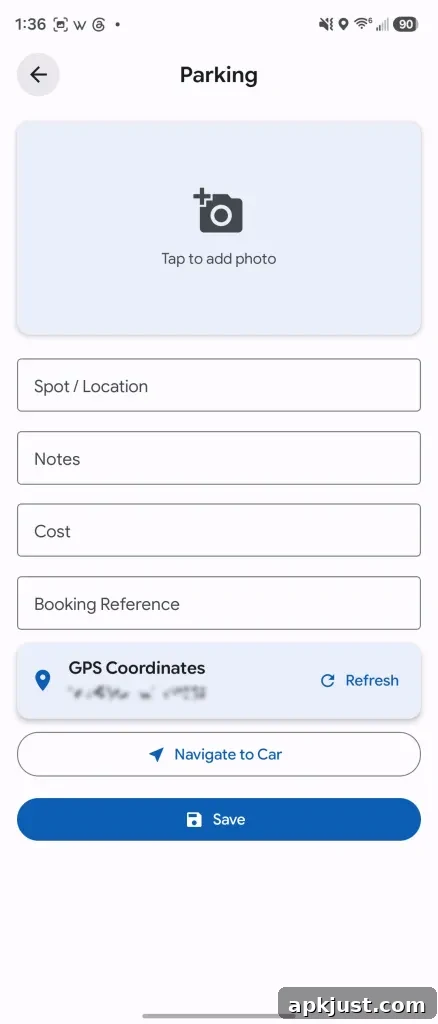
On launch, the app presents an overview of the globe dotted with major airports and optional weather overlays, or it can show where your next incoming flight is arriving from. Below that main view, upcoming trips are listed and organized by trip. Each trip card includes live aircraft tracking, flight details, layover times, flight numbers, and gate information. You can save parking locations, view airport maps, and upload digital copies of travel documents. There are also trip checklists and a budgeting tool to help manage travel expenses. Completed trips are stored in a history log, and the app can generate periodic summary reports to show your travel highlights for a quarter or a full year.
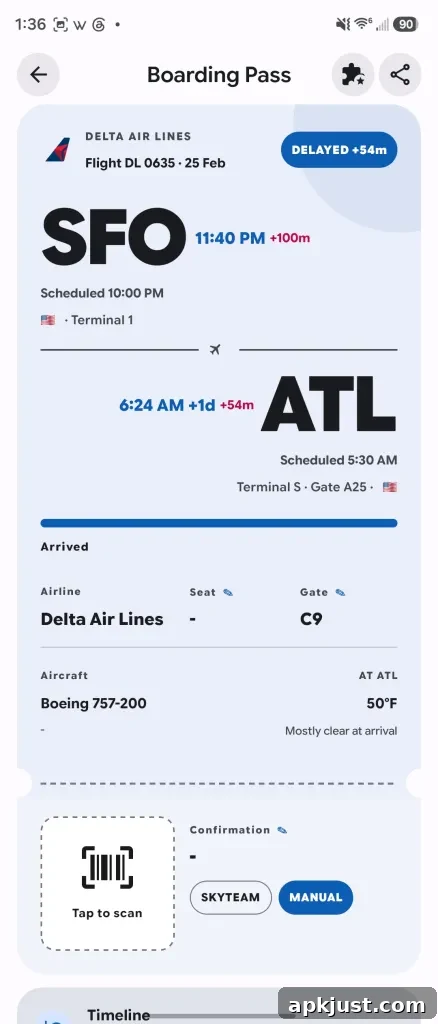
Flight detail cards are comprehensive: they include layover duration, boarding pass storage, route performance metrics, and gate assignments. For aviation enthusiasts, Aviate even offers access to airport tower radio feeds where available. Real-time push notifications alert you to delays, gate changes, cancellations, and other important updates so you don’t have to monitor the app constantly.
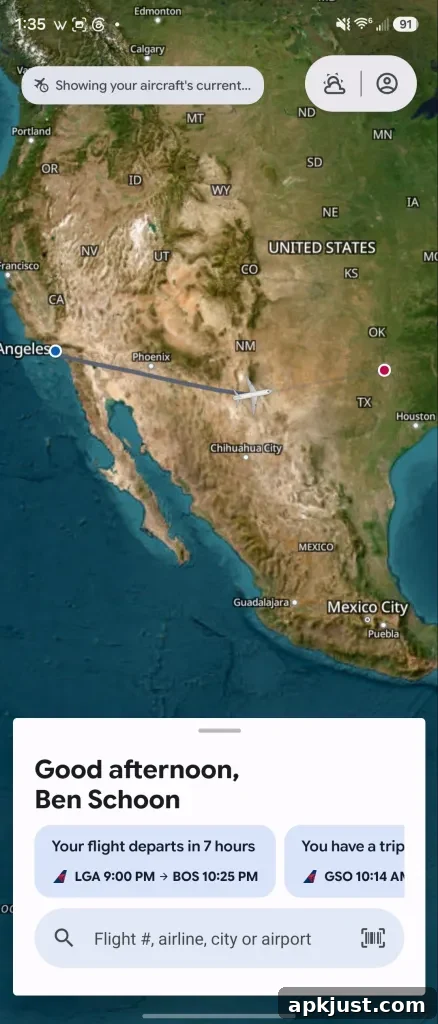

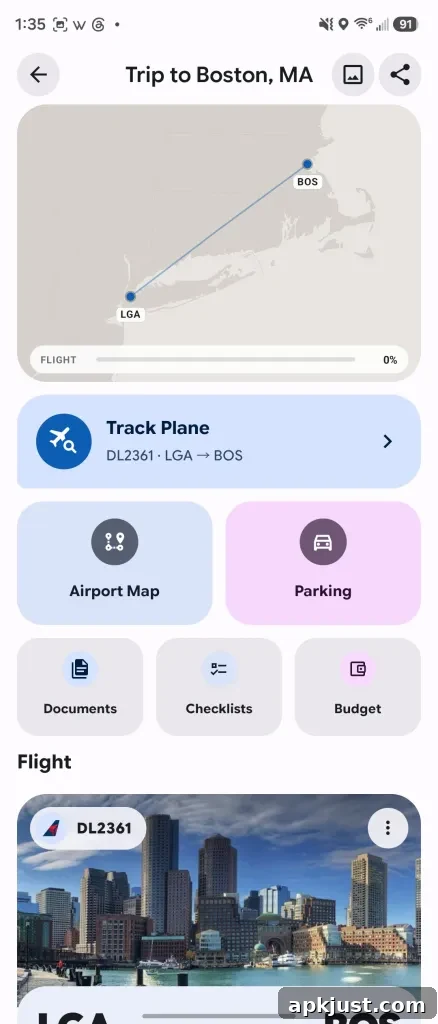
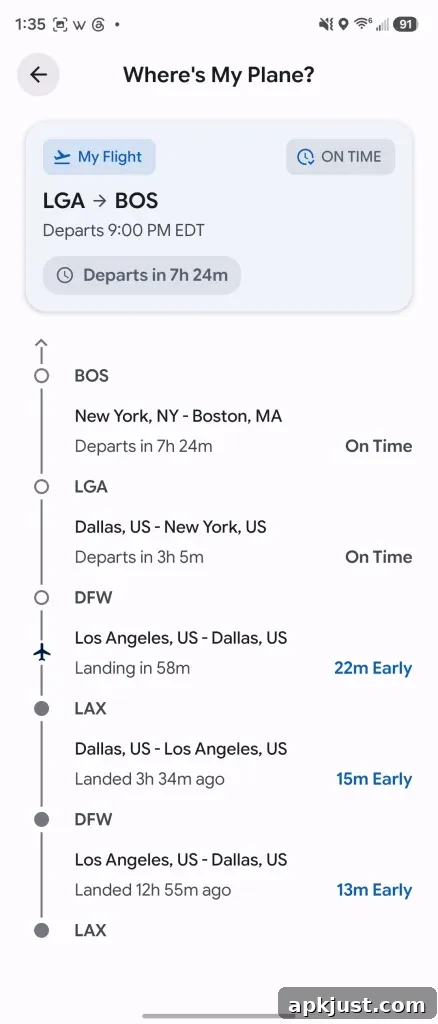
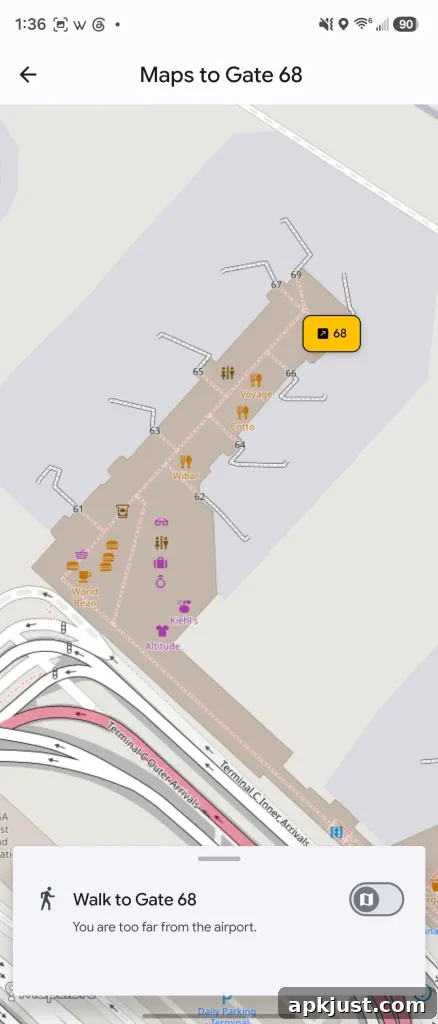

Beyond core flight tracking, Aviate supports Wear OS for quick glanceable updates and offers live tracking notifications for flights you follow. The app can also indicate whether an aircraft is equipped with Starlink Wi-Fi, a useful detail when planning a long flight and wanting to stay connected.
Aviate is ad-free. Its business model relies on subscriptions: short-term access, annual plans, and a lifetime option are available. The subscription unlocks most advanced features, while the free tier offers basic flight tracking and allows new users to try the app before committing.
I’ve been testing Aviate for several months. The app has evolved considerably during that time, growing from a simple prototype into a capable Flighty alternative. While the iOS veteran still has the advantage of years of refinement, Aviate impresses as a thoughtfully built product from a solo developer. It feels native to Android, with Material-inspired design choices and foldable-device support that make it comfortable to use on modern phones. Compared with other Android options, which may have simpler designs or inconsistent store listings, Aviate’s interface and Android-first approach are notable strengths.
Aviate is currently available for pre-registration on Google Play, with a full public release expected soon. Most of the app’s advanced capabilities require a subscription, but the free level is fully functional as a basic flight tracker.
More on Android:
- Xiaomi adds AirDrop-like Quick Share support to some Android phones.
- CapCut Pad aims to bring robust, desktop-style video editing tools to Android tablets.
- A new camera app on Android adapts its processing to the scene to avoid overprocessing and preserve a natural look.
Follow Ben: Twitter/X: @NexusBen, Threads: @nexusben, Bluesky: nexusben.com, Instagram: nexusben