
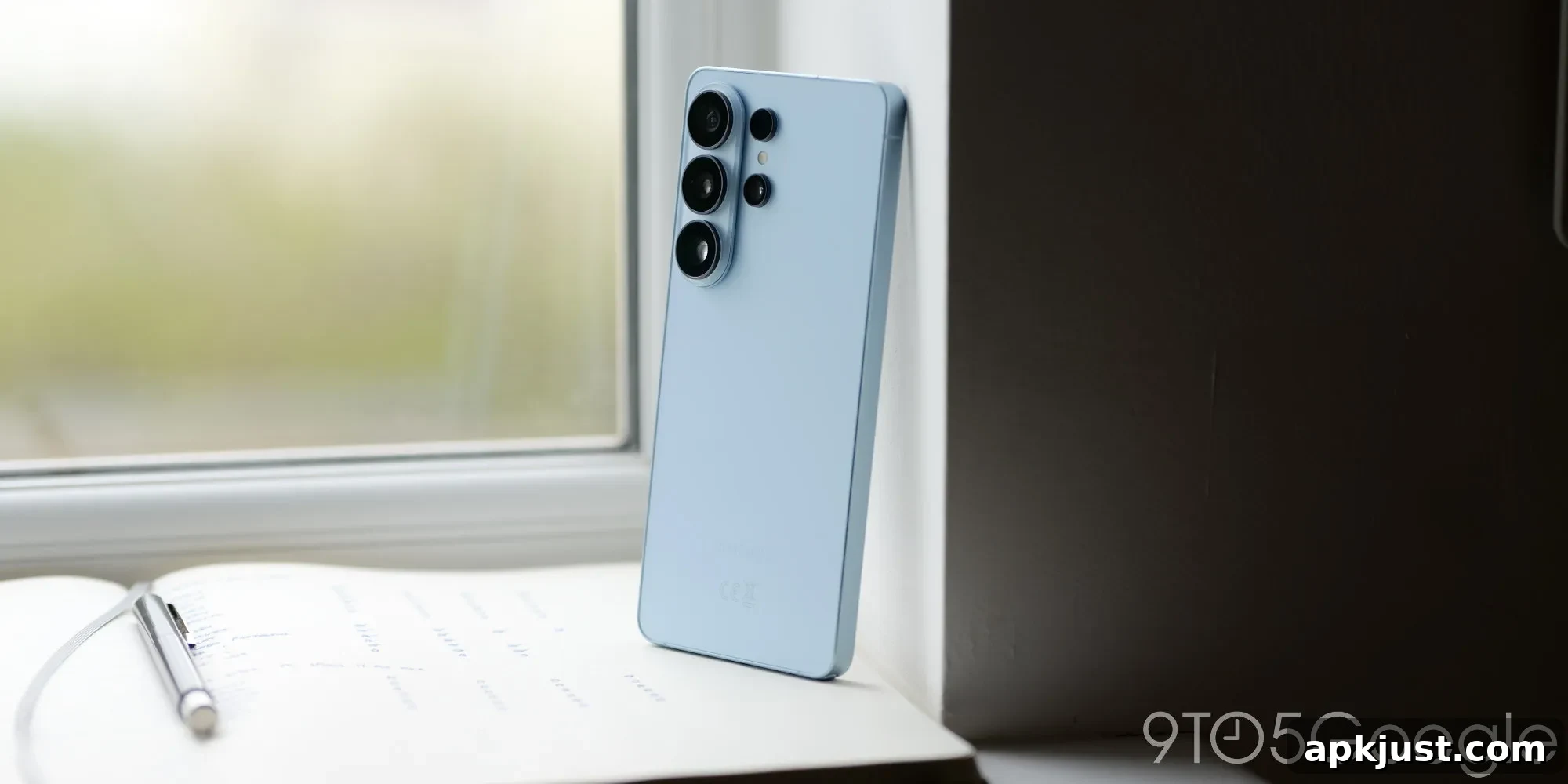
Samsung One UI 9 Changes Lockdown Behavior in Power Menu
Samsung has altered how the Lockdown security option works in One UI 9. Previously, Lockdown was a visible button in the power menu that users could tap to immediately secure their device and disable biometric unlock methods. In the current One UI 9 beta, that explicit button has been removed and the Lockdown behavior now activates automatically when the power menu is dismissed.
Lockdown has been a useful security measure on Samsung Galaxy phones for several Android generations. When invoked, it requires the device to be unlocked with a PIN, pattern, or password only, disabling fingerprint and facial recognition until the next successful manual unlock. This feature has often been treated as a last-resort safeguard when users are in a risky situation or want to prevent unauthorized biometric access.
Historically, Samsung offered multiple ways to open the power menu: pressing the volume up and power buttons simultaneously or holding the power button, depending on users’ shortcut settings. That menu included options such as power off, restart, emergency SOS, and Lockdown. In One UI 9 beta builds, the interface has been adjusted so the Lockdown button itself no longer appears in the list of power menu options. Instead, a “Medical info” entry takes its place in the menu layout.
Under the new behavior, when the power menu is brought up and then dismissed, One UI 9 automatically locks the device and disables biometric unlocking. The result is the same end state as tapping the original Lockdown button: biometric methods like fingerprint sensors and face unlock stop working until the user enters their PIN, pattern, or password. This implicit activation removes the need for users to consciously choose Lockdown from the menu, which can be beneficial for those who might forget to enable it but could also surprise users who did not expect the automatic locking.
The change is currently visible in One UI 9 beta releases and has been discussed by users who tested the beta. Reports indicate the behavior happens consistently: dismissing the power menu triggers the lockout of biometric methods, and the explicit Lockdown control is no longer an available option. The presence of “Medical info” in the power menu suggests Samsung adjusted the menu layout and prioritized emergency information access while rethinking how the Lockdown safeguard should be delivered.
From a security perspective, automatic activation may improve protection in scenarios where an immediate, simple way to lock the phone and block biometric access is desirable. For people concerned about unauthorized biometric unlocking under duress or when a phone changes hands unexpectedly, automatic Lockdown ensures the device reverts to a PIN-only state without requiring an extra tap. At the same time, the design could create usability issues for users who prefer explicit control over when Lockdown engages or who rely on quick biometric access for convenience.
It is not yet confirmed whether Samsung will keep this behavior in the final stable release of One UI 9, which is based on Android 17. The feature remains present in the beta channel, so users testing One UI 9 can experience it firsthand and provide feedback. Whether the automatic approach will be adjusted, made optional, or rolled back will likely depend on user response and Samsung’s assessment of the trade-offs between security and convenience.
In summary, One UI 9’s power menu no longer shows a Lockdown button in the current beta; instead, dismissing the menu triggers the equivalent lockdown behavior and replaces the button with a medical information entry. This change aims to simplify access to heightened security but may prompt discussion about user expectations and control over biometric lock settings as the update moves toward a wider release.