
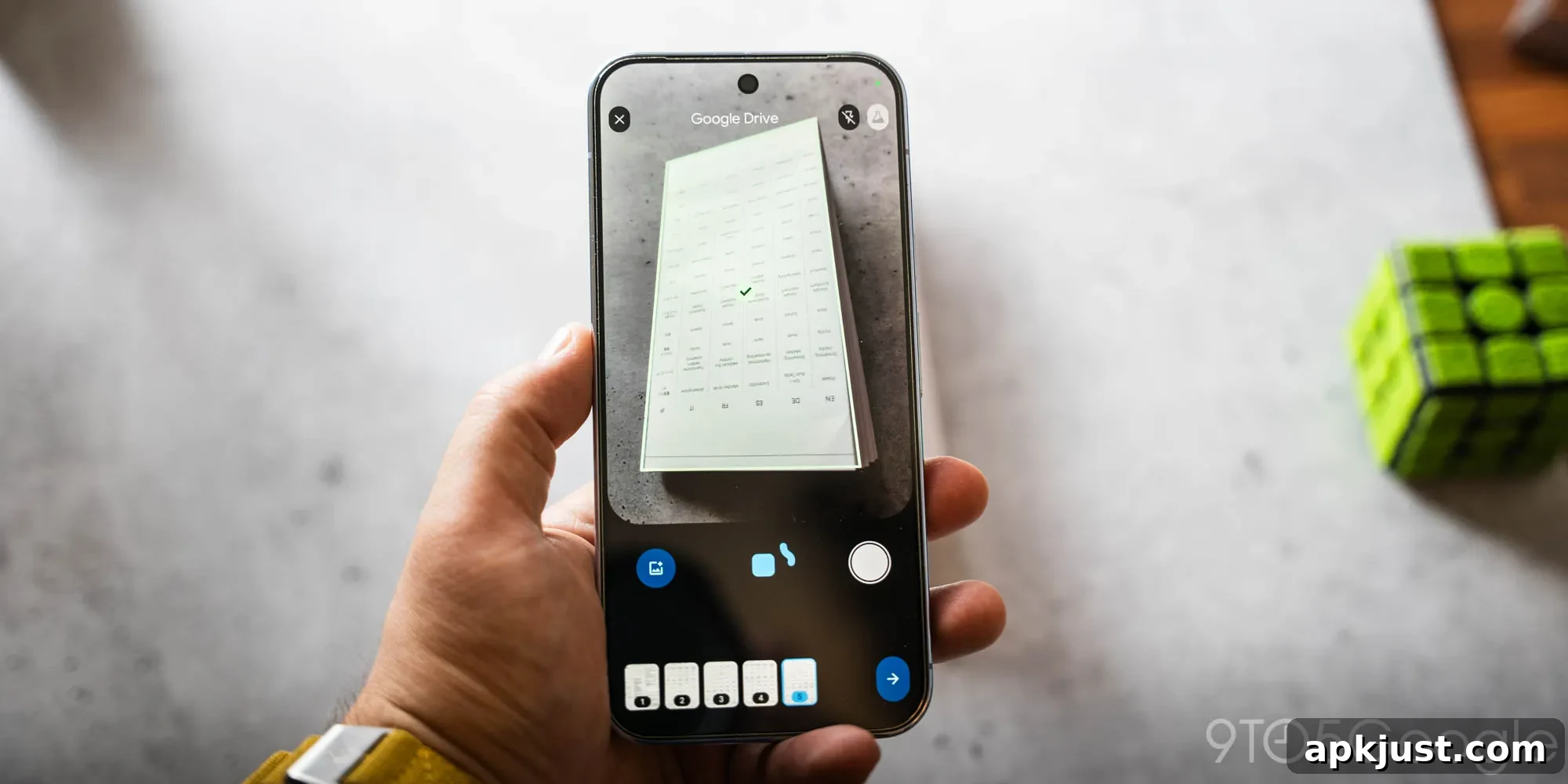
After an initial testing phase that began last year, Google Drive is rolling out a redesigned document scanner on Android that brings powerful, on-device features to everyday scanning.
The refreshed scanner has been available in beta for several months, letting some users revert to the previous interface if they preferred. In the new design the small beaker icon in the top-right has been removed to simplify the viewfinder and focus on the scanning experience.
Along with a Material 3 Expressive viewfinder, the updated scanner introduces Smart Batch Scanning, which lets you capture multiple pages by simply hovering the camera over them. Instead of taking separate photos for each page, the scanner behaves more like a short video recorder, automatically extracting frames. A thumbnail preview of scanned pages appears instantly at the bottom of the screen so you can confirm results as you go.
Old vs. new
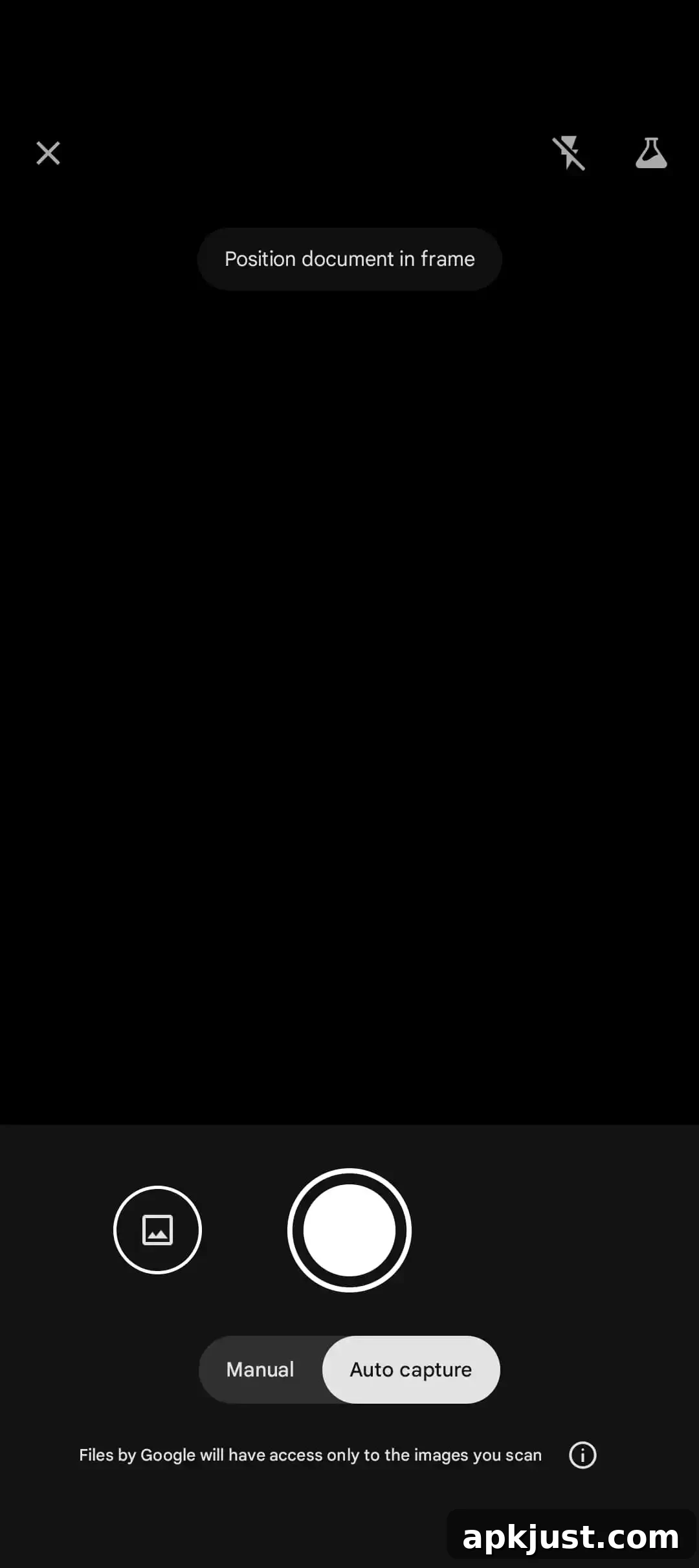
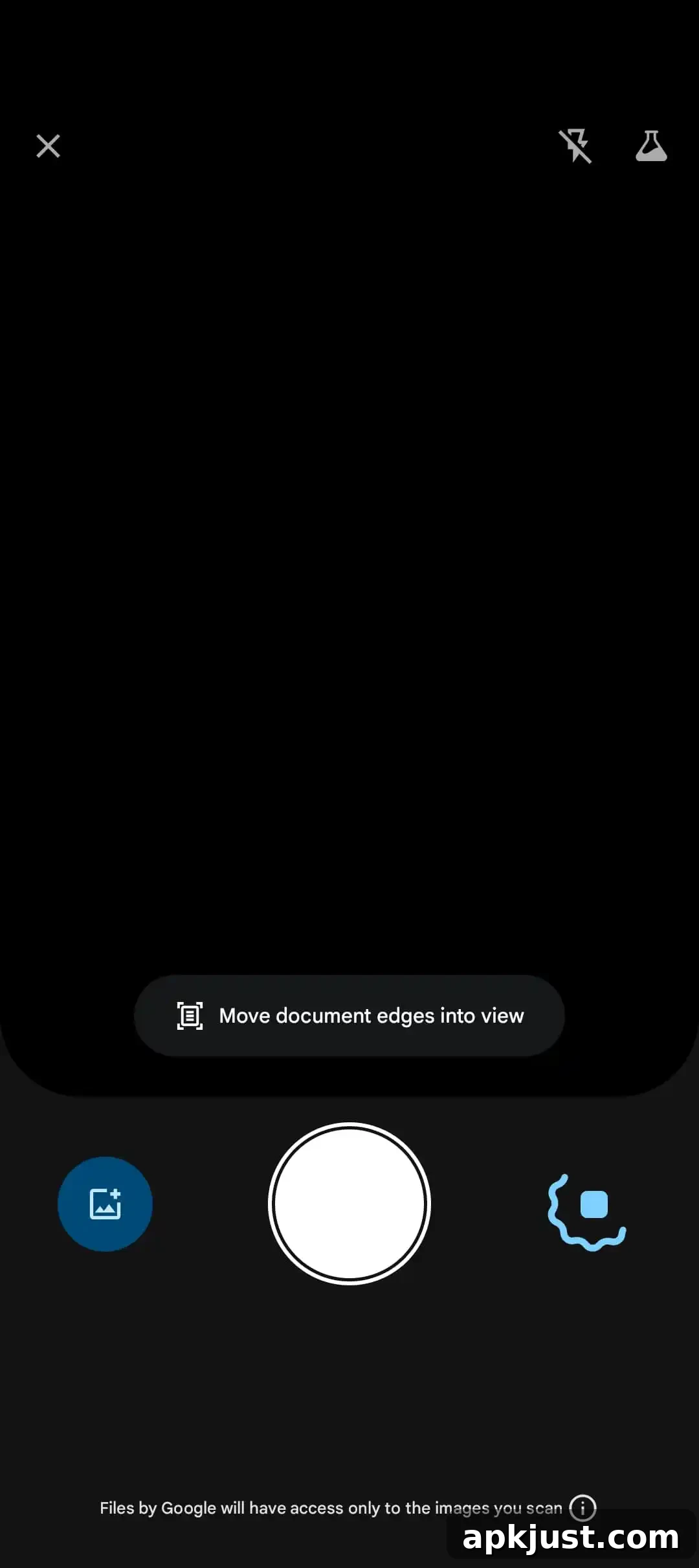
If you prefer manual control, a pause button beside the capture control disables auto-scanning so you can take single frames deliberately. On the opposite side, a file picker icon opens the system picker to add images you’ve already captured with the device camera, making it easy to mix new scans with existing photos.
The scanner includes Auto-Best Frame, which automatically replaces blurry captures with the sharpest available frame, improving final document quality without extra effort. Duplicate Detection helps the app skip pages that have already been captured in the same session, reducing clutter and speeding up processing for long documents.
A major advantage of this redesign is that the key processing happens on-device. By performing analysis and image selection locally, the scanner delivers fast performance, works offline, and keeps your scans private. Because the new pipeline relies on significant local resources, it requires Android devices with at least 8 GB of RAM to run.
This enhanced document scanning functionality is delivered through Google Play services and is surfaced not only in Google Drive but also in other apps that integrate the same on-device scanning capabilities, such as Files by Google. The shared implementation ensures a consistent, fast scanning experience across multiple Google apps on supported Android phones and tablets.
Overall, the redesign focuses on streamlined usability and improved capture quality. Smart Batch Scanning reduces the friction of scanning multi-page documents, Auto-Best Frame boosts clarity automatically, and Duplicate Detection cuts out redundant pages. Together with on-device processing and an uncluttered viewfinder, these changes make routine document capture quicker and more reliable for everyday users.
Scanning documents from a phone is a pain! Glad to see the new document scanning experience in Google Drive on Android is rolling out now. Smart Batch Scanning: scan multiple pages at once and automatically split them into separate documents. Duplicate Detection skips already-captured pages.
— Sameer Samat