
Spotify is rolling out a significant set of improvements to its mobile app that will affect both Android and iOS users. The updates focus on better playlist organization, improved queue management, and smoother offline downloads, with a particular emphasis on making everyday listening easier and more intuitive.
These quality-of-life updates include four main changes that Spotify has announced:
- Playlist folders on mobile
- Upgrades to playlist and queue controls
- Background downloads on iOS
- A one-tap “Reshuffle” option for your queue
Not all of the changes apply equally to every platform. Background downloads have long been available on Android, so this rollout focuses on bringing similar convenience to iOS devices. Meanwhile, Android users gain access to several useful features that make managing music and podcasts on the go more practical.
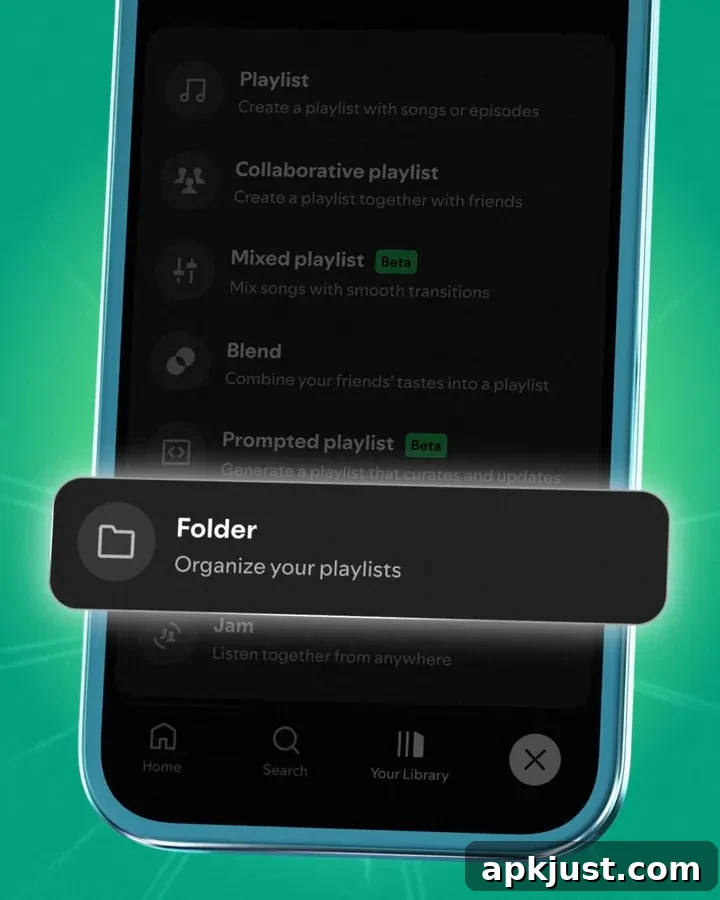
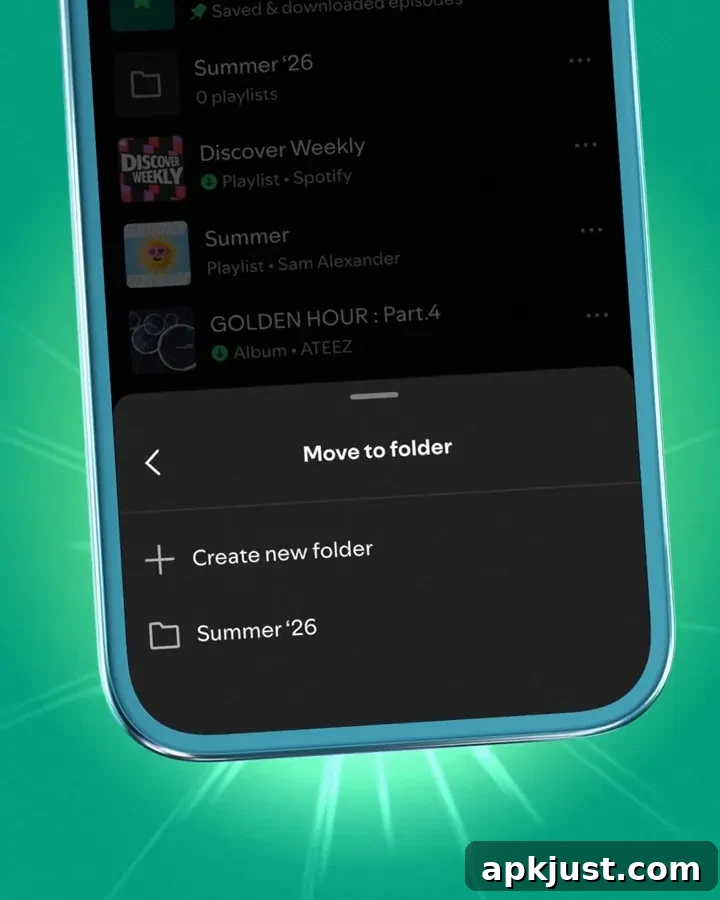
One of the most helpful additions is mobile support for playlist folders. Until now, folders—useful for grouping playlists and saved albums into organized collections—were generally a desktop-only feature. With this update, you can create, rename, and manage playlist folders directly from the mobile app via the add or plus menu. This brings parity between desktop and mobile experiences and helps users keep large libraries tidy without needing to switch to a computer.
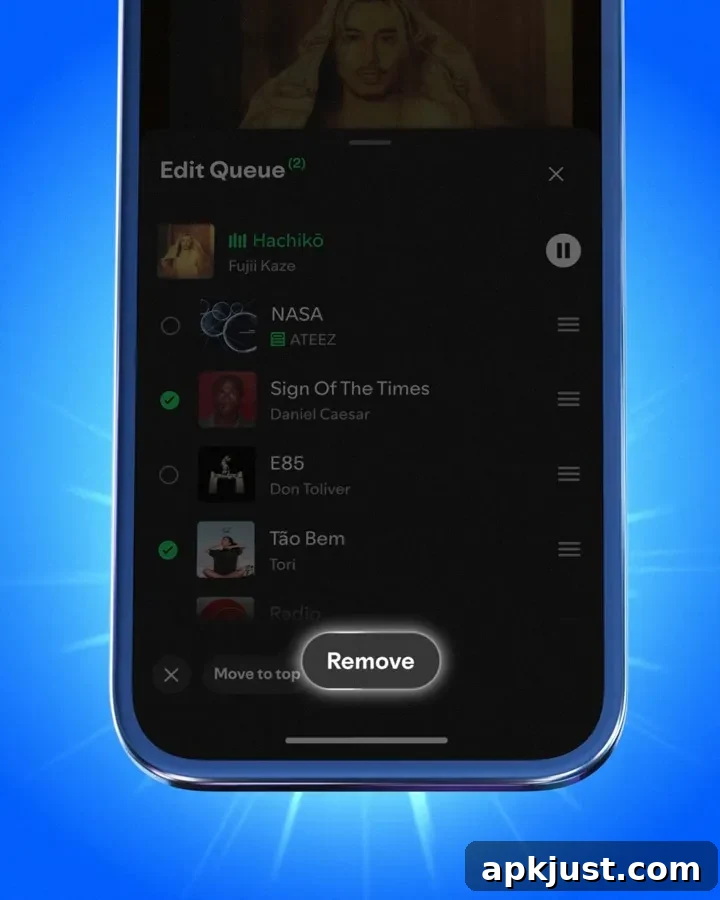
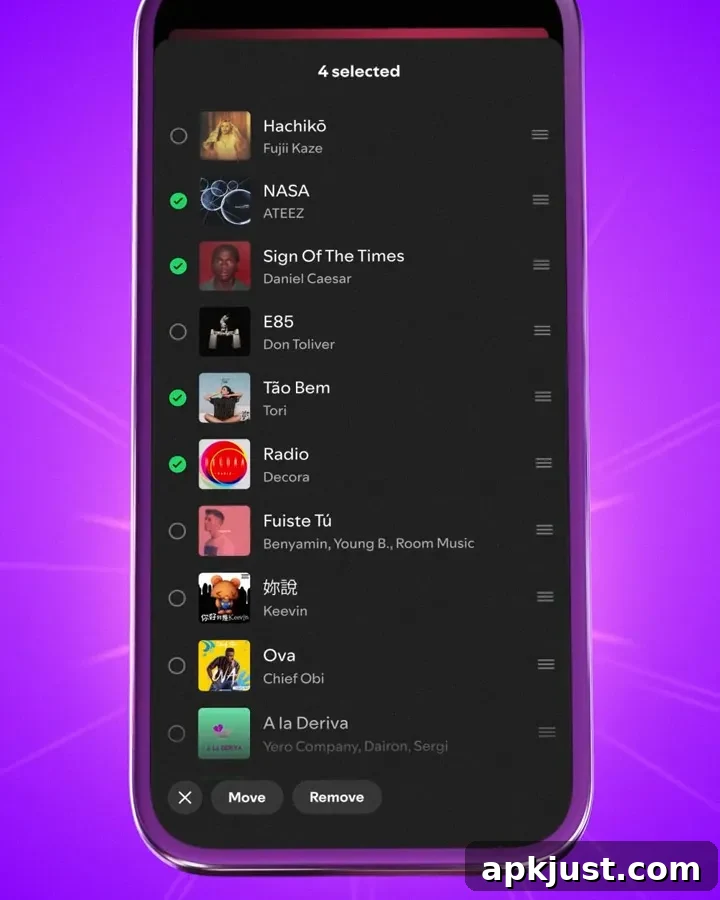
Spotify is also improving how playlists and the playback queue are managed. You can now select multiple tracks at once, whether you want to remove several songs from a playlist or clear multiple items from your queue. This multi-select capability speeds up routine tasks like pruning duplicate songs or rearranging tracks for a specific listening session, and it reduces the repeated tapping previously required to manage items one-by-one.
Complementing the multi-select feature is a new one-tap “Reshuffle” button for the queue. Instead of toggling shuffle on and off or manually reordering the upcoming tracks, a single tap will randomize your queue so you can refresh the listening order instantly. This is especially handy when you want to vary the flow of songs during parties, workouts, or long commutes without interrupting playback.
Most of these enhancements are already rolling out, although Spotify has indicated that some features will remain exclusive to Premium subscribers. Specifically, while the multi-select option for tracks should be available to everyone, several queue and playlist controls—along with the reshuffle convenience—may be limited to Premium accounts. This approach aligns with past Spotify updates that reserve advanced playback and management tools for paying users.
More on Spotify:
- Spotify resurrects YouTube Clips to let you share podcast segments as a link (news coverage)
- Spotify ‘Studio’ introduces automated podcast creation tools that can draft episodes from personal data (service update)
- ‘Party of the Year(s)’ feature summarizes your music streaming history in a single recap (year-in-review feature)
Follow the author on social platforms: Twitter/X: @NexusBen, Threads: @nexusben, Bluesky: nexusben.com, Instagram: nexusben