
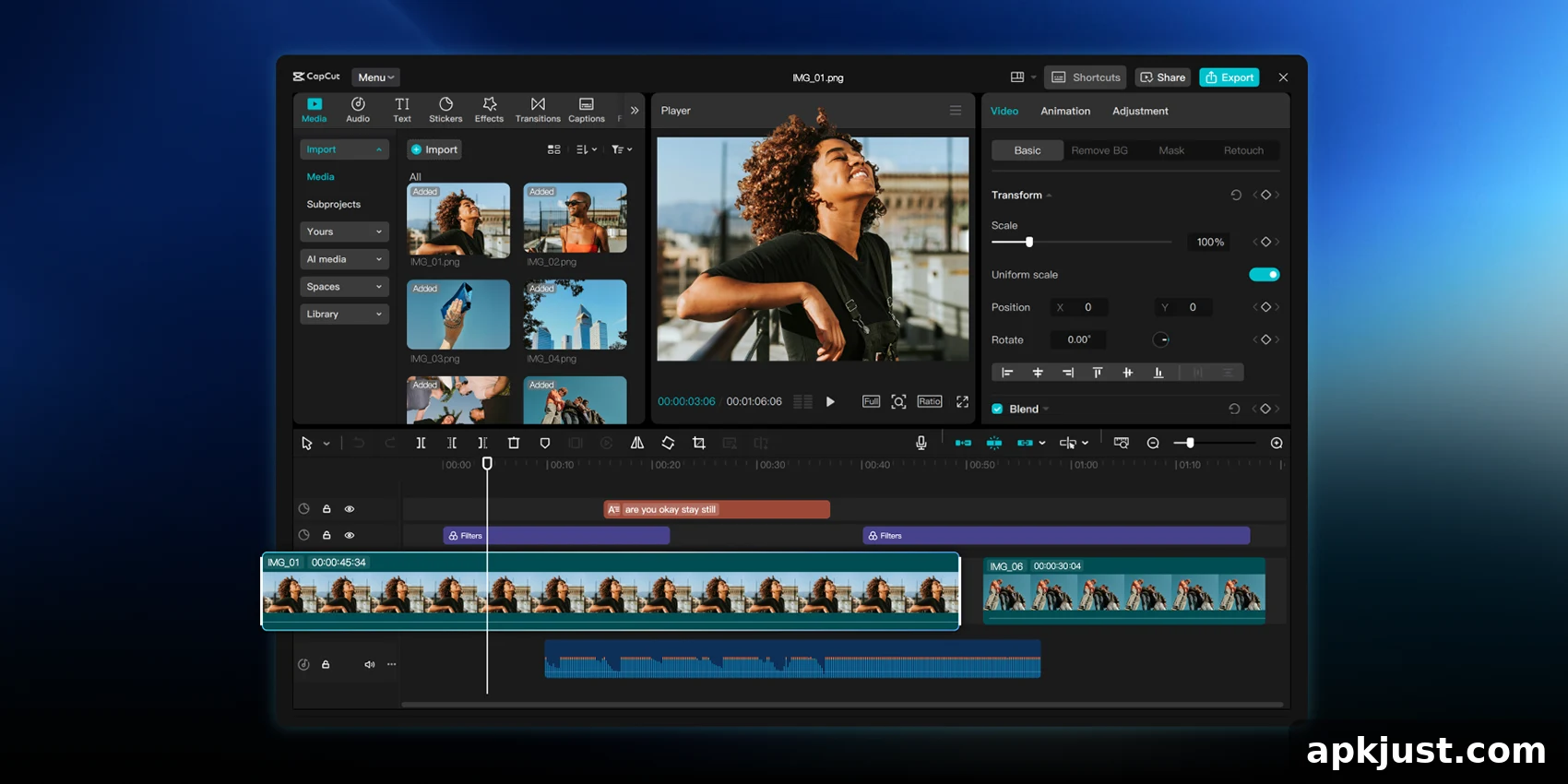
Android tablets are gaining a powerful new video editor: the CapCut Pad app, which arrives promising close-to-desktop video editing capabilities tailored for touch screens. Designed to bring more advanced tools to larger displays, this release aims to bridge the gap between quick mobile edits and more involved tablet workflows.
Short-form video continues to dominate online attention, and CapCut has established itself as a popular option for creators who need more than the basic editing features offered by built-in gallery apps. Now, CapCut Pad arrives for Android tablets with an interface and feature set expanded from the phone app to take advantage of bigger screens and touch-optimized controls.
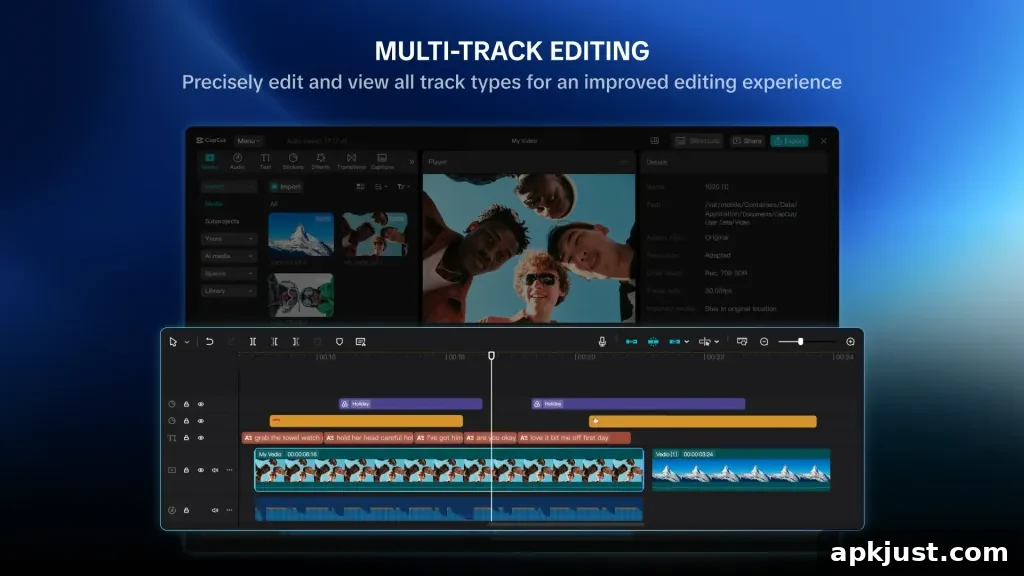
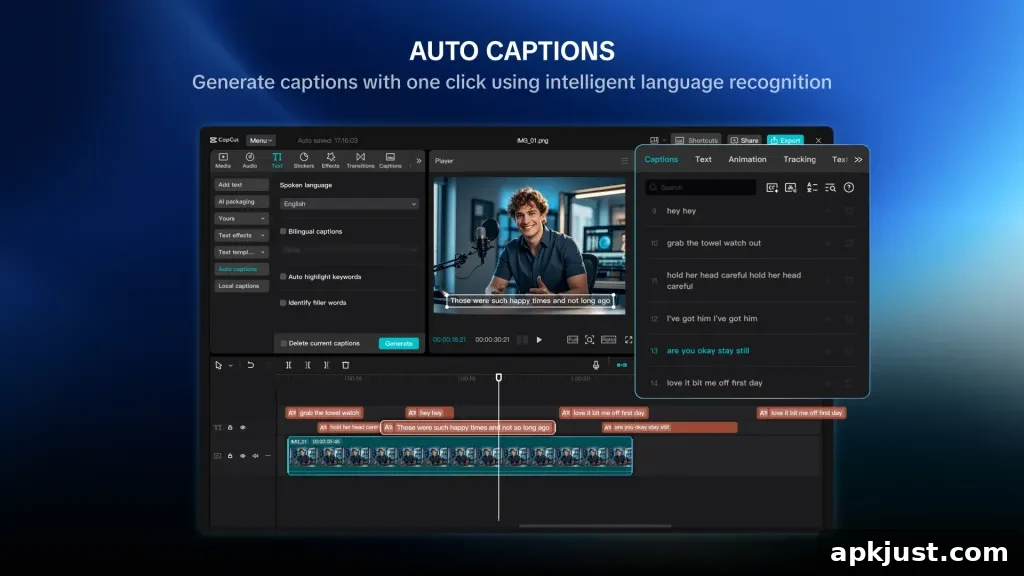
CapCut Pad is available on the Play Store for compatible Android tablets. The app expands the mobile experience with a more precise multi-track timeline, improved trimming and clip alignment controls, chroma key support for green-screen compositing, video stabilization to smooth shaky footage, and other editing tools that help produce polished results on a tablet.
In CapCut’s own words:
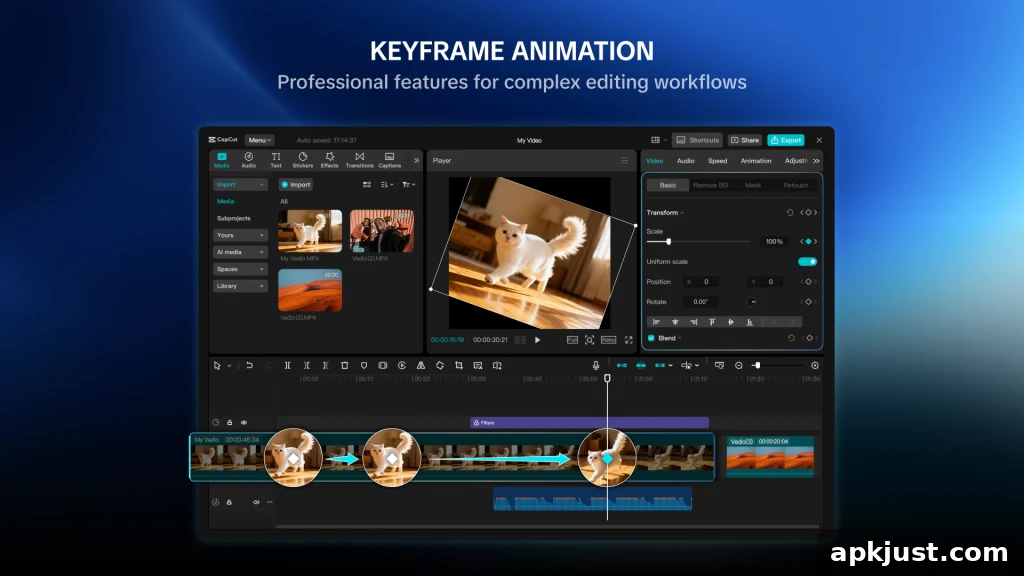
CapCut Pad brings desktop-level editing power to your fingertips. Enjoy precise multi-track timeline editing, smooth performance, and a creative workspace designed for touch. CapCut offers easy-to-use video and photo editing tools, a wide range of in-app fonts and effects, and powerful features like keyframe animation, smooth slow motion, chroma key, and video stabilization—everything you need to capture and refine your moments.
Technically free to download and use, CapCut Pad includes premium features gated behind a CapCut Pro subscription. Certain advanced tools, extended export options, and some content packs may require that subscription. Pricing details are typically presented inside the app and can vary by region and platform.
On the technical side, CapCut Pad supports exporting projects up to 4K resolution at 60 frames per second, with HDR support on capable devices. That makes the app suitable for creators who want high-quality final files straight from their tablet, whether for social platforms or local archiving.
The interface is geared toward touch interaction while offering features common to desktop editors. The multi-track timeline allows you to layer clips, audio, and effects with greater control than typical phone editors, while touch-optimized controls help with trimming, scrubbing, and precise placement of cuts and transitions. CapCut Pad also includes animation tools such as keyframing, which enable more nuanced motion and visual effects without switching to a desktop machine.
Stabilization and chroma key are particularly useful on tablet workflows: stabilization helps clean up footage shot handheld or on action cams, while chroma key makes it easier to composite subjects over different backgrounds. Smooth slow motion and speed ramping are available as well, giving creators options to emphasize action or add cinematic pacing to short-form content.
More on Android:
- What’s new in Android’s May 2026 Google System Updates
- Google AI Studio can now help build Android apps and Android Studio adds iOS app porting tools
- A free camera app that adapts to your shot and minimizes overprocessing is available only on Android
For creators using Android tablets who want a step up from basic mobile editing, CapCut Pad offers a familiar, touch-first environment with expanded controls and export capabilities. While some premium content and advanced features require a subscription, the free core tools provide a solid starting point for editing longer, more complex projects without moving to a desktop.