
At I/O 2026, Google released Android 17 QPR1 Beta 3 for Pixel devices, continuing the fast-paced update cycle for this release. This beta brings several visual refinements, interface tweaks, and bug fixes aimed at improving polish and stability across supported Pixel models.
Below we summarize the most notable changes in Android 17 QPR1 Beta 3. The list highlights UI updates, new animations, media and screen-recording improvements, enhanced system blur, and a series of important bug fixes. Screenshots illustrate the differences between Beta 2 and Beta 3 where available.
If you’re ready to try Android 17 QPR1 Beta 3 on a compatible Pixel device—such as Pixel 6/6 Pro/6a, Pixel 7/7 Pro/7a, Pixel Tablet, Pixel Fold, Pixel 8/8 Pro/8a, Pixel 9 series, or Pixel 10 series—refer to your device’s official beta or installation guide for step-by-step instructions before proceeding.
Updating…
Redesigned app menu splits shortcuts and system actions
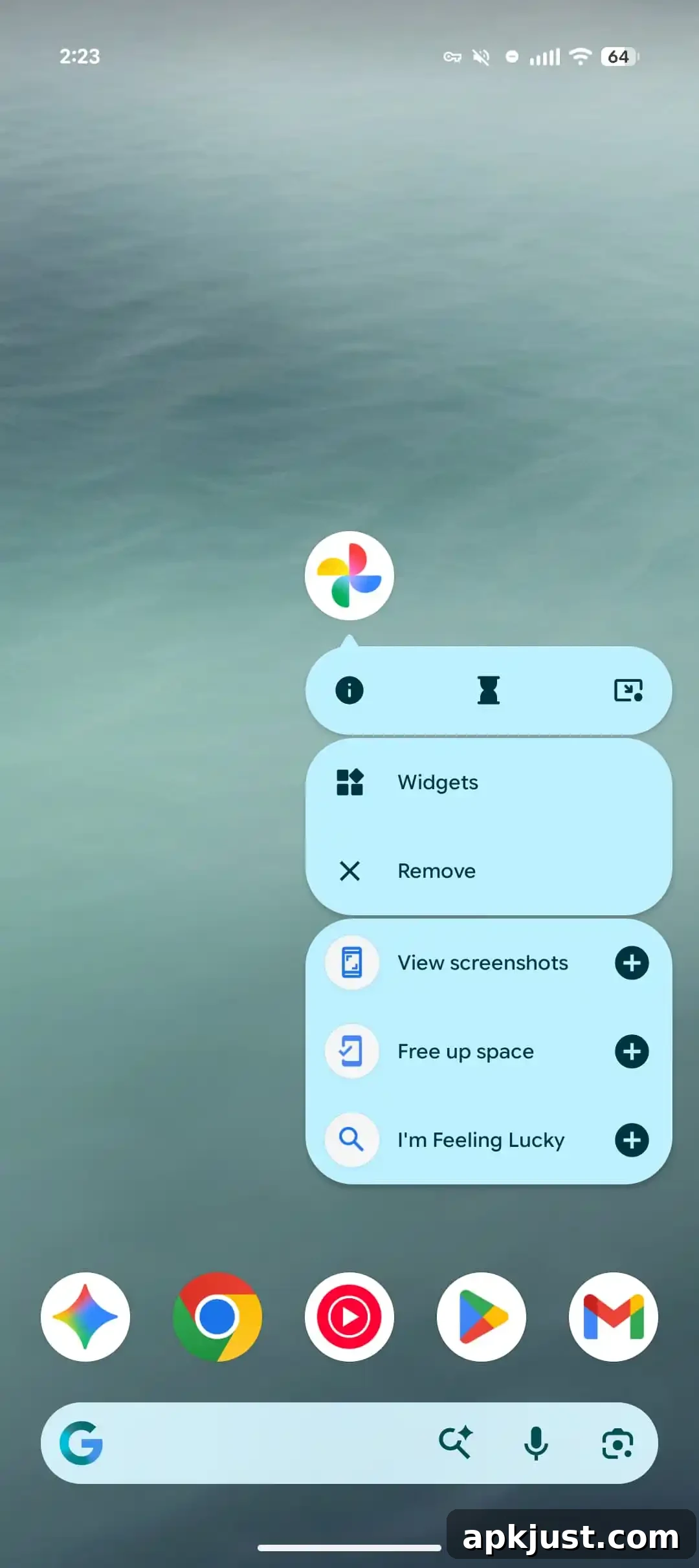
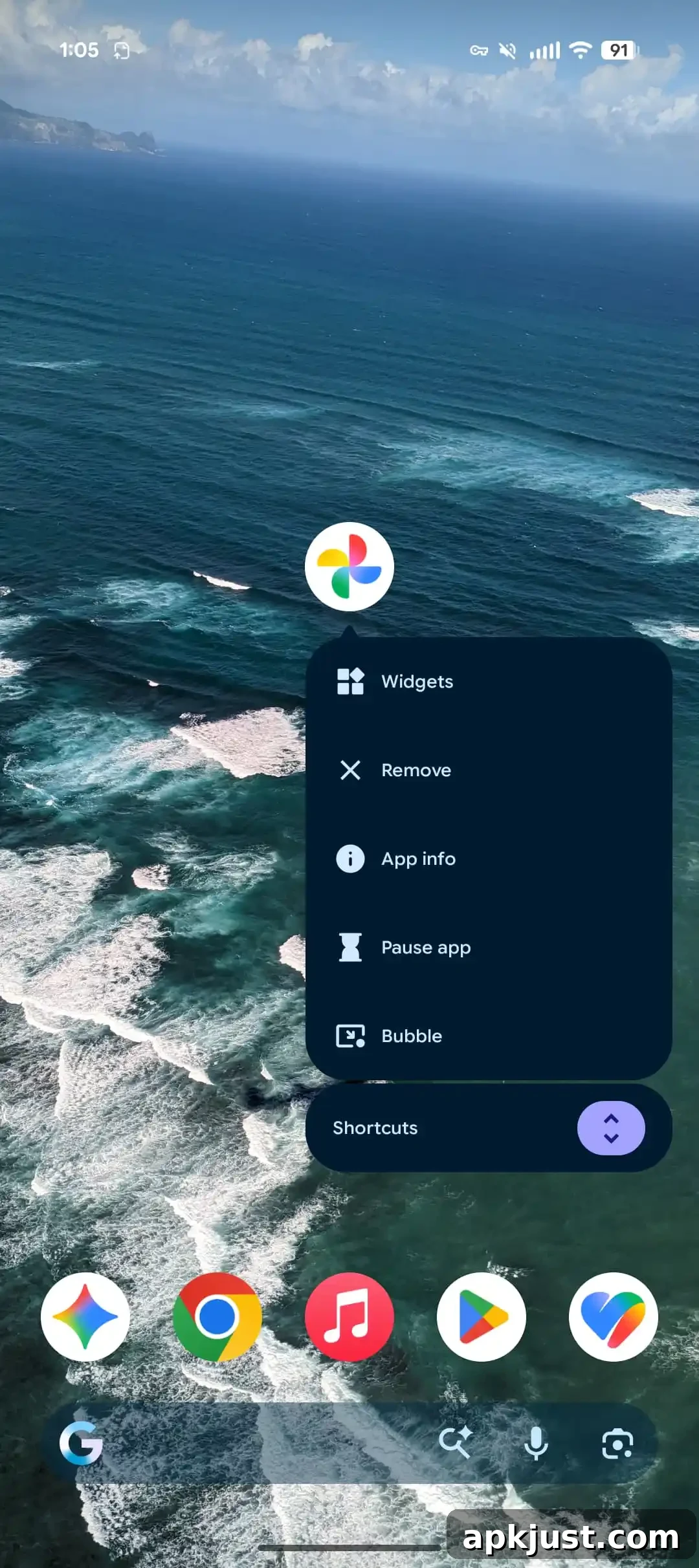
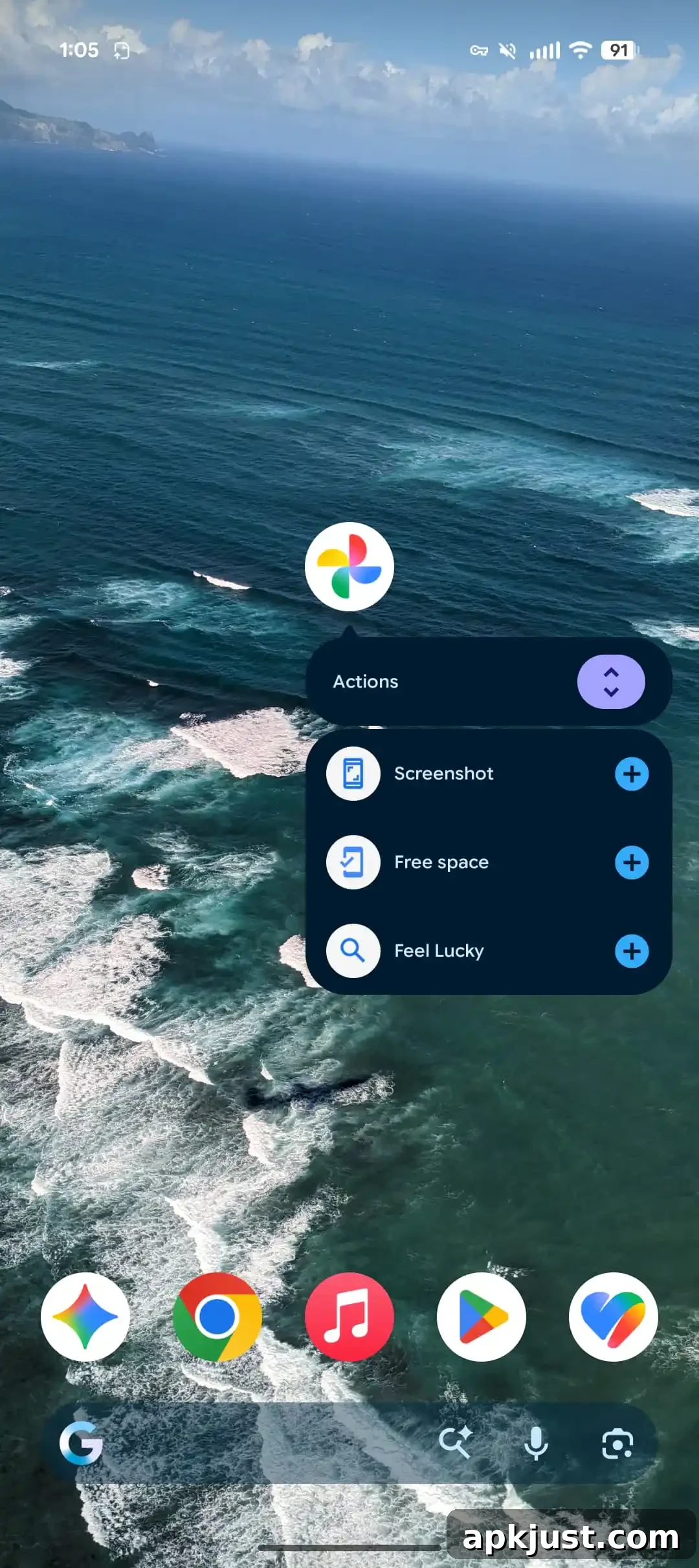
The app menu and long-press shortcuts have been refined to split actions more clearly between app-specific shortcuts and system-level actions. This improves discoverability for quick tasks and prevents accidental system actions when interacting with app shortcuts.
New animation when launching camera from lockscreen with power button double-tap
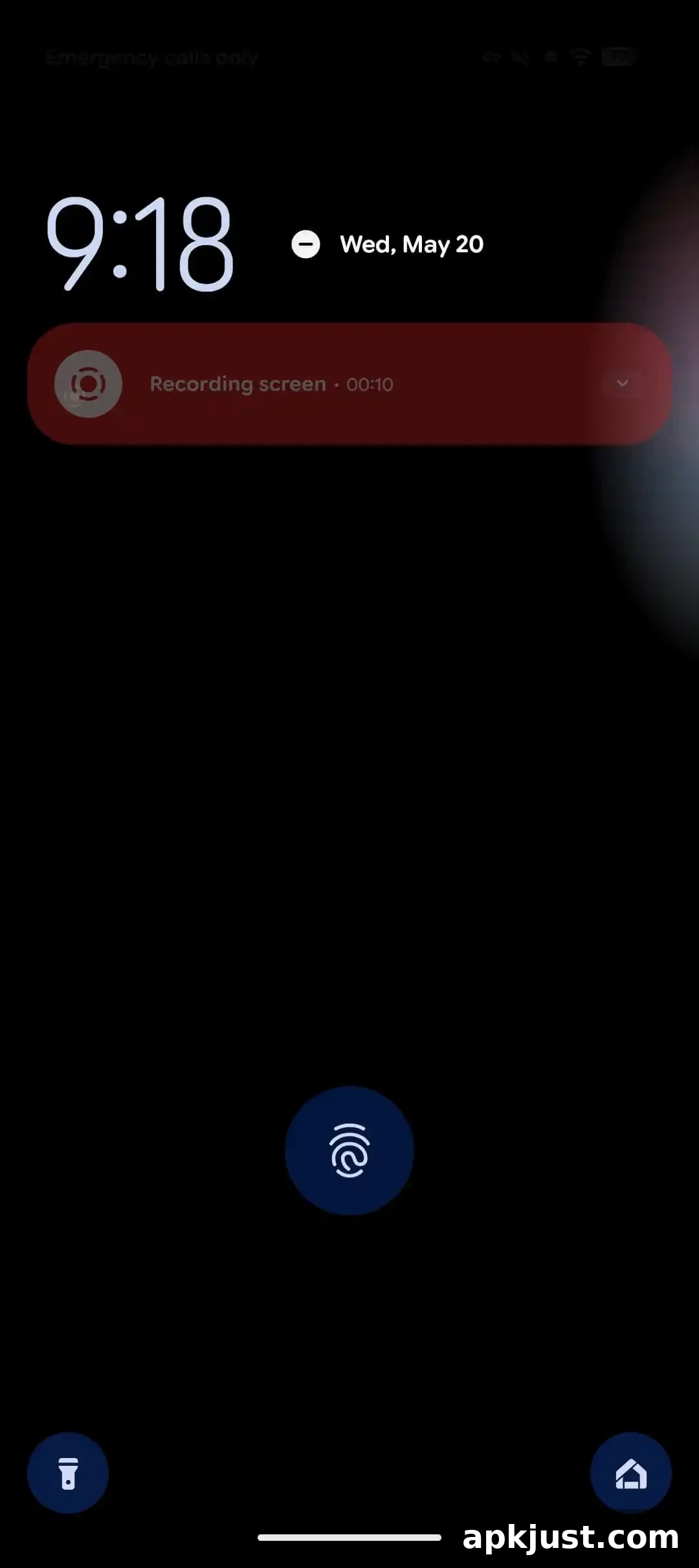
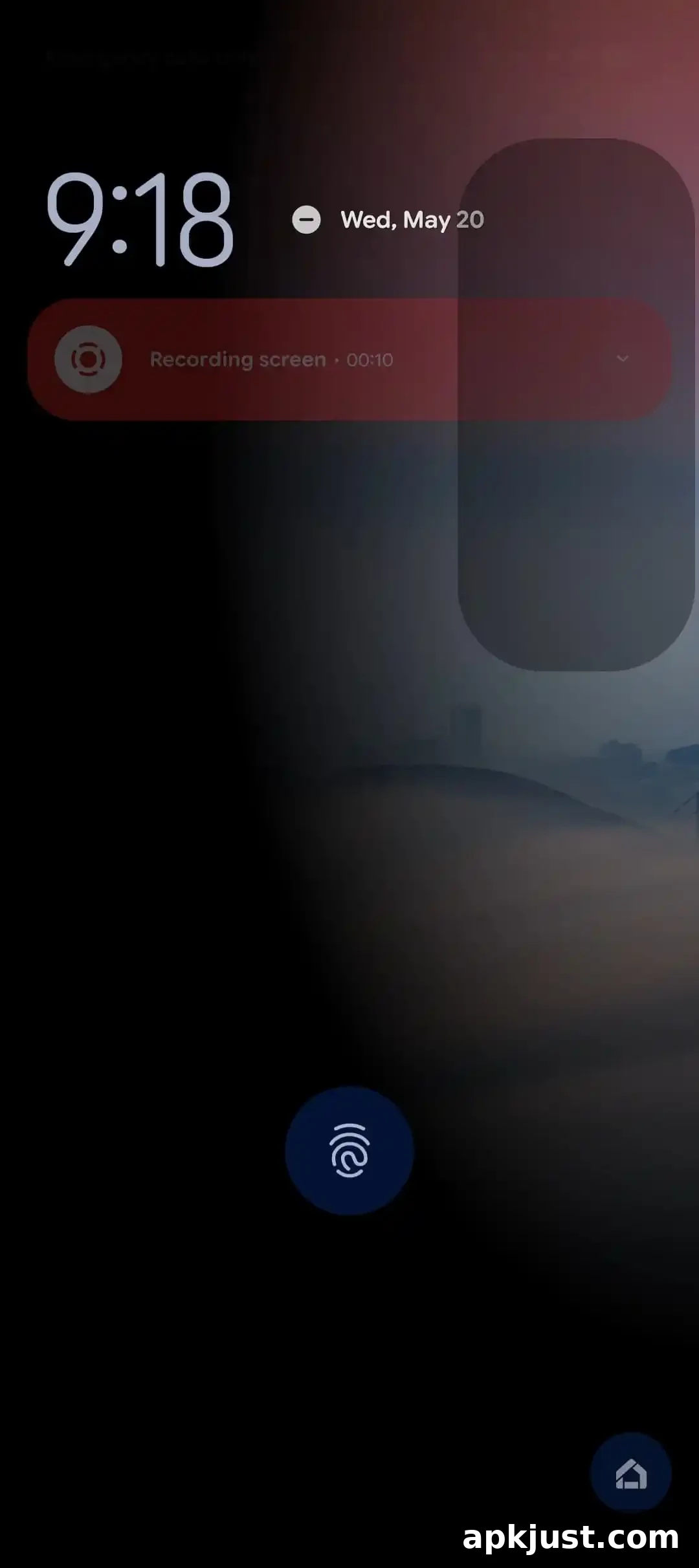
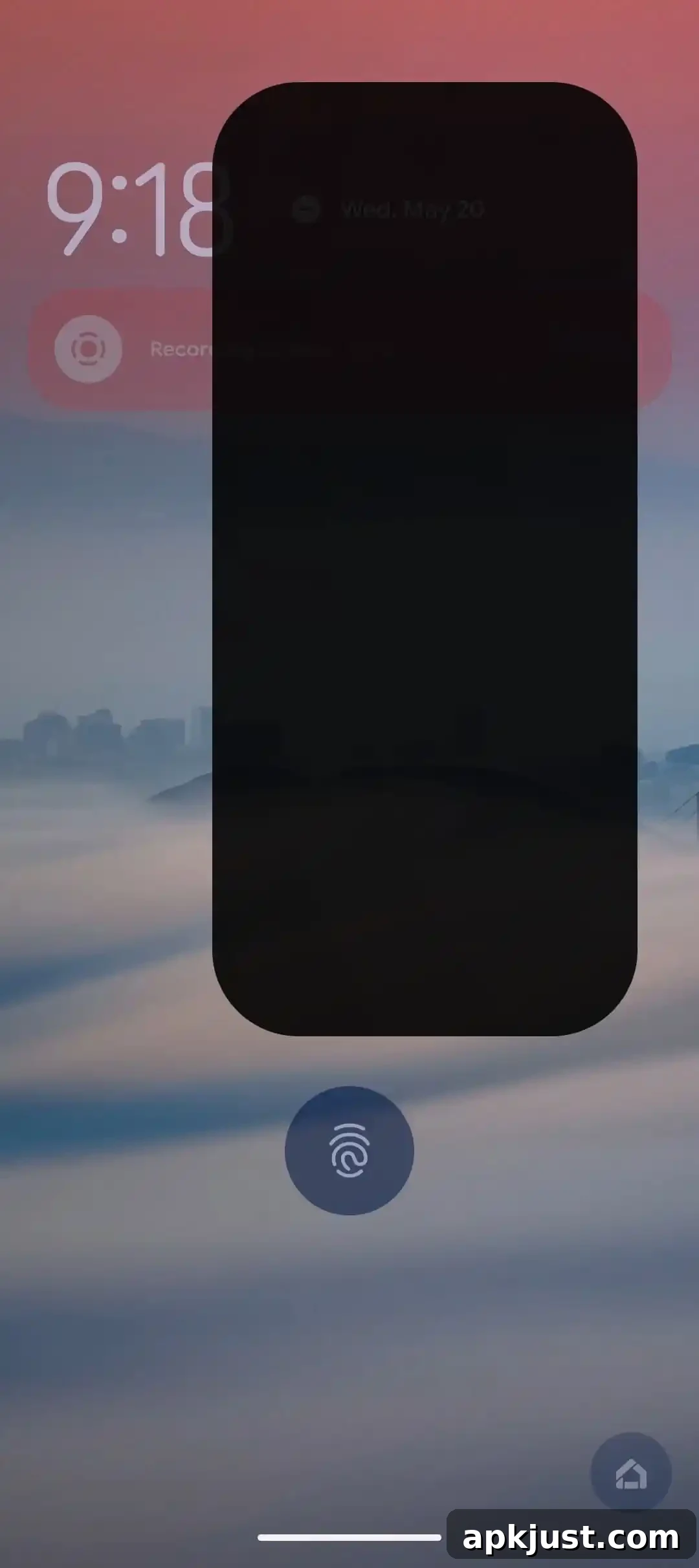
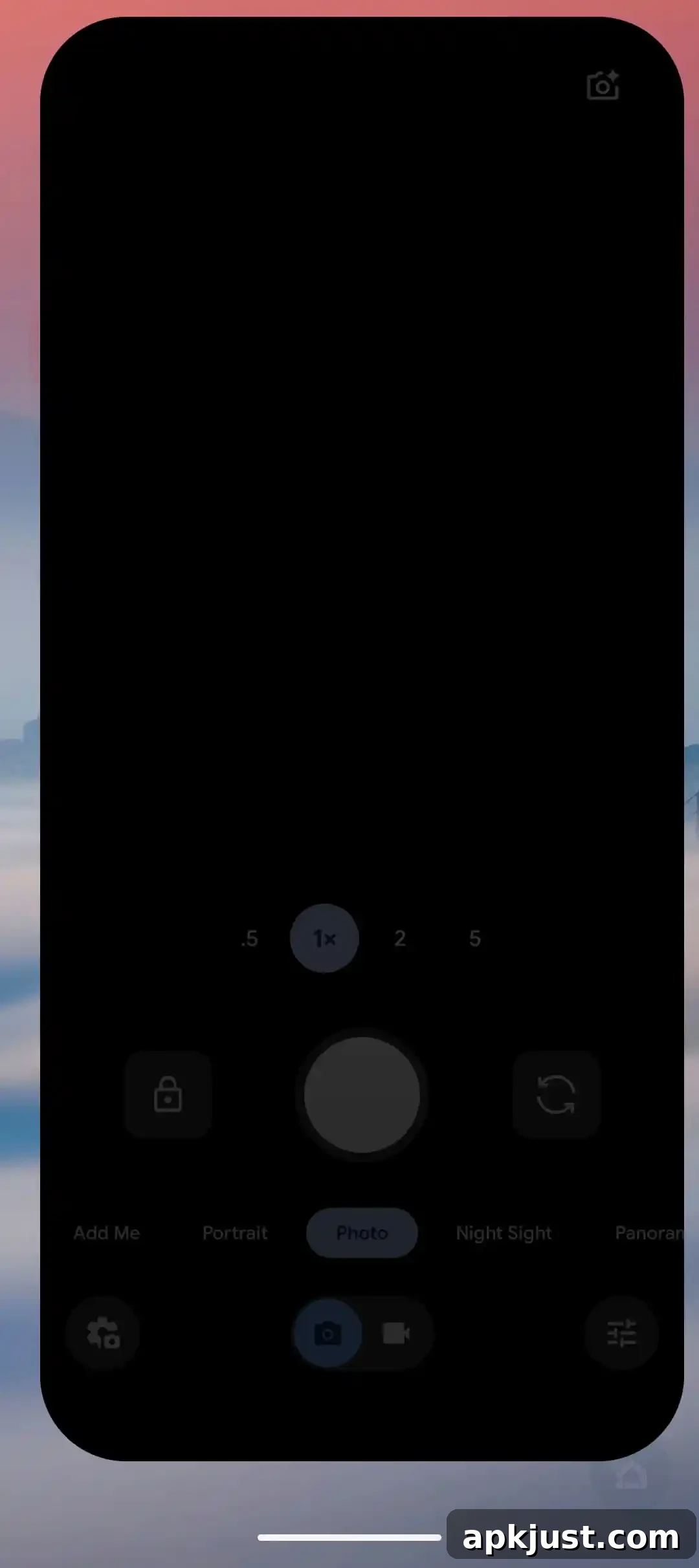
The camera now opens from the lock screen with a smoother, more polished animation when using the power-button double-tap shortcut. This small but noticeable visual update makes the camera transition feel faster and more responsive.
Media player gets card-based UI with multiple apps
- Leverages the Material 3 carousel
- More compact output switcher
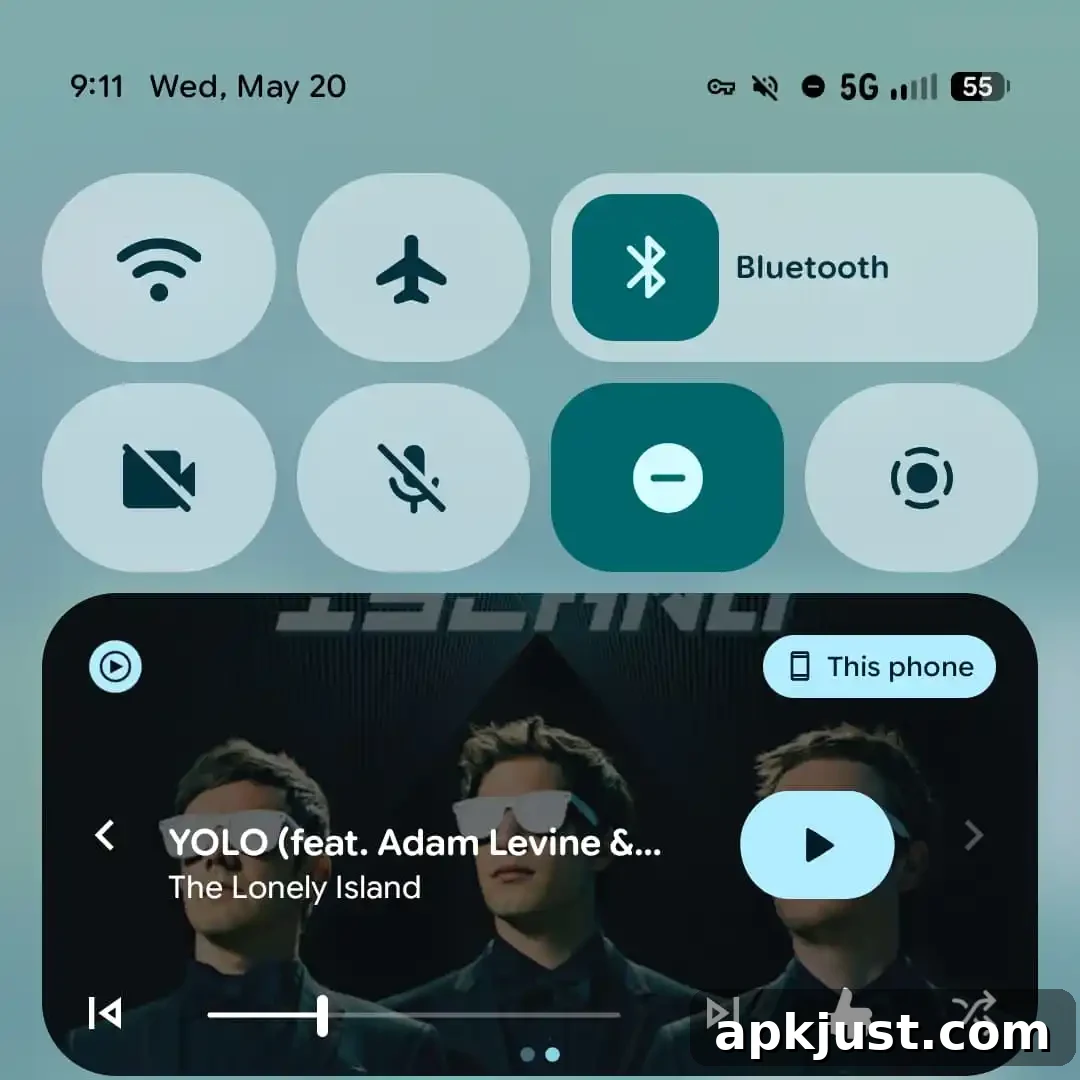
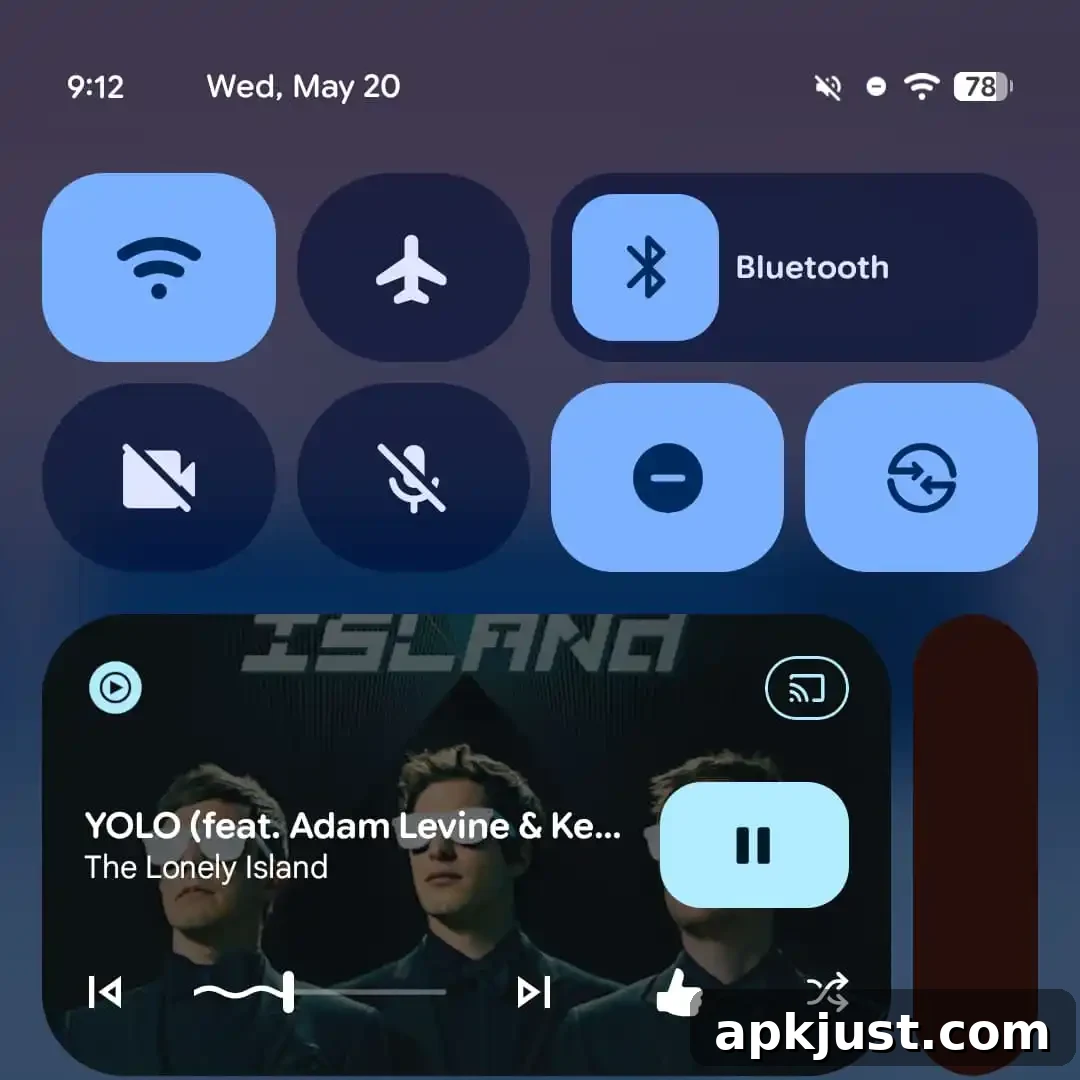
The global media player in Quick Settings has moved to a card-based interface that uses Material 3 carousel patterns. When multiple apps are playing audio, cards let you swipe between sessions. The output switcher is also more compact, making it easier to change audio targets without blocking media controls.
Screen recording defaults to last-used app
- Screen recorder now remembers the most recently recorded single app and selects it by default
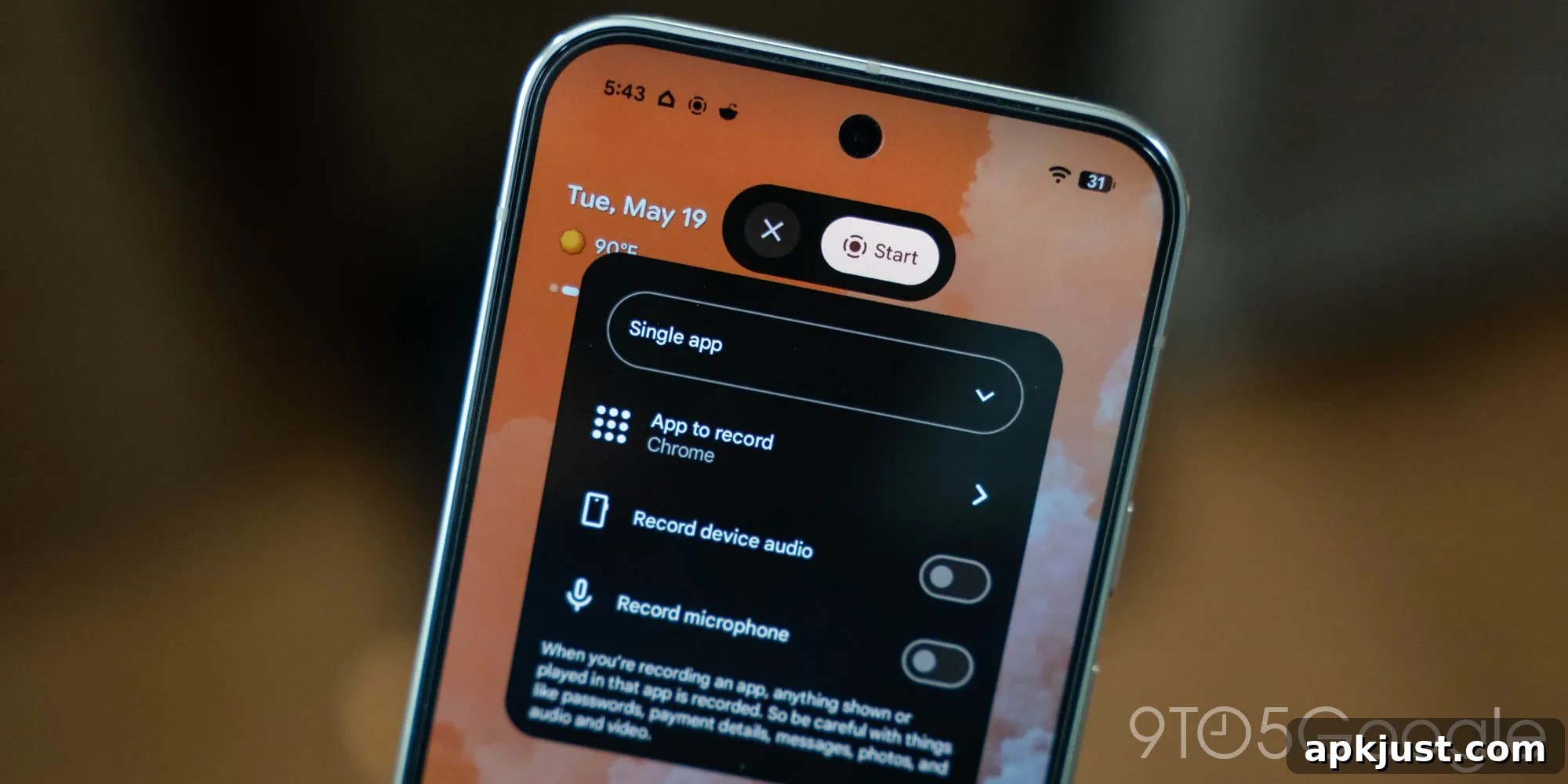
The screen recorder now defaults to the last-used single-app recording option, making it faster to capture activity in the app you were just using. This reduces extra taps when you repeatedly record the same app during a session.
Bouncy Quick Settings animation
- Quick Settings tiles now include a subtle bouncy animation for a livelier feel
Quick Settings received a tactile-feeling bounce when expanding or interacting with tiles. The effect is understated and aims to enhance perceived responsiveness without detracting from usability.
More system blur
- An extension of the blur effects first introduced in earlier Canary builds
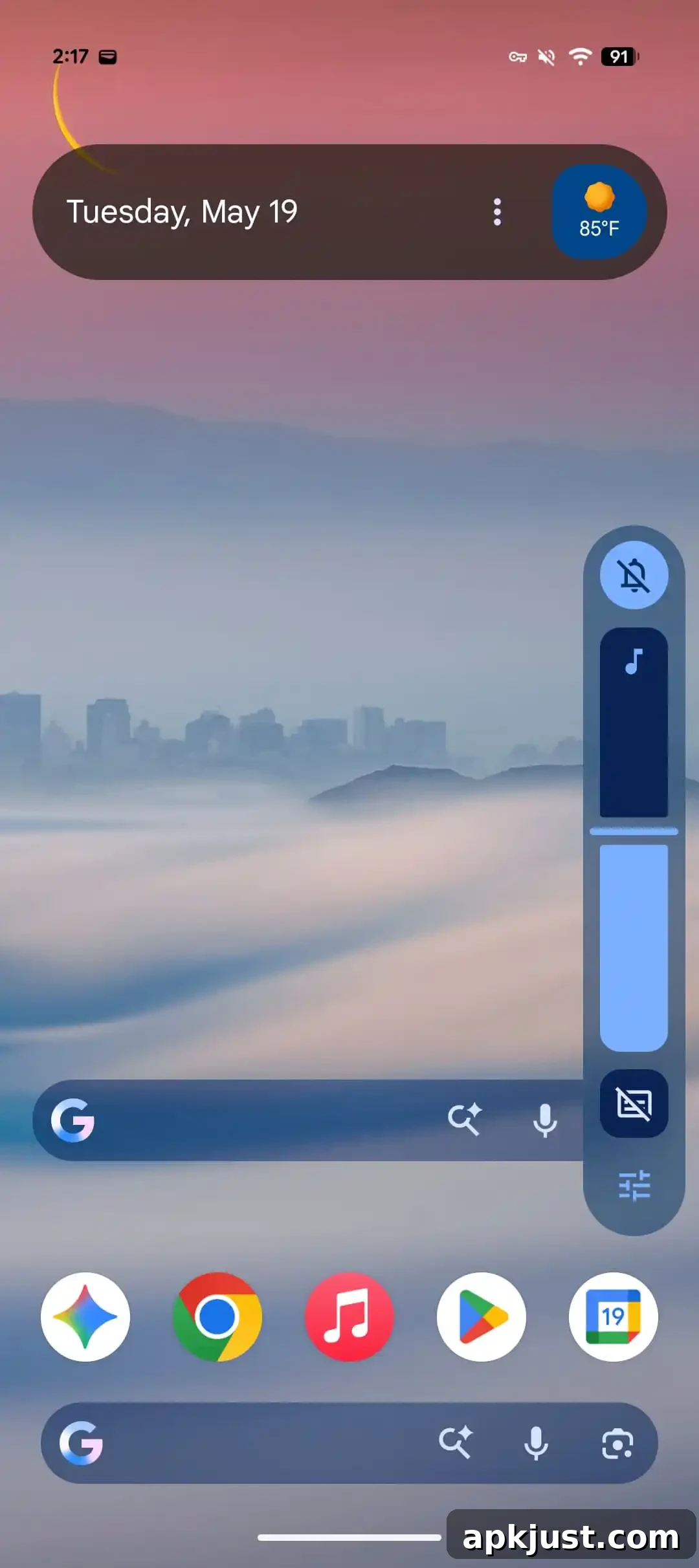
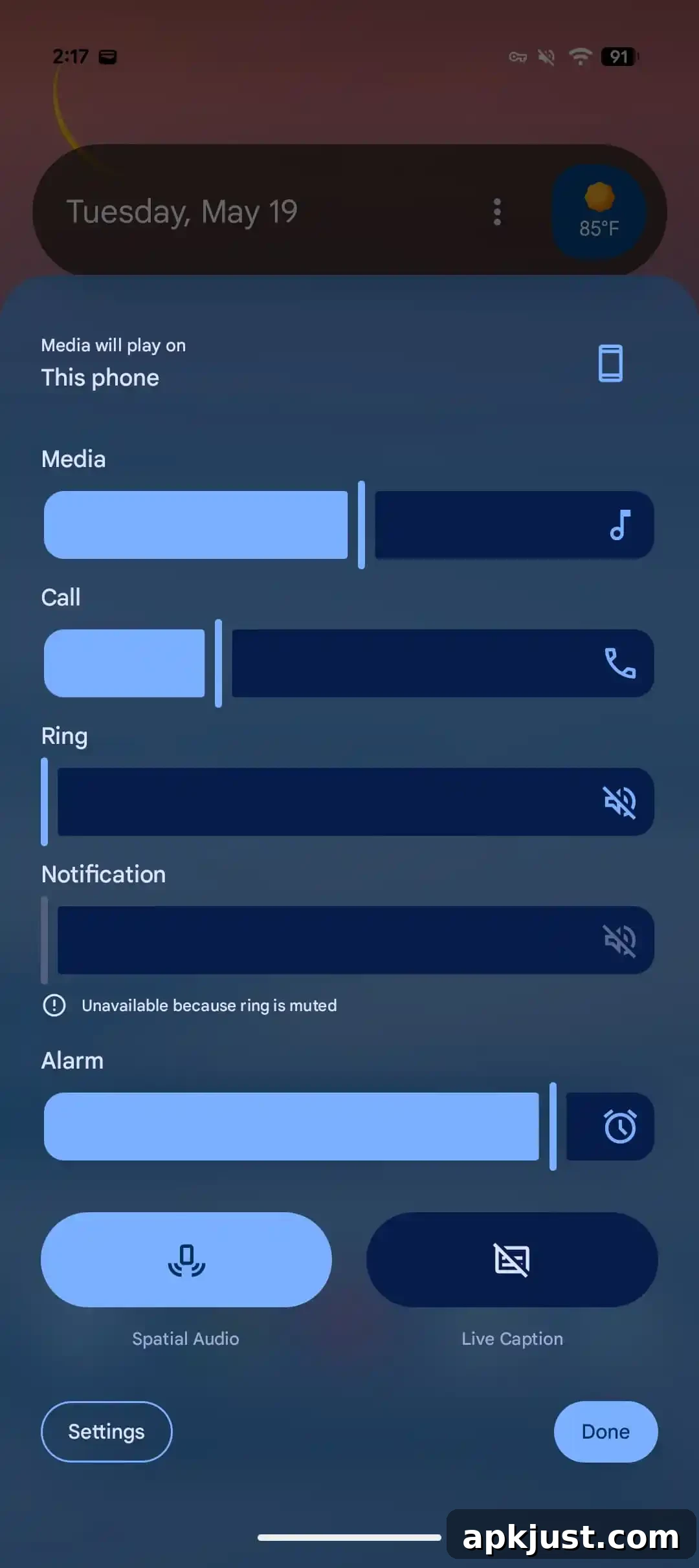
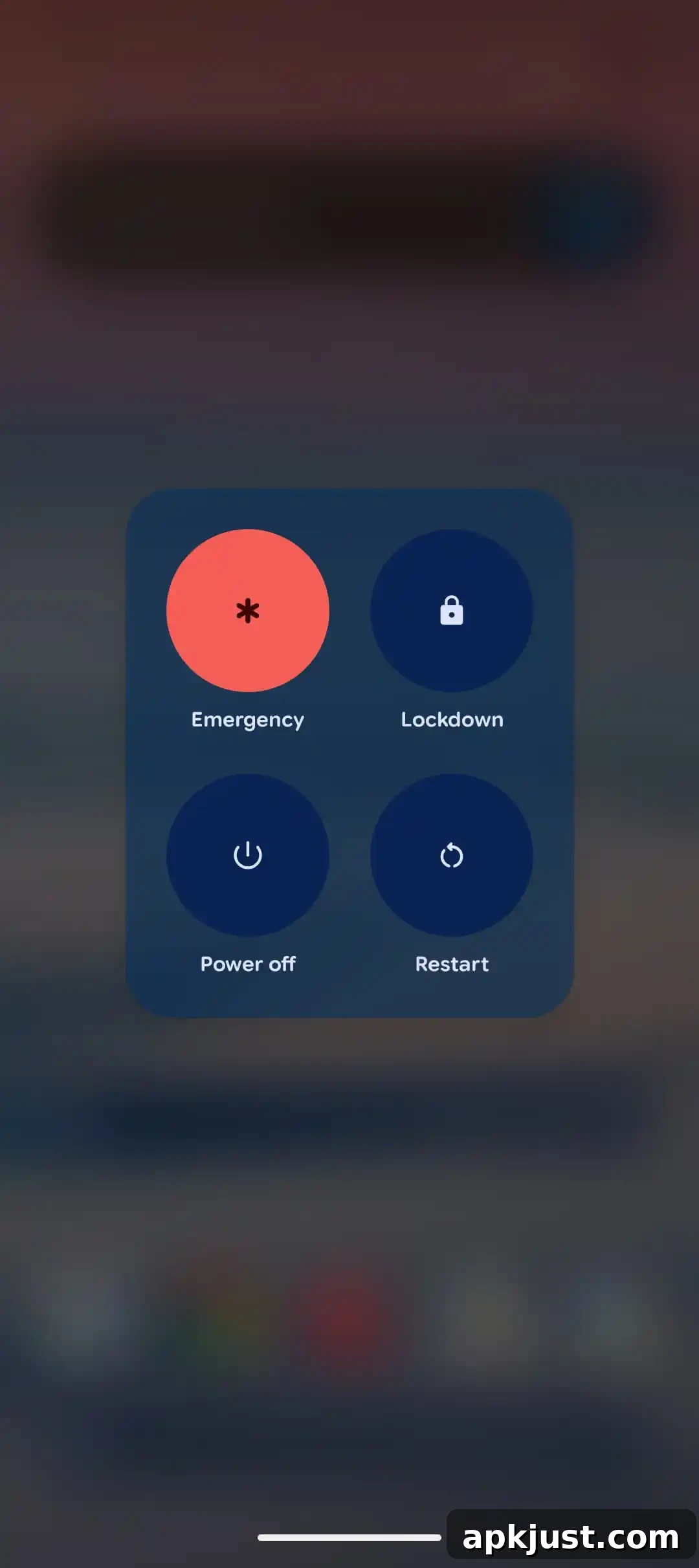
System-wide blur effects have been expanded in more places to create a consistent, layered visual language across the UI. This change follows earlier Canary previews and refines how backgrounds and overlays blend with content for better depth and focus.
Bug fixes
- Fixed a recurring system error in ContextHubClientManager that generated excessive log output when sending messages to unregistered clients.
- Resolved an issue where tapping the date in the At a Glance widget opened an unexpected terminal prompt.
- Addressed spurious Wi-Fi disconnects caused by incorrect low-quality detection despite strong signal strength.
- Eliminated frequent crackling and distorted audio during media playback across multiple sources.
- Fixed UI layout problems where elements were partially cut off or positioned off-screen in fullscreen apps.
- Restored missing home screen widgets that could disappear from the widget picker after reboot.
- Corrected an issue where the mobile data icon remained active in Quick Settings after enabling Airplane Mode.
These fixes aim to improve stability and the overall user experience. If you encounter new issues while testing Beta 3, report them through your device’s feedback channels so they can be evaluated for future updates.