
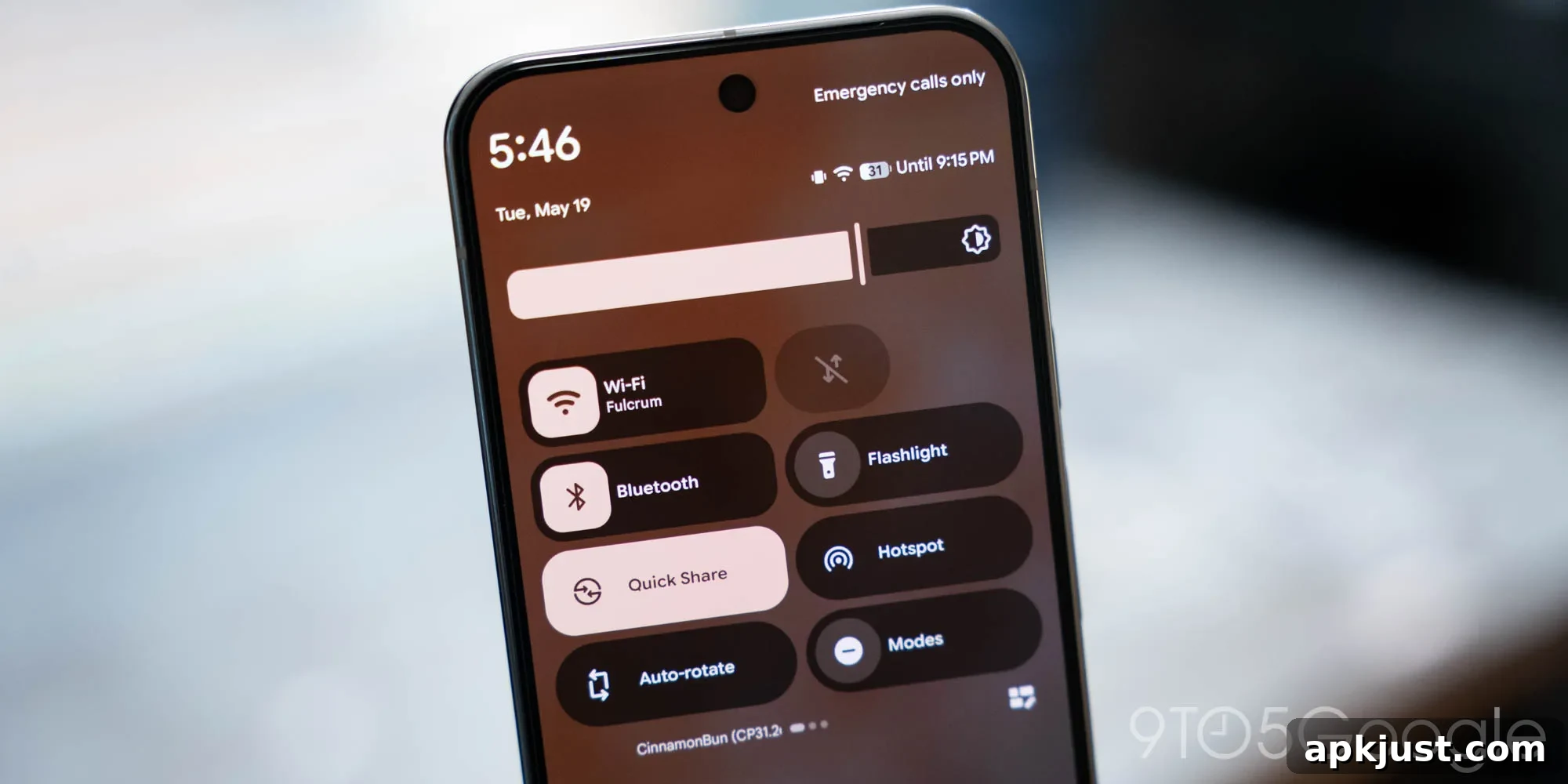
Google has refined the Quick Settings experience in the latest Android 17 beta with a subtle, playful animation that adds a touch of polish to everyday interactions. The update introduces a bouncy motion when pulling down the Quick Settings tray, mirroring the feedback already present in the notification shade and creating a more cohesive feel across the system UI.
Live in Android 17 QPR1 Beta 3, the Quick Settings panel now responds to the inertia of your swipe: the contents move with your gesture and then “bounce” as they settle back into place. This refined motion makes the interface feel more responsive and lively, reinforcing touch input and helping users understand the panel’s boundaries through a clear visual cue.
Previously, this elastic animation was limited to the notification shade, where it served as a subtle hint that a continued swipe could reveal additional content. Bringing the same animation to Quick Settings increases consistency between the two areas and improves the overall tactile impression of the system UI. For users, it’s a small change that enhances the perceived fluidity of the experience without altering functionality.
Below is a short comparison showing the difference between an earlier Android 17 beta and the current QPR1 Beta 3 release. The video demonstrates how the Quick Settings content reacts to a fast pull versus a slower, controlled swipe, illustrating the new bounce effect and how it visually communicates the panel’s limits:
Google has begun rolling out QPR1 Beta 3 to Pixel devices, and the update is expected to reach users enrolled in the beta program as part of the ongoing QPR1 testing cycle. The company typically uses beta releases like this to fine-tune visuals, animations, and system behaviors ahead of a stable roll-out. While the final timeline depends on testing feedback and development decisions, the stable QPR1 release is planned for later in the season.
For Pixel owners participating in the beta program, the change requires no special settings—once the device receives the QPR1 Beta 3 update, the new Quick Settings animation is applied system-wide. If you prefer a more conservative interaction model, Android’s overall gesture and animation settings can sometimes be adjusted in accessibility or developer options, though subtle system animations like this are often part of the core System UI design and are not individually toggleable.
From a design standpoint, this small animation tweak reflects a broader trend in mobile UI: micro-interactions that improve clarity and delight without getting in the way. Animations that echo physical behaviors—momentum, elasticity, and snap-back—help users predict how the interface will respond, making actions feel natural. In this case, the Quick Settings bounce is a minor but welcome refinement that contributes to a coherent, polished interface across notifications and system controls.
As Android 17 progresses through betas and quarterly updates, expect additional refinements to visual effects, blur, and other System UI elements. Google’s incremental updates often focus on smoothing transitions and aligning small details to enhance usability. If you’re watching for the first stable release of Android 17 or planning to install beta builds on a Pixel, keep an eye on official release notes and beta announcements for the latest changes and any instructions for testers.
More on Android 17:
- Google rolling out Android 17 QPR1 Beta 3 for Pixel
- How to install the latest Android 17 Beta on Google Pixel
- Android 17 QPR1 Beta 3: System UI adds more blur to Pixel
Follow Ben: Twitter/X, Threads, Bluesky, and Instagram