
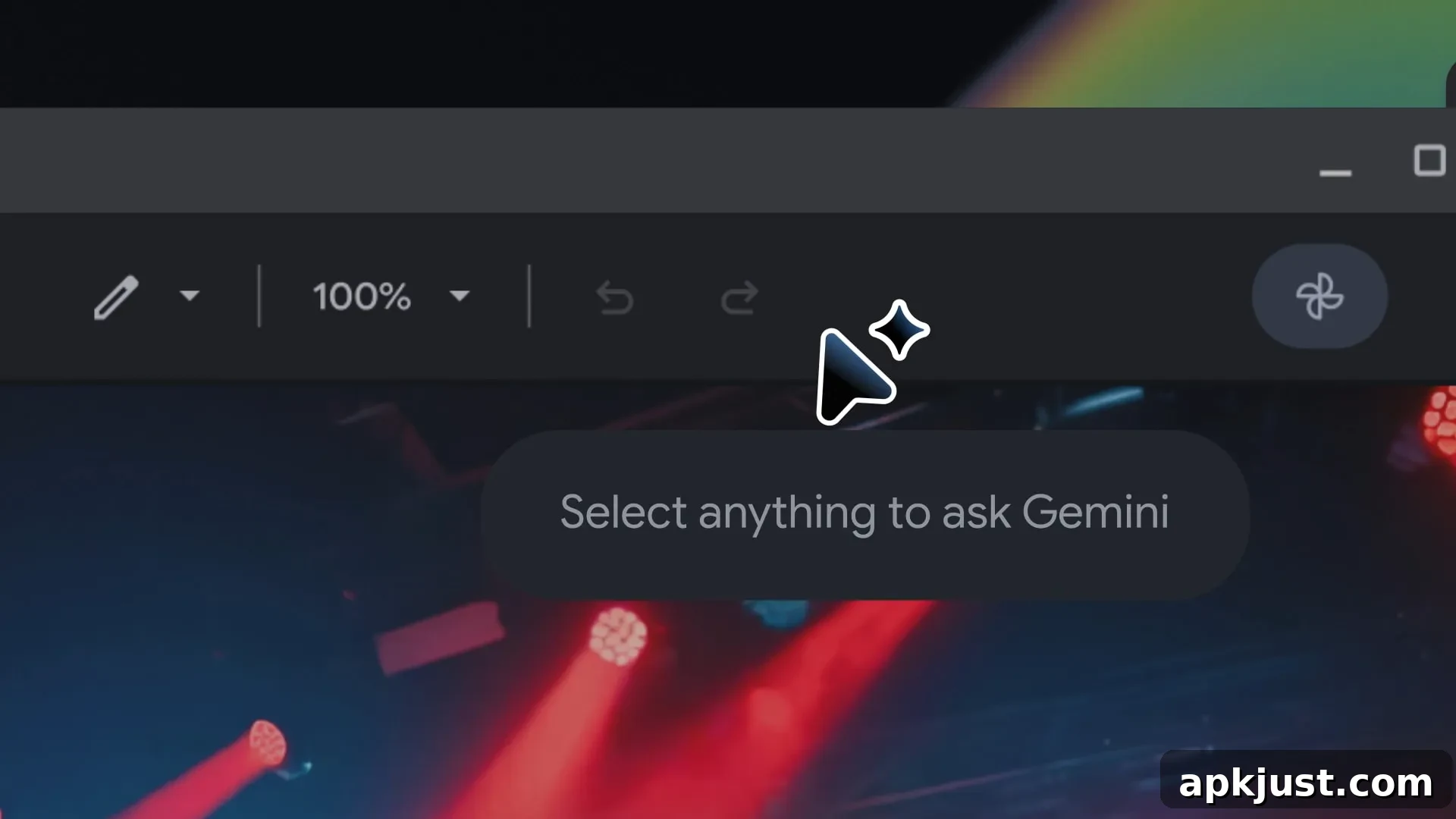
The Magic Pointer featured on Googlebook was developed in collaboration with DeepMind. The research team behind this capability has outlined how AI-enabled pointers can change the way people interact with digital content by combining visual understanding with concise, natural interactions.
DeepMind’s aim is to enable the pointer to not only recognize what a user is indicating, but to understand why that element matters in the user’s current task. This shifts the interaction from forcing users to translate their needs into detailed text prompts, to allowing them to point and speak in a way that feels natural and immediate.
Our goal is to address a common frustration: because a typical AI tool lives in its own window, users need to drag their world into it. We want the opposite: intuitive AI that meets users across all the tools they use, without interrupting their flow. For example, imagine pointing to an image of a building and requesting “Show me directions.” Nothing more is needed when the AI system already understands the context.
By reducing heavy text prompts and replacing them with simple gestures and short commands, the AI pointer promises smoother, faster interactions. The vision is for a pointer that captures the visual and semantic context around where a user is pointing, allowing the system to “see” what matters and act on that understanding.
An AI-enabled pointer would streamline this process by smoothly capturing the visual and semantic context around the pointer, letting the computer “see” and understand what’s important to the user.
When an AI system understands the mix of visual context, pointing, and speech, users can issue complex requests using natural shorthand instead of composing detailed instructions. This increases efficiency, reduces friction, and keeps people focused on their primary task rather than on how to translate it for a tool.
Practical examples illustrate how this approach could be used across everyday tasks:
- Point to a PDF and ask for a concise, bulleted summary you can paste into an email.
- Hover over a table of numbers and request an automatic conversion into a pie chart or other visual breakdown.
- Highlight a recipe and ask the system to double all ingredient quantities, producing an updated ingredient list.
In another scenario, pausing a travel video on a shot of a restaurant could turn that paused frame into an actionable booking link or a place card with details—making it effortless to move from discovery to action. The pointer acts as a bridge between passive consumption and immediate utility.
Google already offers AI-enabled pointer demos within AI Studio that show how these interactions can work in practice. The demos highlight two primary workflows: editing an image directly by pointing at areas to modify, and locating places on a map by pointing at map regions and requesting information. These early examples demonstrate how the pointer can integrate with different content types and assist with common tasks.
A broader rollout will bring the pointer into the browser experience as well. Soon, users will be able to use the pointer to ask Gemini in Chrome about specific parts of a webpage, enabling quick comparisons, contextual visualizations, and targeted assistance without switching tools or rewriting prompts.
For example, you can select a few products on a page and ask to compare them, or point to where you want to visualize a new couch in your living room.
Beyond convenience, the approach aims to preserve users’ flow and minimize interruptions. By meeting users on the content they’re already engaging with—whether documents, images, tables, or videos—the pointer reduces context switching and helps people accomplish tasks more naturally.
As this technology develops, important considerations such as privacy, user control, and clear boundaries for what the pointer can access will remain central. Users should expect controls that let them decide when the pointer is active, what types of content it can analyze, and how generated actions are executed. Thoughtful design and transparent settings will be key to trust and adoption.
Overall, the AI-enabled pointer represents a shift toward more intuitive human-computer interaction: one where simple gestures and short phrases let powerful AI tools act with contextual awareness, delivering relevant results without interrupting the user’s natural workflow.