
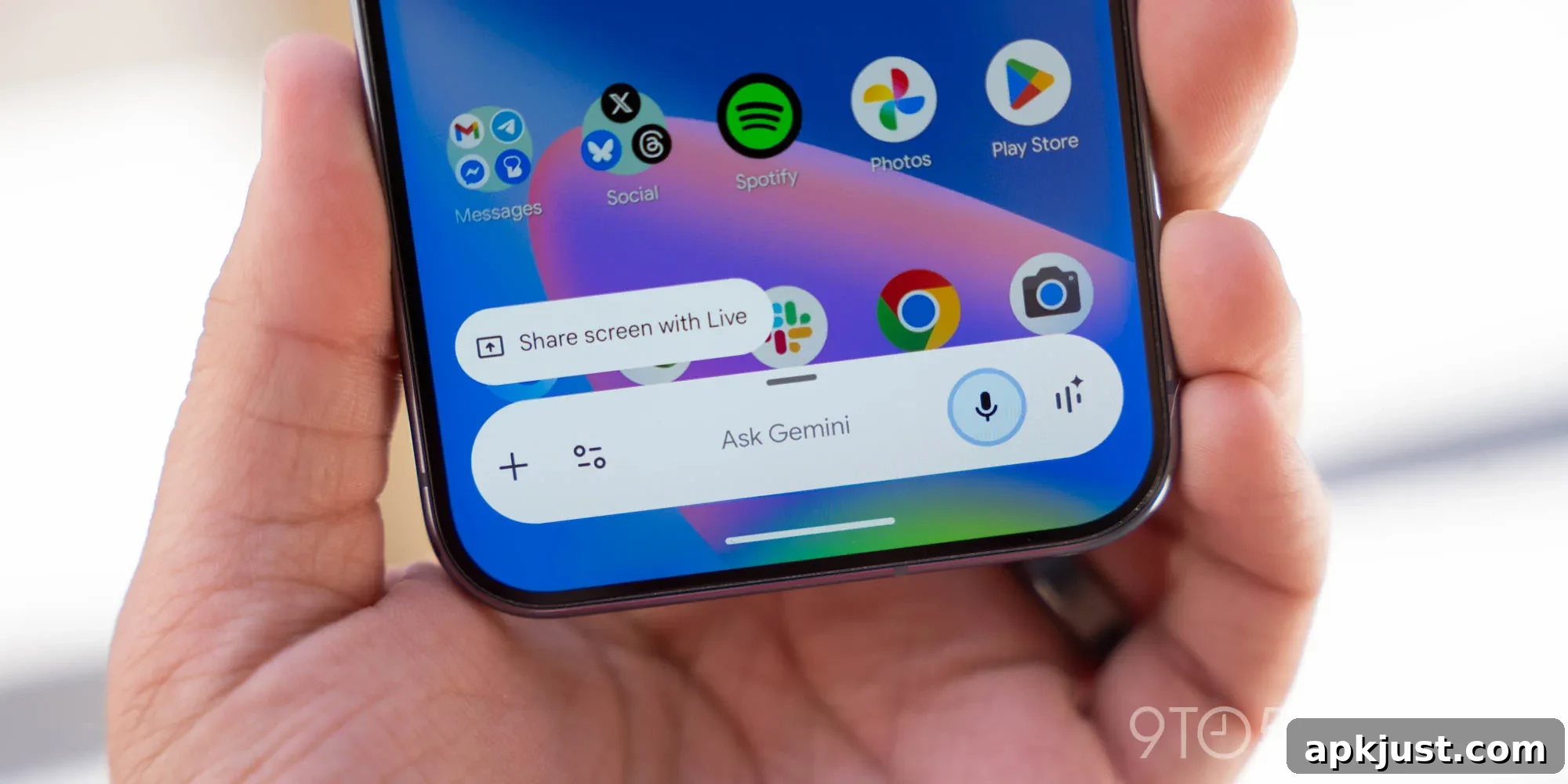
Google has begun rolling out an update to the Gemini overlay on Android that introduces a precise “Circle to Search” capability, allowing users to select and focus on a specific area of the screen to include in their prompts. This enhancement refines how the Gemini overlay interprets visual context and makes it easier to combine images and text when asking questions or issuing commands.
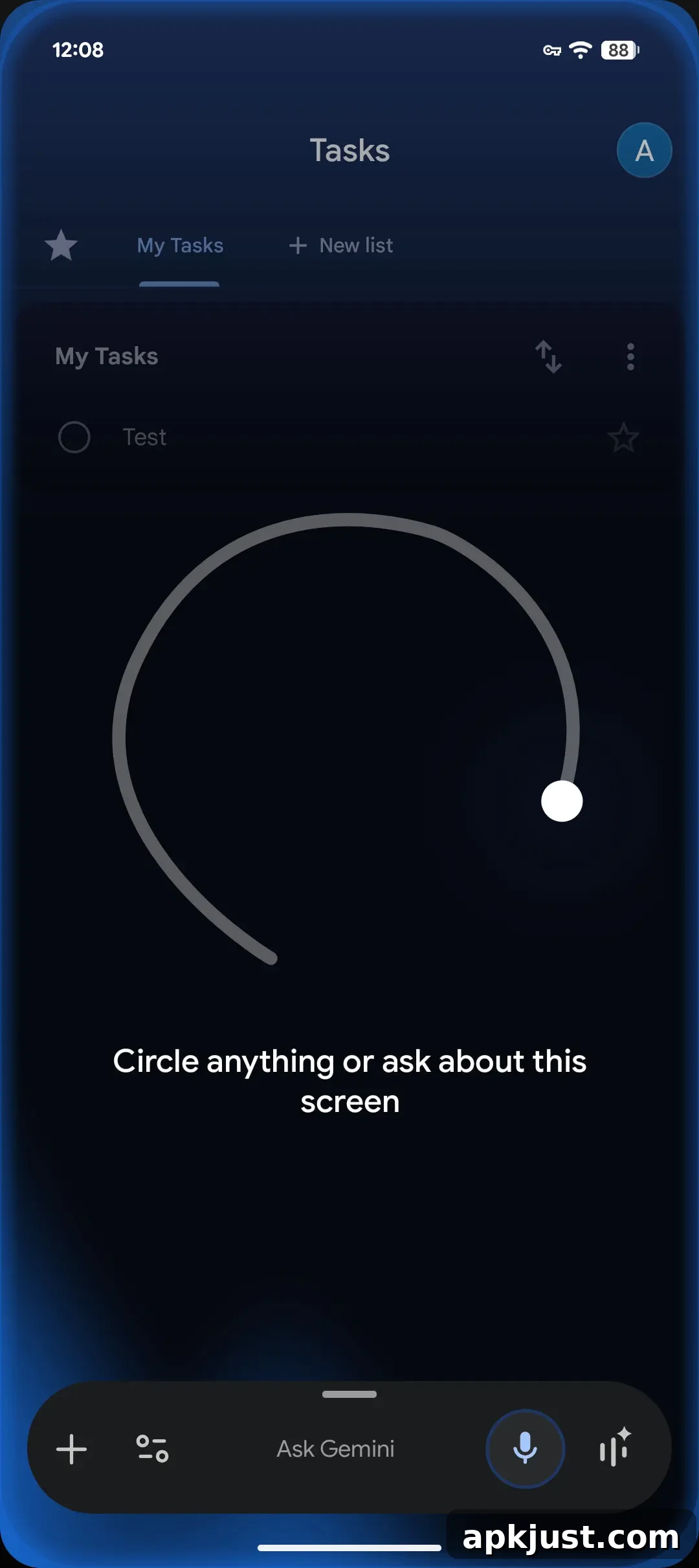
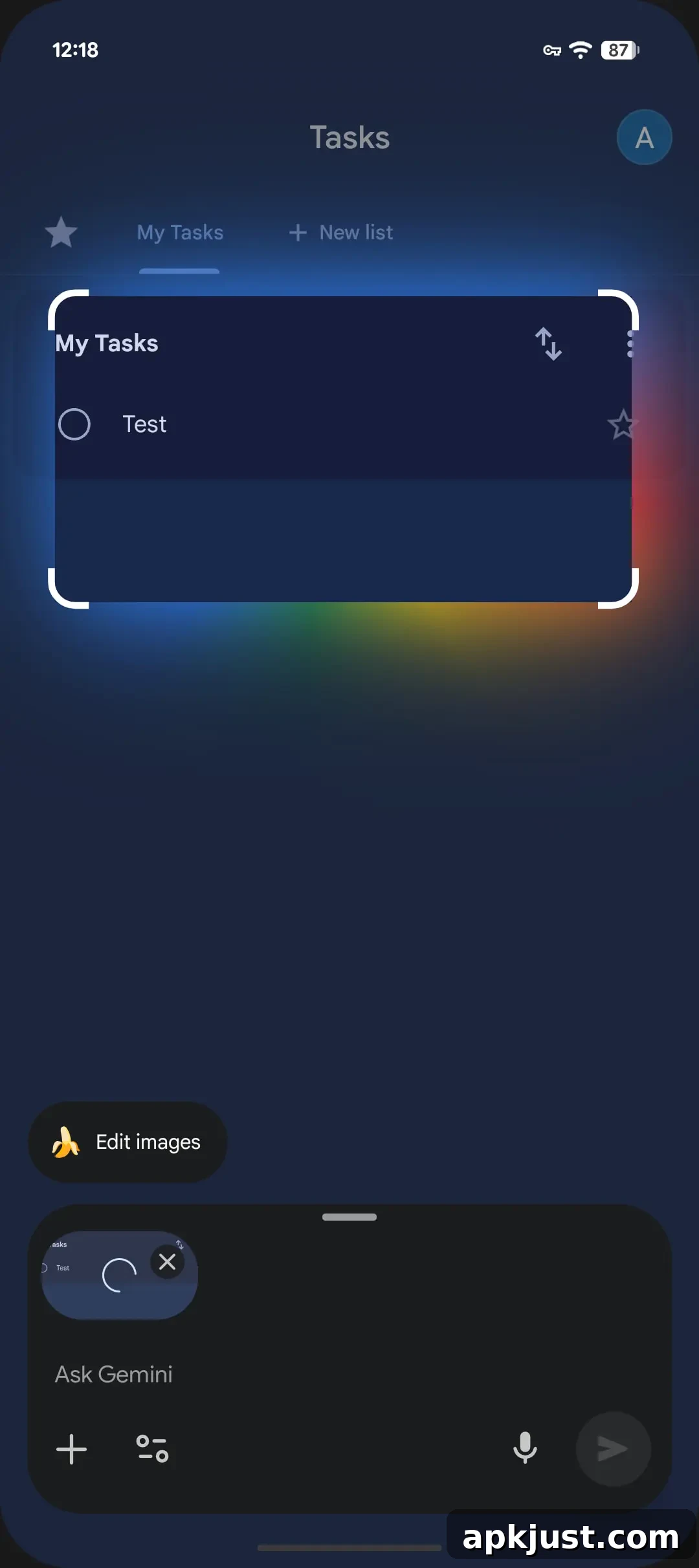
Once the feature reaches your device, activating the Gemini overlay will display a clear prompt that reads “Circle anything or ask about this screen.” Users can draw a circle around the portion of the screen they want to reference. After drawing, adjustable drag handles appear around the selection so you can refine the area with pixel-level control. The selected region is treated as an image input and is incorporated into your prompt automatically.
Tapping the captured image inside the overlay opens the familiar drawing and annotation tools, giving you the option to highlight, sketch, or add marks before sending the selection to Gemini. This makes it simple to point out precisely what you’re curious about — whether that’s a product in a photo, a section of a webpage, a map snippet, or part of another app’s interface.
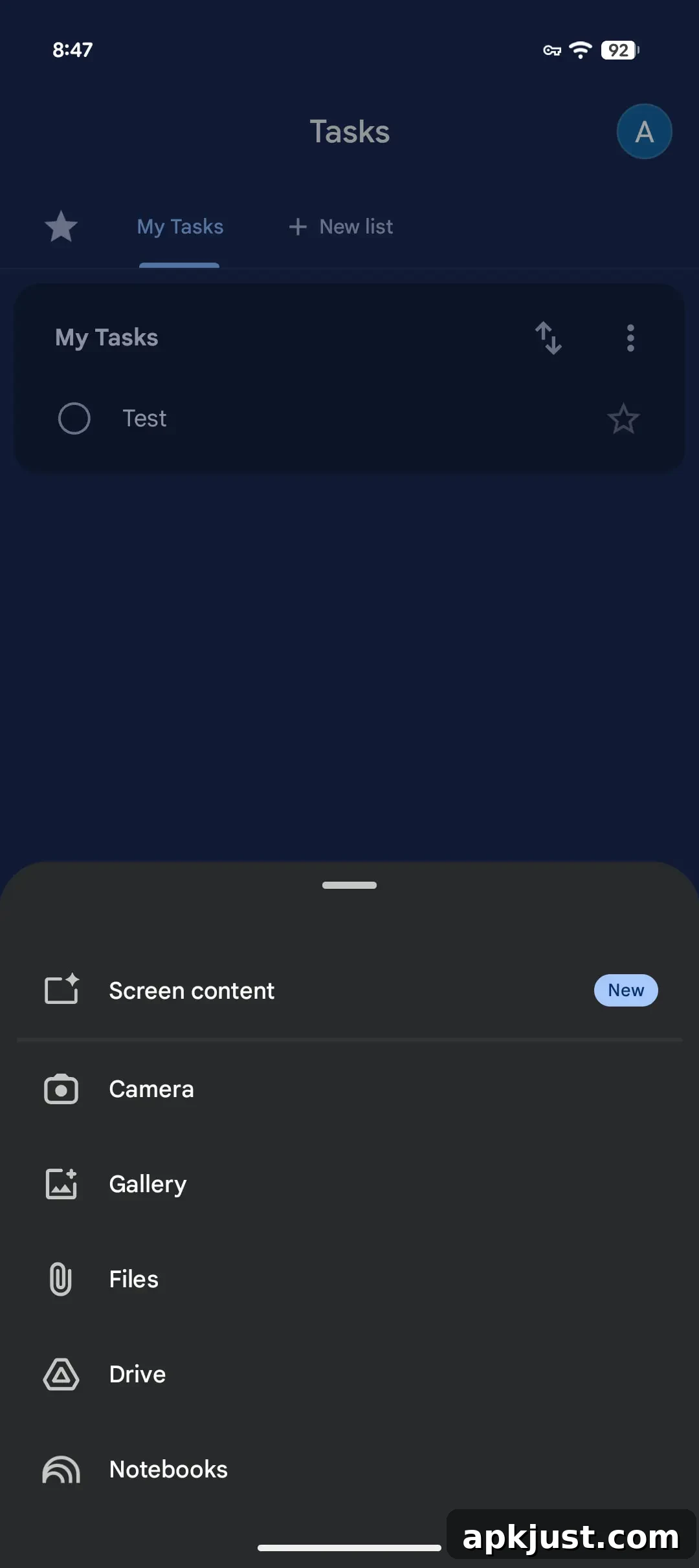
In addition to the circle-selection tool, the overlay’s plus menu now includes a new “Screen content” option that sits above the Camera entry. Choosing “Screen content” will add the entire screen to your prompt in one step. While Gemini has long taken screen context into account when relevant to your commands, the manual “Screen content” choice gives you direct control and ensures Gemini uses exactly what you intend. This is helpful when the context spans multiple elements or when the area you care about is difficult to isolate with a freehand circle.
The rollout appears to be broad with the latest stable release of the Google app (version 17.20). If you do not see the feature right away, a common troubleshooting step is to force stop the Google app from App Info and then reopen it; this can prompt the app to refresh its feature set. As with many staged updates, availability may vary by device, region, or account, so not all users will receive the overlay update at the same time.
Beyond the immediate convenience, Circle to Search and the Screen content option demonstrate Google’s ongoing effort to blur the lines between visual and text-based queries. By allowing users to precisely choose which visual elements to include, Gemini can return answers that are more targeted and context-aware. This can reduce follow-up questions and improve the overall quality of responses, particularly for tasks like identifying products, extracting text, giving step-by-step instructions based on an on-screen diagram, or comparing visual details.
Privacy and permissions remain important considerations. The overlay interacts with on-screen content and, in some cases, may request permissions to capture or analyze images. Users should review permission prompts carefully and only grant access when comfortable. Google’s design typically scopes these captures to your explicit actions (for example, drawing a circle or selecting “Screen content”), which helps ensure that only intentionally selected information is processed.
For power users, the update opens up creative workflows: you can circle part of a recipe to ask for ingredient substitutions, isolate a product image to find purchase options or reviews, or capture a small map area to ask for nearby places and directions. Developers, testers, and content creators may also find the more accurate visual prompt handling useful for documenting issues or creating clearer support requests.
More on Gemini app:
- Google preps ‘Gemini Agent’ as your ’24/7 digital partner’
- Gemini app getting full redesign that overhauls every part of the UI
- Gemini app rolls out notebooks to Android as iOS gets Liquid Glass
Overall, the new Gemini overlay update refines how visual and textual inputs are combined on Android, offering a cleaner, more deliberate way to build prompts. The circle-selection feature paired with the Screen content option provides both precision and flexibility, helping users get faster, more relevant answers from Gemini. Expect the feature to spread gradually across devices and look for the Google app 17.20 update if you want to try it immediately.