
In June 2025, Google surprised many by releasing a major update to Snapseed after a long period of limited activity. After confirming earlier this year that iOS exclusivity would end, the refreshed Snapseed experience — now labeled Snapseed 4.0 — has begun rolling out to Android devices.
The Play Store listing has been updated to reflect version 4.0, bringing Android into alignment with the iOS redesign that reached version 3.0 last year. The new release delivers a redesigned interface, an integrated Snapseed Camera, updated editing workflows, and several usability improvements aimed at photographers and casual editors alike.
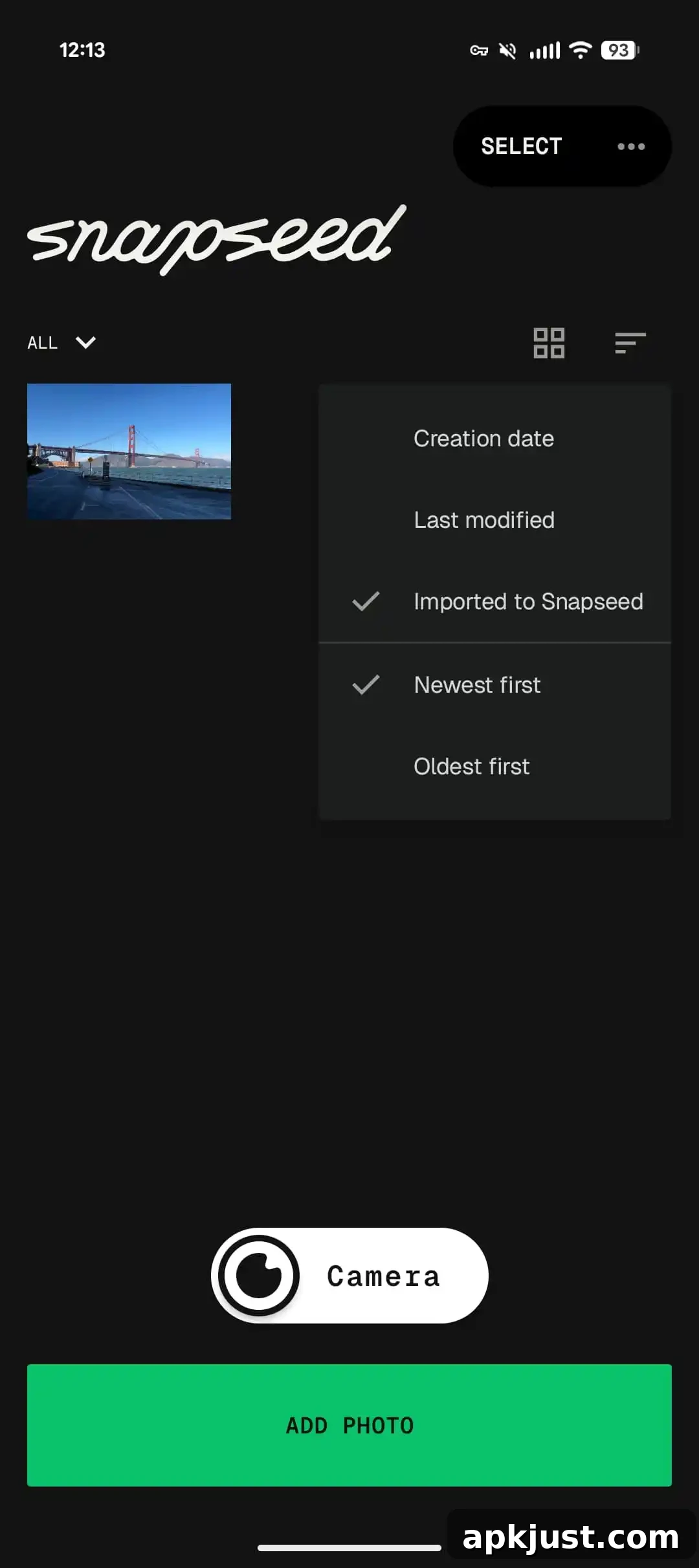
The Android redesign opens to a new homepage grid that displays photos you’ve edited with Snapseed. To begin a new edit, tap “Add Photo” at the bottom to open the system file picker and select an image from your device. The updated home view makes it easier to access recent projects and continue working where you left off.
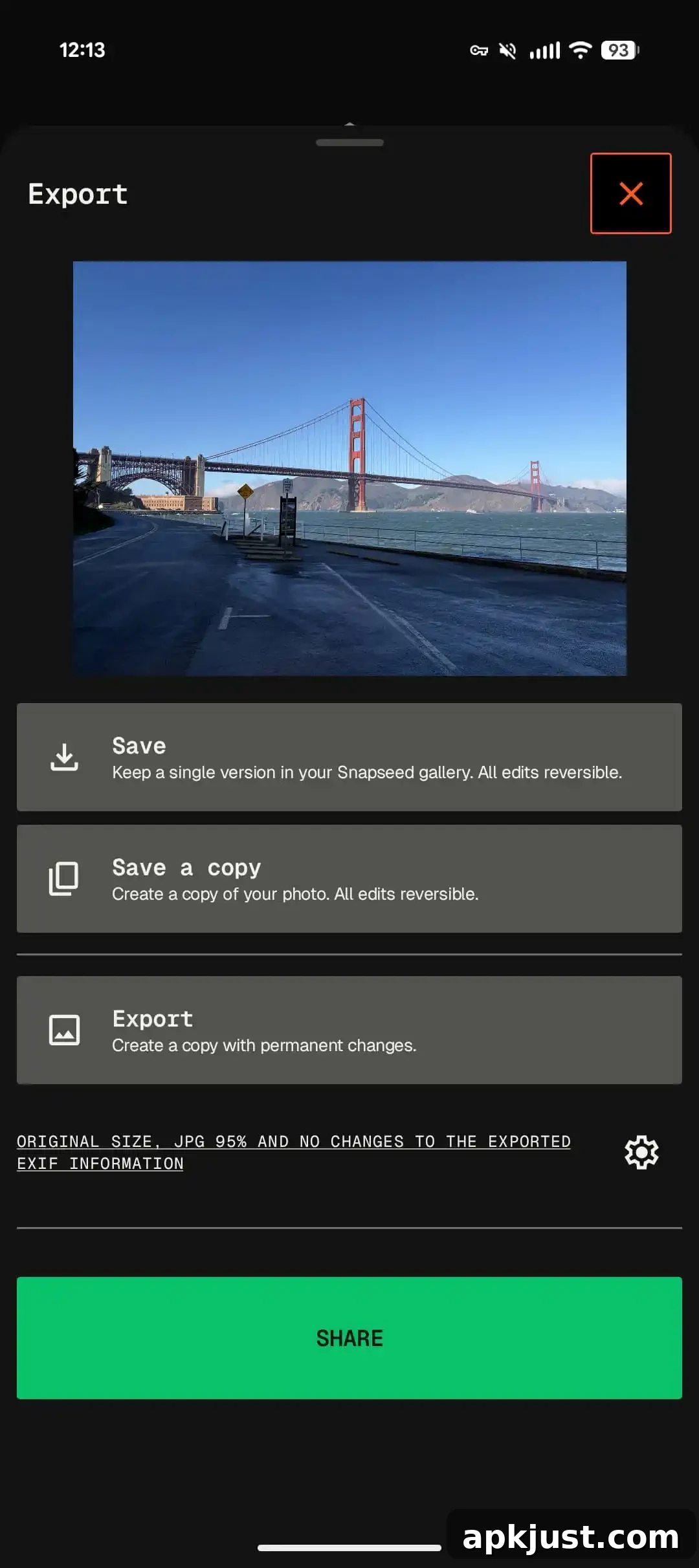
The editor is organized into three bottom tabs: Looks, Tools, and Export. The central Tools tab is grouped into Refine, Fix, Style, and All, so you can quickly find the controls you need. Adjustments remain intuitive: drag left/right to change values and, depending on the tool, swipe up/down to access secondary options. A quick-access menu in the top-right corner lets you switch between dark and light themes and toggle a histogram for more precise exposure control.
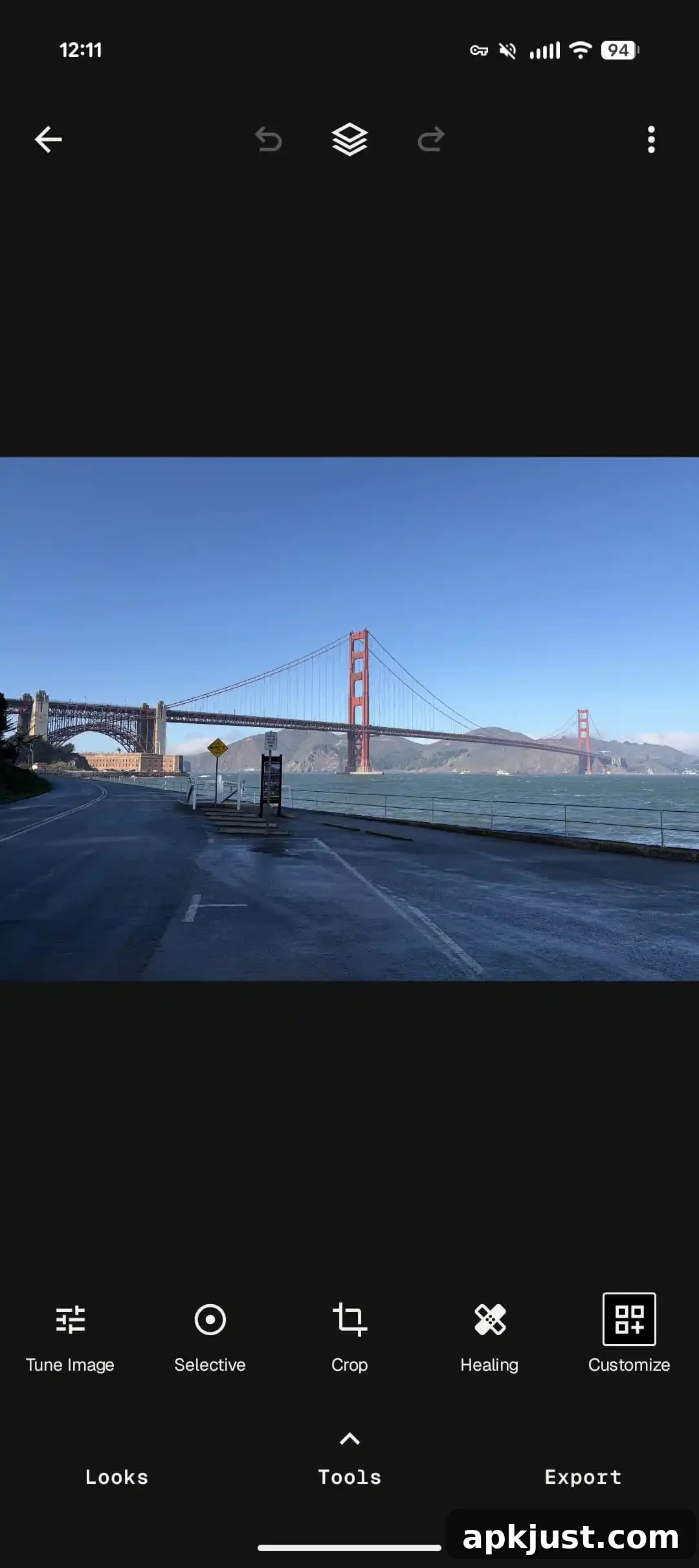
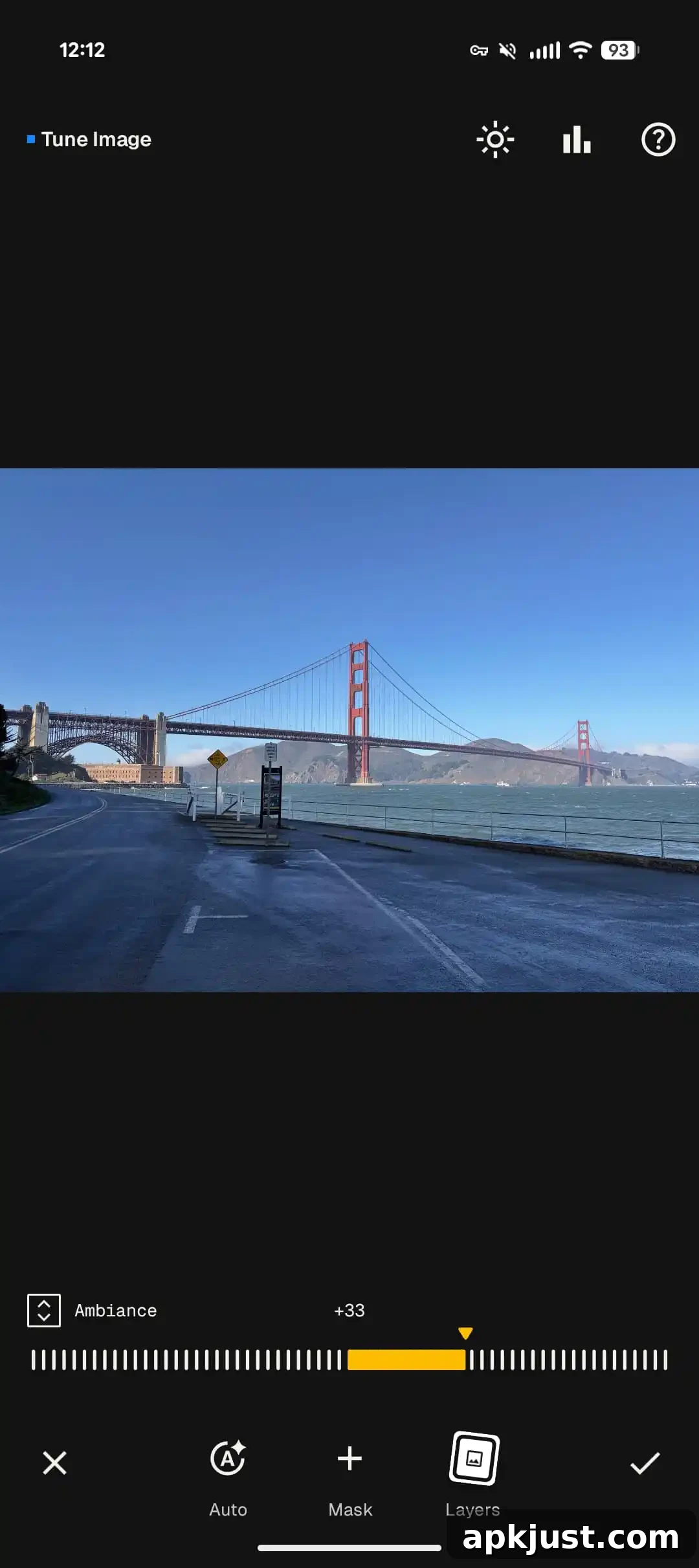
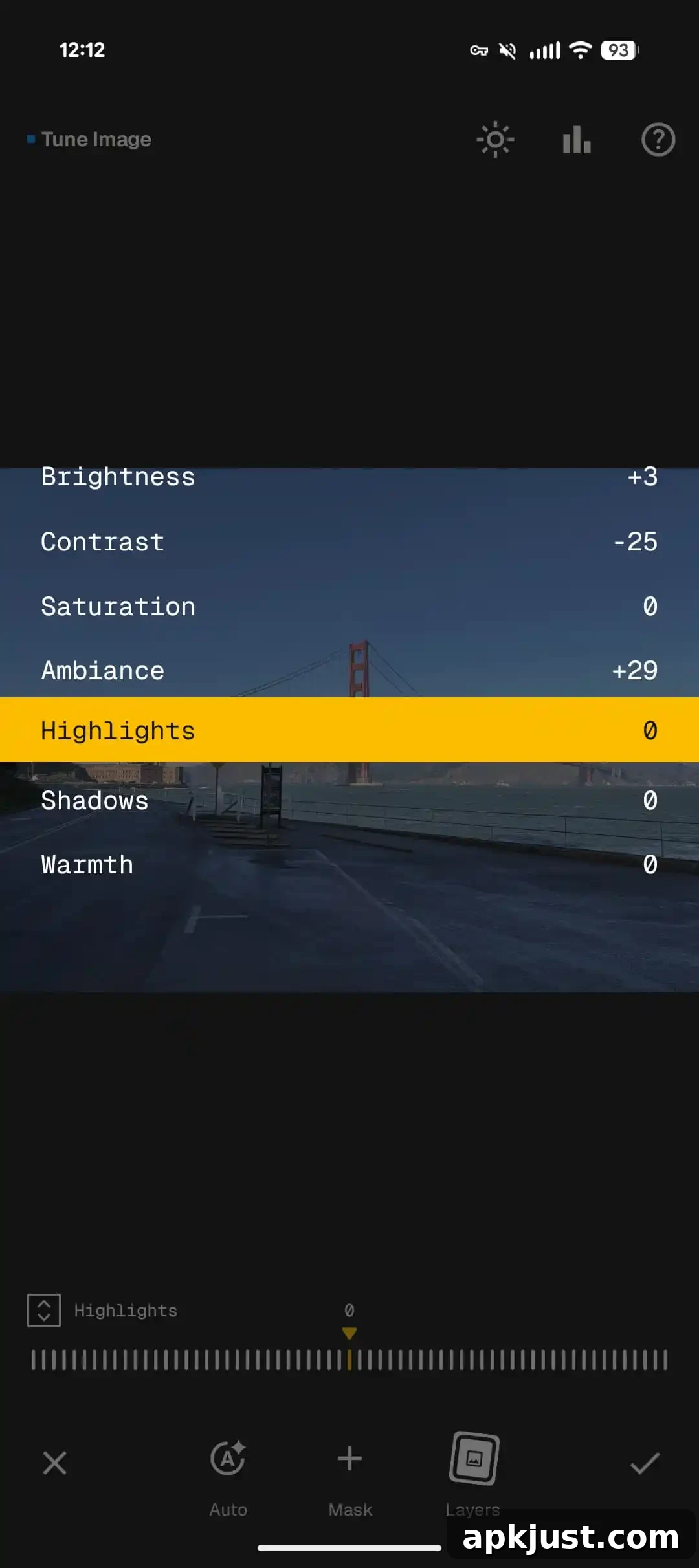
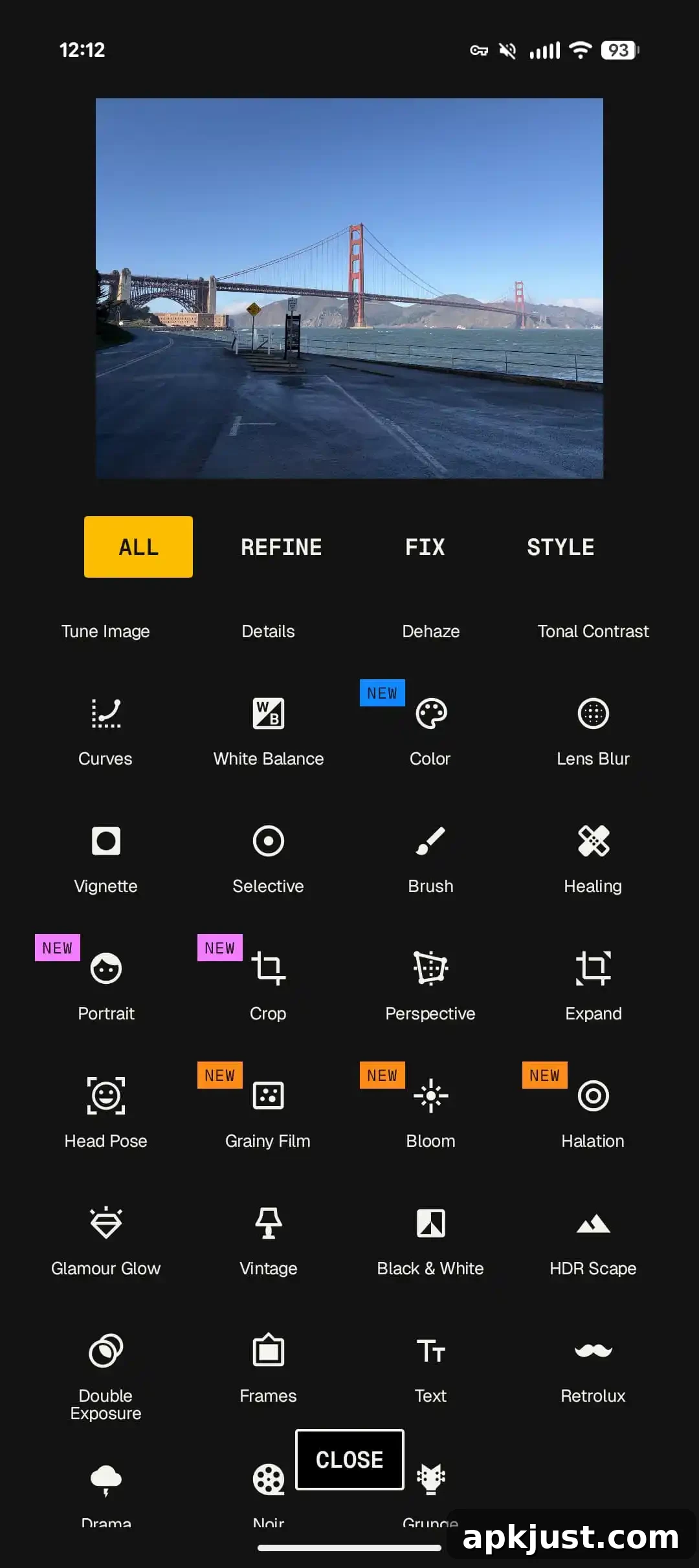
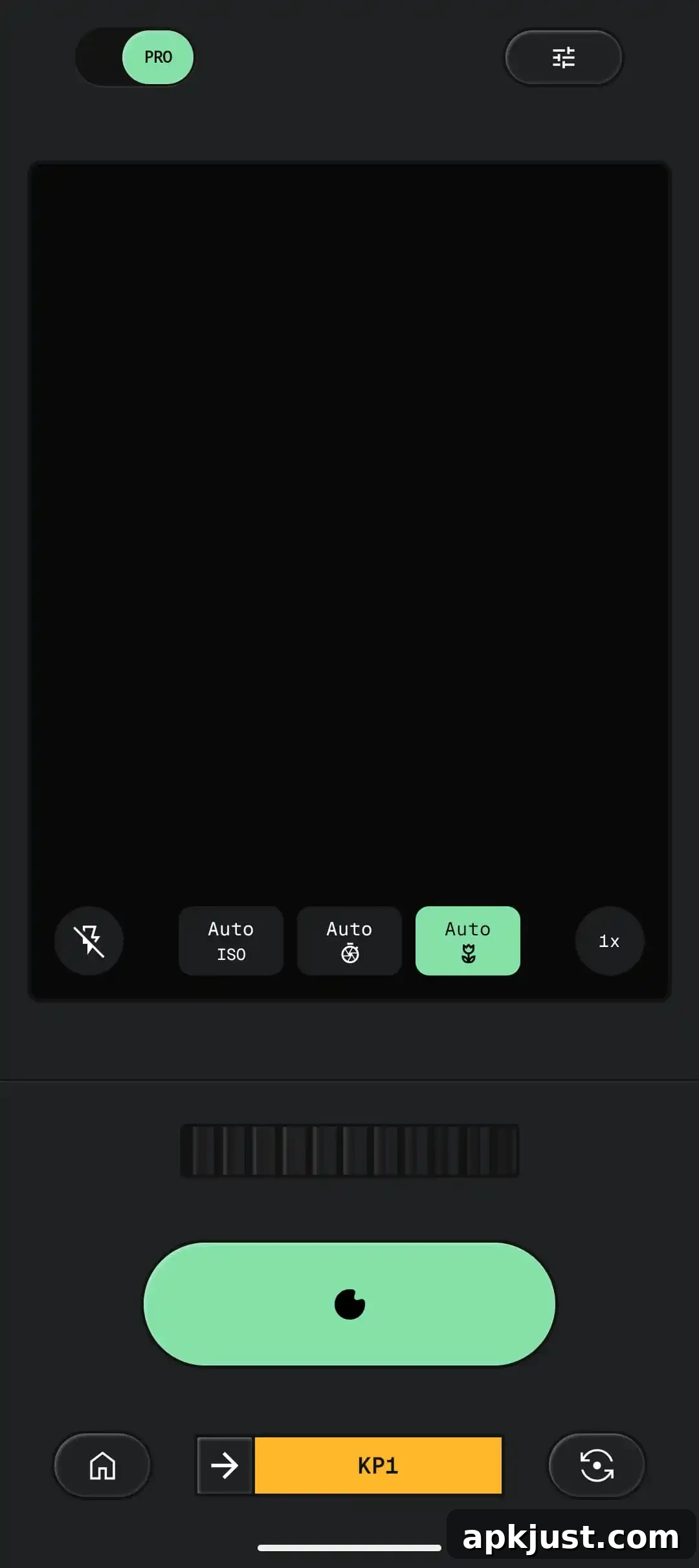
The Snapseed Camera is now accessible from a floating action button (FAB) on the homepage. The viewfinder adopts a slightly skeuomorphic style and includes a “Pro” mode that exposes ISO, shutter speed, and focus controls, giving photographers hands-on control while shooting. The camera supports capturing with custom styles or film looks in real time, and adjustments can be edited or reset later if needed.
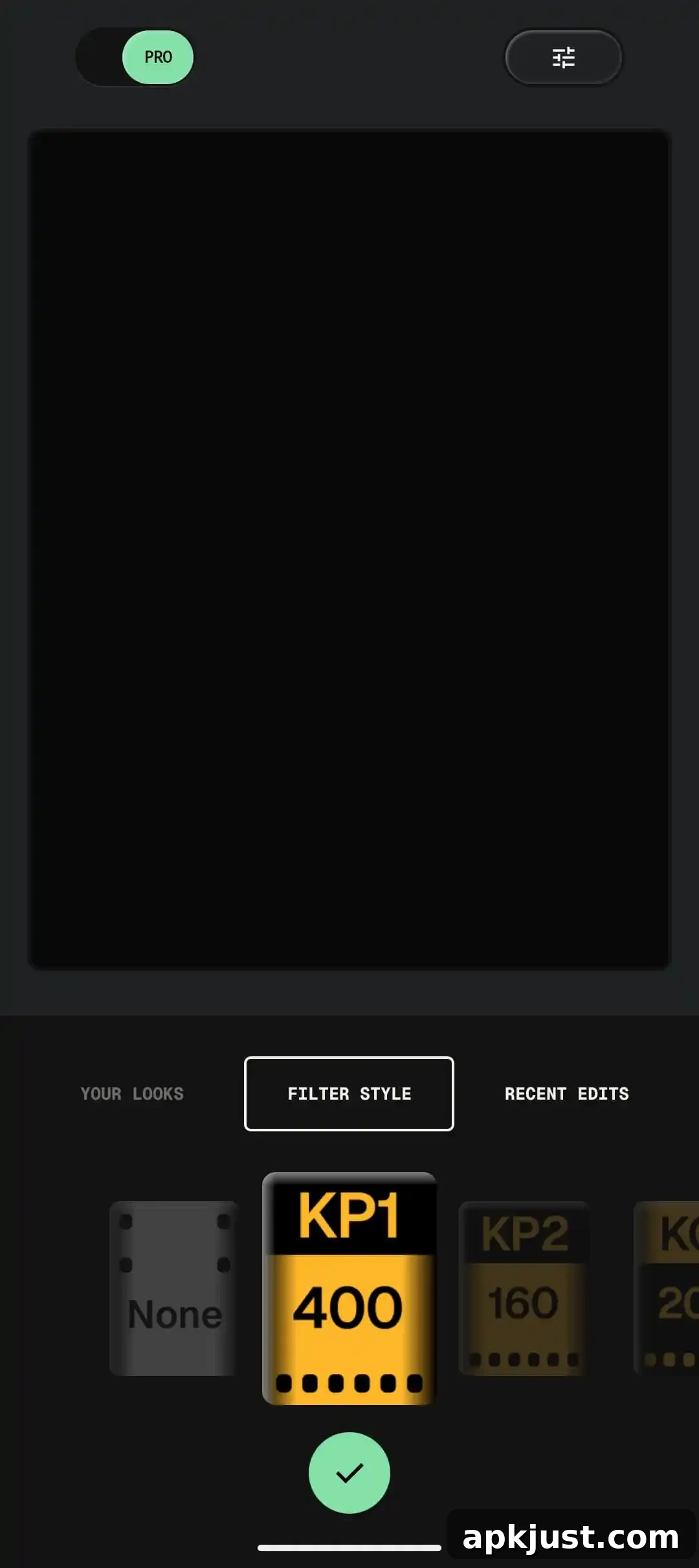
In addition to using your saved looks, Snapseed Camera offers a selection of real-time film emulation styles. These film simulations are crafted to approximate the color and tonal characteristics of classic film stocks and creative processes:
- KP1: inspired by Kodak Portra 400
- KP2: inspired by Kodak Portra 160
- KG1: inspired by Kodak Gold 200
- KE1: inspired by Kodak E200
- FS1: inspired by Fuji Superia 200
- FS2: inspired by Fuji Superia 800
- FP1: inspired by Fuji Pro 400h
- AG1: inspired by Agfa Optima 200
- AS1: inspired by Agfa Scala 200
- PD1: inspired by Polaroid 600
- TC1: inspired by Technicolor
You can also change the viewfinder’s Color Theme to suit different shooting conditions or personal taste. Available themes include Editor, Dusk, Negative, Steel, Haze, and Depth, which alter the on-screen appearance to make composition and previewing more comfortable in varied lighting.
As of Friday afternoon, this Android update is widely available. iOS users already have the refreshed Snapseed 4.0 experience, and Google describes the update as making the editing process “smoother and more intuitive.” The refreshed interface also expands favorites, so users can pin frequently used tools to their workspace for faster access.
Refreshed Interface and Expanded Favorites: The app’s look and feel have been updated to support a smoother, more intuitive workflow. You can now further customize your workspace by adding more favorited tools, keeping your most-used features readily available.
Importantly, Snapseed continues to offer a robust set of professional tools and filters without requiring subscriptions, in-app purchases, advertisements, or watermarks. The suite of features covers everything from fundamental exposure and color controls to advanced film simulations and batch processing.
Key features highlighted in the update include:
• Snapseed Camera – shoot directly with film simulations or custom looks in real time to capture your aesthetic without needing an initial edit
• Adjust – automatic and manual exposure and color controls with fine-grain precision
• One-Touch Masking – quickly isolate subjects or backgrounds for targeted edits
• Selective – adjust brightness, contrast, or saturation in specific areas without affecting the entire image
• Healing – remove unwanted objects from photos cleanly and efficiently
• Film – updated, realistic film simulations that emulate historic film stocks for authentic looks
• Batch Edit – apply saved looks and edits to multiple photos at once to speed up workflows
• Halation – create a highlight glow to mimic classic analog lens response
• Bloom – add soft optical diffusion around bright regions for a cinematic feel
• RAW Develop – open and tweak supported RAW file types for improved detail and flexibility
• Double Exposure – blend two images with modes inspired by film and digital techniques
• Portrait – modern tools to enhance lighting, refine facial features, and adjust poses with ease
• Details – enhance surface texture and clarity selectively across your image
• Crop and Rotate – standard aspect ratios, 90° rotation, and horizon straightening
• Perspective – correct skewed lines to perfect architectural or landscape geometry
• White Balance – fine-tune color temperature and tint to render natural-looking colors
• Brush – selectively paint adjustments for exposure, saturation, brightness, or warmth
• Vignette – add or control corner darkening for a classic photographic effect
• Curves – precise tonal control for detailed brightness adjustments
• Color HSL – tweak hue, saturation, and luminance of individual colors with accuracy
• Dehaze – remove haze, fog, or glare to recover contrast and detail
• Expand – increase canvas size when composing or reframing images
• Lens Blur – add natural-looking bokeh to backgrounds for subject separation
• Glamour Glow – soft glow effect perfect for fashion and portrait photography
• Tonal Contrast – selectively enhance detail across shadows, midtones, and highlights
• Black & White – classic monochrome conversions with refined tonal control
• And more — the app includes additional creative and corrective tools that support a wide range of photographic needs.
With this update, Snapseed reinforces its position as a free, feature-rich photo editor that balances simplicity for quick fixes and depth for serious editing. The addition of a real-time camera, expanded favorites, and refined UI should make it easier for users to get consistent results and maintain a streamlined mobile editing workflow.