
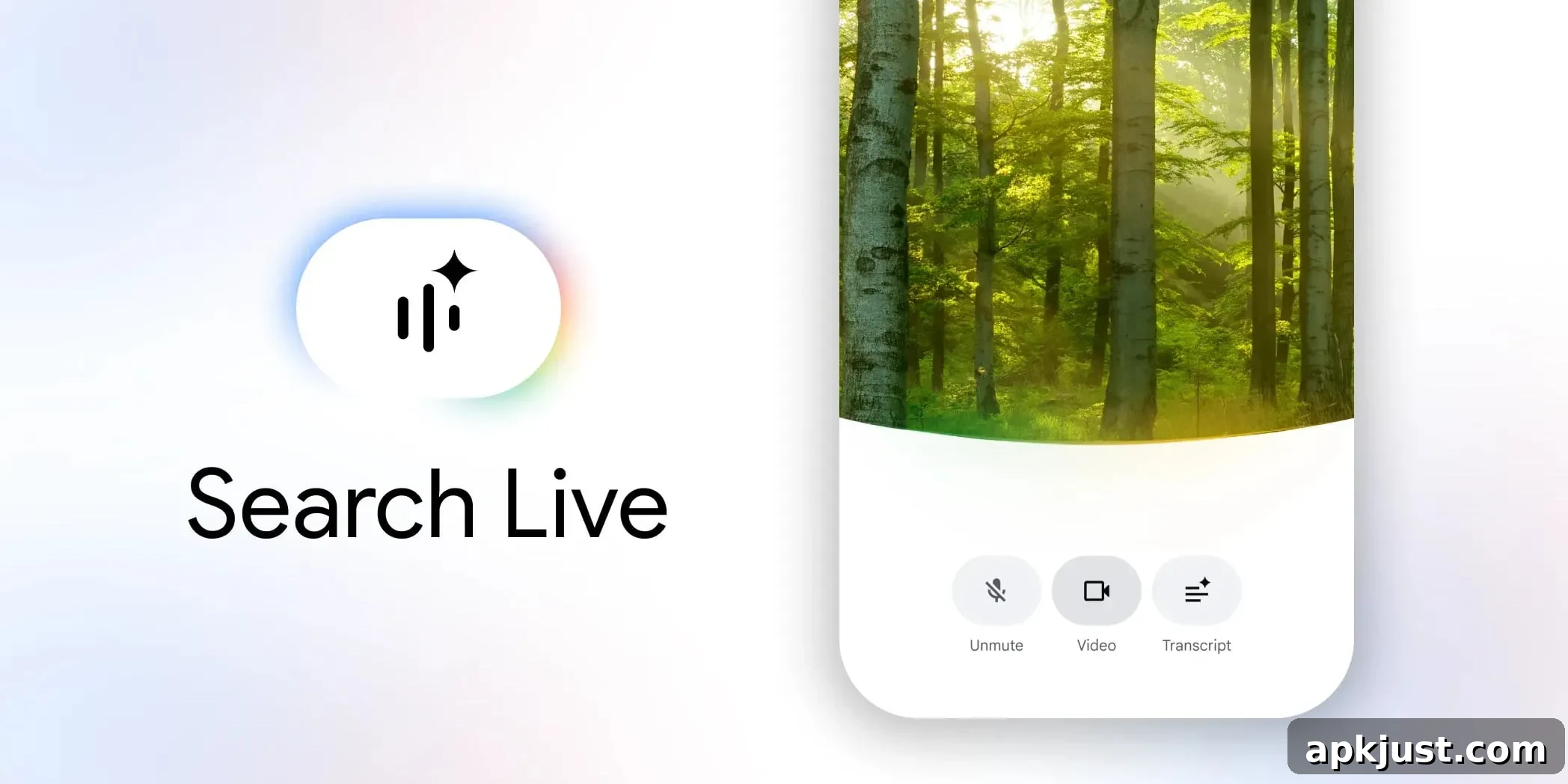
After refreshing AI Mode’s interface, Google is now rolling out a fullscreen redesign for Search Live that brings a much more vibrant visual experience.
Until now, Search Live displayed an arc-shaped waveform while waiting for voice input and while you spoke. That arc would change shape when Google issued a response. The new look replaces that simple arc with a richer visual treatment that emphasizes color and space.
Old
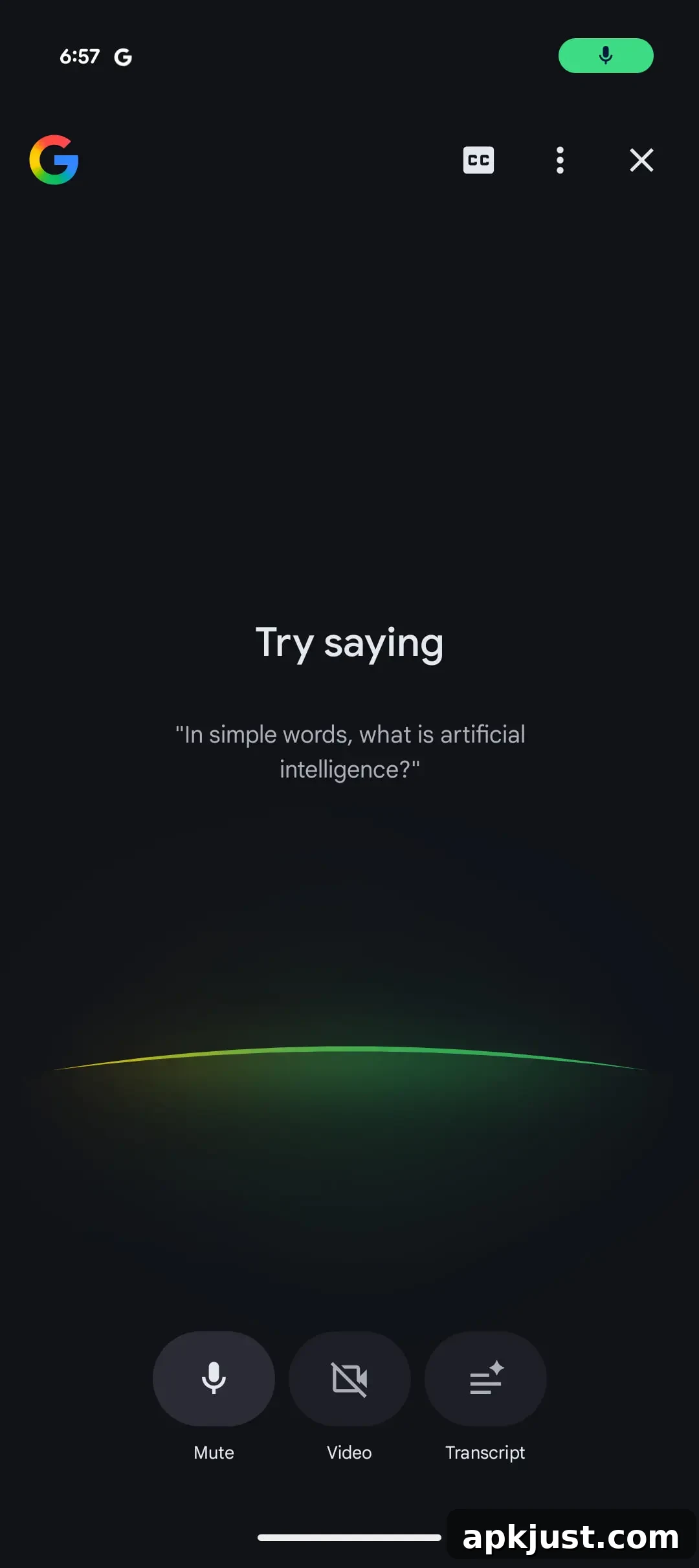
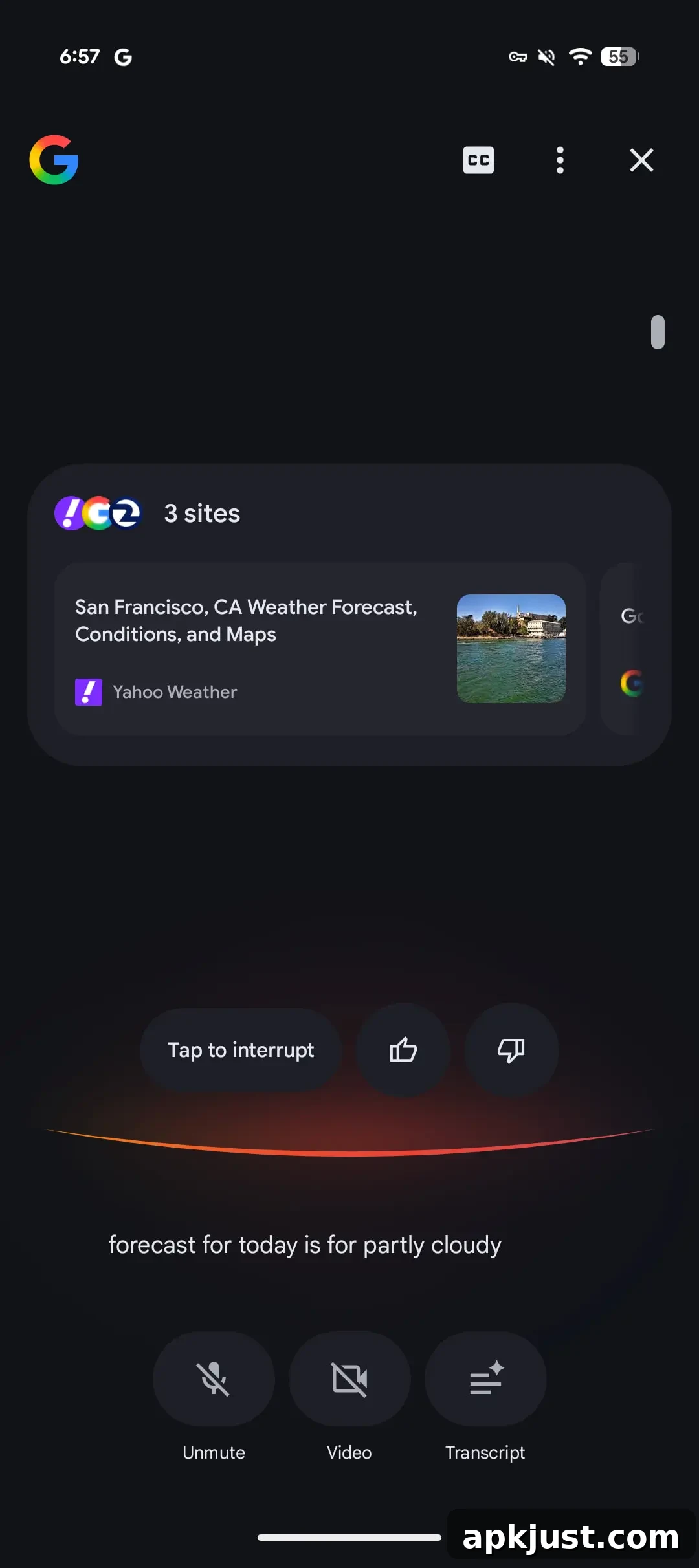
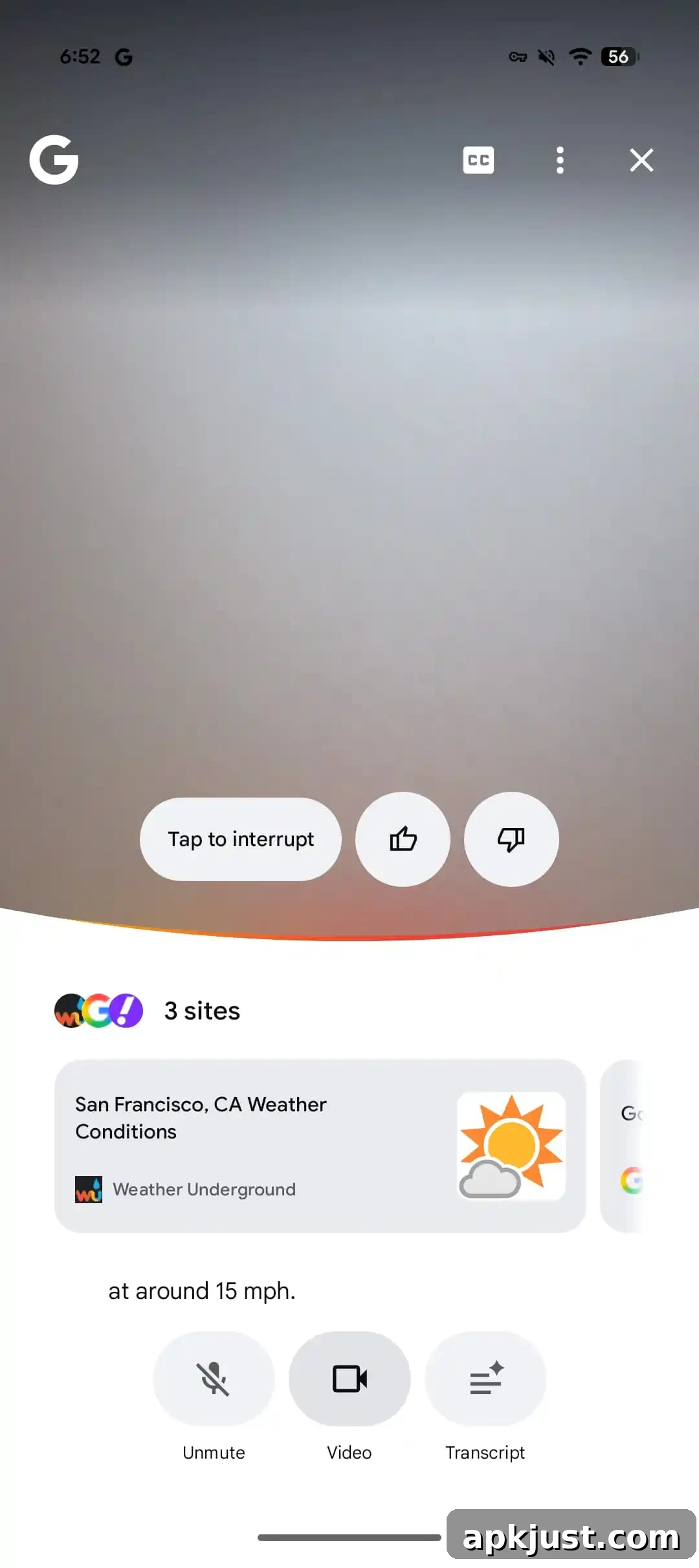
In the updated design, Search Live introduces a glowing perimeter when you ask a question. That glow appears blue during voice input and then transitions into a multicolor gradient waveform along the bottom while Google responds. The effect is more dynamic and colorful than the previous simple arc.
A major change with this redesign is how the camera feed is presented. Instead of occupying only the top half of the screen, the video feed can now expand to fill the entire display, allowing for a more immersive view of the environment being searched. The gradient waveform across the bottom is vivid and draws attention without obscuring the live video.
Redesign
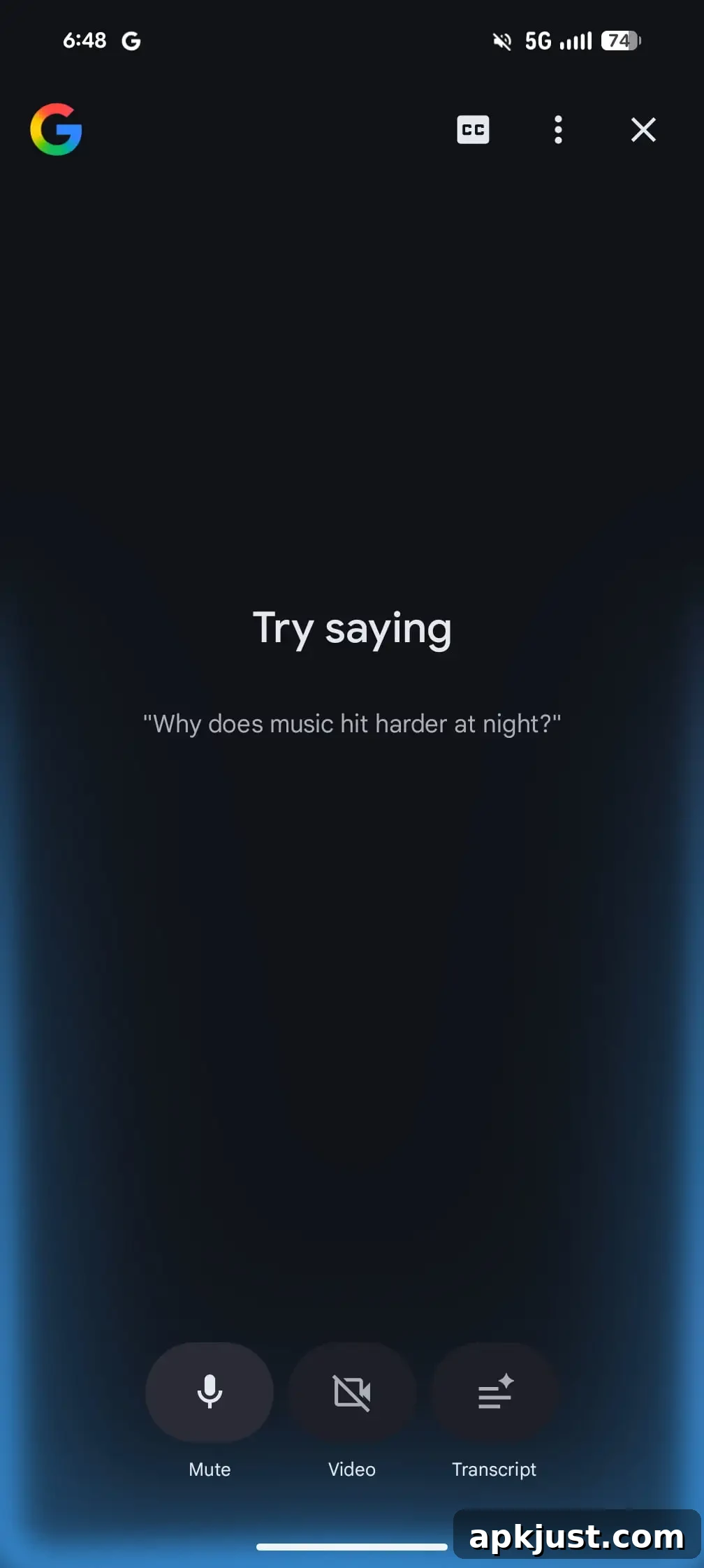
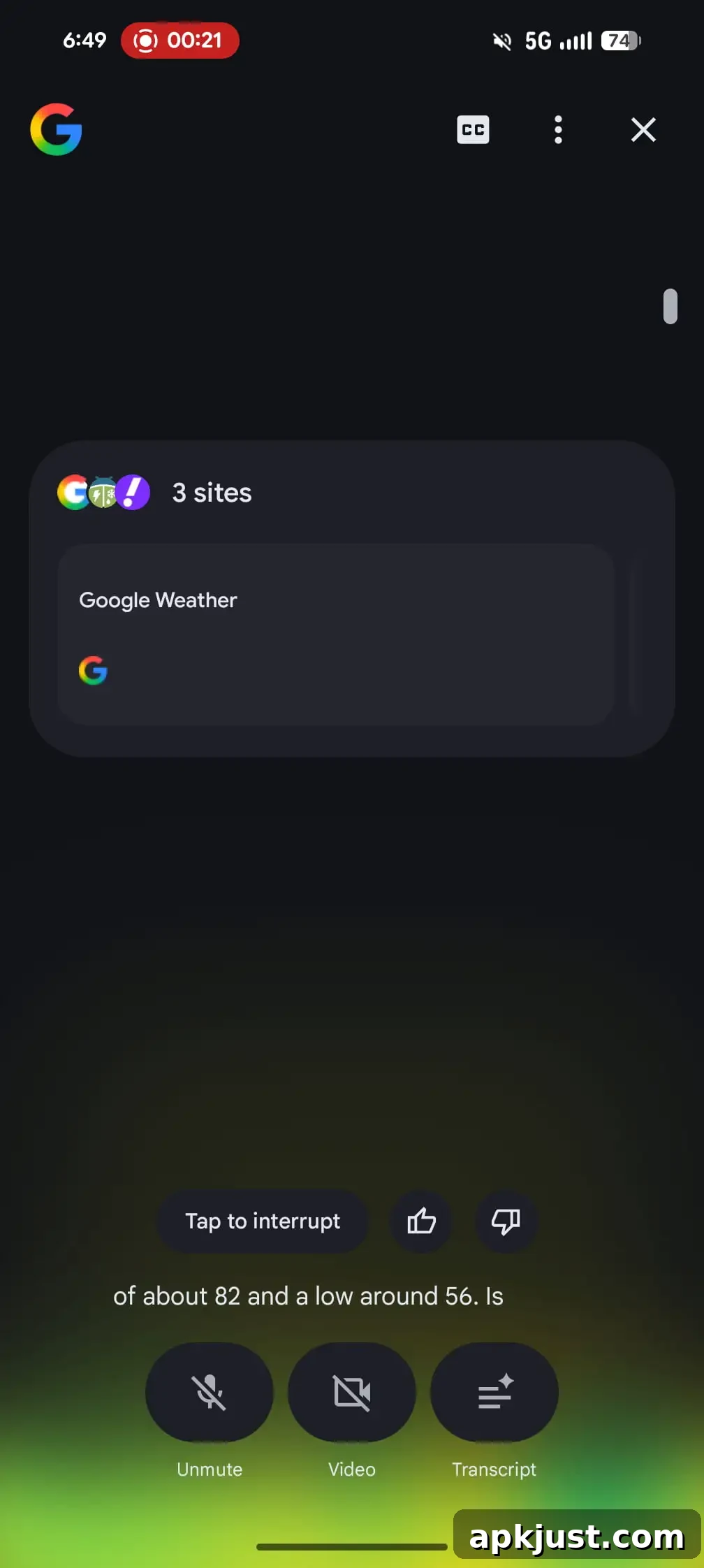
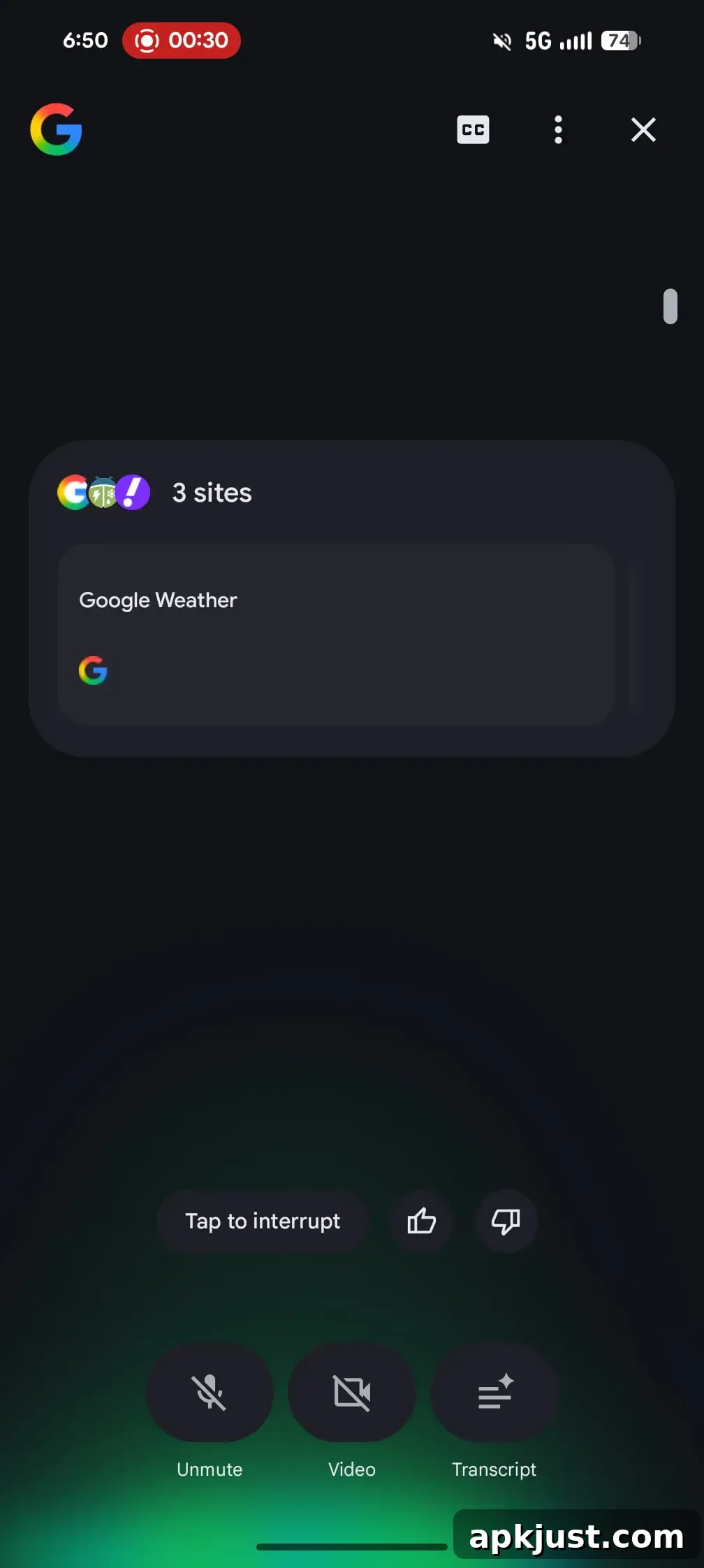
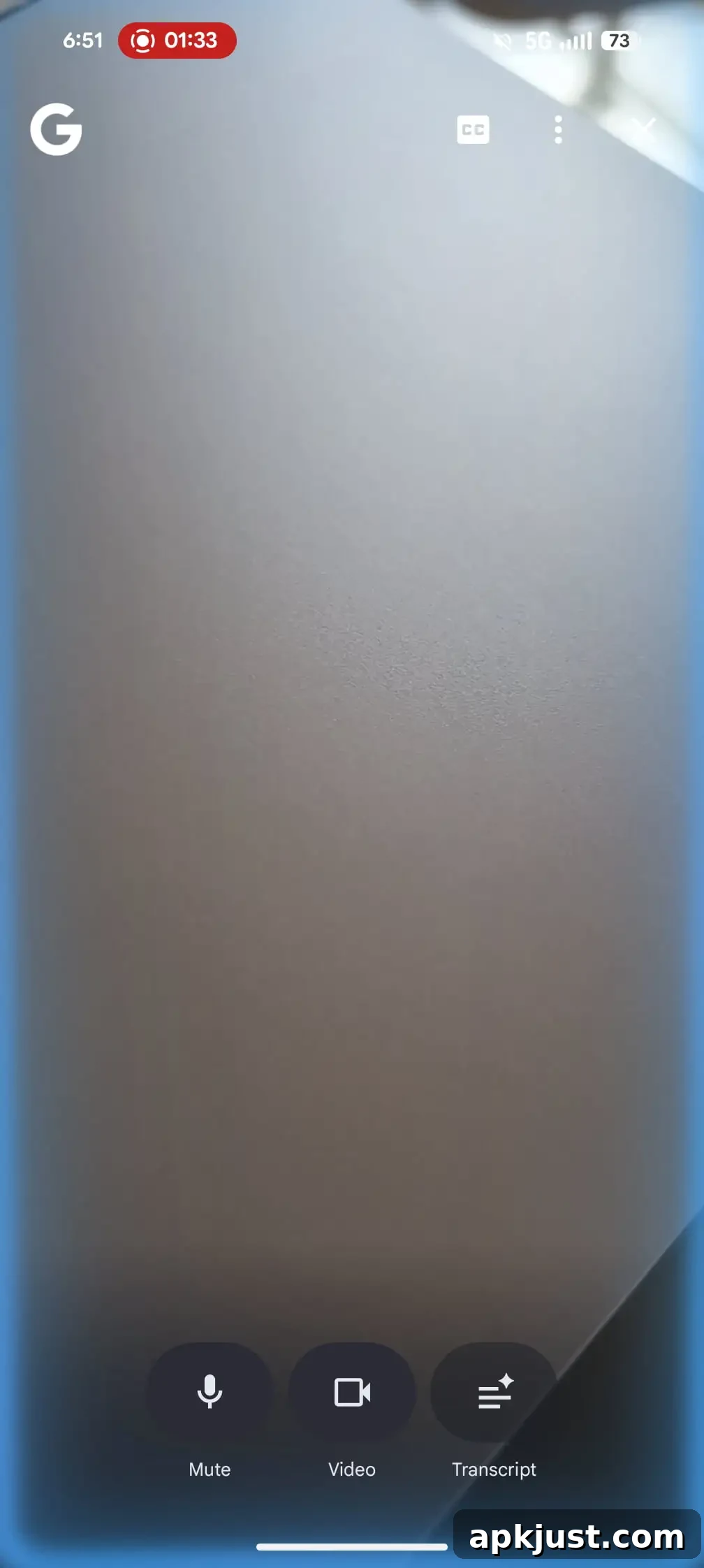
Control placement largely remains familiar to users. The Unmute, Video, and Transcript buttons continue to sit at the bottom of the interface for quick access. Other controls, including the recently added “CC” option for live captions, remain in the top-right corner. The redesign also includes small spacing adjustments to the web results carousel and prompt layout to improve readability and touch interactions.
This visual refresh is appearing for some users on the Google app for Android with version 17.20, though the rollout is not yet widespread. As with other interface updates, availability may vary by device and region while Google gradually enables the change.
Overall, the redesign emphasizes a cleaner, more immersive Search Live experience: full-screen video, brighter visual feedback during voice interactions, and subtle interface tweaks to keep controls accessible. The stronger use of color and the expanded video area make Search Live feel more modern and closer in style to other recent Google visual updates.
More on AI Mode:
- Google making links in AI Mode and AI Overviews a bit more direct
- Android’s ‘Search’ bar now lets you ‘Ask Google’ and AI Mode
- Google AI Mode getting deep Chrome integration on desktop, mobile
- Search Live rolling out globally