
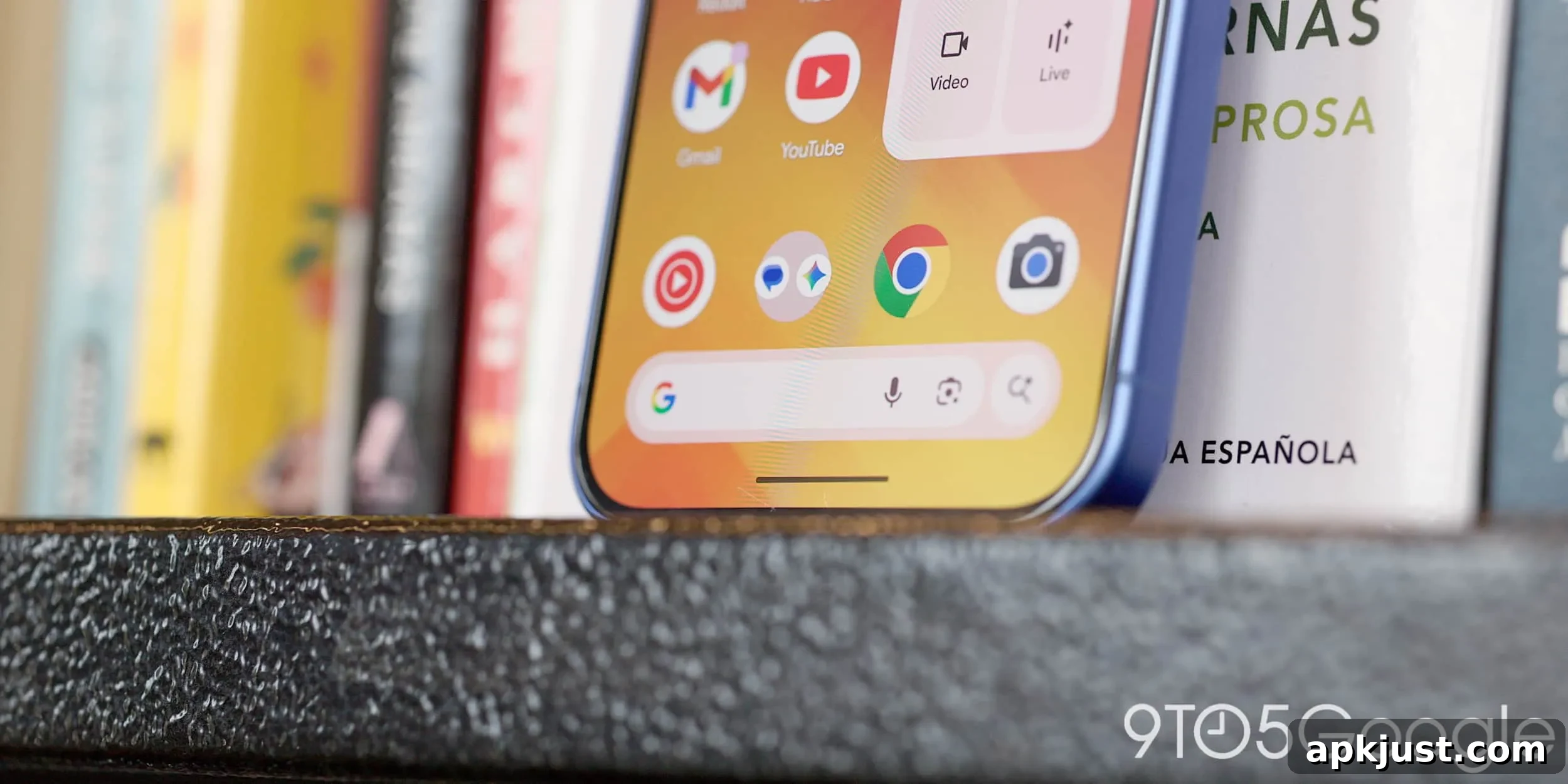
Google is steadily expanding its AI Mode, and the latest update brings that functionality directly into the Search bar on Android devices.
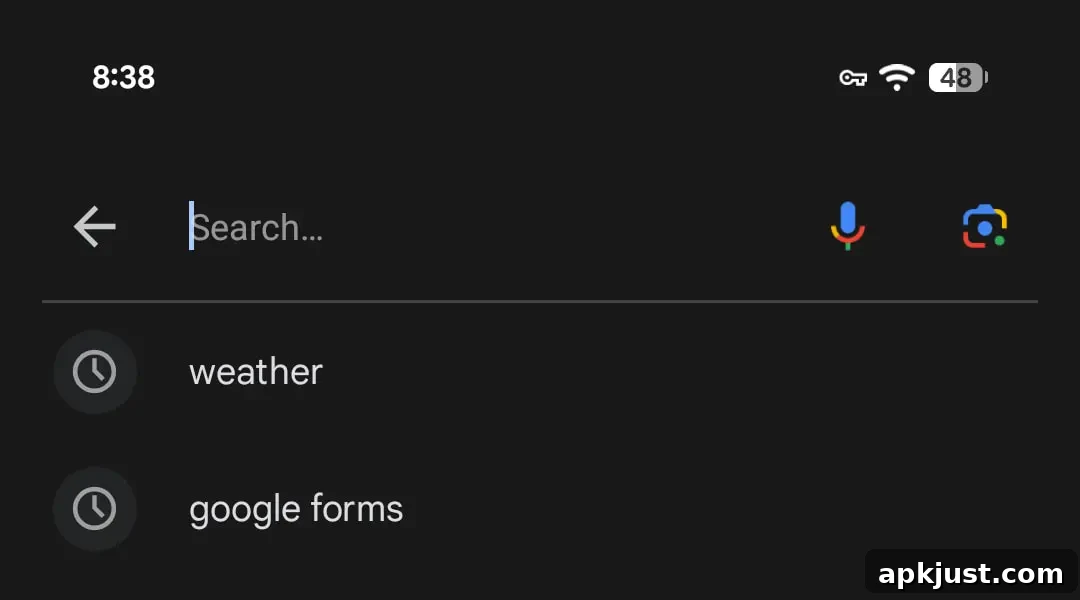
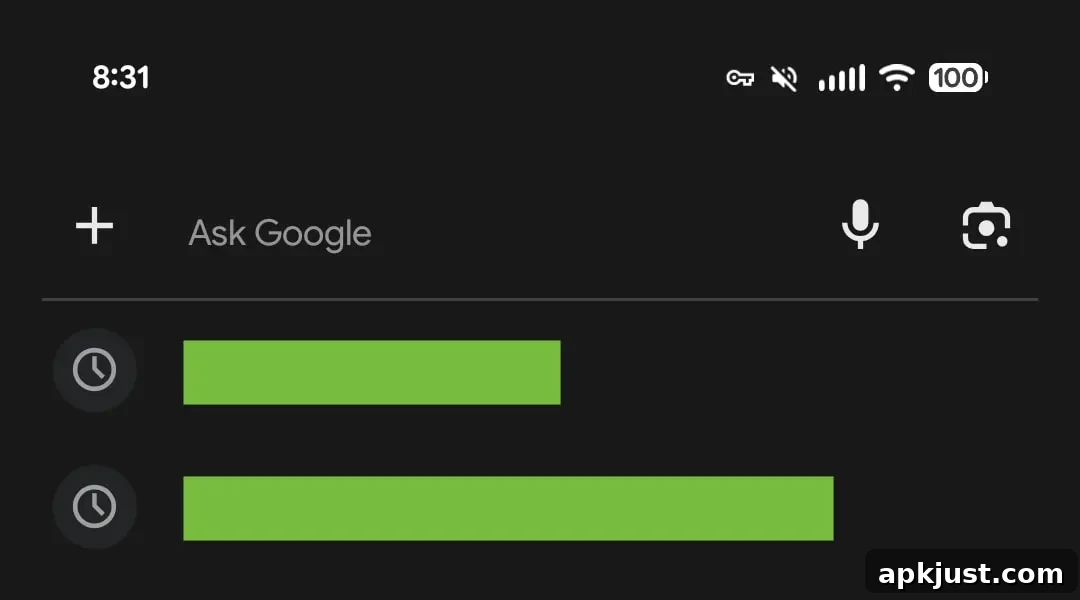
When you tap the search bar at the bottom of the Pixel Launcher, a fullscreen search interface appears. Visually it looks much the same as before, but there are a few notable changes: the familiar “Search…” placeholder text has been replaced with “Ask Google,” signaling a clearer emphasis on conversational and AI-driven queries.
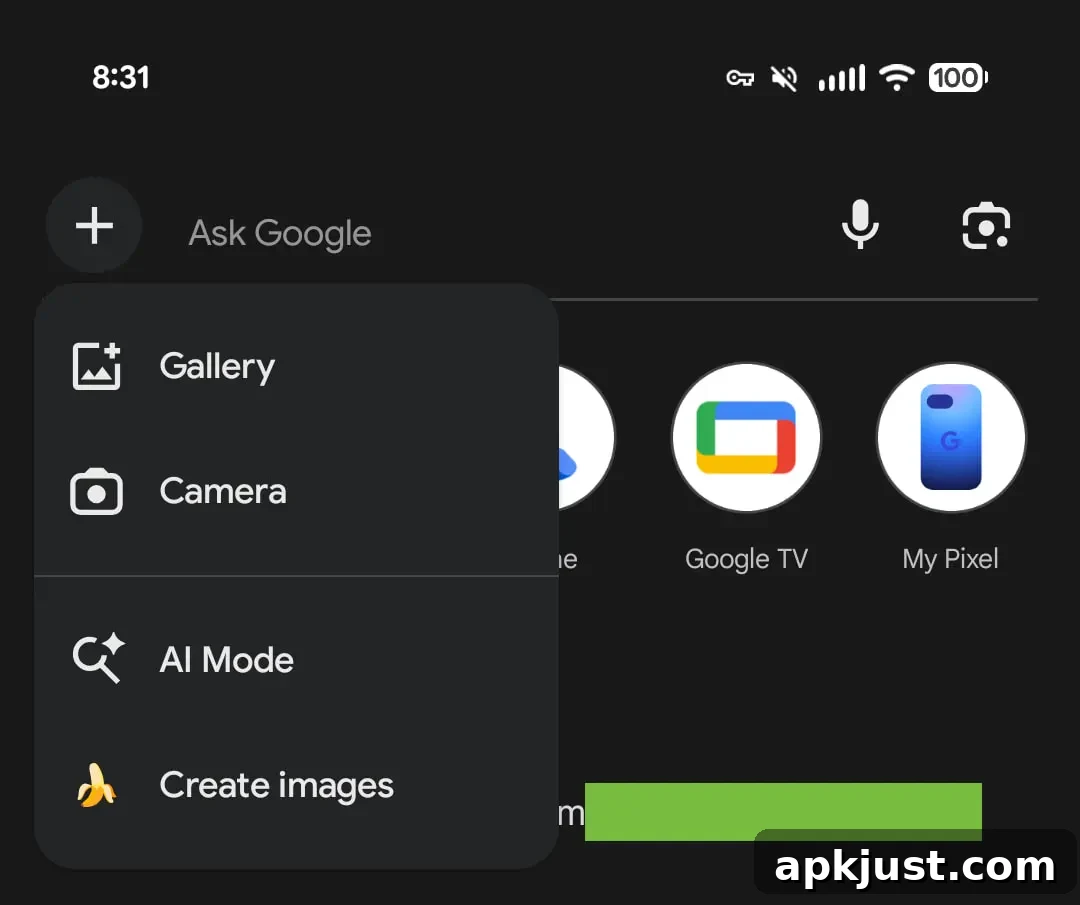
A more visible change replaces the circular multicolor “G” logo with a plus-style menu icon. Tapping this new plus menu expands options that enhance how you search: you can attach an image from your gallery or camera to include with your query, switch the input to an AI Mode prompt for more intelligent results, or select the option to generate images using Google’s image creation tool (sometimes labeled in testing as Nano Banana).
Old vs. new
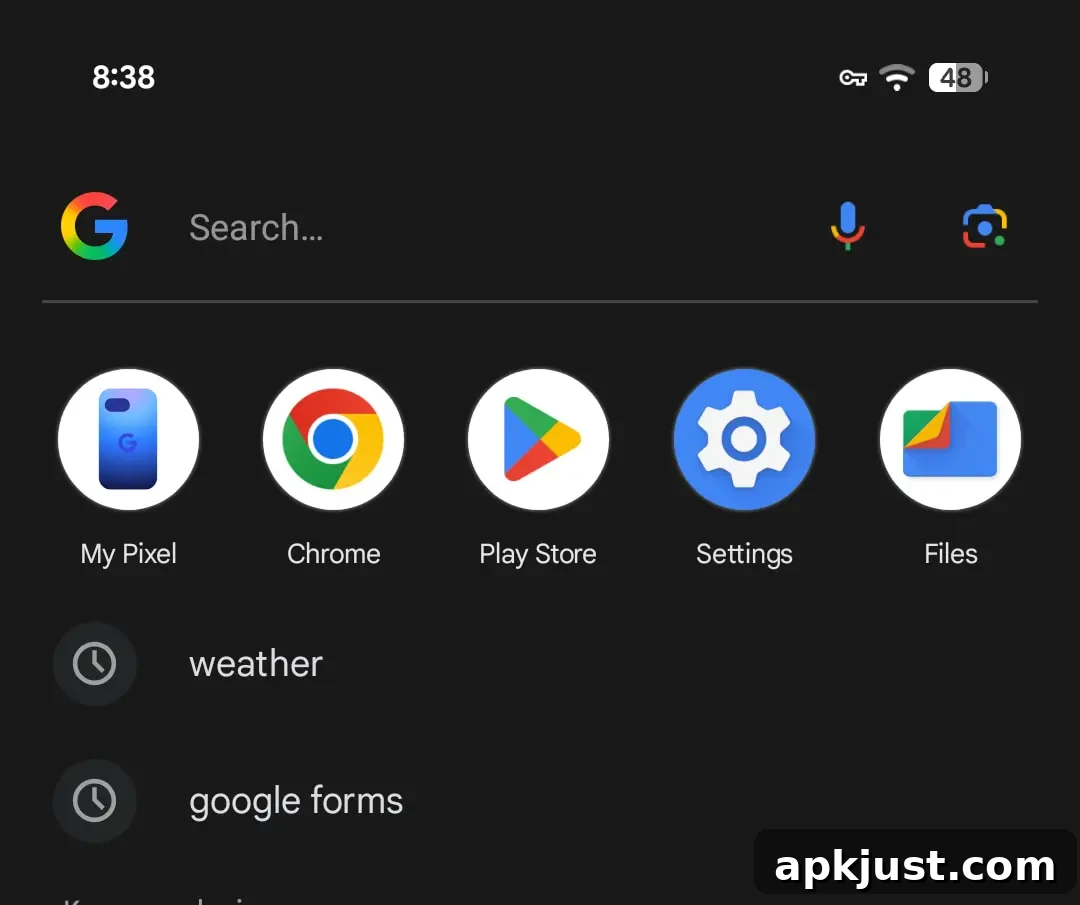
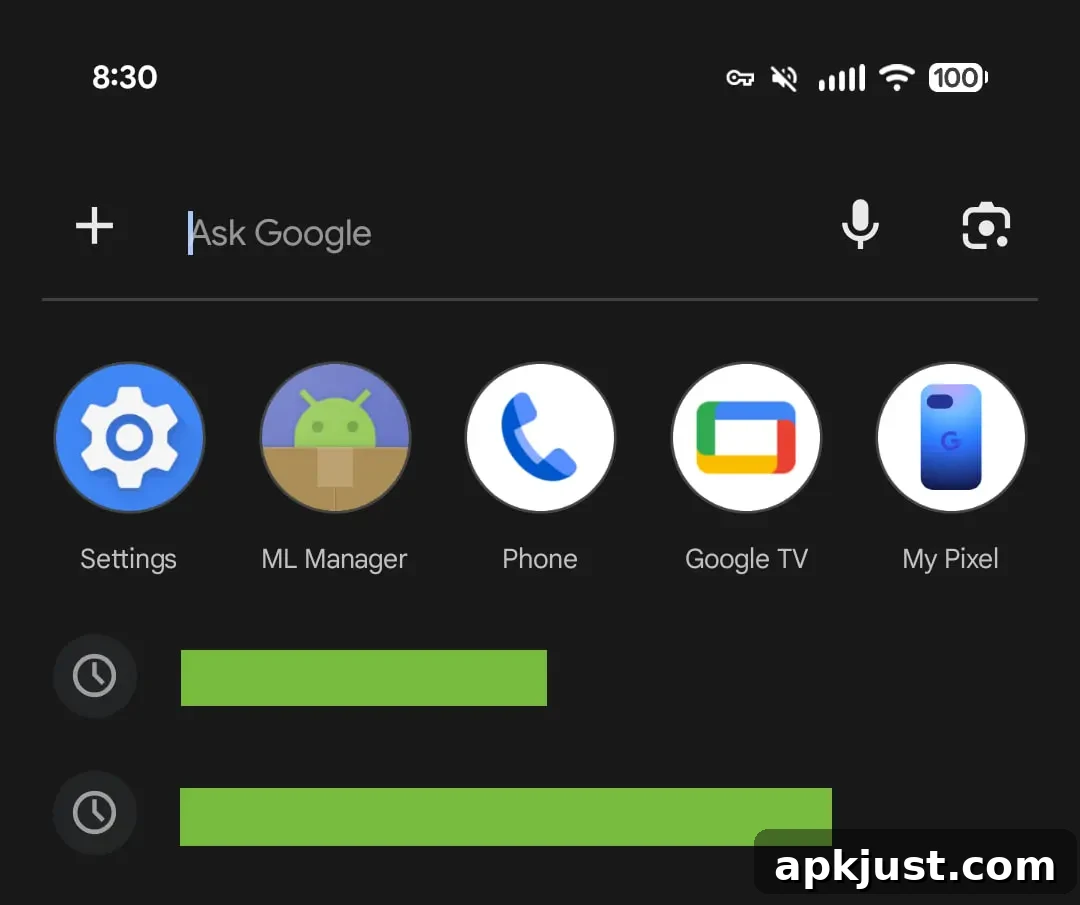
A subtle aesthetic tweak also appears: the microphone and Google Lens icons have been simplified by removing their four-color treatments. This gives the search bar a cleaner, less busy appearance and aligns the icons with the more streamlined AI Mode look.
Beyond the Pixel Launcher, the same interface changes are visible inside the Google app. Whether you open the search box at the top of the app or use the search option from the bottom tab, the updated prompt and plus menu appear consistently. These visual and interaction updates have also been spotted in the iOS version of the Google app, indicating a broader rollout across platforms.
These mobile search changes mirror recent updates to desktop and mobile browsers, where AI Mode has been integrated into the Chrome address bar and other entry points. The objective is the same: fold AI features more deeply into the places users naturally begin searches, making it easier to switch between traditional text queries and richer AI-enhanced interactions.
The current rollout is appearing for users enrolled in the Google app beta (version 17.18 at the time of observation). Beta releases are commonly used to test interface tweaks and feature rollouts before they reach the wider user base, so appearance and availability may vary depending on device, region, and account settings.
Google app
Separately, Google has updated the plus menu design used by AI Mode, converting it into a bottom sheet in some contexts. This change is part of a broader redesign of the fullscreen AI interface, which also includes refinements such as an improved history panel that makes it easier to review and manage past AI interactions.
Overall, these adjustments emphasize convenience and clarity. Replacing the “Search” hint with “Ask Google” nudges users toward conversational queries and AI features, while the plus menu consolidates multimedia and AI creation tools in one accessible spot. As Google tests and refines these updates, users can expect gradual availability and incremental tweaks to both design and functionality.